
monitor arms
-
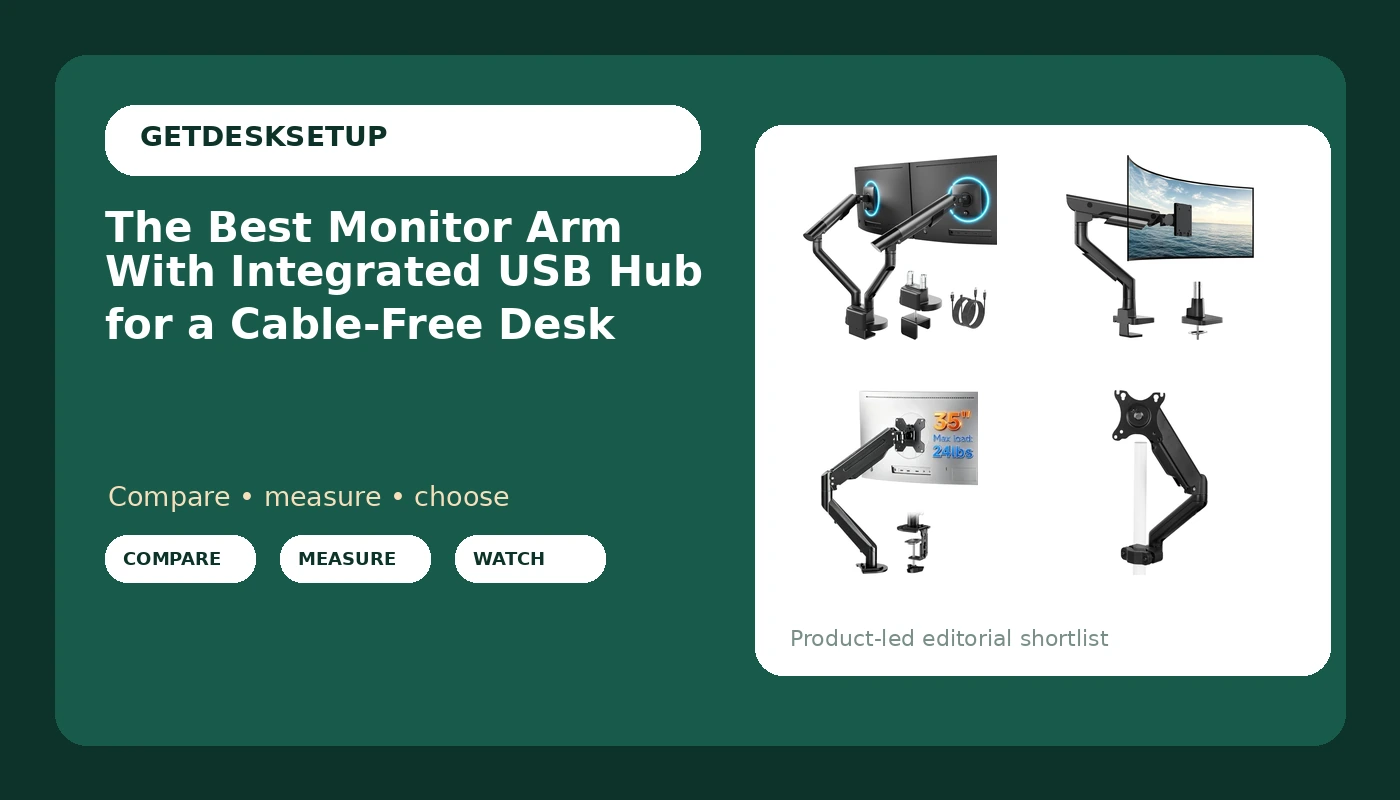
The Best Monitor Arm With Integrated USB Hub for a Cable-Free Desk
USB-equipped monitor arms put ports within reach. Compare six mounts by screen range, weight capacity, and mounting style before you buy.
-
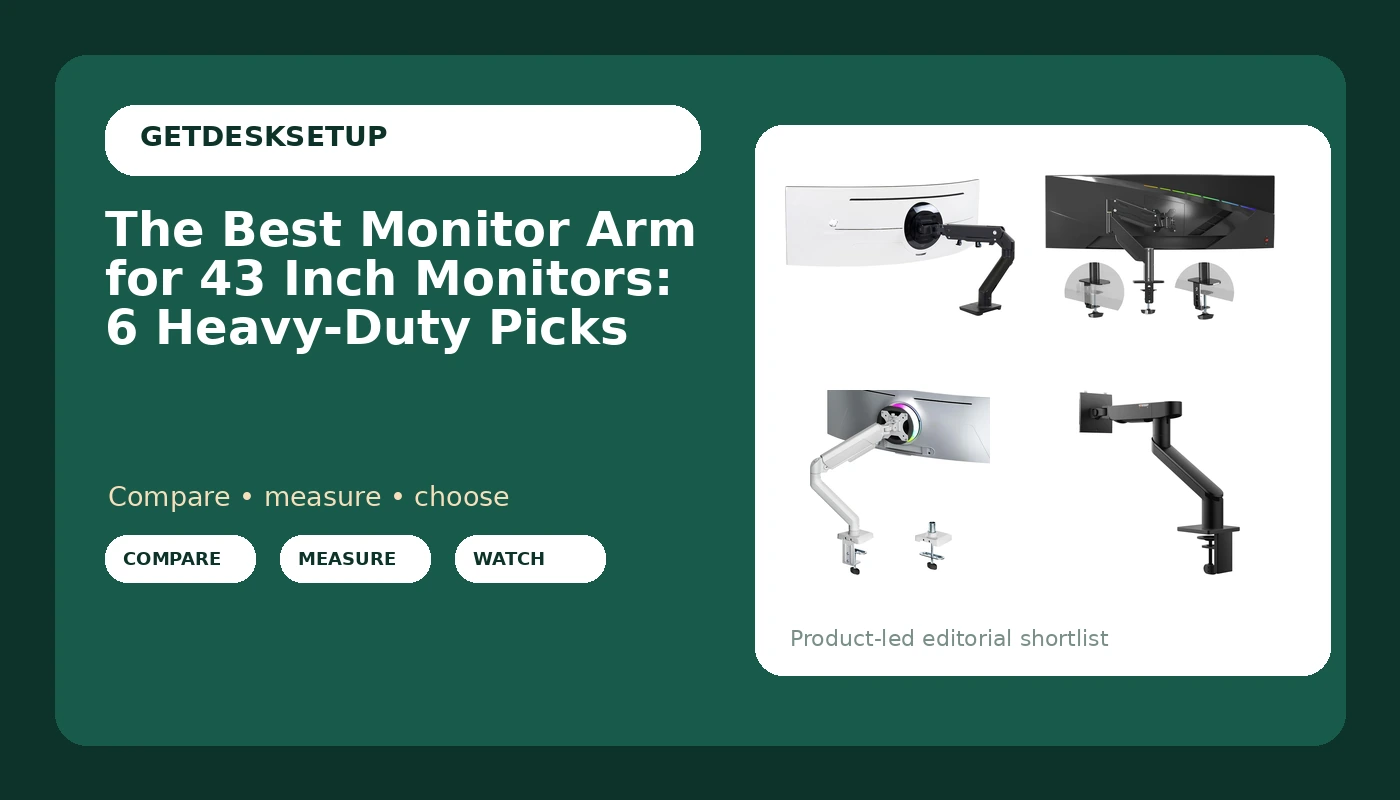
The Best Monitor Arm for 43 Inch Monitors: 6 Heavy-Duty Picks
How to size a 43 inch display to the right arm, with six heavy-duty mounts compared by VESA pattern, weight capacity, and desk fit.
-
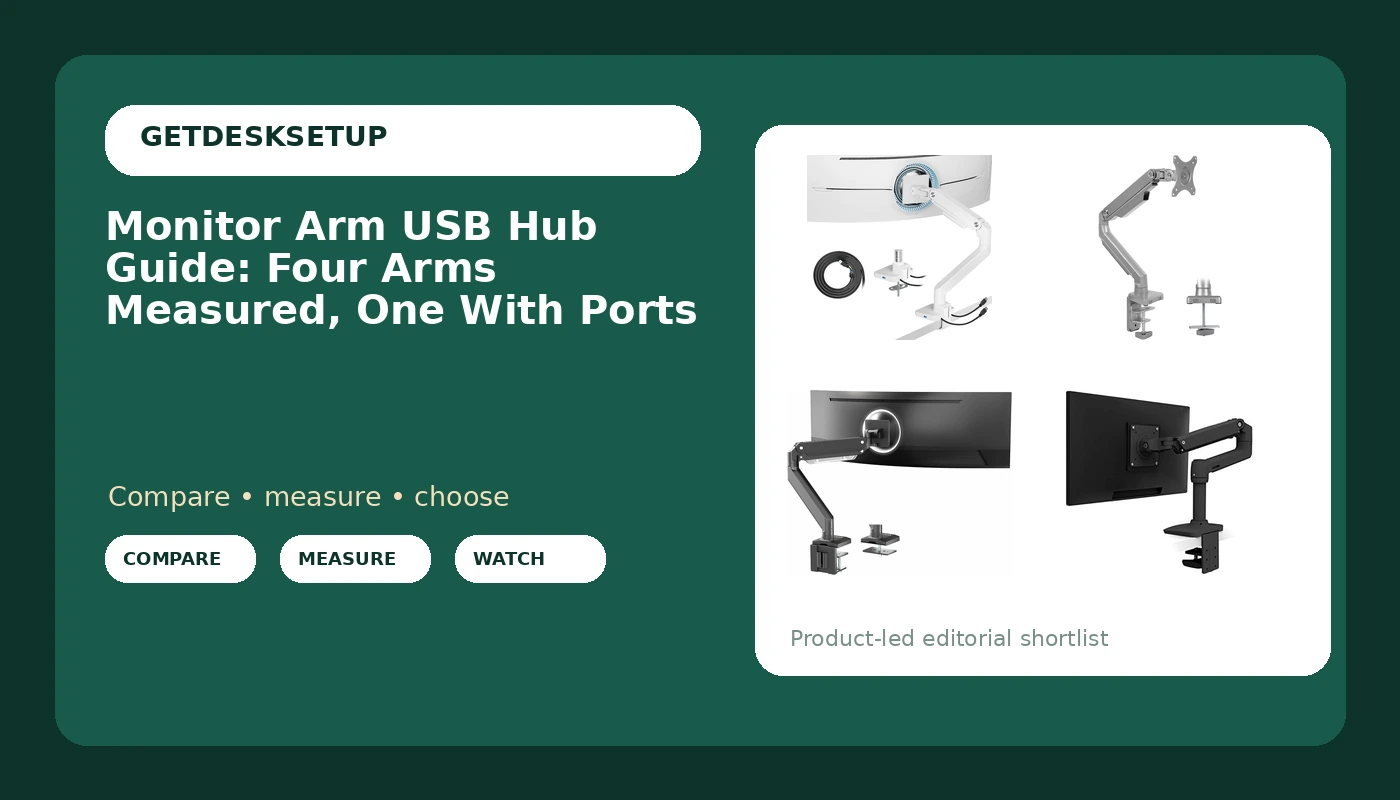
Monitor Arm USB Hub Guide: Four Arms Measured, One With Ports
Four monitor arms compared on weight capacity, VESA fit, and USB ports. Only one has ports built in. Here is who each arm actually fits.
-
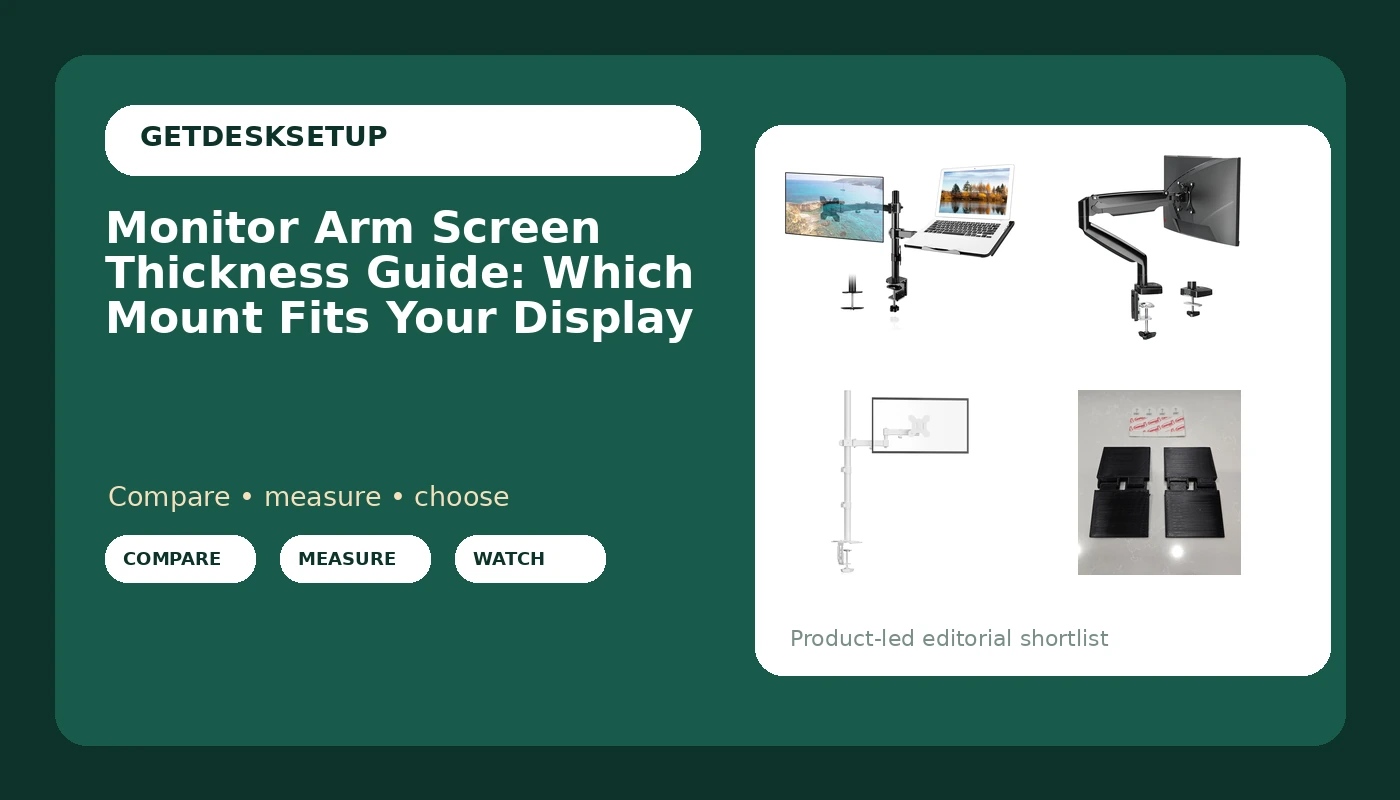
Monitor Arm Screen Thickness Guide: Which Mount Fits Your Display
Monitor arm screen thickness guide: VESA patterns, weight capacity and rear housing depth, measured by a fitter before any arm goes on a desk.
-
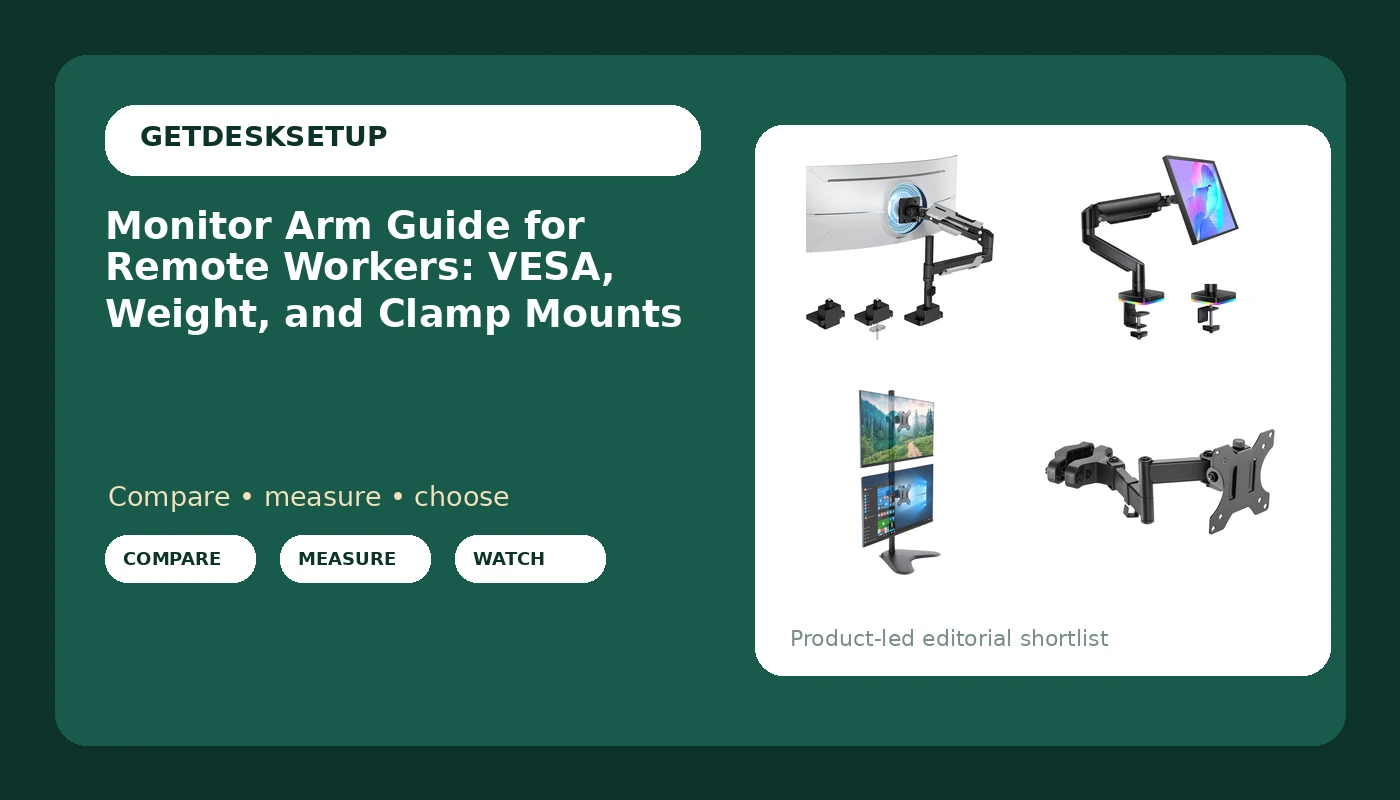
Monitor Arm Guide for Remote Workers: VESA, Weight, and Clamp Mounts
A monitor arm guide for remote workers: how VESA pattern, weight capacity, and clamp mount limits decide which arm fits your desk.
-
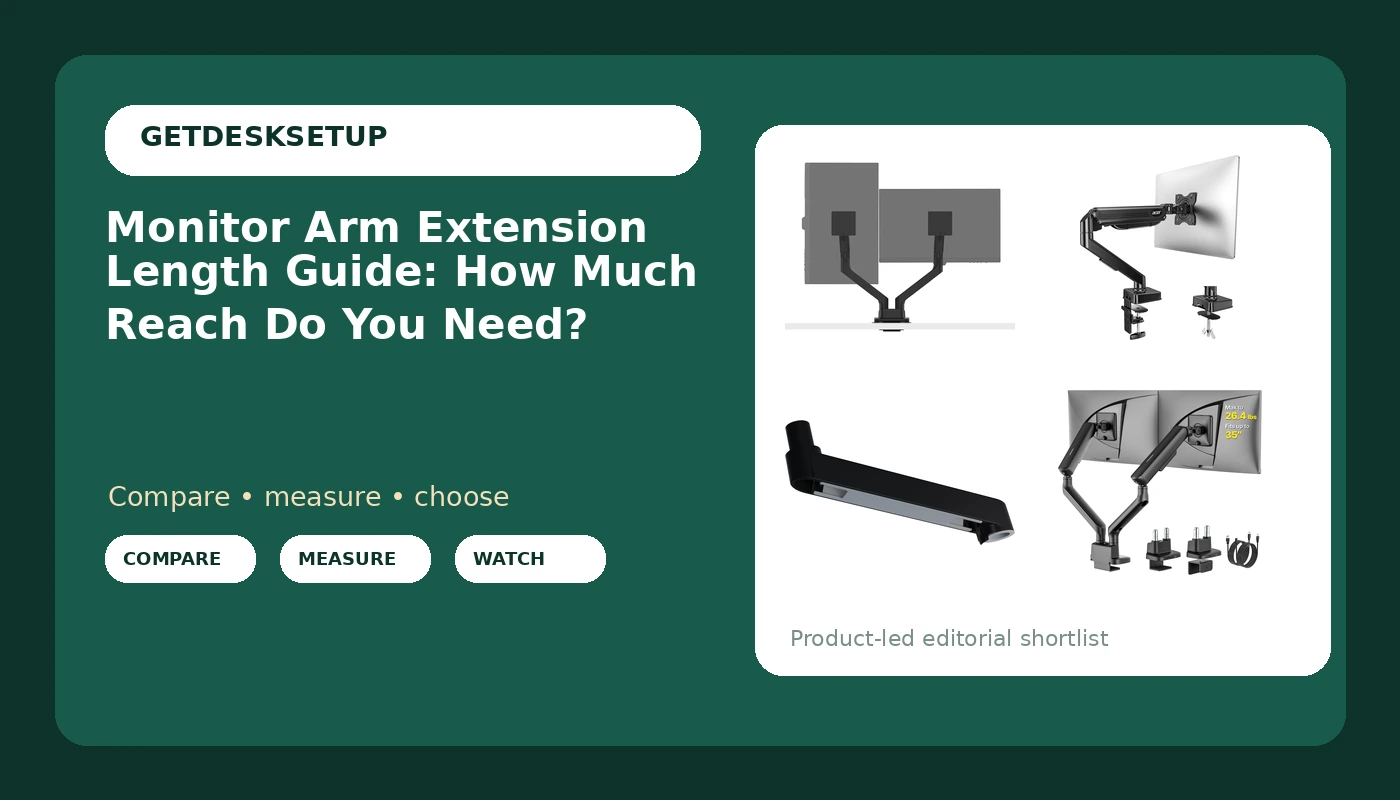
Monitor Arm Extension Length Guide: How Much Reach Do You Need?
A monitor arm extension length guide from 310 home office builds: how to measure reach, when a longer arm helps, and who should skip it.
-
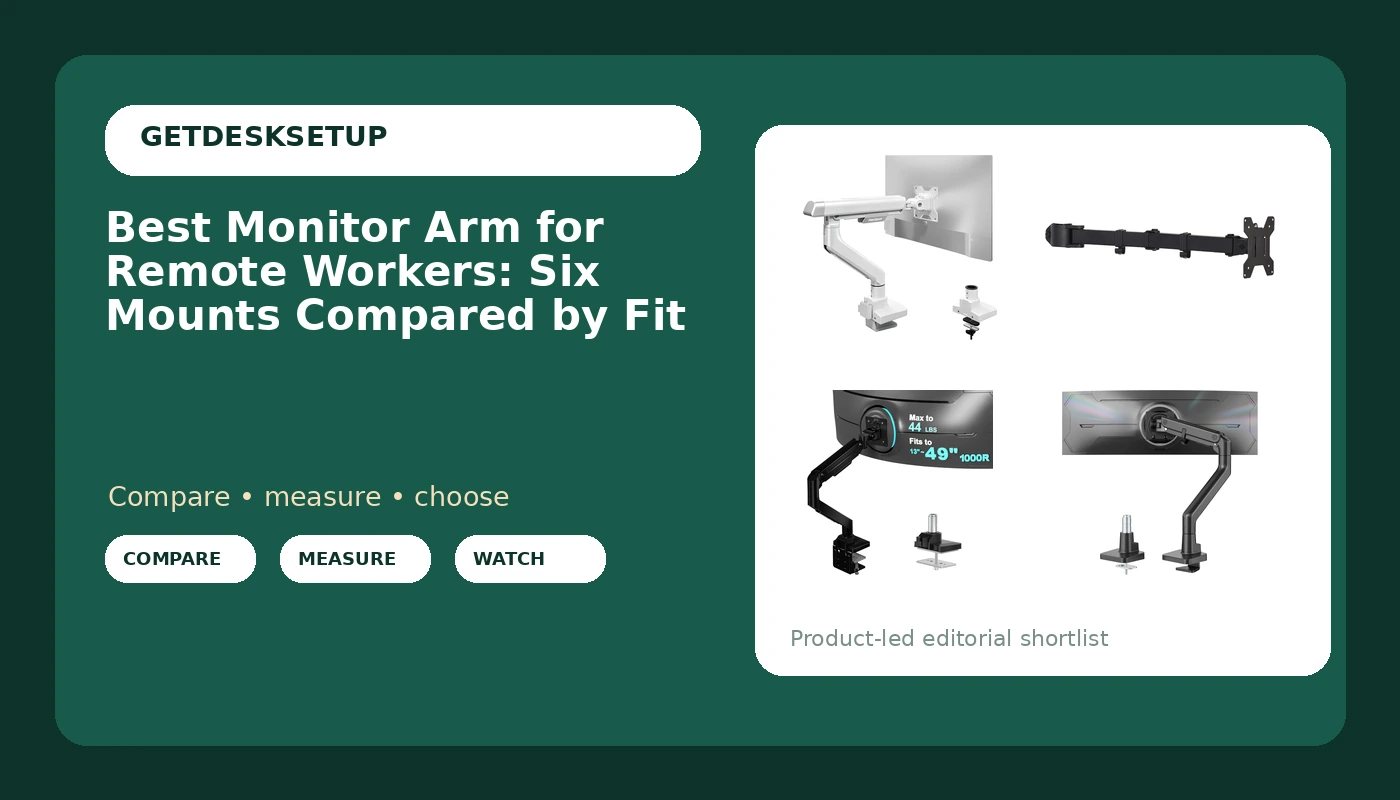
Best Monitor Arm for Remote Workers: Six Mounts Compared by Fit
Six monitor arms compared by screen size, weight capacity, and desk mounting, so a remote desk can put the screen at eye height.
-
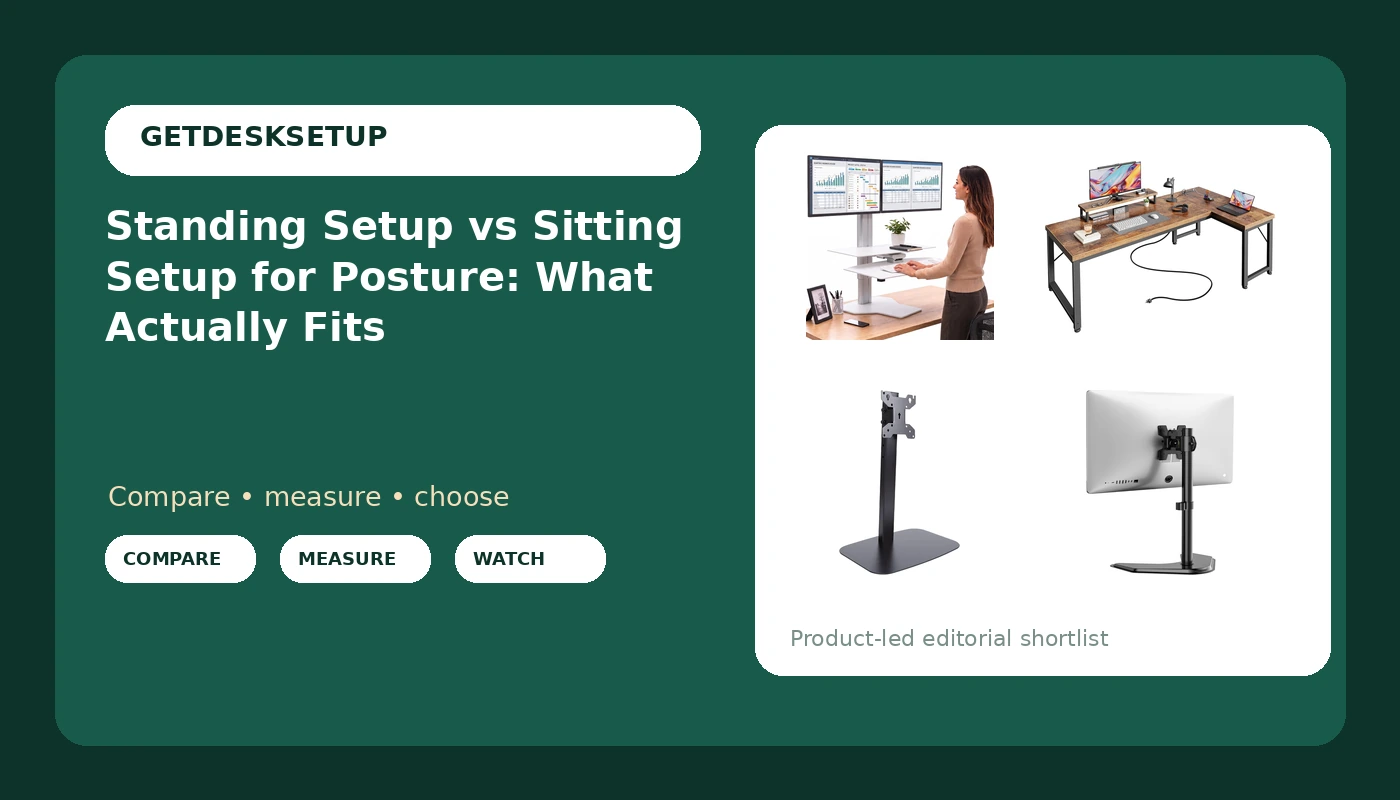
Standing Setup vs Sitting Setup for Posture: What Actually Fits
A measured comparison of standing setup vs sitting setup for posture, with four desk and riser picks and the height math that decides it.
-
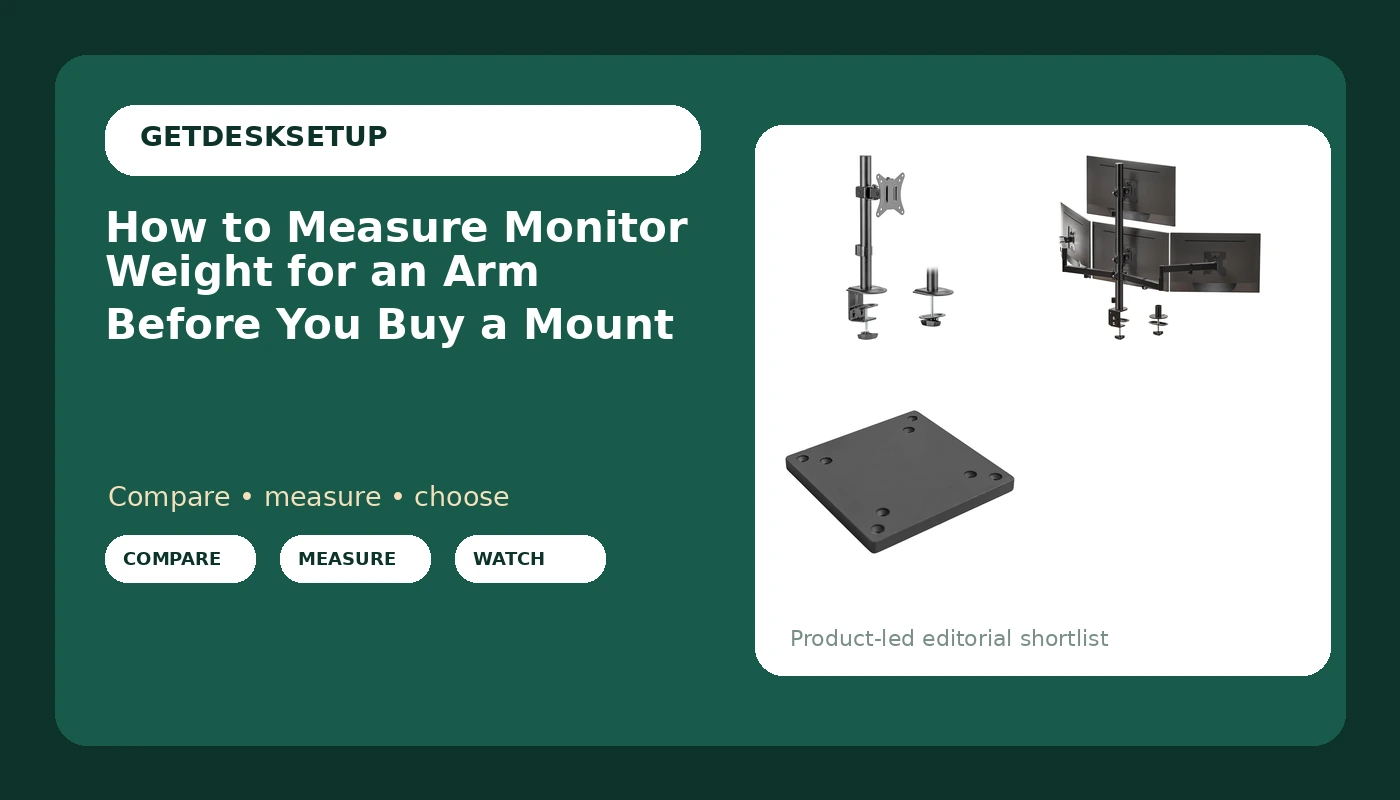
How to Measure Monitor Weight for an Arm Before You Buy a Mount
Weigh the panel, the VESA plate, and the cables, then match the total to an arm’s weight capacity. Eight steps and three mounts that make it easy.
-
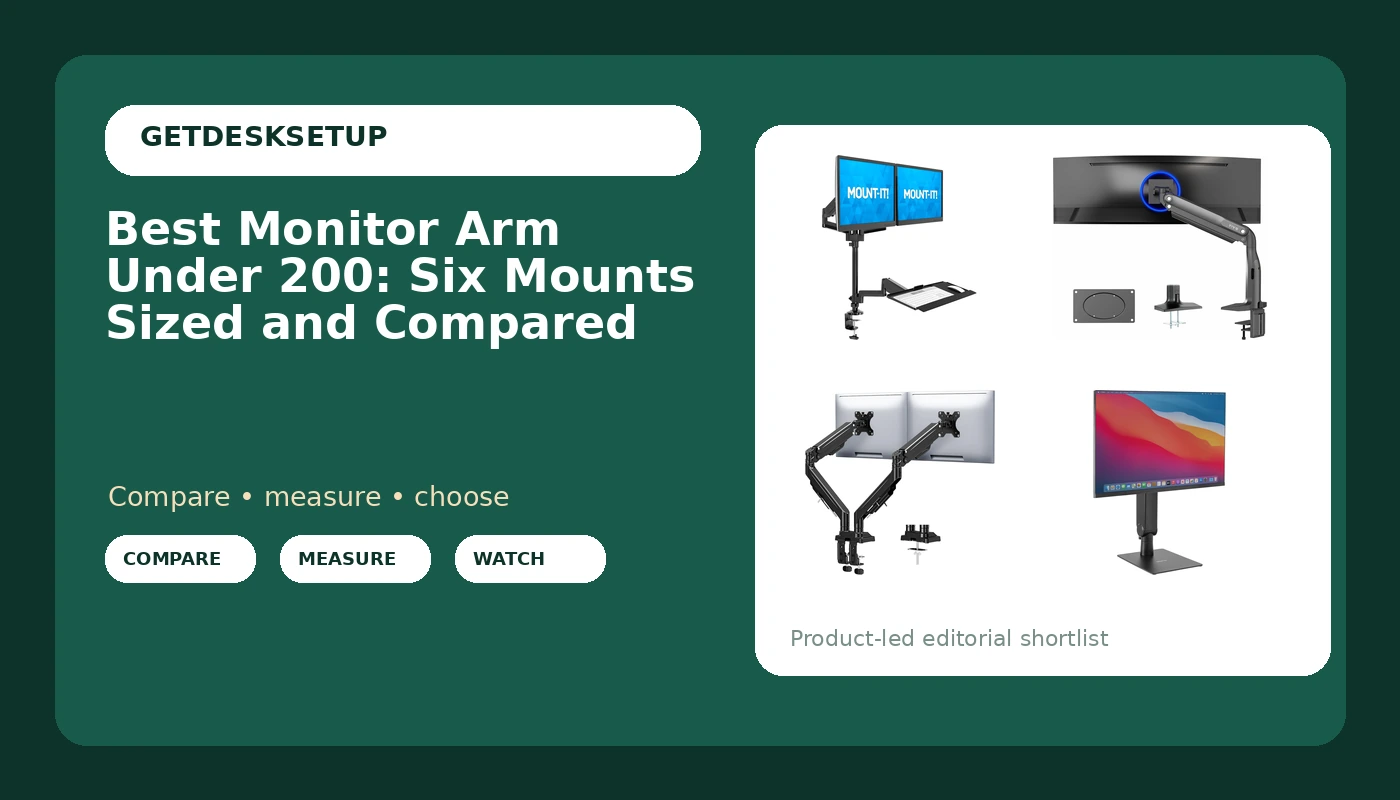
Best Monitor Arm Under 200: Six Mounts Sized and Compared
Six monitor arms under $200 compared by weight capacity, VESA pattern, and desk mount type, with a top pick for a two-screen desk.