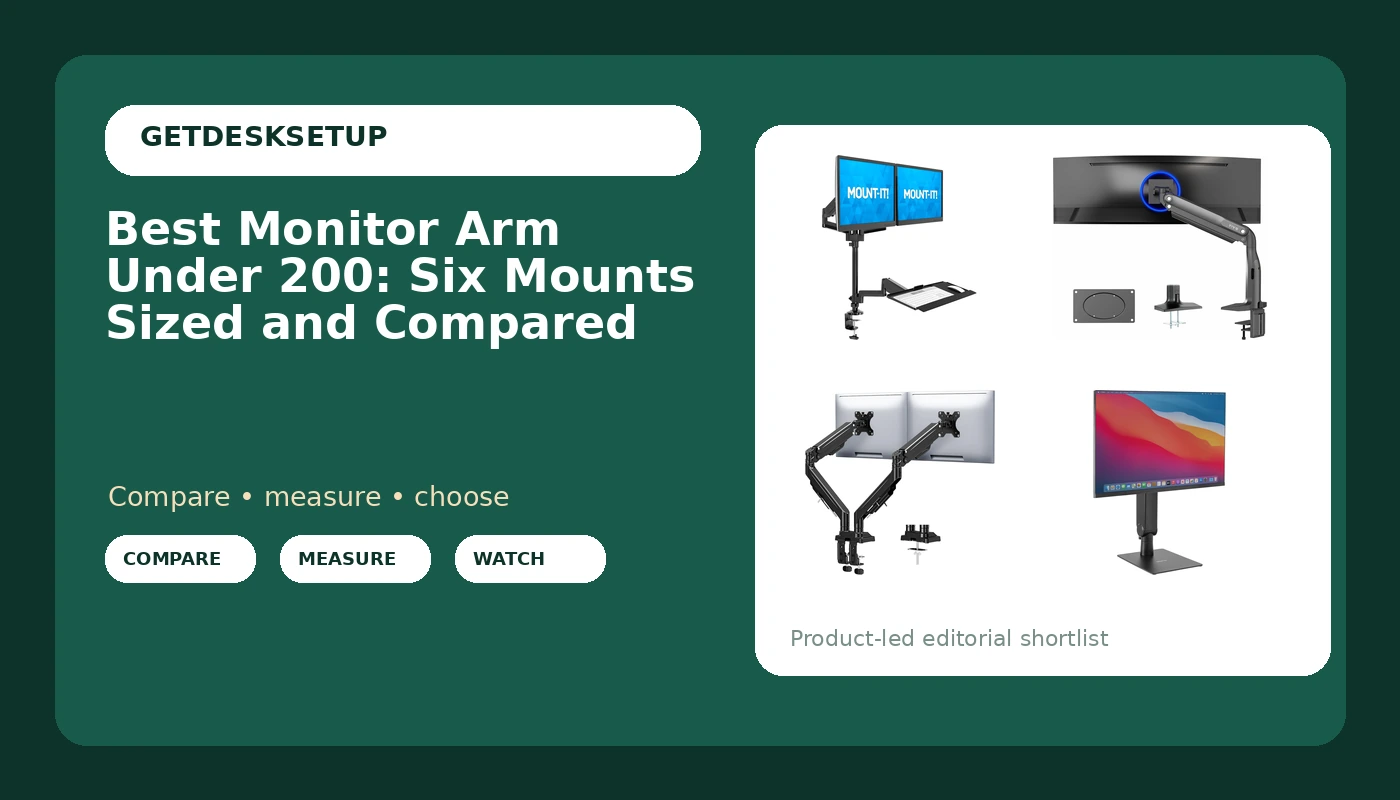
A monitor arm is one of the few desk upgrades that pays you back in usable desk space, and it is also one of the easiest to buy wrong. The failures repeat: a weight capacity that was measured on a good day, a VESA pattern that does not match the back of the monitor, or a clamp mount that crushes a hollow-core top. I have installed mounts of this type on client desks for years, and the pattern is always the same: the arm is fine, the match is not. This guide covers six monitor arms, five of them inside the band most home offices budget for, and it treats the hunt for the best monitor arm under 200 as a measurement problem rather than a brand problem. Every pick below is judged on what its listing actually states: weight capacity, screen size ceiling, VESA pattern, and how it attaches to the desk.
Related: How High Should a Monitor Sit? A Measurement Guide
Quick answer
The Mount-It! Dual Monitor Arm Sit-Stand Workstation is the strongest fit for a two-screen desk inside this budget because it carries two 17 to 32 inch screens at 17.6 lbs each on a gas spring, attaches by clamp or grommet, and adds a keyboard tray that rises with the panels. Choose the Mount-It! Freestanding Single Monitor Arm instead when the desk top cannot take a clamp or a grommet hole.
Monitor arm under 200: what is worth comparing
Six numbers and one decision separate a mount that works from one that sags.
Weight capacity per arm. Every listing here states a per-arm figure: 17.6 lbs, 19.8 lbs, 20 lbs, 2.2 to 33 lbs. The arm holds the panel plus a tilt head, so leave headroom above the panel's own weight.
Screen size ceiling. 27, 32, 43, or 49 inches. The ceiling is about leverage, not just weight. A 49 inch panel on an arm sized for 32 inches will droop no matter how light it is.
VESA pattern. 75×75 and 100×100 cover most monitors; a large ultrawide may need 200×100. Check the back of your monitor before anything else.
Mount type. A clamp mount grabs the desk edge, a grommet mount bolts through a hole you already have, and a freestanding base needs no desk modification but eats desk depth.
Spring type. A gas spring holds position with adjustable tension and moves easily. A mechanical tension spring costs less and needs more hand tuning.
Adjustment range. Tilt range, swivel, and rotation decide whether the screen can go portrait or be shared across the desk.
One arm or two. Dual arms save a clamp and a base, but they lock you into a fixed spread between the screens.
Top pick
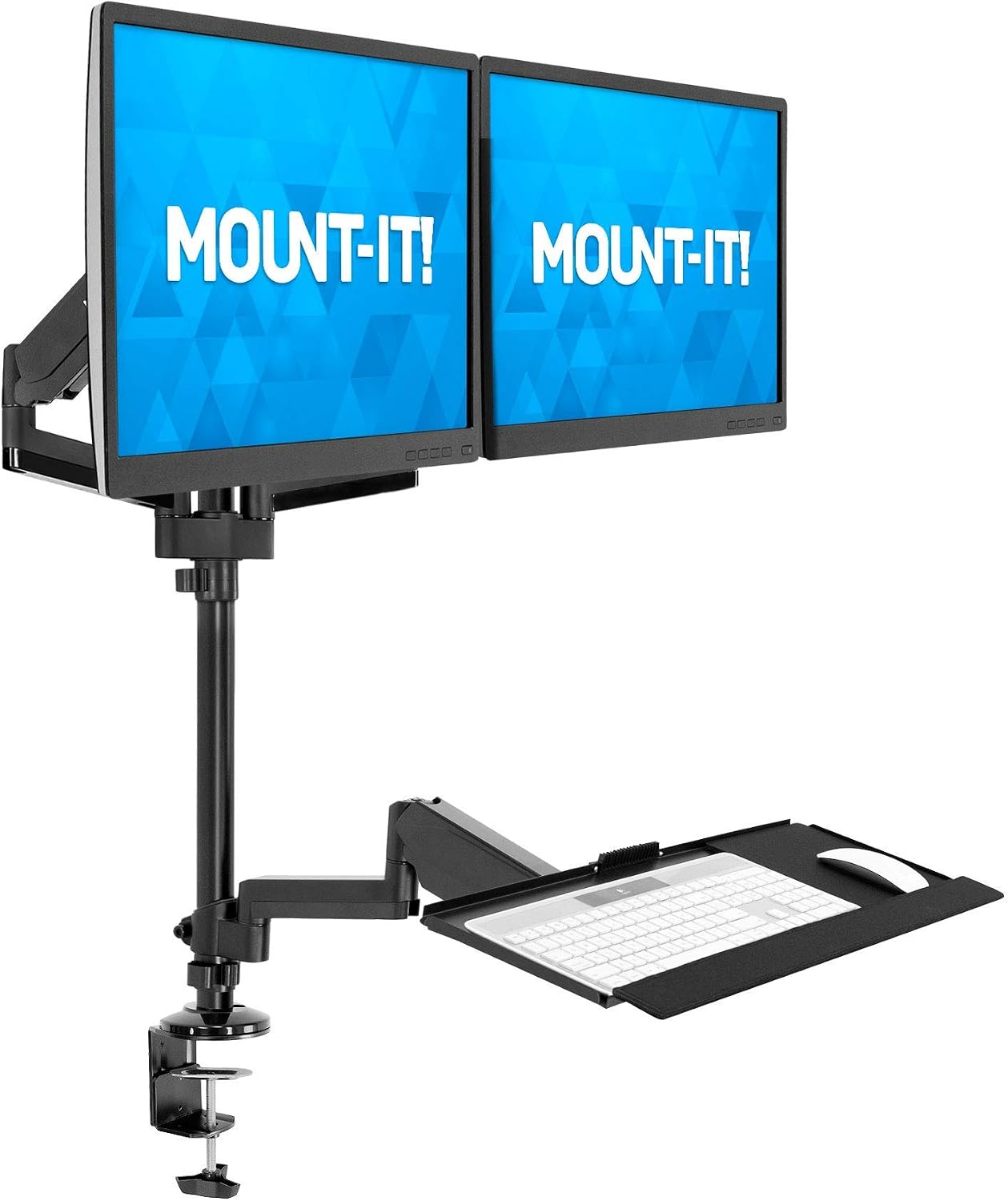
Mount-It! Dual Monitor Arm Desk Mount Sit-Stand Workstation with Keyboard Tray, Height Adjustable Gas Spring, Fits Two 17-32” Screens, 17.6 lbs Each, VESA 75×75 100×100, Clamp or Grommet (Black)
Check current Amazon price
Dual-arm sit-stand workstation with a gas spring, a keyboard tray, and clamp or grommet mounting. Fits two 17 to 32 inch screens at up to 17.6 lbs each on VESA 75×75 or 100×100.
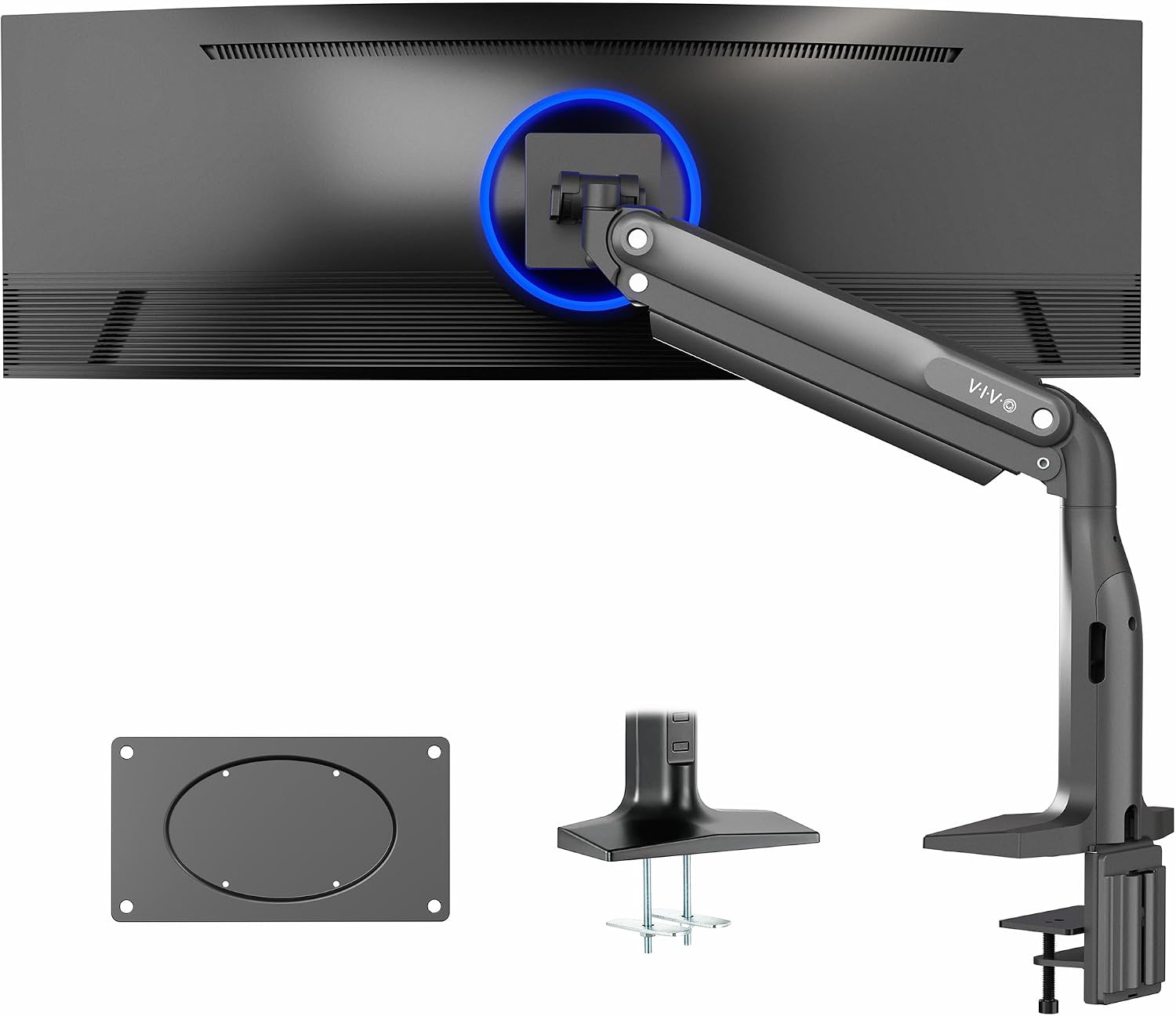
VIVO Aluminum Ultrawide Monitor Stand, Classic, Fits up to 49 inch Computer Screens, Single Articulating Pneumatic Arm, C-Clamp and Grommet Desk Mount, Max VESA 200×100, Black, STAND-V100H
Check current Amazon price
Single articulating pneumatic arm for screens up to 49 inches, with C-clamp and grommet desk mounting and a maximum VESA pattern of 200×100.
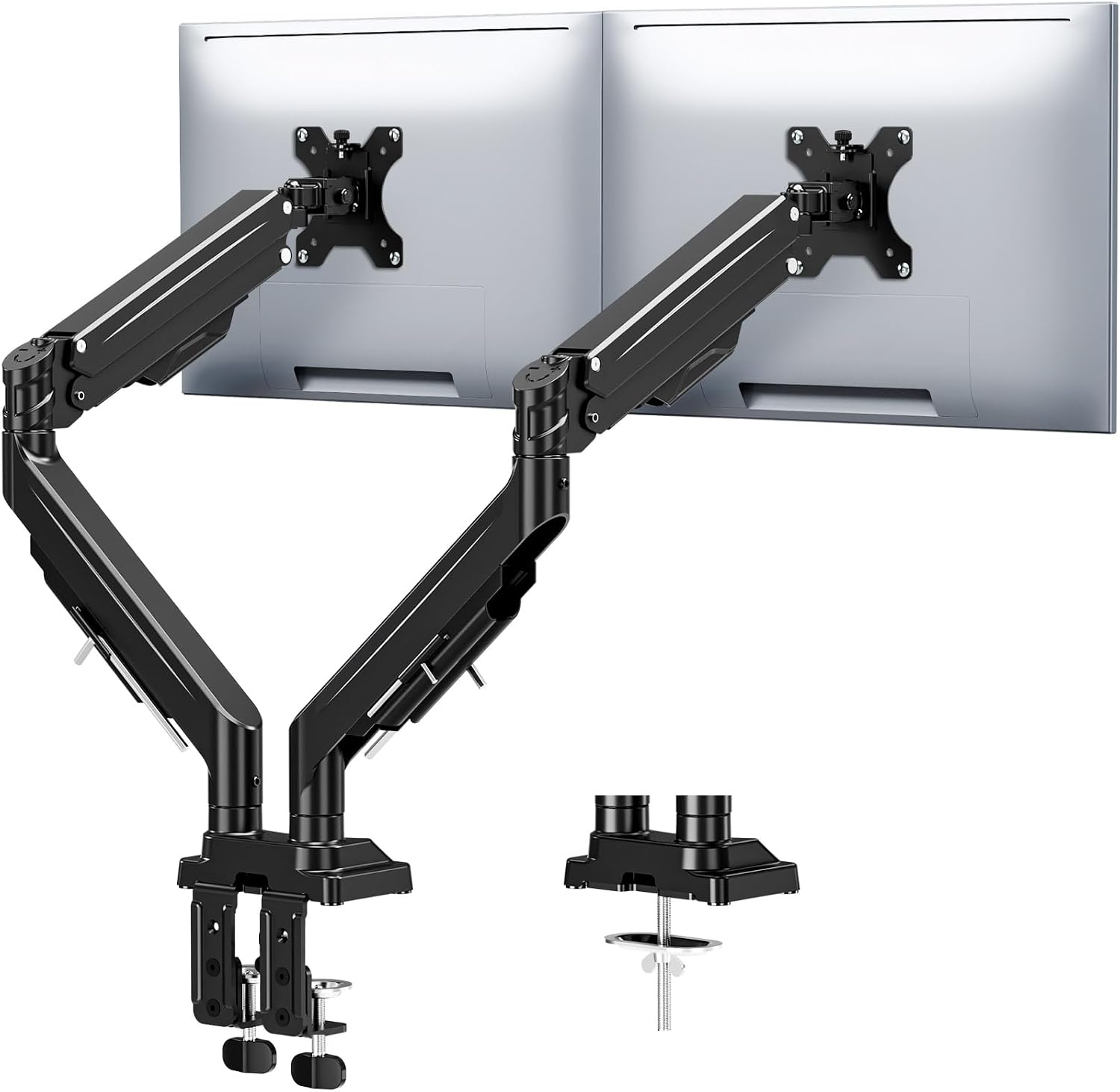
MOUNTUP Dual Monitor Stand for Max 43 inch Screens, Ultrawide Monitor Arm Height Adjustable, Heavy Duty Dual Monitor Mount, Full Motion Premium Monitors Arm, Holds 2.2 to 33 lbs, VESA Desk Mount
Check current Amazon price
Heavy-duty dual arm for screens up to 43 inches, rated from 2.2 to 33 lbs, with full motion height adjustment and VESA desk mounting.
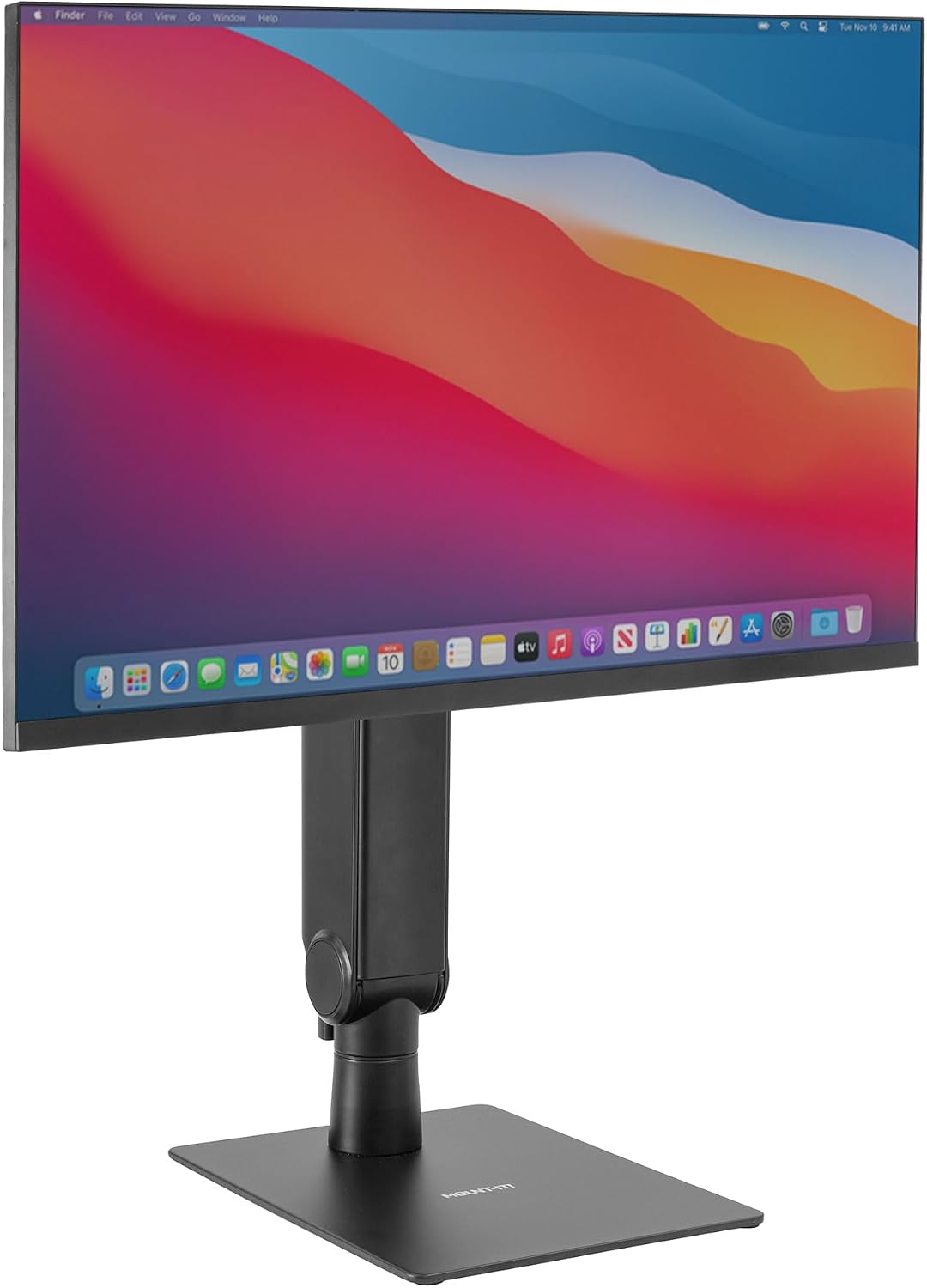
Mount-It! Freestanding Single Monitor Arm 17" to 32", Height Adjustable, Tension Adjustable Spring Mechanism Monitor Stand, Max VESA 100×100, Swivel, Rotation, Instant Height Adjustment, Black
Check current Amazon price
Freestanding single arm for 17 to 32 inch screens with a tension adjustable spring mechanism, instant height adjustment, swivel and rotation, and a maximum VESA pattern of 100×100.
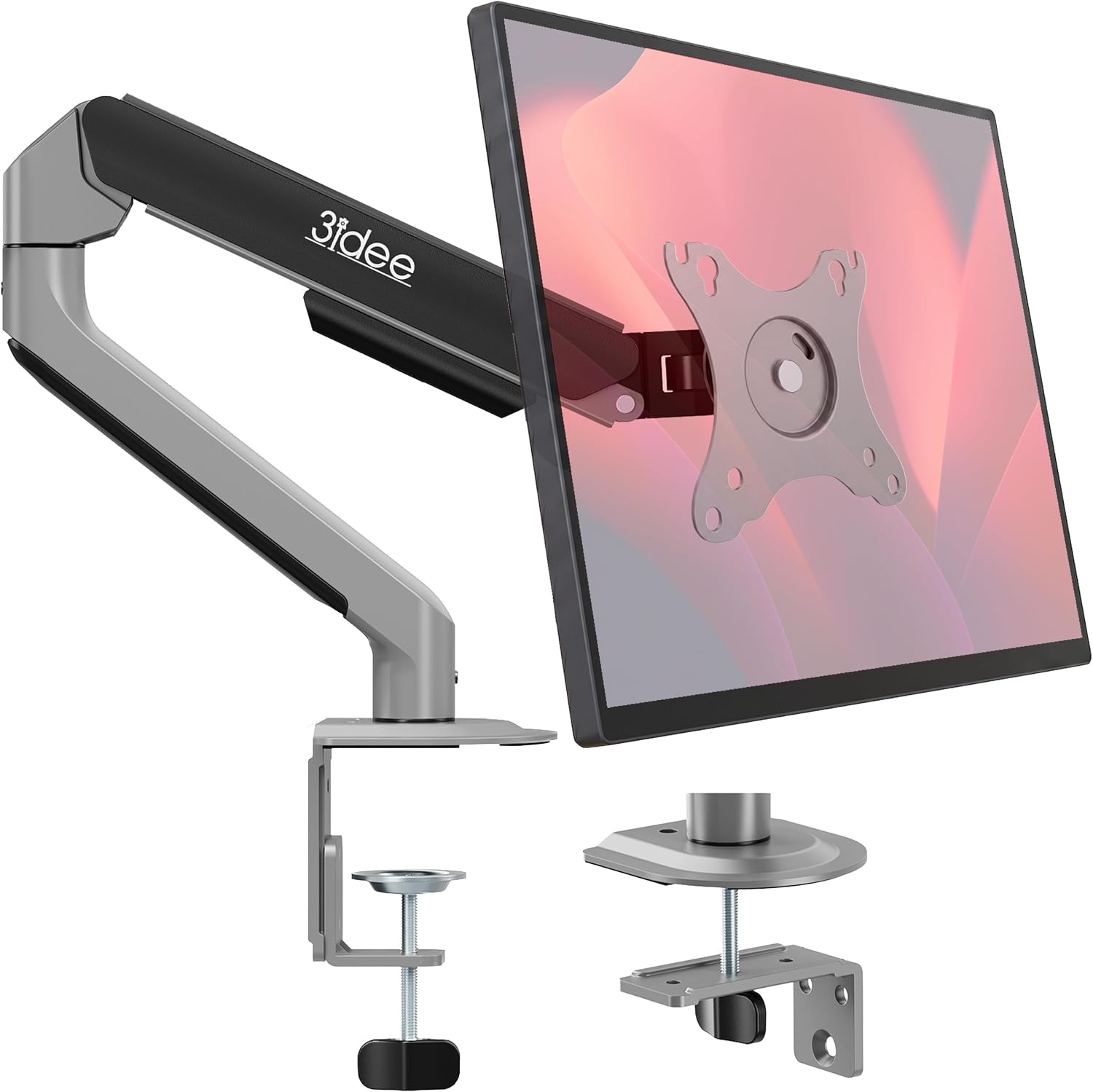
3IDEE FlexiLite Single Monitor Arm Desk Mount for 17-32" Screens, Holds up to 20 lbs, Slim Aluminium Design, Fully Adjustable & Flexible, Quick Box to Desk Setup, Clamp/Grommet Base, VESA 75/100
Check current Amazon price
Slim aluminium single arm for 17 to 32 inch screens up to 20 lbs, fully adjustable, with a clamp or grommet base and VESA 75 or 100 mounting.
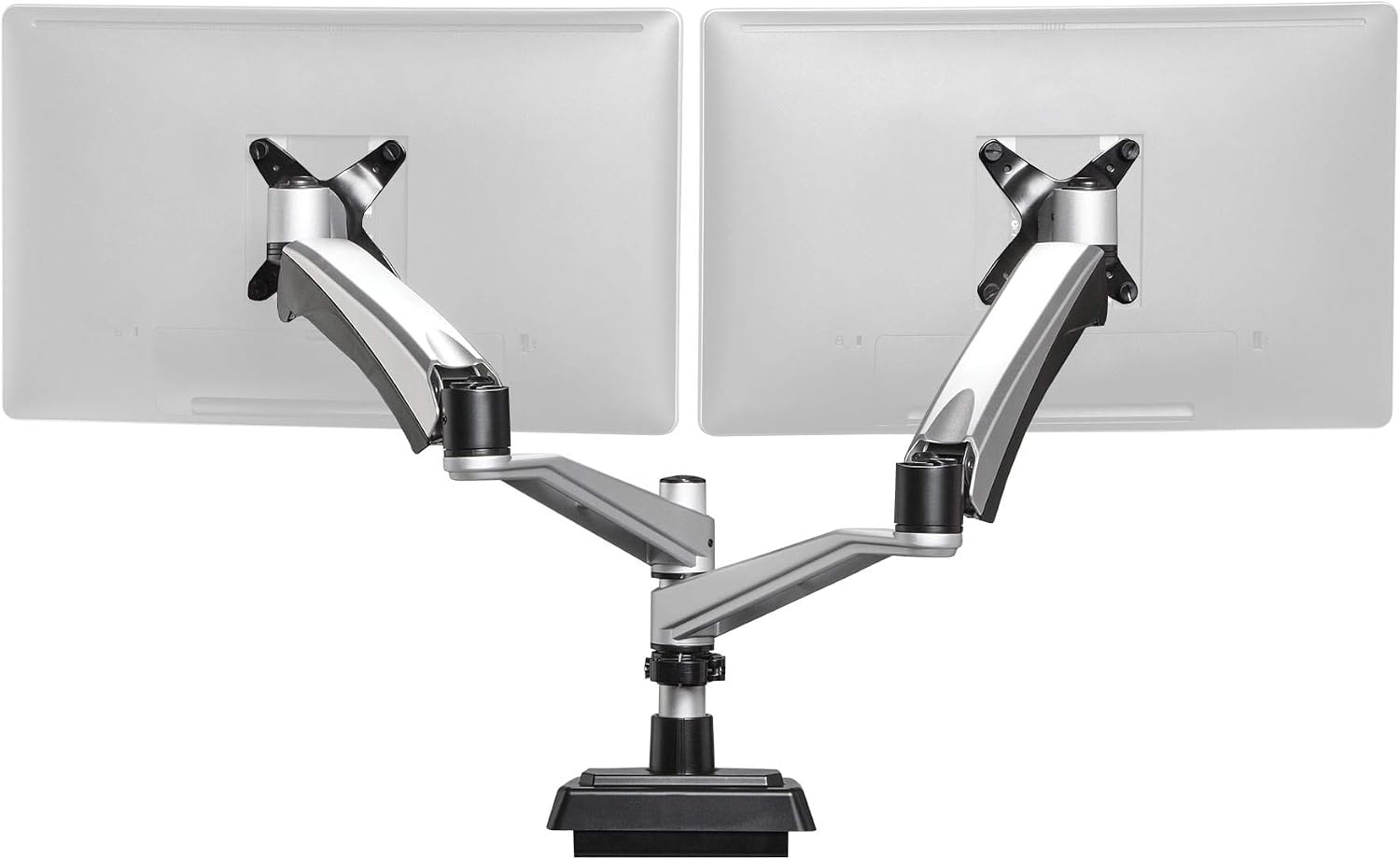
Vari Dual Monitor Arm – VESA Monitor Mount w/ 360 Degree Adjustment – Monitors up to 27 inches, 19.8 lbs – Double Monitor Arms with Full Adjustability – Computer Monitor Stand for Home or Office
Check current Amazon price
Dual VESA arm with 360 degree adjustment for monitors up to 27 inches at 19.8 lbs, built for home or office desks.
How these products were compared
This guide compares per-arm weight capacity, screen size ceiling, VESA pattern support, mount type (clamp, grommet, or freestanding), and the spring and adjustment hardware each listing describes. Product names, images, and retailer links are matched by ASIN so that every card points to the product shown.
The comparison is built from published product data and general installation practice, not from lab measurement of these six units, and where a listing does not state a number this guide does not invent one. Do not treat a spec table as a substitute for checking your own monitor: weigh the panel without its stand, note the screw pattern on the back, and measure your desk thickness before you order. No current price is printed here, so use the link on each card to confirm price and availability, since both move.
How to choose the right monitor arm
Start with the monitor, not the arm. Take the panel off its stand and weigh it, or find the weight without the stand in the manufacturer's specification. Then look at the four screw holes on the back: 75×75 mm and 100×100 mm are the common patterns, and a large ultrawide may need 200×100. A pattern mismatch is the one problem no amount of adjustment fixes.
Next, measure the desk. A clamp mount needs a flat edge and a thickness inside the clamp's range, and a hollow-core or glass top is a poor candidate for clamping or drilling. A grommet mount uses a hole you already have, which is the cleanest option when the hole exists. If neither is possible, a freestanding base is the answer, and you should give up two or three inches of desk depth for it.
Then do the arithmetic on weight. Two 27 inch panels at 15 lbs each need an arm rated well above 15 lbs per side, because the spring loses a little tension over time and the tilt head adds load. If the screens move often, a gas spring is worth paying for; if the arm will sit in one position, a tension spring is fine.
This is where the band matters. A monitor arm budget friendly enough to buy two of is a different product from one built to hold a 43 inch ultrawide, and both make sense for someone. Look for a monitor mount under 200 with the weight capacity and screen ceiling you actually need, not the biggest number on the page. When a reader asks for a monitor arm affordable enough to buy in pairs, a slim single arm is the honest answer; for a two-screen desk, put the money into one dual arm instead. If you are still deciding how the screens should sit, our dual monitor desk setup guide covers spacing and eye height.
Mount-It! Dual Monitor Arm Sit-Stand Workstation
This is the pick that covers the most common two-screen desk. It fits two 17 to 32 inch screens at up to 17.6 lbs each on VESA 75×75 or 100×100, uses a gas spring for height adjustment, and mounts either by clamp or through a grommet. The keyboard tray travels with the panels, which is the point of a sit-stand workstation: the screens and the keyboard rise together instead of one trailing the other.
The trade-offs are real. The keyboard tray consumes desk depth, so a shallow desk loses usable writing space in front of it. The 17.6 lb per-arm ceiling rules out heavy 32 inch panels and any 43 inch ultrawide, and the arm holds two screens at a fixed spread. If you run a single monitor, skip it and buy one arm instead. If you run two 27 inch panels under the weight limit and want the tray, this is the one to check first.
Alternatives to consider
The Mount-It! Freestanding Single Monitor Arm is better suited to a desk that cannot be clamped or drilled, since it stands on its own base and adjusts instantly, while the VIVO Aluminum Ultrawide Monitor Stand is a stronger fit when one large panel is the whole setup: a 49 inch screen ceiling, a pneumatic articulating arm, and a maximum VESA pattern of 200×100.
The MOUNTUP Dual Monitor Stand, the 3IDEE FlexiLite Single Monitor Arm, and the Vari Dual Monitor Arm cover the rest of the range. The MOUNTUP is the heavy-duty dual, rated from 2.2 to 33 lbs per side for screens up to 43 inches, which makes it the arm for a pair of ultrawides. The 3IDEE FlexiLite is the slim single arm for one 17 to 32 inch screen up to 20 lbs on a clamp or grommet base. The Vari is the one card here that sits above the price band this guide is built around, a dual arm for monitors up to 27 inches at 19.8 lbs with 360 degree adjustment, so treat it as a step-up rather than a budget pick.
Day-to-day use and maintenance
Run cables through the cable channel under each arm instead of hanging them loose. A cable that pulls on the arm changes the monitor angle within a week, and it loads the spring in a direction the arm was not designed for. Leave slack at every hinge for the full range of motion, then tie the slack at the desk end so the arm is not dragging the cable.
Re-check the clamp mount or grommet mount after the first week and again after a month. Clamps settle into a wood top, and a grommet bolt that was tight on installation day can loosen as the desk moves. Tighten until the arm stops shifting when you push the monitor, then stop; over-tightening a clamp is how desk tops crack. If the screen droops at the tilt head, adjust the tilt range tension before you tighten anything else.
Set the spring tension with the monitor mounted, not before. If the arm drifts upward, tension is too high; if it sags, it is too low. Wipe the arms with a dry or slightly damp cloth and keep solvents off the finish.
Buying checklist
- Weigh the monitor without its stand and note the VESA pattern on the back: 75×75, 100×100, or 200×100.
- Measure desk thickness and confirm there is a flat edge for a clamp mount or an existing hole for a grommet mount.
- Choose the per-arm weight capacity with headroom above the panel's actual weight.
- Confirm the screen size ceiling matches your largest monitor.
- Decide whether you need a gas spring or a mechanical tension spring will do.
- Check how much desk depth a freestanding base or keyboard tray will consume.
- Verify the current retailer price, availability, and return terms.
Final recommendation
Choose the Mount-It! Dual Monitor Arm Sit-Stand Workstation when you run two screens up to 32 inches at 17.6 lbs each and want a keyboard tray that moves with them. Choose the Mount-It! Freestanding Single Monitor Arm when the desk cannot be clamped or drilled, or the VIVO Aluminum Ultrawide Monitor Stand when one large panel up to 49 inches is the entire setup. Choose the MOUNTUP Dual Monitor Stand when the screens are heavy or wide.
Skip the dual arms entirely if you own one 24 or 27 inch monitor; a single slim arm is the correct spend, and the money saved belongs in the chair or the desk. That is the whole test for the best monitor arm under 200: match the numbers to your hardware, then buy.