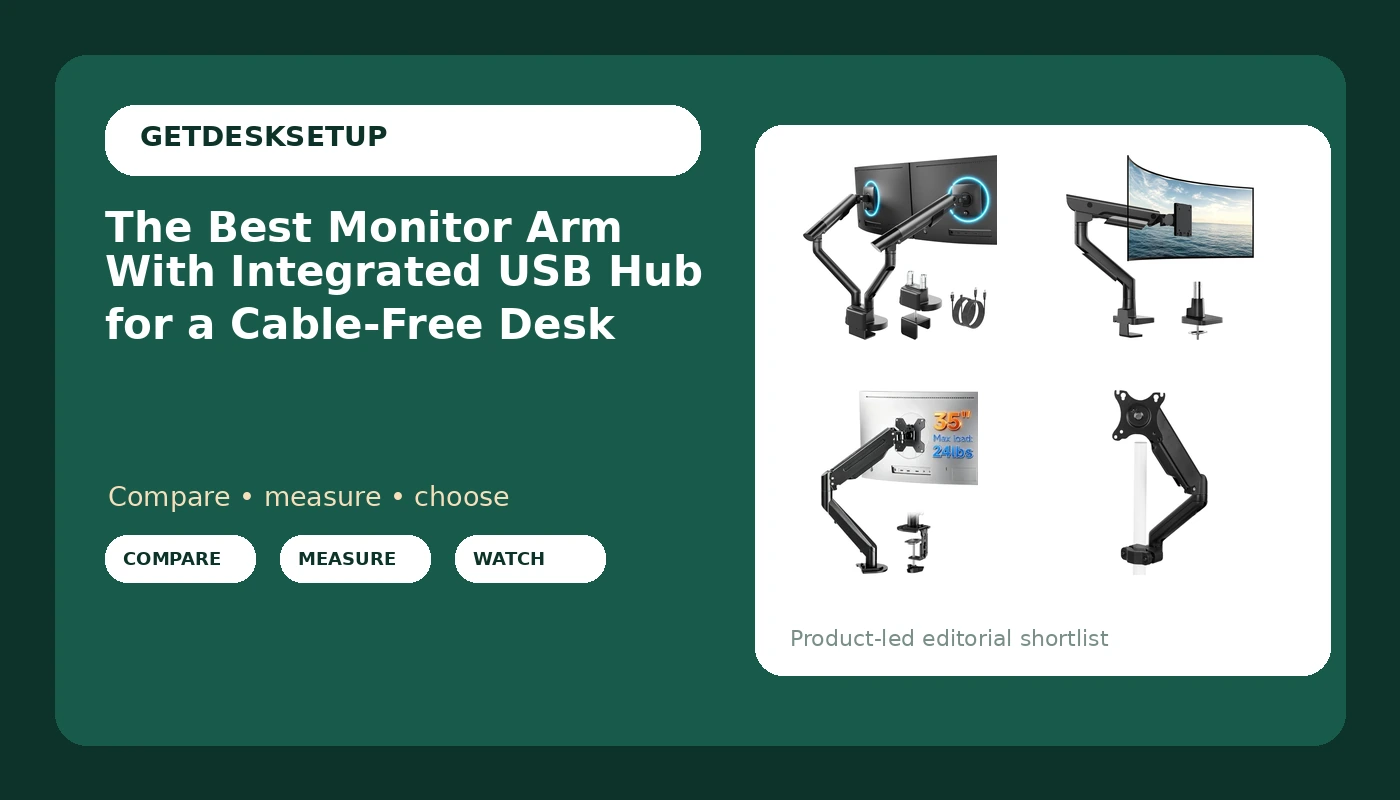
Most monitor arms solve half a problem. The screen lifts off the desk, the surface clears, and then you still reach behind the panel for a USB port or run a cable across the work surface to a dock. A monitor arm with integrated usb hub closes that gap by putting the ports where your hand already goes when you plug in a drive, a headset, or a charging cable.
I am Ray. I spent nine years buying furniture and mounts for 400-person floors and six more years building out home offices, and the pattern never changes: people buy the arm they saw in a photo and check the weight and the mounting pattern afterward. This guide compares six mounts in the sizes and capacities their listings state, and it is honest about which one actually integrates USB and which are mechanical arms you would pair with a separate hub.
Related: How to set monitor height at a standing desk
Quick answer
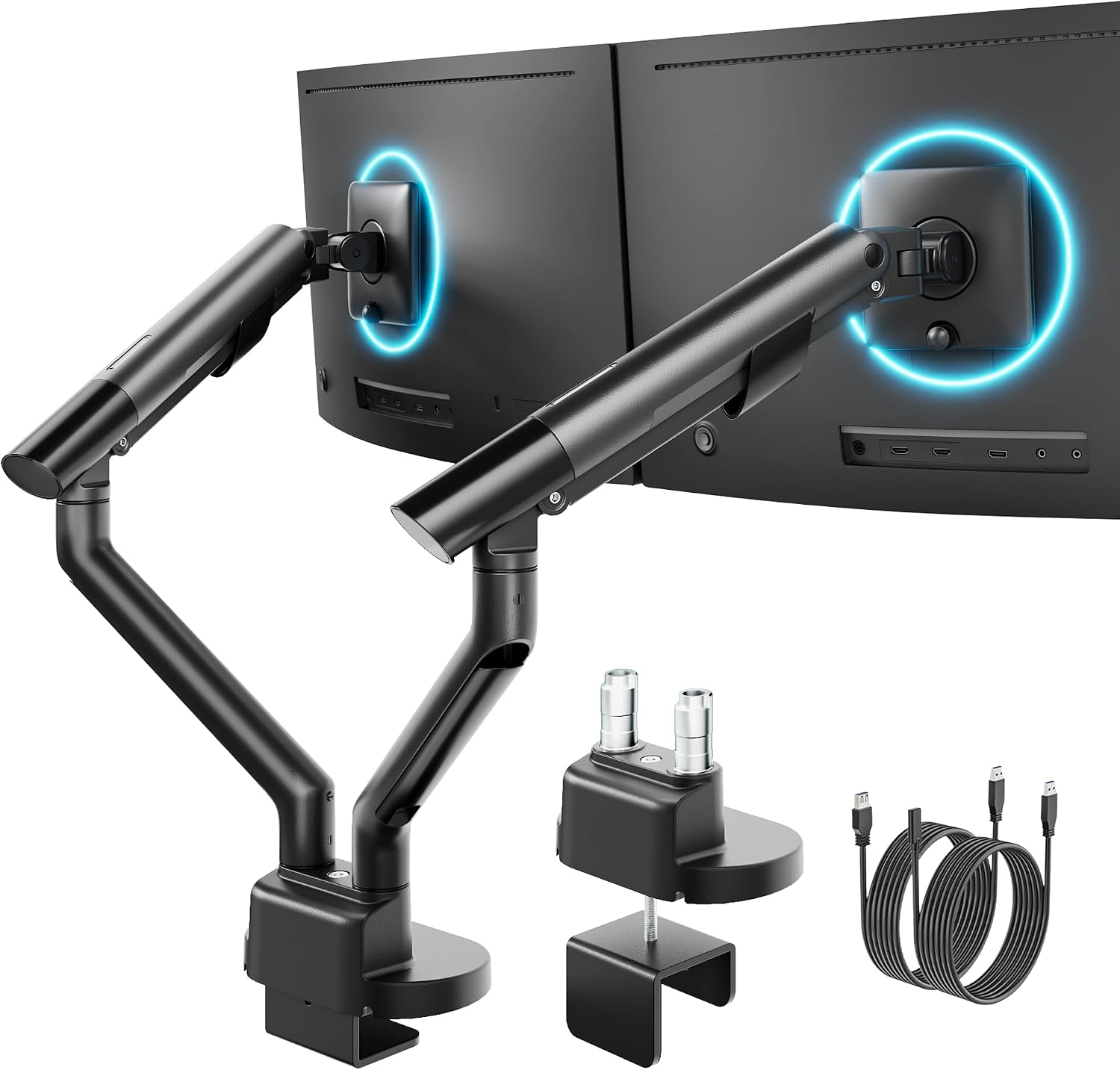
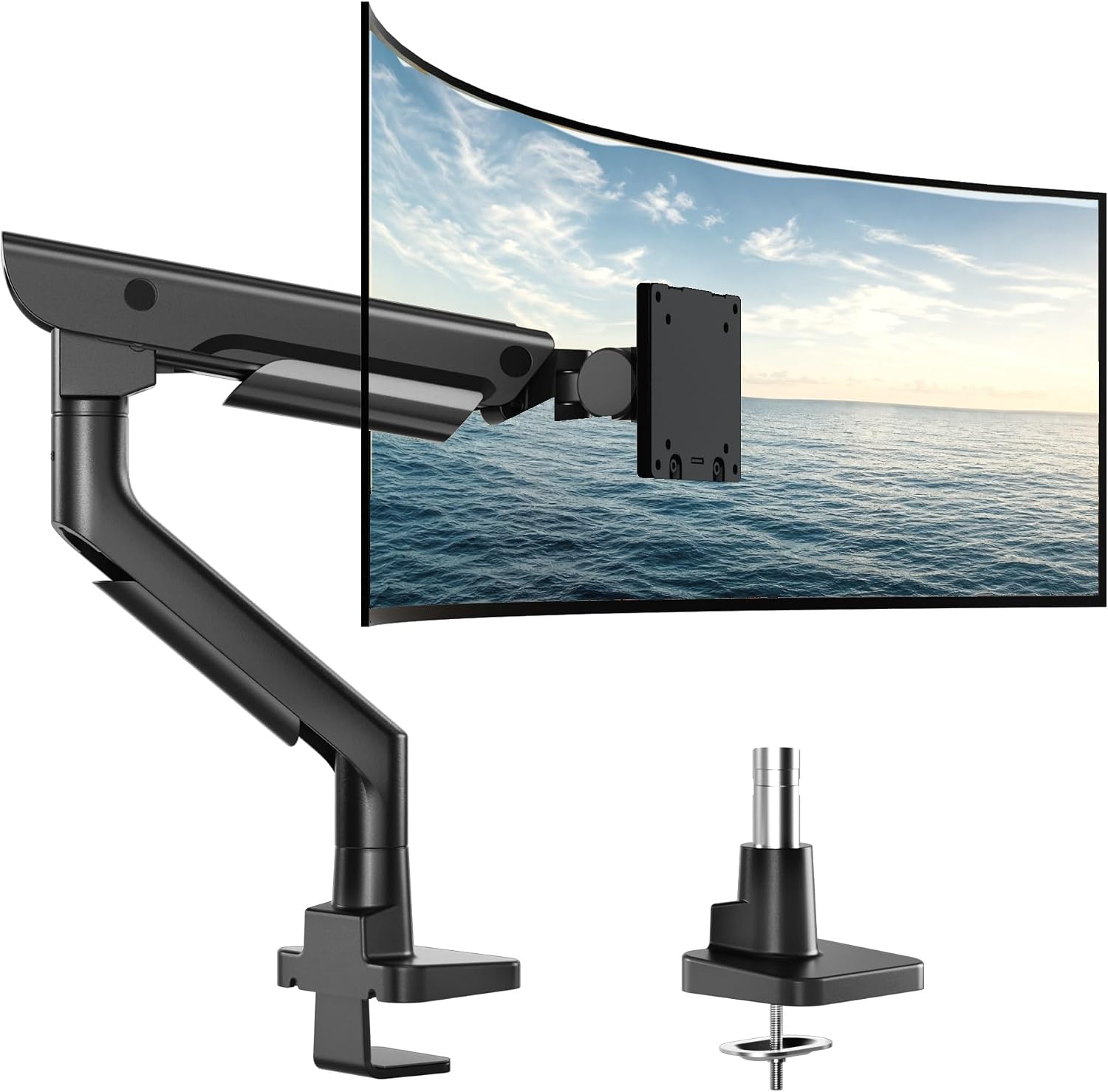
The monTEK USB Dual Monitor Arm for 17-40" Screens, 24.3 lbs Each, Black is the strongest fit for a two-display desk that wants ports within reach, because it is the one mount in this group whose listing pairs USB with a stated 24.3 lb capacity per arm and a 17 to 40 inch screen range. Choose the monTEK Heavy-Duty Monitor Arm for 17-57" Ultrawide, 59.4 lbs, Black instead when you run a single very large panel and need the wider 17 to 57 inch span and the 59.4 lb rating rather than two arms.
Monitor arms worth comparing
The best monitor arm with integrated usb hub is not the one with the longest feature list. It is the one whose stated numbers match your monitor and whose ports sit on a part of the arm you can reach without standing up.
Start with weight capacity. A mount rated below your panel's weight will droop at the joint, and no amount of tightening fixes a spring that is under-rated for the load. Screen size range is the second gate: 17 to 32 inches is the common band, and ultrawides or 34 inch and larger panels need a mount that names that range. Third is the vesa pattern on the back of your display. If the holes do not line up with the arm's plate, a VESA conversion plate such as the Pholiten adapter is the part that saves the purchase.
Fourth is how the arm attaches to the desk. A clamp mount needs a clear edge and enough desk thickness to bite; a grommet mount passes through an existing hole in the top. Neither is better in the abstract, but only one will fit the desk you own. From there, the choice is usually between a gas spring arm that counterbalances the screen so you move it with one hand, and a pole mount that holds height on a vertical rail with a collar you set once. Both give you tilt range and swivel at the head; the difference is how often you reposition the screen and whether you want the arm to stay where you put it.
Cable channel design matters more than usual here. A USB arm adds a cable run down the length of the arm, and a cable pulled tight will change the monitor angle within a week.
Top pick
monTEK USB Dual Monitor Arm for 17-40" Screens, 24.3 lbs Each, Black
Check current Amazon price
A dual arm mount listed for 17 to 40 inch screens at 24.3 lbs per arm, with USB named in the product itself. The pick here when two displays share one desk edge and you want ports on the mount rather than behind the panel.
monTEK Heavy-Duty Monitor Arm for 17-57" Ultrawide, 59.4 lbs, Black
Check current Amazon price
A heavy-duty arm listed for ultrawide panels from 17 to 57 inches with a 59.4 lb capacity. The option for one large screen that would overload a lighter mount.
Suptek Single Monitor Arm Fully Adjustable for 17-34-35 Inch Screens
Check current Amazon price
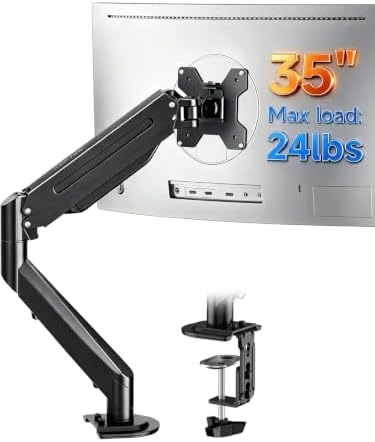
A single arm listed for 17 to 34 or 35 inch screens with full adjustability. A straightforward choice for one mid-size display where USB is already handled elsewhere on the desk.
VIVO Black Pole Mounted Monitor Arm, 17-32 in Screens, MOUNT-POLE05O
Check current Amazon price
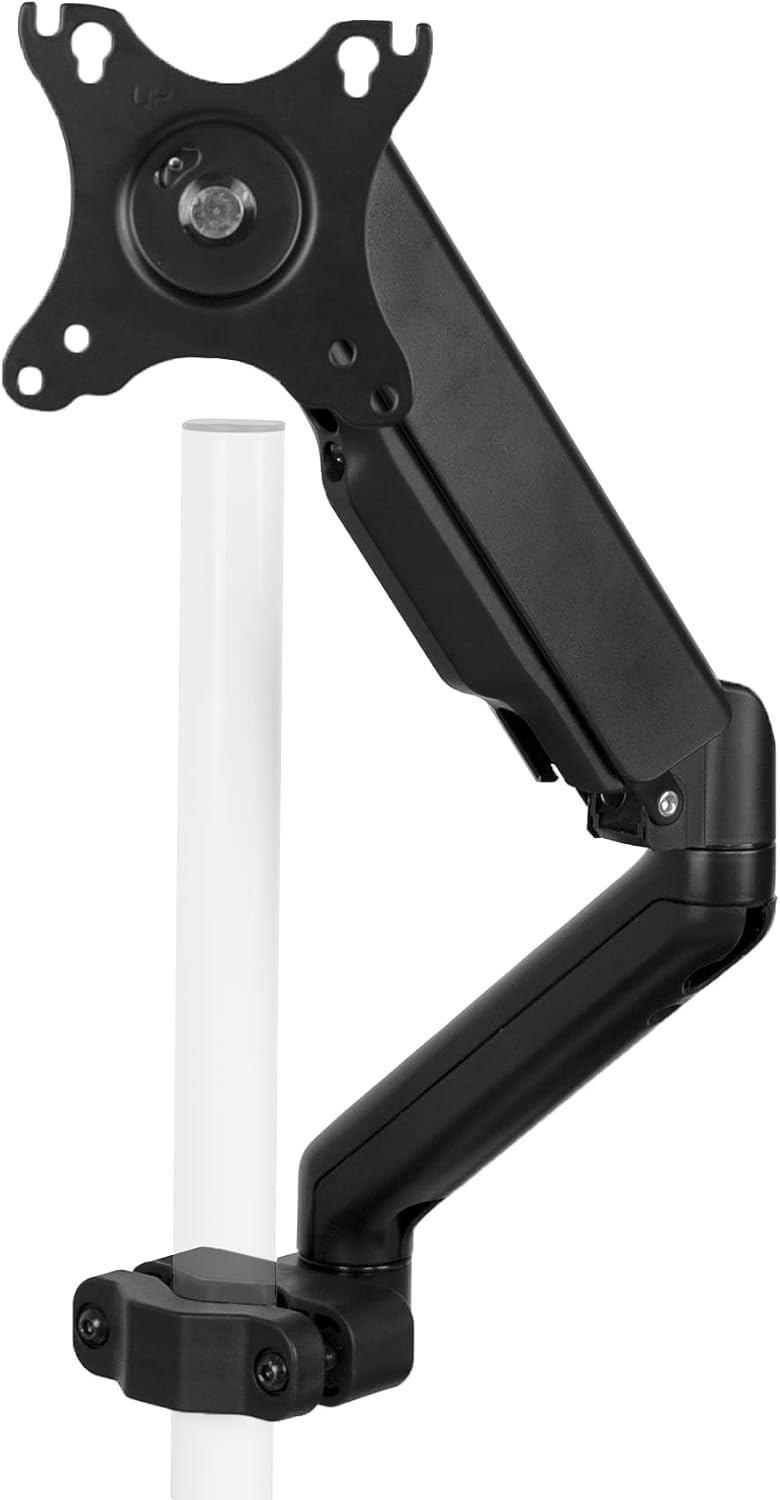
A black pole-mounted arm listed for 17 to 32 inch screens. Height is set on a vertical rail rather than by a gas spring, so the screen stays where you clamp it.
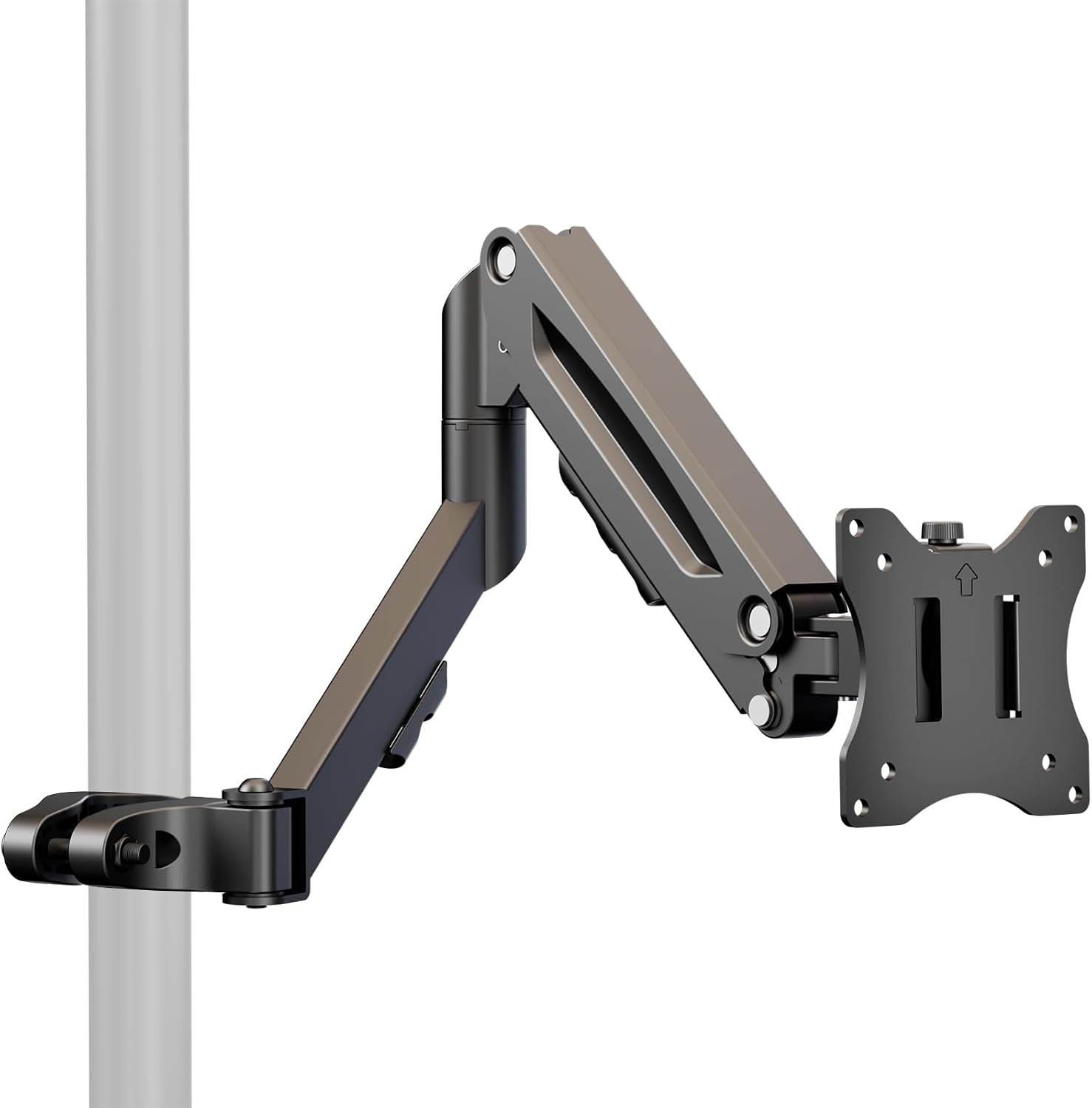
Height Adjustable Pole Mount Monitor Arm for 17"-32" with Gas Spring
Check current Amazon price
A pole mount listed for 17 to 32 inch screens with a gas spring and height adjustment. Suited to a desk where you lift and drop the screen several times a day.
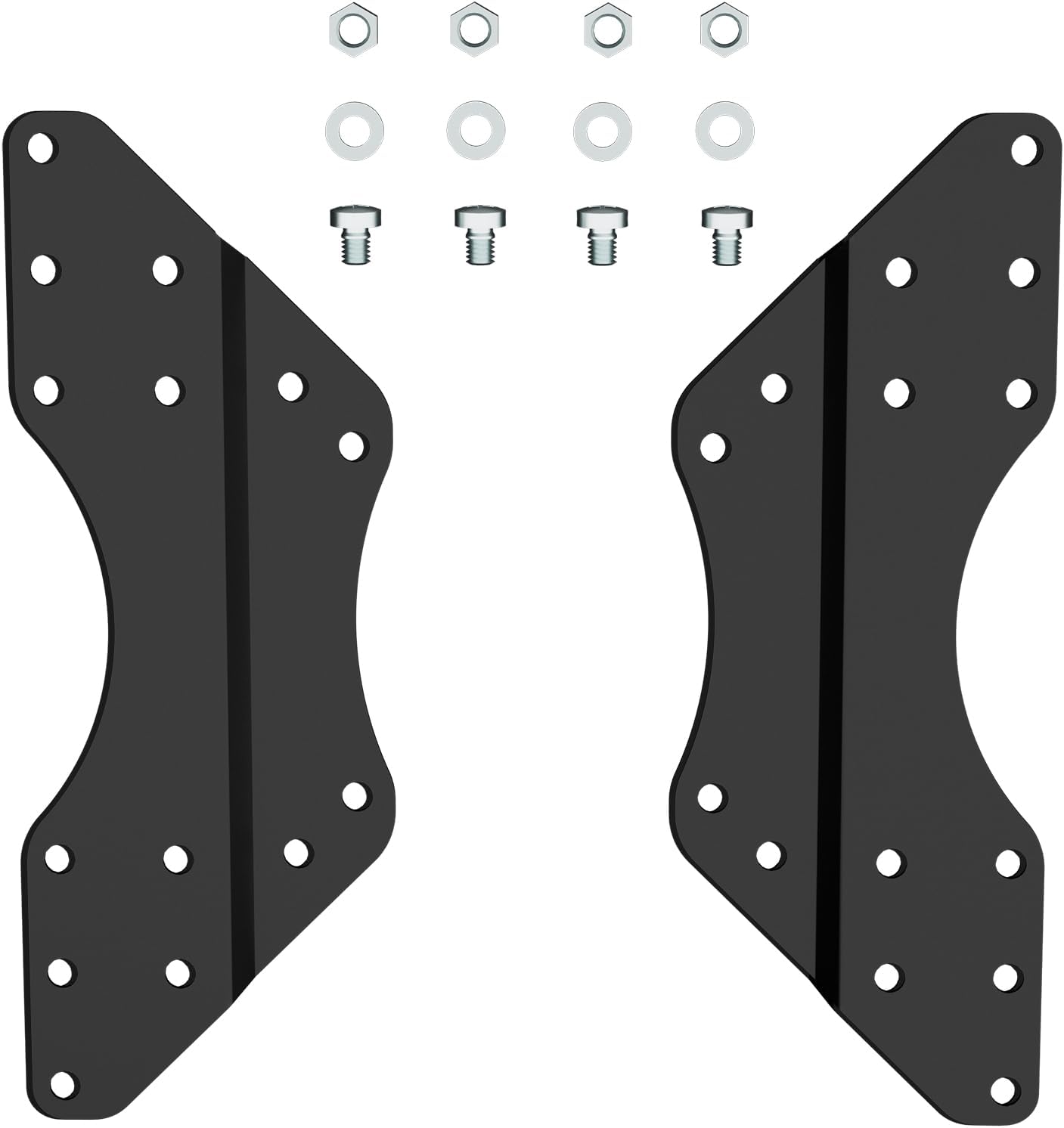
Pholiten VESA Conversion Plate Adjustable Adapter for Monitor Arm TV
Check current Amazon price
A VESA conversion plate and adjustable adapter for monitor arms and televisions. The part to look at when your display's mounting holes do not match the plate that came with the arm.
How these products were compared
This guide compares stated screen size range, stated weight capacity, mounting style and the desk clearance each one needs, the adjustment mechanism, and how each product handles ports and cables. Every card points to the exact listing shown, so the name, the photo, and the link stay matched.
Two of the six are heavy-load arms from monTEK, one listed for dual screens at 24.3 lbs per arm and one for ultrawides up to 59.4 lbs. Three are single-screen mounts in the 17 to 32 or 17 to 35 inch band, two of them pole designs. The sixth is not a mount at all but a VESA conversion plate, which belongs in a roundup like this because a mounting pattern mismatch is the most common reason a perfectly good arm gets returned.
None of the comparisons here rest on a lab bench or a stopwatch. They rest on the published numbers in each listing and on the physical question of whether a given screen and a given desk can carry the mount. Where the published data does not support a clear winner, this guide says so rather than inventing one.
How to choose the right monitor arm with integrated usb hub
Measure in this order: monitor weight, screen diagonal, and the bolt pattern on the back of the panel. Write the three numbers down before you open a single product page. Panels get heavier as they grow, and an ultrawide carries its weight further from the center of the mount, which is why a 34 inch screen can strain an arm that handles a 27 inch screen comfortably.
Weight capacity is the first gate. If your panel sits close to the top of a mount's rating, the tilt range will not hold over months of use, because the joint is working at the edge of its friction. Leave headroom. The second gate is screen size: a mount listed for 17 to 32 inches is not the right part for a 40 inch display, and a 57 inch ultrawide needs a mount that names that span.
Then check the vesa pattern. Most arms ship with a plate drilled for the common consumer patterns, but displays vary and some panels use a recessed or offset arrangement. If you are searching for a vesa monitor arm with integrated usb hub, settle the plate question first, because the port count is irrelevant if the arm will not bolt to your screen. A conversion plate is a cheap fix and a returned arm is not.
Mounting style is the third decision, and it is usually made by your desk rather than by you. A clamp mount needs a clear rear edge, enough thickness for the clamp to grip, and a top that can take the load. A grommet mount uses a hole you already have. If you work at a standing desk, confirm the clamp clears the frame and any crossbar before you buy, and recheck the cable routing at the top of the travel, which is where cables usually go tight first. My notes on setting monitor height at a standing desk cover that range in more detail.
Finally, decide what "integrated USB" has to mean for your setup. Count the devices you plug in during a normal day, then confirm from the listing how many ports the mount exposes, where they sit, and whether they pass data, charge, or both. A monitor mount with integrated usb hub is only as good as the ports it actually provides, so match the port list to your habits rather than to the phrase in the title.
monTEK USB Dual Monitor Arm for 17-40" Screens, 24.3 lbs Each, Black
The top pick here is the only mount in the group whose listing puts USB and dual screens in the same product. It is rated for 17 to 40 inch displays at 24.3 lbs per arm, which covers the common 24 to 32 inch pair and reaches into the smaller ultrawide sizes, and the dual configuration means one desk edge carries both screens instead of two separate bases eating the same corner.
For a desk where the laptop sits off to one side and the docking cable runs across the surface, this is the arrangement that removes the most clutter in one purchase. Ports on the mount mean the drive, the headset, and the charging cable live at the screens rather than behind them, and a screen arm with integrated usb hub of this shape lets you route the upstream cable down the same cable channel as the display cables, so nothing swings loose when you push the panels back.
The trade-offs are real and worth stating plainly. A dual arm carries a wider footprint at the desk edge and puts more leverage on the clamp than a single arm, so the desk top needs to be solid and the clamp needs to be seated properly. The 24.3 lb per-arm rating is the ceiling, not a suggestion, and a heavy 40 inch panel will sit at the limit. If your displays are larger than 40 inches or heavier than that per arm, this is the wrong mount and the heavy-duty option below is the right one. And if your computer lives far from the desk, check that the upstream cable from the mount reaches it before you commit, because integrated ports do not help if the run is too short.
Alternatives to consider
The monTEK Heavy-Duty Monitor Arm for 17-57" Ultrawide, 59.4 lbs, Black is better suited to a single large panel, since its listing covers 17 to 57 inches at 59.4 lbs, a span and a rating that no other mount here matches. The Suptek Single Monitor Arm Fully Adjustable for 17-34-35 Inch Screens is a stronger fit when you run one mid-size display, want full adjustability, and already have a hub or dock handling your ports.
The VIVO Black Pole Mounted Monitor Arm, 17-32 in Screens, MOUNT-POLE05O covers the desk that wants a fixed vertical rail instead of a spring arm, which suits a shared desk where the screen height should not drift between users. The Height Adjustable Pole Mount Monitor Arm for 17"-32" with Gas Spring covers the opposite case: one user who raises and lowers the screen often and wants the counterbalance to do the work. The Pholiten VESA Conversion Plate Adjustable Adapter for Monitor Arm TV covers the mounting-pattern problem itself, and it is worth buying alongside any arm when the panel's holes are offset, recessed, or outside the standard plate.
If none of your screens exceed 32 inches and your dock already sits on the desk with ports facing you, none of these mounts will change your day much, and that is worth admitting before you spend anything.
Day-to-day use and maintenance
Clamp first, then load, then tighten. Reversing that order cracks desk tops, and it is the single most common installation mistake I see. Once the arm is loaded, recheck the clamp after a week; desks compress slightly under a clamp, and a mount that felt solid on day one can loosen as the top settles.
Route cables through the cable channel with slack at both ends, especially at the head, where the tilt range and swivel will pull a tight cable into a kink. Leave a service loop near the desk edge so you can push the screen back without dragging the upstream cable. On a gas spring arm, check the tension setting after you change screens, since a spring set for a lighter panel will lift a heavier one. On a pole mount, confirm the collar is tight enough that the arm does not slide when you adjust the screen angle.
Clean the arm with a dry or barely damp cloth, and keep liquids away from any port housing. Do not hang bags, headphones, or cable coils on the arm; the weight rating covers the screen, not the accessories, and every extra pound shows up as droop at the joint. If your desk has a glass top or a thin hollow-core build, do not use a clamp mount at all. Use a grommet mount or a freestanding base instead, and check the desk's own rating before you load it.
Buying checklist
- Weigh your monitor and write the number down before comparing mounts.
- Measure the screen diagonal and confirm it falls inside the stated range.
- Check the VESA pattern on the panel and add a conversion plate if it does not match.
- Confirm the mount's weight capacity leaves headroom above your panel's weight.
- Measure your desk thickness and rear edge clearance for a clamp mount, or the grommet hole diameter for a grommet mount.
- Decide between a gas spring and a pole mount based on how often you move the screen.
- Count the USB ports you need and confirm the mount provides them where you can reach.
- Verify current retailer price, availability, and return terms before ordering.
Final recommendation
Choose the monTEK USB Dual Monitor Arm for 17-40" Screens, 24.3 lbs Each, Black when you run two displays between 17 and 40 inches at up to 24.3 lbs each and you want the ports on the mount rather than behind the panels. Choose the monTEK Heavy-Duty Monitor Arm for 17-57" Ultrawide, 59.4 lbs, Black when a single large or heavy screen is the whole job and the wider span and higher rating are what matter.
If neither screen range nor weight capacity is the deciding factor for you, buy on mounting style instead: pole mount for a height that stays put, gas spring for one you change often. And if your mounting holes do not match a standard plate, settle that with a conversion plate before you buy anything else, because no port count compensates for an arm that will not bolt to your monitor.