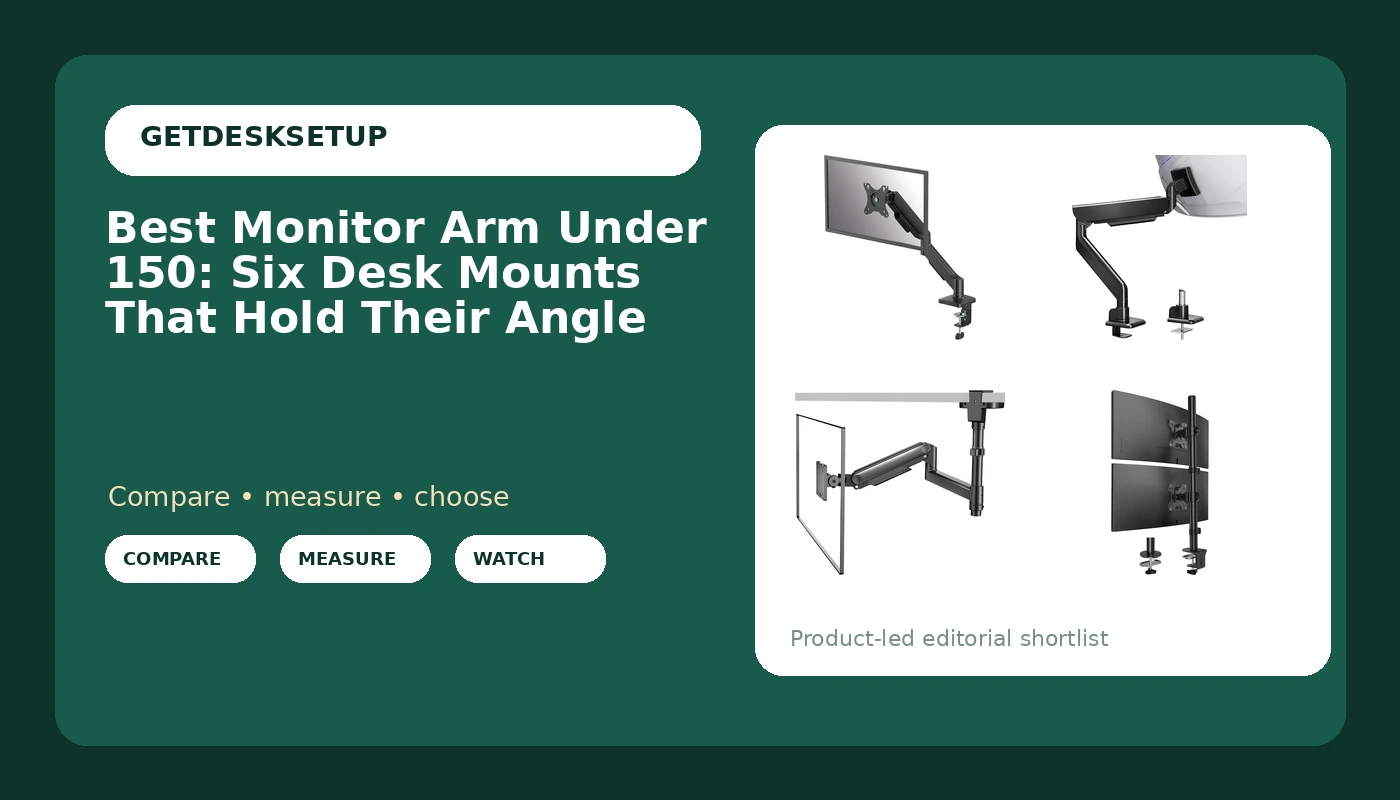
A monitor arm is the cheapest ergonomic fix in a home office, and it is also the one people get wrong most often. The failure is almost never the brand. It is the weight rating. A 32 inch panel that weighs 15 pounds sags on an arm rated for 12, and a 5 pound secondary screen floats uselessly on an arm that needs 8 pounds of load before it holds a position. This guide covers the best monitor arm under 150 for the three setups I see most: one 24 to 32 inch screen on a standard desk, a stacked pair, and a single ultrawide. Every product below is a desk mount with a 75mm or 100mm VESA pattern, and every recommendation is tied to the published weight capacity rather than to how the arm looks in a product photo.
Related: How to Measure Your Desk Height Before You Mount Anything
Quick answer
The ED-X Plus Gaming Single Gas Spring Monitor Arm Supports up to 32" Screens Weighing 4.4-19.84 lbs, Height Adjusting, Tilt, Swivel, Rotate, VESA 75/100, Clamp or Grommet Mount, Cable Management is the strongest fit for a single 24 to 32 inch screen on a standard desk because it covers 4.4 to 19.84 pounds of load with a gas spring and includes both a clamp mount and a grommet mount plus a cable channel. Choose the MOUNTUP Heavy Duty Monitor Arm, Single Monitor Mount for 57" Ultrawide Monitor, Supports 4.4-66 lbs, Large Monitor Arm with Full Motion Adjustment, Monitor Stand for Desk, Max VESA 100x100mm instead when your panel is a large ultrawide or weighs more than about 20 pounds.
What separates a good monitor arm under 150 from a wobbly one
Type "vesa monitor arm under 150" into a search box and the results look nearly identical: the same silhouette, the same claims, and almost no agreement on the two numbers that decide whether the arm works.
The first is weight capacity, and it is a range rather than a maximum. A gas spring arm is tuned to a load window. The ED-X Plus, for example, is rated 4.4 to 19.84 pounds. Put a 3 pound screen on it and the spring wins every argument, so the arm rides up and you fight it all day. Put a 22 pound screen on it and the joint creeps downward by lunch. The MOUNTUP covers 4.4 to 66 pounds, which is the window you need for a 57 inch ultrawide. Match your monitor's real weight to the published range before you look at anything else.
The second is the VESA pattern. Nearly every monitor built in the last decade uses 75x75mm or 100x100mm holes, and every arm here supports both. The exception worth checking is the 100x200mm pattern on some 49 inch and larger ultrawides. The MOUNTUP lists a 100x100mm maximum, so measure the back of a very large panel before you assume it will bolt on.
The third is the mounting method. A clamp mount grips the edge of the desktop. A grommet mount passes a bolt through an existing cable hole. A clamp needs roughly two inches of flat, unsupported overhang and a desktop you are willing to squeeze. A grommet mount needs a hole, but it survives thin or glass-topped desks that a clamp would crack. Cable channel routing matters more than it sounds, because a display cable hanging free pulls the arm out of position within a week.
Top pick
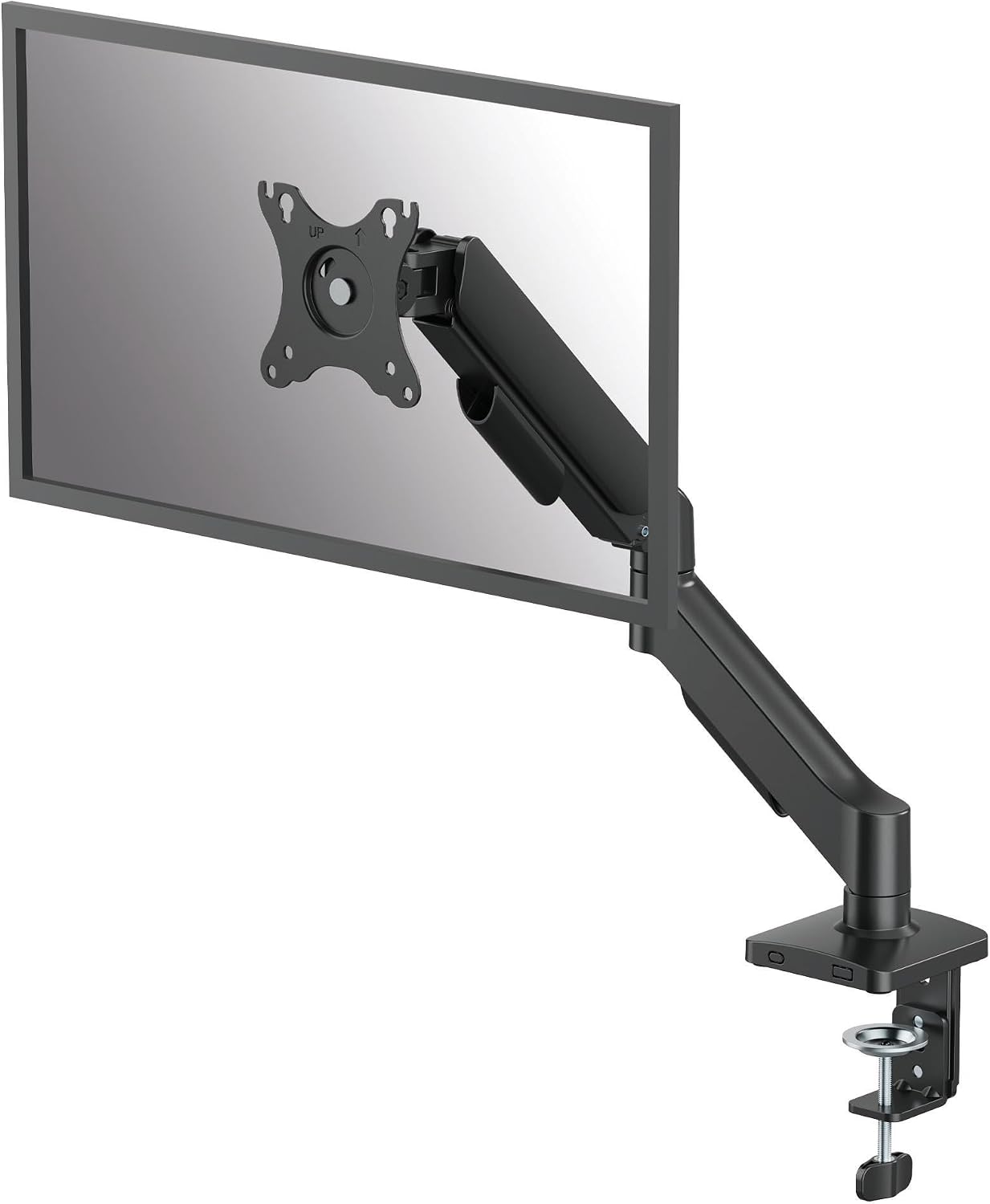
ED-X Plus Gaming Single Gas Spring Monitor Arm Supports up to 32" Screens Weighing 4.4-19.84 lbs, Height Adjusting, Tilt, Swivel, Rotate, VESA 75/100, Clamp or Grommet Mount, Cable Management
Check current Amazon price
Single gas spring arm rated 4.4 to 19.84 lbs for screens up to 32 inches, with height adjustment, tilt, swivel, and rotation, VESA 75/100 mounting, a clamp or grommet base, and cable management along the arm.
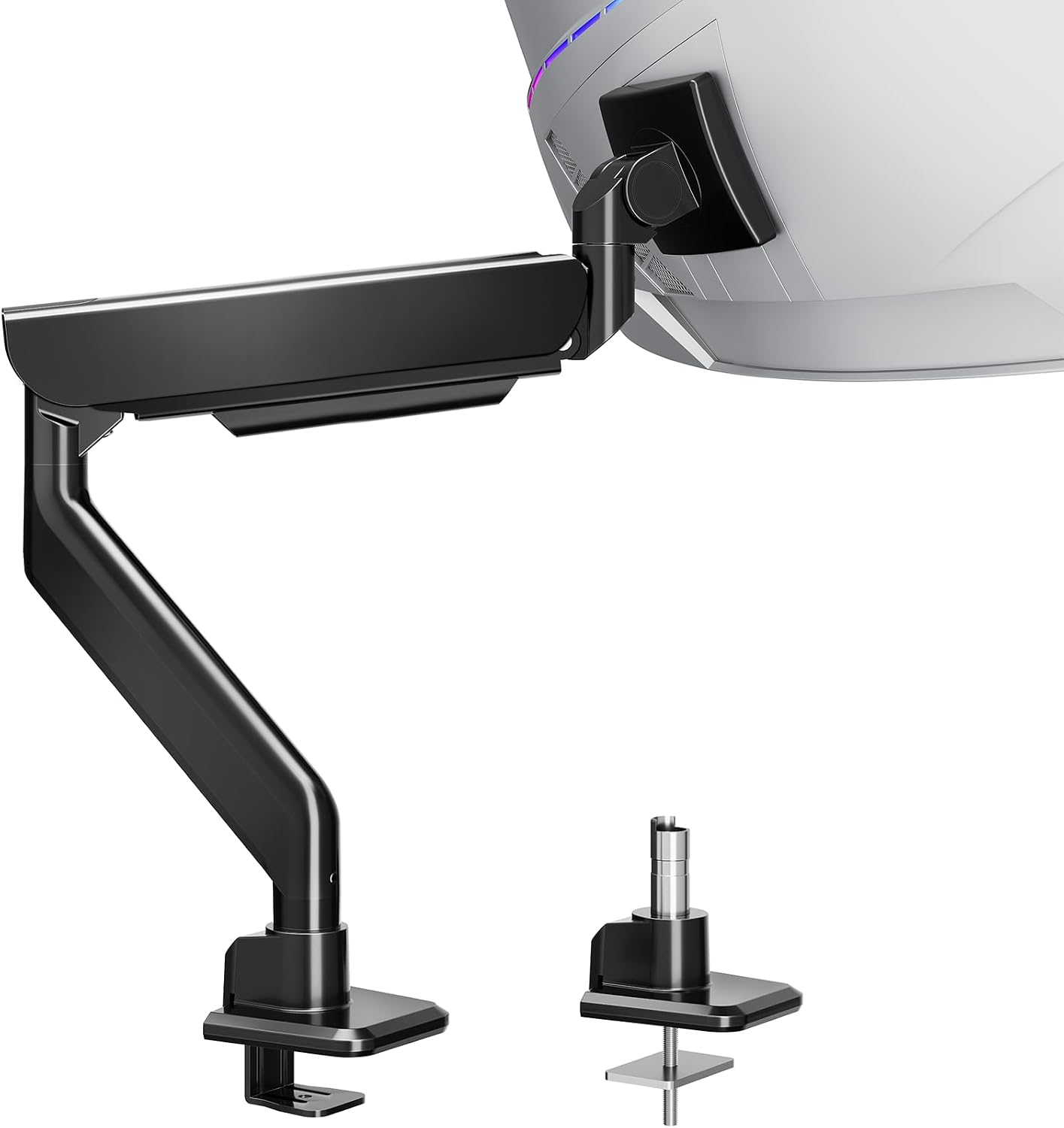
MOUNTUP Heavy Duty Monitor Arm, Single Monitor Mount for 57" Ultrawide Monitor, Supports 4.4-66 lbs, Large Monitor Arm with Full Motion Adjustment, Monitor Stand for Desk, Max VESA 100x100mm
Check current Amazon price
Heavy duty single arm rated 4.4 to 66 lbs and sized for a 57 inch ultrawide, with full motion adjustment and a 100x100mm maximum VESA pattern.
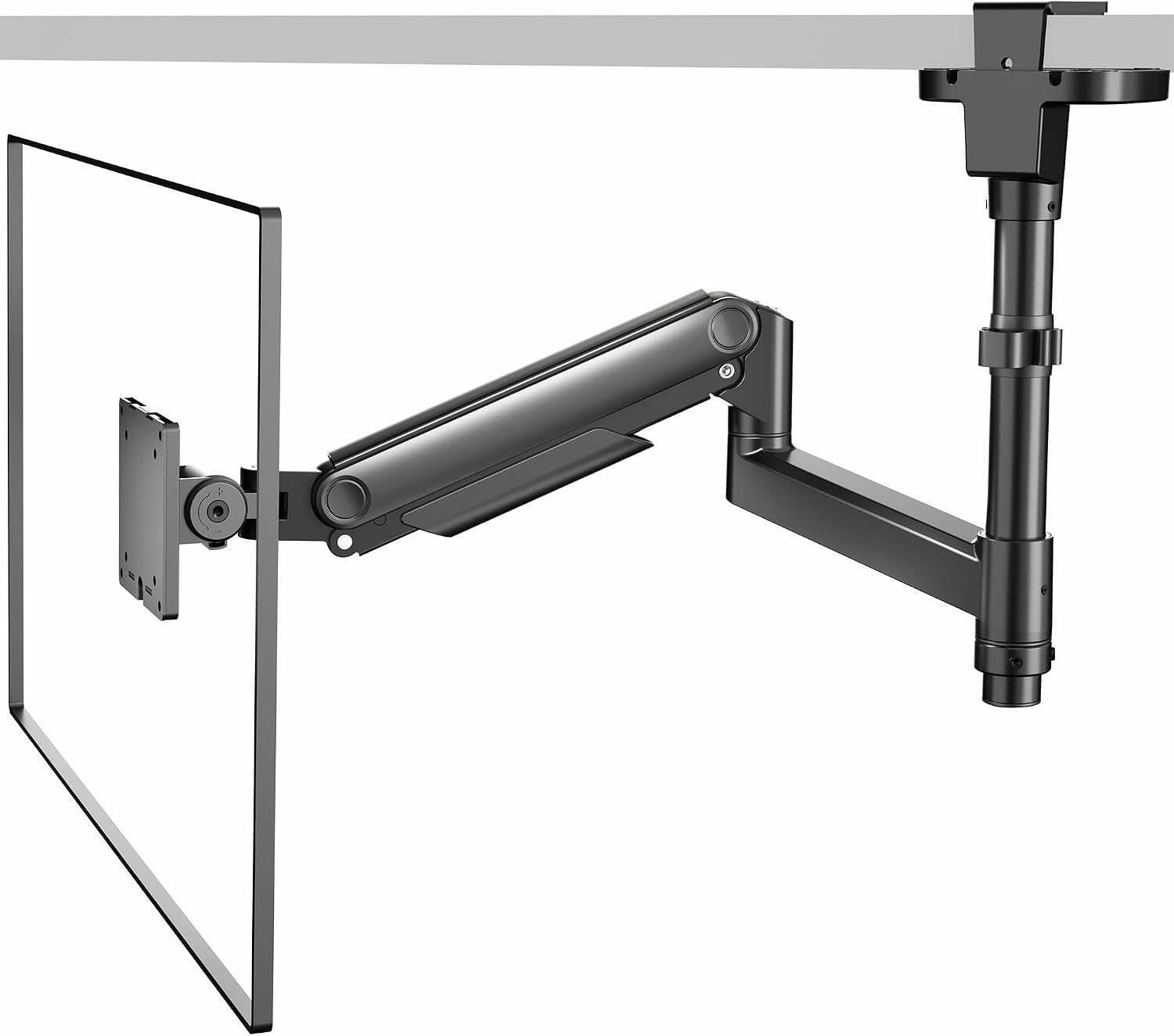
VIVO Under-Surface Clamp Monitor Mount, 17 to 32 in Screens, Holds 33 lbs
Check current Amazon price
Under-surface clamp mount for 17 to 32 inch screens holding up to 33 lbs, which keeps the base off the top of the desk entirely.
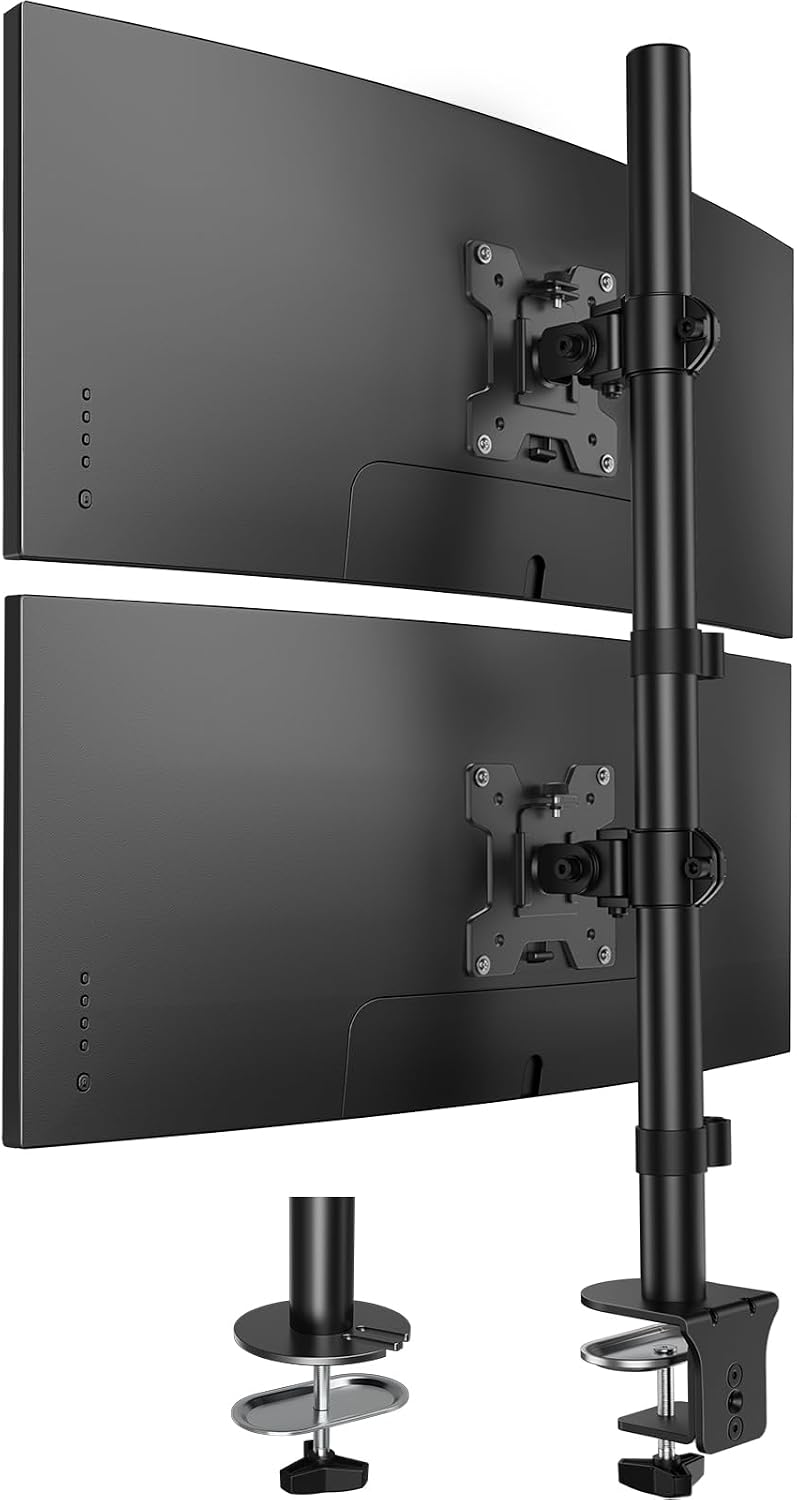
HUANUO Vertical Dual Monitor Mount, Stacked Monitor Stand for 2 Monitors with Height Adjustment Computer Monitor Arm Supports Two 17 to 32 Inch with C Clamp Each Desk Mount Hold up to 17.6lbs
Check current Amazon price
Vertical stacked dual mount for two 17 to 32 inch monitors, with height adjustment, a C clamp base, and 17.6 lbs of capacity per screen.
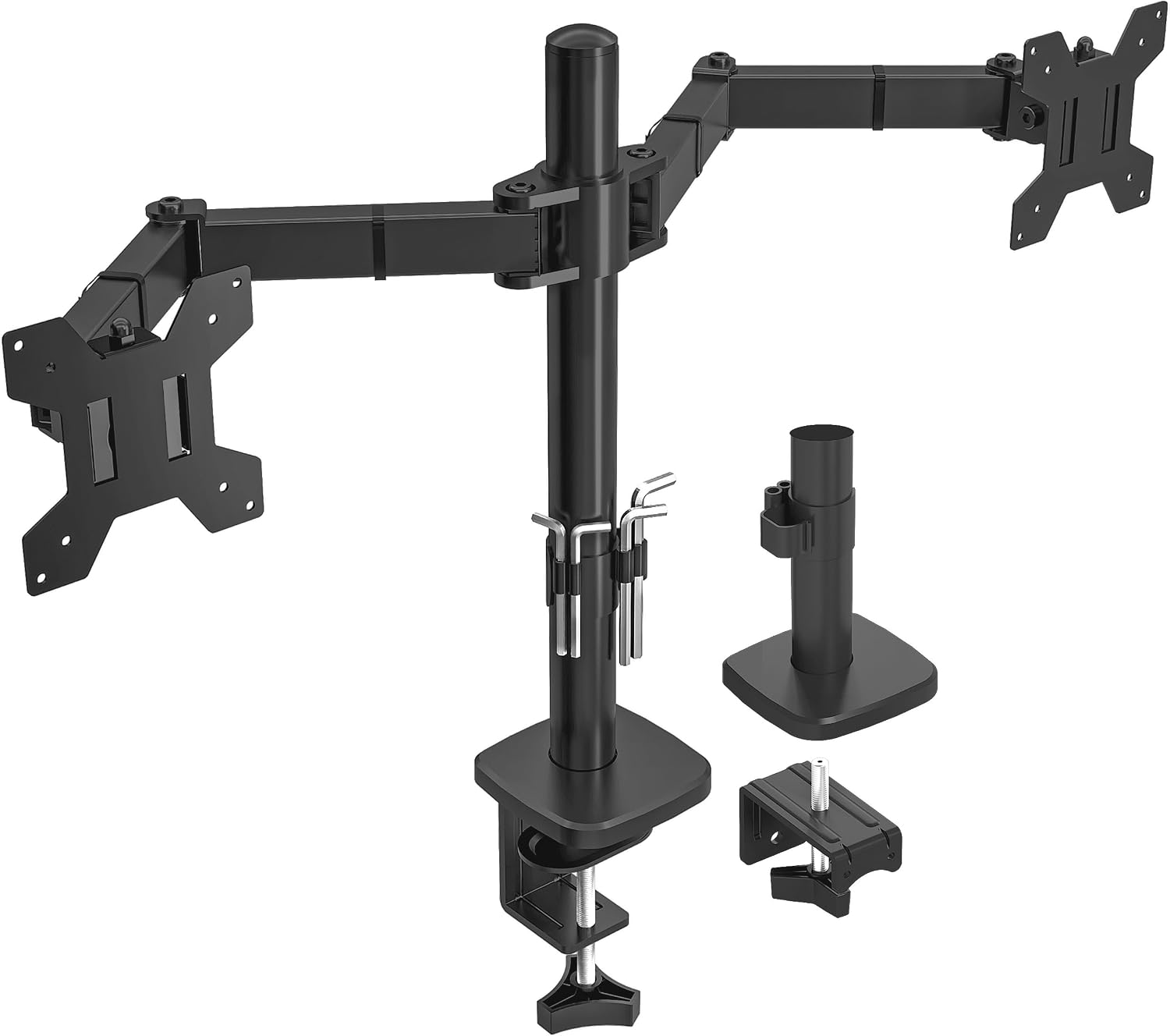
Utopia Home Dual Monitor Arm Adjustable Screen, Arm Desk Mount for 13-32 Inch Screens, VESA 75/100mm, Full Motion Tilt & 360° Rotation, Max 10kg per Arm, Height Adjustable up to 410mm (Black)
Check current Amazon price
Dual arm desk mount for 13 to 32 inch screens with VESA 75/100 mounting, full motion tilt and 360 degree rotation, up to 10kg per arm, and 410mm of height adjustment.
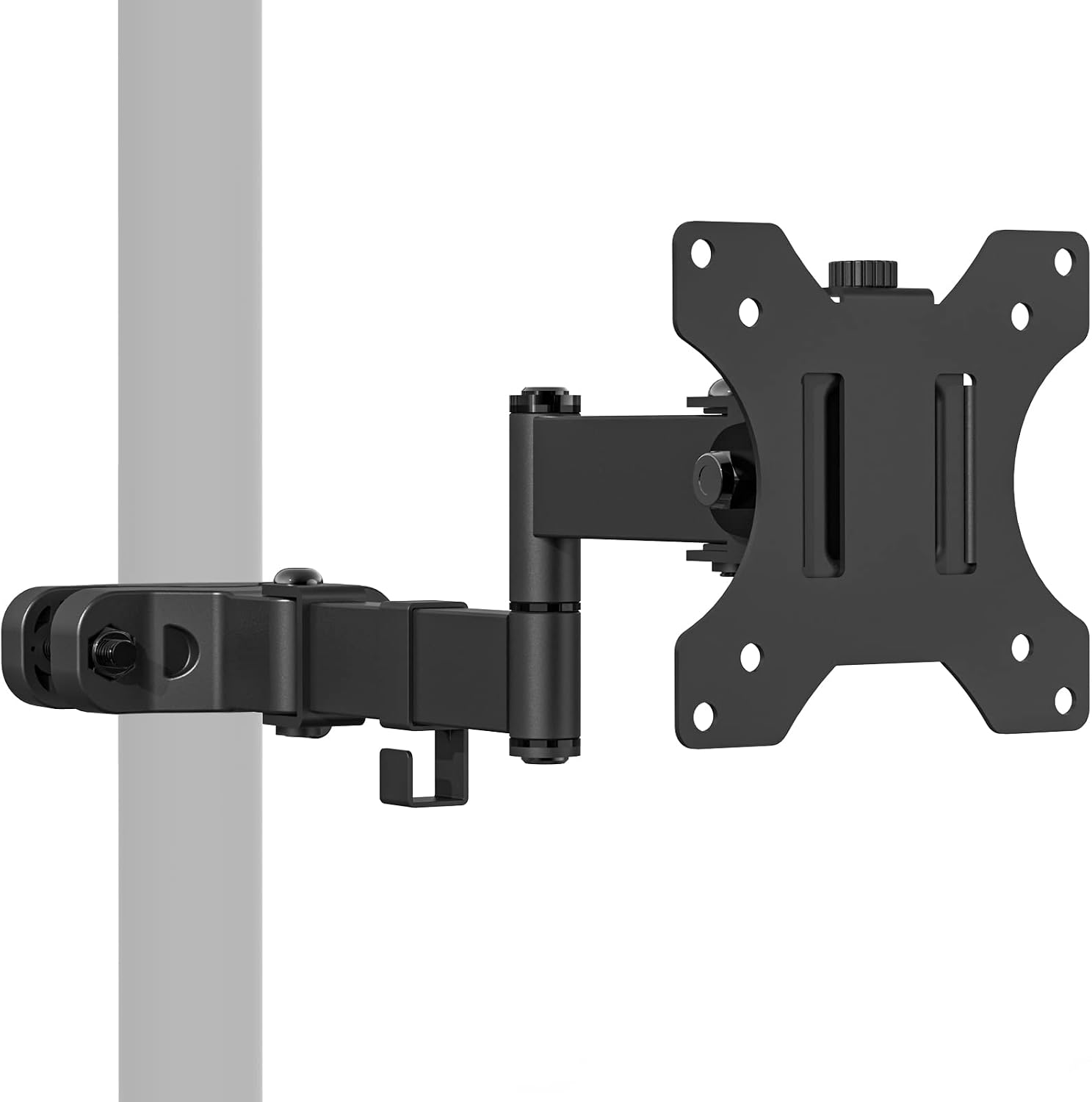
WALI Single Monitor Arm Mount for 17 to 32" Monitors, Full Motion Steel Monitor Pole Mount Bracket with Removable VESA Plate 75mm and 100mm, Vesa Mount for Outdoor, Gazebo, RVs (011ARM), Black
Check current Amazon price
Steel single monitor pole mount for 17 to 32 inch screens with full motion adjustment, a removable VESA plate for 75mm and 100mm patterns, and a listing that names outdoor, gazebo, and RV use.
How these products were compared
This guide compares published weight capacity, VESA pattern support, mounting method, adjustment range including tilt range and swivel, and cable management. Product names, images, and retailer links are matched by product identifier so that every card points to the product shown. Every monitor arm under 150 in this roundup is a desk mount rather than a wall bracket, because a desk mount is the version that moves with you when you change apartments.
Nothing here is a lab measurement. The numbers come from the manufacturer listings, and the judgement about who should skip a product comes from matching those numbers to common monitor weights, not from a bench test.
How to choose the right monitor arm
Start with a number, not a look. Find the weight of your monitor, either on the spec sheet or on a kitchen scale with the stand removed, and add about a pound for the VESA plate and screws. The arm has to hold that number comfortably inside its published range, not at the very top of it. A screen sitting at the ceiling of a weight capacity drifts out of angle over a long afternoon, and a screen far below the floor of a gas spring range rides up on its own. If you cannot say your monitor's weight in pounds, you are guessing, and guessing is how people end up returning arms.
Most buyers searching for a monitor mount under 150 compare maximum weights, and maximum weight is the wrong number to start with. So is a low price: a screen arm under 150 is only as good as its base, and if the clamp does not fit your desk edge, the arm goes back in the box no matter how good the joints are. Measure the desktop thickness and the flat overhang at the edge before you buy. A clamp mount needs a solid, flat lip, and a rounded or beveled edge will not hold one. If your desk has a cable hole in the right place, a grommet mount spreads the load better and leaves the top of the desk clear.
Desk width decides the rest. A side-by-side dual arm needs enough width for two panels to swing outward without hitting a wall, and a stacked pair spends vertical clearance instead. If you are still picking the desk itself, our guide to desk width for a dual monitor setup walks through the measurements.
ED-X Plus Gaming Single Gas Spring Monitor Arm Supports up to 32" Screens Weighing 4.4-19.84 lbs, Height Adjusting, Tilt, Swivel, Rotate, VESA 75/100, Clamp or Grommet Mount, Cable Management
The ED-X Plus is a single gas spring arm rated for screens up to 32 inches and 4.4 to 19.84 pounds. That window covers the overwhelming majority of 24, 27, and 32 inch office panels, which is why it takes the top spot: it fits the monitor most people already own without pushing them into a heavy duty bracket built for a 49 inch ultrawide. The arm adjusts in height, tilt, swivel, and rotation, uses a VESA 75 or 100 pattern, and routes cables along the arm.
The mounting hardware is the part that matters on a rental desk. Both a clamp mount and a grommet mount come in the box, so the same arm can move between desks without a second base purchase. The cable channel runs the length of the arm, which keeps the display cable from pulling the joint out of position.
Where it does not fit: a screen under 4.4 pounds, such as a small portable display, is too light for the spring to work against. A 32 inch panel sitting near the top of the range will hold its angle, but with less margin than a heavier duty arm gives you. A 57 inch ultrawide is outside the published range entirely, so skip this one there rather than testing the spring.
Alternatives to consider
The MOUNTUP Heavy Duty Monitor Arm is better suited to a 57 inch ultrawide or any single screen that pushes past 20 pounds, because its published range runs from 4.4 to 66 pounds and its joints are sized for that load. It tops out at a 100x100mm VESA pattern, so measure the back of a very large panel before ordering. The VIVO Under-Surface Clamp Monitor Mount is a stronger fit when the top of the desk has to stay clear: it clamps under the surface, holds up to 33 pounds, and fits 17 to 32 inch screens.
The HUANUO Vertical Dual Monitor Mount, the Utopia Home Dual Monitor Arm, and the WALI Single Monitor Arm Mount cover the remaining shapes a desk can take. The HUANUO stacks two 17 to 32 inch screens on one C clamp with 17.6 pounds of capacity per side, which saves width and spends height instead. The Utopia Home dual arm fits the widest spread of screens at 13 to 32 inches, supports up to 10kg per arm, and adjusts through 410mm of height, which makes it the pick for a pair of smaller displays. The WALI is a steel pole mount for a single 17 to 32 inch screen with a removable VESA plate, and its listing is the only one here that names outdoor, gazebo, and RV use.
Day-to-day use and maintenance
Assembly order matters more than torque. Clamp first, then load the monitor, then tighten the joints. Reverse that and you are tightening against a moving arm, which on a hollow-core or particleboard desktop is a good way to crack the surface.
Give the clamp a quarter turn after the first week. Desktops compress under a clamp, and an arm that felt solid on day one can rotate on its base by day ten. The same applies to a grommet mount: check the bolt once, then leave it alone.
Route the display cable through the cable channel with slack at each joint. A cable pulled tight acts like a spring against the arm and changes the monitor angle within a week. Leave enough slack at the monitor end to rotate the screen to portrait without stressing the connector.
Clean the arm with a damp cloth. Do not spray solvent or glass cleaner into the joint housings or onto the gas spring, and do not hang a headset or a bag on the arm, because the published weight capacity covers the monitor, not the monitor plus your accessories.
One safety note applies to every mount here: look under the desk before you clamp. A clamp that lands on a steel frame rail, a drawer slide, or a thin veneer over hollow core will not hold its rated load, whatever the listing says.
Buying checklist
- Weigh your monitor and add about a pound for the VESA plate and screws.
- Confirm the weight capacity range brackets that number with room at both ends, not just at the maximum.
- Measure desktop thickness and the flat overhang at the edge before choosing a clamp mount over a grommet mount.
- Confirm that the exact model includes both 75x75mm and 100x100mm VESA patterns.
- Choose one screen, a stacked pair, or a side-by-side pair based on your normal week rather than an occasional edge case.
- Read the cleaning and maintenance instructions.
- Verify the current retailer price, availability, and return terms.
Final recommendation
For most desks, the best monitor arm under 150 is the ED-X Plus, because it fits the 4.4 to 19.84 pound, up to 32 inch screen that sits on the majority of home office desks, and it gives you both a clamp mount and a grommet mount without buying a second base. Choose the MOUNTUP when your panel is a 57 inch ultrawide or weighs more than 20 pounds. Choose the VIVO under-surface clamp when the top of the desk has to stay clear. Choose the HUANUO when you want two screens stacked and have the vertical clearance for it, the Utopia Home dual arm when your screens are 13 to 32 inches and you want them side by side, and the WALI pole mount when you need a single steel arm that its maker is willing to list for an RV or a gazebo.
If your monitor weighs less than 4.4 pounds, none of the gas spring options here are right for it, and an arm that publishes no weight capacity at all is not worth the desk space.