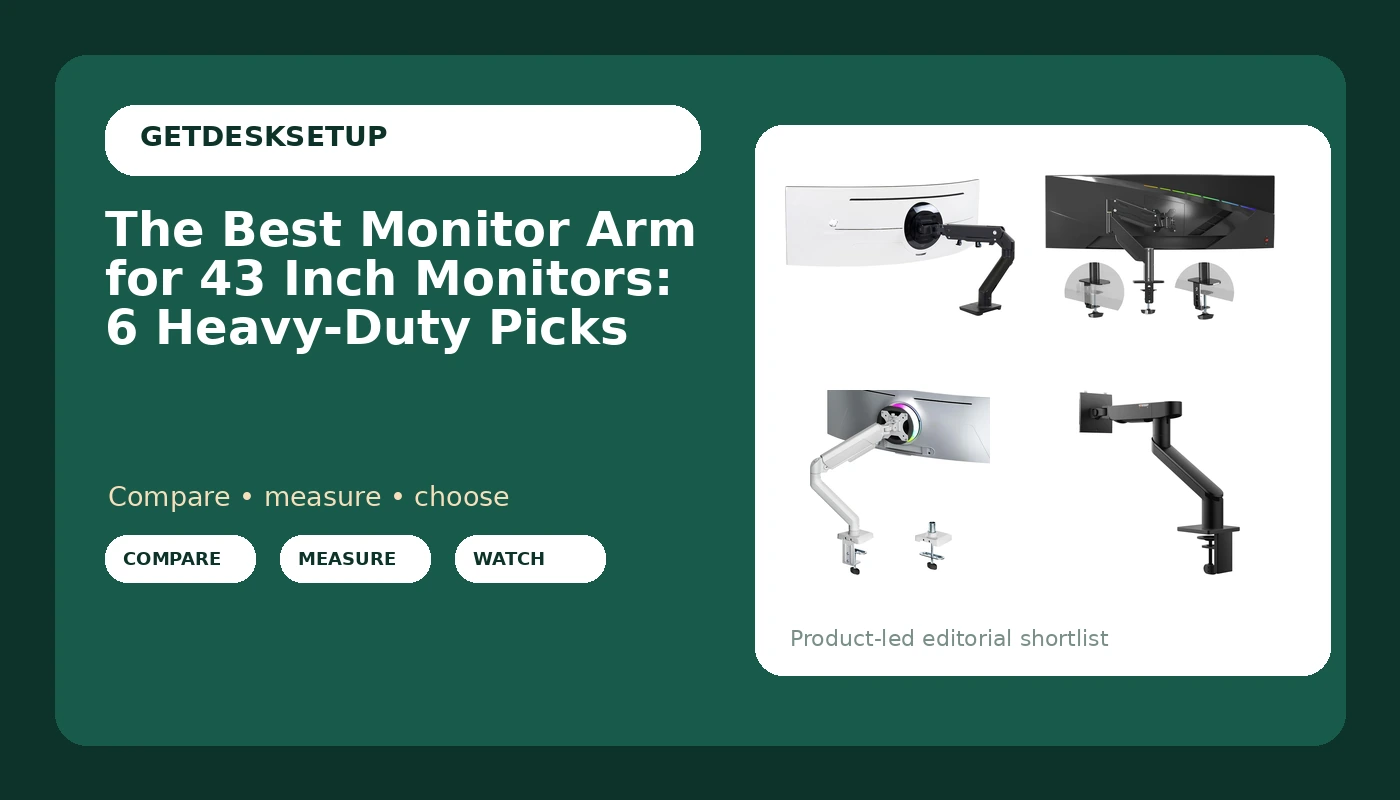
A 43 inch display is a different problem from the 27 inch screen it replaced. The panel is heavier, the mounting plate is usually larger, and the arm has to hold a wide screen steady at arm's length without the tilt joint drifting after a week. Plenty of arms sold as heavy duty top out at 32 inches, which is why shopping for a monitor arm for 43 inch monitors takes more than sorting by review count.
I spent nine years buying furniture for 400 person floors and six more building out 310 home offices. The rule I work by is simple: no fit claim without a stated weight range. If a listing will not say what it holds, it does not go on a client's desk. This guide compares six arms sold for large panels and names the setup each one actually fits.
Related: Dual Monitor Setup Guide for a Standing Desk
Quick answer
The Ergotron HX HD Premium Heavy Duty Gaming Monitor Arm is the strongest fit for a heavy 43 inch panel, because it is the one arm in this group with a published weight capacity of 28 to 42 lbs and a stated screen range that runs up to 49 inches. Choose the Pholiten Heavy Duty Monitor Arm for up to 43" instead when your panel is on the lighter side and you want an arm listed for 43 inches specifically. If your screen weighs less than 28 lbs, check the bottom of the Ergotron range before you order, because a capacity range has a floor as well as a ceiling.
What is worth comparing in a monitor arm for 43 inch monitors
Four numbers decide whether an arm works on a 43 inch screen, and none of them is the review count.
Weight capacity. This is the spec that fails first. A 43 inch panel is heavier than most desk arms are built to hold, and an arm rated below the panel's weight will sag at the joint no matter how hard you tighten it. Capacity is usually published as a range, such as 28 to 42 lbs, and both ends matter. Too heavy a panel overloads the spring. Too light a panel means the arm may not hold the screen where you set it.
Screen size rating. Size ratings are a proxy for the length and strength of the arm rather than a hard physical limit, but they are the fastest filter you have. An arm listed for 13 to 35 inch screens is built for a standard desktop display. An arm listed to 43 inches or to 49 inches is built for the class of panel you own.
VESA pattern. The mounting plate on the back of your monitor follows a VESA pattern, usually written as two numbers in millimeters. A VESA monitor arm for 43 inch monitors is only as good as the plate match, so confirm the pattern on your panel and confirm the arm supports it before ordering. An arm that covers 75x75mm and 100x100mm handles the common small and mid patterns, and a larger panel sometimes needs a bigger plate than the arm ships with.
Mount style. Most arms attach with a clamp mount that grips the back edge of the desktop, or a grommet mount that passes through an existing hole. Clamp mounts need a clear rear edge and a desk top thin enough for the jaw. Grommet mounts need a hole, but they hold better on a desk with a thick or beveled edge.
Then come the movement specs. Tilt range and swivel decide whether you can angle a wide panel toward your seat, and the height adjustment range decides whether the bottom of a 43 inch screen can clear the desk. Cable channel routing matters more than it sounds. A cable that hangs free will pull on the arm every time you move the monitor, and the screen ends up a few degrees off level by the end of the week.
Finally, measure your desk. A 43 inch panel on a single arm needs roughly the panel width plus the arm's reach in clear space, and I would not put one on a desk narrower than 55 inches unless the arm is wall mounted or the desk sits in a corner.
Top pick
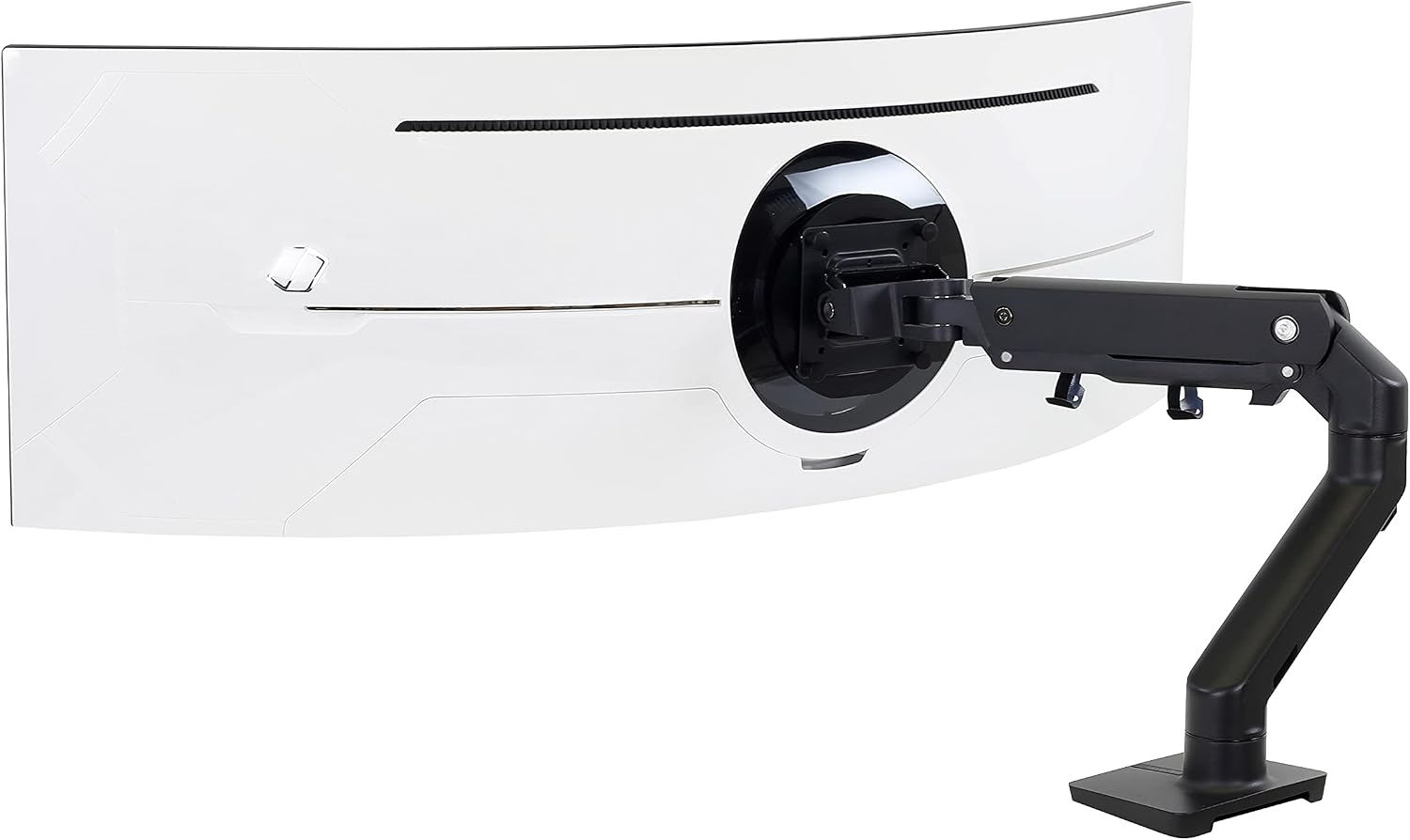
Ergotron, HX HD Premium Heavy Duty Gaming Monitor Arm, Single Monitor Desk Mount, for 1000R Curved Ultrawide Monitors Up to 49 Inches, 28 to 42 lbs, VESA 75x75mm or 100x100mm, HD Pivot, Matte Black
Check current price
A single monitor desk mount with a published 28 to 42 lb capacity and a screen rating up to 49 inches, with both 75x75mm and 100x100mm VESA support and an HD pivot at the load-bearing joint.
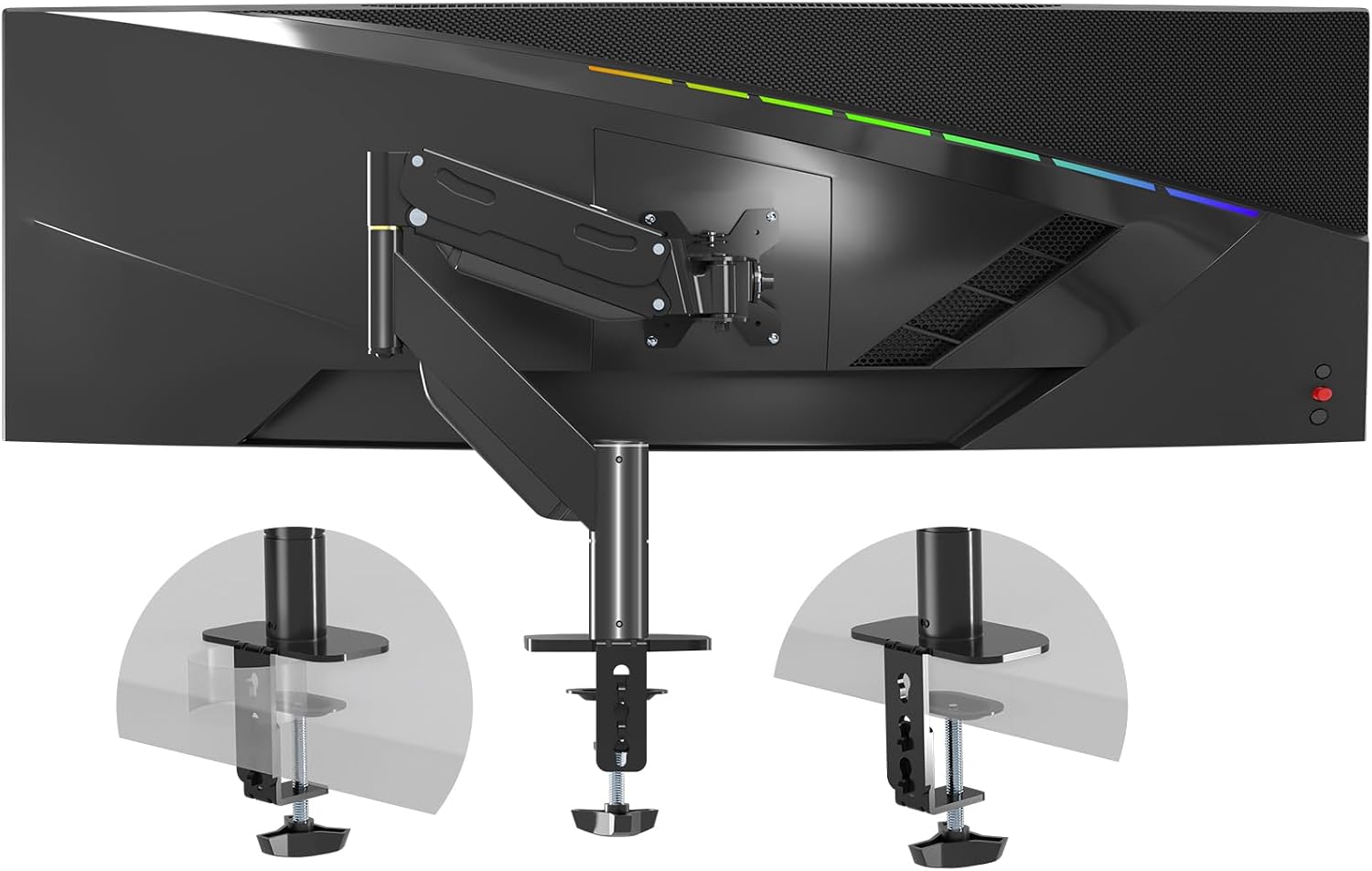
Pholiten Heavy Duty Monitor Arm for up to 43"
Check current price
A heavy duty single arm listed for panels up to 43 inches, aimed at large displays that need a full-size mount rather than a 27 inch desk arm.
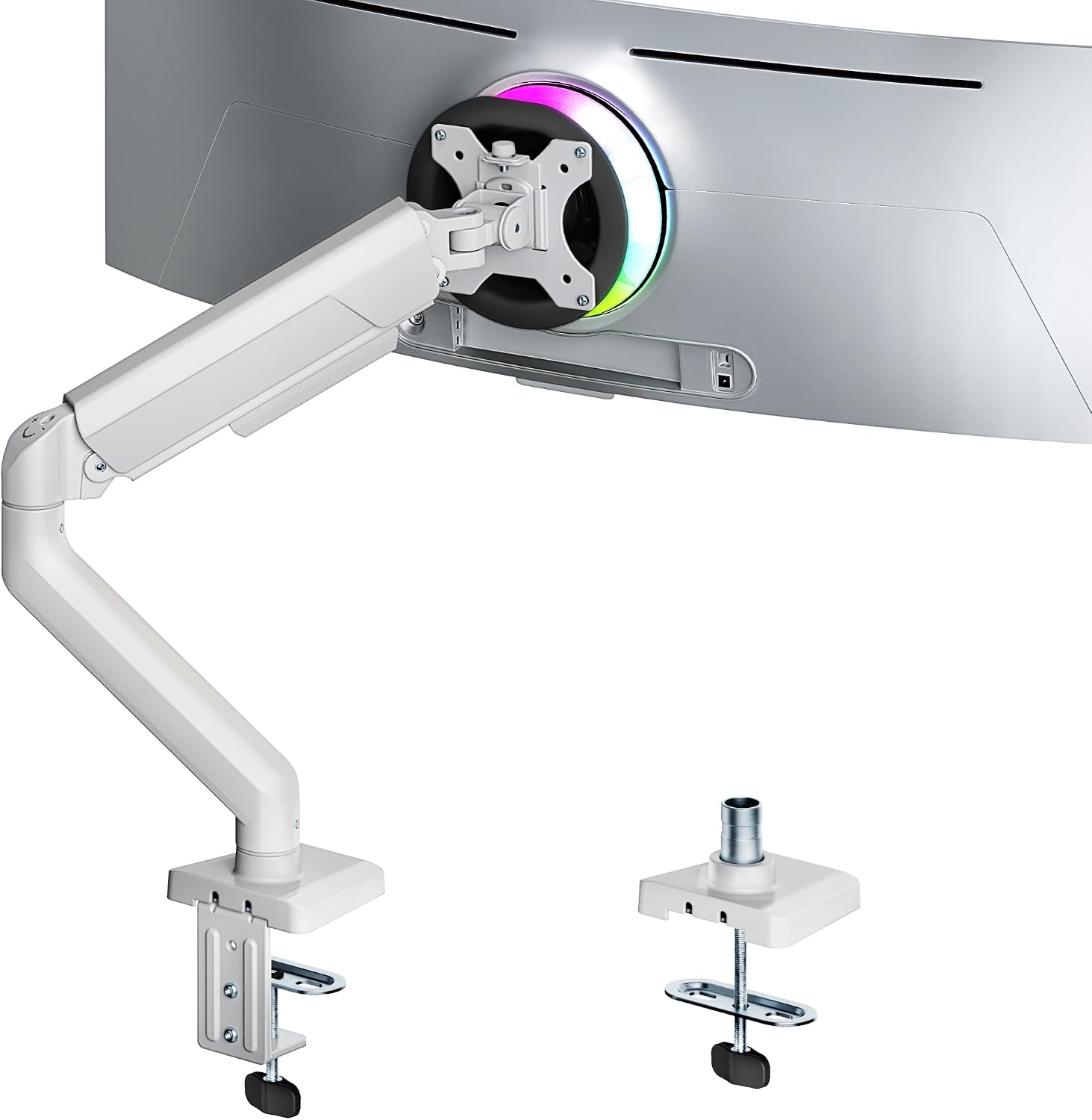
ARES WING 17-40 Inch Heavy Duty Monitor Arm, White
Check current price
A heavy duty single arm listed for 17 to 40 inch screens in a white finish, for setups where the mount should disappear against a light wall or desk.
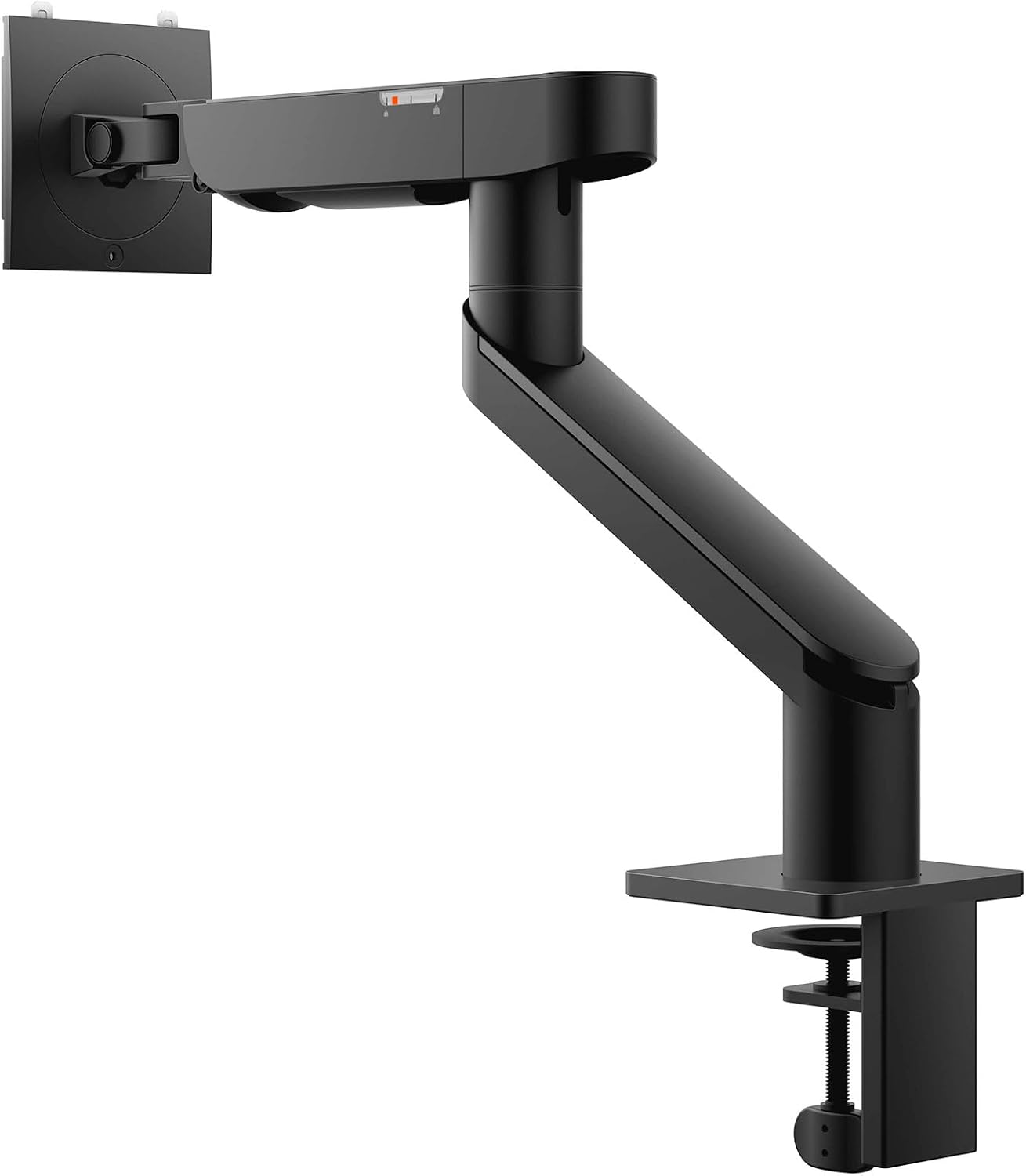
Dell Single Monitor Arm MSA20, Adjustable Arm
Check current price
An adjustable single monitor arm from Dell for a branded desk setup. Confirm a stated screen size and weight range for your panel before sizing it to a 43 inch display.
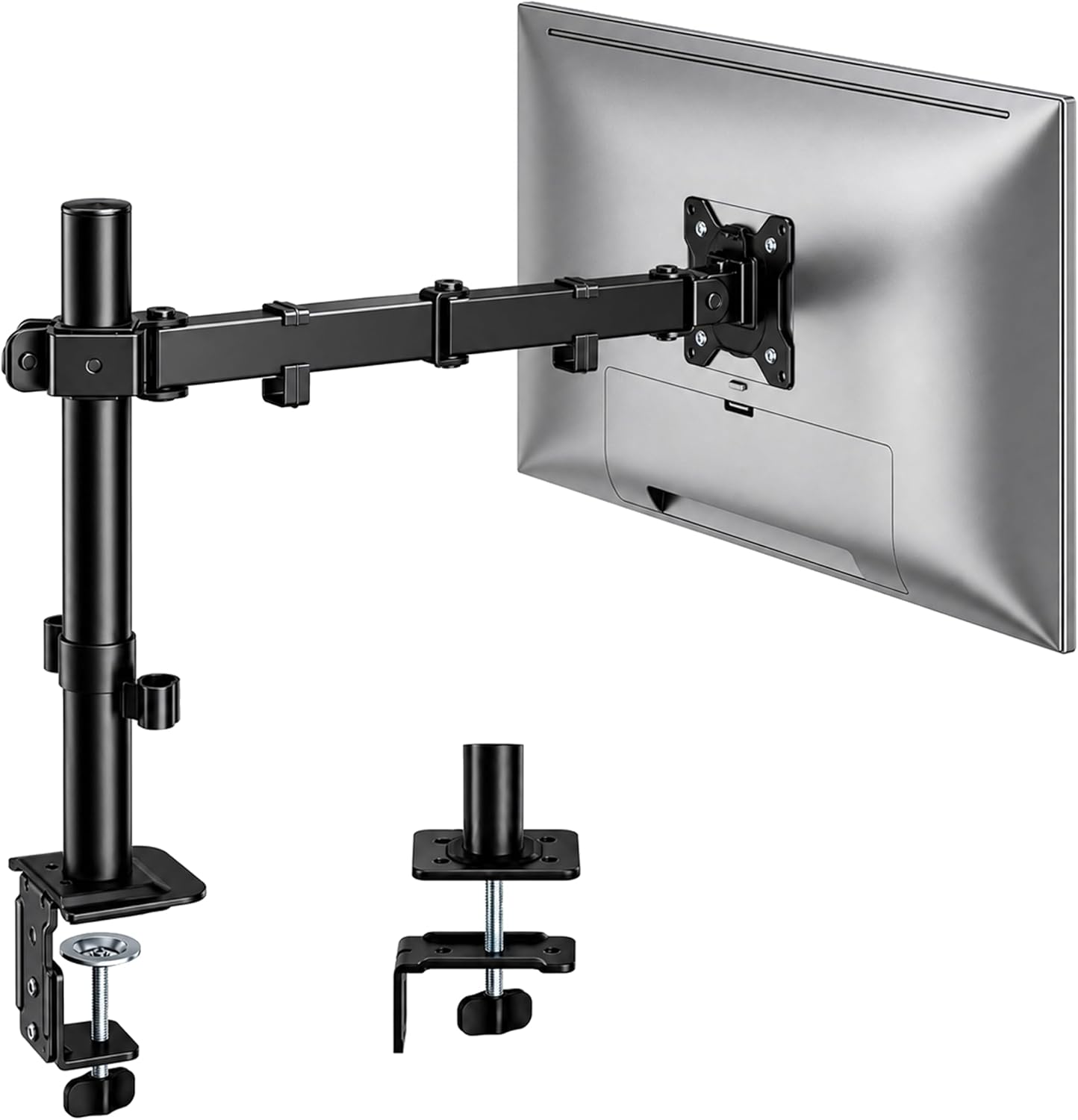
monTEK Extra-Long Monitor Arm for 17-32" Screens, 22 lbs
Check current price
An extra-long arm listed for 17 to 32 inch screens with a 22 lb capacity, which makes it a reach solution for a deep desk rather than a mount for a 43 inch panel.
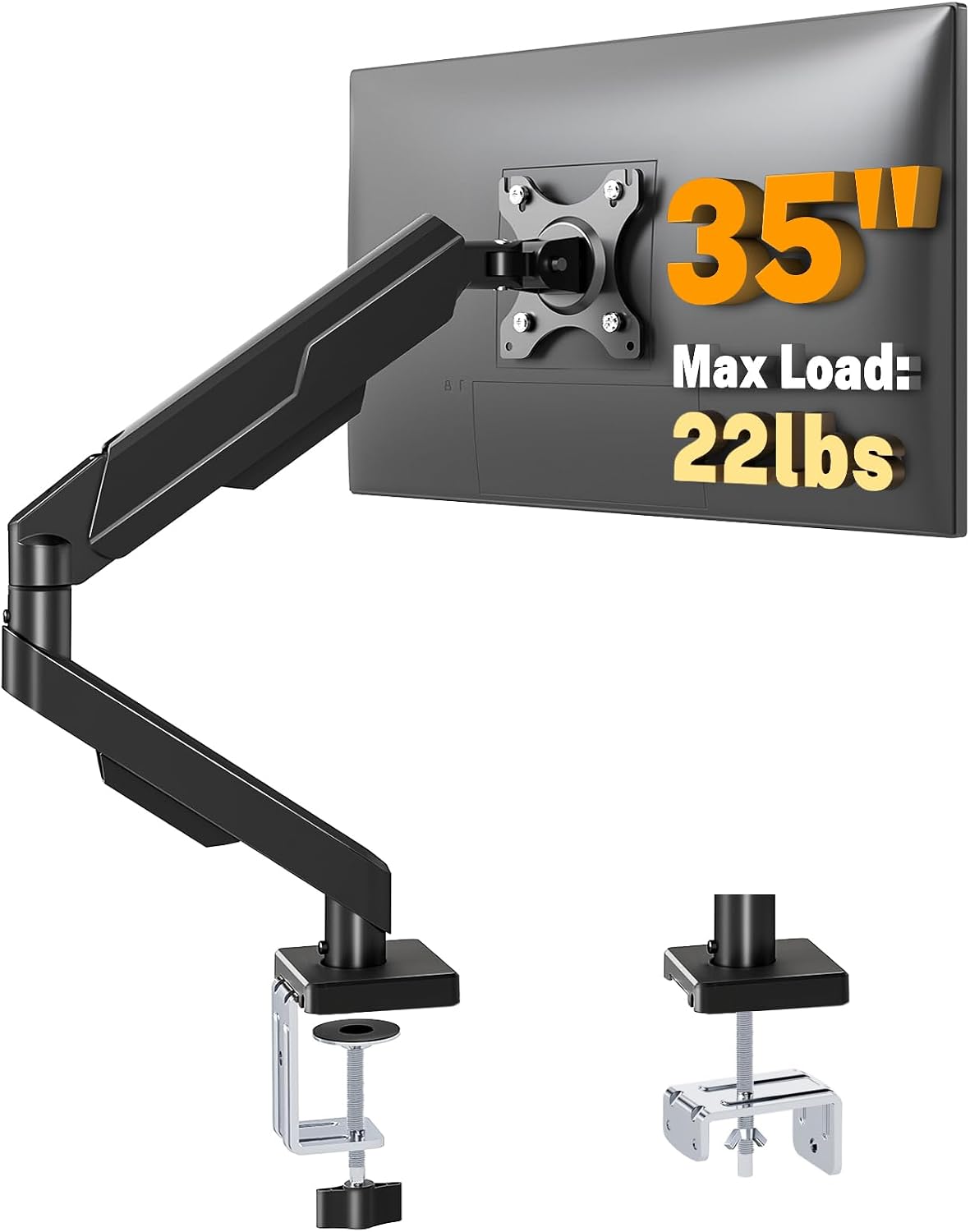
5Rcom Single Monitor Arm for 13-35 Inch Computer Screens
Check current price
A single monitor arm listed for 13 to 35 inch screens, sized for standard desktop displays and best treated as a second-screen arm in a 43 inch setup.
How these products were compared
This guide compares stated weight capacity, stated screen size range, VESA pattern support, mount style and desk clearance, and range of motion with cable routing. Product names, images, and retailer links are matched by ASIN so that every card points to the product shown.
Nothing here is presented as a lab measurement. Where a listing does not publish a weight or size rating, this guide says so instead of guessing, and no current price is printed because prices move. Use the link on each card to confirm the current price, availability, and return terms before you order.
How to choose the right monitor arm
Start with the weight of the panel, not the diagonal. The weight is on the manufacturer's spec page, and it is the number that decides whether an arm holds or sags. Write it down, then look for an arm whose stated weight capacity brackets it with room on both sides.
Then check the VESA pattern on the back of the monitor. If the plate is 100x100mm, an arm that lists 75x75mm and 100x100mm support will bolt straight on. If the plate is larger than anything the arm lists, you need an adapter plate, and that adds weight the arm has to carry.
Next, the desk. Measure the top thickness and look at the rear edge. A clamp mount needs a flat, clear edge and usually a top no thicker than about two inches. A grommet mount needs a hole, and on a sit-stand desk with a thick frame it is often the more secure of the two. Whichever you use, the base should sit a few inches back from the desk edge nearest your chair so the panel can swing without clipping the wall behind it.
Then think about range of motion in the direction you actually use. A 43 inch panel is wide, so a generous tilt range and a swivel that lets the screen turn toward a second seat matter more than an enormous height range. Some arms use a gas spring to counterbalance the load and others use a mechanical spring. Either can work, but a spring tuned for a 20 lb panel will not hold a 30 lb one.
If you are shopping for a monitor mount for 43 inch monitors and your desk is under 55 inches wide, rethink the plan before you buy the arm. A panel that wide on a short desk leaves no room for speakers or a lamp, and you will spend the next year fighting the arm for space.
A screen arm for 43 inch monitors also has to solve cable routing, so check for a cable channel that runs the length of the arm. Cables should travel with the arm rather than hang across the desk. I keep a short note on that in how to route monitor cables without pulling your screen off angle.
The best monitor arm for 43 inch monitors is not the one with the longest feature list. It is the one whose weight capacity and VESA pattern match the panel you already own, on a desk that has room for the swing.
Ergotron HX HD Premium Heavy Duty Gaming Monitor Arm
The Ergotron HX HD is the arm I would start with for a heavy 43 inch display. It is a single monitor desk mount built for large curved and ultrawide panels, listed for screens up to 49 inches and for a weight range of 28 to 42 lbs. It supports both 75x75mm and 100x100mm VESA patterns, and it uses an HD pivot at the joint that carries the panel's weight.
The weight range is the important part. Most arms sold for this screen size never publish a number, and a range is what lets you check your panel against the mount instead of hoping. If your 43 inch monitor is heavier than 42 lbs, this arm is not rated for it. If your panel is lighter than 28 lbs, the counterbalance may not hold the screen where you set it, so either confirm the low end with the manufacturer or look at a lighter-duty arm.
Skip the HX HD if you want a small arm for a second 24 inch screen, or if your desk edge cannot take a clamp and you have no grommet hole. It is a large mount, and it needs the desk width and the rear clearance that a 43 inch panel demands.
Alternatives to consider
The Pholiten Heavy Duty Monitor Arm for up to 43" is better suited to a lighter 43 inch panel where you want an arm listed for that size, while the ARES WING 17-40 Inch Heavy Duty Monitor Arm is a stronger fit when your screen sits inside its listed 17 to 40 inch range and you want a white finish that disappears against a pale wall. Both are single-arm desk mounts, and both still need your panel's weight checked against the published capacity before you order.
The Dell Single Monitor Arm MSA20 is an adjustable single arm for a branded desk setup. If you cannot find a stated screen size or weight range for it, treat it as a smaller-display arm and confirm the rating before hanging a 43 inch panel on it.
The monTEK Extra-Long Monitor Arm and the 5Rcom Single Monitor Arm are both sized for smaller screens, listed for 17 to 32 inches and 13 to 35 inches respectively, and the monTEK also publishes a 22 lb capacity. Neither belongs under a 43 inch primary display. They make good second-screen arms on the same desk, holding a 24 or 27 inch panel off to the side while the big screen stays on the heavy-duty mount.
Day-to-day use and maintenance
Setup order matters more than most people expect. Clamp the base to the desk first and tighten it, then bolt the VESA plate to the monitor on a padded surface, then lift the panel onto the arm. Loading the arm before the clamp is tight is how desk tops crack.
Once the panel is on, set the tension before you set the angle. Most arms have an adjustment for the spring or gas spring, and it should be dialed to the panel's weight so the screen stays where you leave it. Do that with the monitor attached, a quarter turn at a time, and support the arm with one hand while you adjust.
Expect to re-tighten after the first week. A clamp mount settles into the desk finish, and the joint bolts take a set under a heavy panel. A quick check with the right size hex key at day seven and again at day thirty keeps the tilt joint from drifting. If the screen still creeps down on its own after that, the tension is wrong for the panel weight, not the arm.
Route cables through the cable channel and leave a service loop at both ends. A cable pulled tight will transfer force to the arm every time the desk moves, which is the fastest way to change your monitor angle without touching it. Leave enough slack at the monitor end to swing the panel through its full swivel without tugging.
Clean the arm with a dry or slightly damp cloth, and keep liquid away from the joints. If you have a sit-stand desk, run the height through its full travel once a month and watch the arm. A cable that was fine at sitting height can catch the desk frame at standing height.
Buying checklist
- Measure the panel's weight, not just the diagonal.
- Confirm the VESA pattern on the back of the monitor before you order.
- Choose a weight capacity range that brackets your panel with room at both ends.
- Measure your desk top thickness and decide between a clamp mount and a grommet mount.
- Plan on at least 55 inches of desk width for a 43 inch panel on a single arm.
- Check the tilt range, swivel, and cable channel against how you actually use the screen.
- Verify the current retailer price, availability, and return terms.
Final recommendation
Choose the Ergotron HX HD Premium Heavy Duty Gaming Monitor Arm when your 43 inch panel weighs between 28 and 42 lbs and you want the one mount in this group with a published capacity and a screen rating above your panel size. Choose the Pholiten Heavy Duty Monitor Arm for up to 43" when your display is lighter and you want an arm listed for 43 inches specifically.
If your panel is lighter than 28 lbs, or your desk cannot take a clamp or a grommet mount, none of the arms here is a fit until you confirm the numbers with the manufacturer. That is not a dodge. The best monitor arm for 43 inch monitors is the one whose published weight range and VESA pattern match the panel you already own, and a mismatch on either number shows up within a week as a screen that will not stay where you put it.