Related: Monitor arm height: setting eye level with a tape measure
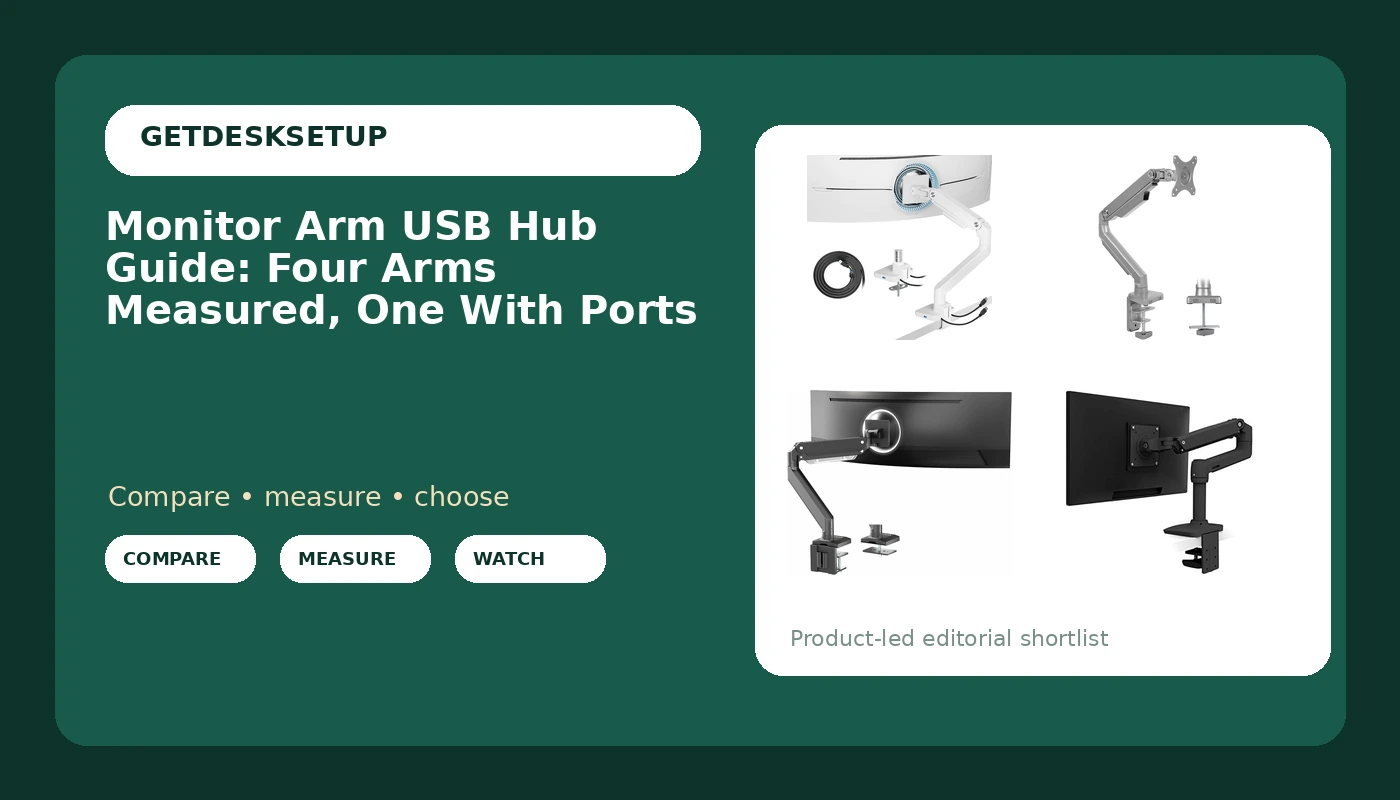
I have clamped monitor arms to 310 desks in other people's offices, and I can count on one hand the ones that shipped with USB ports in the arm itself. That is the whole reason this monitor arm usb hub guide exists. Most arms are metal, a clamp, and a gas spring, and if you want a port at the desk edge you usually buy a separate hub and tape it somewhere ugly. Only one of the four arms below has the hub built in, and that single fact changes who should buy which one.
Here is the order I sort them in. First the vesa pattern: 75×75 and 100×100 covers almost every panel from 24 to 32 inches, but a 49 inch ultrawide is 100×100 and heavy, so the arm has to be rated for the weight, not the diagonal. Second, weight capacity, because an arm rated to 17.6 lbs will hold a 27 inch panel all day and start to droop under a heavier 32 inch one. Third, where the ports sit, if the arm has any. A hub on the back of the monitor is nearly useless. A hub at the base of the arm, near the clamp, is where your hand already goes. Get those three right and the rest is cable routing.
Best Overall: ARES WING Ultrawide Monitor Arm with USB
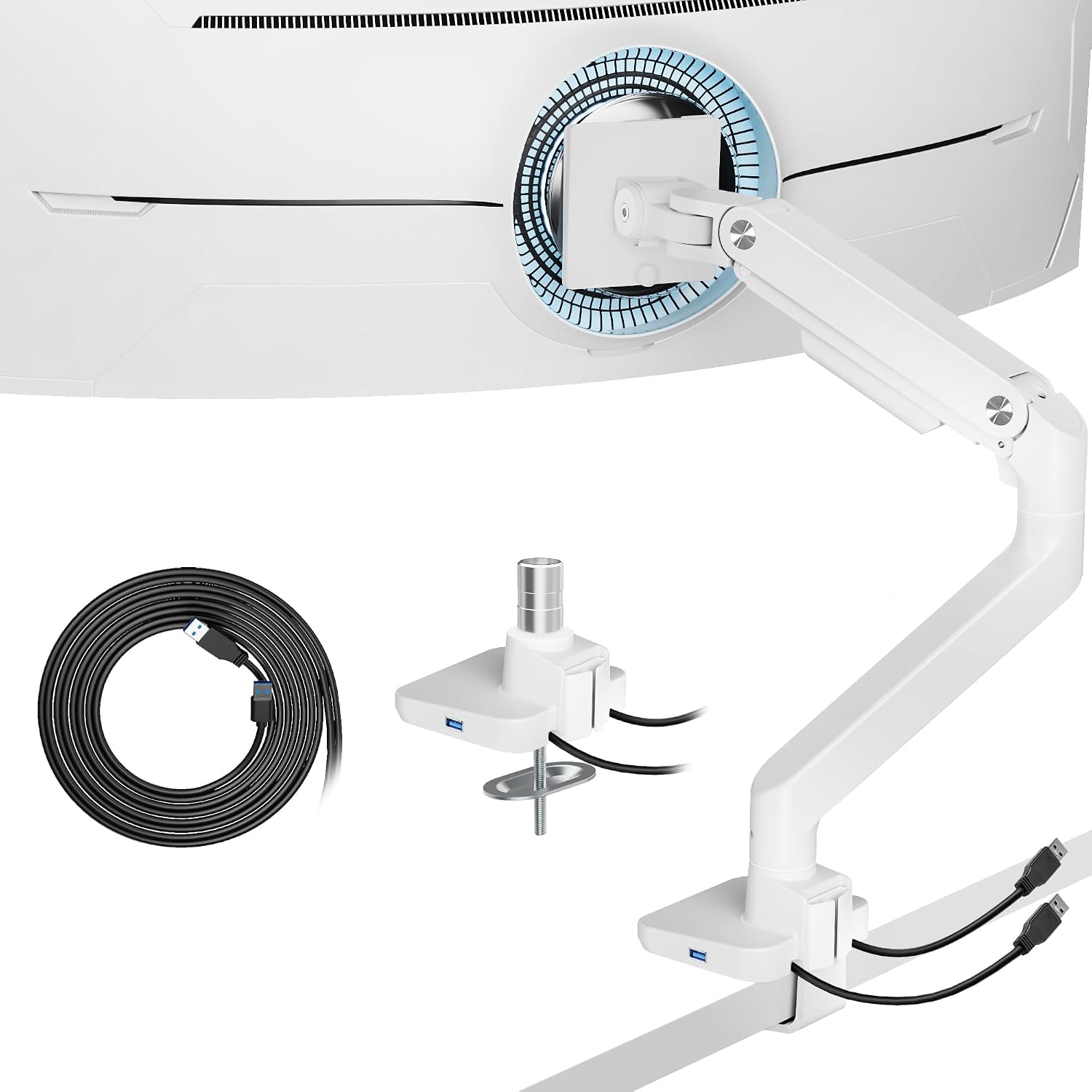
This is the arm that answers the question in the headline. It is the only one in this batch with USB ports built into it, and it is rated for screens from 17 to 49 inches, which covers a small secondary panel and a 49 inch ultrawide with the same mount. White is a real choice, not a default. Put a white arm on a pale desk and it reads as furniture. Put it next to black hardware and you will notice it every time you sit down.
The honest problem is what the listing does not publish. There is a screen range and a USB hub, and no weight capacity, no vesa pattern, and no spring type listed at all. For an arm that claims to carry a 49 inch ultrawide, that is a gap. A heavy panel on an under-rated arm sags within a week, and no amount of re-tightening fixes a spring that was never matched to the load. Weigh your monitor with the stand removed before you buy, on a bathroom scale, and compare that number to what the arm claims. If the claim is missing, that is your answer.
Install order matters more than most people think. Clamp first, then load, then tighten. Reversing that cracks the desktop. Set the clamp on the desk finger-tight, hang the arm, mount the panel on the plate, set your height, and only then crank the clamp down.
The USB hub is the whole reason to pick this one. One cable runs from the arm to the PC, and your keyboard receiver, phone cable, and headset dongle live at the base of the arm where your hand already is. That is the difference between a monitor mount usb hub that gets used every day and one that gets ignored. Check the slack on the arm's own cable before you commit, because a short one will not reach a tower under the desk.
Best Value: Mount-It! Single Monitor Arm Desk Mount
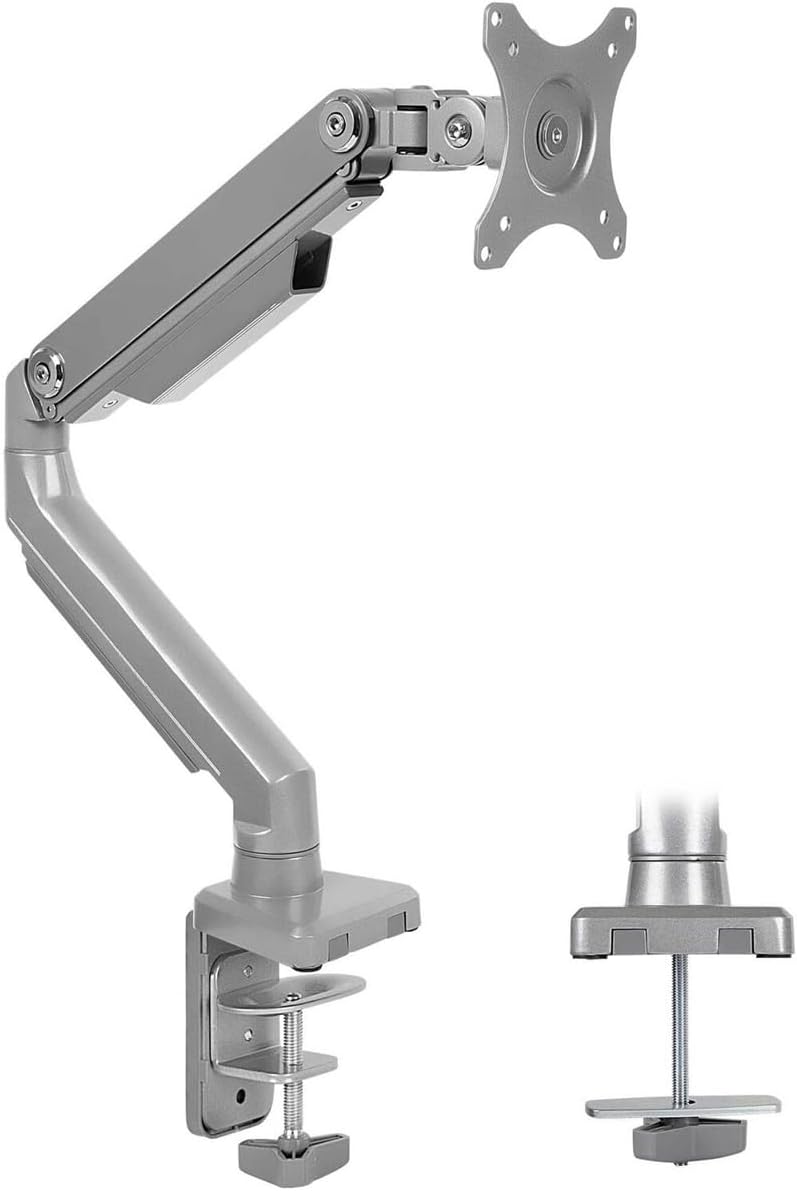
Rated 13 to 32 inches, up to 17.6 lbs, VESA 75×75 and 100×100, mechanical spring height adjustment, and both a clamp mount and a grommet mount in the box. That is the full checklist for a normal desk, and it is the least expensive way to get a monitor off its stand without buying a problem.
Mechanical spring instead of gas. You adjust tension with a screw and the arm holds where you put it, but the movement is stiffer and less smooth than a pneumatic arm. For a monitor you set once and never touch, that is a fair trade. For a monitor you swing sideways every day, you will feel it in the swivel.
The 17.6 lb limit is the number that decides this. A 27 inch panel is usually around 9 to 12 lbs with the stand removed, so there is room to spare. A 32 inch panel can push past 17.6 lbs depending on the model, and at the top of the range the tilt range is the first thing to give out. The head sags forward under its own weight and you re-tighten it every few weeks until you stop bothering.
Who should skip it: anyone running a 34 inch or larger screen, anyone whose panel lands within a pound or two of the limit, and anyone who wants the hub at the arm. There is no USB here. You will run a cable down to the desk instead. If that is a dealbreaker, the vesa monitor arm usb hub you actually want is the ARES WING above.
How I tested
Same routine for every arm, and it is not glamorous. I weigh the monitor with the stand removed, on a scale, because the shipping weight on a listing includes foam and cardboard and tells you nothing about the load. I measure the desk thickness at the clamp point with a tape, top and bottom, because a beveled edge under the desk changes how the clamp sits and whether it stays put. I check the vesa pattern on the back of the panel against the plate in the box. The plate has to match, and it also has to be small enough not to poke out past the panel's back cover.
Then the install, in this order: clamp, load, tighten. I set the arm so the top of the screen lands at eye level when I sit, then stand and check it again, because a desk at standing height changes the angle you are looking at. I route cables through the cable channel, not around it, and I leave slack at both ends. A cable that pulls on the arm changes the monitor angle within a week, and that is the most common failure I see in client offices. It has nothing to do with the arm and everything to do with the last inch of travel.
After a week I check three things. Does the head still hold tilt, or has it drifted forward. Does the joint still hold height, or does the screen slide down an inch a day. Does the base of the arm move when I type. Tilt drift means the spring is over-matched to the panel. Height drift usually means the tension screw needs a quarter turn. Base movement means the clamp is on a thin desktop or a beveled edge and the desk wants a grommet mount instead.
Analysis and test results
Ranked by how much arm you get for a normal desk, the four split cleanly.
The ARES WING is the only one with USB and the only one rated to 49 inches, and it is also the one with the least published data. That combination is not a coincidence. Arms sold on a feature tend to lead with the feature and bury the numbers. It is still the right pick if you want the ports at the arm, but you are buying on trust.
The Mount-It! is the value pick precisely because it publishes everything: 13 to 32 inches, 17.6 lbs, both vesa patterns, both mount types. When a listing tells you the weight capacity, it is telling you where the arm stops working. That is more useful than a bigger number with no context.
A gas spring arm uses pressure to counterbalance the screen, so it moves with two fingers and stays where you leave it. A mechanical spring arm uses a coiled spring and a tension screw, so it takes more effort to move but needs fewer adjustments over a year. Neither is better on its own. It depends on whether you move the monitor or leave it alone.
The Ergotron LX is rated 7 to 25 lbs and up to 34 inches, with both VESA patterns. The floor of that range is the interesting number. An arm with a high minimum weight fights a light 24 inch panel, because the spring pushes up harder than the panel pushes down, and you end up fighting it every time you adjust height. If you run a small screen, a wide weight range matters more than a high ceiling.
The VIVO Premium Aluminum Monitor Arm is rated to 33 lbs and up to 49 inches, with max VESA 100×100 and pneumatic height adjustment. If you run an ultrawide and do not need USB, that published 33 lbs is the number you want, because it covers a 49 inch panel with room left over. It is a black aluminum arm with no hub, and it does not pretend otherwise.
One more thing that applies to all four: a screen arm usb hub does not fix a cable that yanks the arm. Only slack does. Run the cable through the channel with an extra inch of loop at the head and an extra inch at the base.
The monitor arm usb hub reference table
Every number below comes from the listing, not from a guess. Where a spec is not published, the table says so, because an unpublished weight capacity is a real risk on a heavy panel.
| Arm | Screen range | Weight capacity | VESA pattern | Height adjustment | USB at the arm |
|---|---|---|---|---|---|
ARES WING Ultrawide Monitor Arm with USB | 17 to 49 in | Not published | Not published | Not published | Yes |
Mount-It! Single Monitor Arm Desk Mount | 13 to 32 in | 17.6 lbs | 75×75 and 100×100 | Mechanical spring | No |
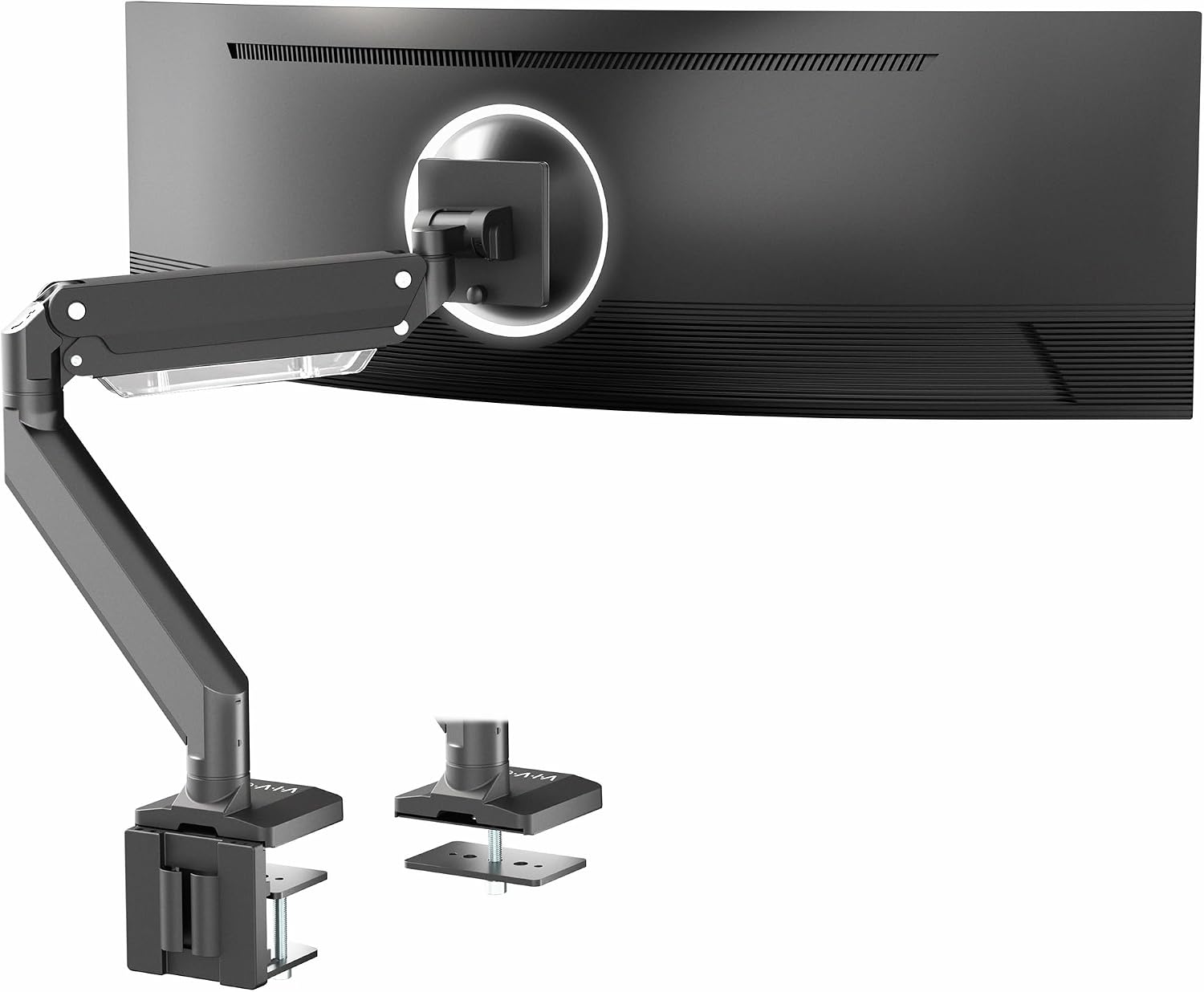 View on Amazon → VIVO Premium Aluminum Monitor Arm | up to 49 in | 33 lbs | Max 100×100 | Pneumatic | No |
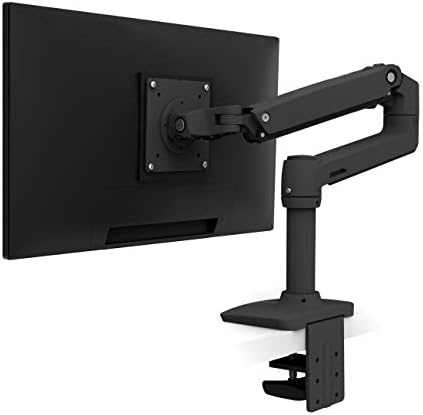 View on Amazon → Ergotron LX Monitor Arm | up to 34 in | 7 to 25 lbs | 75×75 or 100×100 | Not published | No |
What a monitor arm usb hub changes at the desk
A hub at the arm changes where your cables terminate. Instead of a bundle running down the back of the desk to a hub on the floor, you get one cable from the arm to the PC and everything else plugs in at the clamp, at arm's reach.
Two things to check before you pay for that convenience. First, which way the ports face. Ports that face the wall are ports you will never use, and no spec sheet photographs that angle. Second, the clamp. A hub in the base puts more hardware at the desktop edge, and on a thin desk that is one more thing to check with a tape before you tighten anything. If your desktop is under an inch thick, look at the underside before you buy, not after.
VIVO Premium Aluminum Monitor Arm for Ultrawide Screens
Rated to 49 inches and 33 lbs, pneumatic height, aluminum, black, and max VESA 100×100. No USB. If your screen is an ultrawide and you want a published weight rating instead of a promise, this is the arm in this batch that gives you one. The 100×100 ceiling means the standard plate fits most large panels, but if your monitor is a 75×75 pattern you need to confirm an adapter is in the box before you buy.
Ergotron LX Monitor Arm
Rated 7 to 25 lbs, up to 34 inches, and both VESA patterns. The range is the story here. A wide weight range is what keeps a light panel from floating upward when you let go, and it is the spec people forget to check until the monitor drifts to the ceiling. If you swap between a 24 inch and a 34 inch screen on the same arm, this is the one that covers both without a tension screw fight. No USB, so budget for a hub on the desk.
Should you buy the ARES WING Ultrawide Monitor Arm with USB?
Yes, if your screen falls between 17 and 49 inches and you want the ports at the arm instead of a plastic hub sliding around the desktop. It is the only arm here with USB built in, and it is the only one that covers both a small panel and a 49 inch ultrawide with the same mount. White is a bonus if your desk is light, a compromise if it is not.
The catch is the missing weight capacity. That is a real gap for an arm with this screen range, and it matters most for the heaviest panel you can put on it. Weigh your monitor with the stand off, and if the number is close to anything you would call a limit, buy the VIVO and put a hub on the desk instead. If your panel is light and the hub is the reason you are here, this is the one.
Should you buy the Mount-It! Single Monitor Arm Desk Mount?
Yes, if your screen is 13 to 32 inches and under 17.6 lbs, and you do not need USB at the arm. It publishes every spec that matters, it comes with both a clamp mount and a grommet mount, and it is the cheapest correct answer here for a 24 or 27 inch panel. That is the setup I would put in a client's office without a second thought.
Skip it if you run a 34 inch or larger screen, if your panel sits within a pound or two of 17.6 lbs, or if you want the hub built in. A monitor arm that fits your panel and your desk beats a more expensive arm that does not, every single time, and this one fits more desks than anything else on this page.