Monitor Arm for a Shared Desk Guide: Four Mounts Built for Two Users
A monitor arm for a shared desk has to survive being moved daily. Four mounts, their published weight limits, and who should skip each one.
Related: Best Monitor Arms for a Small Home Office
A monitor arm for a shared desk has one job that a single-user arm never has to do: it has to be moved, and moved back, by two people who are not the same height. In the 310 home offices my two-person crew has built out, the desks that go wrong are rarely the ones with the cheapest arm. They are the ones where the arm was chosen for the monitor and never for the second person. Two people, one desk, and a mount only one of them can adjust is a mount that gets adjusted once.
I spent nine years as a facilities manager buying furniture for 400-person floors before I started building home offices, and I keep a notebook of numbers instead of impressions: monitor weight, desk edge thickness, height range, seat depth. This monitor arm for a shared desk guide is that notebook applied to a desk with two users. Four arms, the numbers each one publishes, and who should skip each one. I do not print prices, because they move. Check current Amazon price on the listing when you are ready to buy.
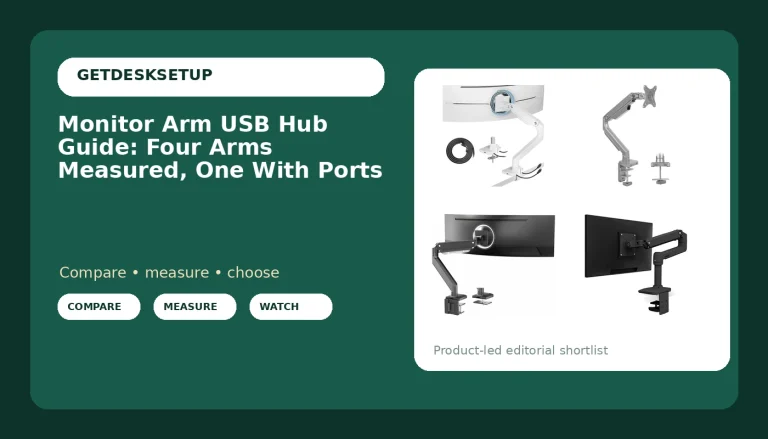
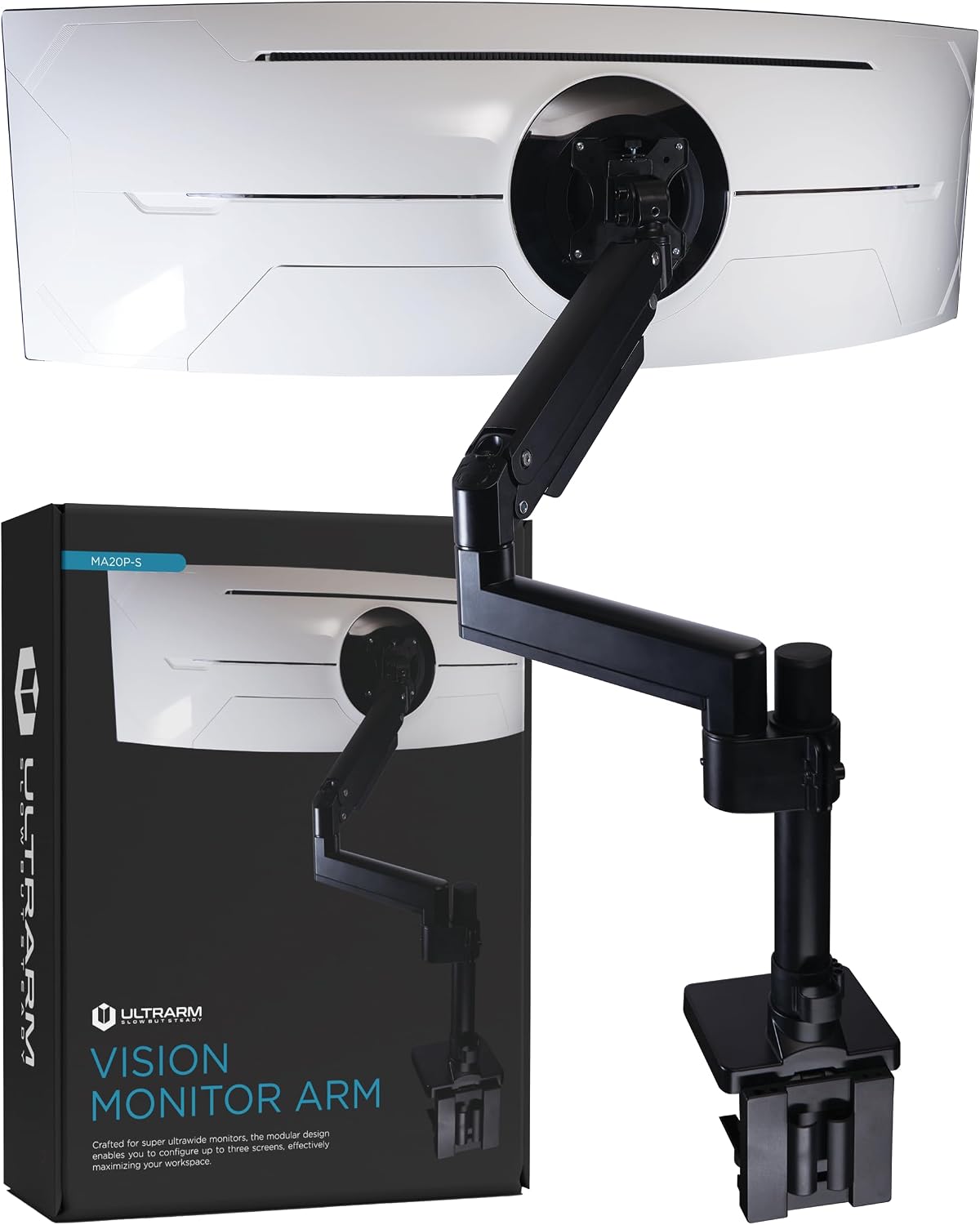
Best Overall: ULTRARM Heavy Duty Monitor Arm for Ultrawide Monitors up to 57" and 44 lbs, Single Desk Stand, Pneumatic Height Adjustable, Modular Extension Arms – Max VESA 100×100, Black, MA20P-S
Check current Amazon price
On a shared desk I want one arm per person, not one arm per pair. That is the whole reason the ULTRARM takes this slot. Two of them, one on each side, means each person owns their own height and their own angle, and nobody has to negotiate before moving a screen. The vesa monitor arm for a shared desk argument only works if the arm is quick to reposition, and this is the quickest one here.
The published weight capacity is 44 lbs, the largest number in this group, and the arm is rated for panels up to 57 inches. A 49-inch ultrawide sits inside that range with room above it. The vesa pattern tops out at 100x100mm, and the smaller 75x75mm pattern that nearly every 24-inch panel uses is covered too.
The height adjustment is pneumatic, which is the difference between a screen that moves in two seconds and a screen that gets left wherever the last person put it. The extension arms are modular, so the arm can reach further across a deep desk without a second mount.
Skip it if you want one mount to carry two screens. Skip it if you need to go past 57 inches or past 44 lbs. And skip it if your desk edge is unusually thick, because the attachment hardware is not spelled out the way it is on the ErGear below, and on a shared desk you want that answer before the box arrives.
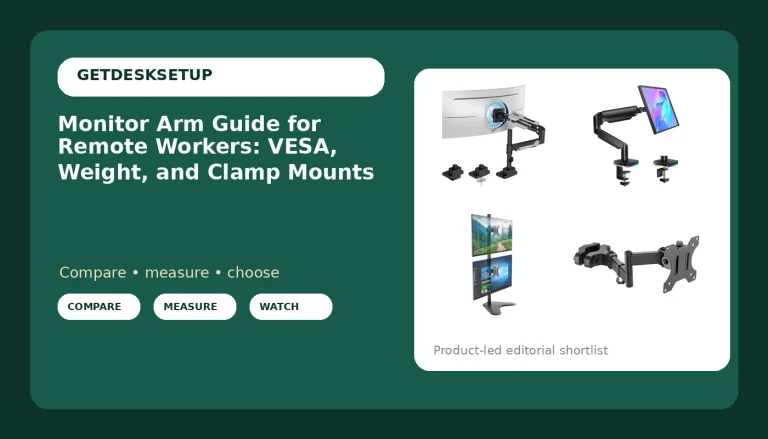
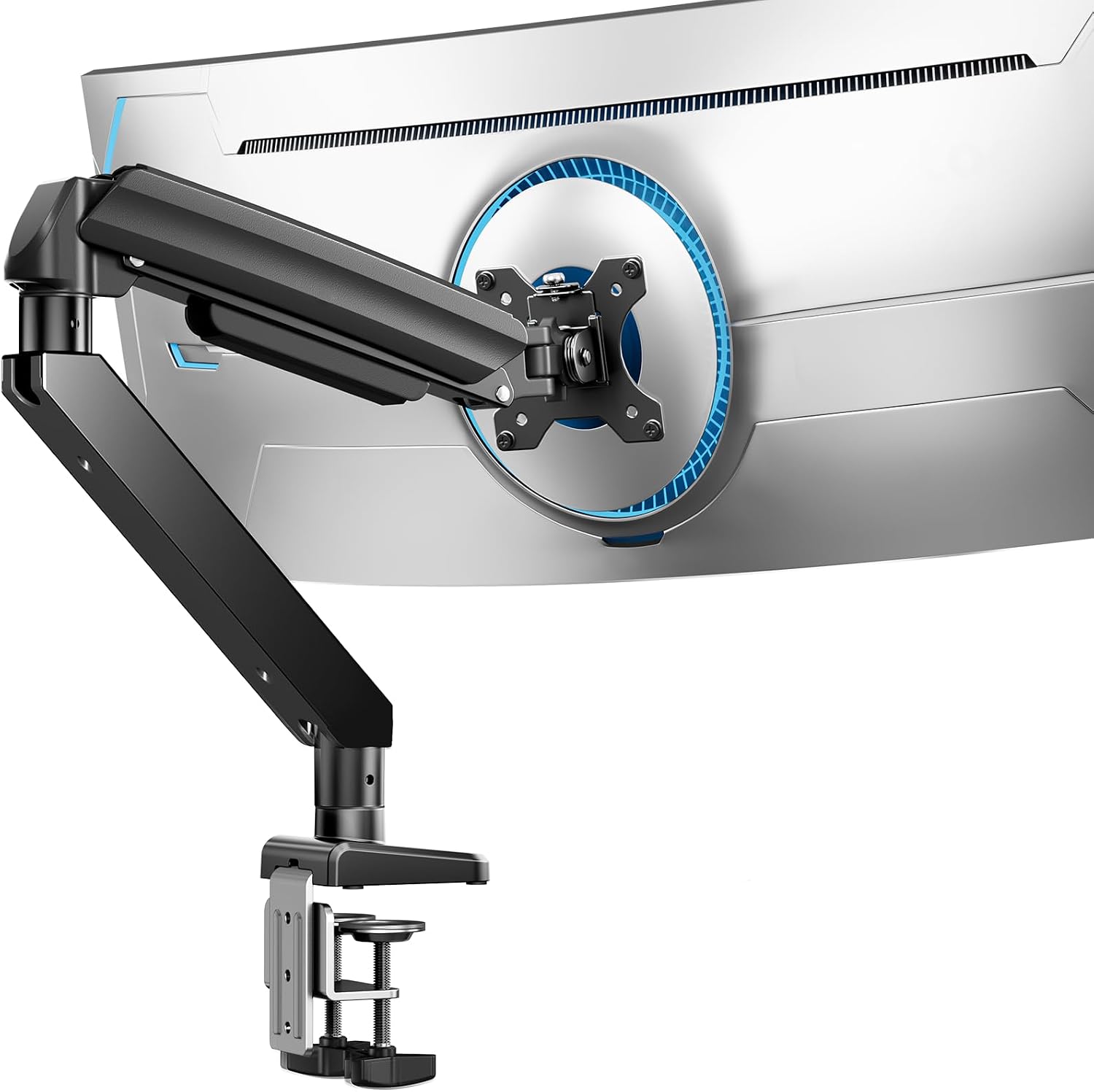
Best Value: ErGear Heavy Duty Monitor Arm for 13-49″ Ultrawide Screens, 37.4 lbs Capacity, Full Motion Monitor Desk Mount, Rock-Solid Support, Dual C-Clamp & Grommet Mount, VESA 75×75/100x100mm
Check current Amazon price
Two numbers decide most of this. The ErGear publishes 37.4 lbs of weight capacity and a screen range of 13 to 49 inches. That range is the useful part on a shared desk, because the two people at that desk do not have to own matching monitors. A 13-inch panel on one side and a 49-inch ultrawide on the other are both inside the rating.
It is a full motion mount, so tilt range and swivel come with it rather than being locked at one angle, and it attaches two ways: a C-clamp on the desk edge or a grommet mount through a hole in the desktop. That second option is the one people forget to check for. On a shared desk, one edge is often already occupied, and a grommet hole that is already drilled solves the problem for nothing.
The vesa pattern covers 75x75mm and 100x100mm, which is the pair of patterns you need.
Skip it if either screen is heavier than 37.4 lbs, which rules out the biggest 57-inch class panels. Skip it if you want a single mount carrying two screens. Skip it if you share the desk in shifts and would rather have one arm per person, in which case buy two.
How I tested
The sequence is always the same, and the order matters more than the brand.
First I weigh the monitor on a kitchen scale, not the spec sheet. Then I check the vesa pattern on the back of the panel against the weight capacity published for the arm, and I match them. Then I measure the desk edge thickness and look for a grommet hole. Clamp first, then load, then tighten. Reversing that order cracks a desktop, and I have watched it happen on a 60-inch desk someone had owned for three weeks.
Once the arm is loaded I raise it to the top of its range, because that is where cheap arms fail. A mount that holds a 24-inch panel at seated height can still droop when it is pushed up and out. I check tilt range and swivel by hand, and I check whether the joint holds the angle or creeps.
The failure I look for over time is drift: a joint that moves a degree a day until the second user is staring at the back of their own monitor. That is almost never the arm's fault. It is a cable channel that is too tight, pulling on the arm every time the desk moves.
For a shared desk I add two checks. How many seconds does it take to move one screen from one user's height to the other's? And when you move one screen, does the other one move with it?
Analysis and test results
Four published numbers matter here, and the rest is noise.
Weight capacity is the first. The ULTRARM publishes 44 lbs, the ErGear 37.4 lbs, the HUANUO a max of 19.8 lbs, and the North Bayou publishes 4.4 to 26.4 lbs per arm. On a shared desk the weight capacity decides whether a screen stays where it was put. Under-rated, the arm sags and the tilt drifts. Over-rated, and you are carrying capacity you paid for.
Minimum weight is the number most listings leave out, and it is the one behind the strange complaints. The North Bayou publishes 4.4 lbs per arm, which is a real figure and not a marketing one. A gas spring stiff enough to hold a 26 lb panel will push a 5 lb panel upward, and the screen floats. If your two monitors are wildly different weights, buy two single arms instead of one dual arm.
Vesa pattern is the third. 75x75mm and 100x100mm cover almost every panel built for a desk. The ErGear and the HUANUO both publish 75 and 100, the ULTRARM takes up to 100x100mm, and the North Bayou name does not state a pattern, which means I would confirm it before buying. A pattern mismatch is a mounting plate problem, not a return.
The fourth number is the one nobody publishes consistently: tilt range and swivel. Full motion is a marketing phrase, and it can mean anything from a wide arc to a few degrees either way. What matters on a shared desk is whether the screen can be pushed flat and out of the way when the other person needs the desk, and whether it comes back to the same angle afterwards.
Clamp mount versus grommet mount is the last decision. A clamp mount grabs the desk edge, and where you put that clamp sets how far the arm can reach. A grommet mount goes through a hole and gives you a fixed point, which is steadier but only exists if the desk has the hole. The ErGear lists both. If you share a desk in shifts, the clamp is better because you can move it.
Minimum desk width, since I will not recommend a shared setup without one: 55 inches for two people side by side with two single arms. 60 inches is where it stops feeling like a negotiation. A 48-inch desk is one person's desk, no matter what the listing photo shows.
The monitor arm for a shared desk reference table
Everything below comes from the numbers each mount publishes. Nothing here is a guess, and nothing here is a price.
| Product | Screens | Published weight capacity | VESA pattern | Attachment | Best for |
|---|---|---|---|---|---|
ULTRARM Heavy Duty Monitor Arm | 1 | 44 lbs | Up to 100x100mm | Desk stand, pneumatic | Two users, one big screen each |
ErGear Heavy Duty Monitor Arm | 1 | 37.4 lbs | 75×75 and 100x100mm | C-clamp or grommet | Two users, mismatched screens |
 View on Amazon → NB North Bayou Dual Monitor Arm G35 | 2 | 4.4 to 26.4 lbs per arm | Not stated | Not stated | Shift sharing, paired screens |
 View on Amazon → HUANUO Stacked Dual Monitor Stand | 2 | 19.8 lbs max | 75×75 and 100x100mm | Desk stand | Narrow desks with no spare width |
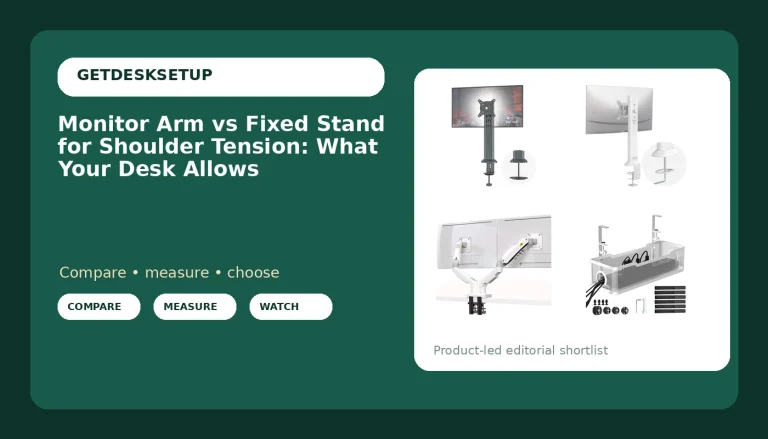
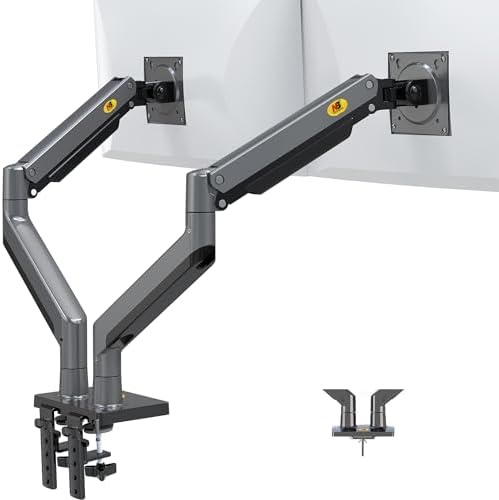
NB North Bayou Dual Monitor Arm Ultra Wide Full Motion Swivel Monitor Mount for 22''-32'' Monitors Load Capacity from 4.4 to 26.4lbs for Each Arm Height Adjustable Monitor Stand G35
This is the two-screen option, and it is the right one for a shared desk used in shifts: one person, two screens, one clamp in the middle. Each arm carries 4.4 to 26.4 lbs independently, so a light 24-inch and a heavy 32-inch can hang off the same post without fighting each other. The screen range is 22 to 32 inches per arm.
The 4.4 lb floor is why I would trust this one with a small panel. Arms with no published minimum are the ones that float.
Skip it if either screen is heavier than 26.4 lbs. Skip it if either screen is larger than 32 inches, which puts a 34-inch ultrawide outside the stated range. Skip it if the two people at the desk sit at opposite ends, because a dual arm has one center and a shared desk has two.
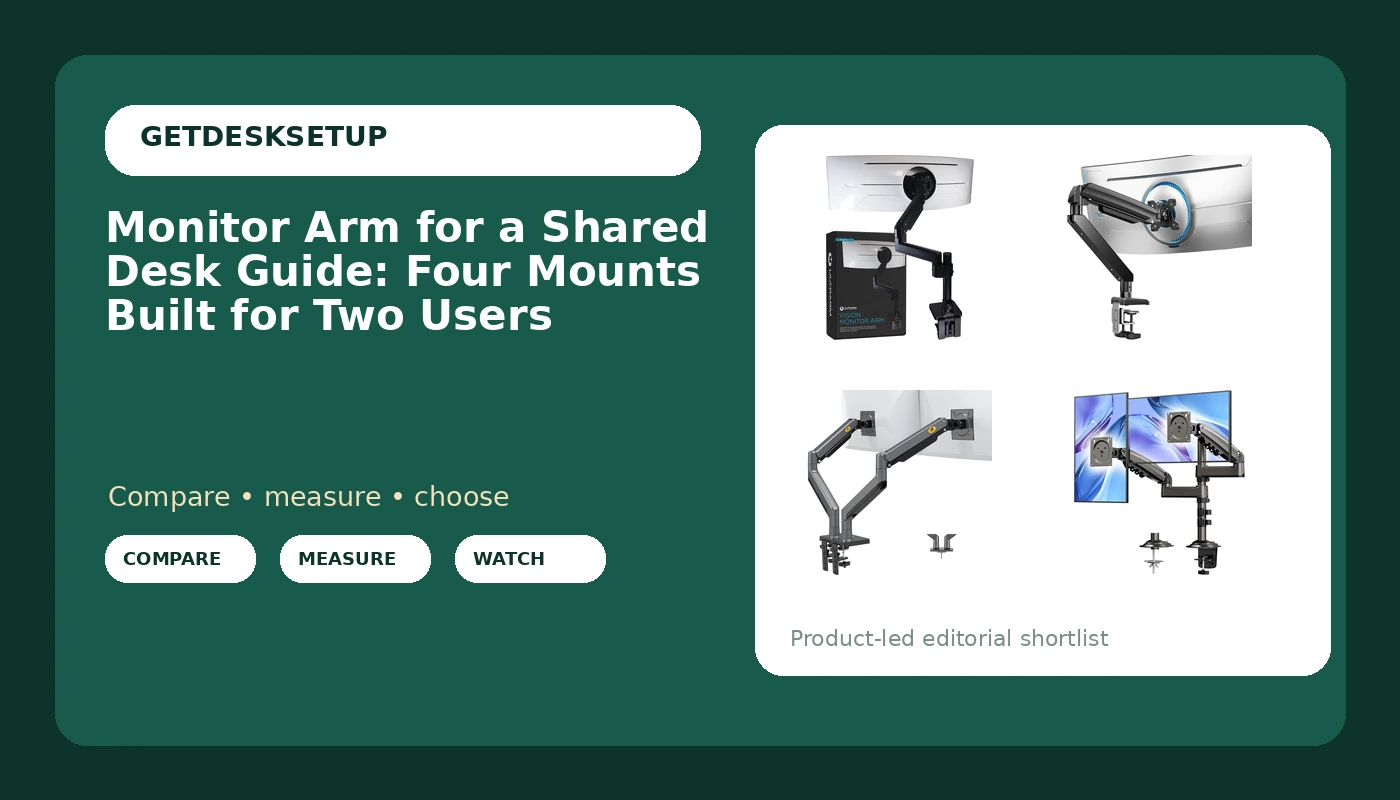
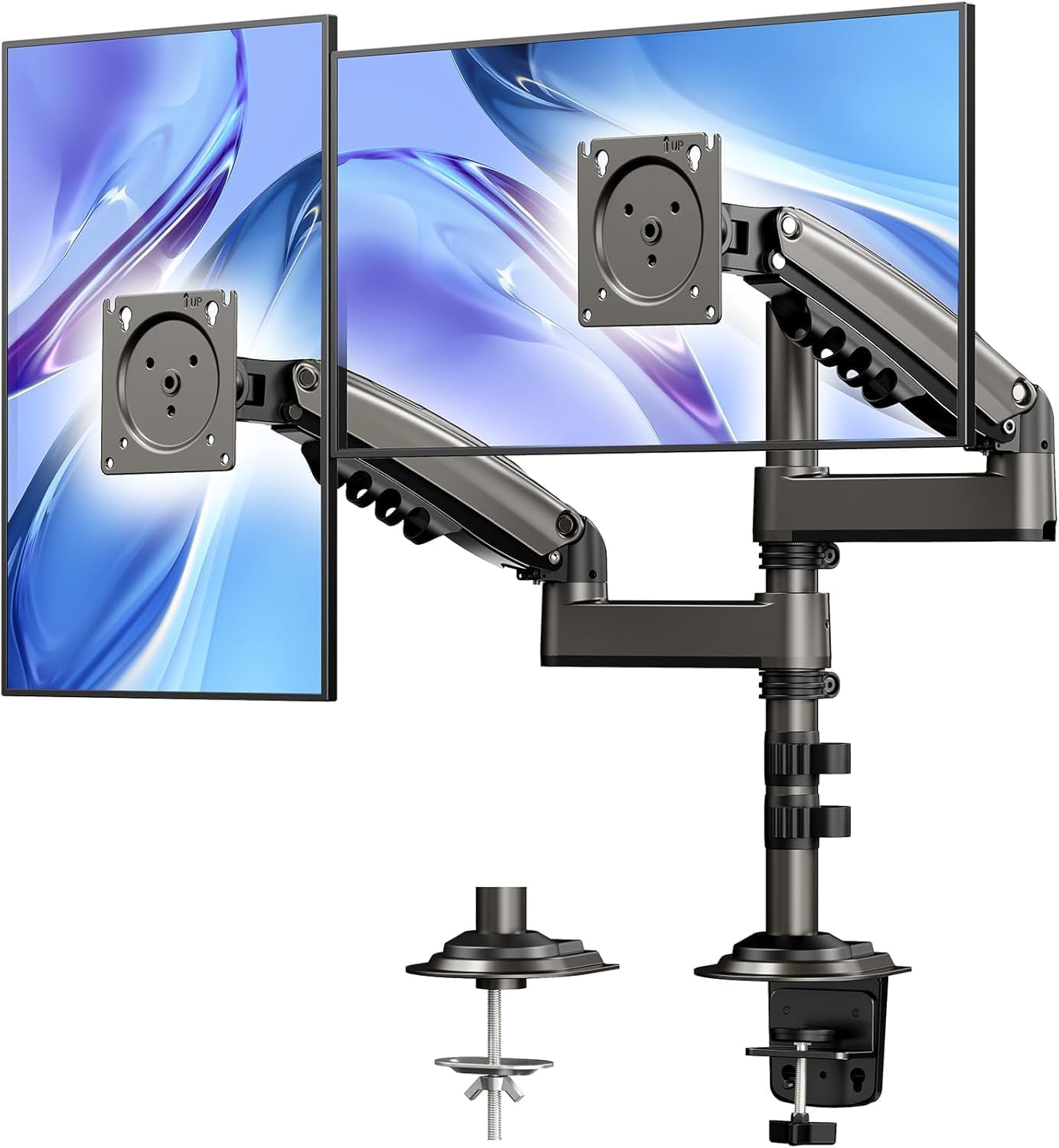
HUANUO 17-32 Inch Dual Monitor Stand, Stacked Monitor Mount, Monitor Arms for 2 Monitors, Ergonomic Adjustable Tilt/Swivel/Rotate, Weight Max 19.8 lbs, VESA 75/100mm
Stacked is the shape for a narrow desk. Instead of putting the second screen beside the first, this stand puts it above, which is the difference between two screens and one on a desk with no spare width. The screen range is 17 to 32 inches and the vesa pattern is 75 or 100mm, so it covers the standard 24 and 27 inch panels.
The weight max is 19.8 lbs. The listing does not split that per screen, so I read it as the ceiling for the pair. Two 24-inch panels usually land under that line. Two 32-inch panels usually do not, and you should weigh them before you order.
Tilt, swivel and rotate are all listed, so both screens can be angled independently.
Skip it if either panel is bigger than 32 inches. Skip it if you need both screens at eye level, because one of them is going to be up. Skip it if both people sharing the desk are tall, since the top screen ends up above comfortable eye height.
What a shared desk changes about the install
Three things change when a desk has two users.
The first is that the arm has to move without tools. If adjusting a screen takes a wrench, it gets adjusted once, in October, and then never again. That is how two people end up at the wrong height for a year.
The second is the clamp position. On a shared desk you want the clamp as far toward the outside edge as the desktop allows, so the arm can swing in over each person's side instead of reaching across the middle. Measure the desk edge thickness before you buy, and measure it in two places, because the edge is not always uniform.
The third is the cable channel. A cable channel is not decoration. If the cable is tight through the channel, every time the arm swings it pulls the joint a little, and by the end of the week the monitor is angled at the floor. Leave slack at both ends, and route the cable so it moves with the arm rather than against it. A screen arm for a shared desk lives or dies on that detail, because it gets swung twice as often as a single-user arm.
Should you buy the ULTRARM Heavy Duty Monitor Arm for Ultrawide Monitors up to 57" and 44 lbs, Single Desk Stand, Pneumatic Height Adjustable, Modular Extension Arms – Max VESA 100×100, Black, MA20P-S?
Yes, if the shared desk has two people who each want one screen and at least one of those screens is big. The 44 lb capacity and the 57 inch ceiling mean it will still be the right arm when someone swaps a 27-inch panel for a 49-inch ultrawide, and the pneumatic adjustment is the difference between a screen that gets moved and a screen that gets tolerated. Buy two and put one on each side.
Skip it if you want a single mount for two screens, if you need to go past 57 inches or 44 lbs, or if you cannot confirm the desk attachment for an unusually thick edge. Check current Amazon price before you commit, and weigh your monitor first.
Should you buy the ErGear Heavy Duty Monitor Arm for 13-49″ Ultrawide Screens, 37.4 lbs Capacity, Full Motion Monitor Desk Mount, Rock-Solid Support, Dual C-Clamp & Grommet Mount, VESA 75×75/100x100mm?
Yes, if the two people at the desk own mismatched monitors. 13 to 49 inches and 37.4 lbs covers the small panel and the large ultrawide, and the two attachment options mean it fits a desk that already has a grommet hole or one that does not. The 75x75mm and 100x100mm vesa pattern coverage means you are not shopping for an adapter plate.
Skip it if either screen is heavier than 37.4 lbs, if you need one mount for two screens, or if you would rather have one arm per person, in which case the ULTRARM above is the one. A monitor mount for a shared desk is only as good as the numbers you checked before ordering. Check current Amazon price and weigh the monitor first.