Stock monitor stands force both screens to the same fixed height and eat the back half of the desk. That is usually the moment someone starts searching for an affordable dual monitor arm. The label hides a fork in the road. It can mean one base carrying two arms, or two separate single arms that each carry one screen, and those are different products with different weight capacity limits, different VESA pattern coverage, and different requirements at the desk edge. A listing that calls itself an affordable dual screen arm does not tell you which of the two you are buying.
This guide compares six mounts in that budget bracket. One is a true double mount. Five are single arms that can be bought as a pair. Everything below is built from published specifications: screen size range, weight capacity, mount base, and adjustment range. No price is printed on this page, because prices move and a stale number is worse than no number. Every card links out so you can confirm the current figure, availability, and return terms yourself.
Related: Monitor arm or freestanding monitor stand: which one fits your desk
Quick answer
The MOUNTUP Dual Monitor Stand for Desk is the strongest fit for two screens on a single base because it carries two displays of 4.4 to 17.6 lbs each, covers 22 to 32 inch screens, adjusts for height, and mounts with either a C-clamp or a grommet base. Choose a pair of single arms instead when your two screens differ in weight, when either one is heavier than 17.6 lbs, or when one screen is larger than 32 inches.
Monitor arms worth comparing
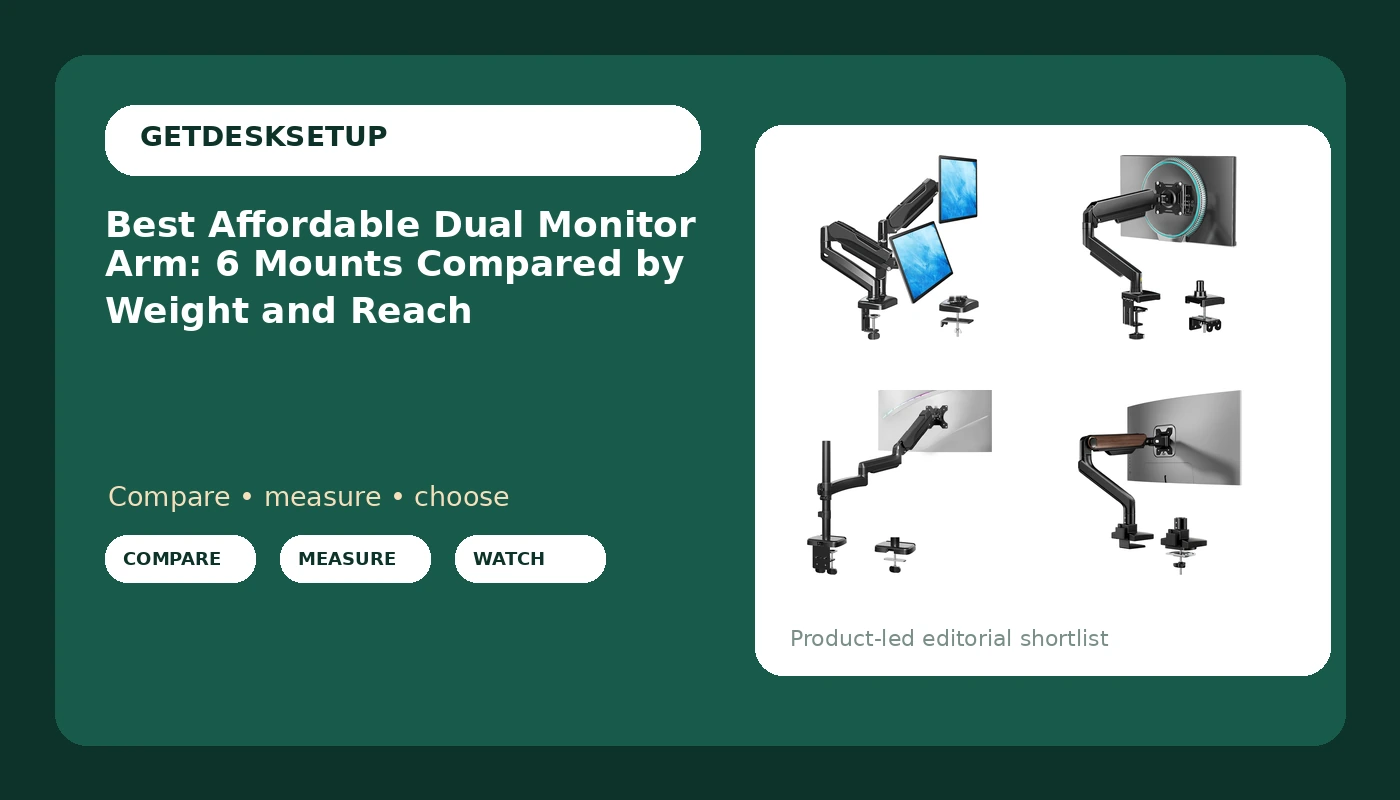
Six mounts make the cut. The list runs from a gas spring single arm near the bottom of the weight range up to a freestanding stand rated for 77 lbs, so the spread covers light 24 inch panels, standard 27 inch panels, and heavier curved screens that cheap arms will not hold. What separates them is not brand. It is the published weight capacity, the screen size range, the VESA pattern each one accepts, and whether the base clamps to the desk edge or passes through a grommet hole.
Top pick
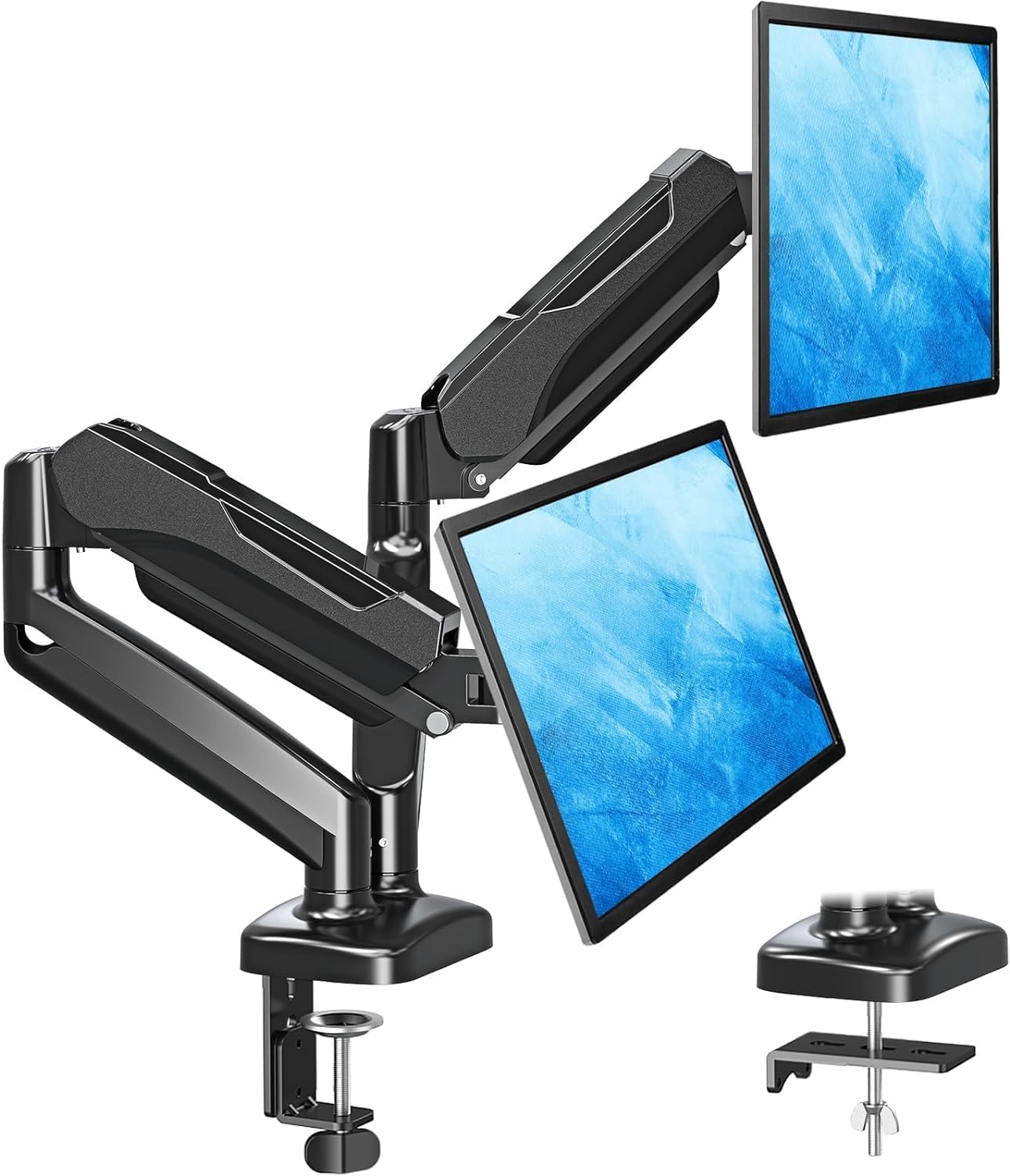
MOUNTUP Dual Monitor Stand for Desk, Monitor Arms for 2 Monitors 32 27 24 22 Inches, Height Adjustable Double Monitor Mount, VESA Mount with C-Clamp & Grommet Base, Holds 4.4-17.6lbs
Check current Amazon price
One base, two arms, and a 4.4 to 17.6 lb rating per screen across 22 to 32 inch displays, with height adjustment and a choice of C-clamp or grommet mounting.
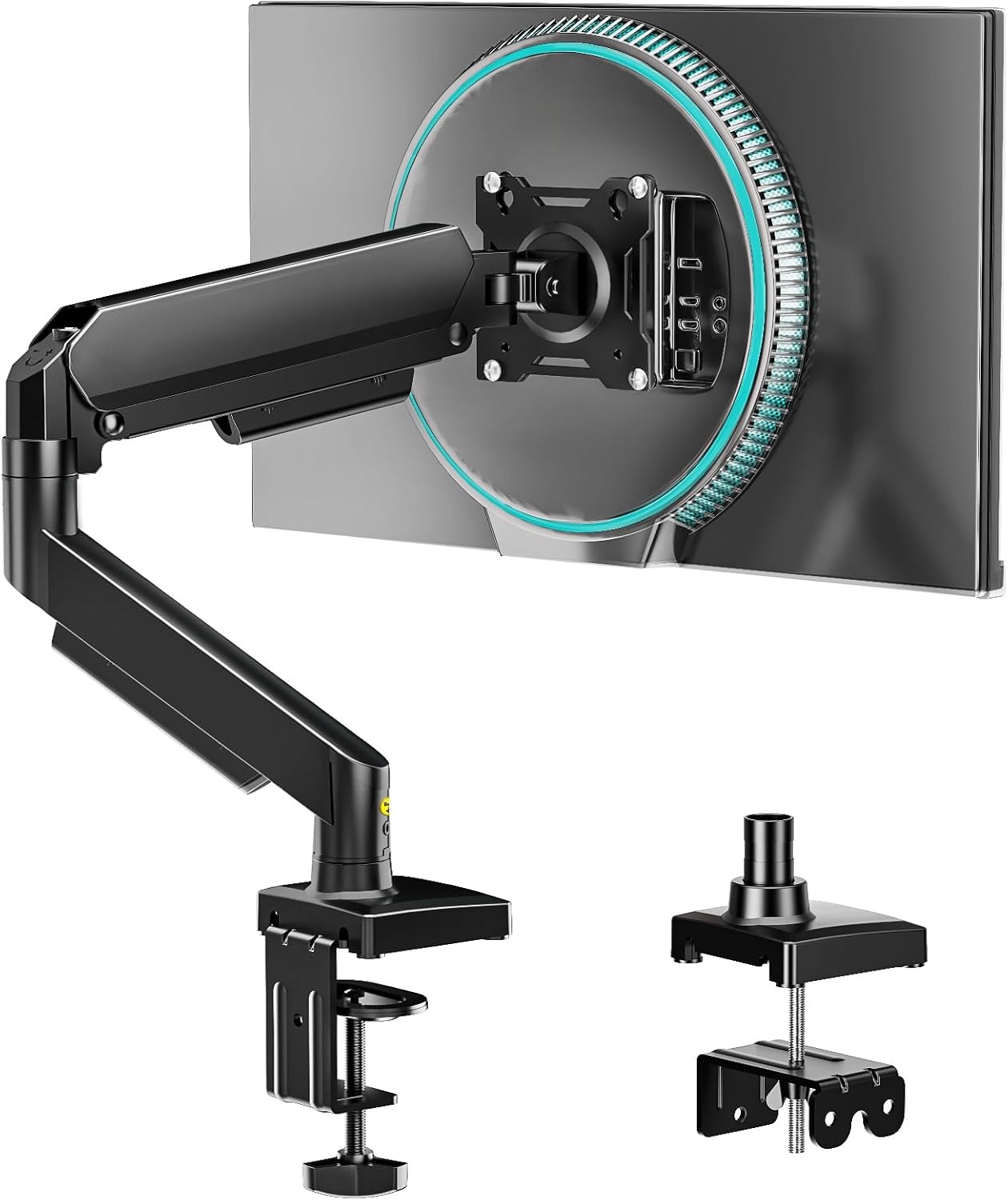
Single Monitor Arm, Monitor Mount for 17-32 inch Screens Gas Spring Adjustable Monitor Stand, Vesa Mount with Clamp and Grommet Aluminum Base – Fits 4.4 to 22lbs LCD Computer Monitors AX09DB01-1
Check current Amazon price
A gas spring single arm for 17 to 32 inch screens, rated 4.4 to 22 lbs, with an aluminum clamp or grommet base and height adjustment.
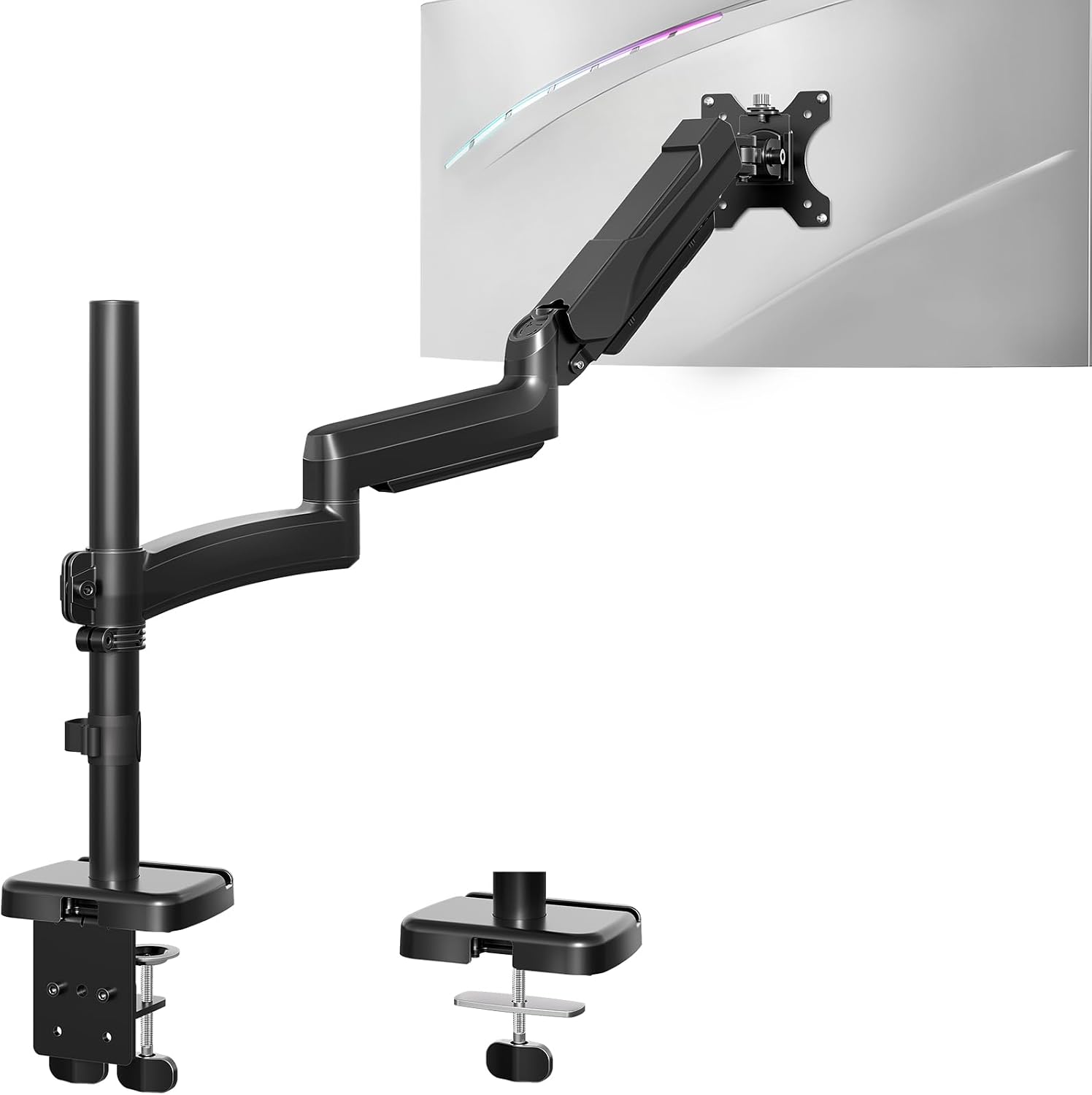
MOUNT PRO Single Long Monitor Arm, 13 to 32 inch Computer Monitor Desk Mount, Extra Long Adjustable Screen Stand, Tall Display Mount with Tilt, Swivel, Rotation, Hold up to 19.8lbs, VESA 75/100mm
Check current Amazon price
An extra long adjustable arm covering 13 to 32 inch screens up to 19.8 lbs, with tilt, swivel, and rotation, and 75/100 mm VESA mounting.
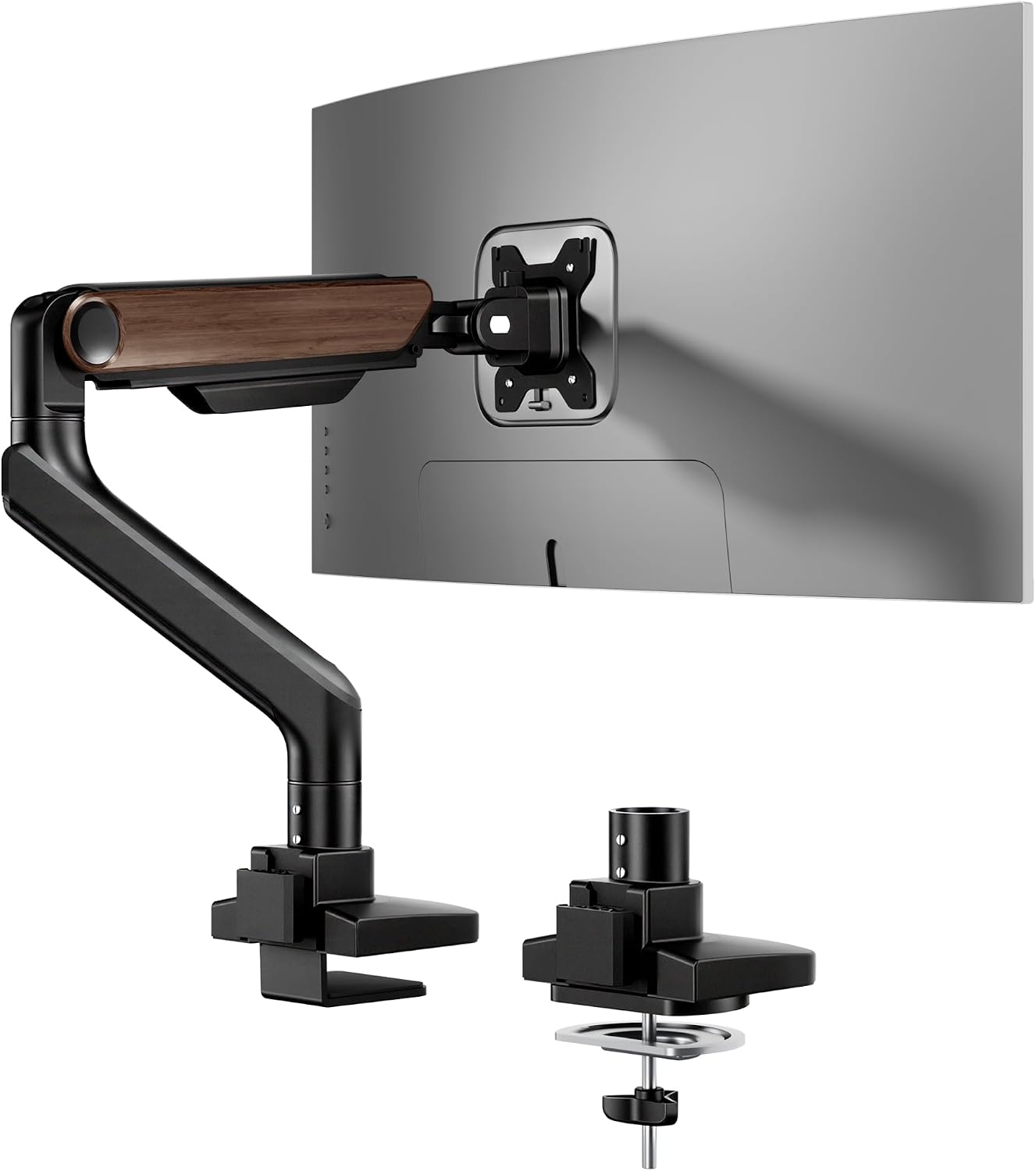
FlexiSpot Ultrawide Monitor Arm, Monitor Stand for 17 to 49 inch Screens Holds up to 44 Lbs, Adjustable Gas Spring Arm with C Clamp & Grommet Base for Gaming Office, 75/100 VESA Mount, Wood Grain
Check current Amazon price
A gas spring arm sized for 17 to 49 inch screens up to 44 lbs, with C-clamp and grommet bases, 75/100 VESA coverage, and a wood grain finish.
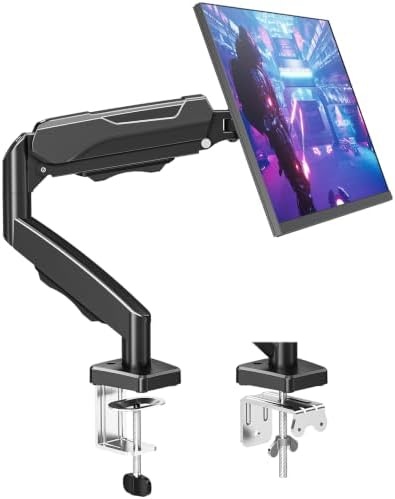
MOUNTUP Single Monitor Desk Mount Holds Screen up to 32 inch, Height Adjustable Monitor Arm, Full Motion Computer Monitors Stand with Clamp/Grommet Base, VESA Mounts Fit 4.4-19.8lbs Computer, Black
Check current Amazon price
A full motion arm for screens up to 32 inch, rated 4.4 to 19.8 lbs, with clamp or grommet mounting and height adjustment.
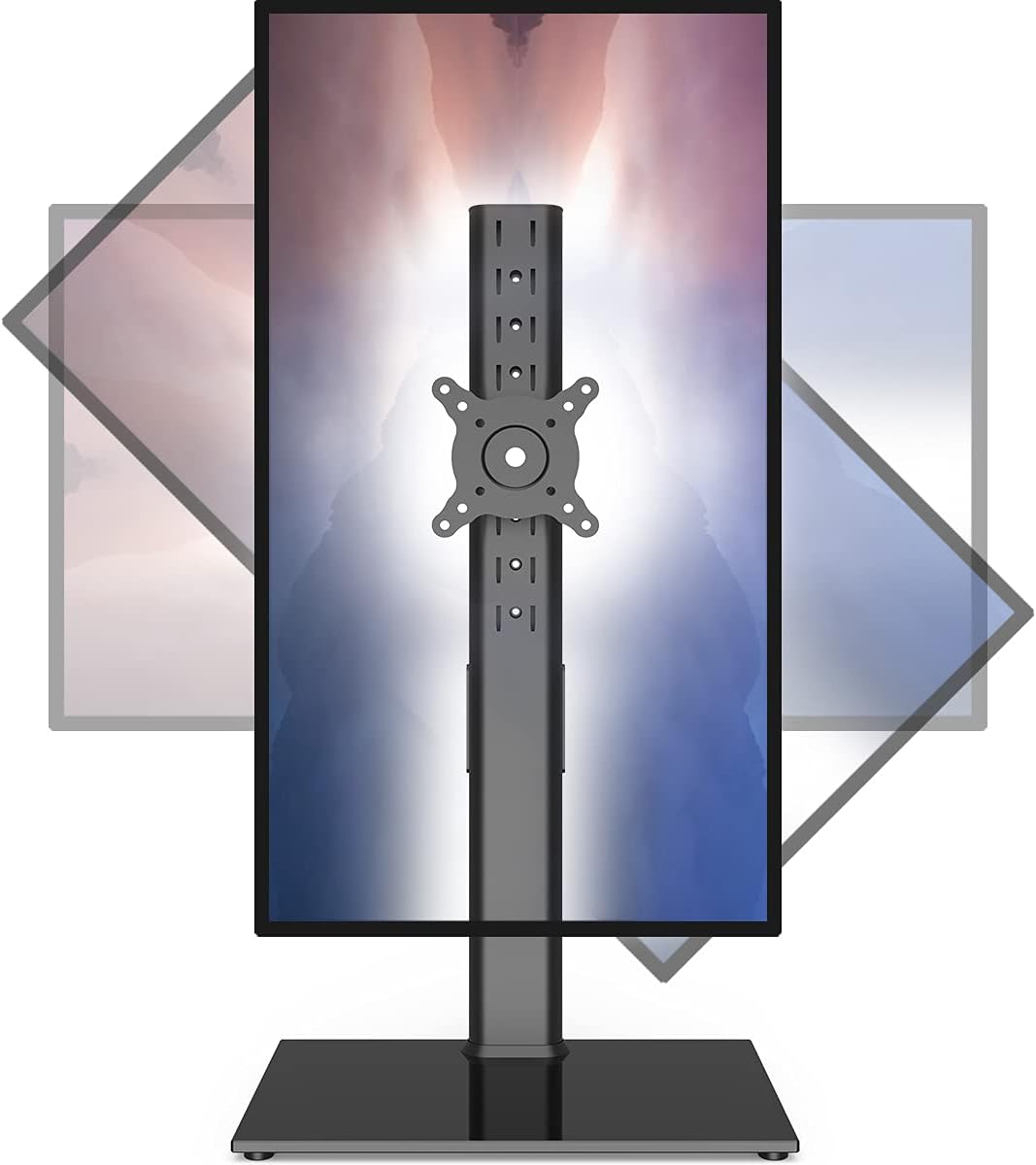
Single Monitor Stand Freestanding 27-43 Inch Monitor Arm Curved Screen Monitor Mount Tempered Glass Base Adjustable Motion Tilt -15° to 10° Swivel ±45° Rotation 360° Weight Capacity 77lbs HT05B-003
Check current Amazon price
A freestanding stand with a tempered glass base for 27 to 43 inch screens up to 77 lbs, with a tilt range of -15° to 10°, ±45° swivel, and 360° rotation.
How these products were compared
This guide compares weight capacity, screen size range, VESA pattern coverage, mount base type, and adjustment range. Those five decide whether a mount survives on a real desk, and all five are published in the product data rather than guessed at. The phrase affordable dual vesa monitor arm gets used for both designs, which is why the weight rating is the first thing to read. Product names, images, and retailer links are matched to the same product record, so every card points to the product shown in it.
Nothing here is a lab test or a hands-on measurement claim. The figures quoted are the ranges the listings state, and where a listing does not state a number, this guide does not invent one. The shortlist answers the question of the best affordable dual monitor arm on the axis that matters most: whether the mount holds your actual screens, on your actual desk, at the height you actually sit at.
How to choose the right affordable dual monitor arm
An affordable dual monitor mount is usually one of two designs, and the listings rarely make the difference obvious. Start with the arithmetic. Add up the weight of both screens without their stock stands, then compare that total against what the arm is rated to hold. A dual arm carries two screens on one base, and its rating is normally given per screen, so a 17.6 lb per screen limit is fine for two 24 inch panels and tight for a pair of heavier 32 inch ones. Two single arms solve the same problem with more flexibility, because each arm carries its own screen and a lighter panel and a heavier panel can share a desk without one arm fighting the other.
Then look at how the mount attaches. A clamp mount grips the back edge of the desktop; a grommet mount passes a bolt through a hole you either already have or drill. Clamps are the faster install, but they need a flat underside and clearance behind the edge, and a desk with a rear crossbar, a beveled edge, or a thick cable tray often has none. Grommet mounting is more permanent and more stable on a thick top, and several mounts here ship with hardware for both. Check the desk thickness range the listing states before you buy, because a clamp rated for a thin top will not close on a thick butcher block.
Next, check the VESA pattern on the back of each screen. Most 24 to 32 inch monitors use 75 x 75 mm or 100 x 100 mm, and the arms here that state a pattern cover both. Then decide on the lift mechanism. A gas spring arm holds position with adjustable tension and moves with a light push, while a mechanical arm is tightened at the joint and stays where you leave it. Screen size range is the last filter: a 13 to 32 inch arm will not hold a 43 inch curved panel, and a 27 to 43 inch stand looks oversized behind a 24 inch screen.
Height is the reason to do this at all. An arm lets you set the top of each screen near eye level and pull the panel forward so you are not leaning in. If you split time between sitting and standing, the mount has to reach your standing desk height without hitting the wall behind it, which is a reach problem as much as a weight problem, and the same math applies to monitor height at a standing desk. Plan on a desk at least 48 inches wide for two 27 inch screens on one base, and measure the gap to the wall before buying anything with a long arm.
Top pick: MOUNTUP Dual Monitor Stand for Desk
The MOUNTUP dual stand takes the top spot because it is the only true two-screen mount in this group, and it does the two things a dual setup needs. One base carries both arms, so the desk gets one clamp instead of two and the gap between the screens is fixed rather than guessed. The published rating is 4.4 to 17.6 lbs per screen across 22 to 32 inch displays, with height adjustment and a choice of C-clamp or grommet base.
The trade-off is that ceiling. At 17.6 lbs per screen it carries the lowest weight capacity on this list, and that shows up at the top of its size range. Skip this one if either screen weighs more than 17.6 lbs, if a screen is larger than 32 inches, or if you plan to push one screen far to the side while the other stays put, since both arms share a single upright. Two separate arms handle those cases better, and the next section covers which ones.
Alternatives to consider
The Single Monitor Arm, Monitor Mount for 17-32 inch Screens is better suited to mixed-weight pairs, because each arm carries its own screen and its rating runs from 4.4 to 22 lbs across 17 to 32 inch displays, with a gas spring and an aluminum clamp or grommet base. The MOUNT PRO Single Long Monitor Arm is a stronger fit when reach is the problem, since it covers 13 to 32 inch screens up to 19.8 lbs with tilt, swivel, and rotation, and it is the extra long option here for pulling a screen across a wide desk.
The FlexiSpot Ultrawide Monitor Arm, the MOUNTUP Single Monitor Desk Mount, and the Single Monitor Stand Freestanding cover the rest. The FlexiSpot is the one to look at for a 49 inch ultrawide or a screen up to 44 lbs, with a gas spring and both clamp and grommet bases. The MOUNTUP single arm is the closest match to the top pick in rating, holding screens up to 32 inch from 4.4 to 19.8 lbs with full motion adjustment. The freestanding stand needs no desk edge at all: a tempered glass base carries 27 to 43 inch screens up to 77 lbs, with a tilt range of -15° to 10°, ±45° swivel, and 360° rotation. That is the one for a glass desktop, a thick live edge top, or any desk where a clamp cannot get a grip.
Day-to-day use and maintenance
Install in the right order. Clamp or grommet base first, then the arm, then the screen, then tighten the tension. Loading the arm before the base is secure is how desktops crack, and it is the most common mistake with a clamp mount.
Once the screens are on, set the tension so the arm holds position without drifting when you let go. Gas spring arms have a tension screw that takes a few turns to dial in; mechanical arms are tightened at the joint. Recheck both after the first week, because a mount that felt firm on day one often needs a quarter turn once the weight has settled. If a screen slowly droops, the tension is too low rather than the arm broken.
Route cables along the arm and leave a slack loop near the hinge. A cable that pulls tight when the arm moves will change the monitor angle within a week, which is a cable channel problem more than an ergonomics problem. Keep the loop loose and use the arm's own routing clips or ties rather than taping cables to the desk.
Finally, do not hang anything from the arm that is not a monitor, and recheck the VESA screws every few months. If the back of a screen is recessed, use the spacers that come with the mount hardware rather than forcing the plate against the plastic.
Buying checklist
- Measure the desk thickness at the edge you plan to clamp, and the distance from that edge to the wall behind it.
- Weigh each screen without its stock stand and compare it against the published weight capacity per arm.
- Confirm the VESA pattern on the back of each monitor, 75 x 75 mm or 100 x 100 mm.
- Check that the screen size range covers your panels, including any curved or ultrawide screen.
- Read the cleaning and maintenance instructions, then verify the current retailer price, availability, and return terms.
Final recommendation
Choose the MOUNTUP Dual Monitor Stand for Desk when you have two screens of 22 to 32 inches that each weigh between 4.4 and 17.6 lbs and you want one base, one clamp, and one fixed gap between the panels. Choose a pair of single arms when the two screens differ in weight, when either one is heavier than 17.6 lbs, or when you need long reach; the gas spring single arm covers 4.4 to 22 lbs, and the FlexiSpot arm is the only mount here rated for an ultrawide up to 44 lbs. Choose the freestanding stand when the desk cannot take a clamp at all.
If none of those ranges match your screens, measure first and buy second. A mount that sits outside your weight range is not a bargain. It is a drooping screen and a stressed desktop.