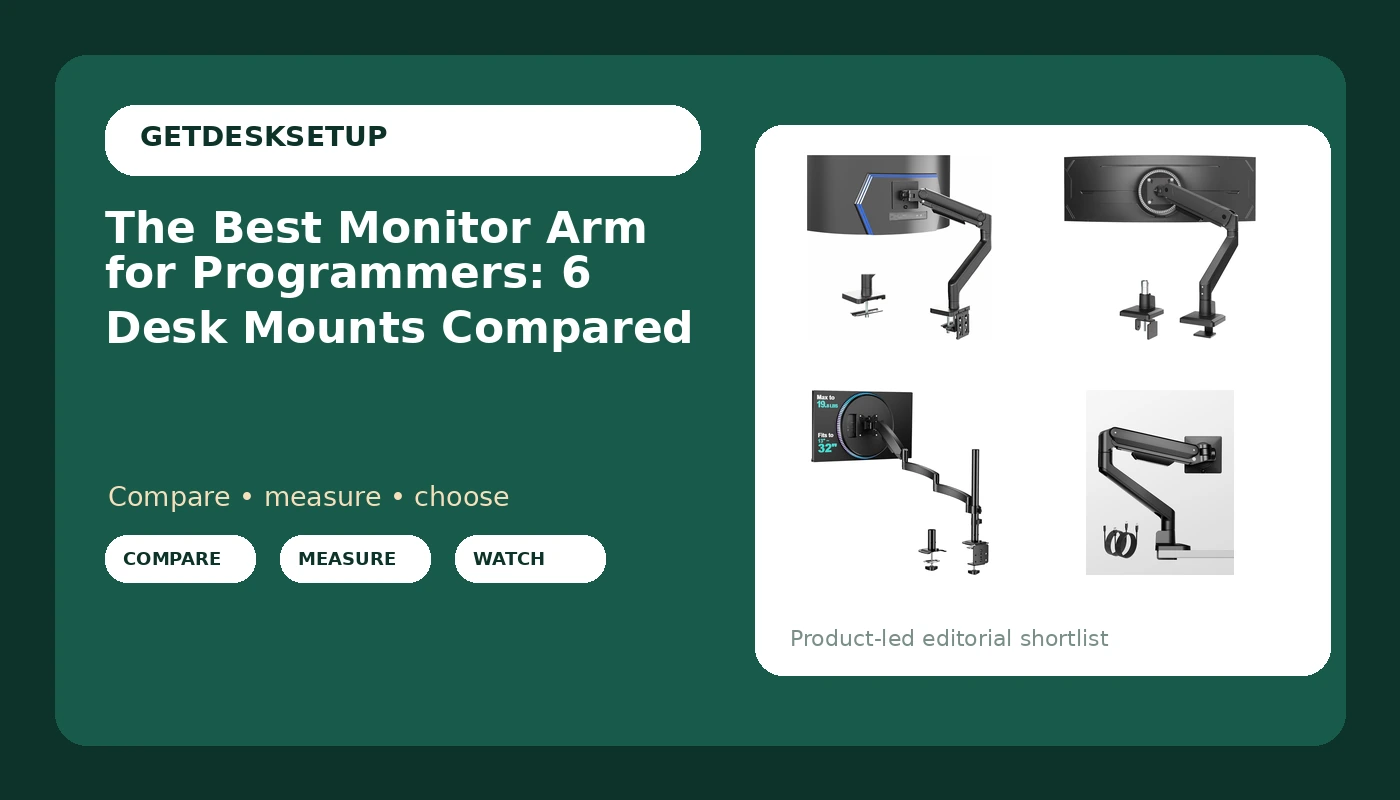
Two screens and a laptop is the standard programmer desk, and the arms holding those screens are usually the last thing anyone measures. That order is backwards. A monitor arm for programmers has one job: hold a specific panel at a specific height, then keep holding it after a thousand small adjustments. Get the screen size range or the weight capacity wrong and no amount of tilt adjustment saves the setup. Get both right and an inexpensive arm will outperform a heavier one that was never matched to the panel.
This guide compares six single monitor arms on the numbers their listings publish: the screen sizes each arm accepts, the weight each one is rated to hold, the mount type, and the features that change daily use. The best monitor arm for programmers in this group is the one that can carry the heaviest ultrawide panel, but three of the others are the smarter buy for specific desks. I sized each arm against a panel first and against the desk edge second, which is the same order I use when a client's office gets built out.
Related: Best Ultrawide Monitor for Coding and Long Days
Quick answer
The VIVO Heavy Duty Aluminum Ultrawide Monitor Tension Arm for up to 49 inch Screens, Holds 44 lbs, Premium Desk Mount Stand Designed for Samsung Odyssey G9 and More, Black, STAND-V101V is the strongest fit for a single large ultrawide because it is rated for screens up to 49 inches and a 44 lb load, which covers the heavy 49-inch class that lighter single arms cannot. Choose the monTEK Single Monitor Arm for Max 45 Inch Ultrawide Screens, Holds 35 Lbs instead when your panel is 45 inches or smaller and 35 lbs of capacity is already more than your monitor needs.
Monitor arm for programmers worth comparing
Four numbers decide whether an arm works on a programmer's desk: the screen size range, the weight capacity, the mount type, and how the cable reaches the panel. Everything else, including the finish and the shape of the base, is secondary.
The gap between the lightest and the heaviest arm here is not small. An arm rated to 19.8 lbs and an arm rated to 44 lbs look similar in a product photo and behave nothing alike once a 49-inch panel is hanging off the end. Sort by weight capacity first, then by screen size, then by whether your desk takes a clamp mount or a grommet mount. The six arms below cover the full spread.
Top pick
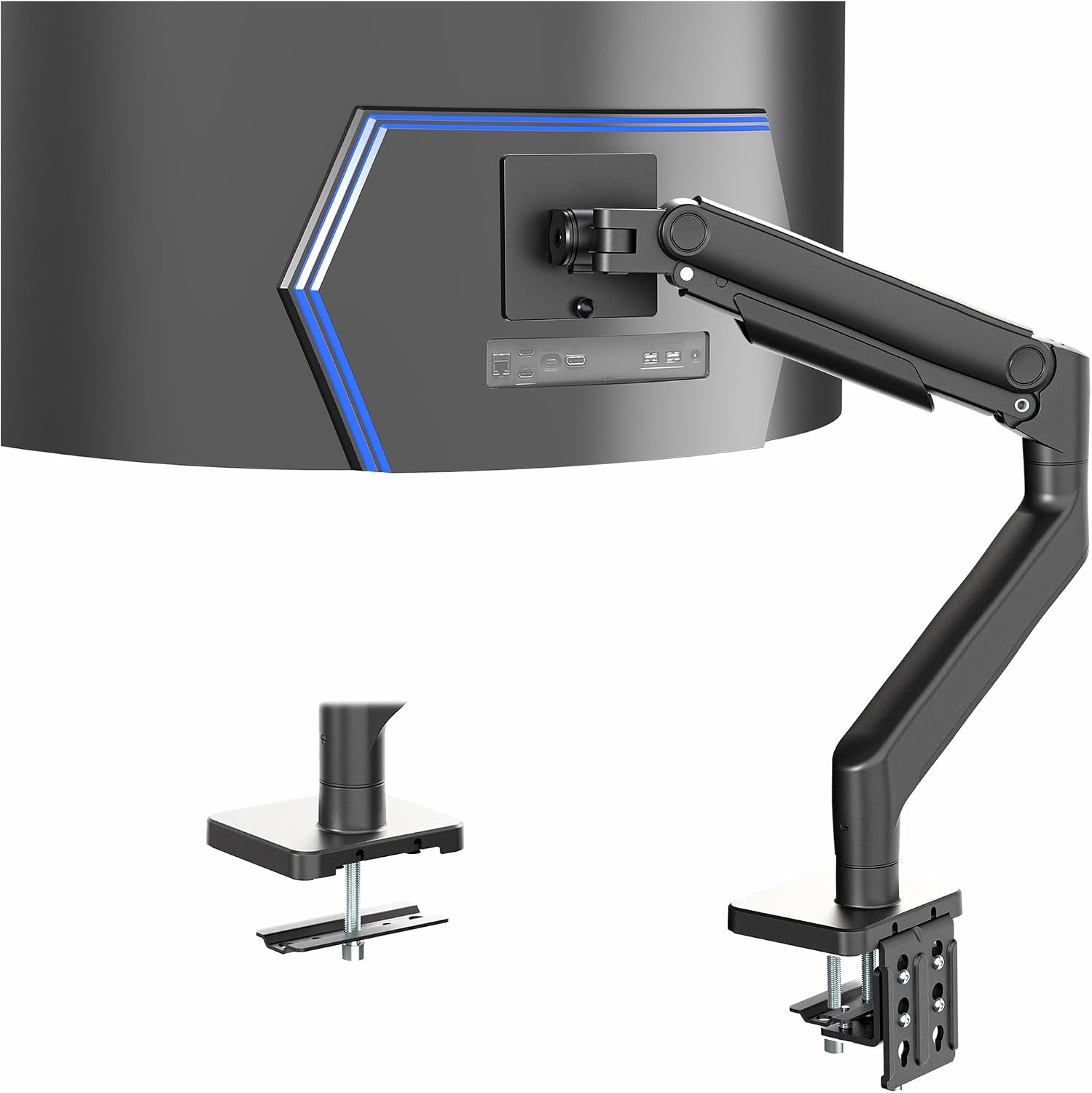
VIVO Heavy Duty Aluminum Ultrawide Monitor Tension Arm for up to 49 inch Screens, Holds 44 lbs, Premium Desk Mount Stand Designed for Samsung Odyssey G9 and More, Black, STAND-V101V
Check current Amazon price
Rated for screens up to 49 inches and loads up to 44 lbs. An aluminum tension arm built around heavy ultrawide panels, including the Samsung Odyssey G9, on a desk mount stand.
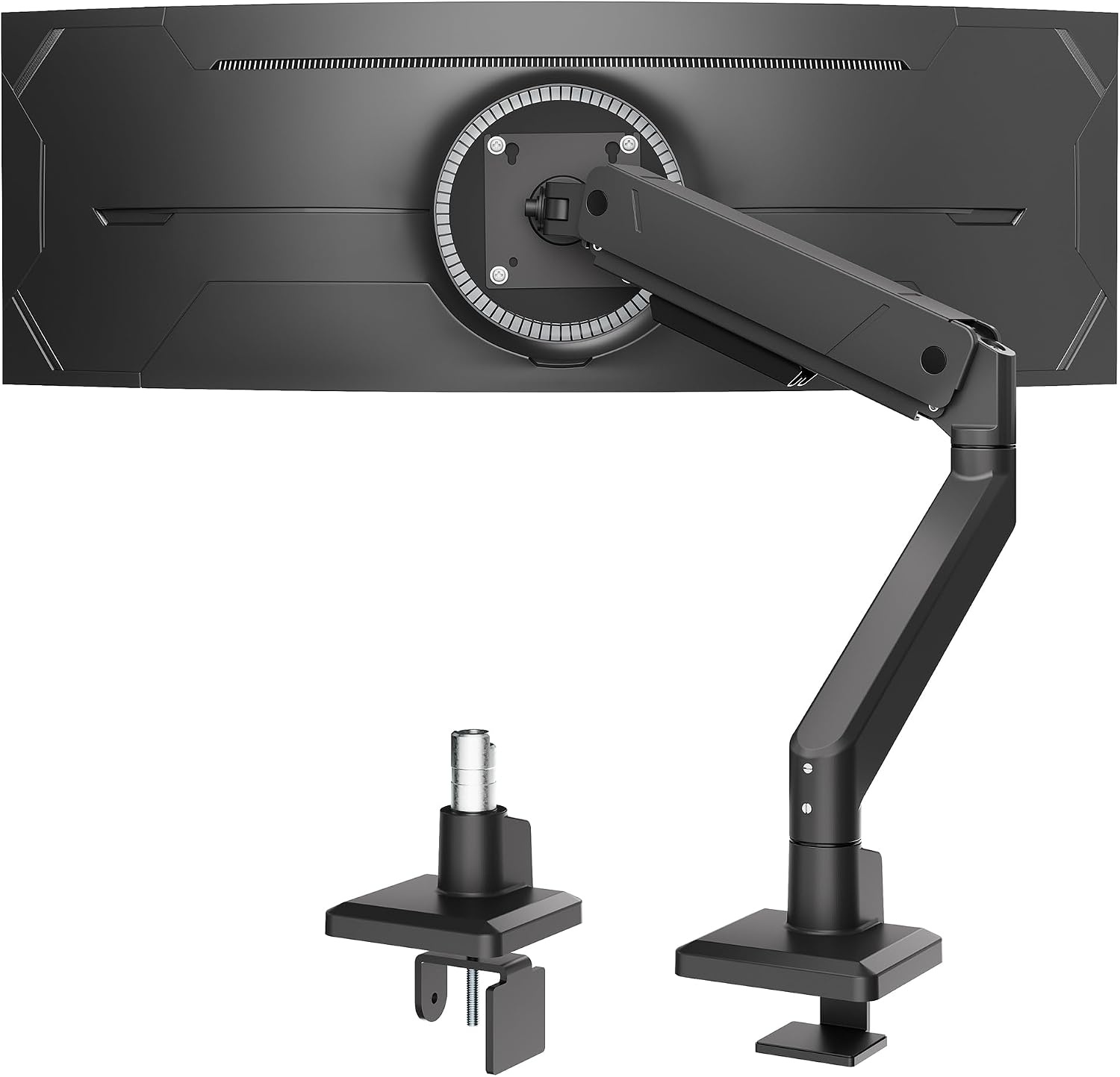
monTEK Single Monitor Arm for Max 45 Inch Ultrawide Screens, Holds 35 Lbs
Check current Amazon price
Rated for ultrawide screens up to 45 inches and loads up to 35 lbs, sitting between the light standard arms and the heavy 49-inch class.
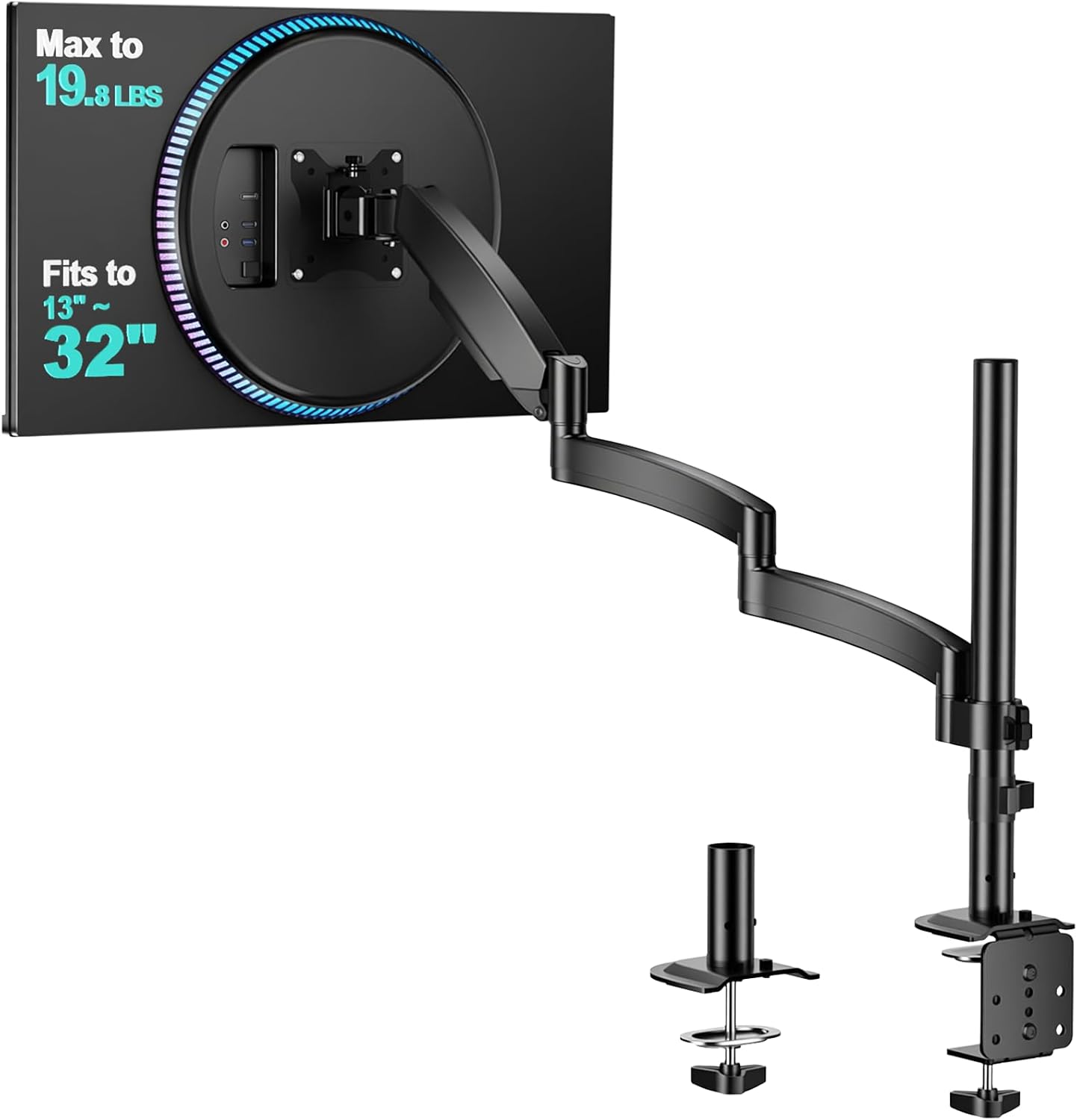
WALI Extra Long Single Monitor Arm for 13-32 inch Screens, up to 19.8 lbs
Check current Amazon price
An extra long single arm for 13 to 32 inch screens with a 19.8 lb capacity, giving more reach across the desktop than a standard-length arm.
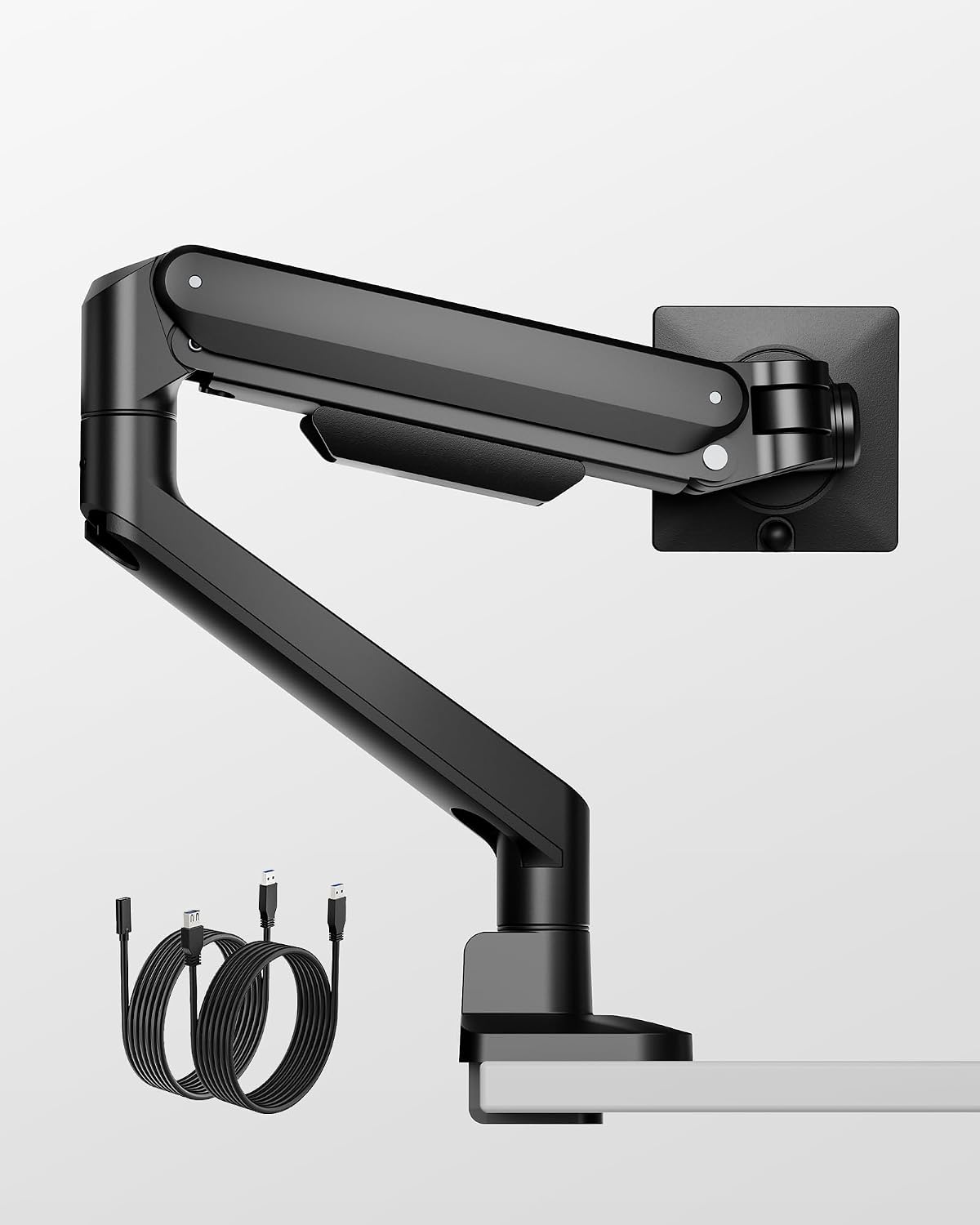
monTEK Deluxe Aluminum Monitor Arm with USB A/C for 17 to 40 Inch Screens
Check current Amazon price
Aluminum arm for 17 to 40 inch screens with USB A and USB C ports at the mount, useful when the monitor doubles as a charging point.
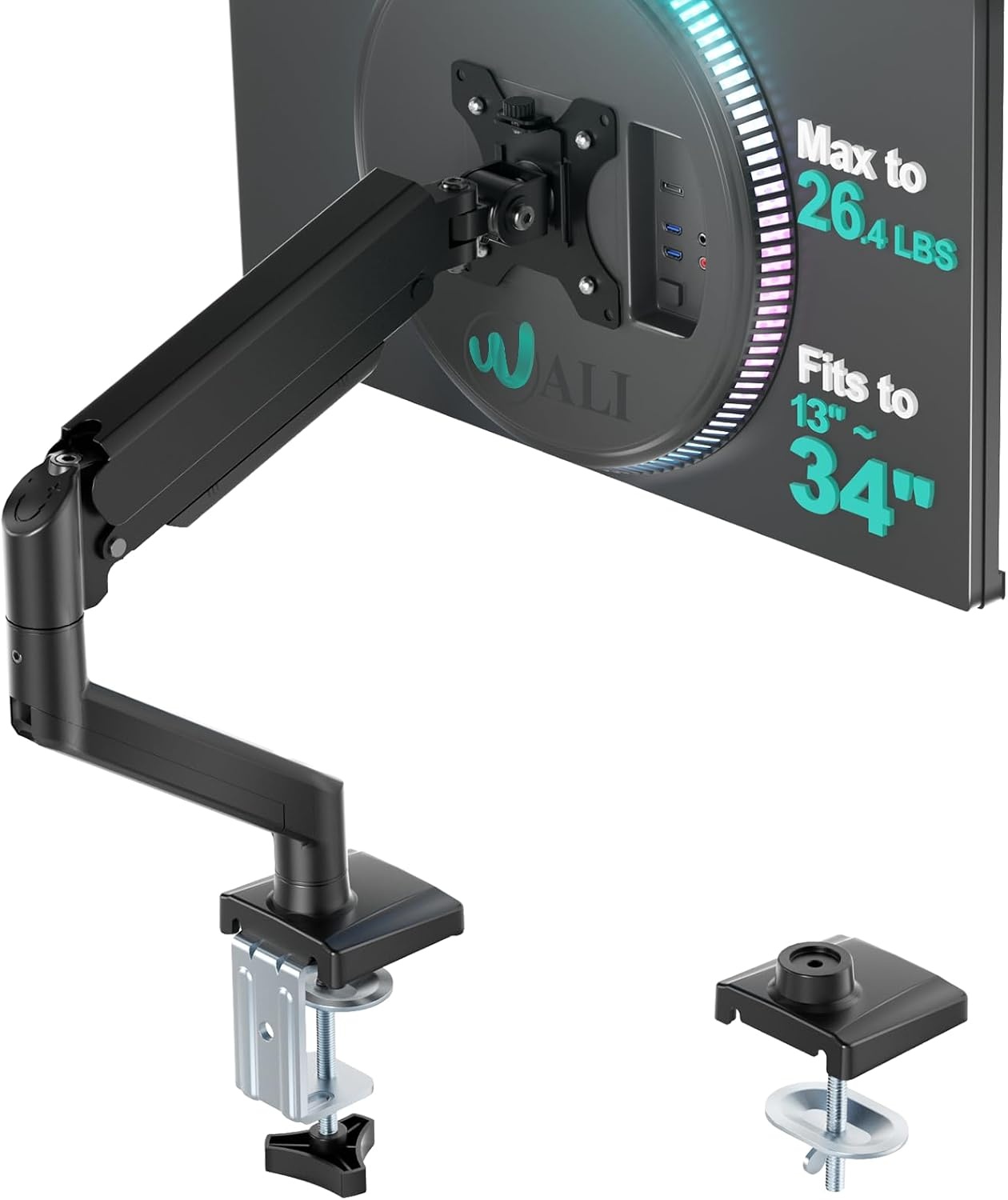
WALI Adjustable Single Monitor Arm for 13-34 inch Screens, up to 26.4 lbs
Check current Amazon price
Adjustable single arm covering 13 to 34 inch screens up to 26.4 lbs, a straightforward fit for a standard 24 to 32 inch panel.
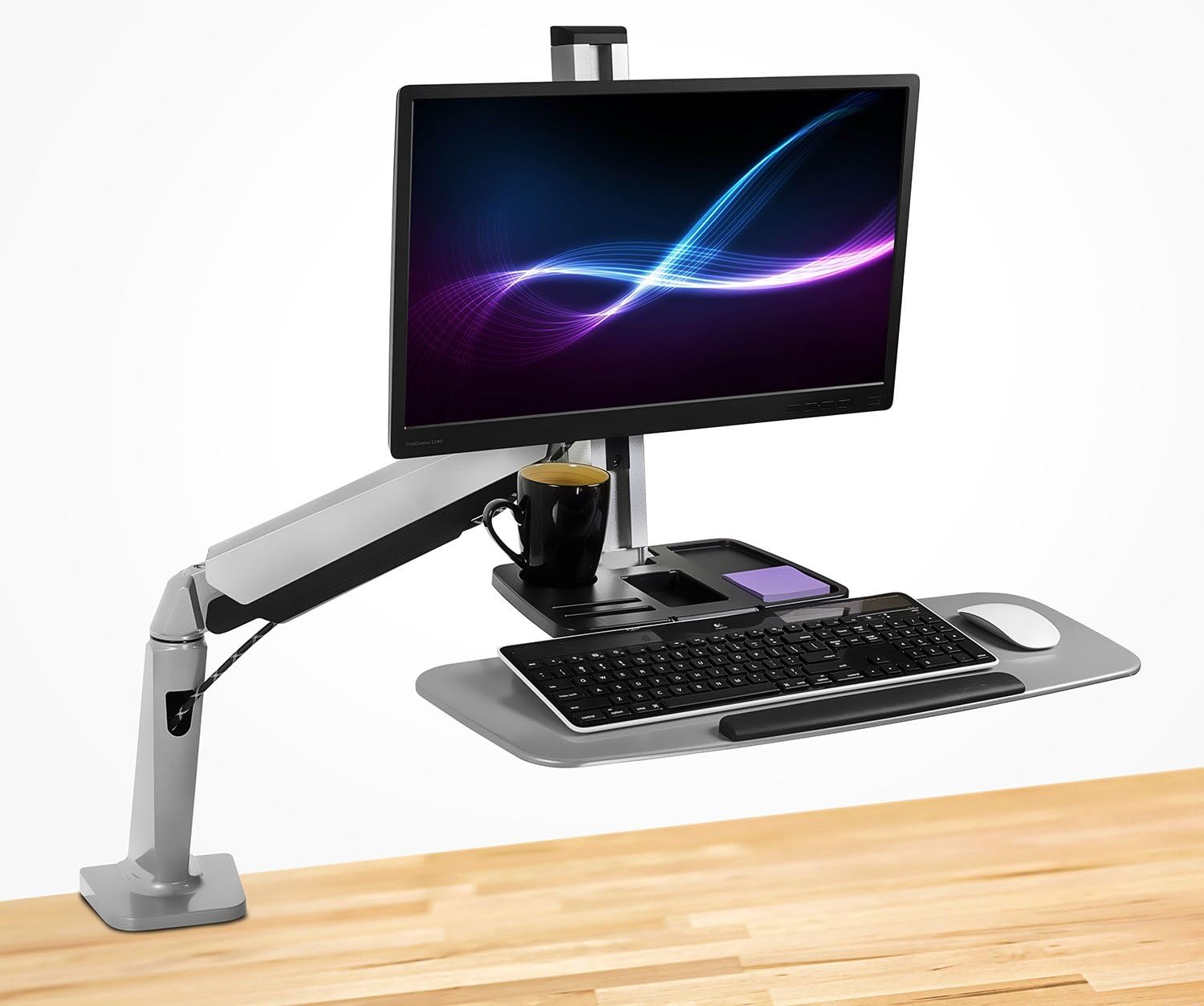
Mount-It! Single Monitor Arm Desk Mount Sit-Stand Workstation, Clamp Base
Check current Amazon price
A single monitor arm built for sit-stand workstations, with a clamp base that grips the desk edge and carries the panel with the desk.
How these products were compared
This guide compares six single monitor arms on the criteria that decide a monitor arm for programmers: screen size range, weight capacity, mount type and desk fit, adjustability features such as tilt range and swivel, and cable routing. Product names, images, and retailer links are matched by product code so that every card points to the exact product shown.
Nothing here is a lab measurement. The screen size ranges and weight capacities come from the manufacturer listings, and the use cases are matched to those numbers rather than to a preference. Where two arms cover the same panel size, the tiebreaker is capacity headroom and the mount type your desk can accept. If your desk cannot take a clamp, no amount of capacity helps.
Prices and availability move, so this article does not print them. Use the link on each card to confirm the current price, stock, and return window before you buy.
How to choose the right monitor arm for programmers
Start with the panel, not the arm. Look up the weight of your monitor without its stand, then compare that number to the arm's weight capacity. Diagonal size gets all the attention, and if you have been reading a monitor arm for developers buying guide you have seen it listed first every time. Weight is what makes an arm droop, and a 34-inch ultrawide can weigh more than a 43-inch standard panel. An arm rated to 19.8 lbs is a fine choice for a light 27-inch screen and the wrong choice for a heavy ultrawide, even though both panels sit inside the arm's stated size range. Arms counterbalance the load either with a tension adjustment or with a sealed gas spring. Both approaches work; what matters is the rated weight range and where your panel sits inside it. When you are within ten percent of the top of a capacity rating, buy the next arm up.
Second, work out how the arm attaches to the desk. What separates a monitor mount for programmers from a generic wall bracket is the counterbalance and the desk attachment, not the shape of the base. A clamp mount grips the desk edge; a grommet mount passes through a hole drilled in the desktop. Clamps are the common case and the one most people can install without drilling, but a clamp needs a clear run of desk edge behind the monitor and enough thickness for the jaws to bite. Before ordering, measure the clear span behind your monitor, check whether a drawer unit, a crossbar, or a cable tray sits inside that span, and confirm the desk edge thickness falls inside the range the arm publishes. A wide desk with a drawer pedestal on one side can leave far less usable clamp space than its total width suggests, so measure the gap between obstacles, not the width of the desk.
Third, look at what the arm does after it is installed. Tilt range and swivel decide whether you can angle the panel to kill a reflection without moving the base, and the cable channel decides whether the display cable hangs free or gets clipped along the arm. A monitor arm for coders spends most of its life holding a single position, so the joint that drifts over time is the joint that matters most. Cable routing is not cosmetic. A cable that pulls tight when you raise the monitor will change the monitor angle within a week, and you will spend the next month wondering why the screen keeps creeping. Leave slack at every joint. If a new desk is part of the same purchase, the notes on standing desk height for a 6 foot 2 user cover the height range question that comes up right after the arm does.
VIVO Heavy Duty Aluminum Ultrawide Monitor Tension Arm
The VIVO Heavy Duty Aluminum Ultrawide Monitor Tension Arm is the one arm in this group rated for panels up to 49 inches and up to 44 lbs. That combination is why it is the top pick. The 49-inch ultrawide class, including the Samsung Odyssey G9 that the listing names, is both wide and heavy, and most single arms top out well below that capacity. An arm rated under your panel's weight will not hold its angle no matter how carefully you set it.
It is an aluminum tension arm, which means the counterbalance is set by tension rather than by a sealed spring. Tension arms are simple and serviceable, and the trade-off is that you set the tension to the panel you own. Swap a 49-inch ultrawide for a light 24-inch screen later and you will need to back the tension off; that is a screwdriver job, not a return.
Who should skip it: if your monitor is a standard 24 to 32 inch panel, this arm is more capacity than you will ever use. The WALI Adjustable Single Monitor Arm covers 13 to 34 inch screens and 26.4 lbs and will do the same job on a lighter panel with less hardware hanging off the desk. Buy the VIVO when the panel is genuinely large, not when you think you might buy a large panel someday.
Alternatives to consider
The monTEK Single Monitor Arm for Max 45 Inch Ultrawide Screens, Holds 35 Lbs is better suited to a 45-inch ultrawide desk where 35 lbs of capacity already clears the panel with room to spare, while the WALI Extra Long Single Monitor Arm for 13-32 inch Screens, up to 19.8 lbs is a stronger fit when the panel is a standard 27 or 32 inch screen and you want the arm to reach further across the desktop than a normal-length arm does.
The monTEK Deluxe Aluminum Monitor Arm with USB A/C for 17 to 40 Inch Screens, the WALI Adjustable Single Monitor Arm for 13-34 inch Screens, up to 26.4 lbs, and the Mount-It! Single Monitor Arm Desk Mount Sit-Stand Workstation, Clamp Base cover the remaining three cases. The monTEK Deluxe adds USB A and USB C ports at the mount for 17 to 40 inch screens, which keeps a keyboard cable and a phone charger off the desktop. The WALI 13 to 34 inch arm is the light-duty pick at 26.4 lbs. The Mount-It! is the sit-stand option: a clamp-base workstation mount built for a desk that rises and falls, and it is the largest investment of the six.
Notice what is not on this list: any arm with a capacity below your panel's weight. That is the one mistake no adjustment fixes. If two arms both clear your panel, buy the one whose mount type matches your desk edge, and treat the extra capacity as insurance rather than as a reason to spend more.
Day-to-day use and maintenance
Once an arm is installed, most of the upkeep is a monthly check rather than a repair. Re-tighten the clamp screw after the first week, because the jaws compress the desk edge and settle. Check the tension setting after any panel swap. Wipe the aluminum with a dry cloth rather than a wet one, and keep cleaning fluid away from the joints.
Route cables through the cable channel along the arm, and leave a service loop at each joint so the cable is never taut at full extension. If you raise the monitor and feel the cable pull before the arm stops moving, the loop is too short. This is the single most common reason a monitor arm for programmers drifts out of position, and it costs nothing to fix.
Keep the load inside the rating. An arm rated to 26.4 lbs is rated to 26.4 lbs, not to 26.4 lbs plus a heavy webcam and a USB hub strapped to the back of the panel. Add-ons count toward the weight the arm carries.
If your desk is a sit-stand model, check the clamp and the cable slack at standing height, not sitting height. A cable that looks fine when the desk is down can go tight when the desk goes up, and that is the pull that changes your monitor angle. Run the desk to the top of its range once with the arm installed and watch the cable the whole way.
Buying checklist
- Measure your monitor's diagonal size and its weight without the stand.
- Confirm the VESA pattern on the back of the panel matches the mount plate the arm ships with.
- Choose weight capacity based on normal use rather than an occasional edge case.
- Confirm that the exact model includes the mount type your desk accepts, clamp or grommet.
- Measure the desk edge thickness and the clear span behind the monitor.
- Read the cleaning and maintenance instructions.
- Verify the current retailer price, availability, and return terms.
Final recommendation
Choose the VIVO Heavy Duty Aluminum Ultrawide Monitor Tension Arm for up to 49 inch Screens, Holds 44 lbs when your panel is a large ultrawide and you need an arm rated above it, not just at it. Choose the monTEK Single Monitor Arm for Max 45 Inch Ultrawide Screens, Holds 35 Lbs when your screen tops out at 45 inches and 35 lbs covers it. Choose the WALI Adjustable Single Monitor Arm for 13-34 inch Screens, up to 26.4 lbs when the panel is a standard 24 to 32 inch screen and you want the simplest arm that fits.
Skip all of them and buy nothing until you know your monitor's weight, its diagonal, and the clear desk edge you have to work with. That is the whole method: panel first, mount second, capacity as insurance. Every other feature on this page is a detail you can live without.