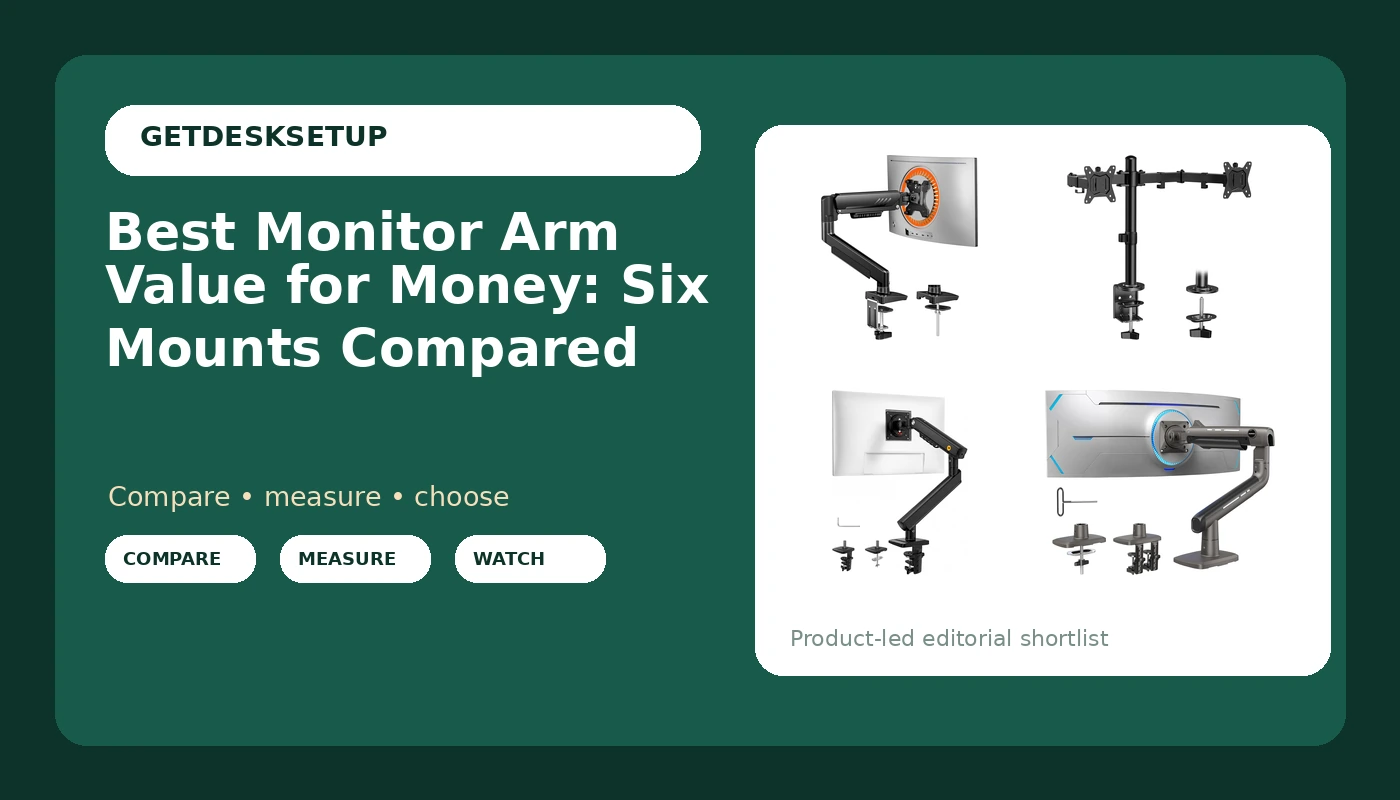
Most desk setups do not fail because the monitor is wrong. They fail because the mount under it cannot hold the screen where the person actually sits. The best monitor arm value for money is not the cheapest clamp on the page. It is the arm whose weight capacity, VESA pattern, and mounting hardware match your desk and your screen, with no capacity you paid for and never used.
Six arms and stands are compared below, covering single screens from 13 inches up to 49-inch ultrawides plus one dual-screen setup. Every one is judged on numbers a manufacturer publishes: weight capacity per arm, screen size range, VESA pattern, clamp or grommet mount, and adjustment range. That is how you find monitor arm value for money without buying a mount your desk cannot carry.
Related: Setting monitor height for a 5'9" desk setup
Quick answer
The ErGear Single Monitor Arm is the strongest fit for a single 13 to 34 inch screen because it holds 19.8 lbs on a tool-free VESA mount with cable management and a full adjustment set, which covers the panel most people actually own. Choose the ErGear Dual Monitor Stand instead when you run two screens up to 32 inches and want one clamp carrying both.
Monitor arm value for money: what is worth comparing
Five specs decide whether a mount holds its position or sags: weight capacity per arm, the VESA pattern it accepts, how it attaches to the desk, how far it adjusts, and where the cable channel routes the cable. Finish and branding decide nothing.
Weight capacity is the first filter. A 32-inch panel with its stand removed usually lands somewhere between 11 and 17 lbs, and ultrawides run heavier, which is why the arms here range from 17.6 lbs per arm on the dual stand up to 44 lbs on the heavy-duty single. Buying far more capacity than your screen needs is not automatically wasteful, because spring arms often have a minimum load as well as a maximum, but paying for 44 lbs of capacity to hold a 24-inch panel is money doing nothing.
Mounting method is the second filter. A clamp mount grips the desk edge and needs a flat, solid top of a known thickness. A grommet mount passes through an existing cable hole and spreads load differently. The ROG Ergo Monitor Arm (AAS01R) ships with both, which is unusual in this group and useful when you are not sure what your desktop will tolerate.
Adjustment range is the third. Height, tilt range, and swivel matter more than the number of joints on the arm. Several mounts here use a mechanical spring that is tensioned at the joint, while a gas spring arm uses a pressurized cylinder instead; the practical difference is how you set the tension, not how the screen moves. A mount that reaches your seated eye level without maxing out its spring is doing the job, and one that tops out two inches below it never will.
More on this: how much desk width a monitor arm actually needs
Top pick
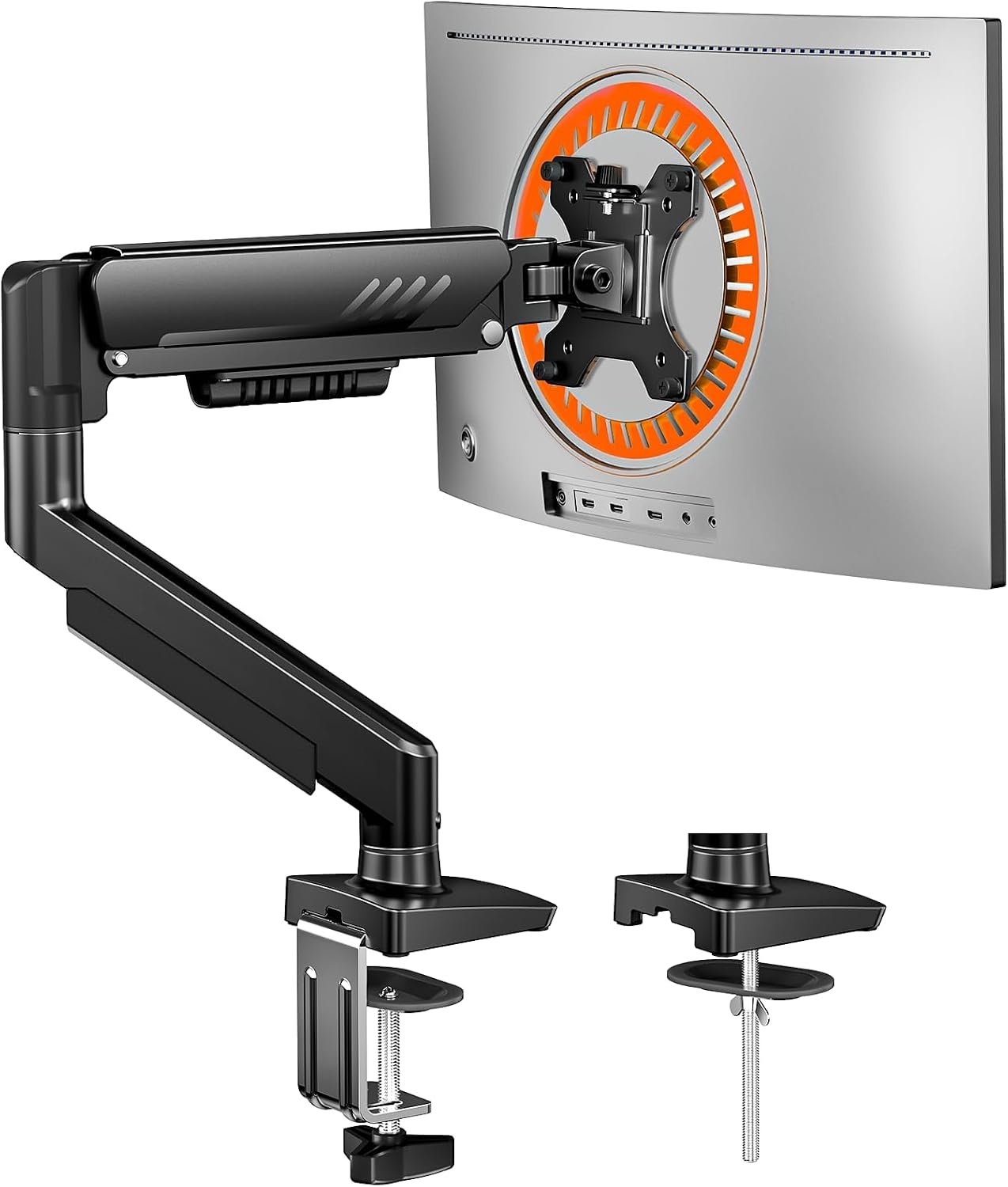
ErGear Single Monitor Arm, Fully Adjustable Monitor Mount for 13-34 Inch Screens, Fast Install Computer Monitor Stand with Tool-Free VESA Mount, Cable Management, Holds 19.8 lbs, Max VESA 100x100mm
Check current Amazon price
Covers 13 to 34 inch screens up to 19.8 lbs with a tool-free VESA mount, cable management, and a 100 x 100 mm maximum pattern.
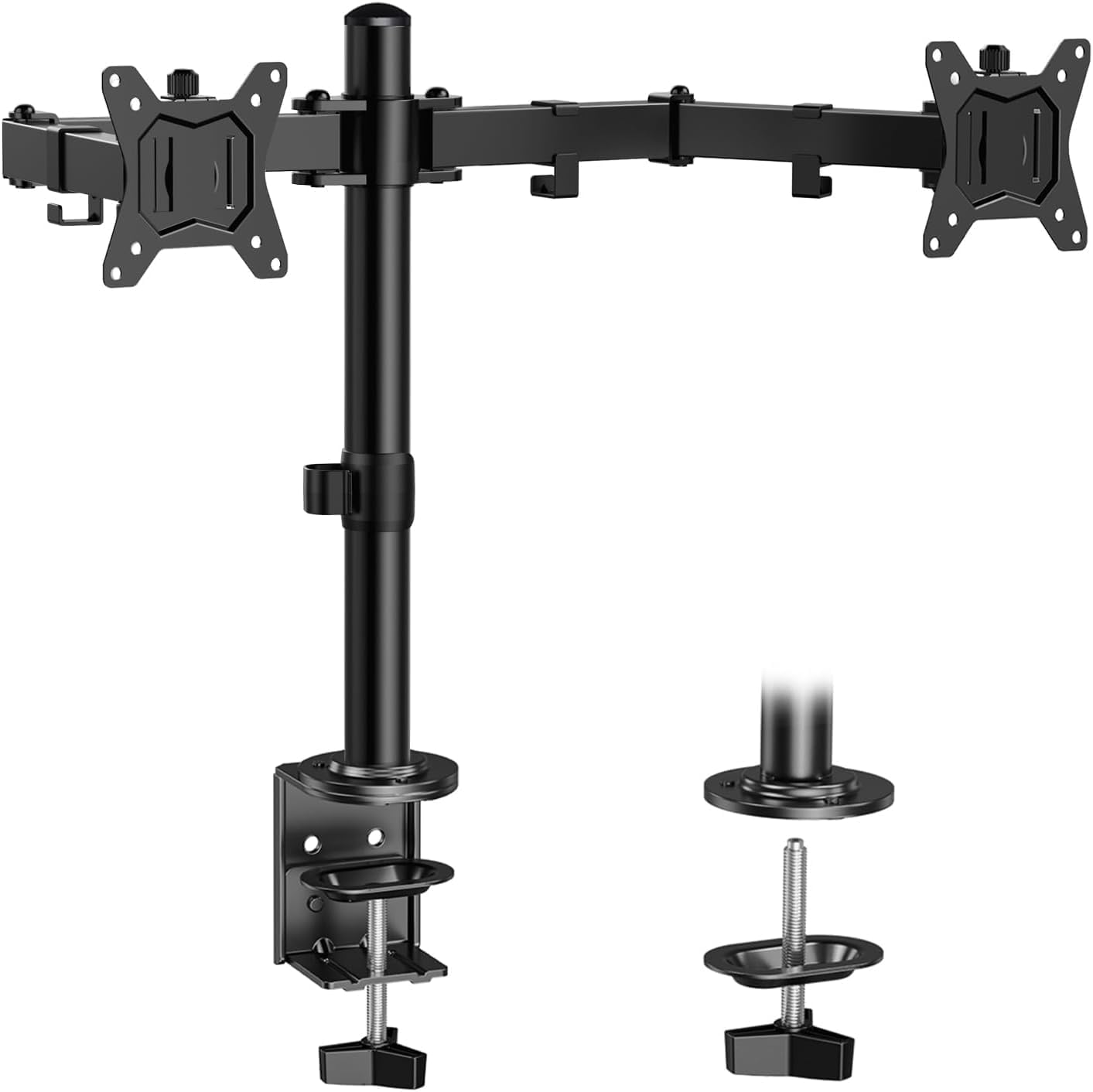
ErGear Dual Monitor Stand, Heavy Duty Adjustable Monitor Desk Mount for 2 Screens up to 32 Inches, Fully Adjustable Height, Tilt, Swivel, Rotate, Supports 17.6 lbs per Monitor Arm, Easy Installation
Check current Amazon price
Two arms on one stand for screens up to 32 inches, 17.6 lbs per arm, with height, tilt, swivel, and rotate adjustment.
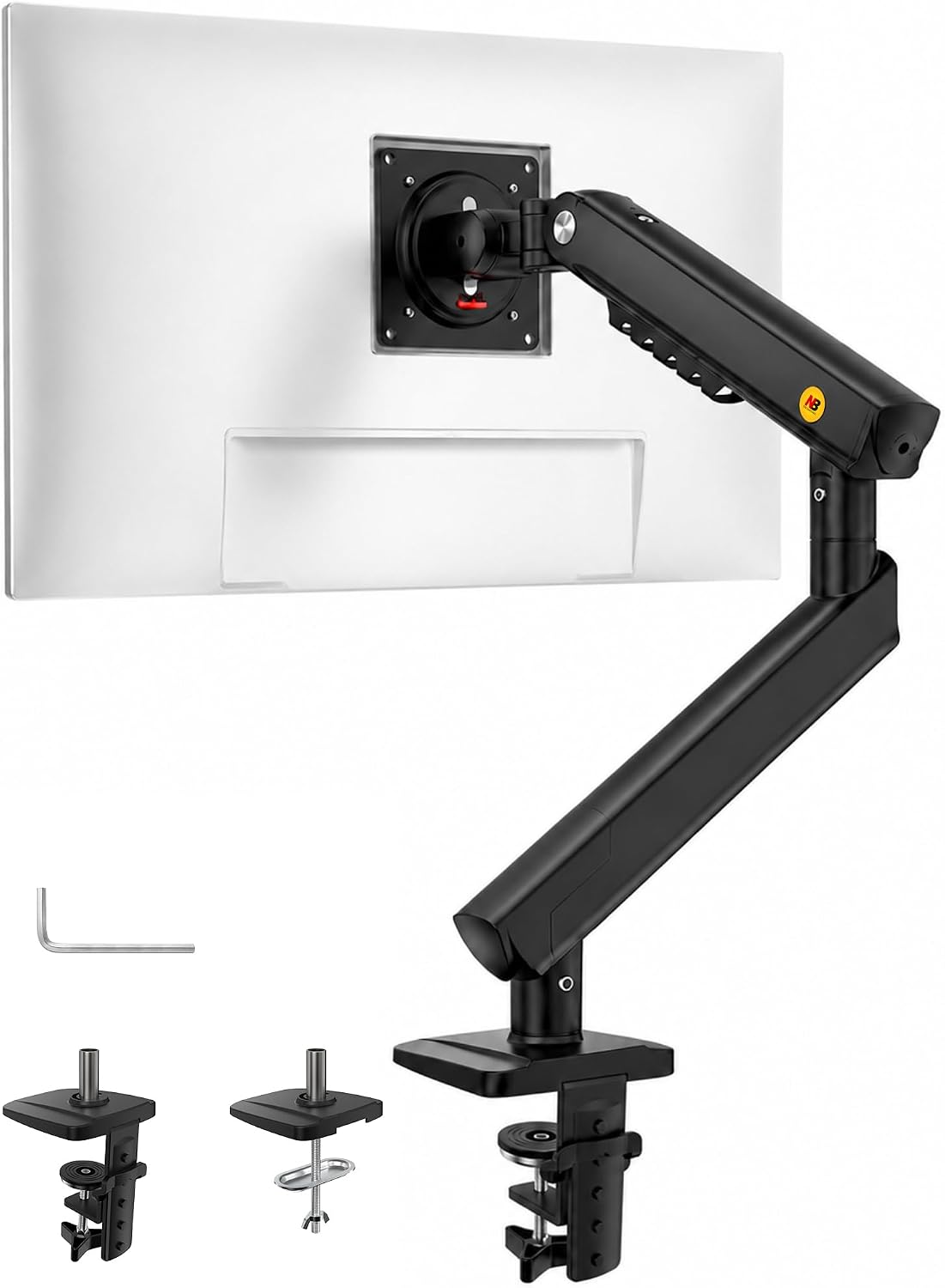
NB SmooVex™ Monitor Mount, Monitor Stand fits up to 32 Inch, Mechanical Spring Mount, VESA 75/100 mm, Model-A5(Black)
Check current Amazon price
Mechanical spring mount for screens up to 32 inches, with both 75 mm and 100 mm VESA pattern support in a single-screen design.
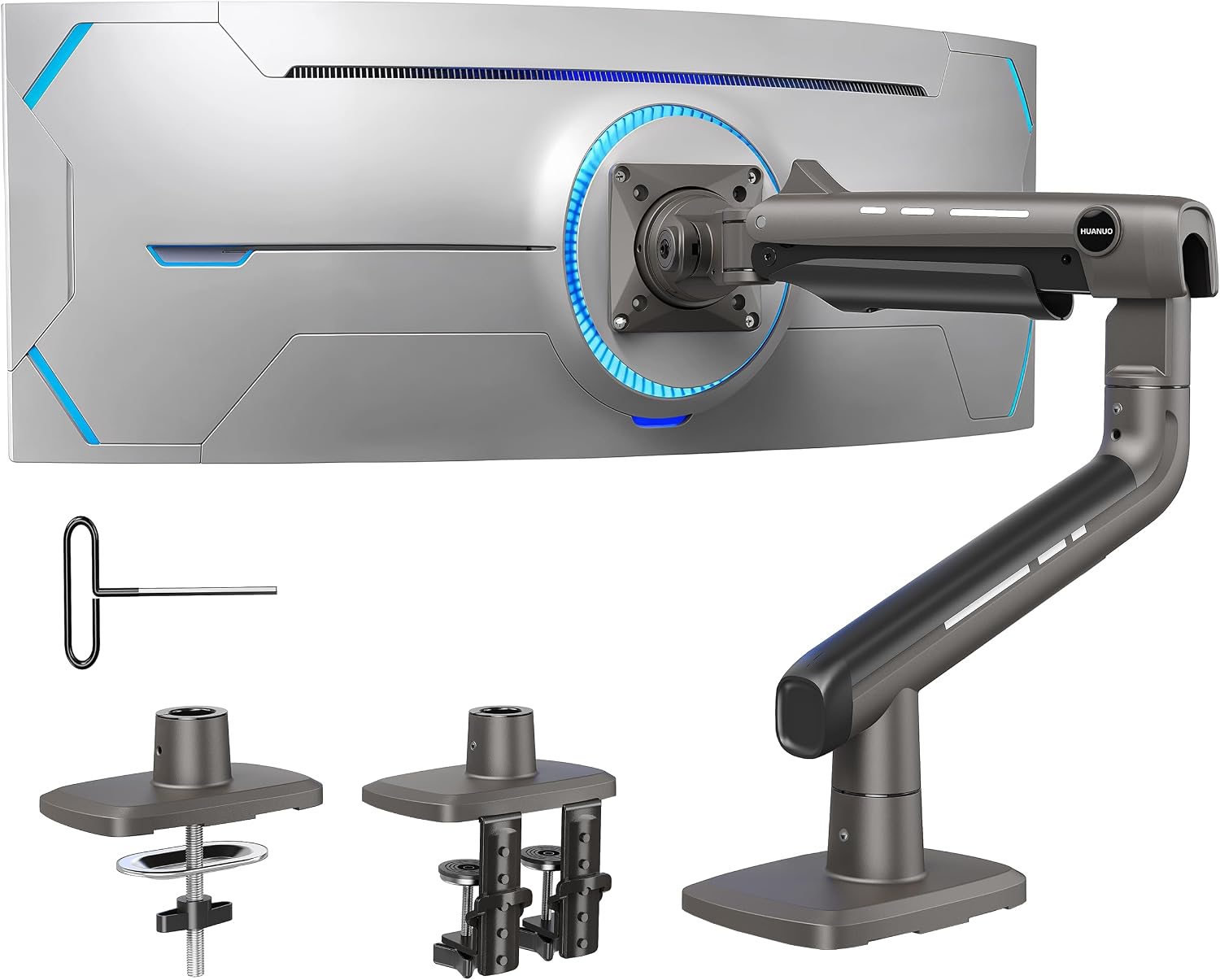
HUANUO TitanLift Heavy Duty Monitor Arm for Screens up to 49", Holds 44 lbs, Aluminum Ultrawide Screen Monitor Mount, Fully Adjustable Single Gaming Desk Mount with Dual C-Clamp, Max VESA 100x100mm
Check current Amazon price
Heavy duty aluminum single arm rated to 44 lbs for screens up to 49 inches, with a dual C-clamp and a 100 x 100 mm VESA pattern.
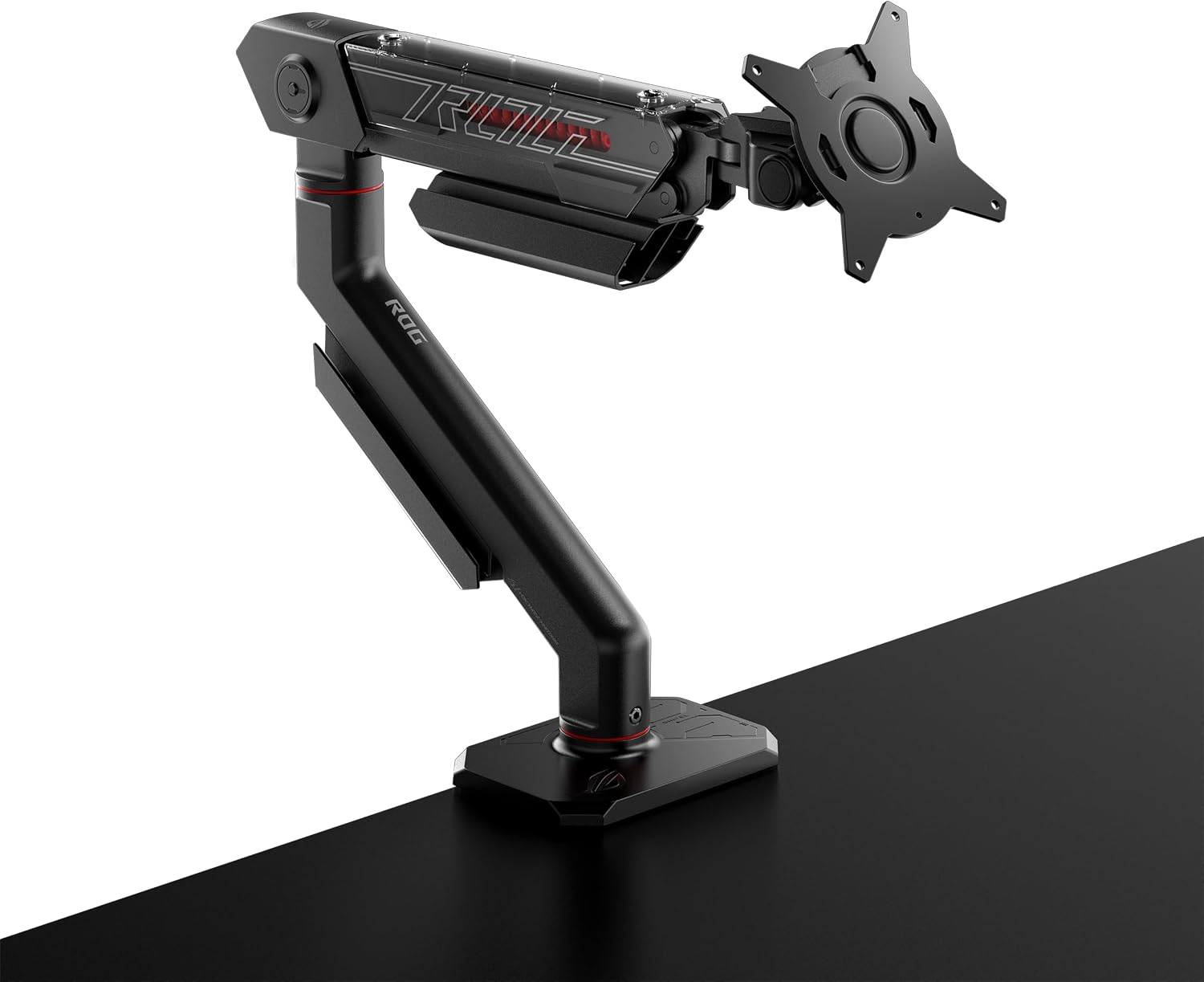
ASUS ROG Ergo Monitor Arm (AAS01) – Monitor Mount with Cable Management, Ergonomic, Pivot, Swivel, Height Fully Adjustable, Clean Desk Setup, up to 39 inches*,23lbs*, VESA 100×100, Mechanical Spring
Check current Amazon price
Mechanical spring arm for screens up to 39 inches and 23 lbs, with cable management, pivot, swivel, and fully adjustable height.
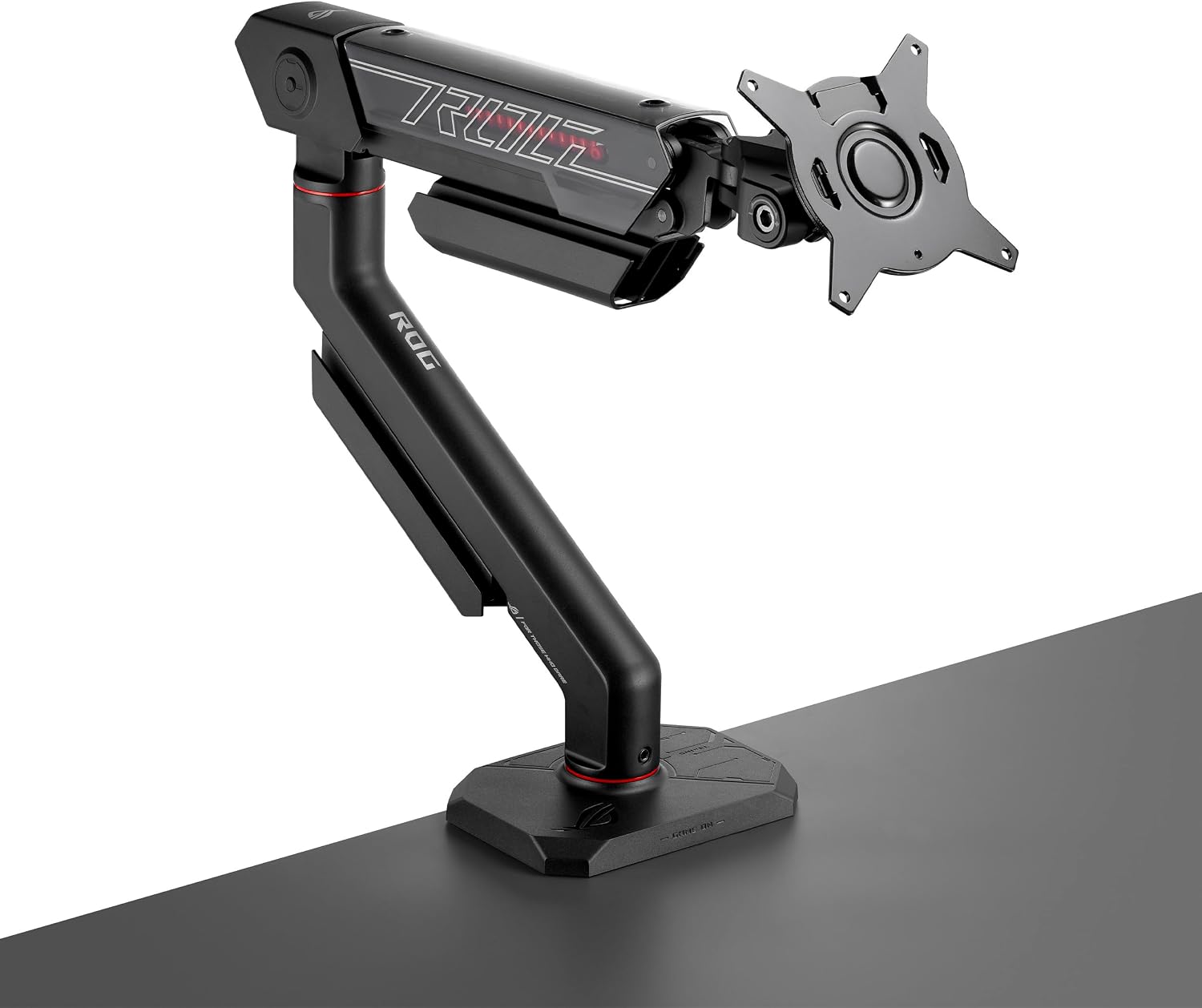
ROG Ergo Monitor Arm (AAS01R), Mechanical Spring Monitor Mount with Desk Clamp and Grommet Mount, Holds Up to 49-inch* Within 13.5kg, Pivot/Swivel/Tilt/Rotation/Height Adjustable, VESA 100 x 100 mm
Check current Amazon price
Mechanical spring arm for screens up to 49 inches within 13.5 kg, with both desk clamp and grommet mount plus a 100 x 100 mm VESA pattern.
How these products were compared
This guide compares published weight capacity per arm, supported screen size range, VESA pattern support, mounting method, and adjustment range, including tilt range and swivel. Product names, images, and retailer links are matched by product code so that every card points to the product shown. These are manufacturer specifications rather than lab measurements, and the judgment here is about which set of specifications fits which desk and which screen.
How to choose the right monitor arm
Start with the back of your screen. The VESA pattern is either 75 x 75 mm or 100 x 100 mm on almost everything in this size range, and the arm has to accept it. Most arms here take 100 x 100 mm, and the NB SmooVex Monitor Mount takes both 75 mm and 100 mm, which makes it the safer pick for an older or smaller panel. Reading the pattern off the back of your screen is the first step toward vesa monitor arm value for money, because an arm that does not match the holes cannot be made to fit with adapters and hope.
Then weigh the screen with its stand removed. Compare that number to the stated weight capacity and leave modest headroom. A 44 lb arm holding a 12 lb panel is not monitor mount value for money; it is capacity you pay for and then fight, because the spring will not settle at a low position the way a correctly sized arm will.
Then measure the desk. Clamp mounts need a flat edge of a thickness the clamp can actually close on, and thin hollow-core tops are the wrong place for a heavy arm. If you have a grommet hole, measure its diameter before assuming a grommet mount will drop in. Screen arm value for money comes down to how much screen the arm can carry at the height you need, not how many joints it has.
Finally, check the height range against your own seated eye level rather than a generic number. If your eyes land 42 inches off the floor when you sit, the arm has to reach that without the spring fully extended. How to measure your seated eye level takes five minutes and settles the question before you order anything.
ErGear Single Monitor Arm
The ErGear Single Monitor Arm covers 13 to 34 inch screens, holds 19.8 lbs, and uses a tool-free VESA mount with cable management and a 100 x 100 mm maximum pattern. That combination is what makes it the top pick: the size range covers the 24, 27, and 32 inch panels that fill most home offices, the capacity is honest for those panels, and the tool-free VESA plate is the fitting detail that matters most when the screen goes on last.
Who should skip it: anyone running a 38-inch or 49-inch ultrawide, anyone whose panel exceeds 19.8 lbs, and anyone who needs two screens on one clamp. It is also a single-arm mount, so it cannot be expanded into a dual setup later. If any of those apply, the alternatives below are the correct move rather than a workaround.
Alternatives to consider
The ErGear Dual Monitor Stand is better suited to a two-screen desk with panels up to 32 inches, since it carries 17.6 lbs per arm and offers height, tilt, swivel, and rotate adjustment on both sides. The NB SmooVex Monitor Mount is a stronger fit when you want a mechanical spring arm for a single screen up to 32 inches and need the flexibility of both a 75 mm and a 100 mm VESA pattern.
The HUANUO TitanLift, ASUS ROG Ergo Monitor Arm (AAS01), and ROG Ergo Monitor Arm (AAS01R) cover the heavy end. The TitanLift is built for a 49-inch ultrawide, holding 44 lbs in aluminum on a dual C-clamp. The AAS01 carries up to 23 lbs for screens up to 39 inches with cable management and a full pivot, swivel, and height range. The AAS01R takes a 49-inch screen within 13.5 kg and includes both a desk clamp and a grommet mount, which is the one to look at if your desk edge is not somewhere you trust a clamp.
Day-to-day use and maintenance
Cable management is the difference between an arm that stays where you set it and one that drifts. Route the display cable through the cable channel with enough slack at both ends to let the arm travel its full height range, and do not let the cable hang its own weight off the arm. A cable that goes tight when you raise the screen will pull the monitor angle out within a week.
Check the clamp and the VESA screws about a month after installation. Wood and laminate compress slightly under load, and a clamp that felt tight on day one can be a quarter turn loose by week four. Adjust spring tension only within the range the manufacturer specifies; mechanical spring arms are tensioned at the joint, and over-tightening is how people strip the fitting.
If your desk is particleboard or hollow-core, a clamp mount concentrates load on a small area. A grommet mount or a reinforcement plate spreads it out, and if neither is possible, that is a reason to skip a heavy arm rather than to try it and watch the desktop bow.
Buying checklist
- Measure the desktop thickness at the edge where a clamp mount would sit, and the grommet hole diameter if you plan to use one.
- Weigh the monitor with its stand removed and compare it to the stated weight capacity, leaving modest headroom.
- Confirm the VESA pattern on the back of the screen, 75 x 75 mm or 100 x 100 mm, matches the arm.
- Check the height range against your seated eye level and the tilt range against your worst glare window.
- Read the installation and maintenance instructions before assembly, then verify current retailer price, availability, and return terms.
Final recommendation
Choose the ErGear Single Monitor Arm when you have one screen between 13 and 34 inches and want the most useful capacity, adjustment, and cable management for the least hardware. Choose the ErGear Dual Monitor Stand when two screens up to 32 inches need to share one clamp, and step up to the HUANUO TitanLift or the ROG Ergo Monitor Arm (AAS01R) only when a 49-inch ultrawide or a 44 lb load is actually on your desk. That is what monitor arm value for money means in practice: the arm that fits your screen and your desk, not the arm that impresses on a spec sheet.