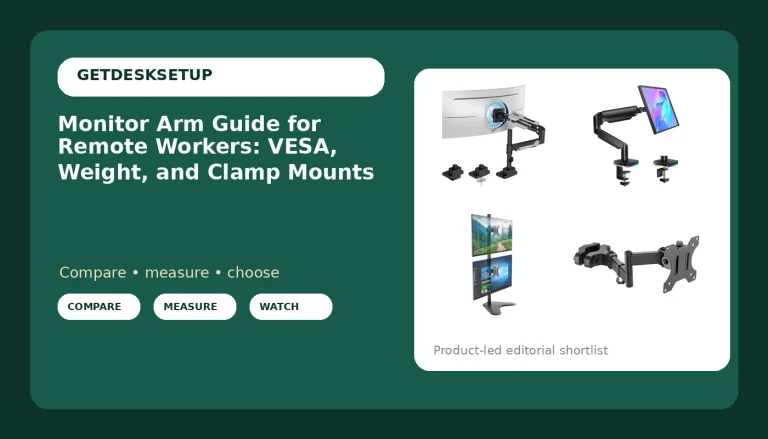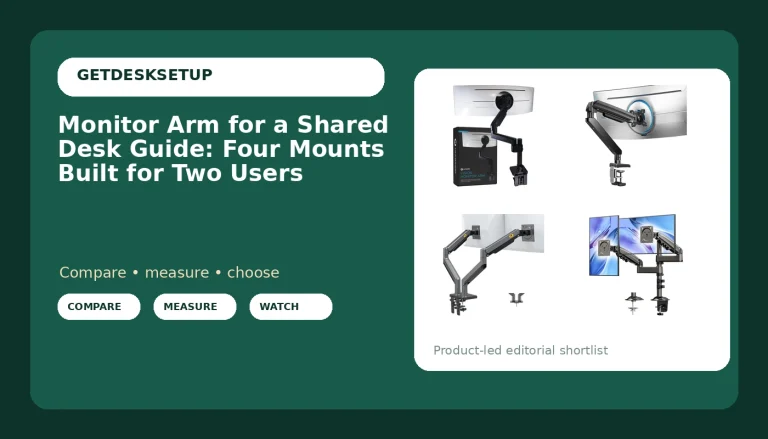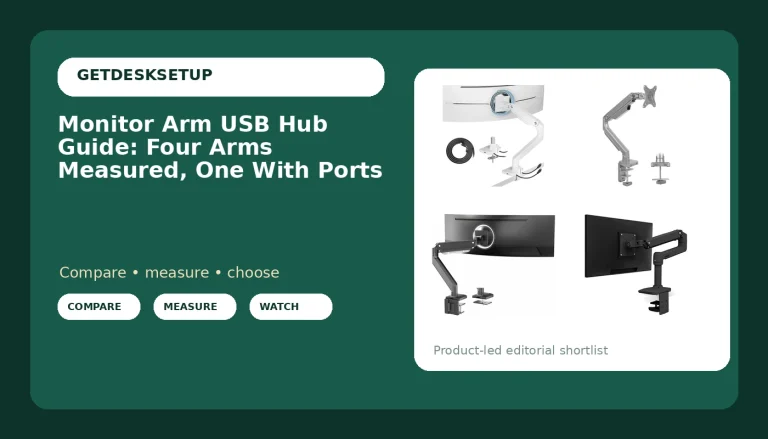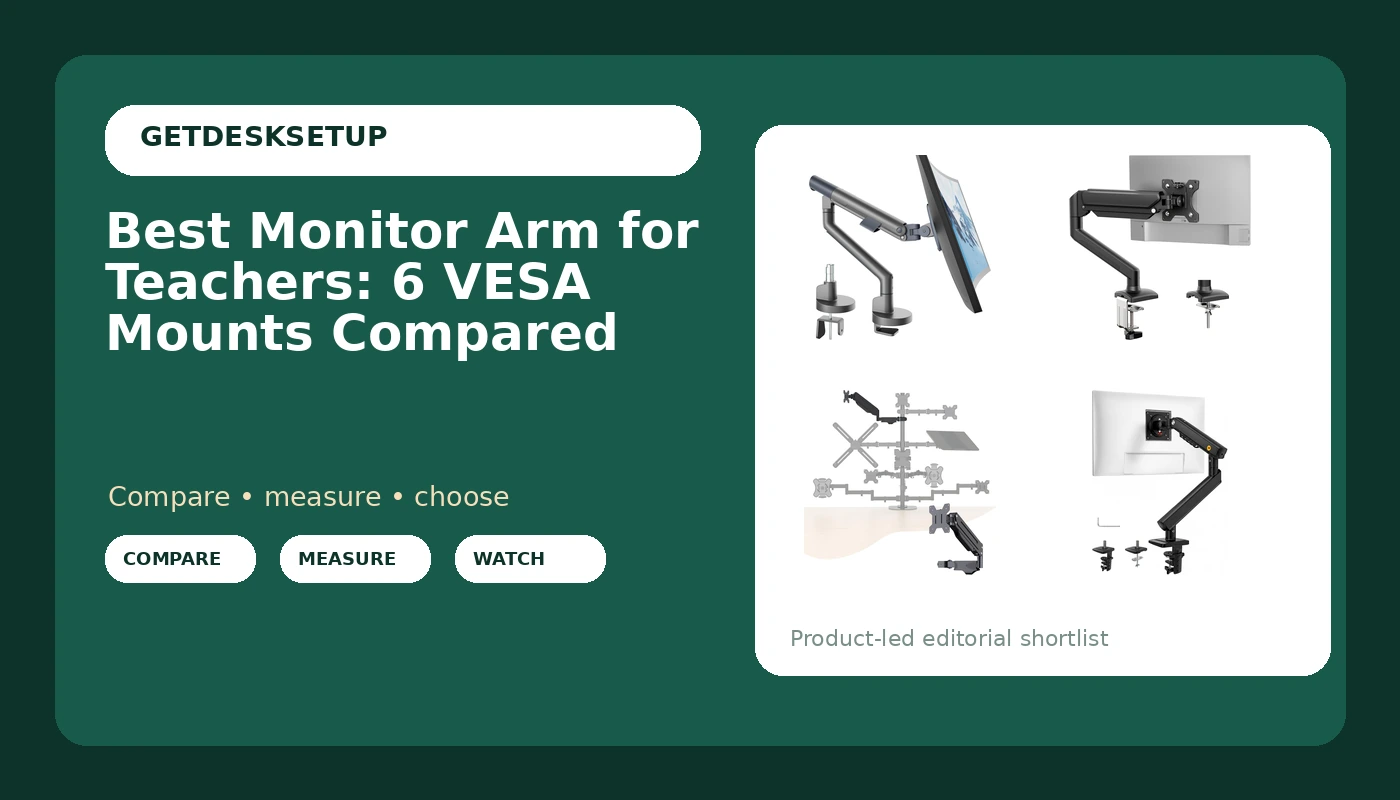
A classroom desk is not a home office. The monitor gets pushed back to make room for a stack of essays, pulled forward for a video call, then knocked sideways by whoever borrowed the room at lunch. That is why the search for the best monitor arm for teachers keeps coming back to two questions: how much weight the joint will actually hold, and how easily the screen goes back where you left it. This guide covers six VESA mounts that fit the desks teachers actually have, from a small arm for a 13 inch spare station to heavy duty models rated for a 57 inch ultrawide. Every recommendation below is tied to the screen size range and weight capacity published for that model, and every card links to the exact product it describes.
Related: How to Set Up a Classroom Desk for Grading and Video Calls
Quick answer
The monTEK Aluminum Monitor Arm for 17-40" Screens, 26.4 lbs, Gray is the strongest fit for a standard teaching desk running a 24 to 27 inch monitor, because its 17 to 40 inch screen range and 26.4 lb weight capacity cover that panel without pushing the joint to its ceiling. Choose the GRIFEMA Gas Spring Monitor Mount for 13-32", Single Monitor Arm instead when the screen is smaller than 24 inches, the desk is shallow, or you want a single gas spring arm rather than an aluminum one.
Monitor arms worth comparing
Monitor arms are not one product at one price. They split into three working groups, and knowing which group your desk belongs to removes most of the guesswork.
Light single arms cover screens up to roughly 32 inches. They are the right answer for a second display, a laptop-adjacent monitor, or a spare station a substitute teacher will use without instruction. Mid-range aluminum arms cover roughly 17 to 40 inches, which is where most 24 and 27 inch classroom and home office monitors sit. Heavy duty arms start around 24 inches and run past 50, because a large panel is heavy at the end of a long lever and the joint has to hold it without drifting.
The other split that matters is the lift mechanism. A gas spring uses a pressurized cylinder to counterbalance the screen; a mechanical spring uses a coil and a tension adjustment. Both hold a monitor up, both have to be set for the weight of the specific screen, and both behave differently when your monitor sits at the very light or very heavy end of the stated range.
A monitor mount for teachers and a monitor arm for a home office are the same hardware. The difference is the desk it clamps to, and classroom desks are often thinner, narrower, and harder to reach behind than the desk at home.
Top pick
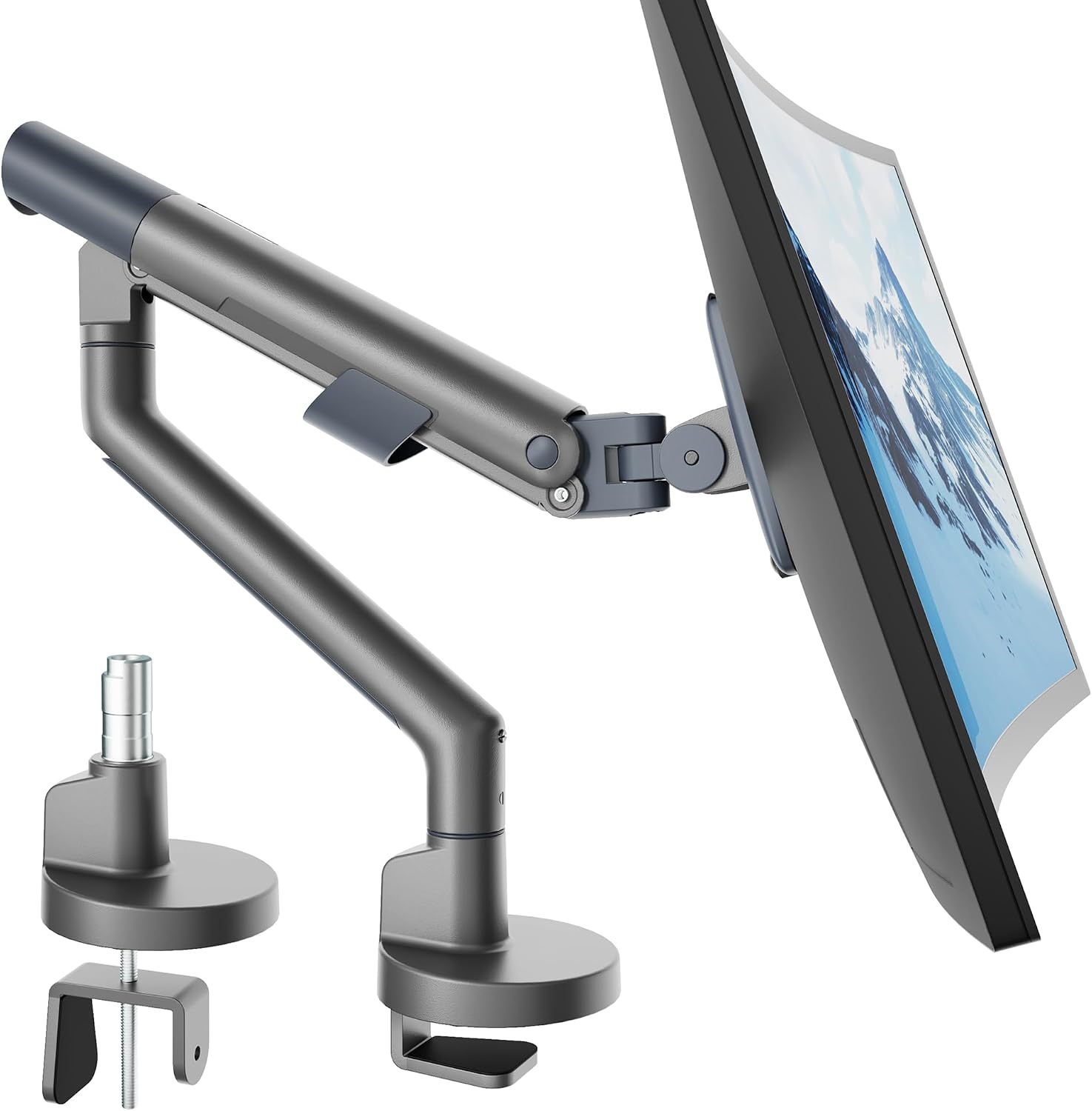
monTEK Aluminum Monitor Arm for 17-40" Screens, 26.4 lbs, Gray
Check current Amazon price
A single aluminum arm covering 17 to 40 inch screens with a 26.4 lb weight capacity, finished in gray. That range covers the 24 and 27 inch monitors most classrooms and home offices already own.
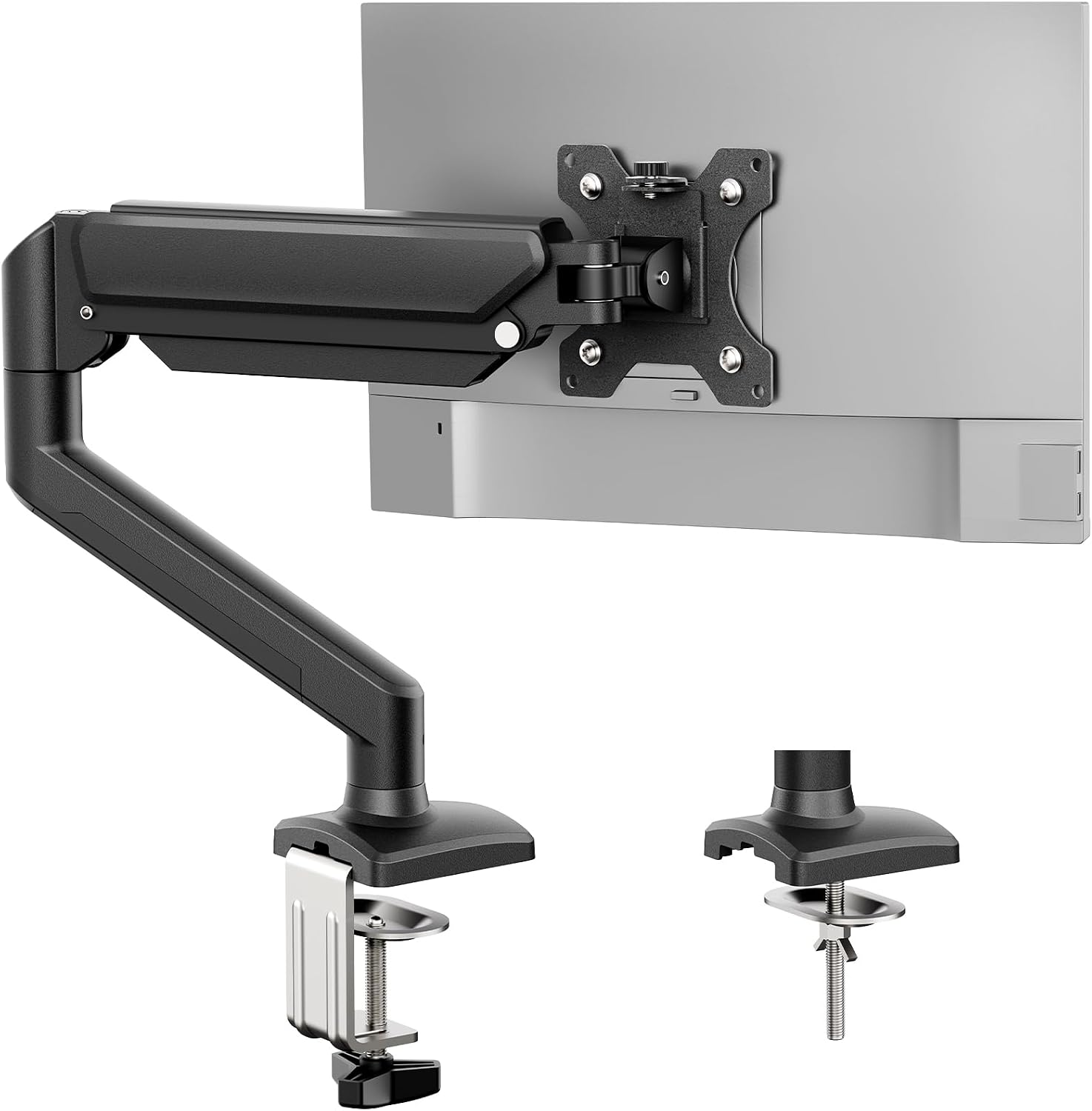
GRIFEMA Gas Spring Monitor Mount for 13-32", Single Monitor Arm
Check current Amazon price
A gas spring single arm sized for 13 to 32 inch screens, which puts it in range for the smallest classroom display or a second monitor beside a laptop.
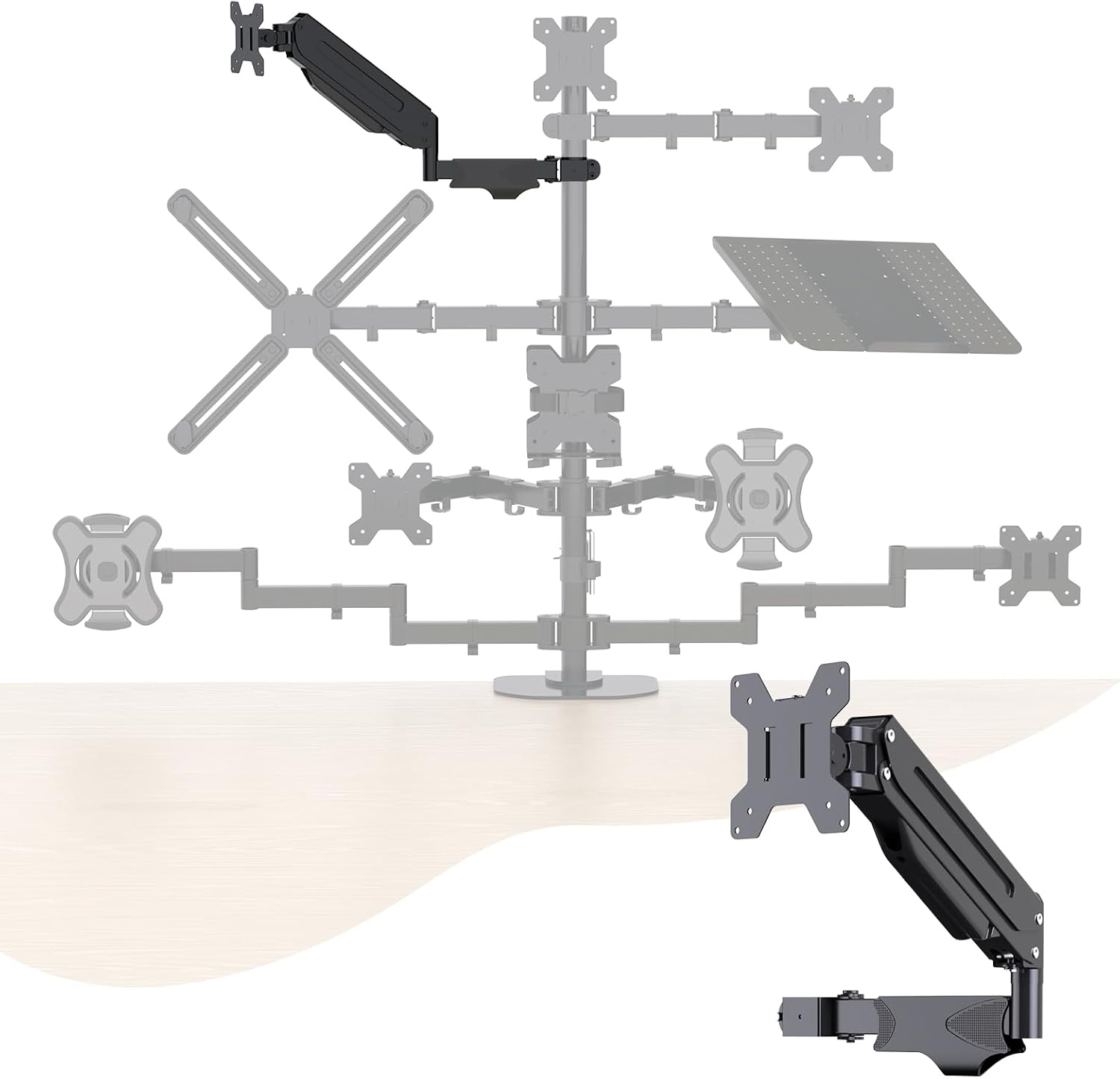
Pholiten Single Monitor Arm, Gas Type, Double Articulated
Check current Amazon price
A double articulated gas type single arm. Two joints instead of one give the screen more travel across a wide desk, which matters when the monitor has to swing toward a second seat.
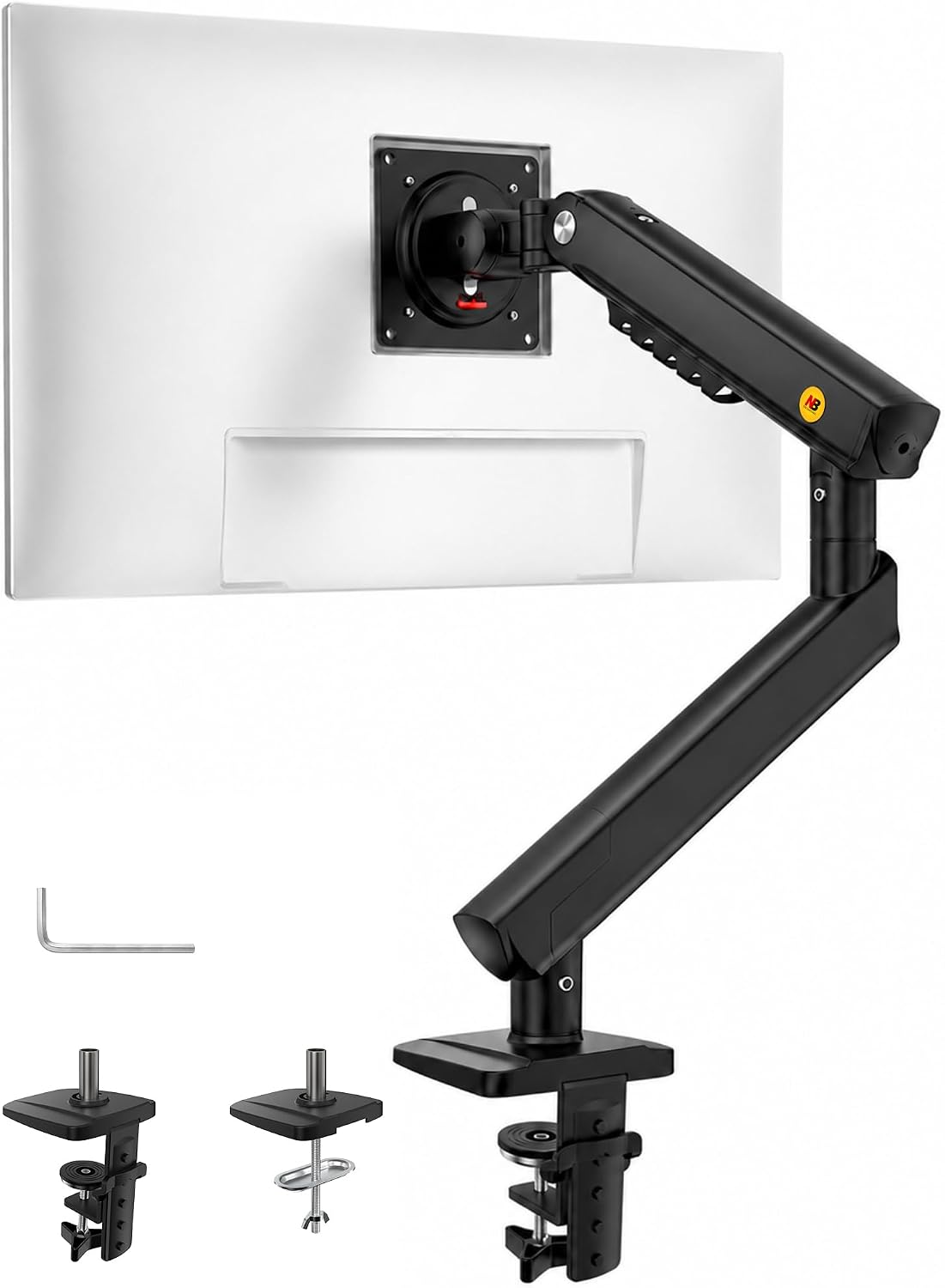
NB SmooVex™ Monitor Mount, Monitor Stand fits up to 32 Inch, Mechanical Spring Mount, VESA 75/100 mm, Model-A5(Black)
Check current Amazon price
A mechanical spring mount for screens up to 32 inches with VESA 75 and 100 mm compatibility, so the arm fits the two mounting squares nearly every classroom panel uses.
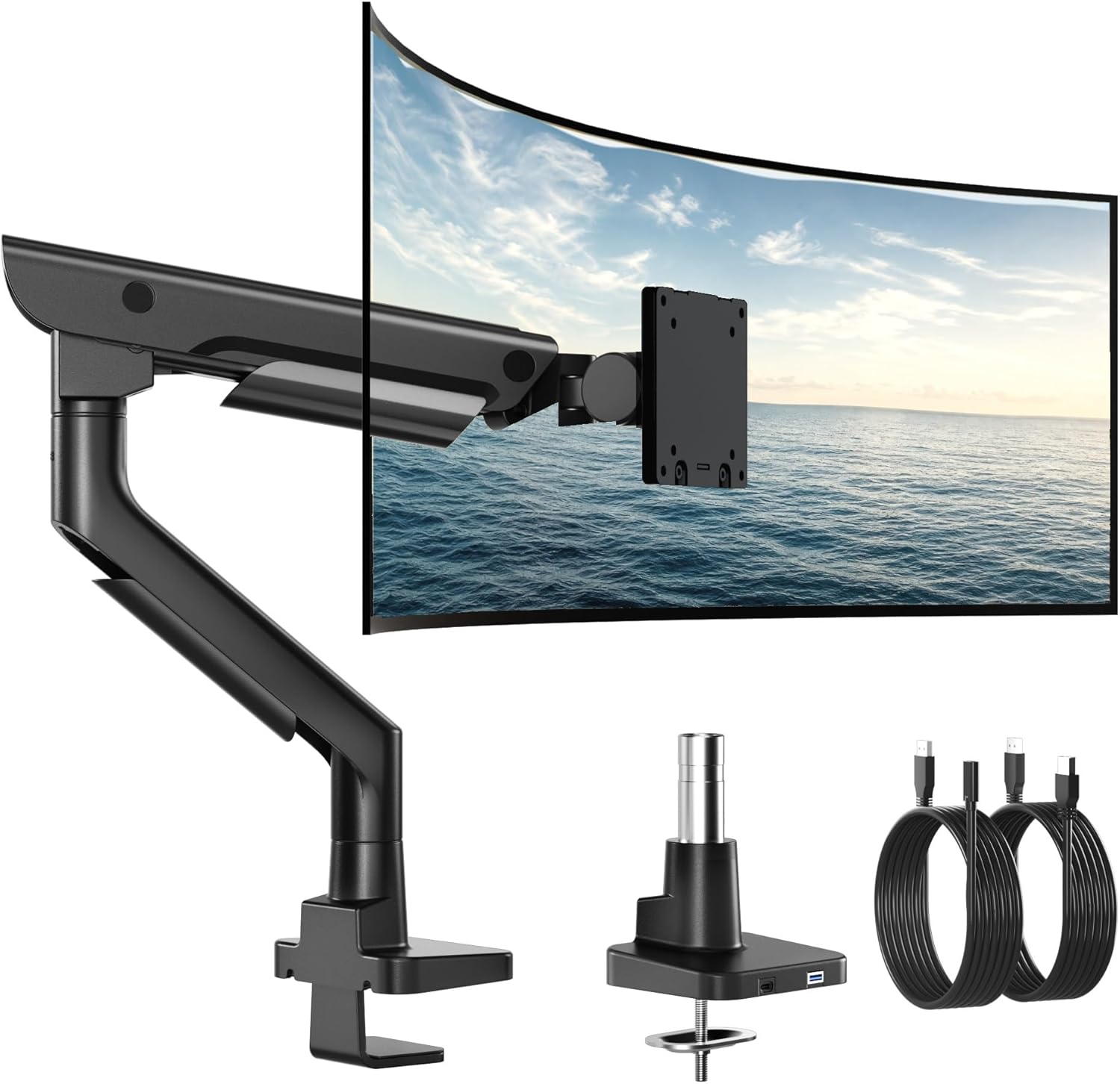
monTEK USB Monitor Arm for 17-57" Ultrawide, 59.4 lbs, Black
Check current Amazon price
Built for screens from 17 to 57 inches with a 59.4 lb weight capacity and a USB connection point on the arm, which suits a large panel and a desk that has to stay tidy.
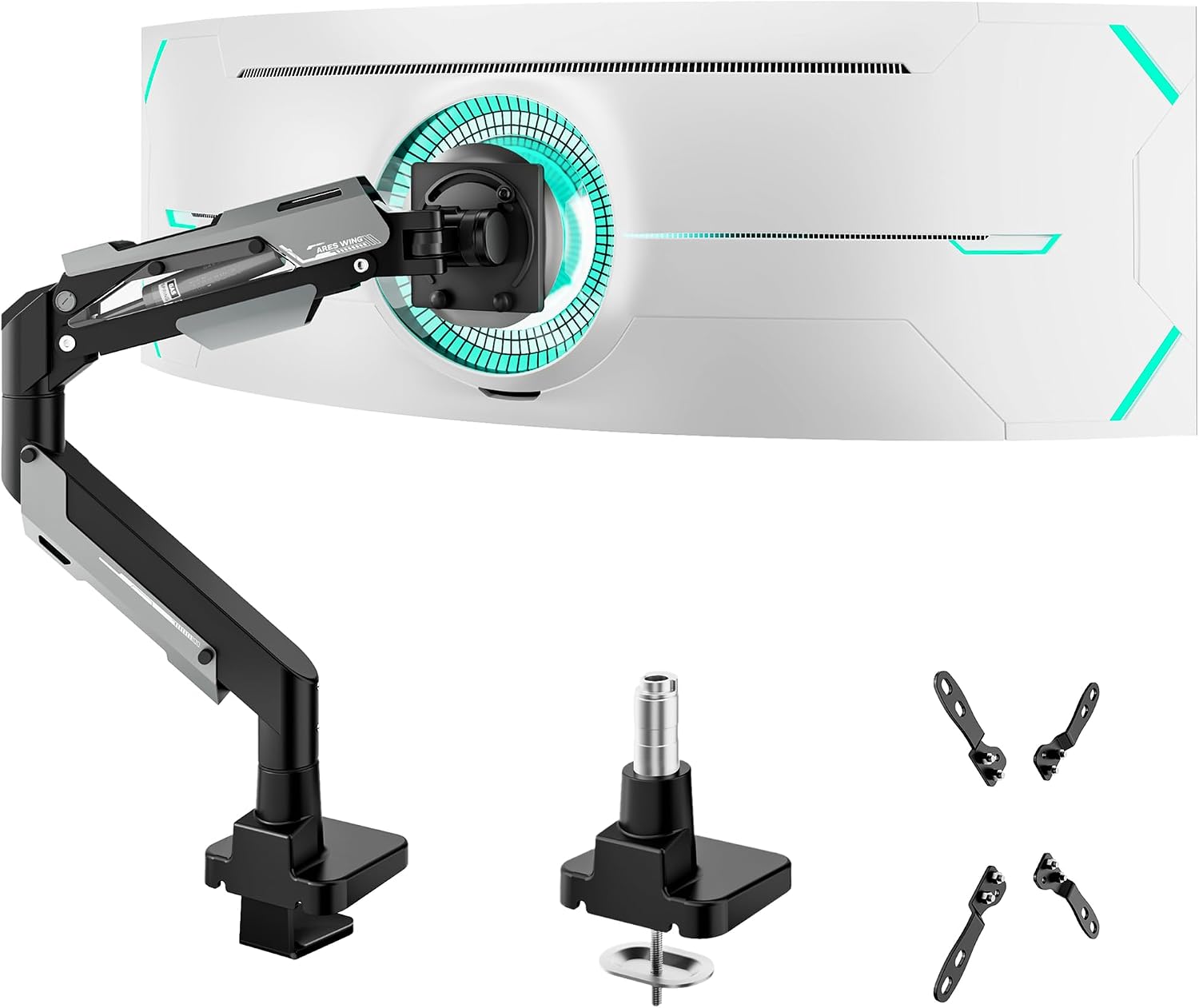
ARES WING Heavy Duty Monitor Arm for 24-57 Inch Screens, Black
Check current Amazon price
A heavy duty arm for 24 to 57 inch screens in black, aimed at the largest panels a desk can carry and at setups where the monitor is rarely moved by hand.
How these products were compared
This guide compares screen size range, weight capacity, lift mechanism, VESA pattern support, and desk attachment and cable routing. Product names, images, and retailer links are matched by ASIN so that every card points to the product shown.
The comparison is built from the published specifications for each model rather than from bench testing. Where a claim could not be supported by the product data, it was left out instead of softened. No card carries a current price, so use the link on the card to confirm price and availability at the retailer before you order.
How to choose the right monitor arm for teachers
A monitor arm for teachers has to satisfy three numbers before any feature matters: the diagonal size of the panel, its weight with the stand removed, and the thickness of the desktop it will attach to. A 24 inch monitor without its stand is lighter than the shipping box suggests, and a 32 inch panel is heavier than most people expect. Weigh yours or look the figure up, write it down, then read the arm's weight capacity and confirm your number sits inside it with room to spare. An arm asked to hold a screen at the very top of its range has no adjustment left in either direction, and the joint will drift.
Next, check the VESA pattern on the back of the monitor. Nearly every classroom and office panel uses a 75 x 75 mm or 100 x 100 mm square, and the arms here list support for one or both. If your monitor has no mounting holes at all, no arm will fit it, and that is worth confirming before you order anything.
Then decide how the arm attaches to the desk. A clamp mount grips the front and back edge of the desktop and needs a clear lip, which rules out a desk with a full modesty panel or a drawer unit flush to the back. A grommet mount passes a bolt through an existing cable hole and is the steadier option on a thin or hollow-core desktop, but it requires that hole to exist. Measure the desktop thickness and compare it with the clamp range before you commit.
Finally, look at the motion you actually need. A tilt range that stops short will not let you angle the screen down when you stand. A swivel that is limited will not let you turn the monitor toward a student sitting beside you. If the arm has a cable channel, the display cable and the power lead belong inside it, not hanging loose behind the desk where a chair back will catch them.
Two groups should skip the category they are shopping in. If your monitor is 43 inches or larger, skip the light and mid-range arms entirely; a heavy duty model rated for the panel's weight is the only safe choice. If your desk is a narrow built-in classroom unit under 36 inches wide, skip the long double-articulated arms, because the reach that helps on a wide desk puts the screen too close to your face on a small one. Whether a listing calls itself a vesa monitor arm for teachers or a plain desk arm, those questions do not change. If the desk itself is the weak point, fix that first: standing desk wobble at standing height covers the check worth running before you clamp anything to a desktop.
monTEK Aluminum Monitor Arm for 17-40" Screens, 26.4 lbs, Gray
The monTEK Aluminum Monitor Arm is the pick for a standard teaching desk because it sits exactly where most classroom monitors live. Its published screen range starts at 17 inches and ends at 40, so it fits a 24 inch panel as easily as a 27 or 32. The 26.4 lb weight capacity is above the weight of any monitor in that size band, which means the joint is not being asked to work at its ceiling. The arm is aluminum and finished in gray.
The trade-off is scale. This is not the arm for a 43 inch ultrawide or a 57 inch panel; those need the heavier models below. It is also a single arm, so mounting two monitors means buying two of them and having the desk width to place both. For one screen at a standard size, it is the version to hand someone who wants to set it up once and stop thinking about it.
Alternatives to consider
The GRIFEMA Gas Spring Monitor Mount for 13-32", Single Monitor Arm is better suited to a smaller screen on a shallow desk, while the Pholiten Single Monitor Arm, Gas Type, Double Articulated is a stronger fit when the arm has to reach across a wide desk or swing toward a second seat.
The monTEK USB Monitor Arm for 17-57" Ultrawide, 59.4 lbs, Black, the ARES WING Heavy Duty Monitor Arm for 24-57 Inch Screens, Black, and the NB SmooVex™ Monitor Mount, Monitor Stand fits up to 32 Inch, Mechanical Spring Mount, VESA 75/100 mm, Model-A5(Black) cover the ends of the range. The monTEK USB model is the one with a stated 59.4 lb weight capacity and a USB connection point, which is the combination that matters if a large panel and a tidy desk are both requirements. The ARES WING goes after the same 24 to 57 inch band with a heavy duty build. The NB SmooVex goes the other direction: a mechanical spring mount for screens up to 32 inches with VESA 75 and 100 mm compatibility, suited to a desk where the monitor never travels far.
A screen arm for teachers has to survive being repositioned by people who did not install it. That is an argument for the simpler arms and against the largest ones, unless the screen itself demands the heavier joint.
Day-to-day use and maintenance
Set the desk attachment before anything else. Clamp the base with the desktop empty, tighten it until it stops moving, then mount the arm, and only then hang the monitor. Reversing that order, loading the arm and then fighting the clamp, is how desktops get cracked and how arms end up crooked.
Once the monitor is on, set the spring tension with the screen attached. Gas spring and mechanical spring arms both have an adjustment that changes how much lift the joint provides, and it has to be set for your monitor's weight rather than left at the factory position. Adjust in small steps and test the screen at the top and bottom of its travel. If the monitor sinks on its own, the tension is too low. If it rises when you let go, it is too high.
Route the display cable and the power lead through the cable channel and leave slack at both ends. A cable pulled tight will tug the monitor out of angle within a week, and it wears at the connector. Leave a service loop at the monitor end so you can tilt and swivel without pulling on anything.
Re-check the clamp after the first week, and again at the start of each term. Desktops compress slightly under load, and a clamp that felt solid on day one can be a quarter turn loose a month later. Wipe the arm with a damp cloth and keep solvents away from the joint housings.
One safety note applies to every arm here: never hang a bag, a coat, or a set of headphones on the arm or the monitor. The weight capacity is for the screen, and the joint is balanced for exactly that load.
Buying checklist
- Measure the diagonal screen size and the monitor's weight with the stand removed.
- Measure the desktop thickness and the width of the clear edge where the clamp will sit.
- Check the VESA pattern on the back of the monitor before ordering.
- Choose the lift mechanism, gas spring or mechanical spring, based on how often the screen moves.
- Confirm that the exact model includes the mount type your desk supports, clamp mount or grommet mount.
- Verify the current retailer price, availability, and return terms.
Final recommendation
Choose the monTEK Aluminum Monitor Arm for 17-40" Screens, 26.4 lbs, Gray when you are mounting one 24 to 32 inch monitor on a normal desk and want the fit settled. Choose the GRIFEMA Gas Spring Monitor Mount for 13-32", Single Monitor Arm when the screen is smaller or the desk is shallow. Choose one of the heavy duty arms when the panel is large or ultrawide, and treat the weight capacity as the deciding number rather than the brand on the box. Where the published data does not separate two products in a way that matters for your desk, there is no reason to pay for the difference. The best monitor arm for teachers is the one that matches your screen's measured weight and your desktop's measured thickness.