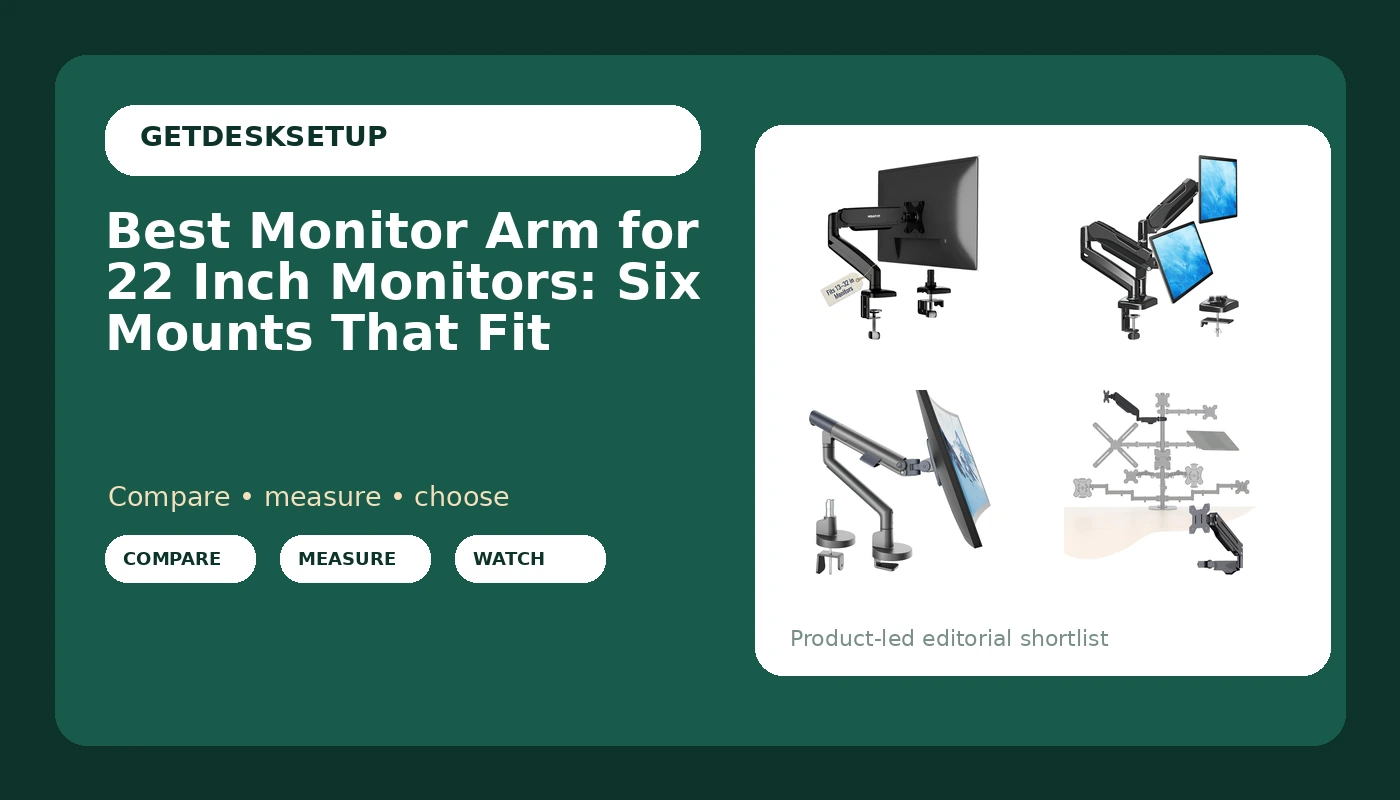
Buying a monitor arm for 22 inch monitors is mostly a math problem, and it starts with two numbers you can read off your own gear. The first is the VESA pattern on the back of the screen. The second is the weight of the panel with its stand removed. An arm holds a display safely only when both numbers sit inside the range the maker states, and those ranges are usually buried under a paragraph about posture. Get them wrong and the failure is slow: a screen that creeps downward over a week, or a tilt joint that will not hold the angle you set.
This guide covers six arms sold for small and mid-size screens. For each one I list the stated screen size range, the stated weight capacity, and the desk attachment, then say plainly whether a 22 inch panel fits. Where a stated range rules that screen size out, the product stays in the grid with a warning rather than quietly disappearing. If you are rebuilding the rest of the desk at the same time, the same logic applies to picking a desk and screen for a small home office.
Related: How to Set Up Two Monitors on One Desk
Quick answer
The Mount-It! Single Monitor Arm Desk Mount, 13-32", 17.6 lbs is the strongest fit for a single 22 inch display because its stated 13 to 32 inch screen range covers that size with room on both sides, and its stated 17.6 lb weight capacity is generous for a panel this small. Choose the MOUNTUP Dual Monitor Stand for Desk instead when you run two 22 inch screens side by side and want both on one base.
Monitor arm for 22 inch monitors: what is worth comparing
Four things decide whether an arm works on a 22 inch screen, and only one of them is about brand.
The VESA pattern is the mounting hole layout on the back of the panel. The weight capacity is the load the arm is rated to hold, and it applies to the panel with the stand removed, not to the shipping weight of the box. The desk attachment is how the arm grips your desk, either a clamp mount that tightens on the edge or a grommet mount that passes through a hole in the desktop. The fourth is the movement you get: height adjustment, tilt range, and swivel.
On a 22 inch screen the movement matters less than it does on a 32 inch panel, because the screen is lighter and the arc it travels is shorter. Weight capacity matters more, because a light panel on an arm built for a heavy one will not stay where you put it unless the tension can be dialed down. A monitor mount for 22 inch monitors does not need the heavy duty hardware sold for 49 inch ultrawides, which is good news for your desk edge and for your budget.
Top pick
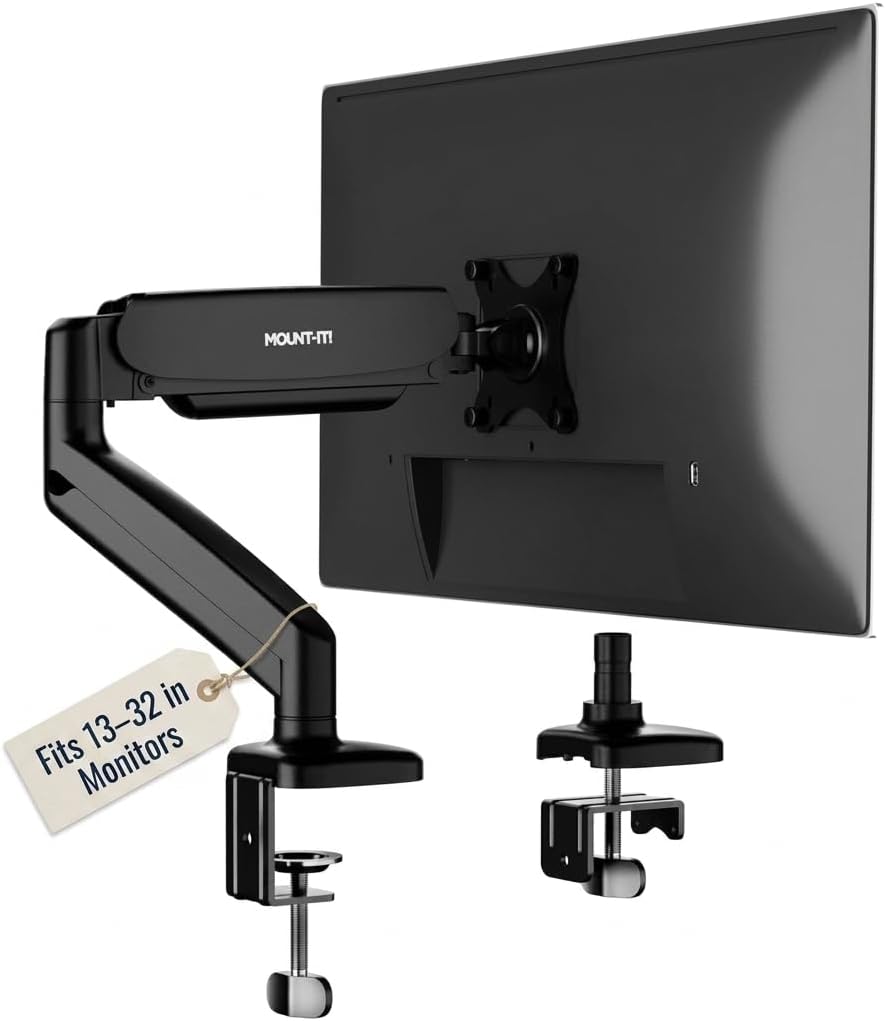
Mount-It! Single Monitor Arm Desk Mount, 13-32", 17.6 lbs
Check current Amazon price
A single desk mount arm with a stated 13 to 32 inch screen range and a stated 17.6 lb weight capacity, which puts a 22 inch panel well inside both numbers.
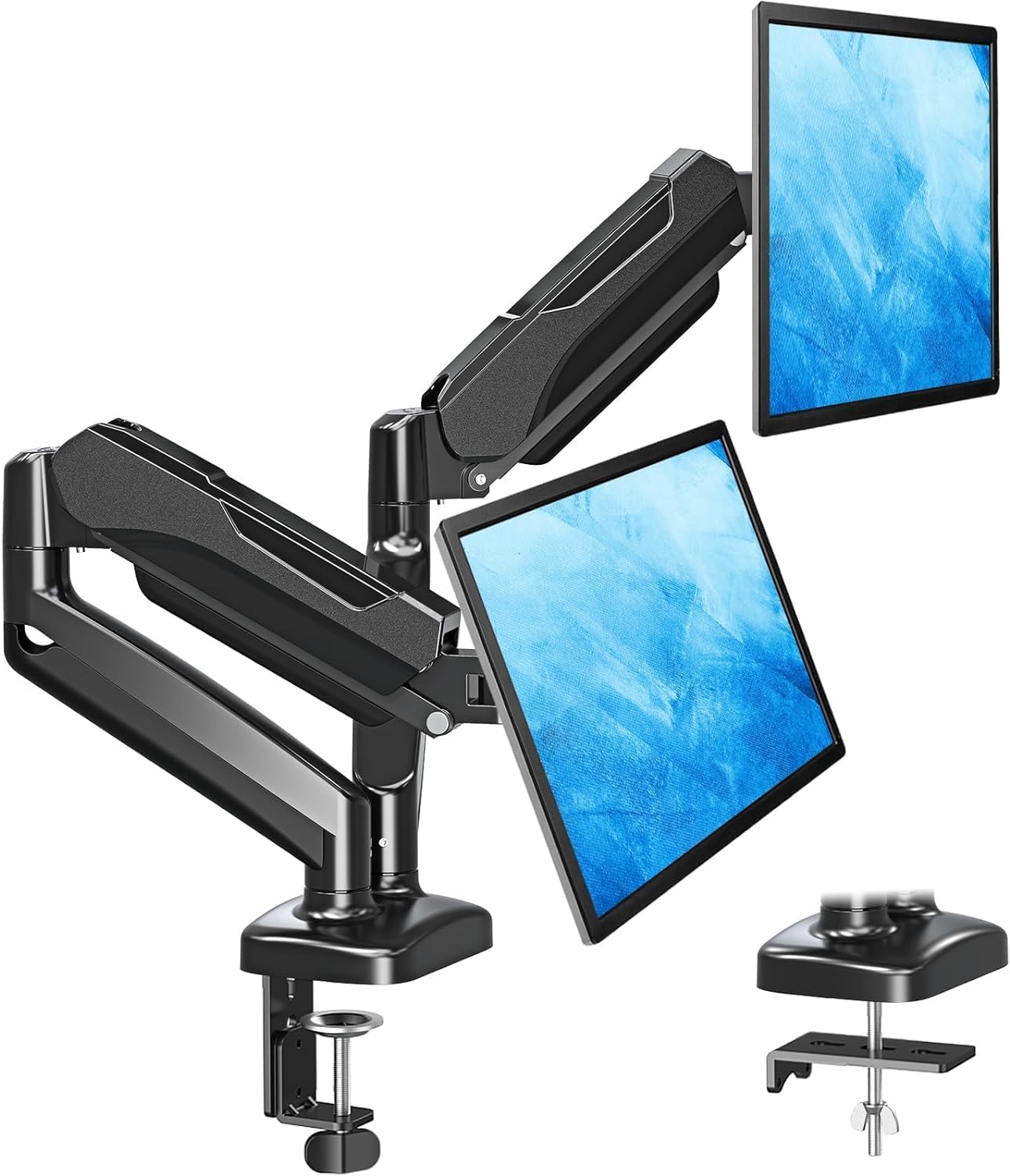
MOUNTUP Dual Monitor Stand for Desk, Monitor Arms for 2 Monitors 32 27 24 22 Inches, Height Adjustable Double Monitor Mount, VESA Mount with C-Clamp & Grommet Base, Holds 4.4-17.6lbs
Check current Amazon price
Two height adjustable arms on one base, with a stated screen range that includes 22 inches, a stated 4.4 to 17.6 lb weight range, and both a C-clamp and a grommet base.
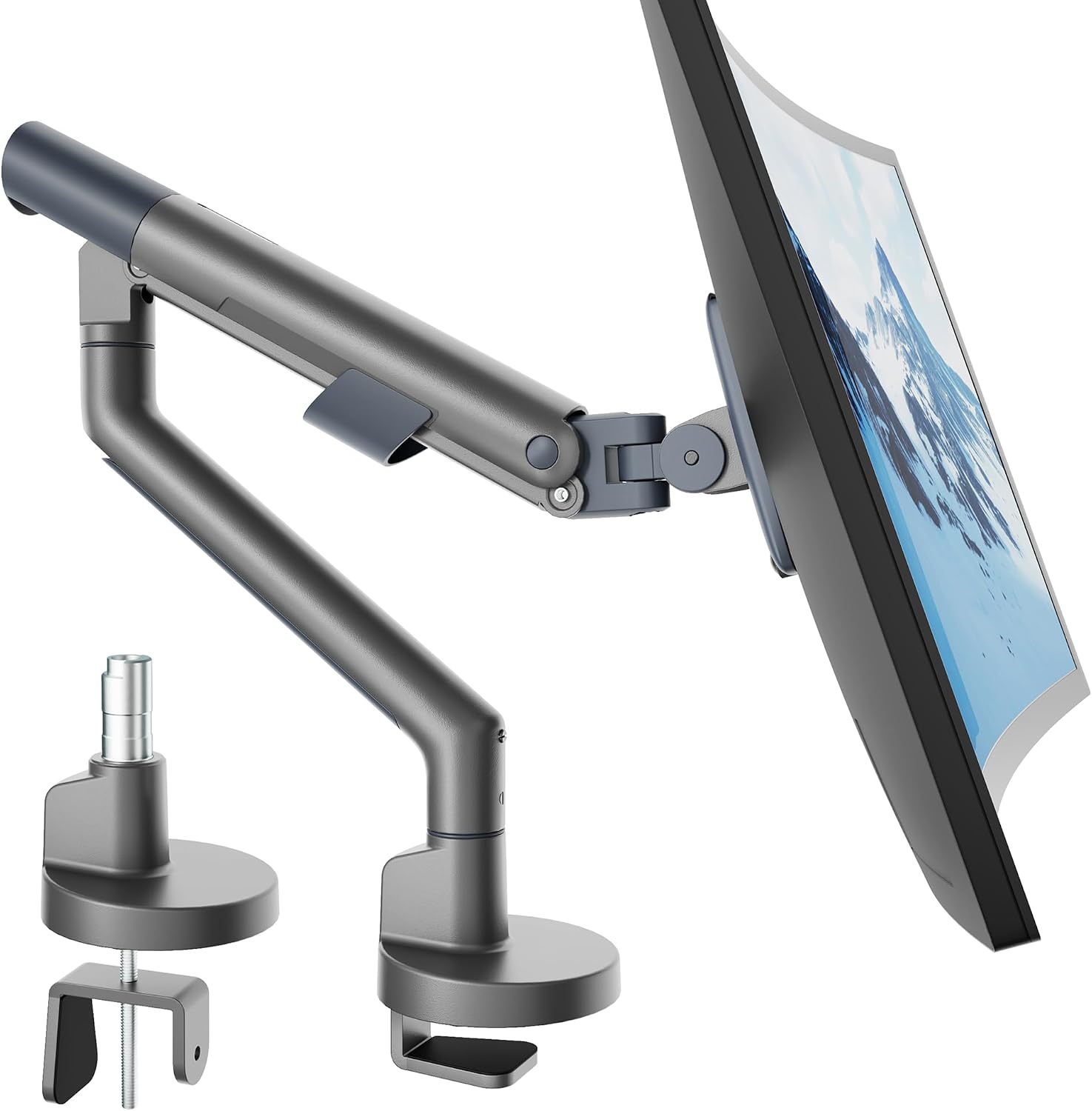
monTEK Aluminum Monitor Arm for 17-40" Screens, 26.4 lbs, Gray
Check current Amazon price
An aluminum single arm for stated screens of 17 to 40 inches with a stated 26.4 lb weight capacity, in gray. The capacity is the reason to look here over a lighter arm.
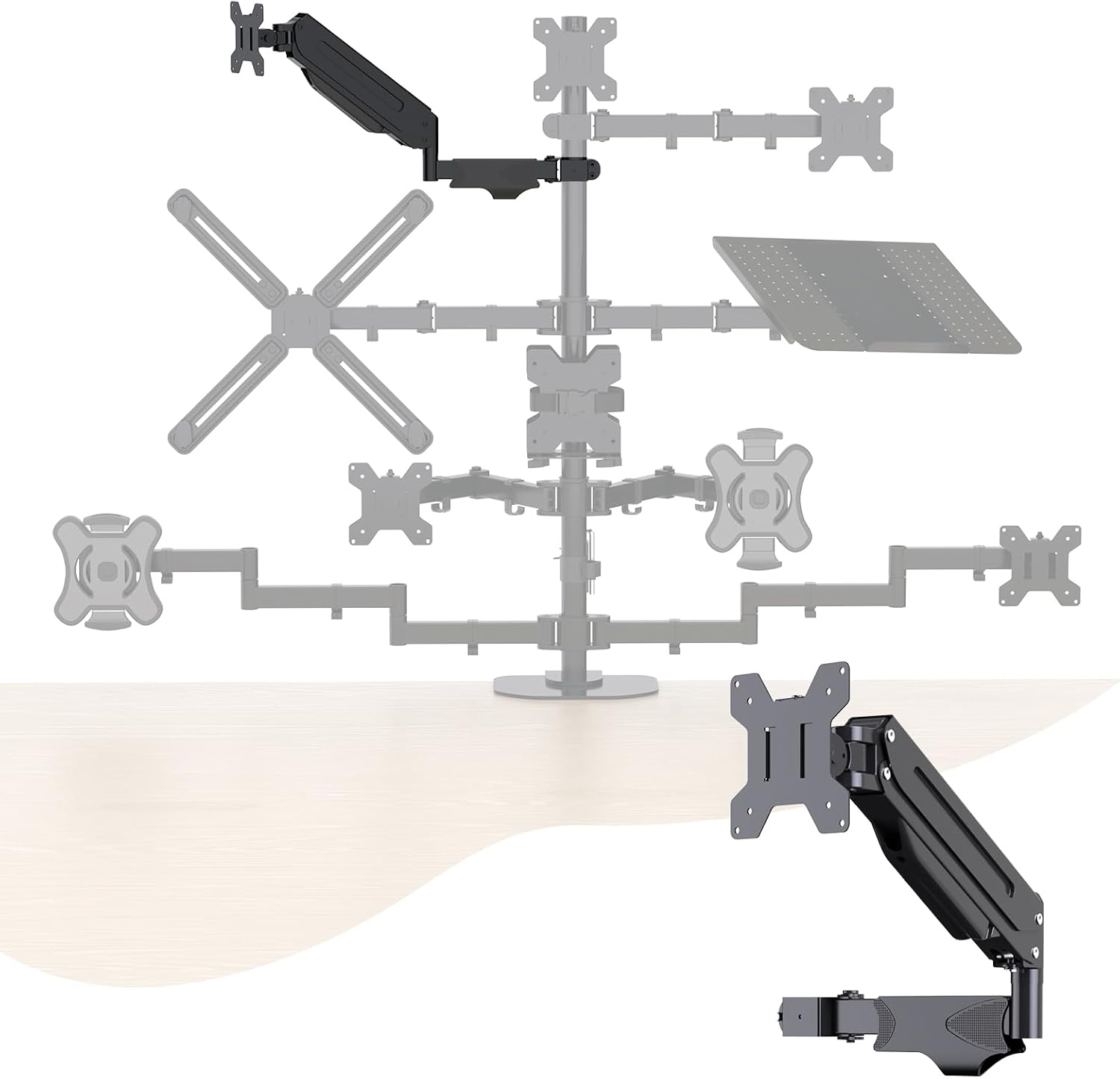
Pholiten Single Monitor Arm, Gas Type, Double Articulated
Check current Amazon price
A single arm built around a gas spring with two articulated joints, so it moves on spring tension rather than a friction hold. Confirm the stated range for your panel before ordering.
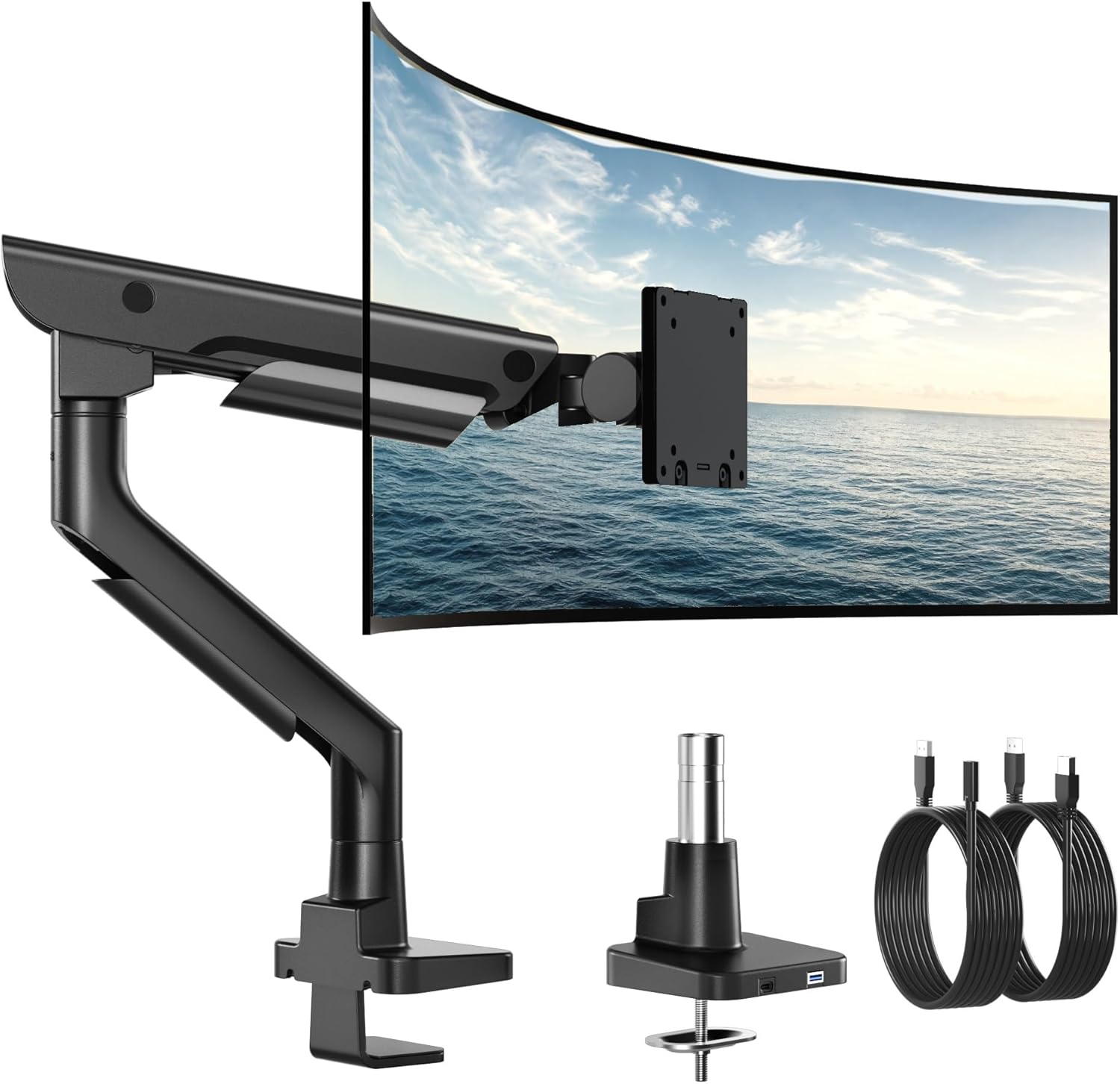
monTEK USB Monitor Arm for 17-57" Ultrawide, 59.4 lbs, Black
Check current Amazon price
A black arm with a stated 17 to 57 inch screen range and a stated 59.4 lb weight capacity, with USB called out in the product name. Built for far bigger screens than a 22 inch panel.
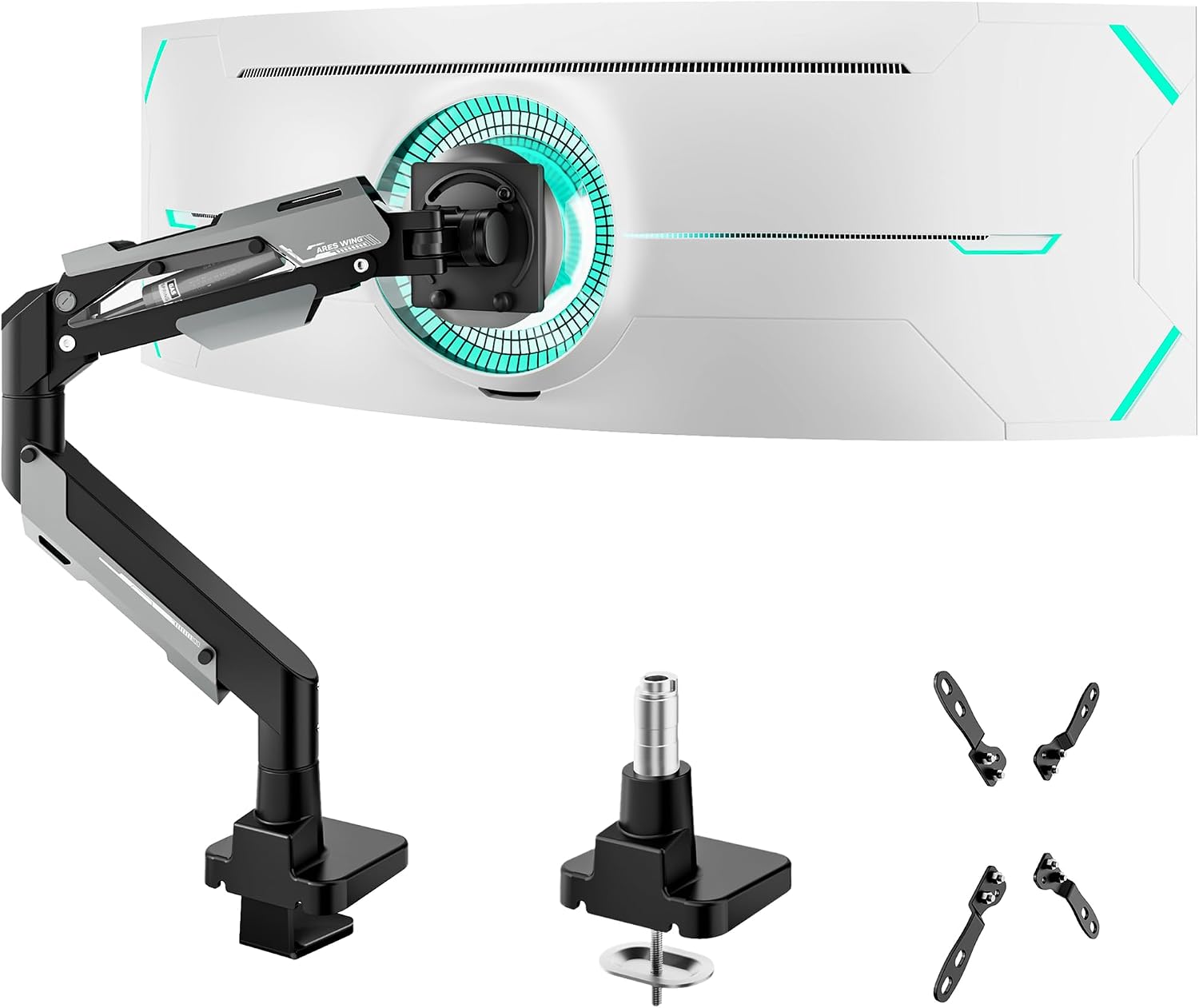
ARES WING Heavy Duty Monitor Arm for 24-57 Inch Screens, Black
Check current Amazon price
A heavy duty black arm for stated screens of 24 to 57 inches. That 24 inch floor is above a 22 inch panel, so this one is for larger displays, not yours.
How these products were compared
This guide compares stated screen size range, stated weight capacity, desk attachment type, VESA pattern support, and the movement each arm is designed to provide. Product names, images, and retailer links are matched to each listing so that every card points to the product shown.
Everything here comes from the published product information for each arm. Nothing was measured on a bench, and no arm was bought and lived with for a year. The numbers below are the maker's numbers, and the right move is to check them against your own panel before you order.
How to choose the right monitor arm
Start with the panel, not the arm. Weigh the screen with the stand removed, or find that figure in the manual, then note the VESA pattern on the back. Any VESA monitor arm for 22 inch monitors will state the patterns it accepts, and 75 x 75 mm and 100 x 100 mm are the two you are most likely to need in this size class. If your panel uses a pattern the arm does not list, stop there.
The best monitor arm for 22 inch monitors is the one whose stated screen range brackets 22 inches and whose weight capacity sits above your measured panel weight. A single number out of place is enough to disqualify an arm, however good the rest of the listing looks.
Then look at the desk. A clamp mount needs an edge with clear space underneath for the screw, and it needs a desktop thick enough to take the pressure without flexing. A grommet mount needs a hole through the desktop, which most desks do not have until you drill one. Both hold the same arm, so the choice is about your desk, not about strength.
On a light panel, a gas spring arm can be a nuisance if the tension is not adjustable. A spring tuned for a heavy screen will lift a light one, and you end up fighting the arm every time you move it. Check that the tension can be turned down before you buy.
Finally, motion. Tilt range decides whether you can angle the screen up or down for your eye height, and swivel decides how far you can swing it sideways. A screen arm for 22 inch monitors rarely needs a long reach, so a shorter arm that holds its position beats a longer one that sags. The basics of monitor height and viewing distance are worth ten minutes before you commit to a mounting position, because the arm has to reach the height you land on.
Mount-It! Single Monitor Arm Desk Mount, 13-32", 17.6 lbs
This is a single desk mount arm with a stated screen range of 13 to 32 inches and a stated weight capacity of 17.6 lbs. A 22 inch panel sits inside that range with space on both sides, which means the arm is not working at the edge of its design on the screen you actually own.
For a 22 inch monitor, the practical question is not reach but whether the joint will hold. The stated capacity here sits well above what a panel this size asks for, so the arm has room to hold a light screen steady instead of straining to lift a heavy one.
The trade-off is scope. This is one arm for one screen. A two-monitor desk needs two of them or a dual stand, and two separate bases give you more freedom to set the gap between screens than a single dual mount does. The listing also does not call out USB ports or cable routing hardware, so treat those as separate purchases if you want them.
Who should skip it: anyone whose panel weighs more than 17.6 lbs with the stand off, and anyone who needs an arm to carry a screen larger than 32 inches. Neither is a knock on the arm. Both are simply outside the range the maker states.
Alternatives to consider
The MOUNTUP Dual Monitor Stand for Desk is better suited to a two-screen desk, with a stated screen range that includes 22 inches, a stated weight range of 4.4 to 17.6 lbs, and both a C-clamp and a grommet base, while the monTEK Aluminum Monitor Arm for 17-40" Screens, 26.4 lbs, Gray is a stronger fit when you want a higher weight capacity in a single arm or expect to move to a larger screen later.
The Pholiten Single Monitor Arm covers the gas spring route: a double articulated design that moves on spring tension rather than a friction hold, which suits a light screen when the tension can be set low enough. The monTEK USB Monitor Arm for 17-57" Ultrawide, 59.4 lbs, Black is a much bigger piece of hardware, with a stated range that starts at 17 inches and runs to 57 and a stated 59.4 lb capacity. It is a lot of arm for a 22 inch panel.
The ARES WING Heavy Duty Monitor Arm for 24-57 Inch Screens, Black is the one to skip if you own a 22 inch display. Its stated range starts at 24 inches, so a 22 inch screen falls below the smallest panel the maker lists.
Day-to-day use and maintenance
Install order matters more than most people expect. Clamp the base to the desk first, check that it is square and tight, then fit the arm, then hang the screen, then set the tension. Reversing that order loads a joint that is not seated yet, and a clamp tightened under load will not sit flat again until you loosen it and start over.
Route cables with slack at every joint. A cable channel keeps the run tidy, but the cable inside it still needs a loop of spare length at the elbow and at the base. A cable pulled tight across a moving joint tugs the arm out of position, and on a light screen that shows up as a monitor that drifts a few degrees over a week. If the arm has no channel, adhesive clips on the underside do the same job.
Gas spring arms need a tension check after a month, and again whenever you change screens. The spring holds the weight you set it for, so a lighter panel will rise and a heavier one will sink. Turn the adjustment a quarter turn at a time and test at the top and bottom of the travel.
For cleaning, follow the maker's instructions. Metal arms generally take a damp cloth, but keep the joints dry and free of dust, because grit in a friction joint is what turns a firm hold into a slow sag.
Buying checklist
- Measure the VESA pattern on the back of your panel and weigh the panel with its stand removed.
- Check the desk edge thickness and the clearance below it, or the diameter of a grommet hole if you plan to use one.
- Choose weight capacity from your measured panel weight rather than from the largest screen you might buy later.
- Confirm that the exact model ships with the base type you need, clamp mount or grommet mount.
- Check the tilt range and swivel you need for the angles you actually use.
- Read the cleaning and maintenance instructions before the arm goes on the desk.
- Verify the current retailer price, availability, and return terms.
Final recommendation
A monitor arm for 22 inch monitors should be chosen from two numbers on your own panel and one on your own desk, and nothing in the marketing copy changes that. The Mount-It! Single Monitor Arm Desk Mount, 13-32", 17.6 lbs is the pick here because its stated range and its stated capacity both clear a 22 inch screen with margin, and it keeps the setup to one arm, one base, one cable run.
Choose the MOUNTUP Dual Monitor Stand for Desk when two 22 inch screens share a desk and you want a single clamp or grommet base under both. Choose the monTEK Aluminum Monitor Arm for 17-40" Screens, 26.4 lbs, Gray when your panel is heavier than 17.6 lbs with the stand off, or when you want the option of a bigger screen later. If your panel is a 22 inch screen and the numbers do not line up with any of these, waiting is the right answer until they do.