I have built out 310 home offices in six years, and I still get the same email about once a week: someone comparing the price of one arm to the price of one dual stand and asking which is the better deal. The monitor arm price per monitor vs full stand price question is the one that actually decides a desk budget, and almost nobody runs the math that way. They compare one arm to one stand, or one arm to one dual stand, and the answer that comes back tells them nothing.
I keep a notebook of every measurement I take with a tape, never read off a listing. Seat depth, the desk height where a frame starts to shake, the distance from a clamp to the wall behind it. Price per monitor belongs in that notebook too, because it is the only unit that compares a single arm to a full stand honestly. A full stand carries two or three screens. An arm carries one. If you do not divide by the number of screens, you are comparing a pair of shoes to one shoe.
Terms first, so we are not arguing past each other. A full stand is a freestanding mount with a base that sits on the desktop and a pole that holds one or more mounting heads. An arm is a clamp mount or a grommet mount that fixes to the desk edge or through a hole in the top. Four items are on the bench for this one, three arms and one accessory that keeps arriving in the same order as the arms.
Related: Standing Desk Wobble: Test It Before You Trust It
For one 24 to 27 inch screen under 17.6 lbs, the cheapest correct answer is a light gas spring arm. The heavy aluminum arm earns its price only when the panel is an ultrawide or pushes past 20 lbs.
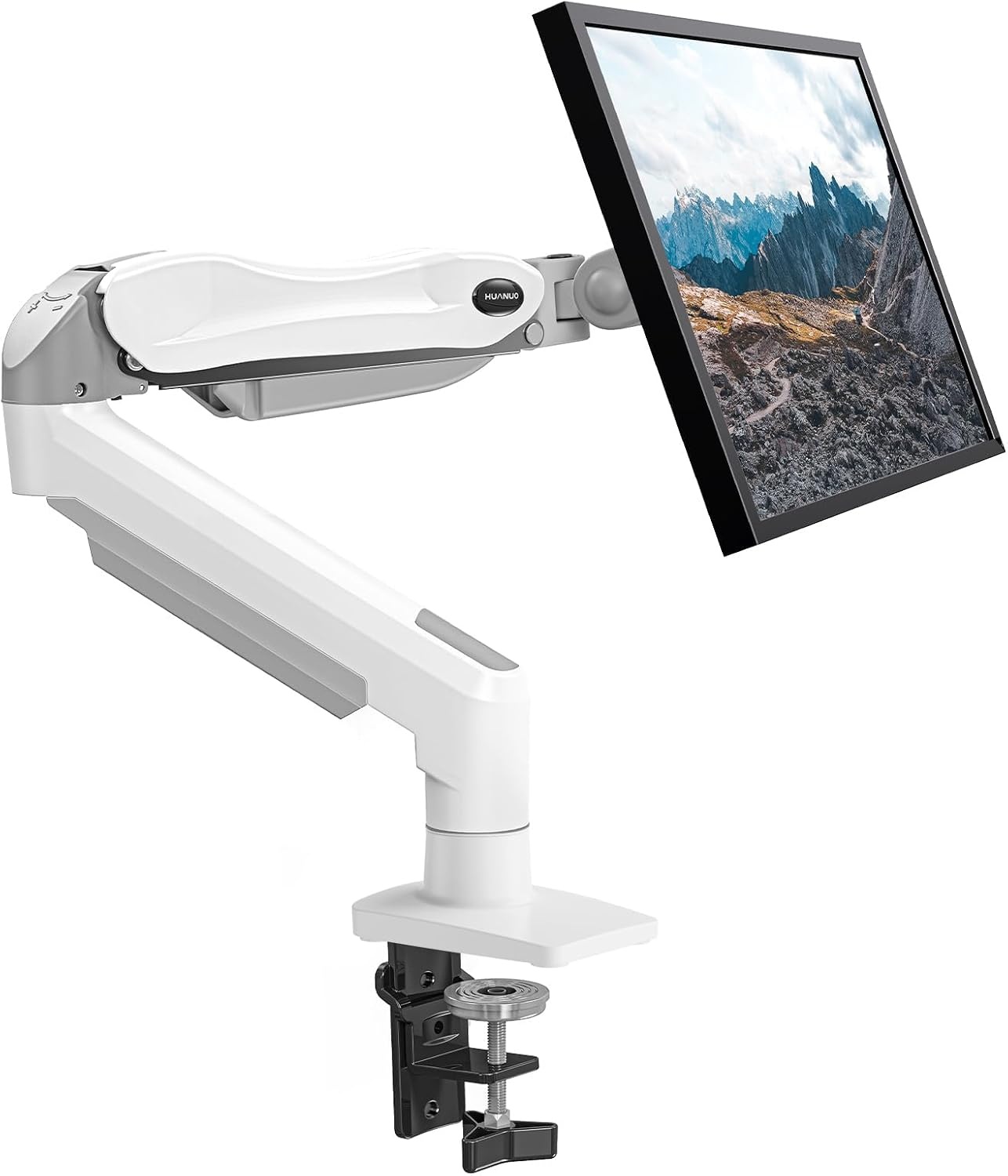
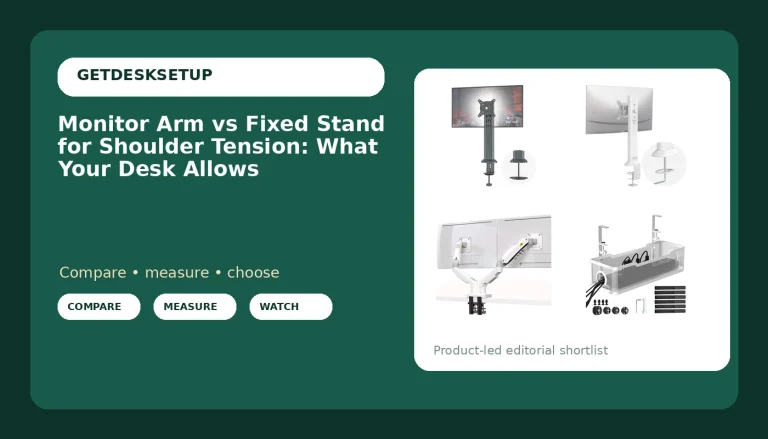
HUANUO Single Monitor Mount
Covers 13 to 32 inch screens from 4.4 to 19.8 lbs with a gas spring, and ships with both a clamp and a grommet base
Nothing above 19.8 lbs, so a heavier 32 inch panel is out of range
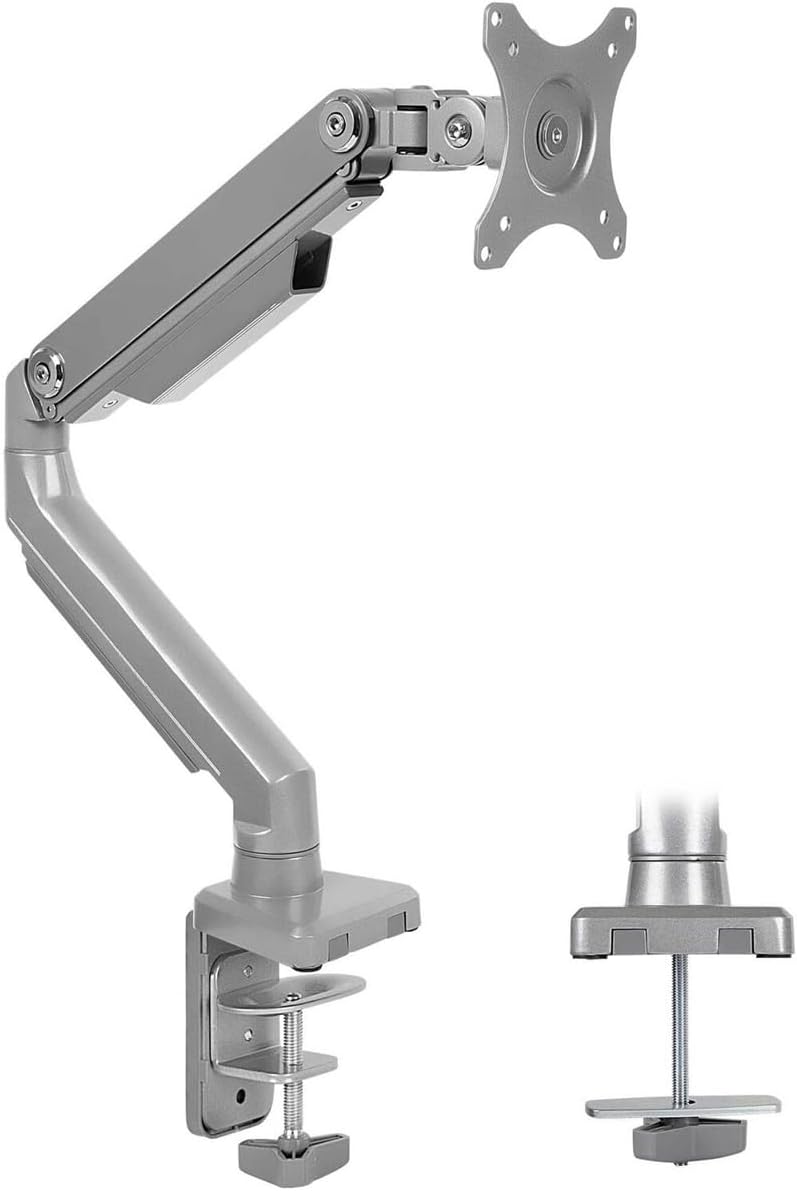
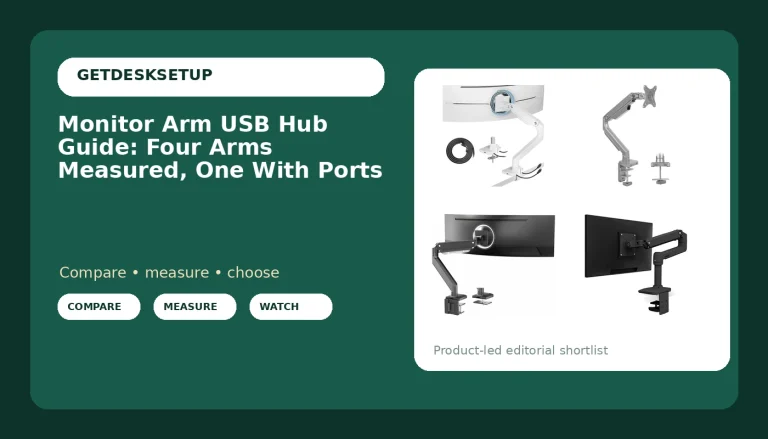
Mount-It! Single Monitor Arm Desk Mount
Mechanical spring height adjustment, both VESA 75×75 and 100×100 listed, C-clamp and grommet in the box
The 17.6 lb ceiling is the lowest of the three arms here, and most 32 inch panels land above it
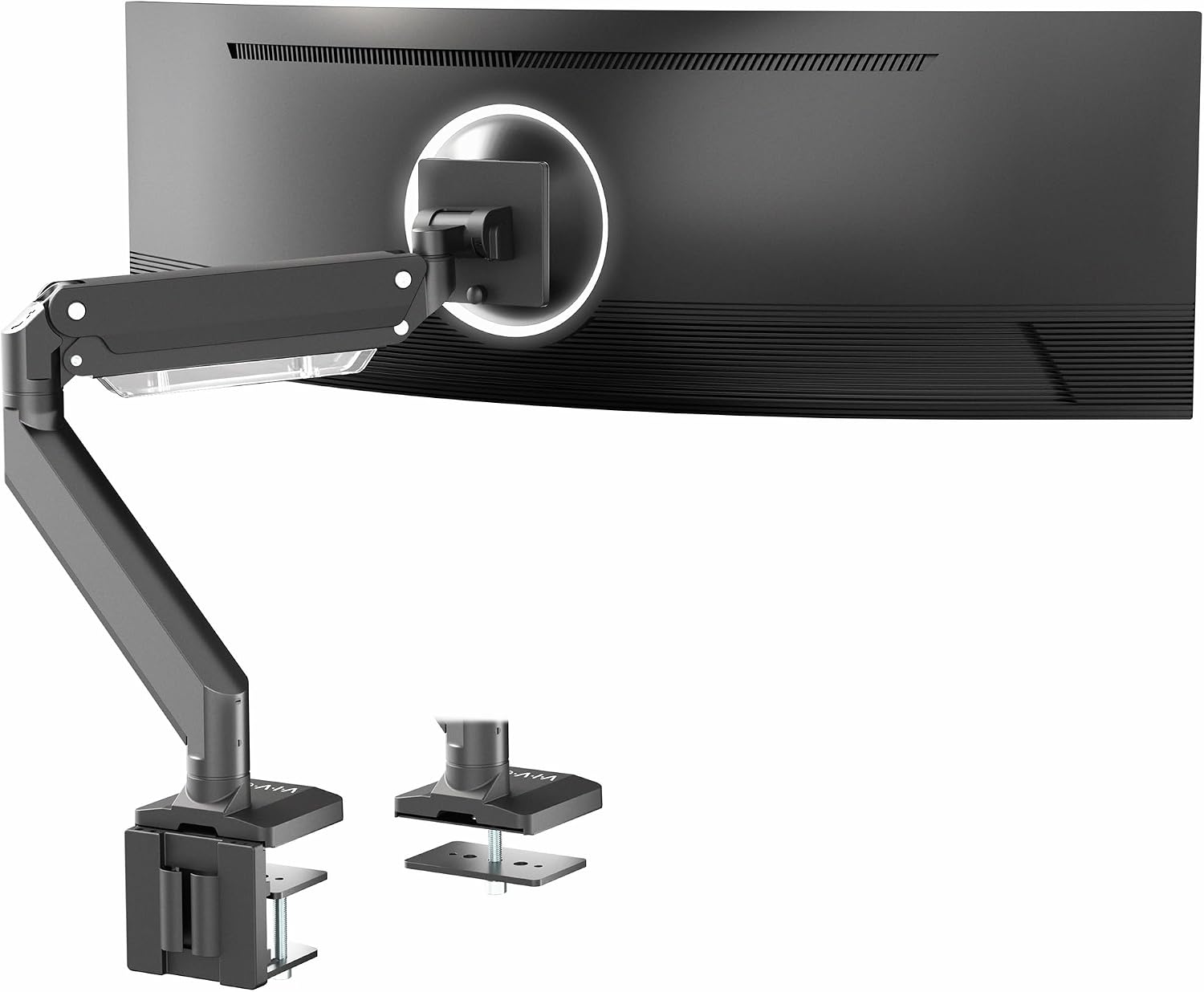
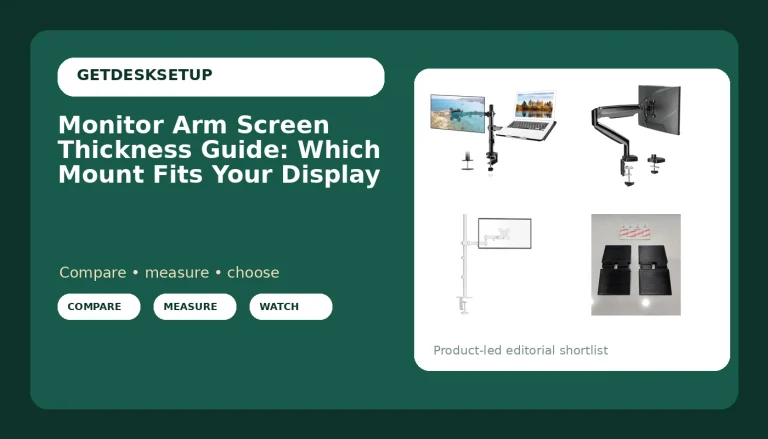
VIVO Premium Aluminum Monitor Arm
The only arm here rated for ultrawides up to 49 inches and panels up to 33 lbs, with pneumatic height and an aluminum build
VESA support tops out at 100×100, so a 75×75 only panel is not covered by the spec

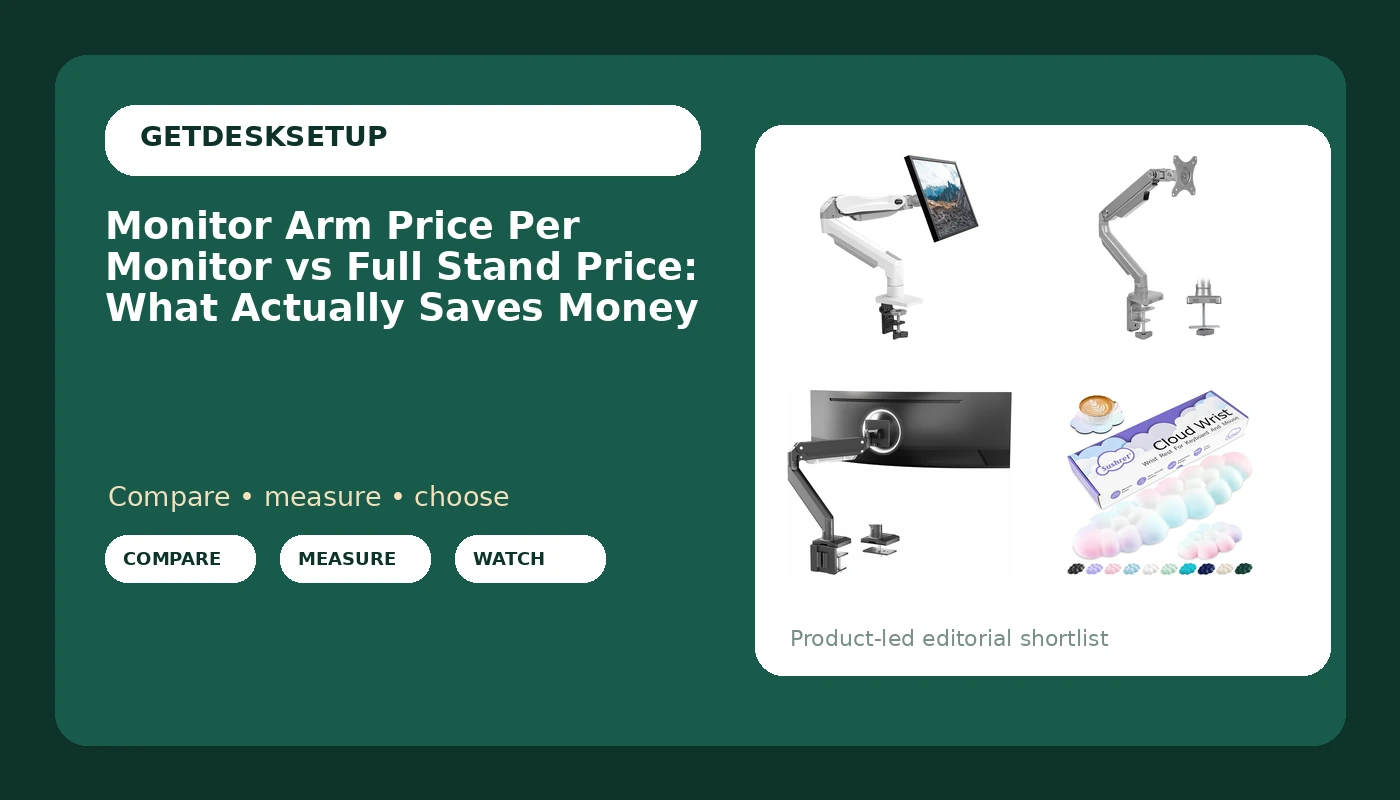
Sushret Cloud Wrist Rest Keyboard
PU leather over memory foam, and the cheapest way to fix a keyboard that sits too high on the desk
It moves your hands, not your screen. No weight capacity, no clamp, no desk space saved
Prices and availability may change.
Why the monitor arm price per monitor vs full stand price math breaks
Two things break the comparison. The first is unit count. A dual stand is one purchase that carries two screens, so its cost divided by two is the number that competes with a single arm, not its sticker. The second is that a freestanding base is not free real estate. It occupies desktop depth, and depth is what your keyboard and your forearms need. An arm gives that depth back.
Run the full stand price vs monitor arm price per monitor numbers on a three screen desk and the stand usually wins, because one base and one pole do the work of three clamps. Run the same math on a one screen desk and the stand usually loses, because you are paying for a pole and a base to hold a single panel that one clamp could hold. The unit you compare is cost per screen, and the screen count is the whole variable.
What a freestanding base actually buys you
There are real reasons to pick a full stand, and none of them are price.
A base needs no clamp, so it works on a glass top, on a desk with a steel frame running under the front edge, or on a top too thick for a clamp's stated range. A base needs no hole, so a grommet mount and a drill are both optional. And the whole unit moves as one piece when you rearrange a room, which matters if you change desks often.
What it costs you is footprint and load path. The base plate sits behind the keyboard and takes up depth you cannot get back. The weight of the screens lands on that plate rather than on the desk structure, so a hollow core top is a bad host. And on a standing desk, a tall pole with two heavy panels is the setup that wobbles most at standing height, which is exactly where tall users spend the day.
One measurement before you commit: two 27 inch panels side by side eat roughly 48 to 50 inches of width before you angle them inward. Measure the top before you buy a second arm or a second head.
Weight capacity decides this before price does
Every arm here states a range, and the range is the whole fit test.
The HUANUO single arm covers 13 to 32 inch screens from 4.4 to 19.8 lbs. The Mount-It! single arm covers 13 to 32 inch screens up to 17.6 lbs. The VIVO heavy duty arm covers ultrawides up to 49 inches and panels up to 33 lbs.
Weigh your panel without its stand, then add the cables. A stiff DisplayPort cable hanging off the back adds pull at the joint, and that pull shows up as a screen that drifts down over a week. The top of a range is not the number that catches people. The bottom is. A very light 13 inch panel under 4.4 lbs can sit below an arm's ability to hold itself down, which is why the low end of a weight capacity spec matters as much as the high end.
This is where the monitor arm price per monitor vs full stand price argument usually dies. Someone buys the cheapest arm, bolts a 30 lb ultrawide to it, and blames the design when the joint sags. The spec was on the listing the whole time.
Gas spring, mechanical spring, and pneumatic height
Three mechanisms, three behaviors.
A gas spring uses a pressurized cylinder. It moves smoothly, adjusts quickly, and carries a tension screw you set to your panel's weight. If the tension is set for a 5 lb panel and you hang a 19 lb panel on it, the arm will not hold position no matter how far you turn the screw. The HUANUO arm is the gas spring unit here, rated 4.4 to 19.8 lbs.
A mechanical spring uses a coil. The Mount-It! arm is the mechanical spring unit, rated to 17.6 lbs. Set the tension once and the arm stays where you put it, which is why mechanical designs show up on lighter panels where a gas cylinder can feel over-assisted.
Pneumatic height on the VIVO arm is the heavy duty version of the same idea, paired with an aluminum build and a 33 lb ceiling. That is the one that will hold a 49 inch ultrawide. The trade is that a 33 lb rated arm is stiff under a light panel, so do not buy it for a 15 lb screen and expect it to feel delicate.
Clamp mount or grommet mount: let the desk decide
Both mounting styles are on two of the three arms here, and the choice is not a preference. It is a measurement.
Measure your desktop thickness at the front edge and compare it with the clamp's stated range. Measure the edge profile too. A rounded or beveled edge gives a clamp less flat surface to bite, and a clamp that only half contacts the underside will loosen. Then look under the desk. A drawer unit, a steel crossbar, or a cable tray running along the back edge can block a clamp entirely.
A grommet mount needs an existing hole of the right diameter in the right spot. If you have one, it is the stronger option, because the load goes straight down through the top instead of squeezing the edge. If you do not have one, drilling a hole in a rented desk or a laminate top is not a step I would take on a Tuesday afternoon.
VESA pattern, tilt range, swivel, and the cable channel
The VESA pattern is the bolt square on the back of your panel. Two of the arms here list both 75×75 and 100×100. The VIVO arm lists a maximum of 100×100, so check your panel before you assume it fits. Panels smaller than 24 inches sometimes use the smaller 75×75 square, and an arm that only lists 100×100 will need an adapter plate.
Then the movement specs. Tilt range is how far the panel can lean up or down, and swivel is how far it turns left and right. Both are limited by joint tension, not by the marketing number, so set tension with the panel mounted. A tilt range you cannot use at your panel's weight is not a feature.
The cable channel is the last spec and the one people ignore. Route cables through the channel on the arm rather than letting them hang off the panel. A cable that pulls on the back of a monitor changes the monitor angle within a week. That is not an aesthetic problem. It is an ergonomic one, and it shows up as a screen you keep nudging back to level.
The difference between monitor arm price per monitor and full stand price on a two screen desk
Two screens is where the math flips. Two single arms give each panel its own height, its own tilt range, and its own swivel, so a landscape panel and a portrait panel can live on one desk without an adapter. A dual stand locks both panels to a single pole, so height changes are shared and one panel's wobble becomes the other panel's wobble.
Two arms also mean two clamps, which means two spots on the desk edge that need flat, accessible underside surface. On a narrow desk that is the real constraint, not the money. If your desk edge is crowded, one stand with two heads solves a mounting problem that two arms create.
The difference between monitor arm price per monitor and full stand price gets smaller as panels get heavier. Two arms rated for 33 lb ultrawides is a different budget than two arms rated for 17.6 lb panels, and at that point a heavy duty stand can compete per monitor. For two ordinary 24 inch panels, it rarely does.
Who should skip each of these
This is the part most buying guides leave out, so here it is plainly.
Skip the HUANUO single arm if your panel is over 19.8 lbs, if your desktop is thicker than its clamp range, or if you have no grommet hole and no clear flat edge for a clamp.
Skip the Mount-It! single arm if your panel is over 17.6 lbs. That ceiling is the lowest of the three arms here, and it is a light panel arm that should be bought as one.
Skip the VIVO heavy duty arm if your panel uses a 75×75 VESA pattern only, since its listed maximum is 100×100. Skip it if your desk cannot take a clamp and has no grommet hole, and skip it if you want a light arm for a small screen, because a 33 lb rated arm is stiff under a light load.
Skip the wrist rest if your keyboard already sits at elbow height. If it does, a wrist pad just adds an object to move around. If your keyboard sits high because your monitor is too low and you are compensating with a stack of books, fix the monitor first, then decide whether you still want the pad.
The accessory that rides along with the order
The Sushret Cloud Wrist Rest Keyboard is not a monitor arm, and I am not going to pretend it is. It is PU leather over memory foam, shaped like a cloud, and it exists to keep your palms off a hard desk edge while you type. In a desk budget it is the cheap end of the same ergonomic problem: monitor height sets your head angle, and keyboard height sets your hand angle. Fix one and leave the other and you have moved the complaint, not solved it.
Where it loses is obvious. It does not hold a screen, it has no weight capacity, and it frees up no desk space. It is a comfort item priced like a comfort item, and the only reason it is in this article is that it keeps arriving in the same order as the arms.
The short version
If you are still weighing monitor arm price per monitor or full stand price, here is the rule I use on a client desk.
One screen under 17.6 lbs: buy the cheapest arm that states your panel's weight inside its range. That is the value pick here, and it will hold a 24 or 27 inch panel for years.
One screen that is heavy or ultrawide, up to 49 inches and 33 lbs: buy the heavy duty arm, and check your VESA pattern before you order.
Two or three screens: price it per monitor. Two arms win on flexibility and lose on desk edge space. One stand wins on edge space and loses on independent positioning.
The monitor arm price per monitor vs full stand price comparison is only useful when you keep the units honest. Divide by screens, check the weight range before the price, and measure the desk edge before you buy. That is the whole method, and it has not failed me on a client desk yet.