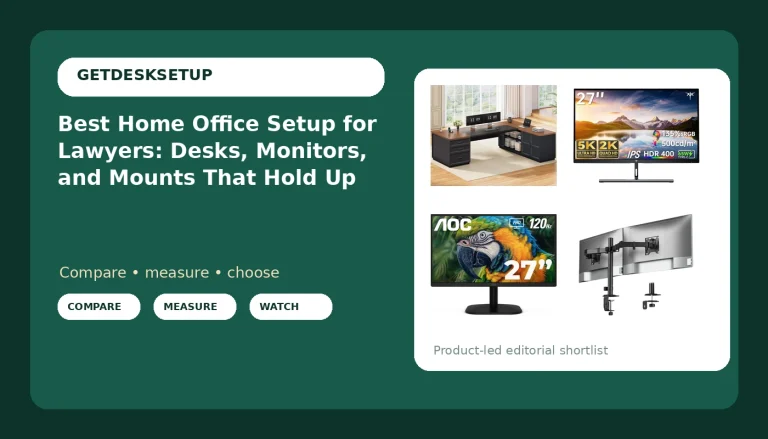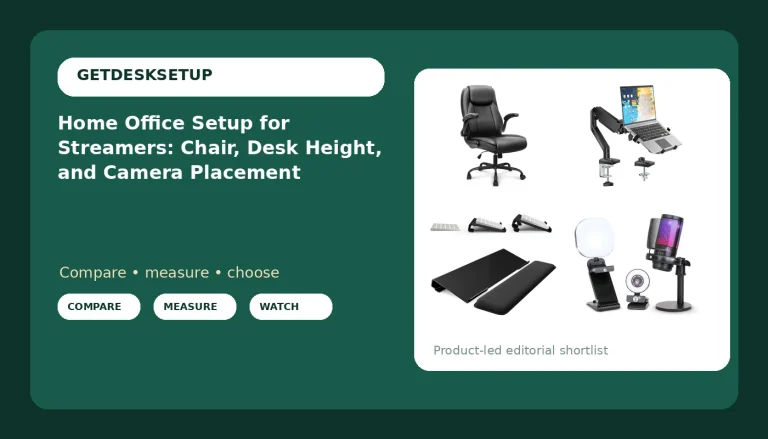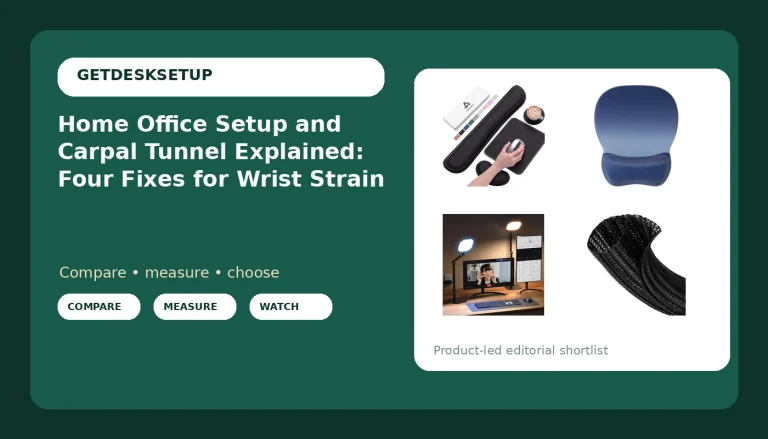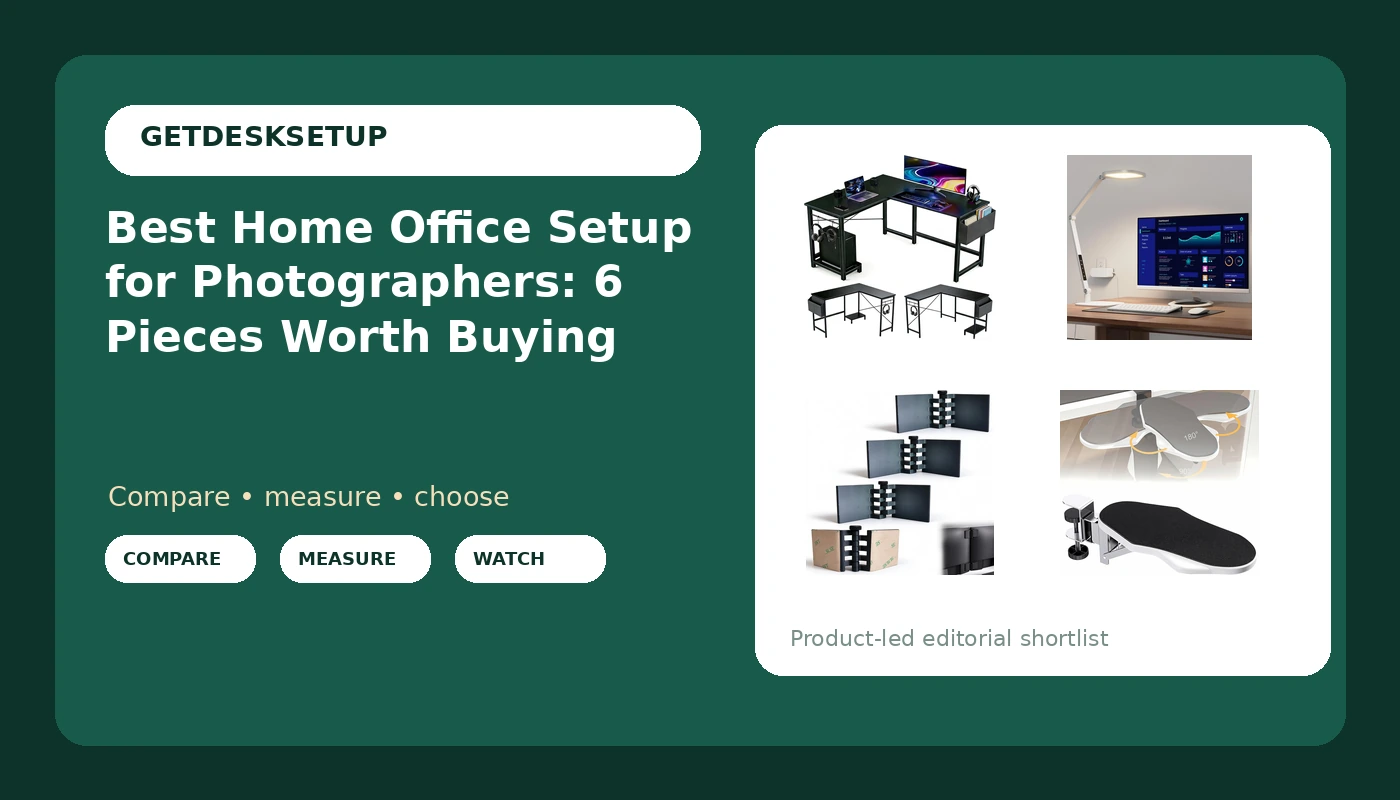
A home office setup for photographers gets judged by two things that never show up in a listing photo: whether the desk holds a second screen without wobbling, and whether the light on the desk surface can be made the same at 9 a.m. and at 9 p.m. Everything else, the matching cable sleeves, the plant, the walnut finish, is decoration. If you shoot tethered, edit for six hours at a stretch, or run a small print business out of a spare bedroom, the desk and the screens are the pieces that either support the work or fight it all day.
This guide covers six pieces that solve the parts photographers get wrong most often: the desk footprint, the gap between two monitors, the light falling on the desk surface, and the place your forearms land after hour three. The expensive parts get all the attention. The cheap parts decide whether the setup still works in six months.
Related: How to Measure Desk Height and Chair Pairing Before You Buy
Quick answer
The L Shaped Desk, 50 Inch Reversible Computer Desk with CPU Stand is the strongest starting point for a photographer's editing station because the 50 inch reversible L footprint separates the editing monitor from a second reference screen instead of crowding both onto one run, and the included CPU stand lifts the tower off the floor where dust and kicked cables live. Choose the LitONES LED Desk Lamp for Home Office instead when the fixed lighting in the room is the real problem and you need a controllable layer of light aimed at the desk surface rather than the ceiling.
The parts of a home office setup for photographers worth comparing
There are four groups of parts, and they fail in a fixed order.
The desk comes first. Desk height decides whether your elbows rest level with the keyboard, and the width of the top decides whether the monitor distance you want is possible at all. A 50 inch L shaped top gives you two runs to work with, which is why it shows up so often in photo editing rooms. A straight top of the same length can work, but only if you accept the reference screen sitting behind the keyboard rather than beside it.
The screens come second. Monitor distance is personal, but two displays sitting at different heights will have you tilting your neck toward whichever one is wrong. An alignment tool that locks both screens to one line costs less than a month of neck strain, and it is the kind of part nobody buys until they have been annoyed for weeks.
Light is third. Lighting layers means a fixed ceiling source, a desk-level source you can aim, and the option to kill the ceiling light entirely when you are color grading. One overhead fixture makes every screen look like a different screen depending on the hour.
The body comes last, and this is where chair pairing meets forearm support. If your chair arms sit above the desk surface, they push your shoulders up. An arm rest that mounts on the desk itself moves that pressure to where your forearms actually are.
Two things to plan before you buy anything: cable planning and power outlet placement. A cable that pulls on a screen changes its angle within a week, and a desk that has to reach an outlet across the room will drag a power strip into the middle of your room layout.
Top pick
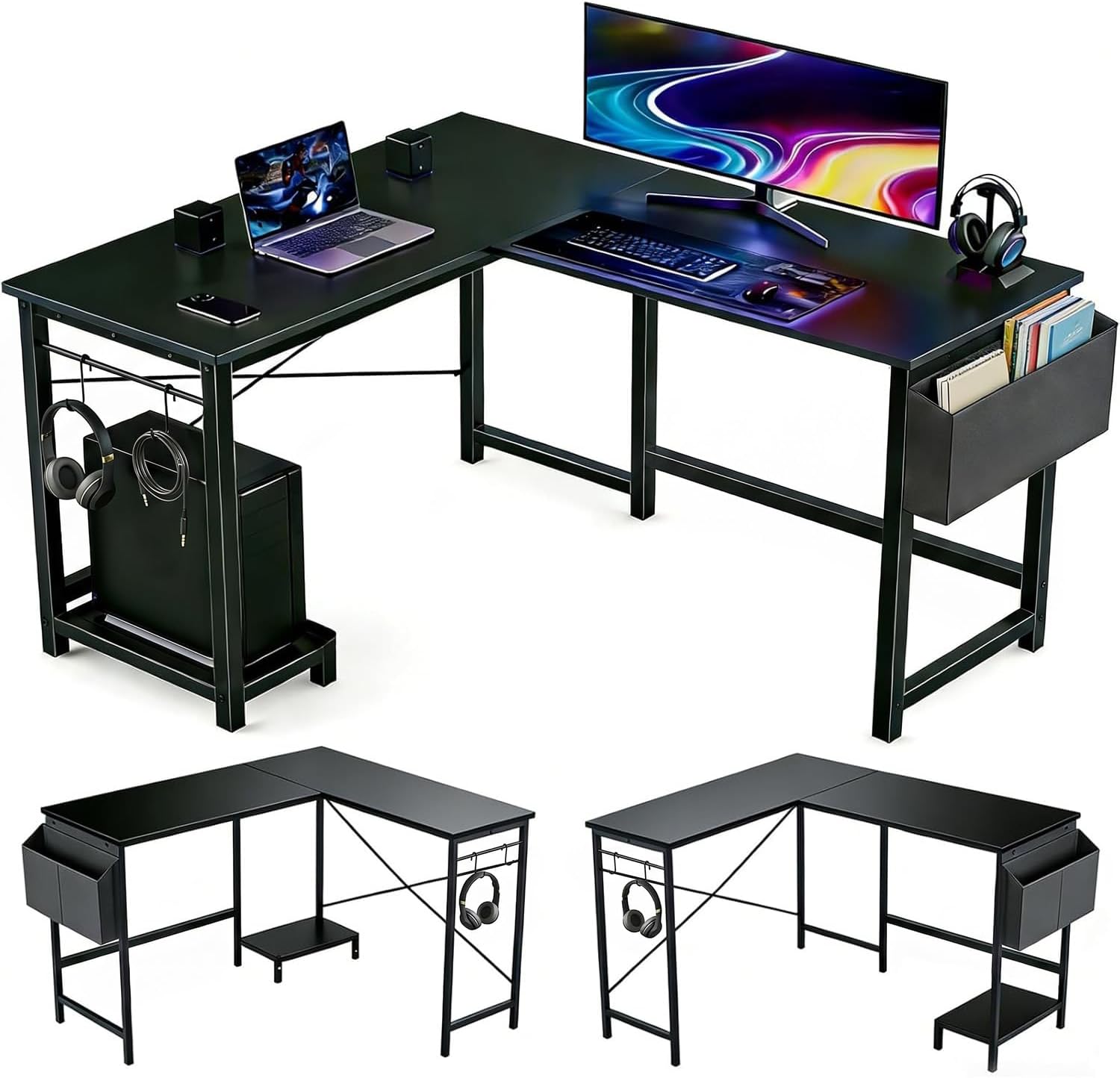
L Shaped Desk, 50 Inch Reversible Computer Desk with CPU Stand
Check current Amazon price
A 50 inch L shaped computer desk with a reversible build, so the corner can sit on the left or the right, plus a CPU stand that keeps the tower off the floor.
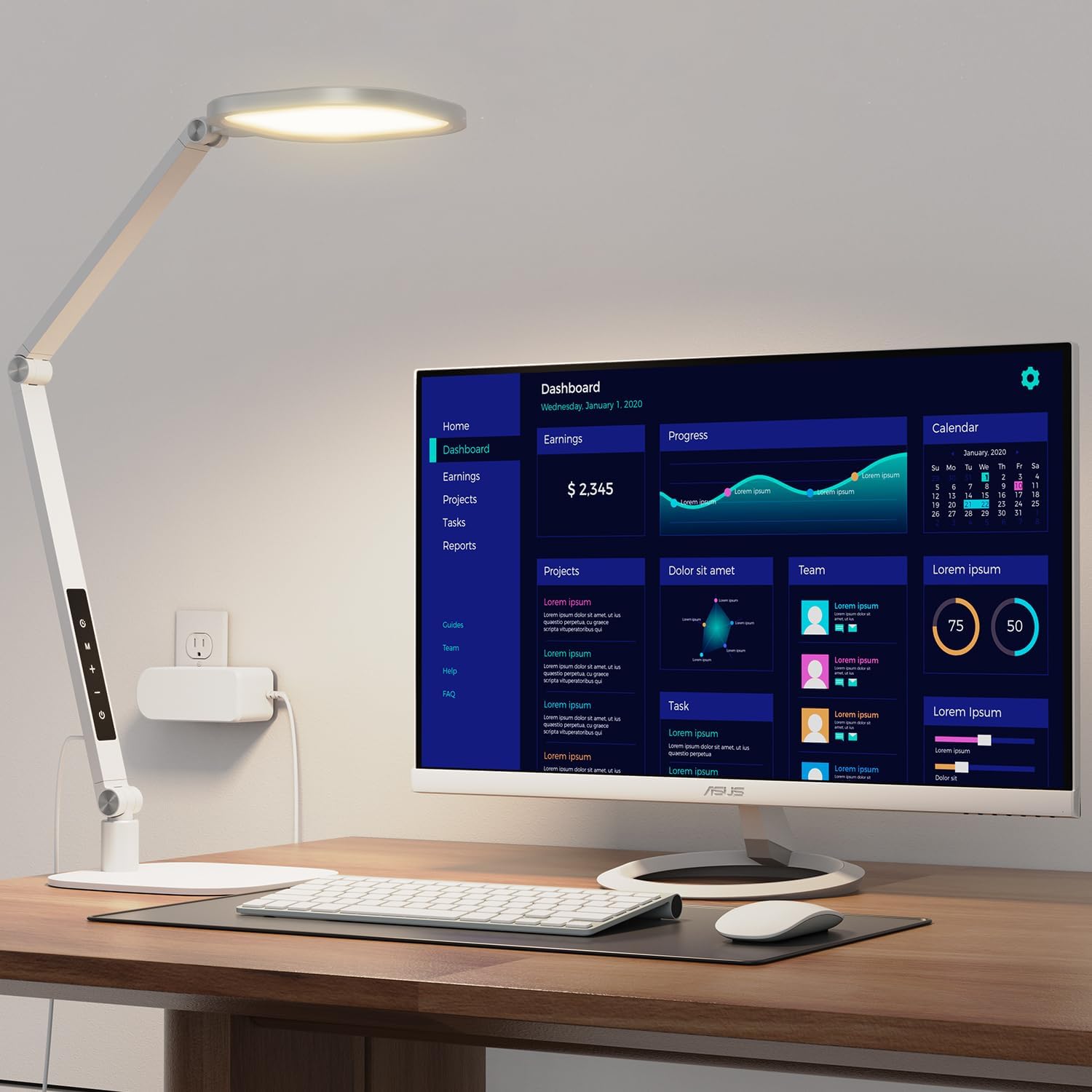
LitONES LED Desk Lamp for Home Office, Soft Edge-lit Design – Modern Style
Check current Amazon price
An LED desk lamp with a soft edge-lit design and a modern style, built as a controllable lighting layer for a home office desk.
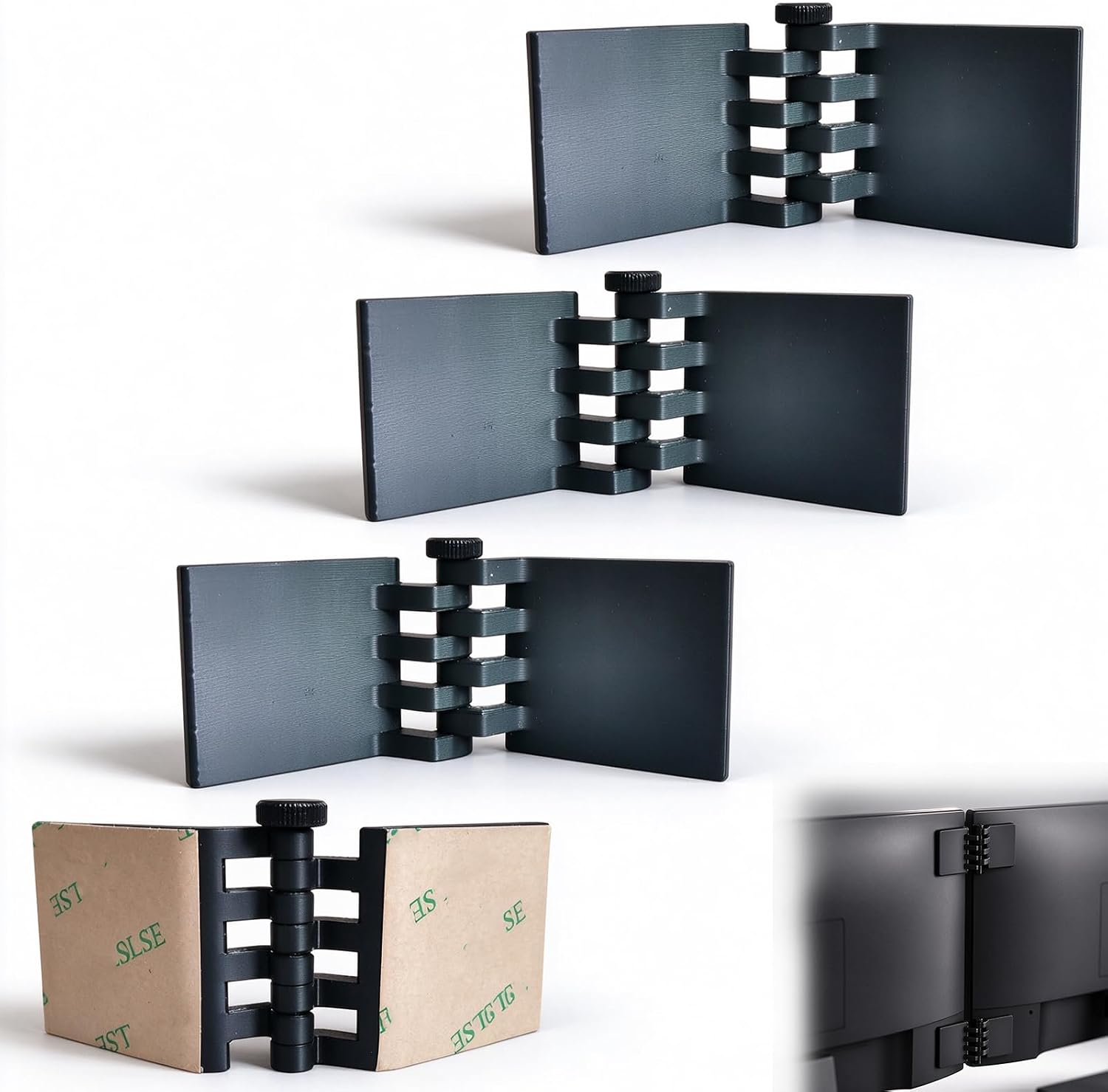
4 Pack Dual Monitor Alignment Tool, Invisible Screen Connector
Check current Amazon price
A four pack of dual monitor alignment tools that act as an invisible screen connector to hold two displays on the same line.
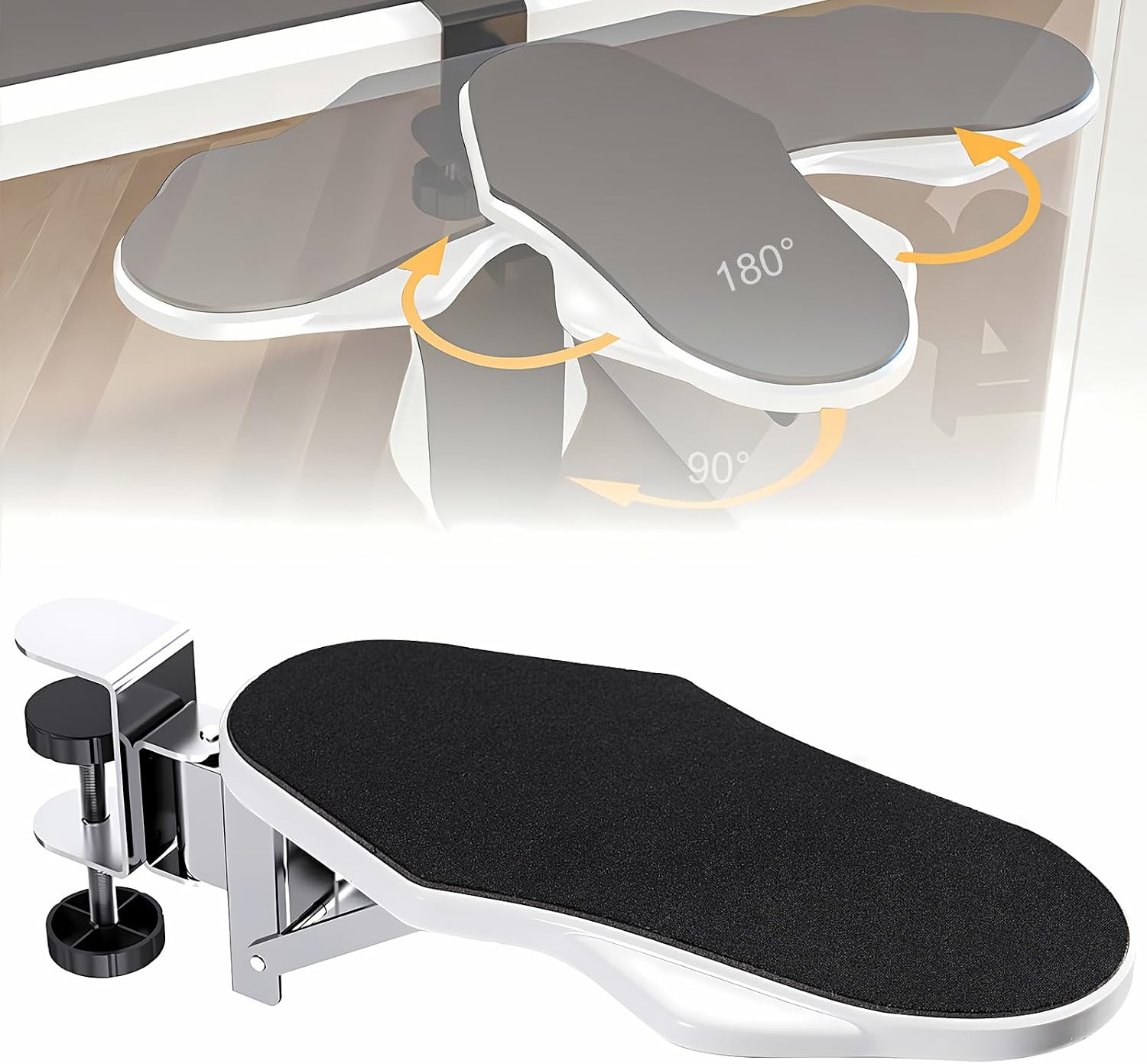
Computer Arm Rest for Desk, 180° Swivel and 90° Foldable, White
Check current Amazon price
A desk mounted computer arm rest with 180 degree swivel and 90 degree foldable movement, finished in white.
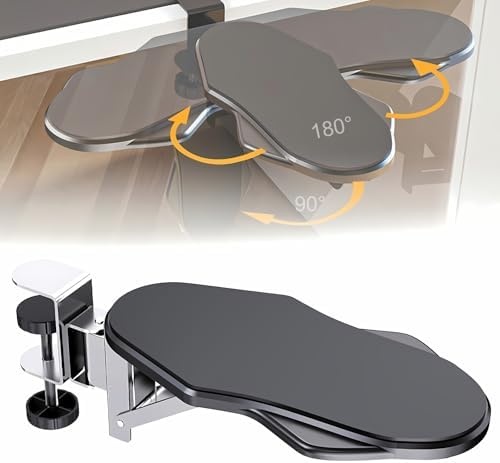
Computer Arm Rest for Desk, 180° Swivel and 90° Foldable, Black
Check current Amazon price
The same desk mounted arm rest with 180 degree swivel and 90 degree foldable movement, finished in black.
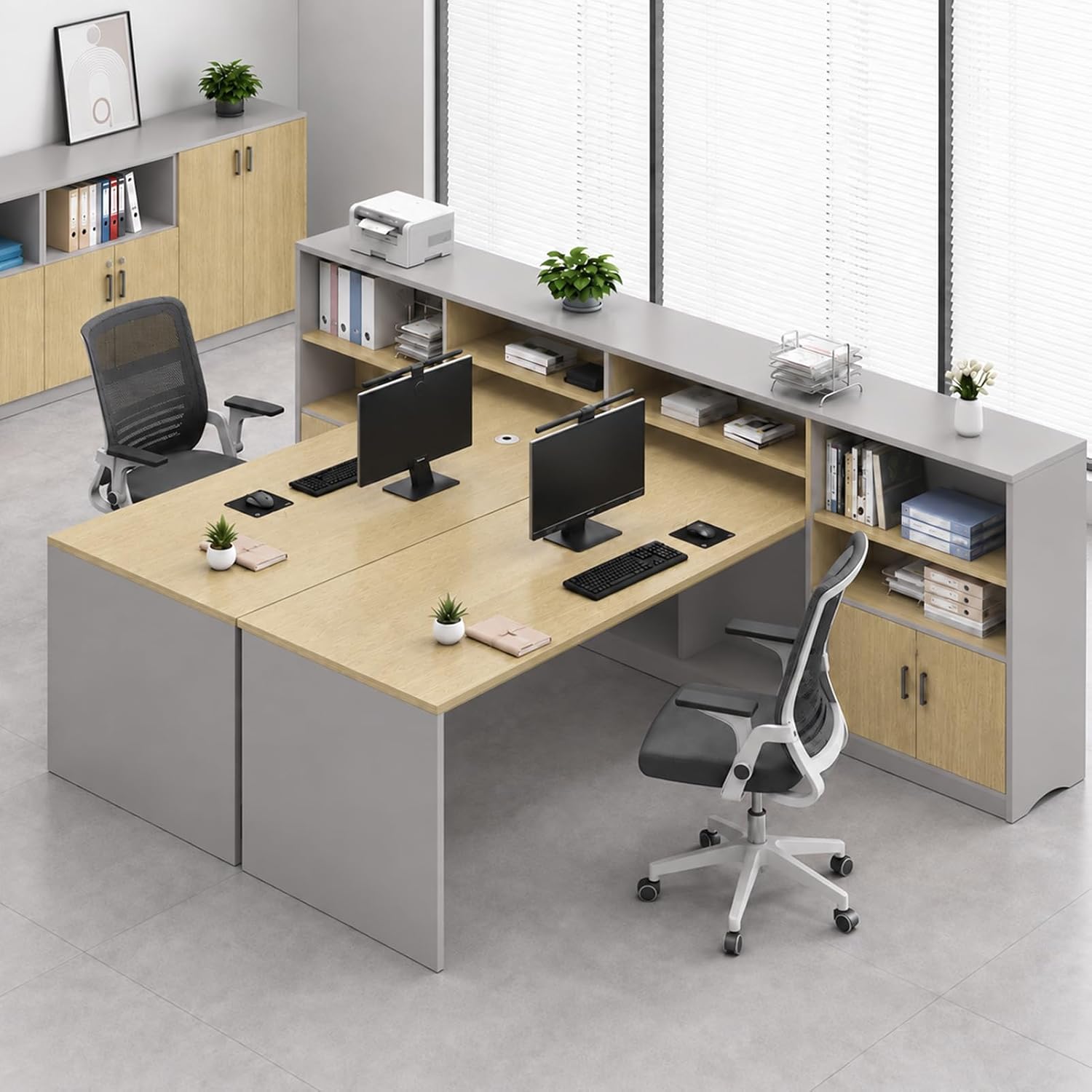
2 Person Office Cubicle Desk, Modular Workstation with Cabinet
Check current Amazon price
A two person office cubicle desk built as a modular workstation with a cabinet, sized for two people working side by side.
How these products were compared
This guide compares desk footprint and desk height range, how each piece handles monitor distance and screen alignment, the lighting layers it adds to a room, cable planning and power outlet access, and whether the piece serves one workstation or two. Product names, images, and retailer links are matched to the product they describe so that every card points to the product shown. Nothing here is presented as lab testing. The comparisons come from the listed product data and from what each piece is built to do.
Two of the entries are the same arm rest in different colors, which is worth naming plainly rather than treating as two separate recommendations. One entry is a two person unit that changes the scale of the room, and the rest are single station parts.
How to choose the right pieces for the work
There is no single best home office setup for photographers, because the right answer depends on whether you edit alone in a corner or share the room with a second person. Here is the order I would buy in.
Start with the desk. Measure the wall you plan to use and write the number down before you look at anything. A 50 inch L shaped desk needs that much wall on one run plus the depth of the return, so it is a poor fit where the only free wall sits behind a door. If you are building a work from home setup for photographers in a shared space, decide now whether you want one station or two, because the two person cubicle desk is a different purchase and it costs more than everything else here combined.
Then pick the light. A window already gives you one lighting layer, and it moves all day. Add a desk lamp you can aim and dim so the surface brightness stays roughly constant while the sun does whatever it wants.
Then close the gaps. Two monitors on mismatched stands sit a few degrees apart. A four pack of alignment tools fixes that for the cost of lunch. If your chair arms push your shoulders up, a desk mounted arm rest is the cheaper fix than replacing the chair, and it comes in two colors so it can match a white or black top.
Finally, plan the cable run and the power outlet before the desk is loaded. Decide which side the tower lives on, where the lamp plugs in, and whether the outlet is reachable without a strip under your feet. The desk height and chair pairing guide walks through that measurement order in detail.
One more rule: do not buy a piece to fix a problem you have not measured yet. If your shoulder hurts, work out whether the cause is desk height, chair arm height, or monitor distance before anything goes in the cart. The arm rest and the alignment tool solve two different problems, and neither one rescues a desk that is simply too tall for you.
L Shaped Desk, 50 Inch Reversible Computer Desk with CPU Stand
This is the piece the rest of the setup attaches to. It is a 50 inch L shaped computer desk with a reversible build, so the corner can sit on the left or the right depending on your room layout. That reversibility is not a marketing line. In a small room, being able to flip the return is often the difference between a desk that fits and a desk that blocks a closet door.
The CPU stand is the second useful part. Towers on the floor collect dust and get kicked, and raising one off the floor frees the space underneath for a footrest or a cable tray. If you run a desktop rather than a laptop, this is the detail that keeps the machine out of the path of a floor vent and out of range of your chair casters.
Where it gives ground: a 50 inch L is a compact L, not a full corner office. If you want a large pen display, a second monitor, and a printer on the same surface, measure before you commit, because the return on a compact L is not wide. Anyone who needs one long flat run for a drafting setup or a large format printer should look at a straight top instead.
Assembly is a two-person job at the point where the two runs meet. Clamp the frame first, then set the tops, then tighten everything. Reversing that order is how desktops get cracked at the joint.
Alternatives to consider
The LitONES LED Desk Lamp for Home Office is better suited to a room where the fixed lighting is the problem, because its soft edge-lit design puts a controllable layer of light on the desk surface rather than into the ceiling, and it reads as a modern piece rather than a clamp-on shop light. The 4 Pack Dual Monitor Alignment Tool is a stronger fit when two displays need to sit on exactly the same line, since the invisible screen connector approach hides behind the screens and leaves the front of the desk clean.
The Computer Arm Rest for Desk, 180° Swivel and 90° Foldable, White and the Computer Arm Rest for Desk, 180° Swivel and 90° Foldable, Black cover forearm support from the other direction. Both swivel 180 degrees and fold 90 degrees, so they can move out of the way when you need the full desk edge, and the two colors let you match a light or dark top. If you have finished a six-hour edit with a sore shoulder, this is the cheapest item here that addresses it.
The 2 Person Office Cubicle Desk, Modular Workstation with Cabinet covers a different job. It is a modular two person workstation with a cabinet, which makes it the pick for a studio with two editors side by side, or a home office workstation for photographers who share the room with a partner. It is the only piece here that changes the scale of a room, so treat it as a room decision rather than an accessory.
Day-to-day use and maintenance
A home workspace setup for photographers collects dust faster than a normal desk, because most of these rooms also store camera bodies, lenses, and a printer. Wipe the desk surface with a cloth that is not soaked, since water sitting under a lamp base or a clamp leaves a ring. Check the clamps on anything that mounts to the desk edge once a month. A clamp that has worked loose lets the piece move, and a moving arm rest is worse than none.
Cable planning is a monthly habit, not a one-time task. Every time you add a drive or swap a monitor, one cable gets pulled tighter than the rest. Walk the run from the tower to the screen and give the tightest cable slack. If a cable pulls on the monitor, the monitor angle changes, and you will spend a week wondering why your neck hurts.
Lighting layers need the same attention. Clean the lamp and the screens with the manufacturer's instructions, not with glass cleaner, and re-aim the lamp whenever you move the monitors, because a lamp aimed at the old position now points at your eyes.
Ventilation matters more than people expect in a small room with a tower, a monitor, a lamp, and a printer. Leave space behind the tower, do not box it into a cabinet with the door closed, and keep the power outlet clear so you can reach it without crawling.
Re-tighten the hardware on the desk and the clamps on the desk mounted pieces about a month after assembly. New joints settle, and the first month is when a loose screw announces itself.
Buying checklist
- Measure the wall run and the return depth before choosing an L shaped desk.
- Confirm the desk height range suits your chair pairing, then adjust the chair first, not the desk.
- Decide monitor distance and whether two screens need an alignment tool.
- Confirm that the exact model includes the feature you are buying it for, such as a CPU stand or a swivel base.
- Read the cleaning and maintenance instructions for the lamp and the desk surface.
- Verify the current retailer price, availability, and return terms.
Final recommendation
Choose the L Shaped Desk, 50 Inch Reversible Computer Desk with CPU Stand when you are building a single editing station and want the corner to fit your room rather than the other way around. Choose the LitONES LED Desk Lamp for Home Office when the light in the room is the thing you cannot control, and add the 4 Pack Dual Monitor Alignment Tool if you run two screens.
Choose the 2 Person Office Cubicle Desk, Modular Workstation with Cabinet when two people share the room and you are prepared to plan the room layout around it. Choose the Computer Arm Rest for Desk in white or black when your chair arms are the problem and replacing the chair is not.
The best home office setup for photographers is the one where the measurements came before the money. Write down your wall run, your desk height, and the monitor distance you actually want. Then buy.