A home office setup for lawyers is not a generic desk-and-chair purchase. The work is dense reading, long drafting sessions, and video appearances that run back to back, often in a room that also has to stay quiet enough for a client call. That combination pushes three things to the front: surface area for paper and a second screen, a monitor distance you can hold for hours without leaning in, and enough built-in power and cable planning that you are not crawling behind the desk every month.
This guide covers six pieces that form the core of a legal workspace: two L-shaped desks, two 27-inch monitors, and one heavy-duty dual monitor stand. Every card below links to the exact model it describes, and every claim stays inside what the listing states. If you are mapping out a full work from home setup for lawyers, the sections after the grid walk through desk height, chair pairing, monitor distance, room layout, lighting layers, cable planning, power outlet placement, and ventilation.
Related: Best Office Chairs for Long Work Days
Quick answer
The SEDETA 78.7" L Shaped Executive Desk with Charging Station, Large Home Office Computer Desk with File Drawers & Adjustable Storage Cabinet, CPU Stand, Modern L Desk for Business, Black + Brown is the strongest fit for a primary legal workspace because it is the only desk in this group that pairs a wide L-shaped surface with built-in file drawers, an adjustable storage cabinet, a charging station, and a CPU stand. Choose the AODK L Shaped Desk Gaming Desk with LED Light & Power Outlet instead when you want the corner footprint without the drawer stack and want to keep the desk spend low.
Home office setup for lawyers worth comparing
There are really only two decisions here: the desk you sit at and the screen you read from. Everything else, including the stand that holds the screens, exists to lock those two in place. The six products below cover both decisions at two spending levels, so you can build a single-screen corner or a two-screen workstation from the same shortlist.
Top pick
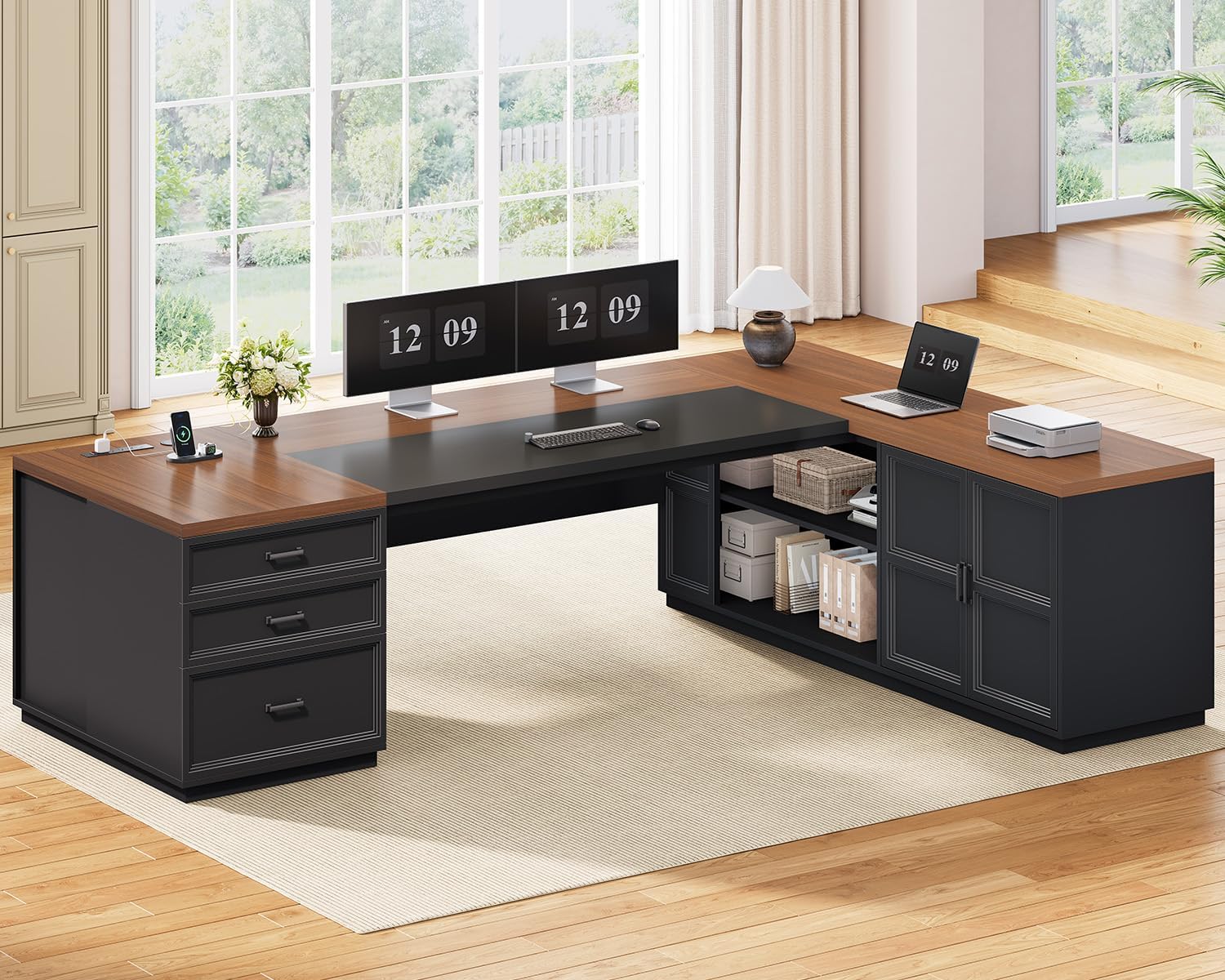
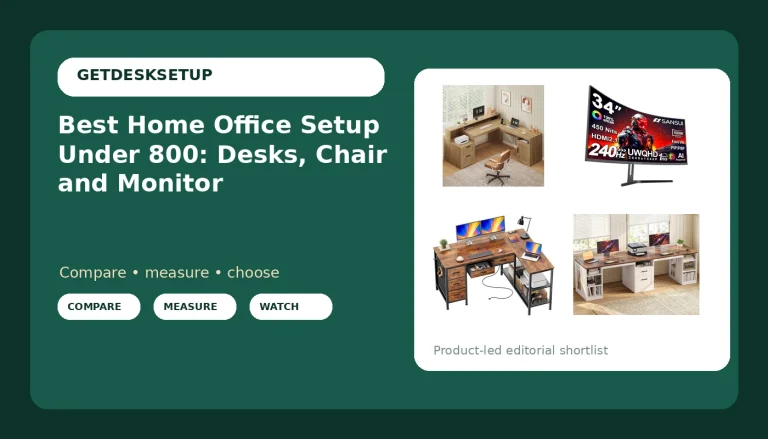
SEDETA 78.7" L Shaped Executive Desk with Charging Station, Large Home Office Computer Desk with File Drawers & Adjustable Storage Cabinet, CPU Stand, Modern L Desk for Business, Black + Brown
Check current price
A 78.7 inch L-shaped executive desk with a built-in charging station, file drawers, an adjustable storage cabinet, and a CPU stand. The widest work surface in this group and the only option with drawer storage for case files.
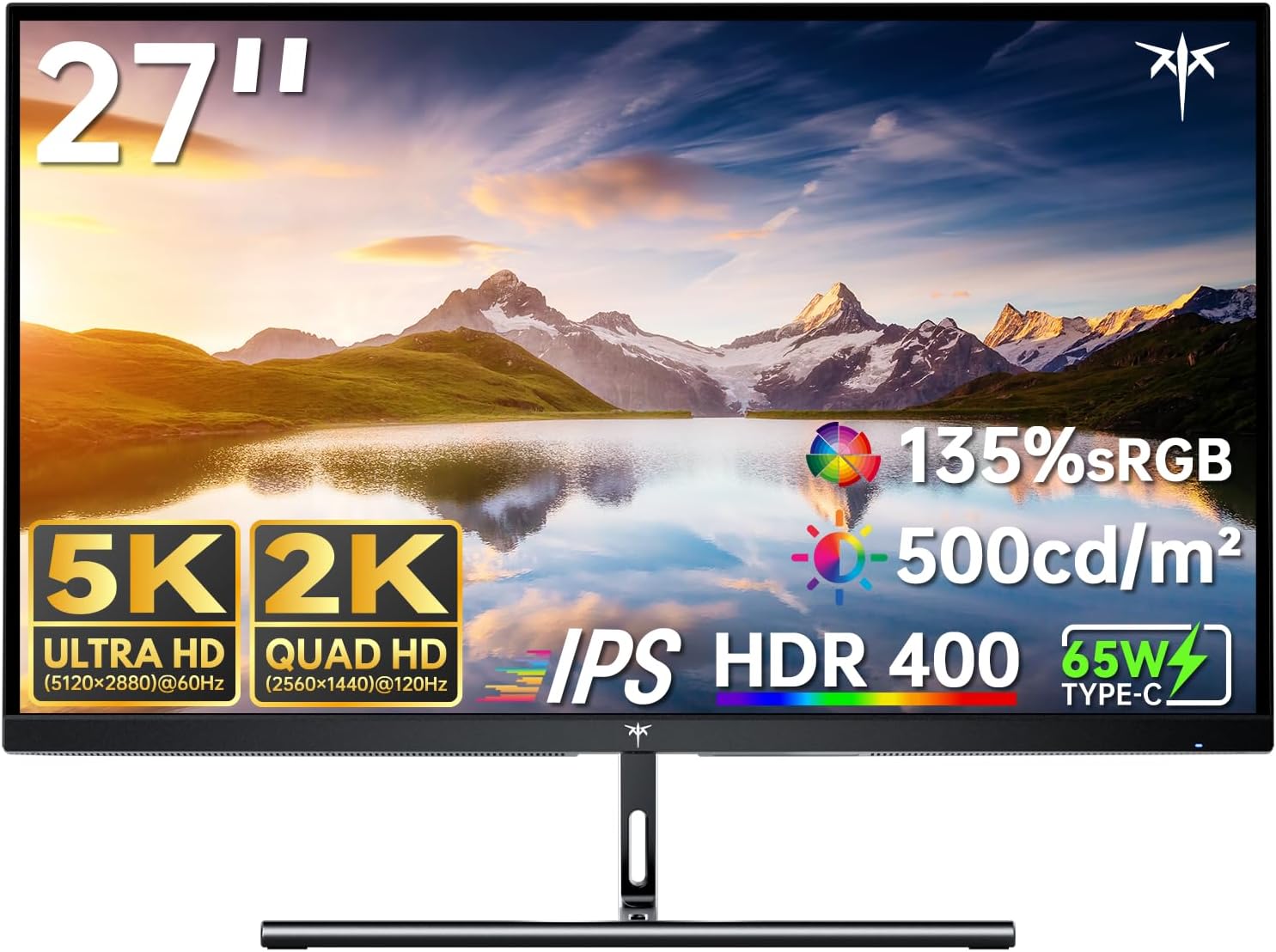
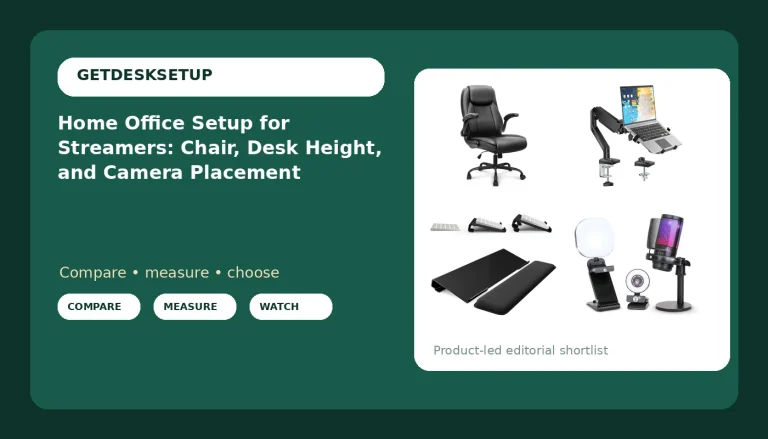
KTC 5K Monitor 27 Inch, 5K2K Dual Mode with 65W Type-C Port
Check current price
A 27 inch 5K display with a 5K2K dual mode and a 65W Type-C port, so one cable can carry video and charge a laptop. The high-resolution pick for dense document work.
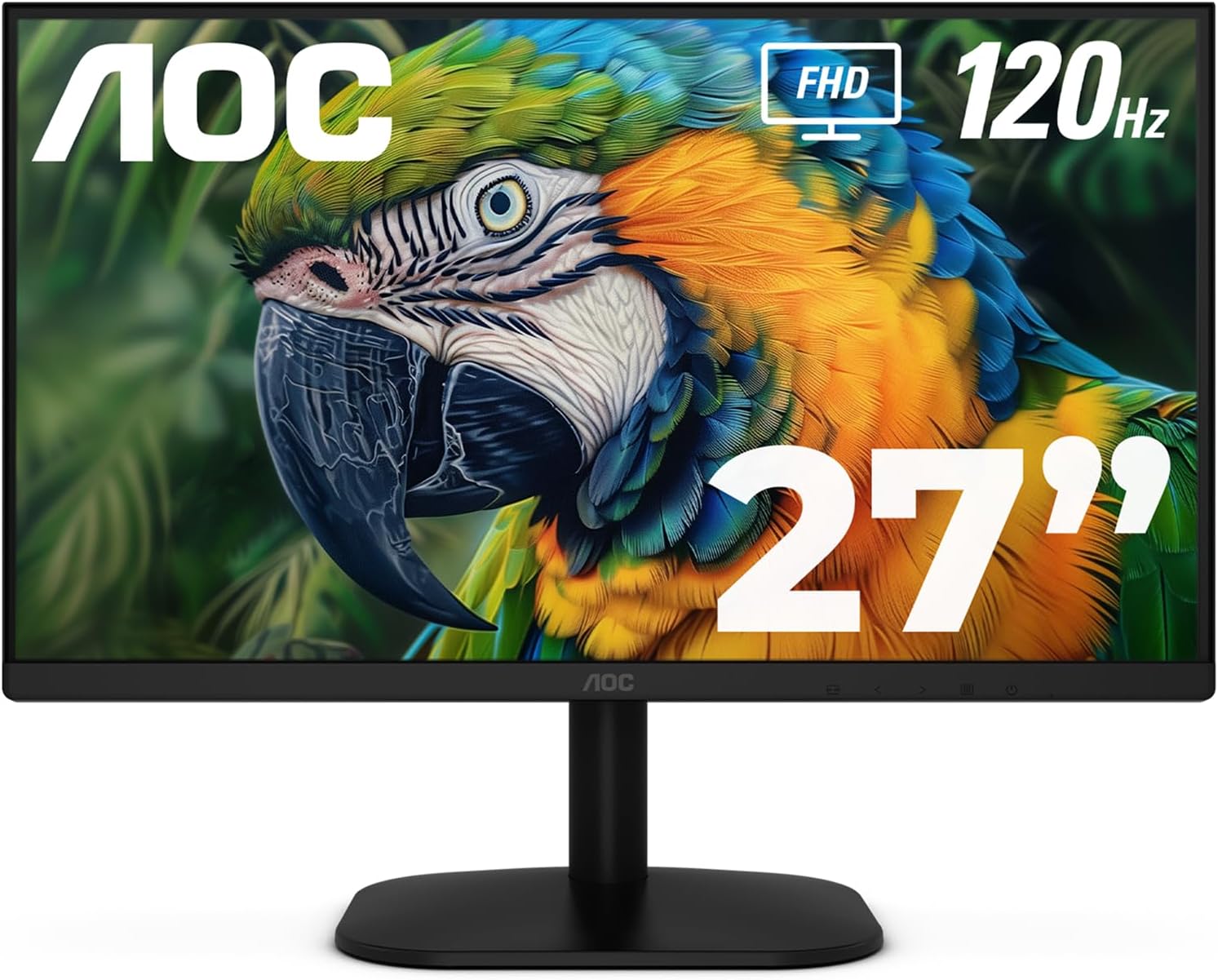
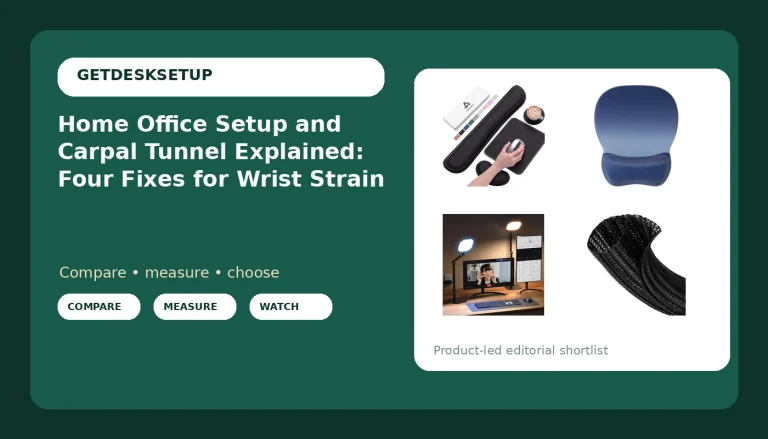
AOC 27 Inch Computer Monitor FHD 120Hz Fast IPS HDR, 27B35H3
Check current price
A 27 inch FHD monitor with a 120Hz fast IPS panel and HDR support. The budget display for a second screen or a text-heavy workflow that does not need 5K density.
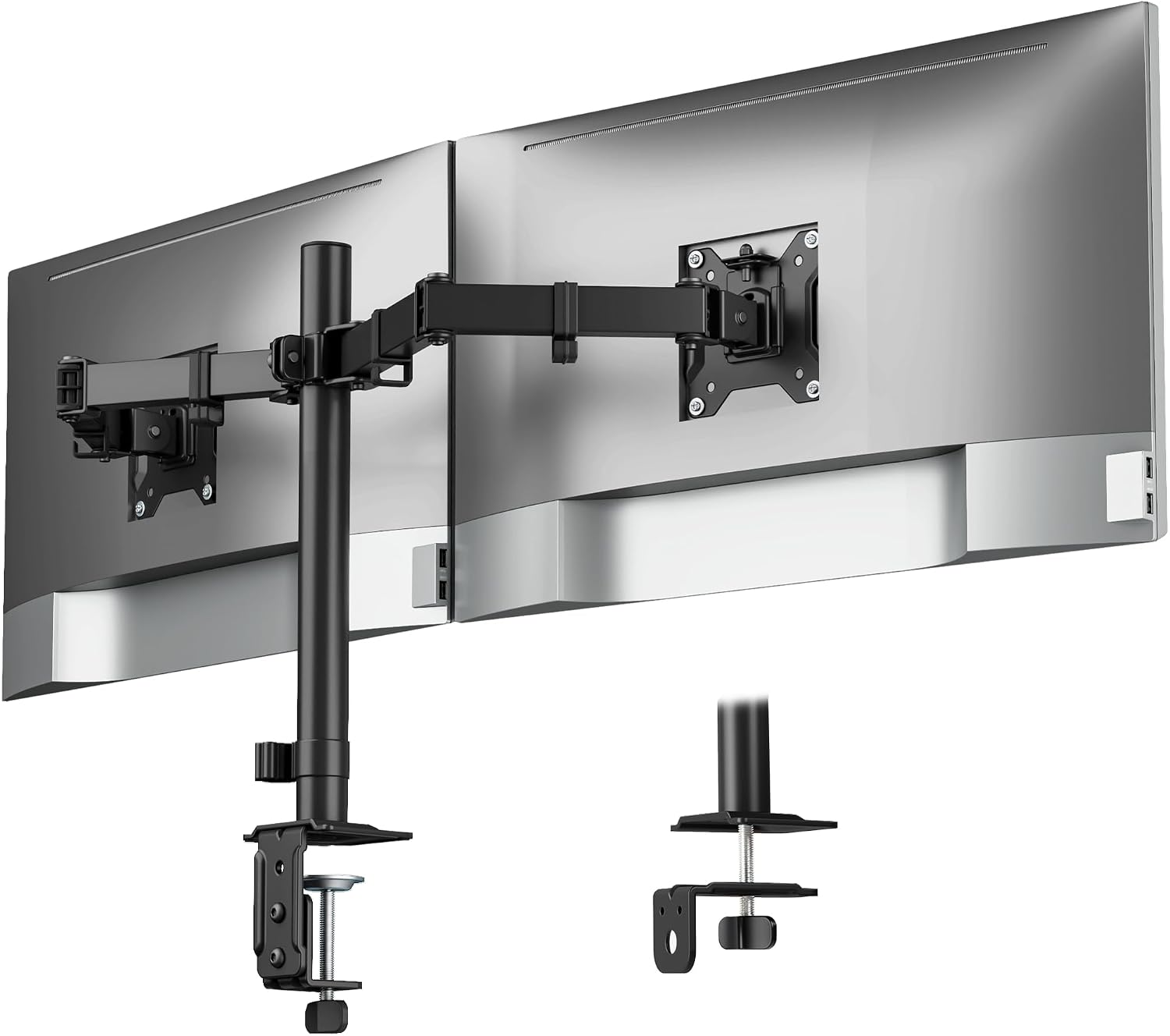
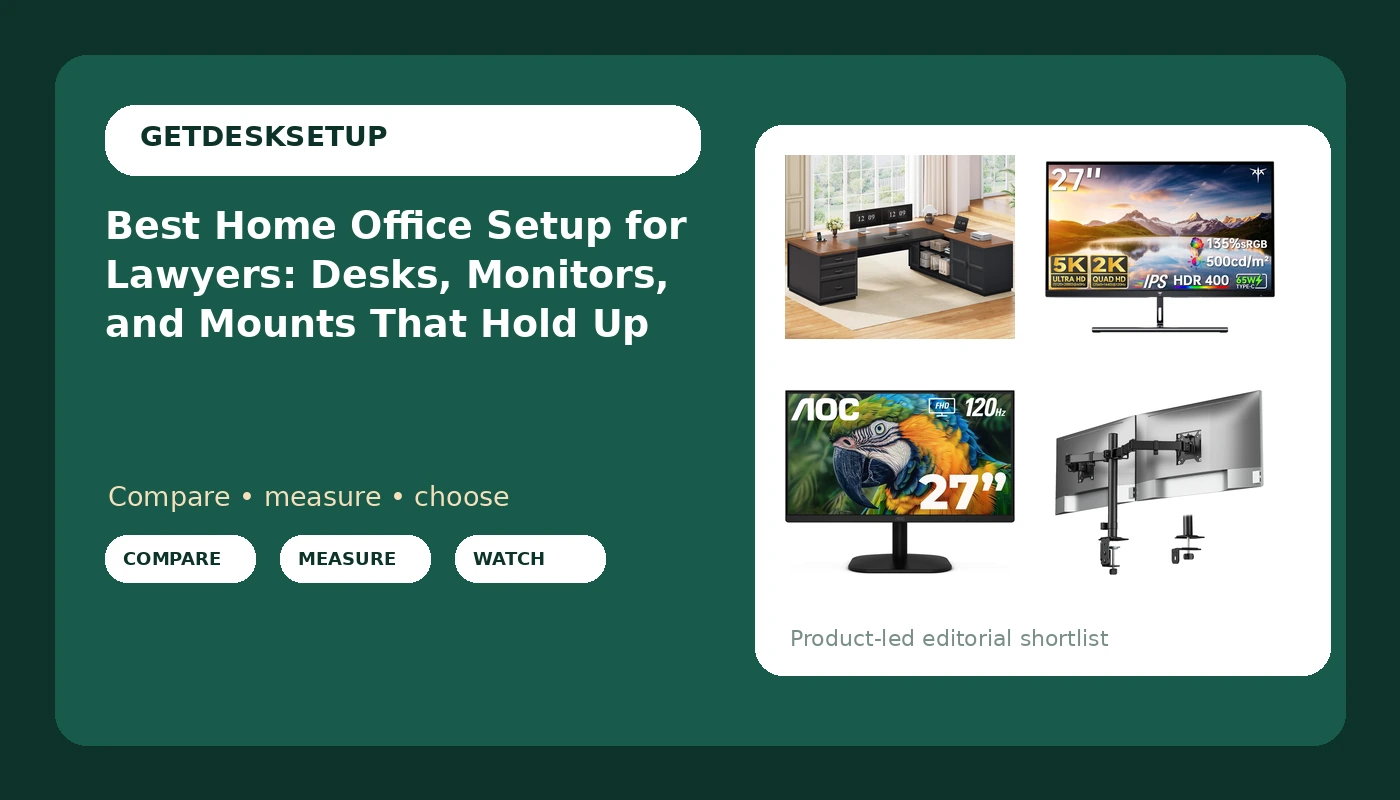
monTEK Heavy-Duty Dual Monitor Stand for 17-32", 22 lbs Each
Check current price
A dual monitor stand rated for 17 to 32 inch displays at 22 lbs each. This is the piece that fixes monitor distance and frees the desk surface underneath both screens.
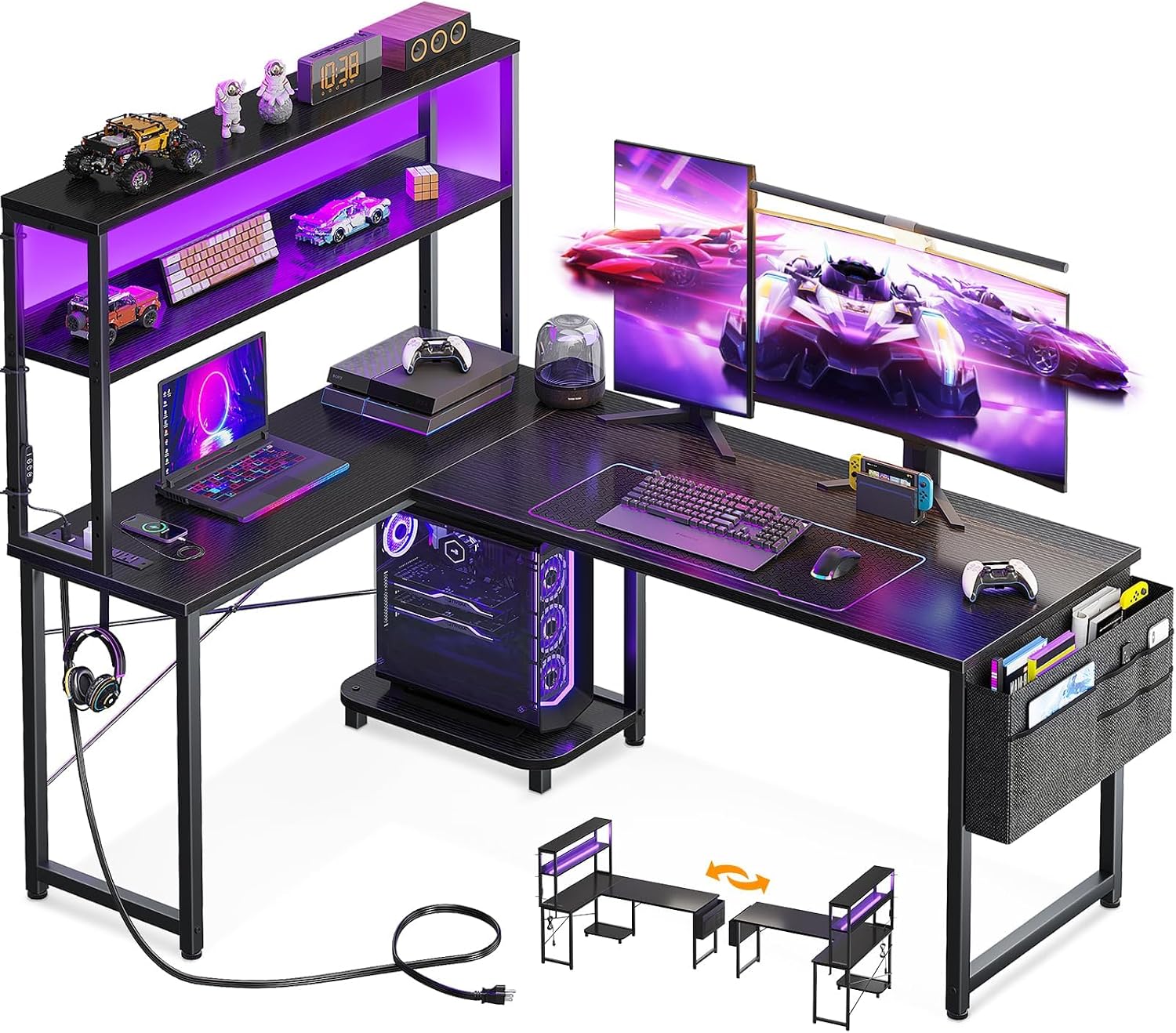
AODK L Shaped Desk Gaming Desk with LED Light & Power Outlet
Check current price
An L-shaped desk with LED lighting and a built-in power outlet. A corner footprint without a drawer stack, for buyers who want the shape and the outlets at the lower spend.
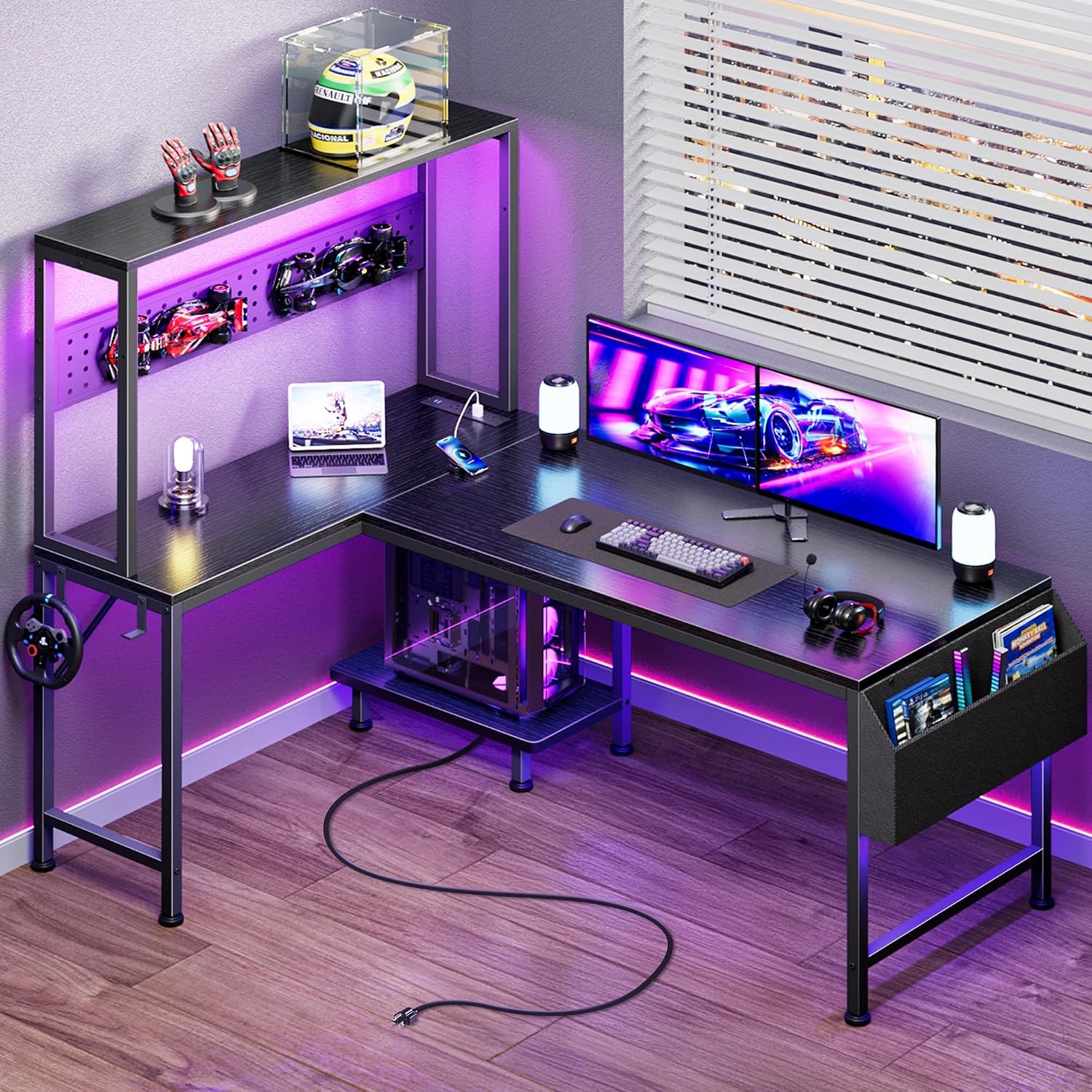
PRAISUN L Shaped Gaming Desk with LED Lights & Power Outlets
Check current price
A second L-shaped desk with LED lighting and built-in power outlets. An alternative when you want the corner layout and outlet access but the SEDETA drawer stack is more storage than the room needs.
How these products were compared
This guide compares desktop footprint and shape, display size and resolution, monitor mounting capacity, built-in power and cable routing, and storage volume. Product names, images, and retailer links are matched by ASIN so that every card points to the product shown.
The comparison is built from the specifications each listing publishes, including the stated dimensions and weight ratings, not from a measurement session in a workshop. Where a number appears below, it comes from the product name or the listed specification. Use the CTA on each card to confirm current price and availability, and check the physical dimensions against your own room before you order.
How to choose the right home office setup
The best home office setup for lawyers starts with desk height and chair pairing, because everything else is adjusted around those two numbers. A seated adult of average build typically wants a work surface that lands somewhere near 28 to 30 inches off the floor, with the chair set so the forearms rest level with the desktop and the elbows sit close to the body. If the desk is taller than that and the chair cannot rise to match, the shoulders come up and stay up. Measure the chair before the desk: seat height range, seat depth, and whether the armrests clear the desk apron when the chair is pushed all the way in.
Monitor distance is the second decision, and it is set by the stand more than by the screen. On a 27 inch panel, a viewing distance of roughly 24 to 30 inches keeps the whole display inside your field of view without head movement, which matters when a brief runs to forty pages. A dual monitor stand lets you set that distance once and hold it, while a monitor sitting on its own foot tends to creep toward the front edge of the desk over weeks of use. In a home workspace setup for lawyers who take video calls, the screen position also decides your camera angle, so set the distance before you set the webcam.
Room layout decides whether an L-shape is realistic. Measure the wall run you intend to use, then subtract the depth of the return leg. An L-shaped desk needs a corner with genuine clearance, and a desk pushed into a corner that is too tight forces you to sit off-center, which throws off monitor distance all over again.
Lighting layers come next, and they matter more for reading than for anything else on this list. Aim for ambient light plus a task light, positioned so the screen is never the brightest object in the room and no lamp reflects directly off the panel. A bias light behind the monitor is the cheapest way to cut the contrast between a bright screen and a dark wall at night.
Finally, plan the power outlet and the cable route before the desk arrives. Count the devices that need power at the desk: monitor, dock, laptop charger, phone, printer, task light. If the wall outlet is on the wrong side of the room, a desk with a built-in power outlet and charging station saves you an extension cord run across the floor. Keep cables behind the desk rail with a service loop rather than tight, and leave a little slack at every connection so nothing pulls on the monitor arm. Ventilation deserves a line of its own: leave clearance behind the monitor and around any CPU stand, and do not close a cabinet door over a machine that is running.
SEDETA 78.7" L Shaped Executive Desk with Charging Station, Large Home Office Computer Desk with File Drawers & Adjustable Storage Cabinet, CPU Stand, Modern L Desk for Business, Black + Brown
The SEDETA desk is the top pick because it answers the two problems a legal workspace creates at once: paper and power. The listing describes a 78.7 inch L-shaped surface with a charging station built in, file drawers under the main run, an adjustable storage cabinet, and a CPU stand. For a practice that still generates printed drafts, exhibits, and signed originals, the drawers are the difference between a desk and a filing system.
The charging station and outlet placement matter as much as the storage. A lawyer working through a day of calls and drafting is typically running a laptop, a monitor, a phone, and a task light, and having those connections on the desk rather than on the floor behind it removes a daily annoyance and a trip hazard.
The trade-off is space. A 78.7 inch L-shaped desk needs a real corner with clearance on both legs, and the L-shape fixes where you sit relative to the room. If your office is small enough that you would be sitting off-center against a wall, the smaller desks in this group are the honest answer, even though they give up the drawer storage. Assembly is also a two-person job at this size, and the drawer and cabinet hardware should be squared and loosely fitted before final tightening.
Alternatives to consider
The KTC 5K Monitor 27 Inch, 5K2K Dual Mode with 65W Type-C Port is better suited to dense document work, where the extra resolution pays off in how much of a page you can read at once, while the AOC 27 Inch Computer Monitor FHD 120Hz Fast IPS HDR, 27B35H3 is a stronger fit when you want a second display for reference material or email at a much lower spend and do not need high pixel density for the main screen.
The monTEK Heavy-Duty Dual Monitor Stand for 17-32", 22 lbs Each covers the mounting question. It is rated for two displays between 17 and 32 inches at 22 lbs each, which is the range that fits both monitors here and leaves headroom for most 27 inch panels. A stand is the right purchase for a home office workstation for lawyers running two screens, because it sets monitor distance and returns the desktop space under both displays.
The AODK L Shaped Desk Gaming Desk with LED Light & Power Outlet and the PRAISUN L Shaped Gaming Desk with LED Lights & Power Outlets cover the smaller-footprint end of the group. Both keep the corner layout and the built-in outlets, and both skip the drawer and cabinet storage, so they suit a practice that has gone mostly digital or a room where the desk has to share space with something else.
Day-to-day use and maintenance
Cable planning is the maintenance task that gets skipped and then causes problems. Run power and display cables along the back rail of the desk, group them with reusable ties rather than zip ties, and leave a small loop at each end. A cable that is pulled tight at the monitor arm will drag the panel out of angle within a week, and the fix costs more time than doing it properly the first time.
Clean the displays with a dry microfiber cloth and follow the manufacturer instructions for anything beyond dust. Do not spray cleaner directly on the panel. On the desk, wipe the surface with a damp cloth rather than a soaking one, and check the drawer runners and cabinet hinges every few months for loose screws, since a loaded file drawer is the heaviest thing on most desks.
On the stand, respect the rated load. The monTEK unit is rated at 22 lbs per display, and staying under that number is what keeps the arms holding their position. Re-check the clamp or grommet mount after the first month of use and again after any move, because vibration and temperature change loosen hardware slowly. Keep the space behind the monitors and around the CPU stand open for ventilation, and keep the total load on any desk power outlet within its rating rather than daisy-chaining strips.
Buying checklist
- Measure the wall run and the available corner clearance before choosing an L-shaped desk, and confirm the desk will not force you to sit off-center.
- Set desk height against your chair first: seat height range, seat depth, and armrest clearance under the desk apron.
- Choose monitor size and resolution based on normal reading distance rather than an occasional edge case.
- Confirm that the exact model includes the feature you are buying it for, whether that is file drawers, a charging station, or a 65W Type-C port.
- Check the rated load on any monitor stand against the weight of your displays, with headroom.
- Verify the current retailer price, availability, and return terms through the card link before ordering.
Final recommendation
Choose the SEDETA 78.7" L Shaped Executive Desk with Charging Station, Large Home Office Computer Desk with File Drawers & Adjustable Storage Cabinet, CPU Stand, Modern L Desk for Business, Black + Brown when your practice still runs on paper and you have a corner with real clearance, because the drawers, cabinet, and built-in charging station remove the two most common daily friction points in a home office setup for lawyers. Pair it with the KTC 5K monitor if document density is the priority, or the AOC 27 inch FHD panel if you want a lower-cost second screen.
Choose the AODK L Shaped Desk Gaming Desk with LED Light & Power Outlet when the room is smaller, the filing is mostly digital, and you want the corner footprint and outlet access without the storage. Whichever way you go, set the chair first, then the desk height, then monitor distance, and only then route the cables. That order is what makes a workspace survive a ten-hour day instead of merely looking finished in a photo.