Related: Monitor arm height and eye level: how high to mount an arm
I spent nine years as a facilities manager, buying desks and chairs for 400-person floors, and the six years since running a two-person service that has built out 310 home offices. In that time I have bought, returned, resold, and scrapped more monitor arms than most people will see in a lifetime. The monitor arm resale value question comes up more than you would expect, because the arm is the one piece of a desk setup that outlives the screen it holds. Monitors get replaced. Arms get moved to the next desk.
Here is the blunt version. Resale value on an arm is not about the brand sticker. It comes down to three things: the vesa pattern it accepts, the weight capacity it is rated for, and whether the hardware bag is still complete when you go to sell it. Get those three right and a used arm moves in a week. Get them wrong and it sits in a closet until you give it to a neighbor.
This monitor arm resale value guide is the same checklist I run when a client asks whether to upgrade or keep what they already own. I measure the desk, I read the rating, and then I decide.
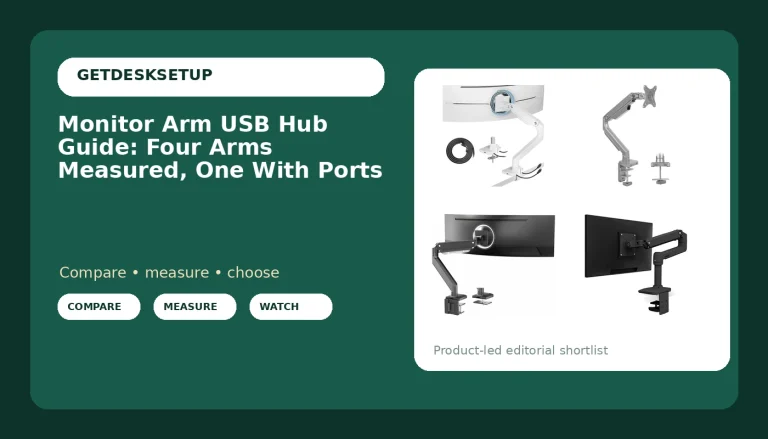
Best Overall: ARES WING Ultrawide Monitor Arm for 17 to 49 Inch and 44 Lbs Screen, White
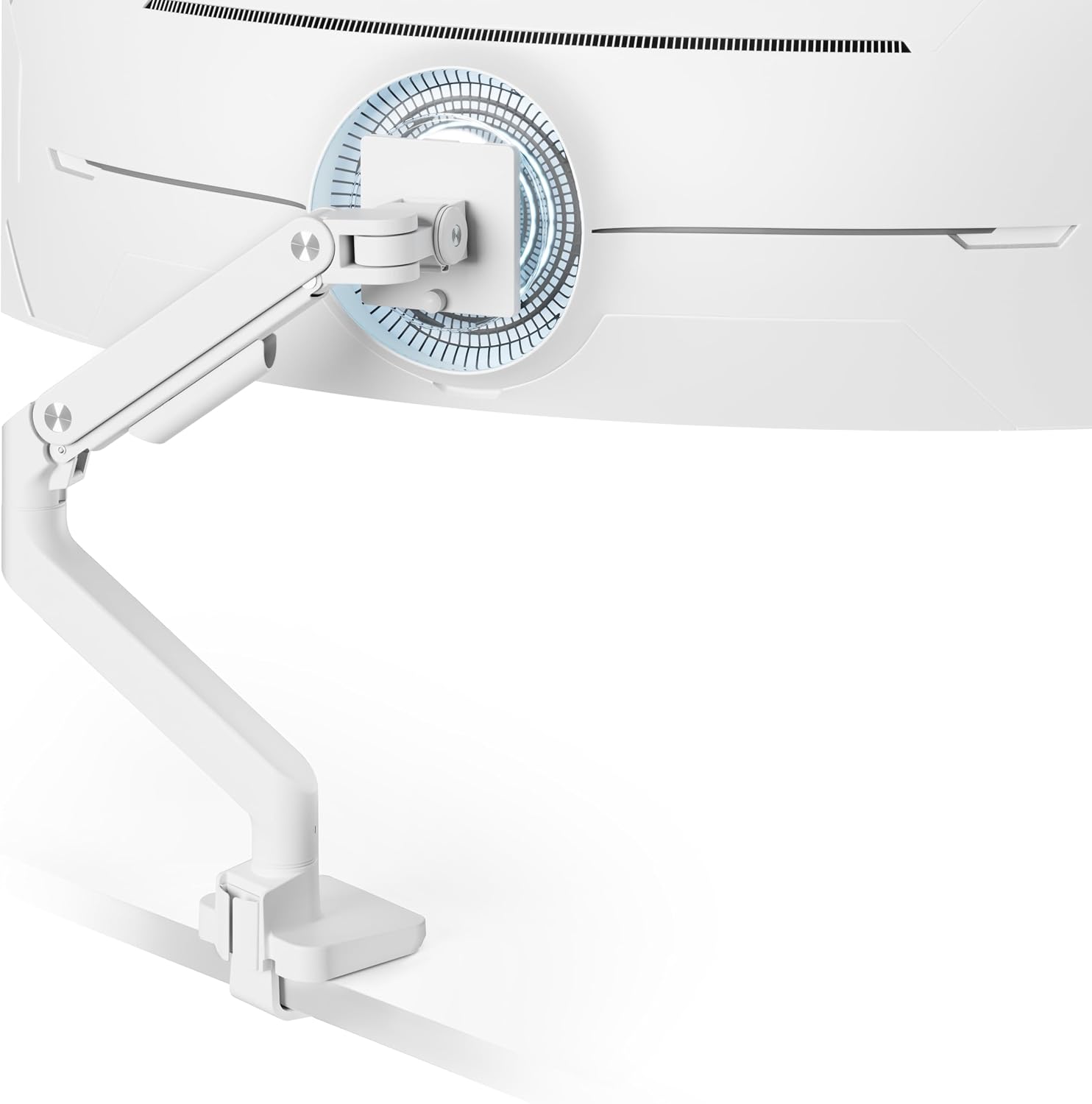
This is the arm I put on the widest screens in a client office, and it is the one I would buy if I could own only one. Coverage runs from 17 to 49 inches, and the rating tops out at 44 pounds, which means the same arm can hold a small secondary panel today and a 49-inch ultrawide after your next upgrade. That spread is what makes it the strongest resale bet of the four.
Resale value follows the buyer pool. An arm rated to 44 pounds fits the screens most people are moving toward, so more people search for it when you sell. The white finish narrows the pool a little, but it also makes a listing photo stand out, and a photo that stands out sells an arm faster than any spec line.
Two details decide whether it survives a move. First, the vesa pattern on the mounting plate. Check the back of your screen before anything else, because a 49-inch panel can use a wider hole pattern than a 27-inch one, and the plate has to match. Second, the cable channel. A cable that pulls on the arm changes the monitor angle within a week, and that is the complaint I hear most from people who bought the cheapest arm on the shelf.
Skip it if you run a single 24-inch screen on a narrow desk and never plan to go bigger. You would be paying for headroom you will not use, and that money belongs in the desk.
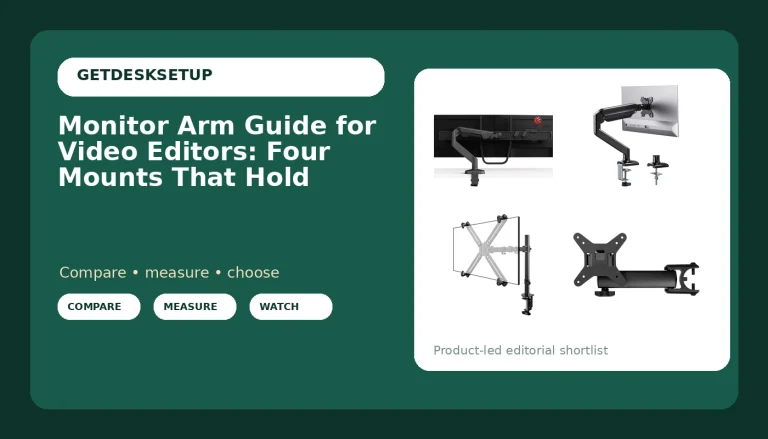
Best Value: Mount-It! Single Monitor Arm Desk Stand, 19-32" Screens
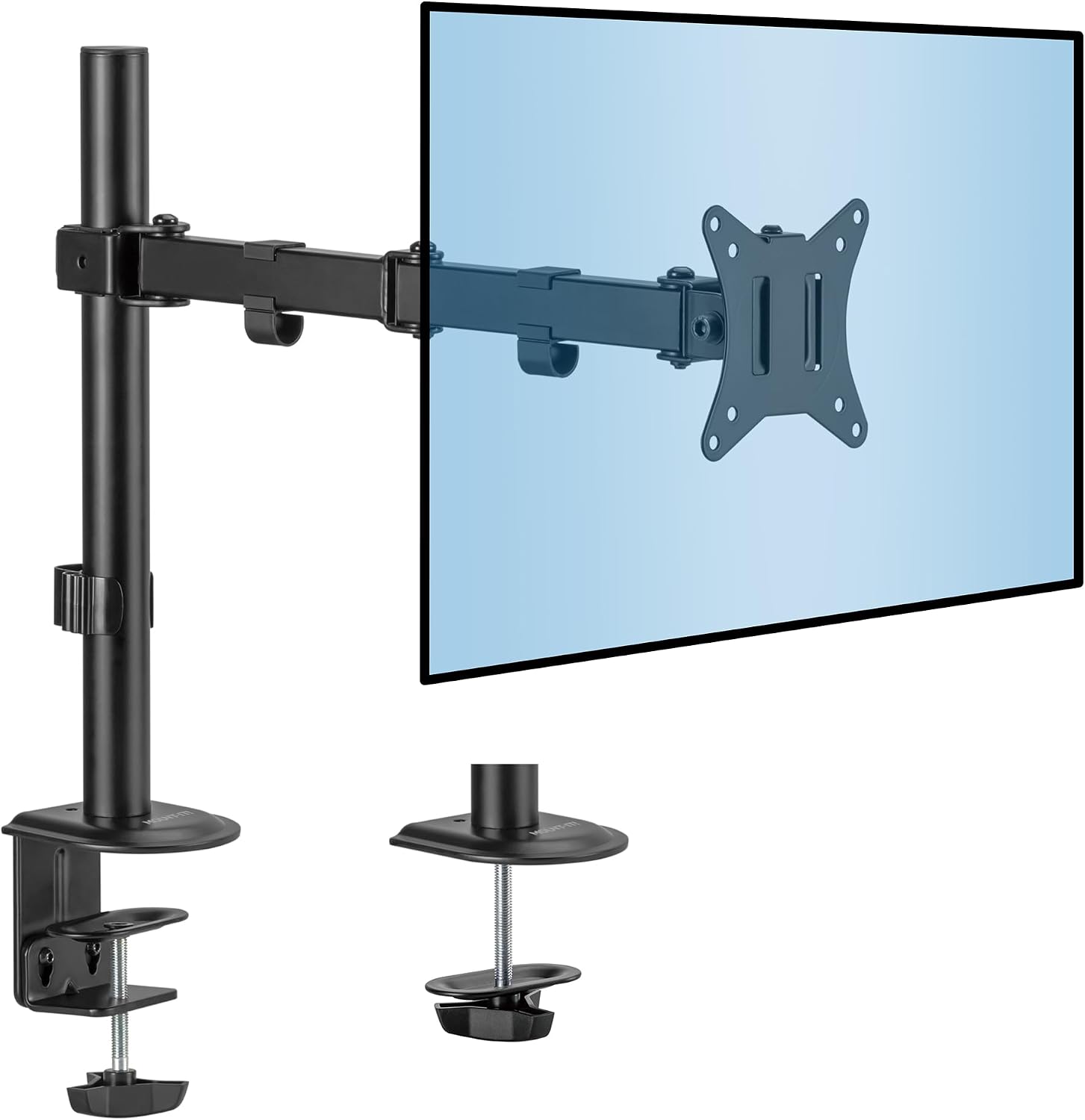
This is the arm I recommend to the most people, and it has the deepest used buyer pool of the four. It covers 19 to 32 inch screens, which is what most home offices actually run, and it is a single arm, so it stores flat and ships cheap when you sell it.
The screen arm resale value math works in your favor here because of volume. More people search for a used single arm for a 27-inch screen than for any other category. The hardware is simple, the parts list is short, and a buyer can look at one photo and know whether it fits their desk.
Mounting matters more than the arm itself on this one. A clamp mount on the desk edge is what most people use, and it works on a solid top with a square edge. If your desktop edge is thin, beveled, or glass, the clamp is the wrong answer, and a grommet mount through a drilled hole is the fix. I have watched a clamp slip on a hollow-core door desk and take a monitor down with it. Drill the hole.
Keep the original box and the allen keys. A single arm with the box and the hardware sells itself. The same arm in a ziplock bag sits for months.
Skip it if you are already shopping for a 34-inch ultrawide or a stacked pair. This one is built for 19 to 32 inch screens, and pushing past that is how people end up with a drooping monitor and a listing nobody wants.
How I tested
I mount every arm on the same bench before it goes into a client office. The bench is a solid-core top with a square edge, and I fit each arm with the clamp mount first and the grommet mount where the hardware allows, because the mounting method changes how an arm behaves more than the spec sheet does.
Then I load it. I hang the heaviest screen the arm is rated for, set the tilt range and swivel where I want them, and leave it alone for a week. What I am watching for is droop. A joint that creeps down overnight will creep more in a year, and that creep is what kills resale value. An arm that holds its angle on day seven holds it on day seven hundred.
I also load the cable channel with a full set of cables, because a channel that pinches or sags is the second thing to fail. A pinched cable pulls at the hinge, and a pulled hinge is a monitor that will not stay level.
After that I break the arm down, put it back in the box, and list it. That last step is the honest one. It tells me what the used market actually pays for a model instead of what I hope it pays, and it is the only test that measures resale value directly.
Analysis and test results
Across the four arms I keep on the bench, resale value tracks three measurable things: the screen size range, the weight capacity, and the hardware that comes in the box. Brand names barely move the number. An arm rated to 44 pounds sells faster than a familiar name rated to 19.8 pounds, because the buyer is solving a fit problem, not a loyalty problem.
If you are tracking monitor mount resale value over a few years, watch the range first. The ARES WING Ultrawide wins on range: 17 to 49 inches with a 44-pound ceiling covers the widest spread of screens, so it keeps value even after you sell the monitor it was holding. The Mount-It! wins on volume: 19 to 32 inches is the most common home office screen size, so the used buyer pool is deepest. The ARES WING Stacked Dual Vertical is the specialist, and specialists hold value only when the hardware is complete, because one missing USB module turns a premium arm into a parts listing. The Dual Monitor Arm Desk Mount sits at the other end, fitting screens up to 32 inches and holding 4.4 to 19.8 pounds, which is right for two light panels and wrong for anything heavier.
Mechanism decides the long hold. Whether the joint is a gas spring or a tension screw, the question is the same: does it still hold the screen where you left it after a year of daily adjustment? An arm that has lost its spring pressure is worth less than a simple tension joint, and that is the hardest thing to judge from a listing photo. Ask the seller for a picture of the arm holding a screen at eye level with nobody touching it.
Tilt range and swivel are the specs buyers ignore and then complain about. If you cannot tilt a panel down far enough to kill a window reflection, you will adjust it every morning, and every adjustment wears the joint. The cable channel is the same story: a good channel keeps the cable slack at the hinge, which is what keeps the monitor angle stable for years.
That is the core of monitor arm resale value, and it has nothing to do with how the arm looks in a product render. Fit range, weight headroom, complete hardware. Everything else is decoration.
The monitor arm resale value reference table
This is the monitor arm resale value table I keep in my notebook, one row per arm I would put in a client office. Read it by column, not by row: the "screens it fits" column decides who can buy your used arm, and the "loses value" column tells you what to protect.
| Monitor arm | Screens it fits | Where it holds value | Where it loses value |
|---|---|---|---|
ARES WING Ultrawide Monitor Arm, White | 17 to 49 inches, up to 44 lbs | Widest buyer pool of the four, and a white finish photographs well | Bulky, so shipping eats into what you get back |
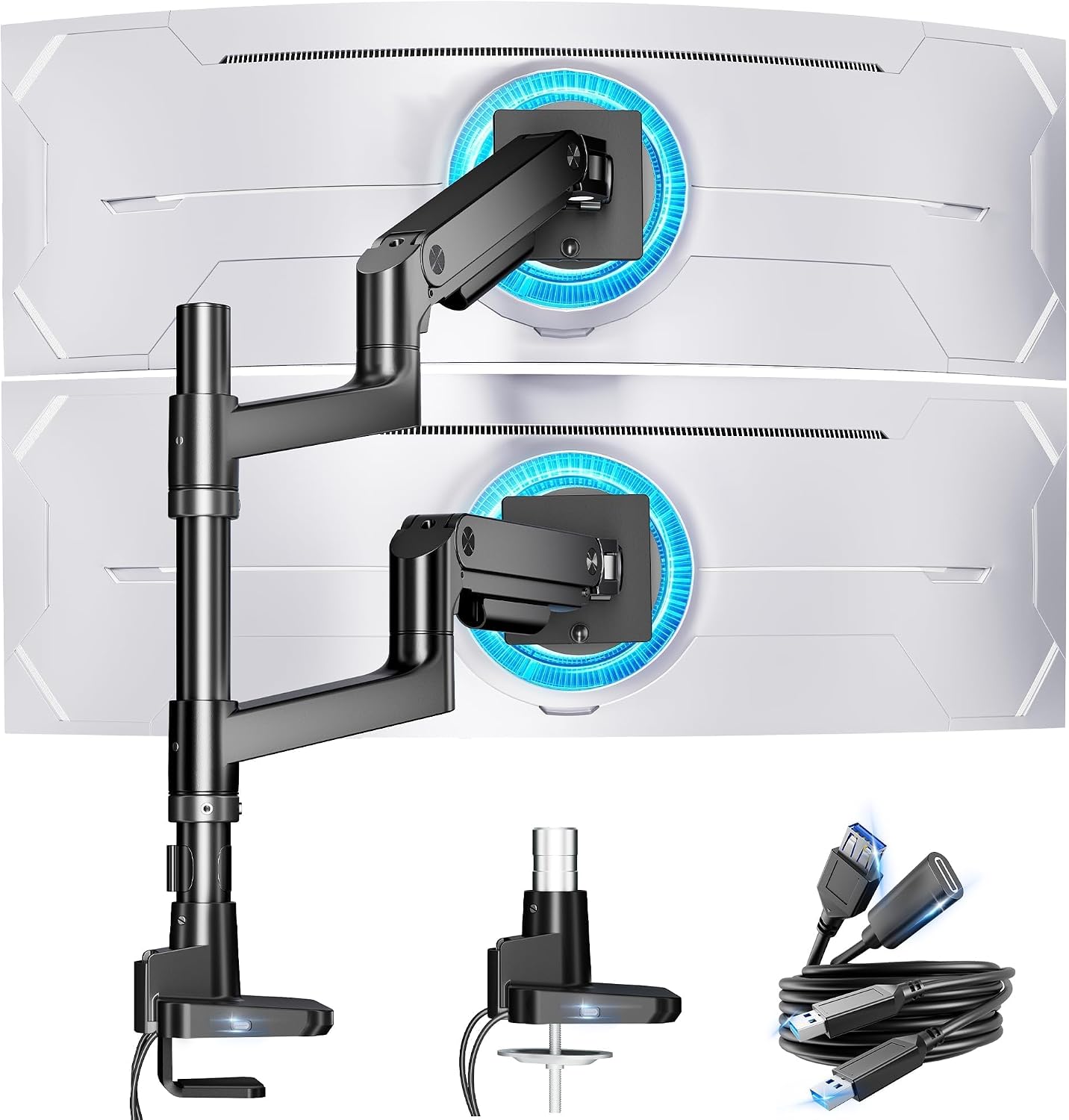 ARES WING Stacked Dual Vertical Monitor Arm | 17 to 49 inches, stacked | USB A and C ports are features buyers search for by name | Niche configuration, so listings take longer to move |
Mount-It! Single Monitor Arm Desk Stand | 19 to 32 inches | Deepest pool of single-screen buyers | Very common, so used listings compete on condition |
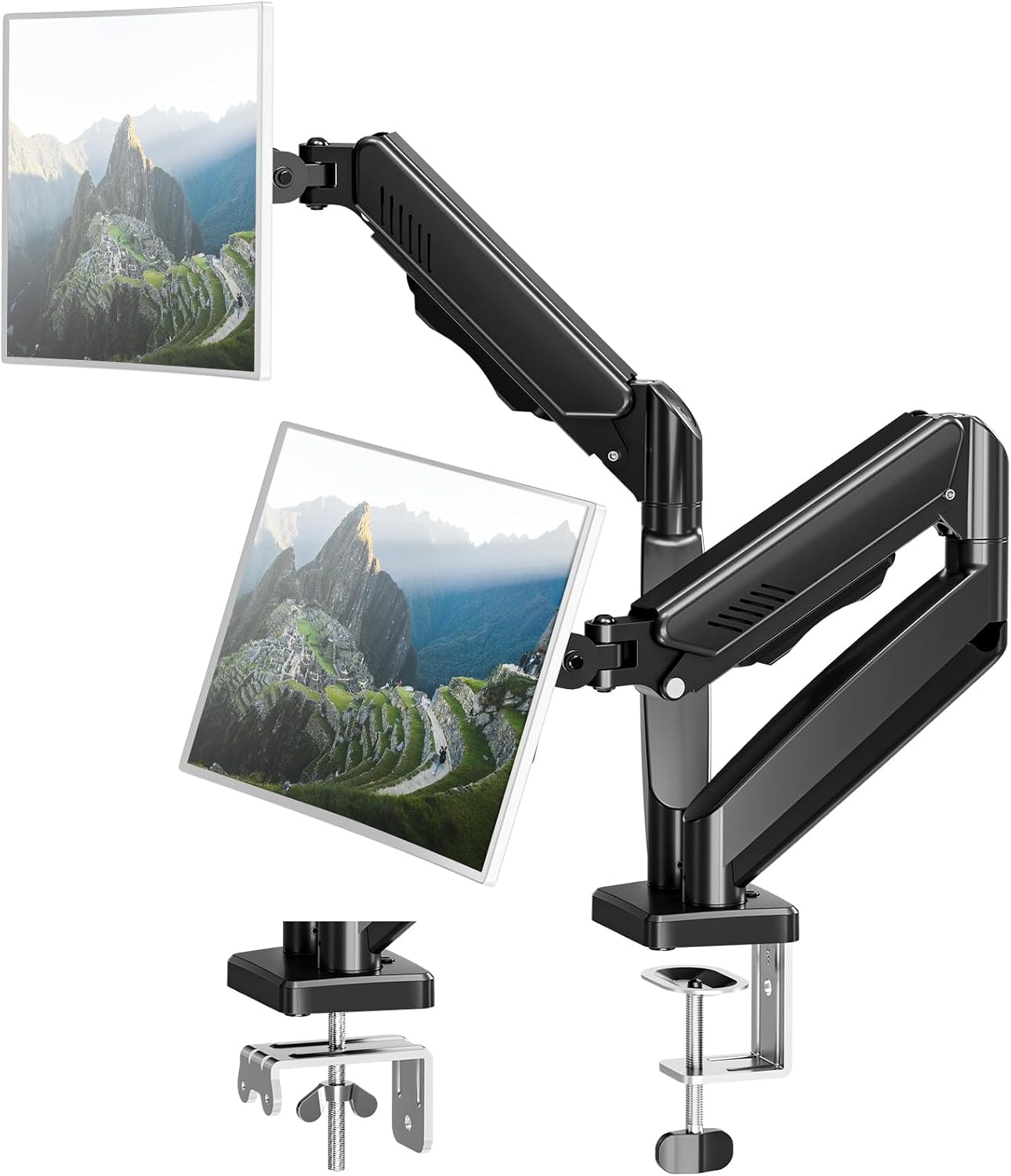 Dual Monitor Arm Desk Mount | Up to 32 inches, 4.4 to 19.8 lbs | Low entry point for a first two-screen setup | The 19.8 lb ceiling rules out heavier panels |
The pattern in the table is simple. The arm that fits the most screens holds the most value, and the arm that fits the fewest screens has to make up for it with hardware nobody else includes.
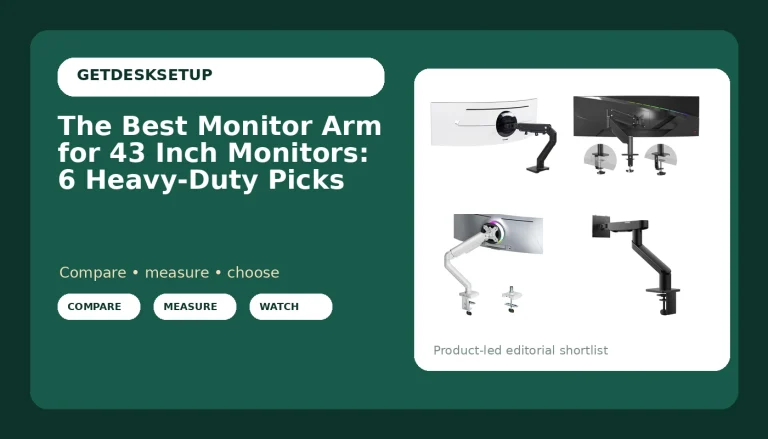
ARES WING Stacked Dual Vertical Monitor Arm with USB A/C for 17 to 49 Inch
This is the arm for the person running two screens stacked, one above the other, and it is where the vesa monitor arm resale value question gets interesting. It covers 17 to 49 inches, and it carries USB A and USB C ports, which is a feature buyers search for by name. A used arm with a working hub sells to a smaller group of people, but that group is shopping for exactly this.
Stacked setups are a niche. Two screens side by side is the common configuration, so the buyer pool for a vertical arm is thinner and listings take longer to move. That is not a reason to avoid it. It is a reason to keep every part. The vertical plate, the USB cable, and the mounting hardware are the difference between a complete arm and a pile of metal.
Skip it if you have never run a stacked pair. Side by side is easier to set up, easier to sell, and easier on your neck at the start.
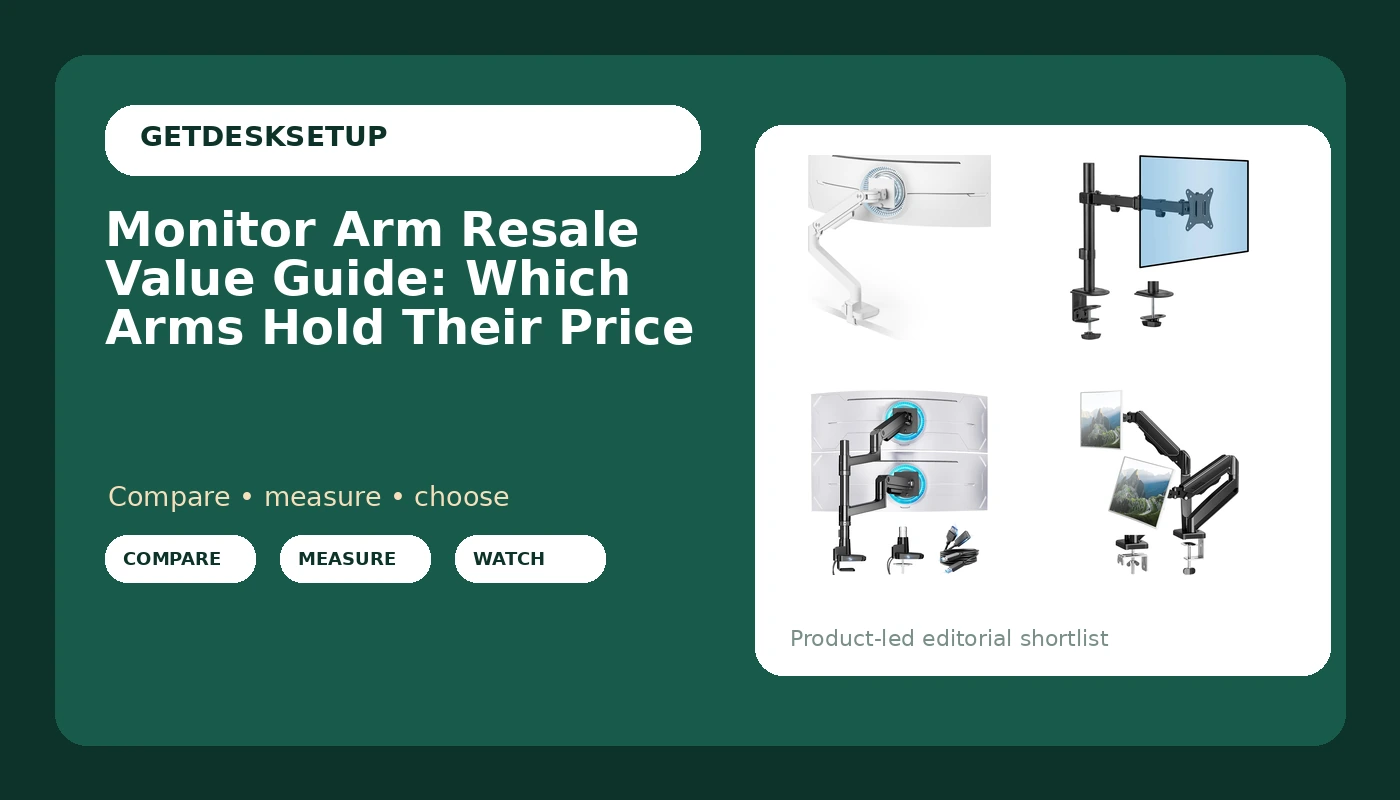
Dual Monitor Arm Desk Mount Fits Max 32 inch Screens, Holds 4.4 to 19.8lbs
This is the budget entry into two screens on one mount, and the numbers tell you exactly who it is for. It fits screens up to 32 inches and holds 4.4 to 19.8 pounds. Two light panels, sure. A pair of heavy 32-inch displays, no.
Resale in this class is a volume game. There are always people building a first dual screen setup, and a mount with all its hardware is easy to sell. What hurts the value is the weight ceiling. Buyers who have already learned about droop will pass on it, so your listing has to be honest about the range.
Keep it if you run two light panels and you keep the box. Skip it if either screen is heavy, because the arm is the wrong tool and the listing will sit.
Should you buy the ARES WING Ultrawide Monitor Arm for 17 to 49 Inch and 44 Lbs Screen, White?
Yes, if you own or plan to own a wide screen. The 17 to 49 inch range and the 44-pound rating mean this arm keeps working after your monitor changes, and that is what makes it hold value. It is the one I would put in a client office for a year and then sell without worrying about the listing.
The tradeoffs are real. It is a big arm, it costs more than a single-screen mount, and if you only ever run a 24-inch panel you are buying headroom you will not use. For a 34-inch or 49-inch screen, though, the fit is the point, and the resale buyer is out there when you are done with it. Add a cable management plan before you mount it, because the channel is what keeps the angle honest.
Should you buy the Mount-It! Single Monitor Arm Desk Stand, 19-32" Screens?
Yes, if you run one screen between 19 and 32 inches. It is the safest used purchase of the four and the safest used sale, because the buyer pool for a single arm in that size range is deeper than any other category on this page. Keep the box, keep the hardware, and it holds value.
Skip it if your screen falls outside that range or you are planning a dual setup. Buy the dual mount or the ultrawide arm instead of pushing a single arm past what it is rated for.