Monitor Arm Guide for Eye Strain: What Height and Weight Actually Fix
Monitor arm guide for eye strain: four arms sized by screen range and weight capacity, and the tilt range that stops the squinting.
Related: Monitor height and viewing distance for a 27 inch screen
A monitor arm guide for eye strain usually starts in the wrong place. People want a brand name before they know where their eyes sit relative to the top of the panel. No arm fixes a screen that sits four inches too low, and no filter saves you if the panel is close enough that you lean in. Eye strain at a desk is geometry: top of the screen near eye level, panel about an arm's length away, a few degrees of back tilt so the ceiling lights are not bouncing off the glass into your pupils. An arm is the only desk accessory that lets you set those three things and then leave them alone. A stand gives you one height. A stack of books gives you a height you will knock over by Thursday.
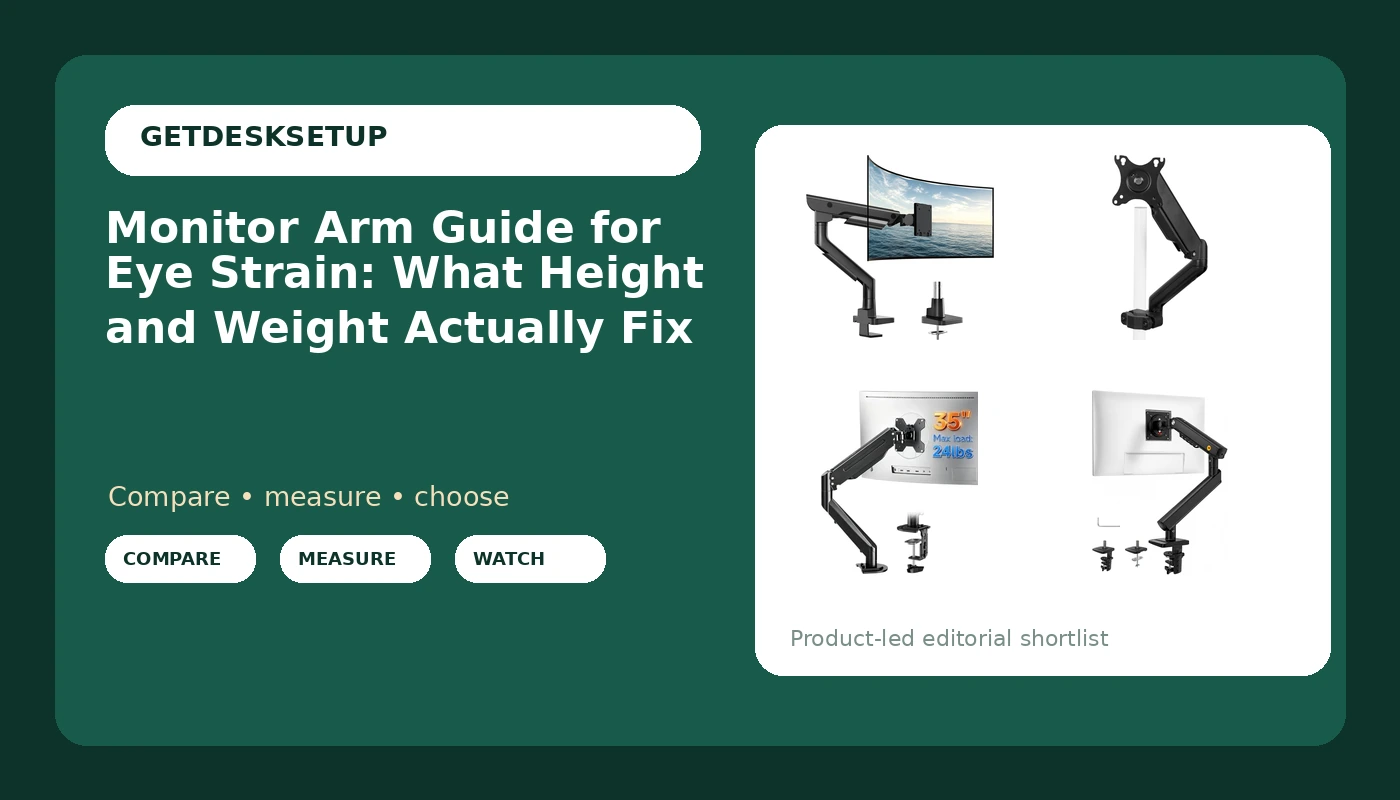
I am Ray. I spent nine years as an office facilities manager buying desks and chairs for 400-person floors, and six more running a two-person setup service that has built out 310 home offices. I keep a notebook of seat depths and desk heights measured with a tape, not read off a spec sheet. For this piece the batch was four arms: a heavy-duty model built for ultrawides, a pole-mounted arm for shared desks, a fully adjustable single arm, and a small mechanical spring mount. Two earn a headline spot below. The other two are correct answers for narrower jobs, and I will say plainly who should skip each one.
Best Overall: monTEK Heavy-Duty Monitor Arm for 17-57" Ultrawide, 59.4 lbs, Black
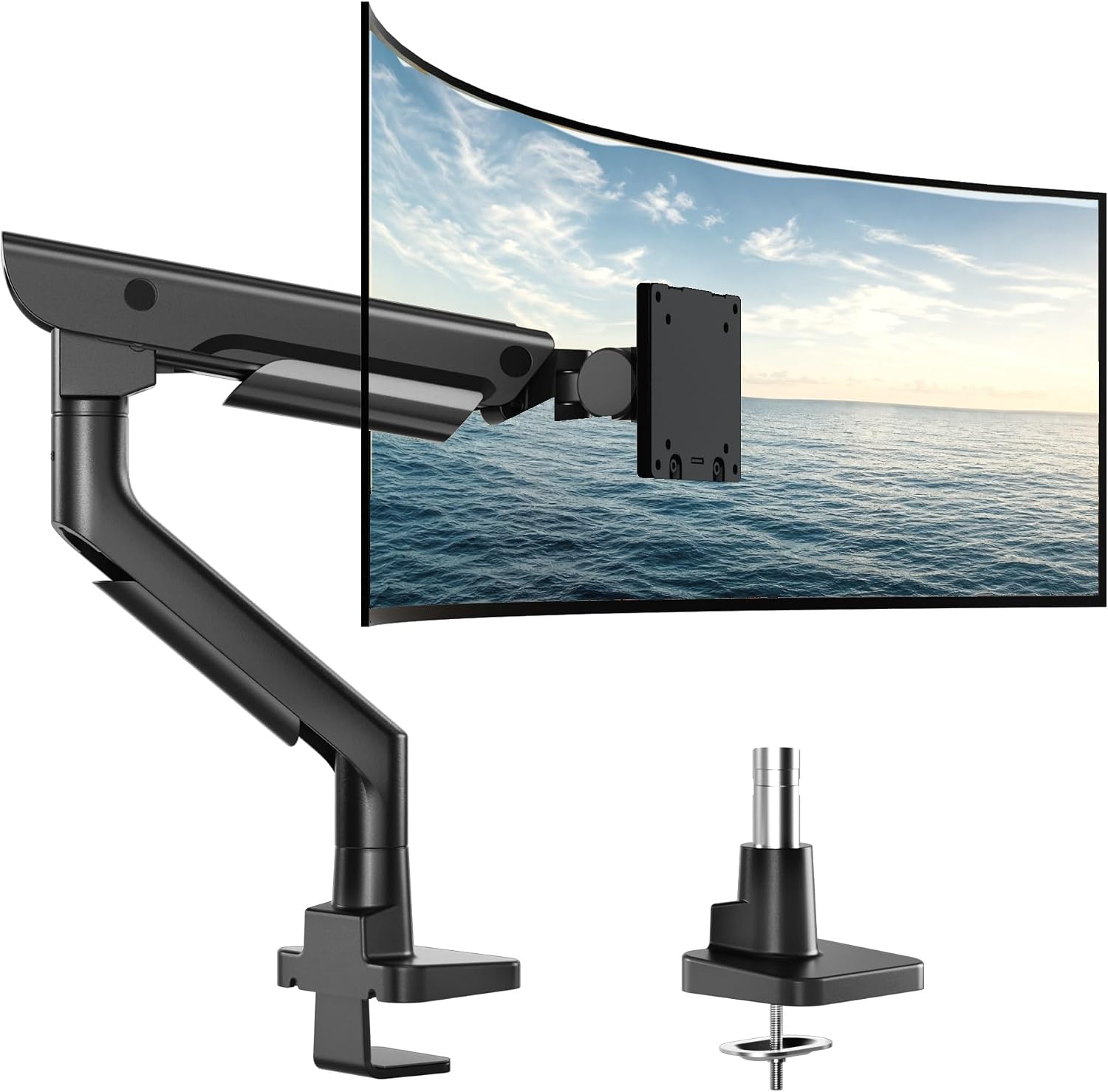
This is the arm I would put on a client's desk and walk away for a year. It covers 17 to 57 inches of screen and carries 59.4 lbs, and that second number is the one that matters. Cheap arms advertise a screen size and hide the weight capacity. A 34 inch ultrawide can weigh more than a 43 inch television, and an arm that sags under it will not hold the tilt range you set on day one.
Sag is an eye strain problem, not a cosmetic one. The panel droops a degree or two over a week, the top of the screen slides below eye level, and you are looking down again without noticing. That is the entire reason a heavy-duty arm exists, and it is why I check the joint at the top of the weight range instead of the middle.
Check current Amazon price before you commit, because this is the most expensive arm in this group. Who should skip it: anyone running a single 24 inch panel under 20 lbs on a narrow desk. The structure that holds a 49 inch ultrawide is structure you are paying for and looking at, and the lighter arms further down do the same job for a lighter screen. If your desk is under 48 inches wide, a 49 inch ultrawide is the wrong purchase before the arm ever enters the picture, so fix the screen size first.
Best Value: VIVO Black Pole Mounted Monitor Arm, 17-32 in Screens, MOUNT-POLE05O
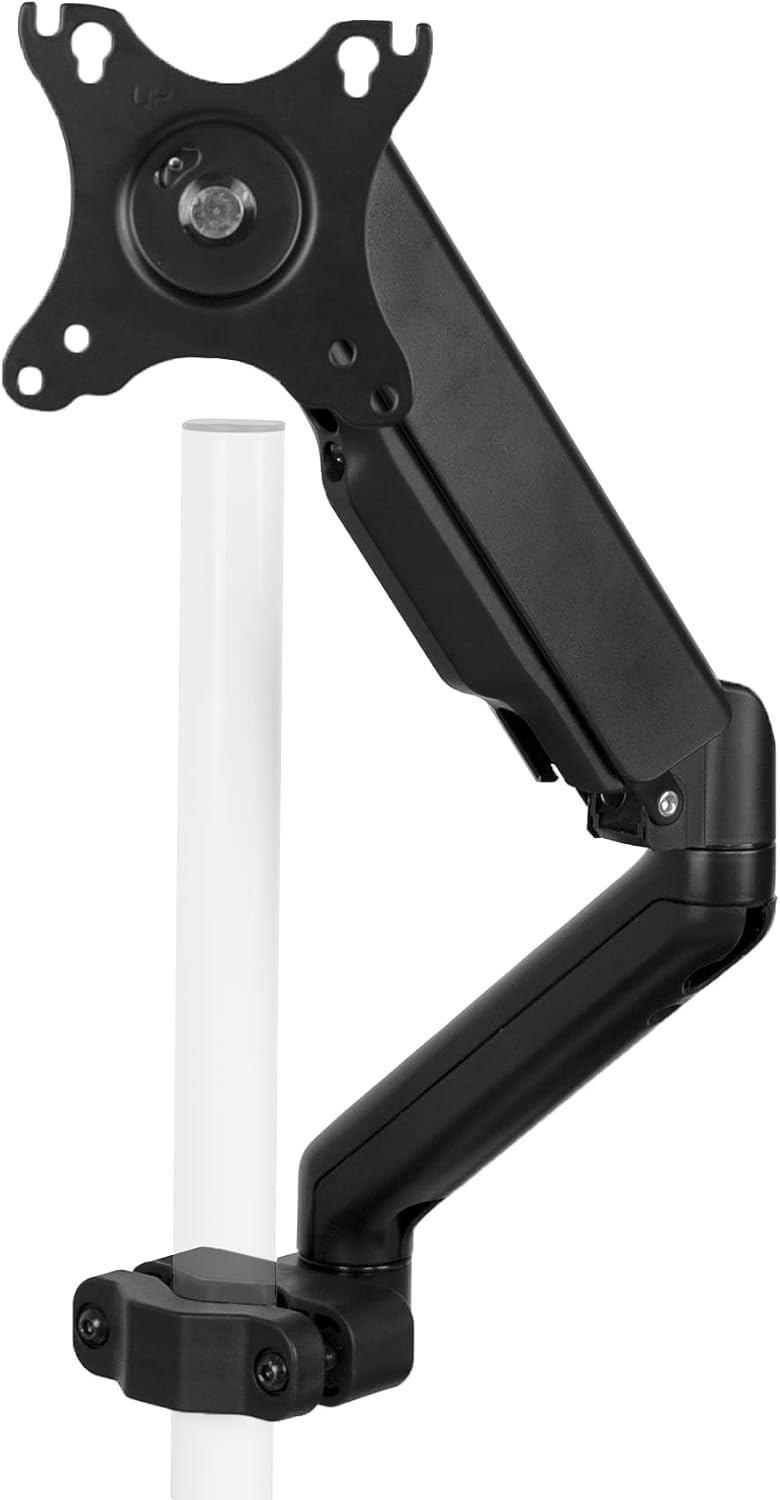
The pole design is why this one is here. A single clamp mount or grommet mount puts the whole load of the arm and the screen on one small patch of desktop. A pole spreads that load down a vertical post and lets you slide the screen up and down the shaft instead of hunting for the right tension setting. On a desk where two people of different heights sit down on alternating shifts, that is the difference between a screen at eye level and a screen at eye level for one of them.
It covers 17 to 32 inches, so it is not the ultrawide answer. Anyone who wants a monitor mount guide for eye strain for a two-person desk should start here. Check current Amazon price on the listing, since pole arms tend to sit in the middle of the range rather than at either end.
Who should skip it: a 34 inch ultrawide or anything past 32 inches, and anyone who needs the arm to fold flat behind the desk when the desk is idle. The post stays where it is.
How I tested
Four arms, one desk, the same order every time. Clamp first, then load, then tighten. Reversing that order is how people crack a desktop, and it is the first thing I check on any arm I unbox.
Every arm in this monitor arm guide for tired eyes gets judged on the same five checks:
- The mounting requirement against the actual desk. A clamp mount needs a clear rear edge with enough overhang and a flat underside. A grommet mount needs a hole. Neither works on a desk with a full-width steel apron under the top.
- The vesa pattern on the back of the screen against the plate on the arm, 75 mm or 100 mm.
- The joint, loaded with the screen at the top of the stated weight capacity, not the middle. The top of the range is where cheap arms fail.
- Top of the panel at eye level, eye to screen distance measured with a tape, a few degrees of back tilt set and then left alone.
- The display cable run through the cable channel while the arm swings through its full travel. If the cable pulls taut and tugs the panel, the cable channel is decorative.
That last one is the test most people skip and the one that ruins a setup. This is not a monitor arm guide for eye fatigue in the abstract. A cable that pulls on the arm changes the monitor angle within a week, and an angle that drifts takes your neck with it. The rest of the desk side of this is covered in cable management for monitor arms.
Then I leave it alone for a week and look at it again. Arms that hold their tilt range are the arms I recommend.
Analysis and test results
The ranking came down to four things: weight capacity, joint type, mounting flexibility, and how each arm behaves at the top of its range.
Weight capacity first. The monTEK publishes 59.4 lbs, the only arm here with a number that will hold a heavy ultrawide without a conversation. The others are sized by screen range, and screen range alone is a weak promise. A 32 inch panel can weigh 12 lbs or 25 lbs depending on panel type, so when a listing gives you inches and no weight capacity, treat it as a question, not a spec.
Joint type second. A gas spring holds tension and moves with a light push. A mechanical spring, like the one in the NB SmooVex mount, is a simpler mechanism doing the same job for a lighter screen. Neither is better in the abstract. What matters is whether the joint holds the height you set once the screen is on it.
Mounting third. A clamp mount and a grommet mount solve different desks, and the pole-mounted VIVO is a third option I would pick for a desk that gets shared. Swivel matters less than tilt range for eye strain, because swivel is mostly for showing someone your screen.
Then the eye strain math, which is not really about the arm at all. Top of the screen at eye level. Panel roughly an arm's length away, which for most people is the distance from the middle knuckle to the shoulder. A few degrees of back tilt. A monitor arm guide for eye strain that fixes only the height has solved a third of the problem. Read this as a monitor arm guide for tired eyes and the same three settings keep coming back, because they are the settings that decide whether your eyes work or your neck does.
Monitor arm guide for eye strain: the adjustment and sizing table
This is the table I keep for client setups. Screen range and weight capacity come from the listings. The last column is the honest answer to who each arm is for.
| Monitor arm | Screen range | Weight capacity | Best for | Price |
|---|---|---|---|---|
monTEK Heavy-Duty Monitor Arm | 17 to 57 in | 59.4 lbs | Ultrawides and heavy panels | Check current Amazon price |
VIVO Black Pole Mounted Monitor Arm | 17 to 32 in | Check the listing | Shared desks, two users | Check current Amazon price |
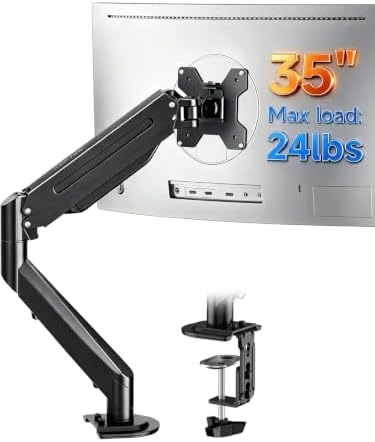 Suptek Single Monitor Arm Fully Adjustable | 17 to 34/35 in | Check the listing | One mid-size screen | Check current Amazon price |
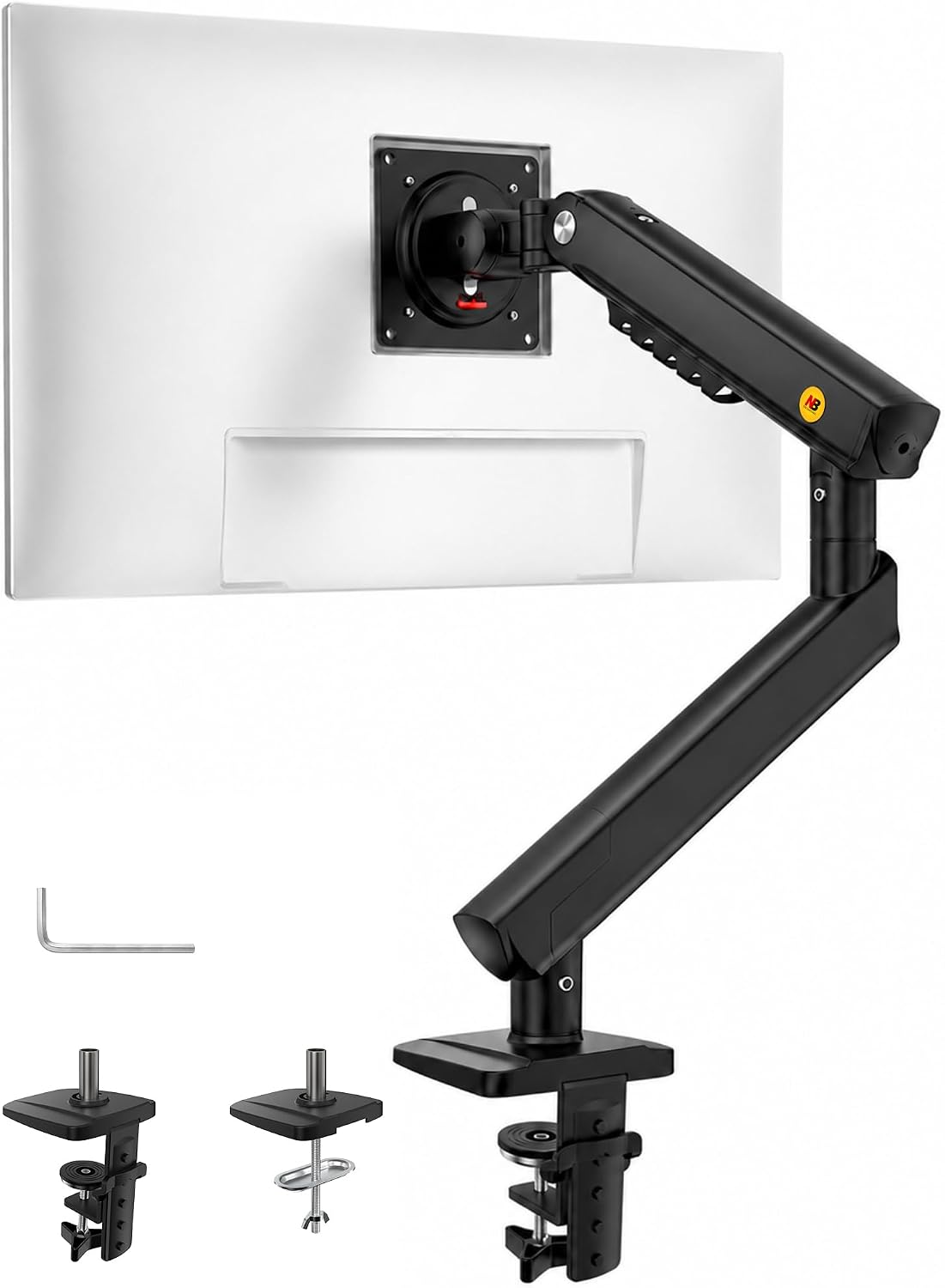 NB SmooVex Monitor Mount | Up to 32 in | Check the listing | Small desks, light screens | Check current Amazon price |
The key is the joint, not the brand. An arm that holds its tilt range at the top of its stated weight keeps your screen where you set it, and an arm that does not will hand you back the same problem you bought it to solve.
Suptek Single Monitor Arm Fully Adjustable
This one covers 17 to 34 and 35 inch screens and gives you the full set of adjustments: height, tilt range, and swivel on a single arm. It is the arm for a 27 inch or a 34 inch non-ultrawide screen where you want the geometry fixed without paying for a heavy-duty build. Who should skip it: a 49 inch ultrawide, a heavy panel, or a desk where the weight capacity on the listing is lower than the weight of the screen you already own. Weigh the panel before you buy, not after.
NB SmooVex Monitor Mount
The SmooVex mount fits screens up to 32 inches, uses a mechanical spring for the joint, and takes a VESA 75 or 100 mm plate, which covers the back of almost every office panel made in the last decade. It is the smallest and simplest arm in this group, and for a light screen on a small desk it does the whole job. Who should skip it: heavy panels and ultrawides. A mechanical spring arm sized for a light screen will not hold a heavy one, and the listing gives you inches rather than pounds, so the burden is on you to know your screen's weight.
Should you buy the monTEK Heavy-Duty Monitor Arm?
Yes, if you run an ultrawide or a heavy panel and you want the tilt you set on day one to still be there in week three. The 17 to 57 inch range and the 59.4 lb weight capacity cover more ground than anything else in this batch, and a heavy screen on a weak joint is the most common eye strain setup I walk into.
The cost is real. Check current Amazon price before you decide, because you are paying for structure that a light screen does not need. Skip it if your only screen is a 24 inch panel under 20 lbs, or if your desk is narrow enough that a large panel would end up closer to your face than an arm's length no matter how you position it.
Should you buy the VIVO Black Pole Mounted Monitor Arm?
Yes, if two people share one desk, or if you would rather set height by sliding the arm up a post than by turning a tension screw and hoping. The 17 to 32 inch range covers most single-screen home office desks, and the pole keeps the load off one small patch of desktop.
Skip it if you own a 34 inch ultrawide or a heavier panel, or if you need the arm to disappear when the desk is not in use, because the post does not fold away. For everyone else, this is the arm that gets the screen to eye level and keeps it there, and that is the whole point of this monitor arm guide for eye strain in the first place.