Related: Monitor Glare Fixes for a Desk Facing a Window
A monitor arm for a window desk is a reach problem before it is a looks problem. The window gives you daylight and a view, and it also gives you a panel that reflects both. The arm has to push the screen back into the room, tilt it away from the glass, and then hold that angle when a cable tugs on it. That is three separate jobs, and the cheap arms only do one of them well. I size an arm the way I size a chair: with a tape measure, a stated weight capacity, and a stated screen range, not with a marketing photo.
I have built out 310 home offices, and the window desk is the setup that comes back to me most often. Not because arms fail. Because people buy 15 inches of reach for a 30-inch-deep desk and the monitor ends up parked over the keyboard, or they buy a heavy-duty arm and clamp it to a top that was never going to take the load. This monitor arm for a window desk guide covers four arms I would put on a client's desk for a year, with the numbers that decide it written down.
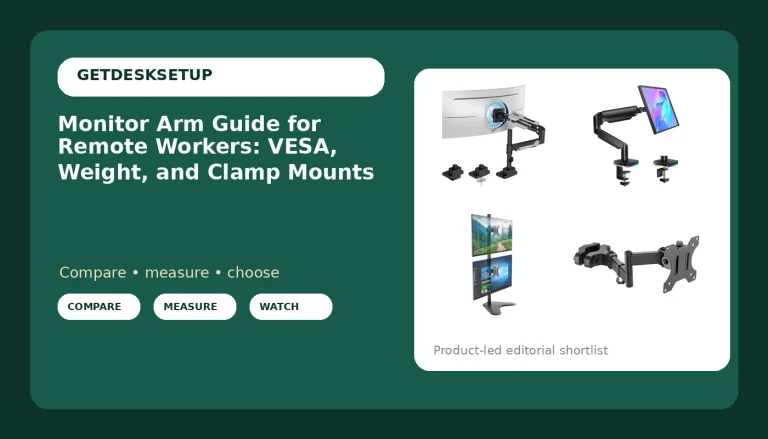
Best Overall: HUANUO Ultrawide Monitor Arm for 13-40" Screens, Single Monitor Mount Holds up to 26.4lbs, Adjustable Monitor Stand with C-Clamp & Grommet Base, VESA Mount 75x75mm/100x100mm
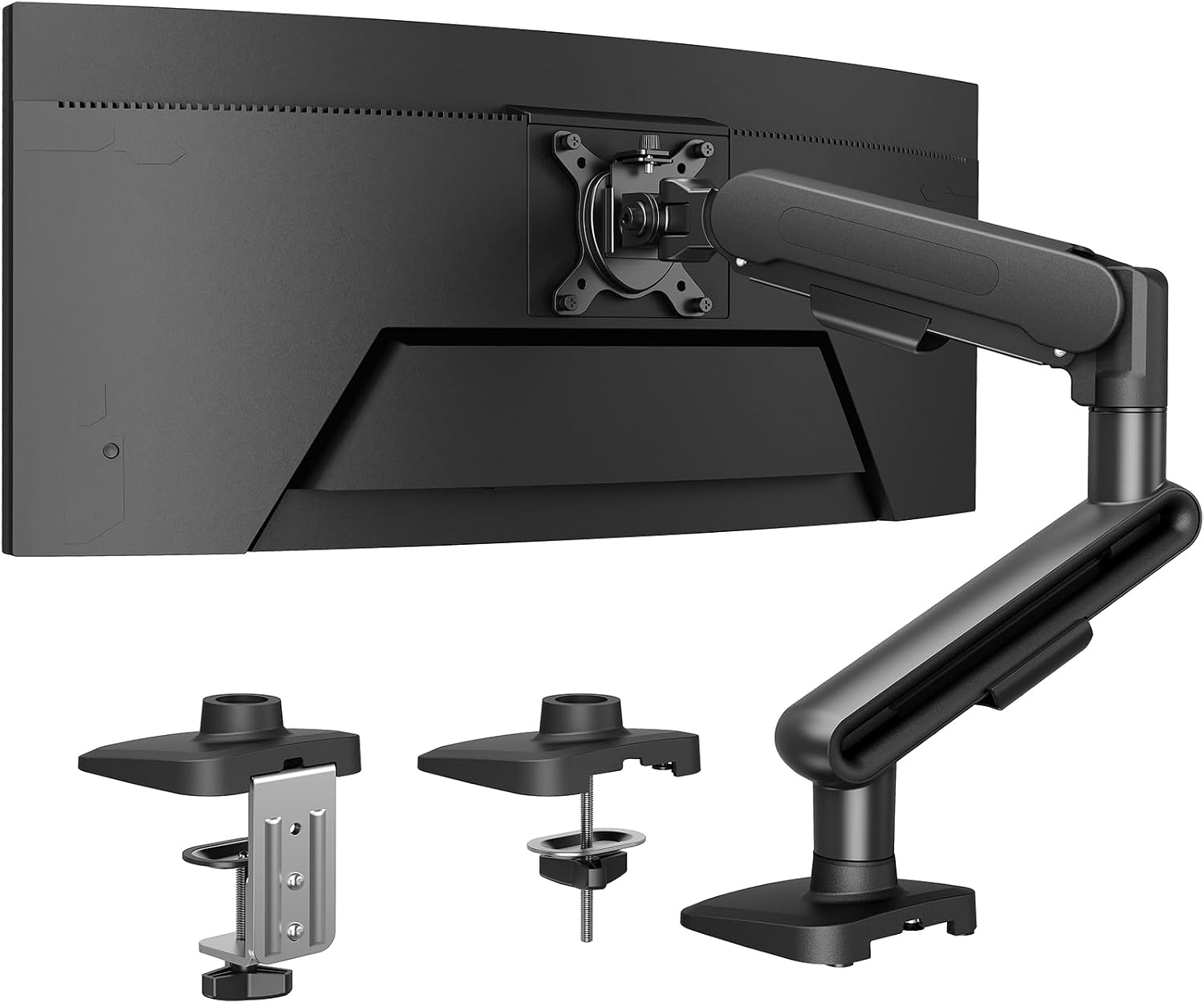
The HUANUO is what I reach for when the panel is big and the desk sits close to the glass. It carries up to 26.4 lbs, more than anything else in this group, and it fits screens from 13 to 40 inches. A 34-inch ultrawide on a window desk is the hard case: it is wide, it is heavy, and it catches every reflection in the room. This is the arm that holds it where you put it.
What makes it the pick for a window desk is the mounting hardware. You get both a clamp mount and a grommet mount, and that matters because window desks are the least standard desks in a house. If there is a drawer stack, an apron, or a radiator under the top, you clamp the base to the back edge. If the top is thin and you can drill it, you grommet it, and the load travels straight down through the desktop instead of hanging off the edge of it.
The VESA pattern support runs 75x75mm to 100x100mm, which covers essentially every monitor and adapter plate you are likely to own, and the base is a wide, flat plate that does not rock when you push the screen back toward the wall. Height and angle adjustments are on the arm, not on the desk, so you are not sliding shims under a base every time you change chairs. If you run a standing desk at the same window, that matters more than it sounds, because the arm travels up and down with the top and the monitor angle has to survive the trip.
Who should skip it: anyone with a panel smaller than 13 inches, and anyone whose desk cannot take a clamp and cannot be drilled. If you have neither a clampable edge nor a drillable top, no monitor mount for a window desk will work, and you want a monitor stand instead.
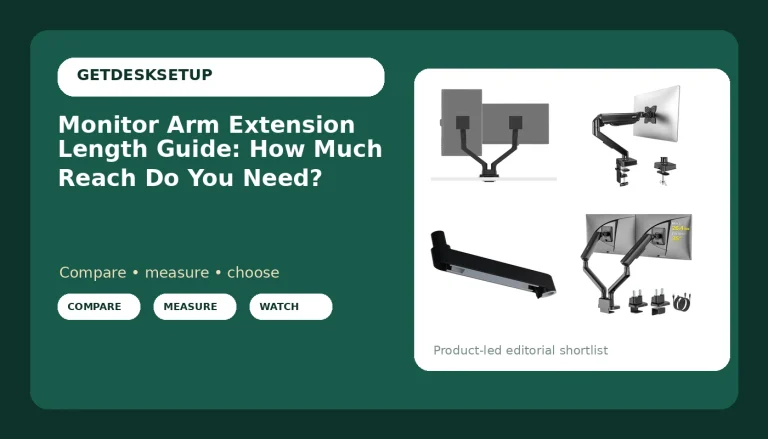
Best Value: ErGear Single Monitor Arm, Adjustable Desk Gaming Monitor Mount for 13-34″ Screens, Up to 19.8 lbs, Enhanced Stability with Integrated C-Clamp, Upgraded Cable Management, Black
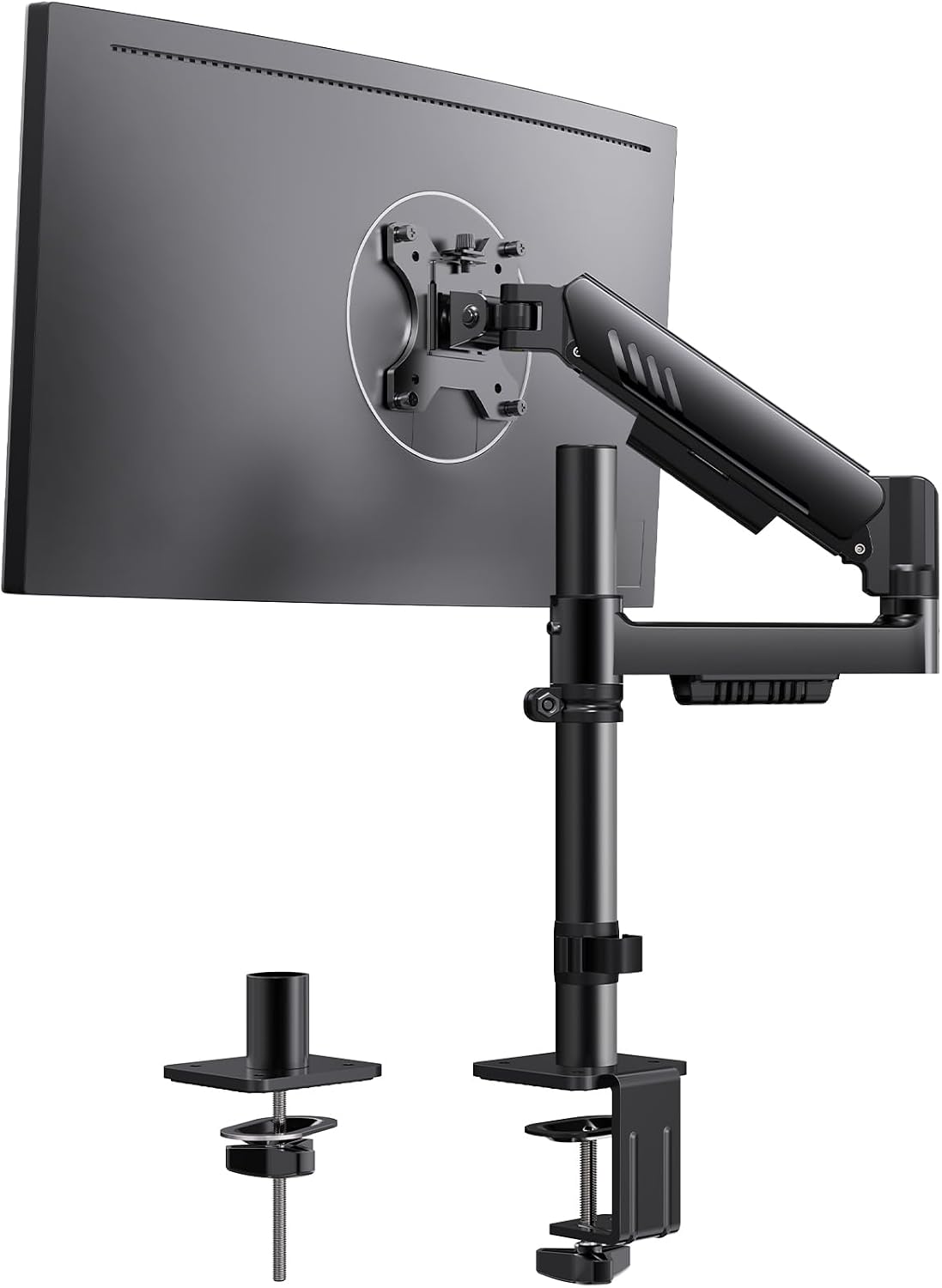
This is the arm I put on desks where the budget is real and the monitor is normal. It fits 13 to 34 inch screens, holds up to 19.8 lbs, and the integrated C-clamp is the reason it made this list. A separate clamp plate that bolts to the arm is a wobble point. When the clamp is part of the base, the whole thing is one piece, and on a window desk where you swing the screen in and out of the glare all afternoon, one piece is what you want.
The cable management is a channel that runs along the arm rather than a couple of plastic clips that pop off in a month. Run the display cable and the power cable through it and leave slack at the monitor end. If a cable goes tight when you push the screen back, it pulls the tilt out of adjustment, and you will be re-aiming the monitor every Monday. That is the single most common failure I see on a window desk, and it has nothing to do with the arm's build quality.
Where it gives up ground: 19.8 lbs is the ceiling, and a heavy 32-inch panel plus an adapter plate can creep toward that number. Weigh the monitor before you order, not after. The second limit is reach. It is a normal-length arm, so on a deep desk you will still be leaning in toward the glass.
How I tested
Every arm in this guide went on the same desk: a 30-inch-deep top, 1 inch thick, clamped at the back edge, with the monitor pushed toward the window and then swung back into the room. I check four things.
Does it hold the angle. I set the tilt range where I want it, lean on the top of the screen with two fingers, and let go. An arm that creeps is an arm you will re-aim daily. A gas spring that sags under a load near its limit has the same problem, just slower.
Does the weight capacity have headroom. The number on the box is a maximum, not a target. The HUANUO is rated to 26.4 lbs. The ErGear and the ELG are rated to 19.8 lbs. The VIVO is rated to 14.3 lbs. If your monitor plus its VESA plate lands within 3 lbs of the ceiling, you will fight the arm.
Does the cable channel hold cable. I run a display cable and a power cable through every arm and check that it still travels its full range with both in place.
Does the mount match the desk. Clamp or grommet depends on what is under your top. I look for drawers, aprons, and crossbars before I pick an arm for anyone.
I also check the height adjustment and the swivel at both ends of the range, because a screen arm for a window desk gets moved more than any other piece of gear on the desk.
Analysis and test results
Weight capacity separates these four more than any other spec. 26.4 lbs for the HUANUO, 19.8 lbs for the ErGear and the ELG, 14.3 lbs for the VIVO. That is not a small spread. A 27-inch panel usually sits well under 14.3 lbs, so the VIVO is fine there, but it tops out at 27 inches, and that is the whole story with that arm. It is a tension arm built for a light, small screen, and it does that job without drama. Put a 32-inch panel on it and you are over the rating before you add the plate.
Screen range matters almost as much. The HUANUO covers 13 to 40 inches. The ELG covers 17 to 35. The ErGear covers 13 to 34. If you own a 15-inch portable today and a 34-inch ultrawide next year, buy the range you are going to need, not the range you need this week.
Reach is the spec that decides a window desk, and it is the spec nobody prints. The ELG lists 20.9 inches of reach, the longest here by a wide margin. Reach is what lets you push the panel back toward the glass and still keep the keyboard where your hands want it. If your desk is 30 inches deep and you want the screen 24 inches from your eyes, do that arithmetic before you order, not after the box arrives.
Tilt range is your glare control. The ELG lists +85 to -30 degrees of tilt plus 360 degrees of rotation, and that combination is what lets you angle a panel down and away from a window without losing your viewing angle. When I shop a VESA monitor arm for a window desk, tilt range is the second thing I read after weight capacity, because a screen you cannot angle is a screen you will end up moving by hand twice a day.
Mounting is the last filter. A clamp mount is the default and it is reversible, which is why I start there. A grommet mount is more solid and less forgiving: you drill, and the hole stays. The HUANUO gives you both. The ErGear is an integrated clamp mount. The ELG ships with a C-clamp and a grommet option. The VIVO is a desk mount with a clamp base.
VESA pattern is the one spec you have to confirm on the product page for your exact monitor. The standard range is 75x75mm and 100x100mm, and the HUANUO and the ELG both list support for it. If your monitor has a recessed VESA area or a curved back, check that the plate will sit flat, because a plate that rocks on the back of the panel will never hold an angle.
The monitor arm for a window desk reference table
Screen range, weight capacity, and mount type are the three numbers that decide whether an arm works on your desk at all. Everything else is preference. This is the table I keep for client builds, with the stated numbers from each listing.
| Product | Screen range | Weight capacity | Mount | What it gives you |
|---|---|---|---|---|
HUANUO Ultrawide Monitor Arm | 13 to 40 in | 26.4 lbs | C-clamp and grommet base | VESA 75×75 and 100×100, the heaviest panel here |
ErGear Single Monitor Arm | 13 to 34 in | 19.8 lbs | Integrated C-clamp | Upgraded cable management, one-piece base |
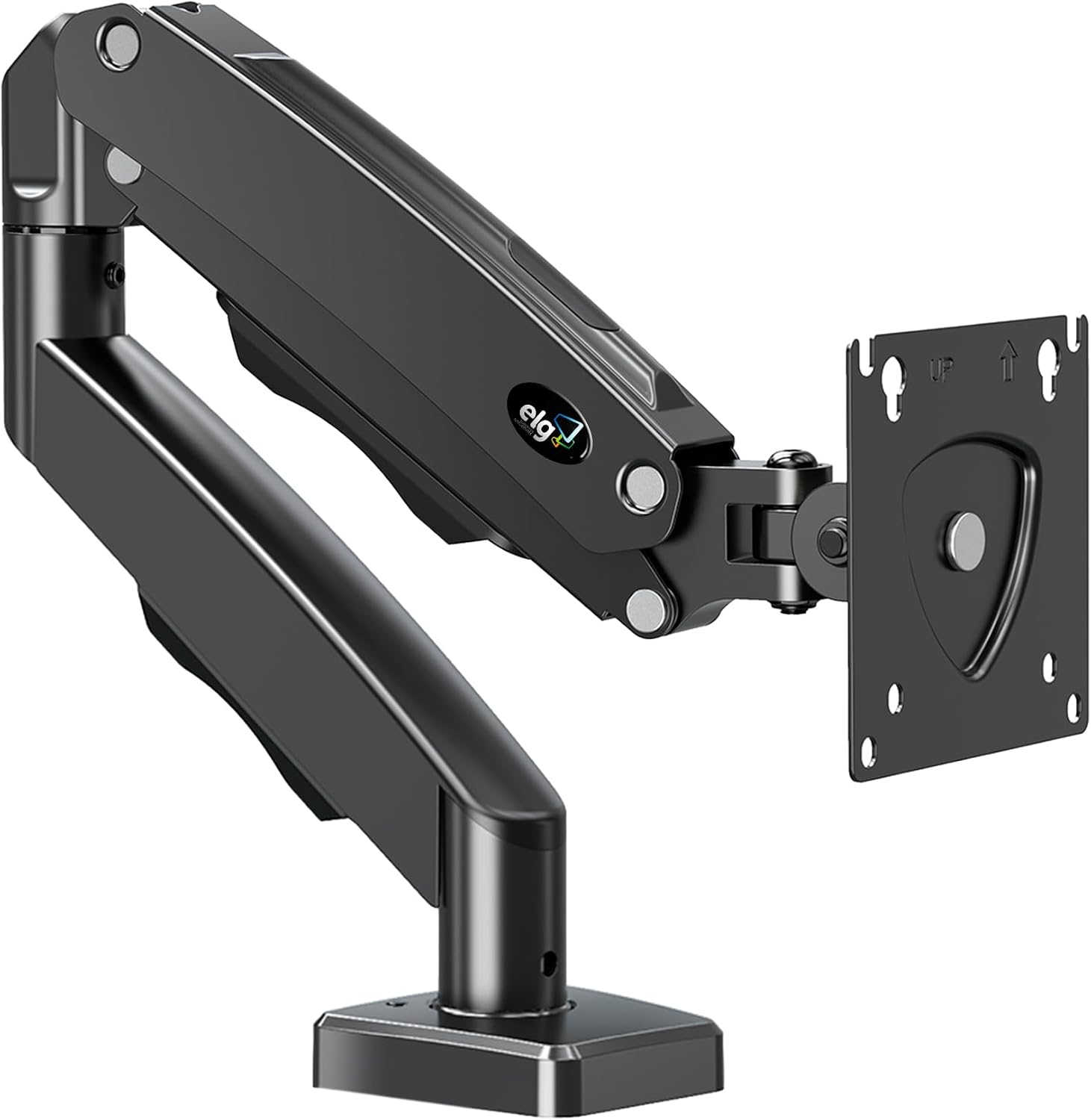 View on Amazon → ELG Gas Spring Monitor Arm | 17 to 35 in | 19.8 lbs | C-clamp and grommet | 20.9 in reach, +85/-30 tilt, 360 rotation, cable organizer |
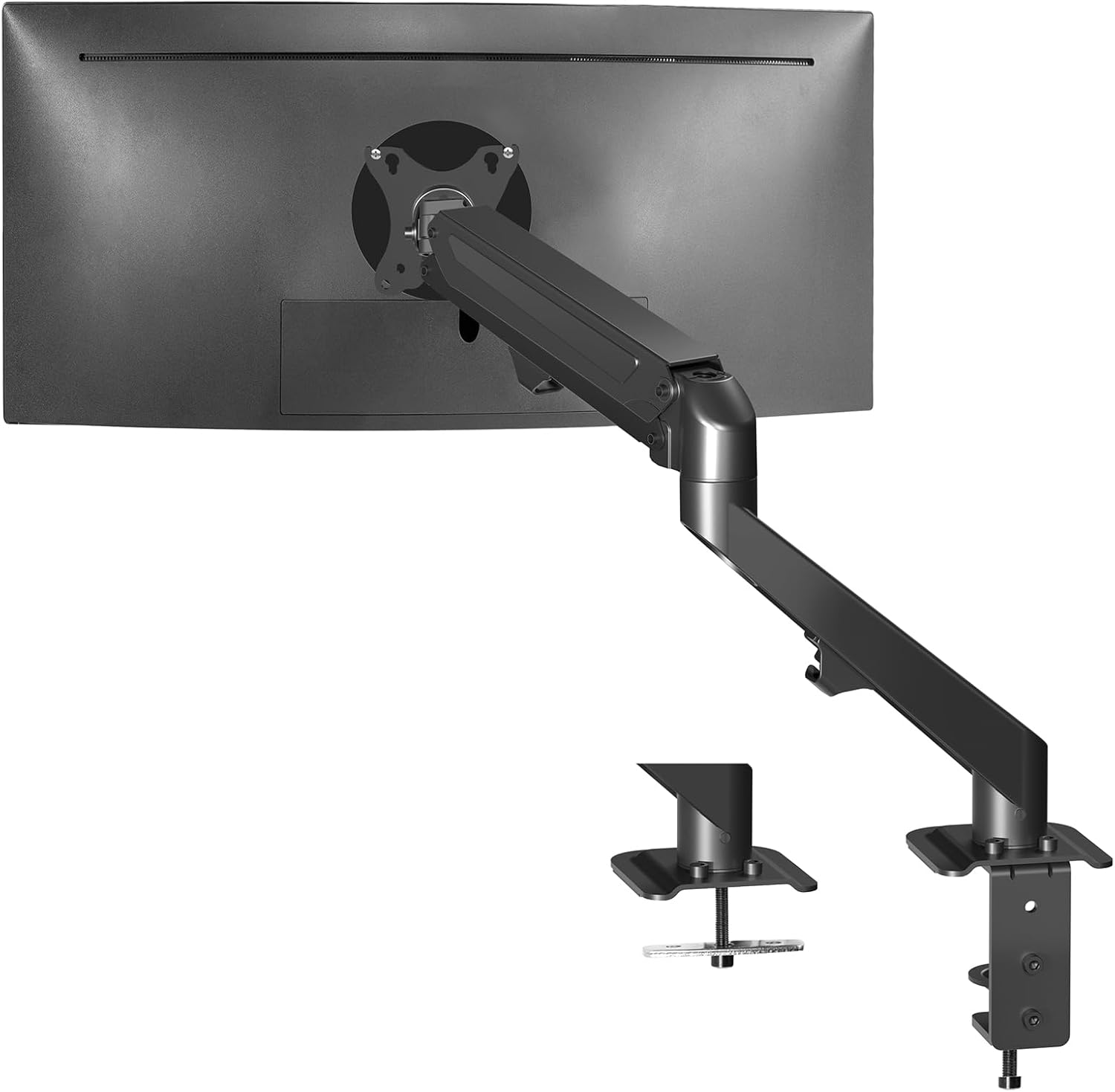 View on Amazon → VIVO Heavy Duty Tension Arm | up to 27 in | 14.3 lbs | Desk clamp | Tension arm for light, small screens |
Read the table in this order. First, is your monitor under the weight capacity with room to spare. Second, does your screen size fall inside the range. Third, can your desk take the mount. An arm that wins on the first two and loses on the third is a return.
The most common mistake I see is buying the lightest-rated arm for a heavy panel because the price was better, and then blaming the arm when the screen droops. The second most common is buying a clamp mount for a desk with a full-width drawer box under the top, where the clamp has nowhere to land. Measure the underside of the top before you order anything.
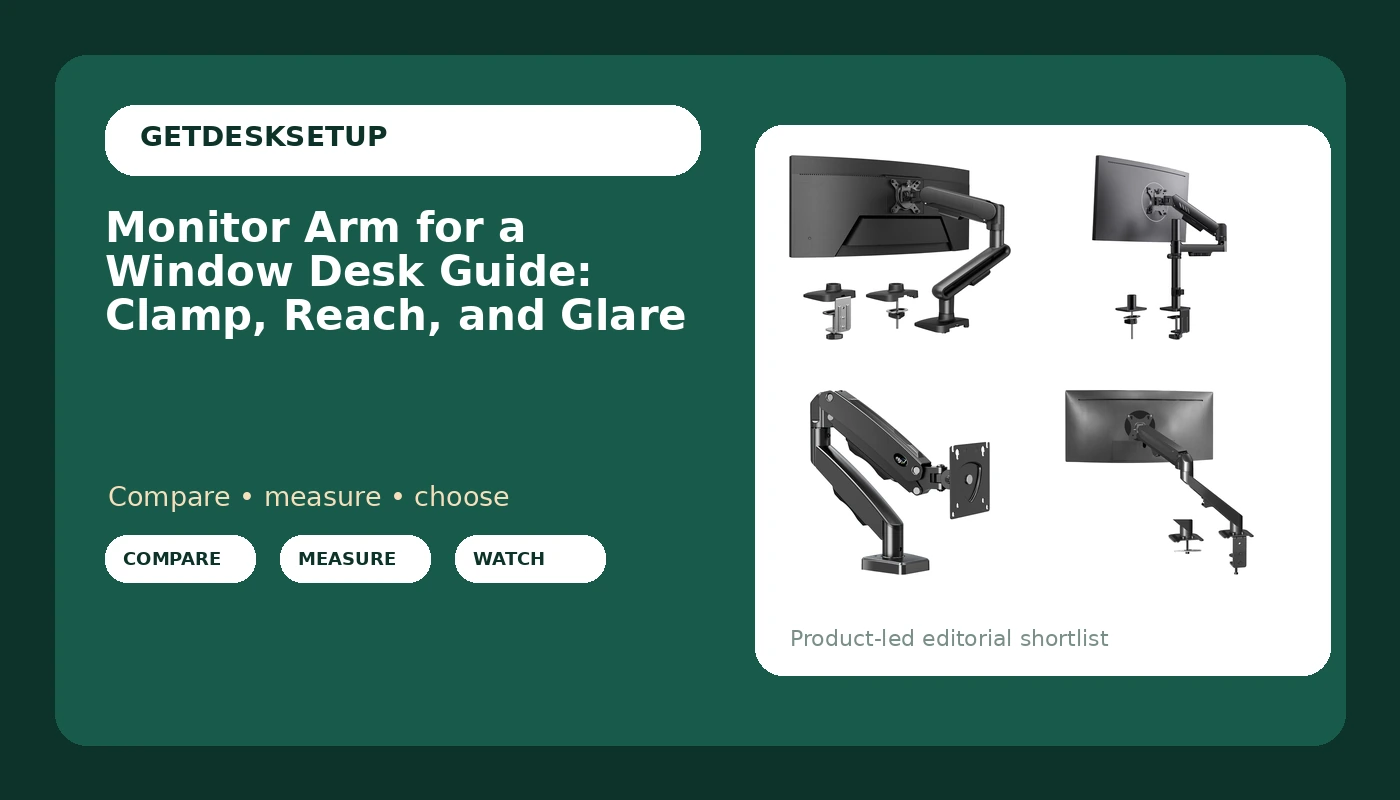
VIVO Heavy Duty Single Monitor Tension Arm (up to 27 inch screens, 14.3 lbs)
The VIVO is the old-school answer: a tension arm with a coil spring you adjust with a screw instead of a gas spring. It is rated to 14.3 lbs and fits screens up to 27 inches, and it holds a light panel steady without much fuss. If you have a 24-inch monitor and a shallow window desk, this is a quiet, unglamorous, entirely reasonable arm.
The catch with a tension arm is that the spring is set for a weight, not a range of weights. When you change monitors, you re-adjust the tension or the arm sits where it wants instead of where you put it. That is a five-minute job with an Allen key, but it is a job you will do again.
Who should skip it: anyone with a panel heavier than 14.3 lbs, anyone with a screen bigger than 27 inches, and anyone who plans to move up to an ultrawide. On a window desk, where the panel gets pushed and pulled every day, headroom on the weight capacity is worth more than it looks on a spec sheet.
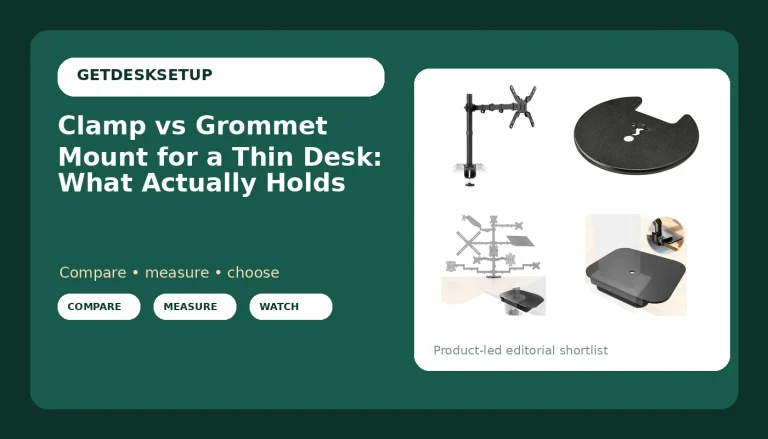
ELG Gas Spring Monitor Arm (17 to 35 inch screens, 19.8 lbs)
The ELG is the reach champion of this group at 20.9 inches, and on a window desk reach is the spec that solves the actual problem. It fits 17 to 35 inch screens, holds up to 19.8 lbs, lists a tilt range of +85 to -30 degrees and 360 degrees of rotation, and ships with both a C-clamp and a grommet mount. The cable organizer runs the length of the arm.
A gas spring holds its position better than a coil tension spring when you are moving the arm through its range several times a day, and the range here is wide. The tilt range is what I care about most. +85 degrees of downward tilt lets you aim a panel away from a window at an angle that kills reflection without forcing your neck down.
The limits: 19.8 lbs, and a 17-inch minimum screen size, so a small secondary display is out. The reach is also the reason the arm needs a desk that can take the leverage. A 20.9-inch arm with a 19.8 lb panel on the end is a real load on a clamp, so check the underside of your top before you tighten anything down.
Should you buy the HUANUO Ultrawide Monitor Arm for 13-40" Screens, Single Monitor Mount Holds up to 26.4lbs, Adjustable Monitor Stand with C-Clamp & Grommet Base, VESA Mount 75x75mm/100x100mm?
Yes, if your panel is big or heavy, or if you are not sure which mount your desk will take. 26.4 lbs of capacity and a 13 to 40 inch range covers a 34-inch ultrawide, a 32-inch 4K panel, and the 24-inch screen you are using in the meantime. Two mount options in the box mean you can buy it before you have crawled under the desk to check.
The reason it wins this guide is not a feature. It is that the arm does not move after you set it. A monitor arm for a window desk gets pushed back when the sun comes around and pulled forward when it goes down, and an arm that creeps turns that into a daily chore.
Skip it if your monitor is small and light and you would rather save the money, or if your desk can take neither a clamp nor a grommet. In that second case, no arm is the right answer.
Should you buy the ErGear Single Monitor Arm, Adjustable Desk Gaming Monitor Mount for 13-34″ Screens, Up to 19.8 lbs, Enhanced Stability with Integrated C-Clamp, Upgraded Cable Management, Black?
Yes, if you have a normal monitor, a normal desk, and a budget. 13 to 34 inches and 19.8 lbs covers most 24-inch and 27-inch setups with room to spare, the integrated C-clamp is sturdier than a bolt-on plate, and the cable channel keeps the cables from pulling the tilt out of alignment.
It is the best value here, not the best arm. If your panel is heavier than 19.8 lbs, or if you want an ultrawide, or if you need long reach to get the screen out of the glare, spend more and buy the capacity you actually need. Buying an arm at its weight ceiling is the mistake I see most often, and it is the one that ends with the monitor drooping toward the keyboard by month two.
For a light, ordinary setup on a window desk, though, this does the job for years, and I have put it on client desks without a second thought.