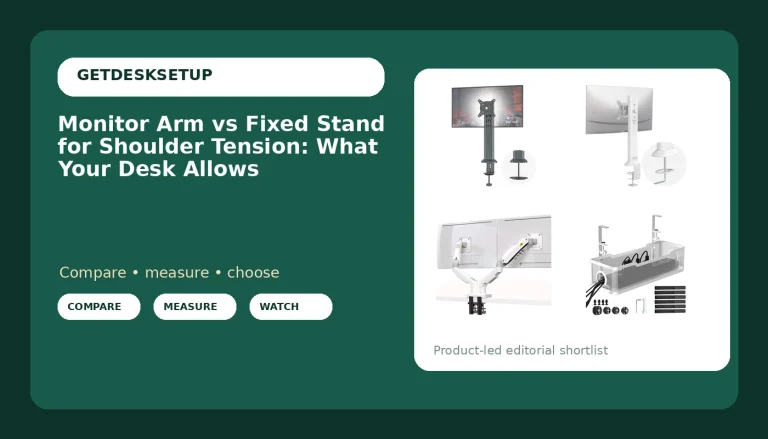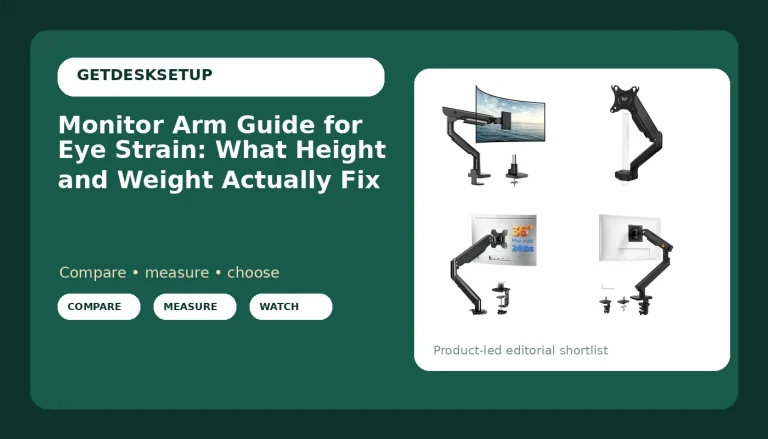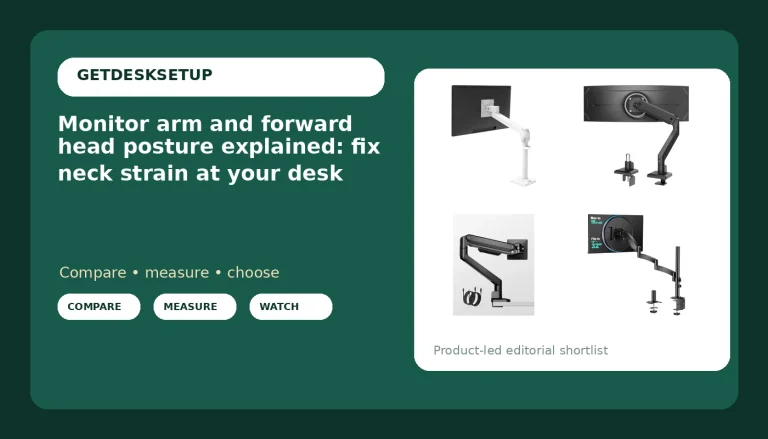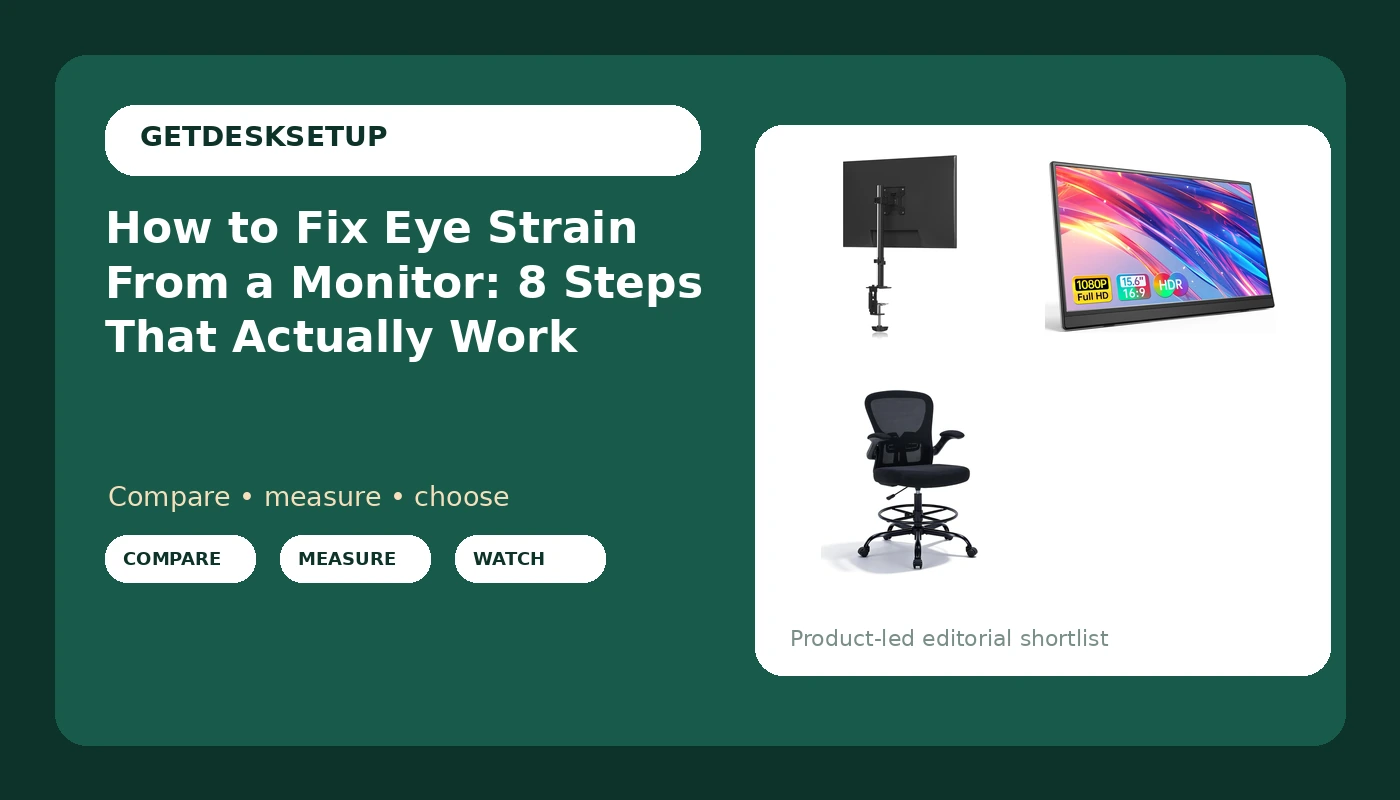
If you want to fix eye strain from a monitor, stop shopping for eye drops and start measuring. Burning eyes at four in the afternoon are almost never an eyesight problem. They are a geometry problem: the top of the panel sits above your line of sight, the glass is closer to your face than your keyboard is, and a bright window behind the screen is throwing a glare band across the middle of it.
I have built out 310 home offices around Seattle, and I keep a notebook with the same numbers from every one: monitor height off the desktop, viewing distance, desk height, chair seat height. The clients who complain about sore eyes at the end of the day almost always have a screen three to five inches too high and several inches too close. Almost nobody needs a new monitor. Most people need a tape measure and a stand.
This is how to fix eye strain from a monitor the way I do it on a client visit: measure first, change the geometry second, and only then spend money. Thirty minutes, no eye drops.
Why you should trust me
I spent nine years as an office facilities manager, buying and assembling chairs and desks for 400-person floors, then six years running a two-person desk setup service. That service has built out 310 home offices, and most of the calls that pay the bills start with tired eyes and end with a moved monitor. I have learned to fix eye fatigue from a monitor with a tape before I touch a shopping cart.
I carry a tape in my bag and a notebook in the truck. I do not own a colorimeter and I am not going to pretend I do. What I own is a record of what changed when, and a rule that applies to chairs and screens alike: if I cannot state the number, I do not make the claim. A monitor either sits at the right height for the person in front of it or it does not, and you can measure which one it is.
How I picked and how I tested
Everything below is aimed at one outcome: to fix tired eyes from a monitor without replacing the monitor. I tested three pieces of gear against the same eight-step routine, in client offices and in my own converted garage office in Seattle.
Every monitor stand got measured with a tape from the desktop to the mounting plate, then loaded with a panel and left alone for a week to see whether the angle held. I checked the vesa pattern on the panels I paired it with, checked the stated weight capacity against the panel weight, and looked at the tilt range and swivel so the screen could be angled slightly down instead of locked flat. A stand that cannot tilt down is a stand that will lose this fight in a room with ceiling lights.
For the portable panel, the test was simpler. Can it sit at eye height on a stand without a second power brick, and does the cable reach without pulling? A cable that pulls on the screen changes the angle within a week, which is exactly how a monitor ends up tilted up into your face.
For the chair, I measured the height range against standing-desk heights rather than a standard seated desk. A tall chair that only works at seated height does nothing for the person who stands half the day.
The numbers I trust here are not instrument numbers. They are 20 inches of viewing distance, the top of the screen at or just below eye level, and the center of the screen about 15 to 20 degrees below eye level. Get those three right and the rest is comfort.
The gear you'll need before you start
Most of the eight steps below use what is already on your desk. These three items cover the cases where the geometry cannot be fixed by sliding things around.
The riser: Pholiten Single Monitor Stand, 13-32 Inch, Black
The riser
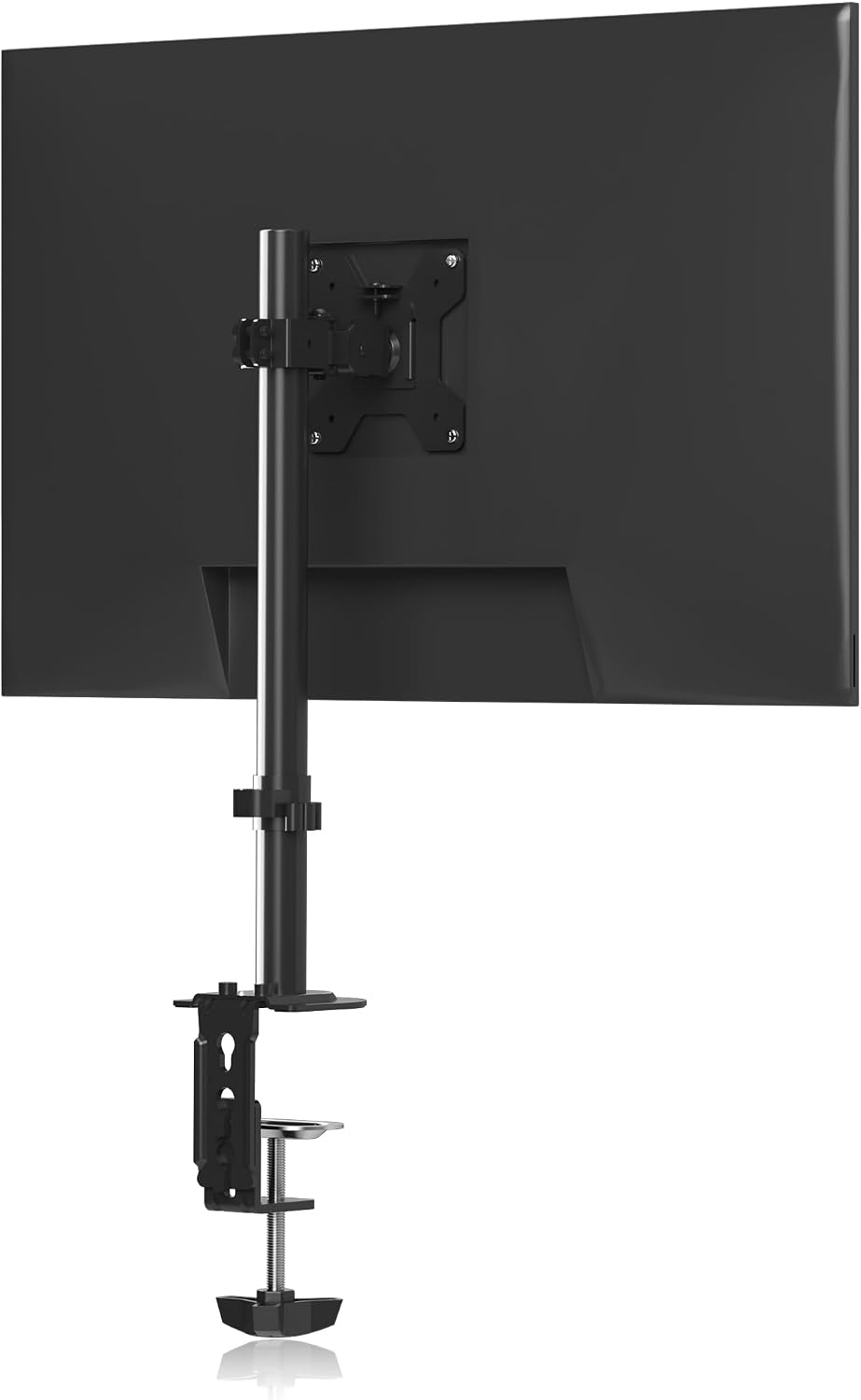
Pholiten Single Monitor Stand, 13-32 Inch, Black
Check current Amazon price.
This is the cheapest way to fix the most common cause of the problem. Measure the height it puts the mounting plate above your desk and compare that to the eye height number you took in step one. A desk stand is the right tool when your panel is between 13 and 32 inches and your desk is not already too tall for it.
There is no gas spring and no clamp mount to install, which is exactly why I start clients here. You set it on the desktop, bolt the panel to the plate, and adjust. Check the weight capacity against your panel before you load it, and check the tilt range so you can angle the screen down a few degrees rather than fighting it flat.
Flaws but not dealbreakers: A fixed stand owns desktop depth and its height range is what it is. If your panel is heavier than the listed weight capacity, or you need the screen to swing sideways during the day, this is the wrong tool.
Skip it if your desk is already at the top of your comfortable range, or if you move the monitor around. That job belongs to an arm.
The second screen: Anyuse 15.6" FHD IPS USB-C HDMI Portable Monitor
The second screen
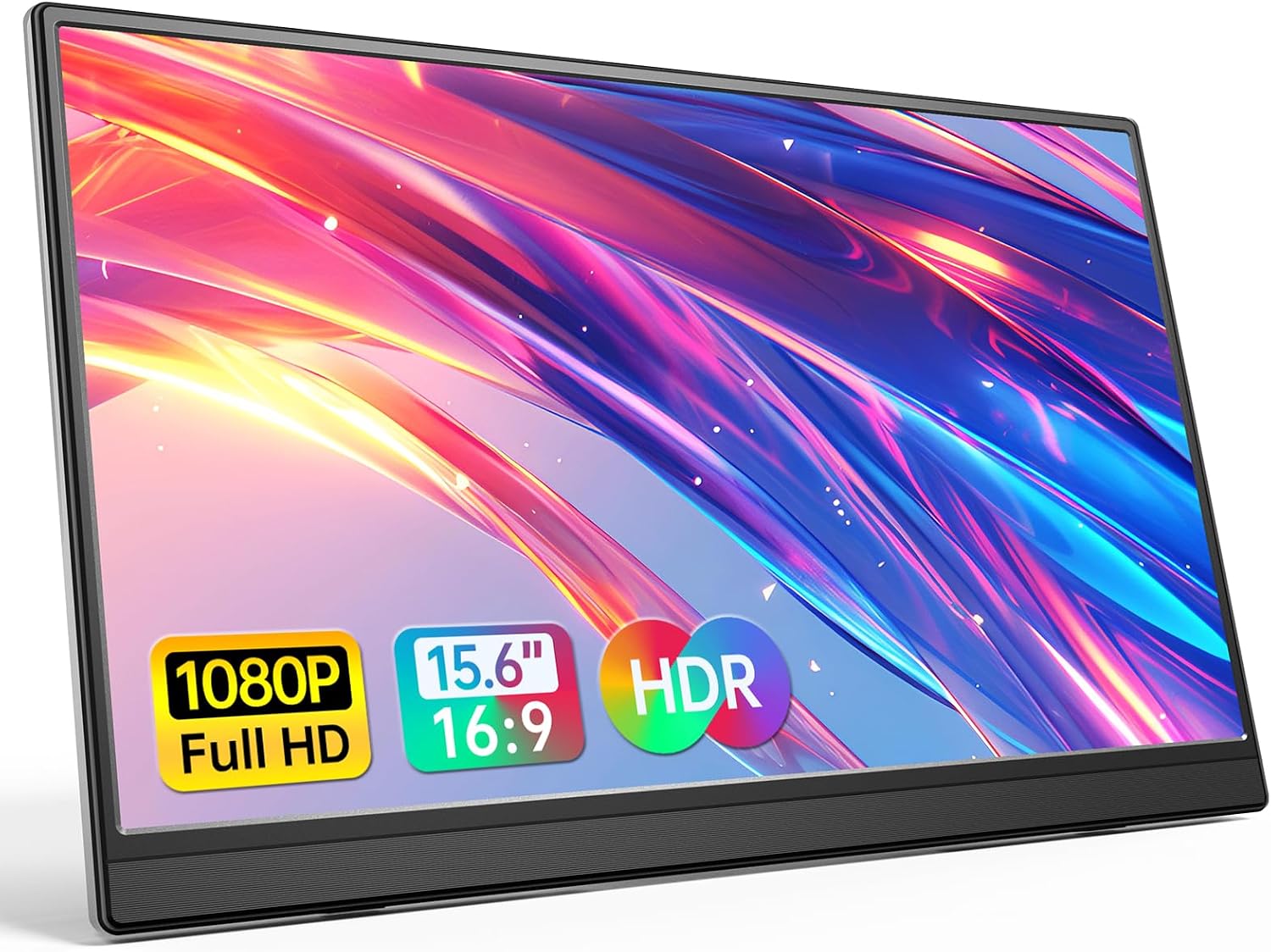
Anyuse 15.6" FHD IPS USB-C HDMI Portable Monitor
Check current Amazon price.
The laptop is the worst monitor most people own, and it is not the panel's fault. It sits low, it sits close, and the lid angle puts the glass at a pitch that pulls your neck down. A 15.6-inch FHD IPS panel that runs over USB-C or HDMI gives you a second screen you can raise to eye height while the laptop stays down at keyboard level.
I use this kind of panel on client jobs where the desk is shared or the office is temporary. It is light enough to sit on a simple stand, it takes one cable, and it packs flat. The point is not more pixels. The point is that the screen you look at most sits at the right height, and the screen you type on sits where your hands are.
Flaws but not dealbreakers: At 15.6 inches it is a companion screen, not a primary canvas. Text is smaller than on a 27-inch display at the same distance.
Skip it if you do color-critical work on a single large panel, or if you already run two full-size monitors. This one is for laptop-first desks.
The seat: Drafting Chair Tall Office Chair, Standing Desk Chair with Flip-Up Armrests, Breathable Mesh High Chair Adjustable Height, Ergonomic Computer Chair with Lumbar Support and Adjustable Footrest Ring
The seat
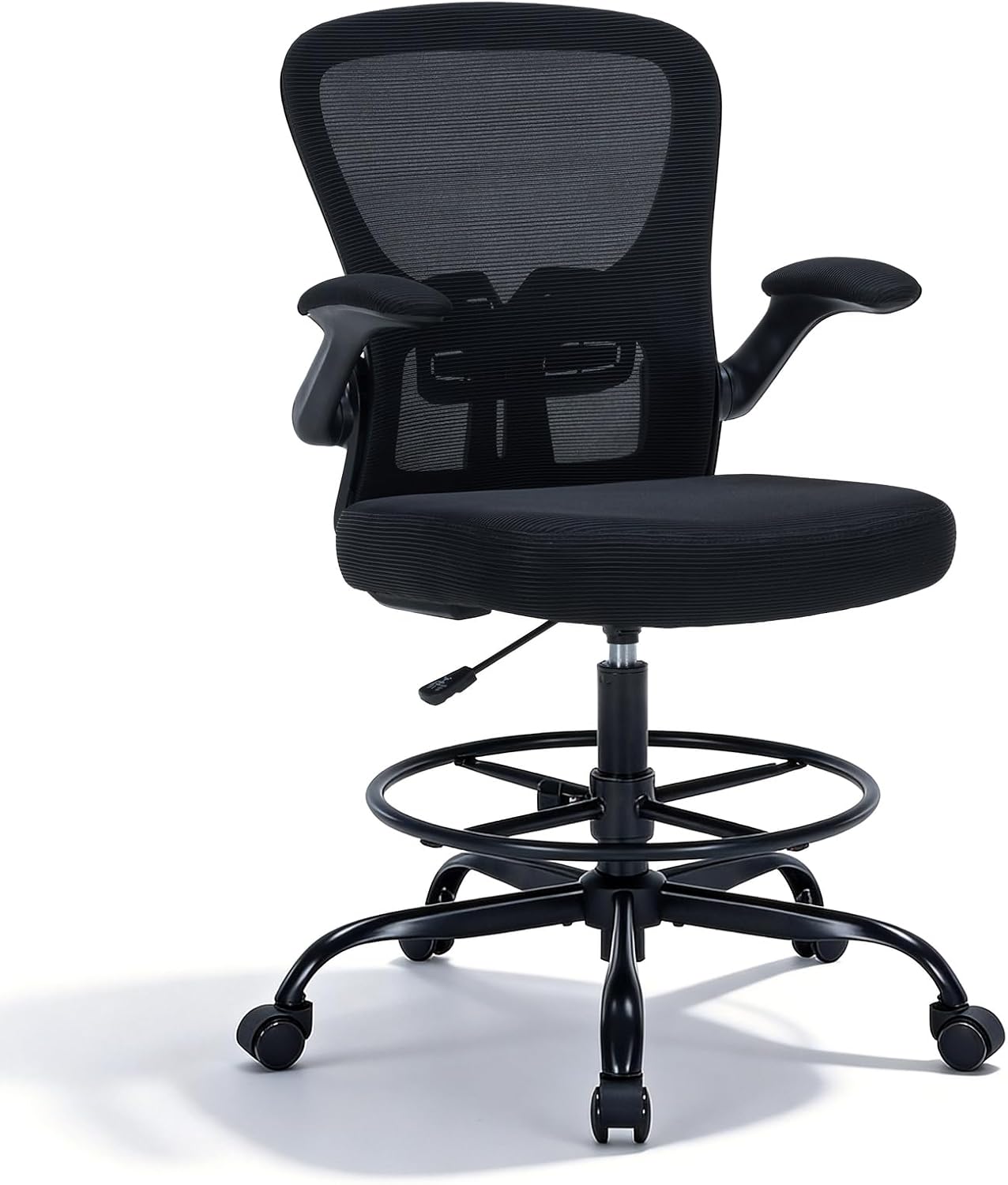
Drafting Chair Tall Office Chair, Standing Desk Chair with Flip-Up Armrests, Breathable Mesh High Chair Adjustable Height, Ergonomic Computer Chair with Lumbar Support and Adjustable Footrest Ring
Check current Amazon price.
Eye strain is often the last link in a chain that starts at your hips. Sit at a standing desk in a standard chair and you either sit too low and crane up at the screen, or you raise the seat and your feet dangle, which tips your pelvis and rolls your head forward. A tall chair with an adjustable height range and a footrest ring puts your feet back on something solid at standing-desk height, and the lumbar support keeps your head over your shoulders instead of out in front of them.
The flip-up armrests matter more than they sound. With the arms up you can pull close enough to type, and with them down you get support between tasks. Check the listed height range against your desk height and check the weight capacity before you order. This is the same sizing routine I use in how I size a chair to a person.
Flaws but not dealbreakers: A footrest ring is a compromise. It gives your feet a place to land, not a floor to push against.
Skip it if you work at a normal seated desk, or if you need a chair that reclines for long reading sessions.
How to fix eye strain from a monitor, step by step
Do these in order, because each step changes the number the next one depends on.
Step one: Measure the distance from your desktop to your eyes. Sit the way you actually sit, not the way you sit for the first five minutes of the day. Have someone hold a tape from the desktop to the outer corner of your eye, or build a stack of books to that height and mark it. Write the number down. Every step below is measured against it.
Step two: Set the top of the screen at or just below eye level. Raise or lower the panel until the top edge is level with your eyes or a finger's width below. This one step fixes most of the burning. A screen above eye level holds your lids open wider than they want to be, and the exposed surface of the eye dries out over a long day.
Step three: Set viewing distance at about 20 inches. Arm's length, roughly. A screen that is too close forces your eyes to converge harder and keeps the focusing muscle clenched. Push the panel back until it is just short of the point where you have to lean in to read. If the text gets too small at 20 inches, that is a font size problem, not a distance problem.
Step four: Kill the light behind the screen. A window or a bright wall behind the monitor is the second most common cause. Your pupil constricts against the bright background and then works harder on the darker screen. Move the desk, close the blinds, or turn the panel so the window is at your side rather than behind it.
Step five: Kill the glare on the glass. Tilt the panel down a few degrees and check the reflection. A screen angled slightly downward catches less ceiling light and less of the window behind you. Use the tilt range of the stand for this, not a stack of books.
Step six: Match screen brightness to the room. Turn the panel down until a white document is about as bright as a sheet of paper on the desk under the same light. Most people run at full brightness in a dim room, which is the screen version of staring into a headlight.
Step seven: Blink on a schedule and use the 20-20-20 rule. Every 20 minutes, look at something 20 feet away for 20 seconds. Blink rate drops by more than half when you read on a screen, and blinking is what spreads the tear film back across the eye. Set a timer. It sounds trivial, and it is the step clients thank me for.
Step eight: Fix the chain below the desk. If your chair is too low for your desk, your head ends up forward of your shoulders and your eyes work at an angle all day. Set seat height so your elbows land at desk height with your shoulders relaxed, then redo step two. A change in the chair changes the screen. Do not skip this one.
The competition and why it lost
The full monitor arm is the obvious competitor, and it is a good one. An arm with a gas spring and a clamp mount or grommet mount gives you height, tilt range, swivel, and a cable channel to run the power and video leads down the back of the desk, and it will hold a heavy panel that a fixed stand will not. I recommend arms to clients all the time and wrote about them in my guide to monitor arms.
The arm lost this article for one reason: it solves the same problem at a higher price with more installation steps, and most people reading about sore eyes at four in the afternoon have not measured their eye height yet. Measure first, then buy the arm when the stand cannot reach.
Blue light glasses lost because they treat the symptom instead of the geometry. So did the apps that warm your color temperature after sunset. Both are fine additions and neither fixes a screen that sits four inches too high.
A bigger 4K panel lost because size is not the problem. A 27-inch screen at 18 inches from your face is worse than a 24-inch screen at 20 inches.
A laptop stand on its own lost because it fixes one screen and ignores the second. If you run two panels, both of them belong at the same height, or your eyes swing up and down all day and the muscles that aim them do all the work.
What this all costs
Three items, three sizes of commitment. The stand is the smallest line item and it fixes the most common cause. The portable panel costs more and it fixes the laptop-first desk. The chair is the largest of the three and the one to buy last, after you have measured your desk height and your eye height and know what you actually need. Check current Amazon price. These listings move, and the number you see today is the number that matters.
The free version of this guide is steps one through eight with what you already own: a stack of books, a box, a lamp you can move, and a timer for the 20-20-20 rule. That costs nothing and fixes most setups.
The paid version is the geometry you cannot fix by sliding things around: a desk too tall for your chair, a panel too low for its stand, a laptop screen you cannot raise. That is when the three items above earn their place.
Do the daily math and it stops being a purchase decision. A stand is a one-time cost that outlives two or three monitors. A chair is a one-time cost that outlives the desk. The payoff is not comfort. The payoff is that you stop noticing your eyes at all, which is how they are supposed to feel at five in the afternoon. Fix eye strain from a monitor once, with a tape measure and 30 minutes, and you are done until you change desks.