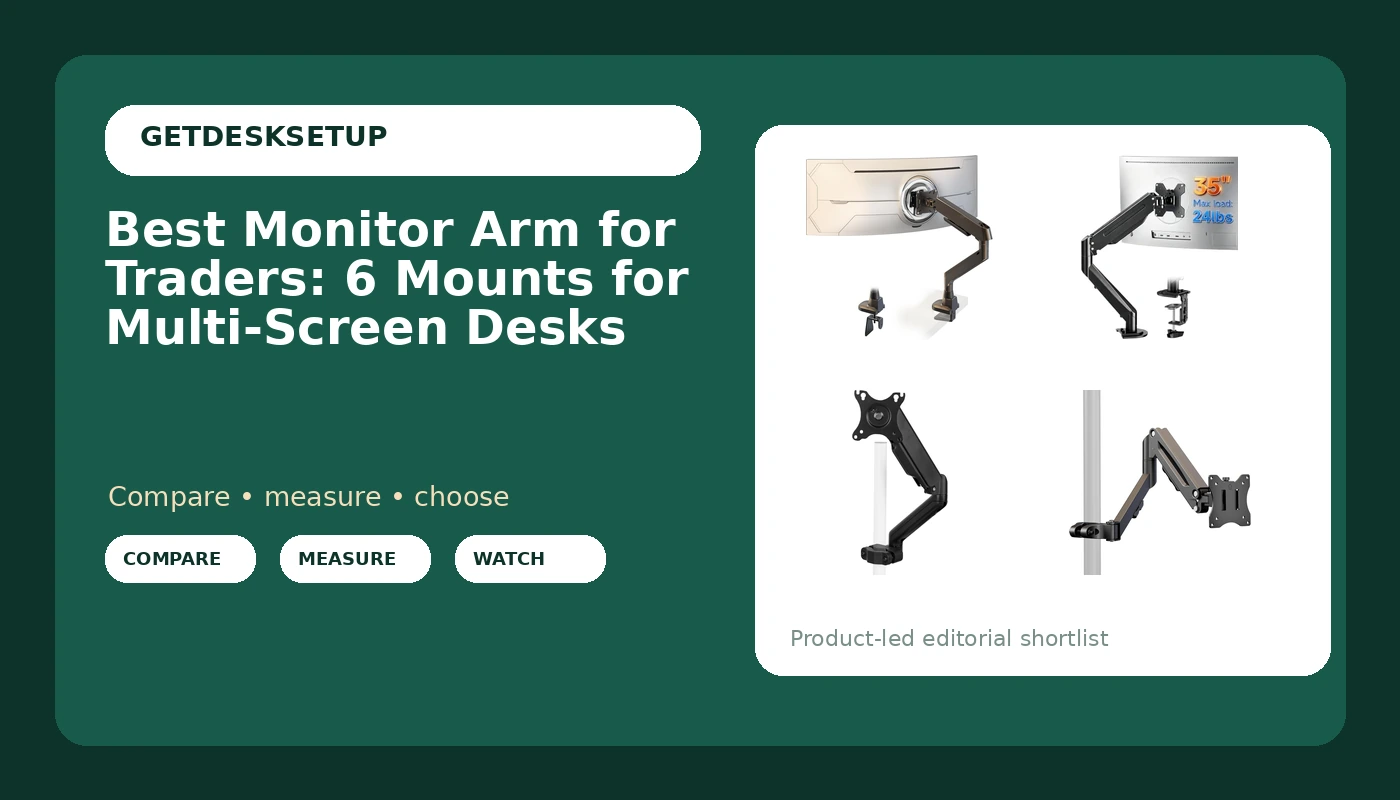
A trading desk is not a normal desk. You are not reading one page; you are watching two to four panels at once, and your eyes cross the gaps between them hundreds of times an hour. That is why a monitor arm for traders has to do more than lift a screen off the desktop. It has to hold several panels in one plane, keep their bottom edges level with each other, and stay where you set it after you bump it reaching for the keyboard.
The best monitor arm for traders is not the one with the most joints. It is the one whose stated screen range, VESA pattern, and mounting style match the panels you already own, and whose spring and clamp suit the desk you already have. This guide compares six arms and adapters that fit multi-screen trading setups, from a heavy duty arm that states support for 17 to 49 inch flat and curved screens to a pole mounted arm you can stack, and it names who should skip each one.
Related: How to Stop a Standing Desk From Wobbling at Full Height
Quick answer
The Ultrawide Monitor Arm fits 17-49 Inch Heavy Duty Flat/Curved Monitor is the strongest fit for a single large trading display because it states support for 17 to 49 inch flat and curved screens, the widest stated screen range in this group. Choose the VIVO Black Pole Mounted Monitor Arm instead when you want two or more arms sharing one vertical pole so the panels line up without a second clamp.
What is worth comparing in a monitor arm for traders
Five things decide whether an arm works on a trading desk, and the brand is not one of them. Treat this as a monitor mount for traders and the priorities become obvious: alignment first, then load, then hardware.
Stated screen range. Every product here lists a diagonal range, and that range is a hard filter, not a suggestion. If your main panel is a 34 inch ultrawide, an arm that stops at 32 inches is out before you read another word. If you run a 49 inch super ultrawide, only one product in this group states that it fits.
Weight capacity. Screen size is a proxy; the real limit is the load the arm is built to carry, including the mounting plate and any adapter you add. A 34 inch panel is not automatically heavier than a 32 inch one, so check the figure the maker publishes rather than guessing from the diagonal.
Spring type. A gas spring arm balances the load with a pressurized cylinder and usually moves with light pressure. A mechanical spring arm uses a coil and a tension screw, and tends to hold a set position with less drift over time. Neither is better; they fail in different ways, and the one you want depends on how often you move the screen.
Mounting style. A clamp mount grips the back edge of the desktop. A grommet mount passes through a hole already cut in the desk. A pole mount stands on a clamp or grommet base and carries one or more arms up a single post, which is what makes a row of trading screens line up at the same height.
Adjustment and routing. Tilt range and swivel decide how far you can angle a side panel inward toward your chair. A cable channel decides whether the display cables travel with the arm or pull against it. A cable that pulls on the arm changes the monitor angle within a week, and that is exactly the drift you notice when a chart stops being level.
Top pick
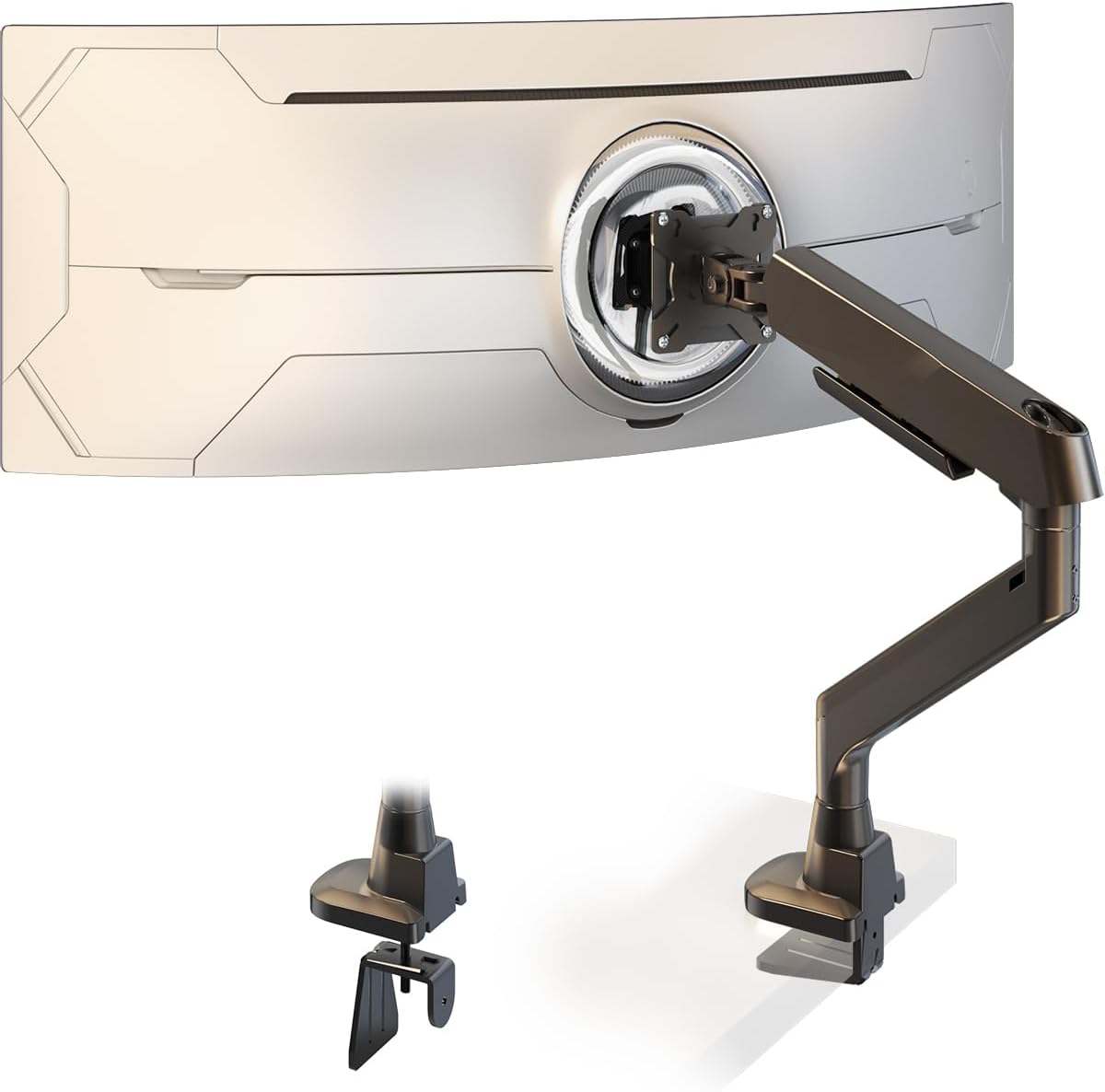
Ultrawide Monitor Arm fits 17-49 Inch Heavy Duty Flat/Curved Monitor
Check current Amazon price
States support for 17 to 49 inch flat and curved screens, the widest stated range in this group, with a heavy duty build aimed at large panels. Start here if one big display anchors the desk.
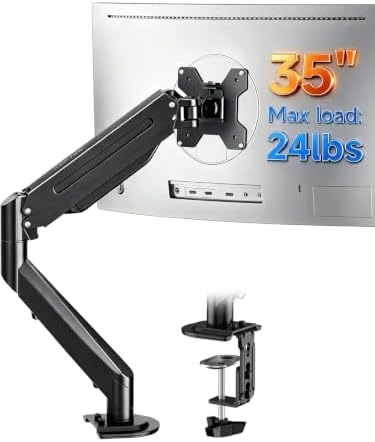
Suptek Single Monitor Arm Fully Adjustable for 17-34-35 Inch Screens
Check current Amazon price
A single, fully adjustable arm whose stated range runs from 17 inches up through 34 and 35 inch screens, which covers most trading panels and a 34 inch ultrawide on one mount.
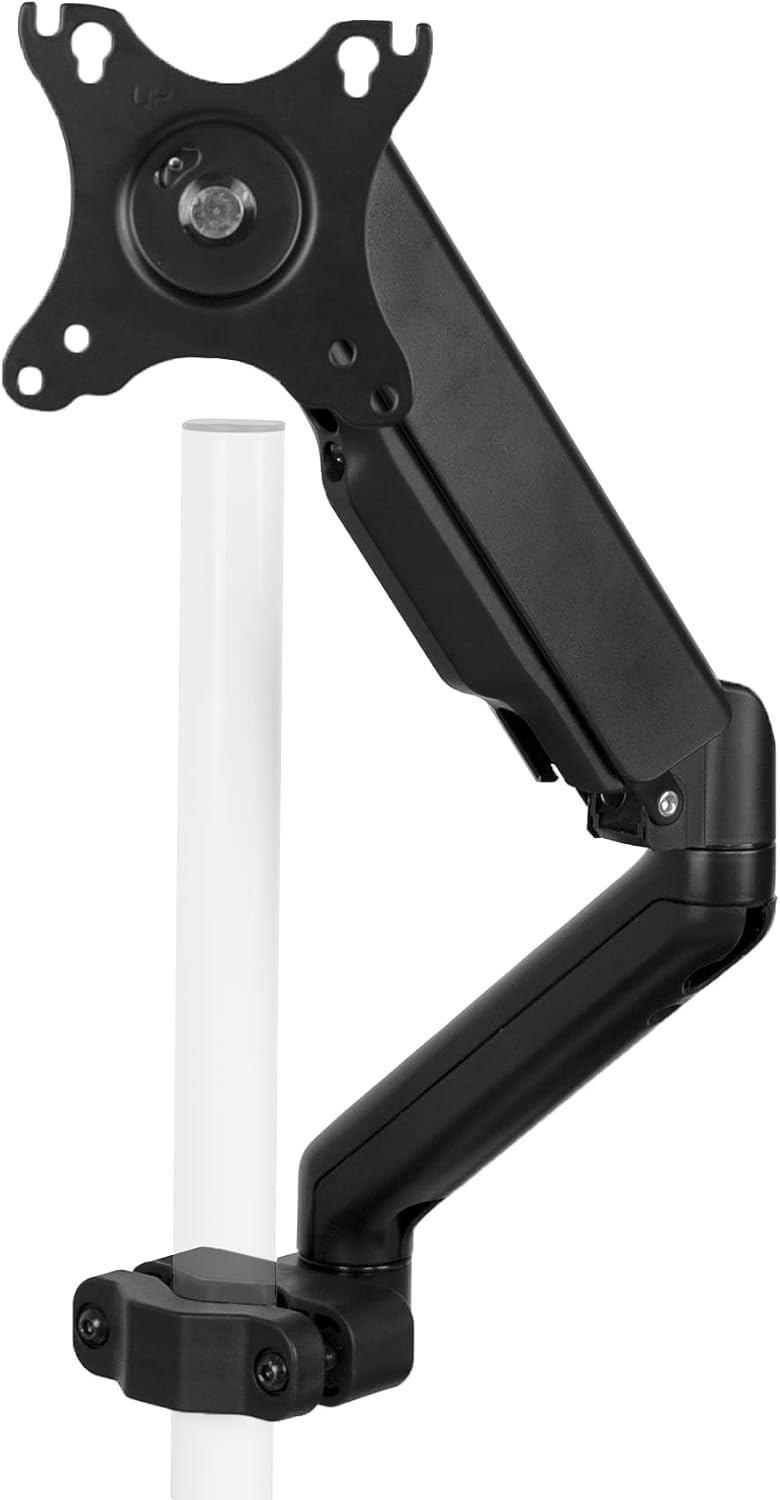
VIVO Black Pole Mounted Monitor Arm, 17-32 in Screens, MOUNT-POLE05O
Check current Amazon price
A pole mounted design for 17 to 32 inch screens. The pole is the point: it lets several arms share one vertical post so a row of panels sits at the same height.
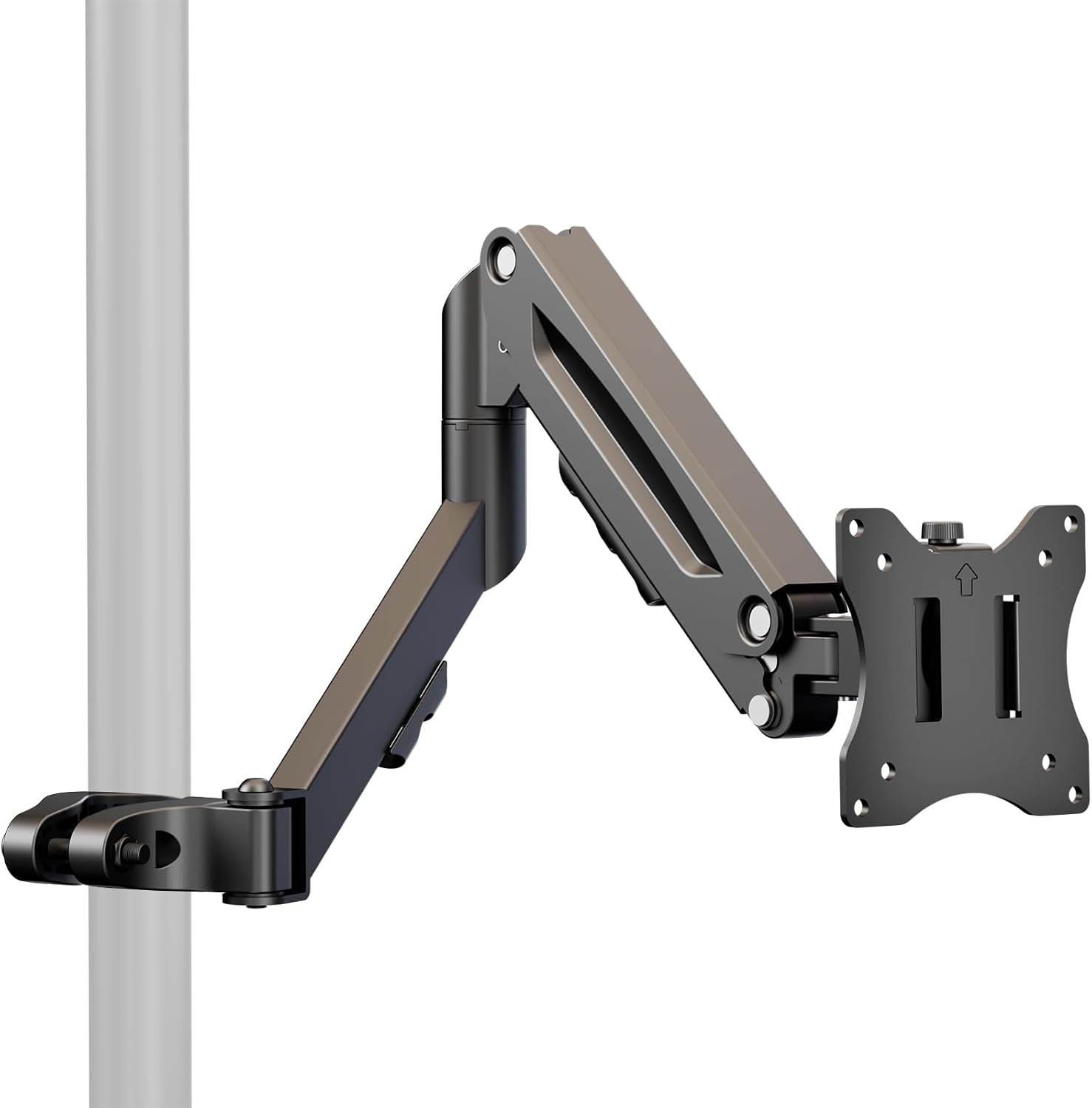
Height Adjustable Pole Mount Monitor Arm for 17"-32" with Gas Spring
Check current Amazon price
A height adjustable pole mount for 17 to 32 inch screens that uses a gas spring rather than a mechanical spring, so the panel moves along the post with light pressure.
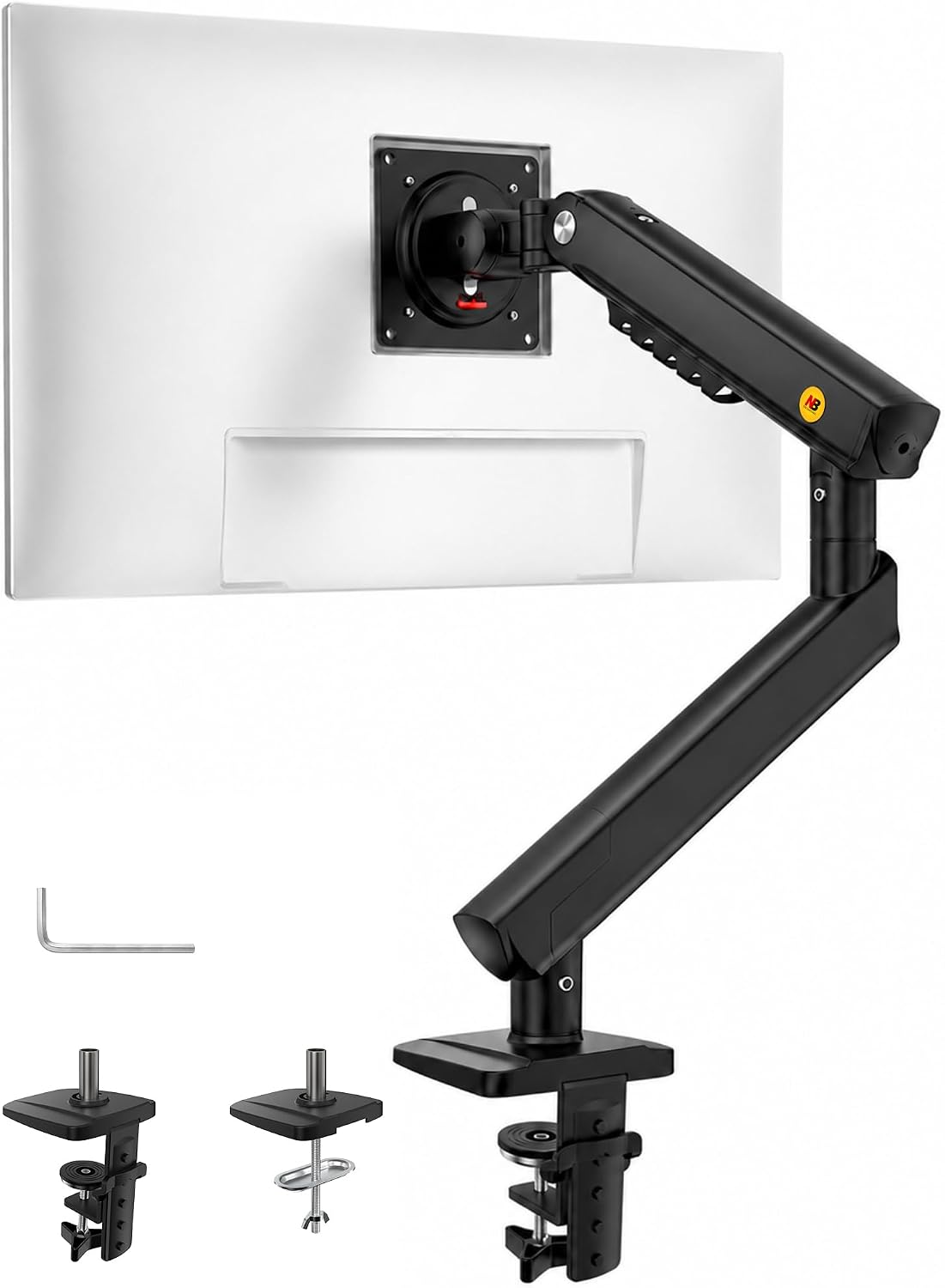
NB SmooVex™ Monitor Mount, Monitor Stand fits up to 32 Inch, Mechanical Spring Mount, VESA 75/100 mm, Model-A5(Black)
Check current Amazon price
A stand style mount for screens up to 32 inches, with a mechanical spring and stated VESA 75/100 mm compatibility. Worth a look where a clamp or a grommet hole is not an option.
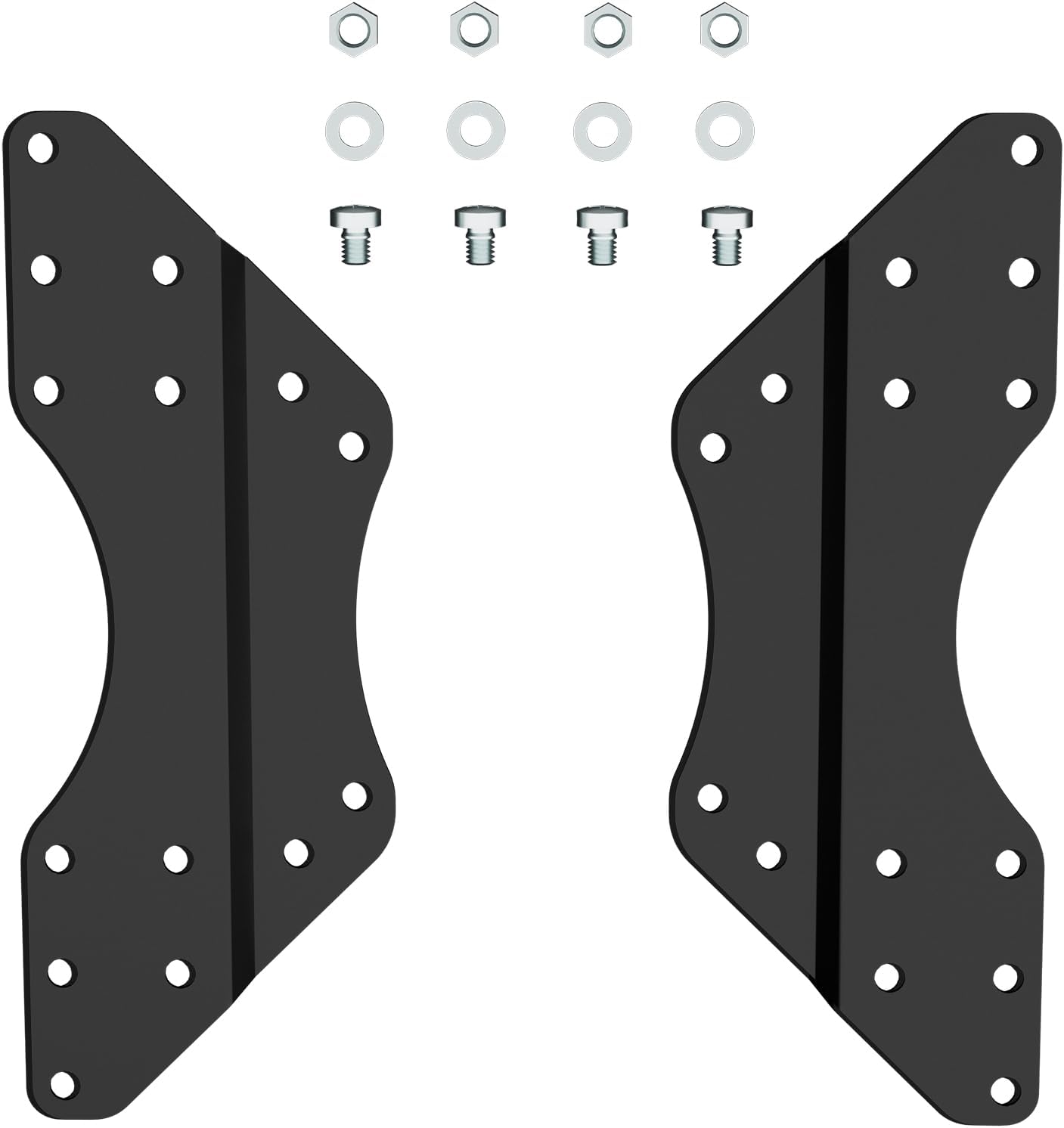
Pholiten VESA Conversion Plate Adjustable Adapter for Monitor Arm TV
Check current Amazon price
Not an arm. This is an adjustable conversion plate that adapts a monitor or TV to an existing arm, which is what you need when a panel's mounting holes do not line up with the arm plate.
How these products were compared
This guide compares stated screen size range, VESA pattern compatibility, spring type, mounting style, and the adjustment and routing features each maker lists. Product names, images, and retailer links are matched by product code so that every card points to the product shown.
Nothing here is presented as hands-on testing. Where a maker does not publish a figure, such as a specific load limit, this article says so rather than filling the gap with a guess, and it points you to the retailer listing for the current specification and price.
How to choose the right monitor arm for traders
Start with the desk, not the screen. Measure the thickness of the desktop where a clamp mount would sit, and check that the underside is clear for the last couple of inches of the edge. If the desk has a grommet hole, measure its diameter before assuming a grommet mount will pass through it. A clamp mount needs a flat, solid edge. A grommet mount needs a hole. A pole mount can use either base, which is why it shows up so often on trading desks that get rearranged.
Then turn the monitor around. The VESA pattern on the back of the panel is 75 by 75 mm, 100 by 100 mm, or something that needs an adapter, and no arm will hold a screen whose plate does not match. A VESA monitor arm for traders only helps once that plate lines up, so this check comes before any feature comparison. Add up the panel weight and compare it against the weight capacity the maker publishes. If you cannot find a published weight capacity, that is a reason to keep looking rather than a reason to guess.
For a two or three screen layout, decide between one pole and two separate clamps. One pole keeps the panels in a single vertical line and needs one hole or one clamp instead of two. Separate arms let you push screens further apart on the desktop. If you are already planning changes under the desk, desk cable management that survives a monitor move is worth reading before you commit to a mounting style.
Ultrawide Monitor Arm fits 17-49 Inch Heavy Duty Flat/Curved Monitor
This arm states support for 17 to 49 inch flat and curved monitors, and that single line is why it takes the top spot. No other product in this group covers the 49 inch end of the range, and none of the others state that they handle curved panels. For a trader whose desk is built around one large display, whether that is a 34 inch ultrawide or a 49 inch super ultrawide, this is the arm whose stated range does not rule the panel out before anything else is considered.
The heavy duty framing matters for the same reason. A 49 inch panel is a long lever on the end of an arm, and the arm, the plate, and the clamp carry all of it. Before buying, confirm the published weight capacity against your panel plus the plate, and check that the desk edge under the clamp is solid rather than a thin veneer over a hollow core.
The trade-off is straightforward. If your screens are 24 or 27 inches, you are buying range you will never use, and the extra material that comes with a heavy duty arm is size and stiffness you do not need. A smaller arm from the list will do the same job with less bulk behind the desk. Skip this one if your largest panel is under 32 inches and you never plan to go bigger.
Alternatives to consider
The VIVO Black Pole Mounted Monitor Arm is better suited to a stacked or side by side multi screen layout, because the pole lets several arms share one vertical post and keeps the panels at the same height without a second clamp. It states a 17 to 32 inch range, so it fits standard trading panels rather than a 49 inch display.
The Suptek Single Monitor Arm Fully Adjustable for 17-34-35 Inch Screens is a stronger fit when you run one large screen and want the arm to reach across the desk rather than hold a row. Its stated range covers 17 up through 34 and 35 inch screens, which includes most 34 inch ultrawides.
The Height Adjustable Pole Mount Monitor Arm for 17"-32" with Gas Spring covers the case where you move the screen often and want a gas spring rather than a mechanical spring to take the effort out of it. The NB SmooVex Monitor Mount is a stand style option for screens up to 32 inches with stated VESA 75/100 mm compatibility and a mechanical spring, useful where the desk edge cannot take a clamp. The Pholiten VESA Conversion Plate is not an arm at all; it is the adapter to reach for when a panel's mounting holes do not line up with the arm plate, and it costs far less than replacing a monitor to solve the same problem.
Day-to-day use and maintenance
A screen arm for traders lives with constant small loads: hands on the desk, a keyboard tray bumping the edge, cables being pulled when a laptop gets moved. Three habits keep it stable.
Check the clamp or grommet bolt once a month for the first few months. The desktop compresses slightly under load, and a clamp that felt tight in week one can be barely finger tight by week six. If the arm has a tension adjustment, recheck it after any change in the panel or after you add a conversion plate, because the load changed even if the arm did not.
Keep the display cables inside the cable channel and leave a service loop at the joint nearest the monitor. A cable routed tight across a moving joint pulls on the arm every time the screen moves, and over a few weeks that shows up as a screen that will not hold its angle. When you clean, use a dry or barely damp cloth on the arm and the plate, and check the maker's instructions before using any solvent near a spring housing.
One caveat applies to every arm here: a clamp mount is only as strong as the desktop it grips. On a hollow core or glass top, use a grommet mount or a stand style mount instead, and if the desk has a thin veneer, put a rigid plate between the clamp and the underside so the load spreads.
Buying checklist
- Measure the desktop thickness and the clear depth under the edge where a clamp mount would sit.
- Check whether the desk has a grommet hole and measure its diameter before choosing a grommet mount.
- Note the screen diagonal of your largest panel and confirm the arm's stated range covers it.
- Confirm the VESA pattern on the back of every panel, and add a conversion plate if it does not match.
- Compare the published weight capacity against the panel weight plus the plate and any adapter.
- Decide between a gas spring and a mechanical spring based on how often you move the screen.
- Verify the current retailer price, availability, and return terms before ordering.
Final recommendation
Choose the Ultrawide Monitor Arm fits 17-49 Inch Heavy Duty Flat/Curved Monitor when one large flat or curved display anchors the desk and you want the widest stated screen range in this group. Choose the VIVO Black Pole Mounted Monitor Arm when you stack two or more 17 to 32 inch screens and want them aligned on a single pole. Choose the Suptek Single Monitor Arm Fully Adjustable for 17-34-35 Inch Screens when a single 34 or 35 inch panel needs one arm and nothing else.
If your panels are small, your desk edge is hollow, or your VESA pattern does not match, spend the difference on the adapter and the mounting hardware rather than on a heavier arm you do not need. A monitor arm for traders only earns its place when the stated range, the weight capacity, and the mount all match the desk in front of you.