A remote desk is usually a small desk. Most of the setups I have built over the last six years live in a spare bedroom, and the desk is 48 inches wide at best, with a wall or a window directly behind it. A monitor arm for remote workers earns its place in that room by lifting the screen off the desktop and putting the panel at eye height, which is the one thing a monitor's own stand almost never does. The catch is that arms are sold on two numbers, screen size and weight capacity, and those numbers decide whether the thing holds your panel where you set it or sags to the desktop within a week. This guide compares six mounts on the specifications that decide fit: vesa pattern support, weight capacity, gas spring or mechanical tension, clamp mount and grommet mount options, tilt range, swivel, and how the cable channel runs.
Related: How to Set Up Two Monitors on a Standing Desk
Quick answer
The FlexiSpot Single Monitor Arm is the strongest fit for a single 27 to 34 inch panel on a normal home desk, because it covers screens up to 39 inches with a 6.61 to 26.46 lb weight capacity and includes both a C-clamp and a grommet base in the box. Choose the monTEK Heavy Duty Monitor Arm with USB instead when the panel is a 49 inch or 57 inch ultrawide that needs a heavier gas spring and a base with USB ports.
Monitors worth comparing
Top pick
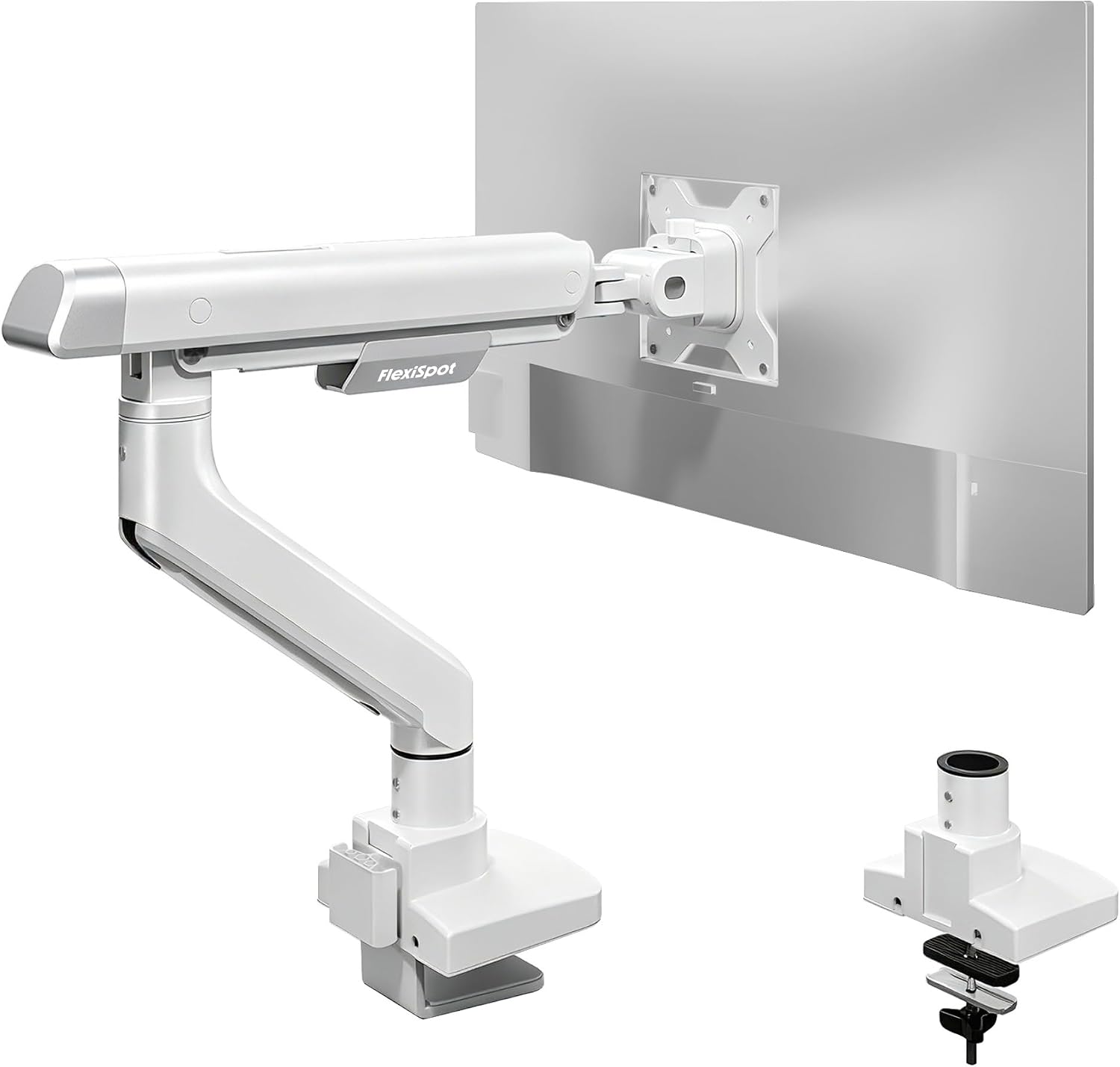
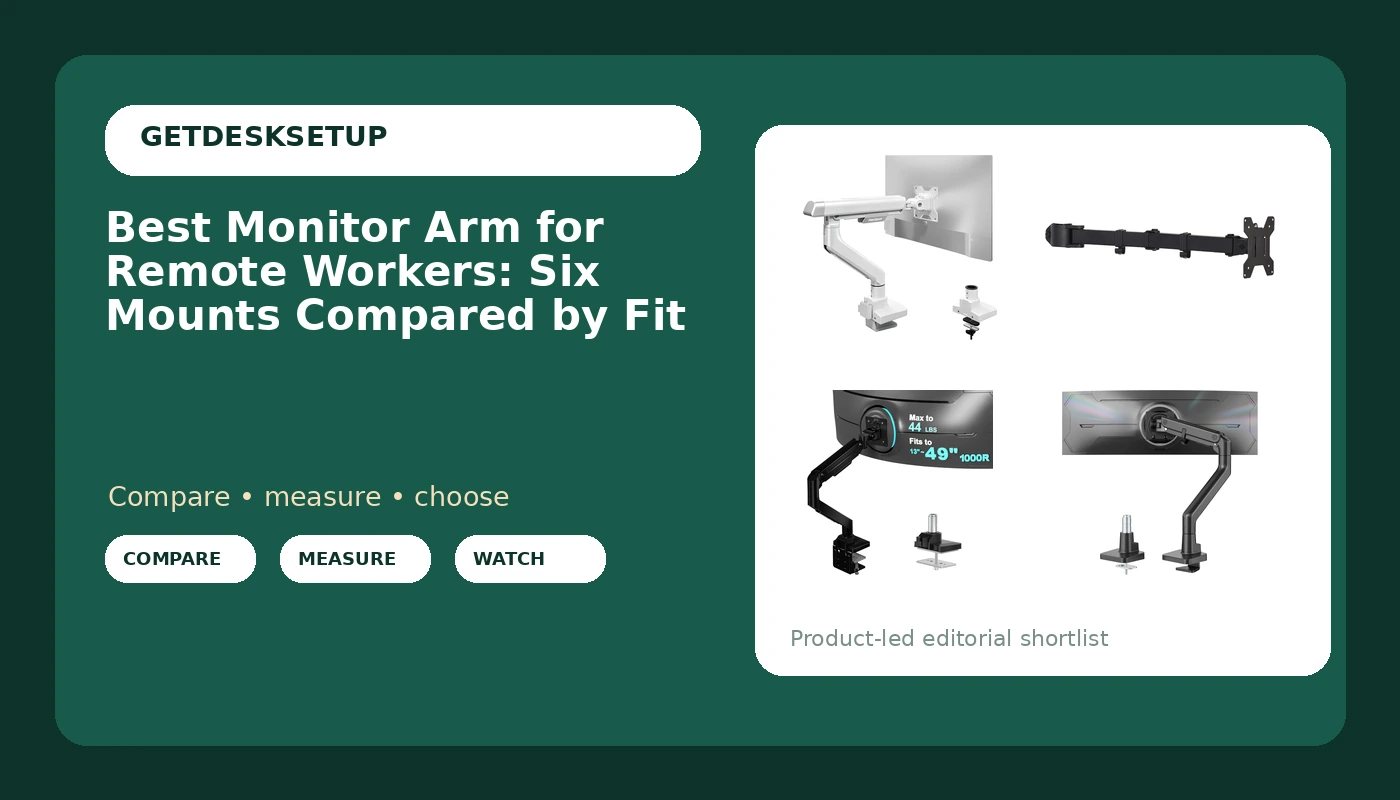
FlexiSpot Single Monitor Arm, Premium Aluminum Monitor Desk Mount Fits Screen up to 39 Inches, Fully Adjustable Monitor Stand with C-Clamp & Grommet Base, Holds 6.61 to 26.46 lbs, White
Check current Amazon price
Aluminum single monitor arm that fits screens up to 39 inches and holds 6.61 to 26.46 lbs, with both a C-clamp and a grommet base included.
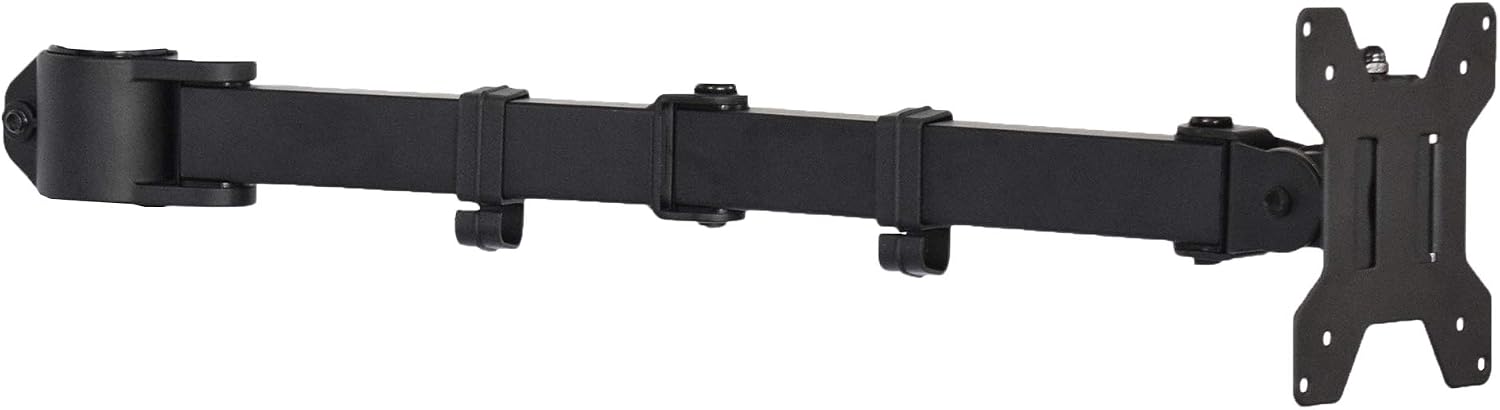
VIVO Black Single Monitor Arm for Desk Stand, 13-27 in Screens, PT-SD-AM01A
Check current Amazon price
Single monitor desk arm for 13 to 27 inch screens in black, with the smallest fit range here and the simplest mechanism.
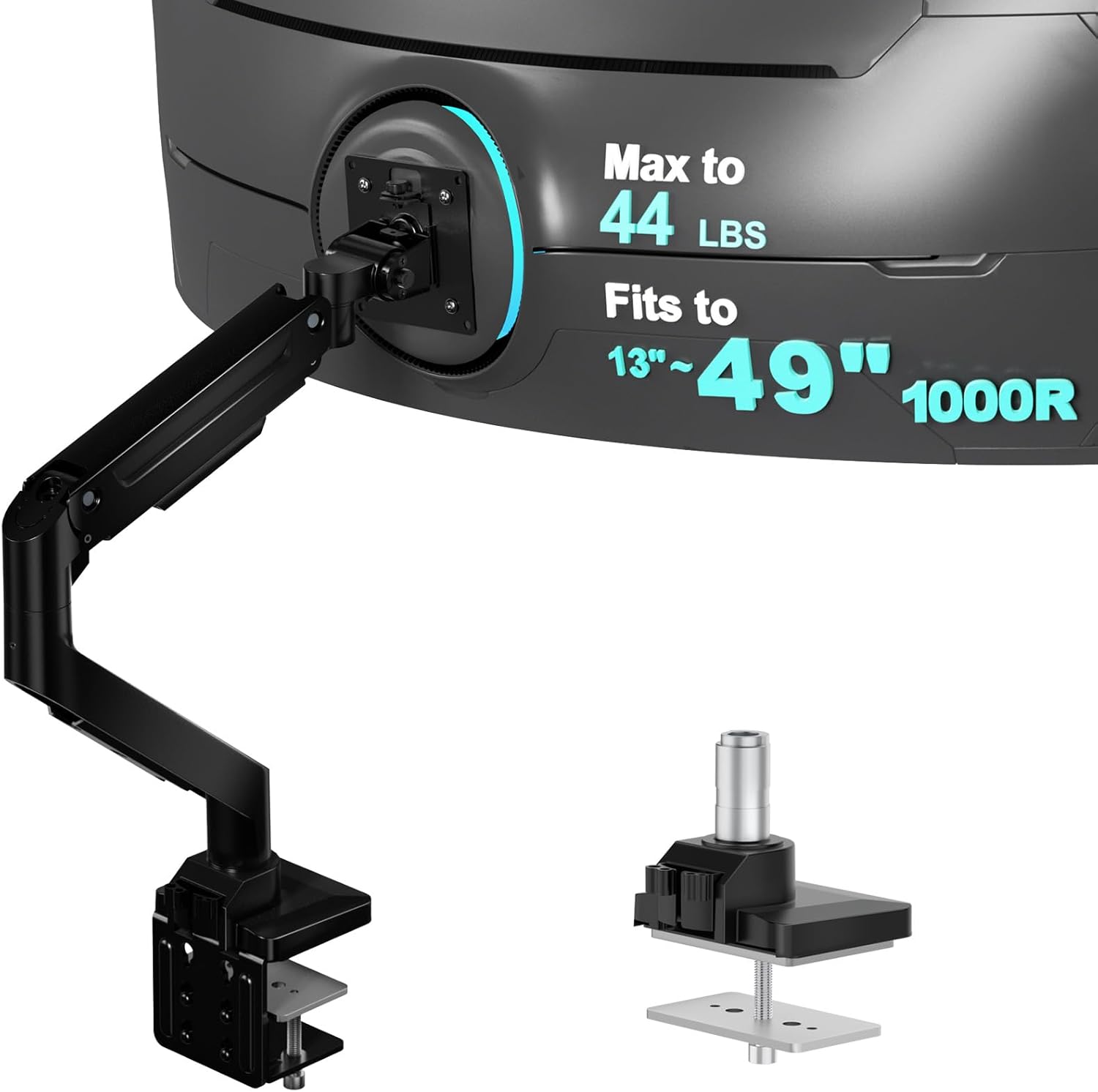
WALI Heavy Duty Monitor Arm for 13-49 inch 1000R Curved Screen, up to 44lbs
Check current Amazon price
Heavy duty arm rated to 44 lbs and sized for 13 to 49 inch screens, including 1000R curved panels.
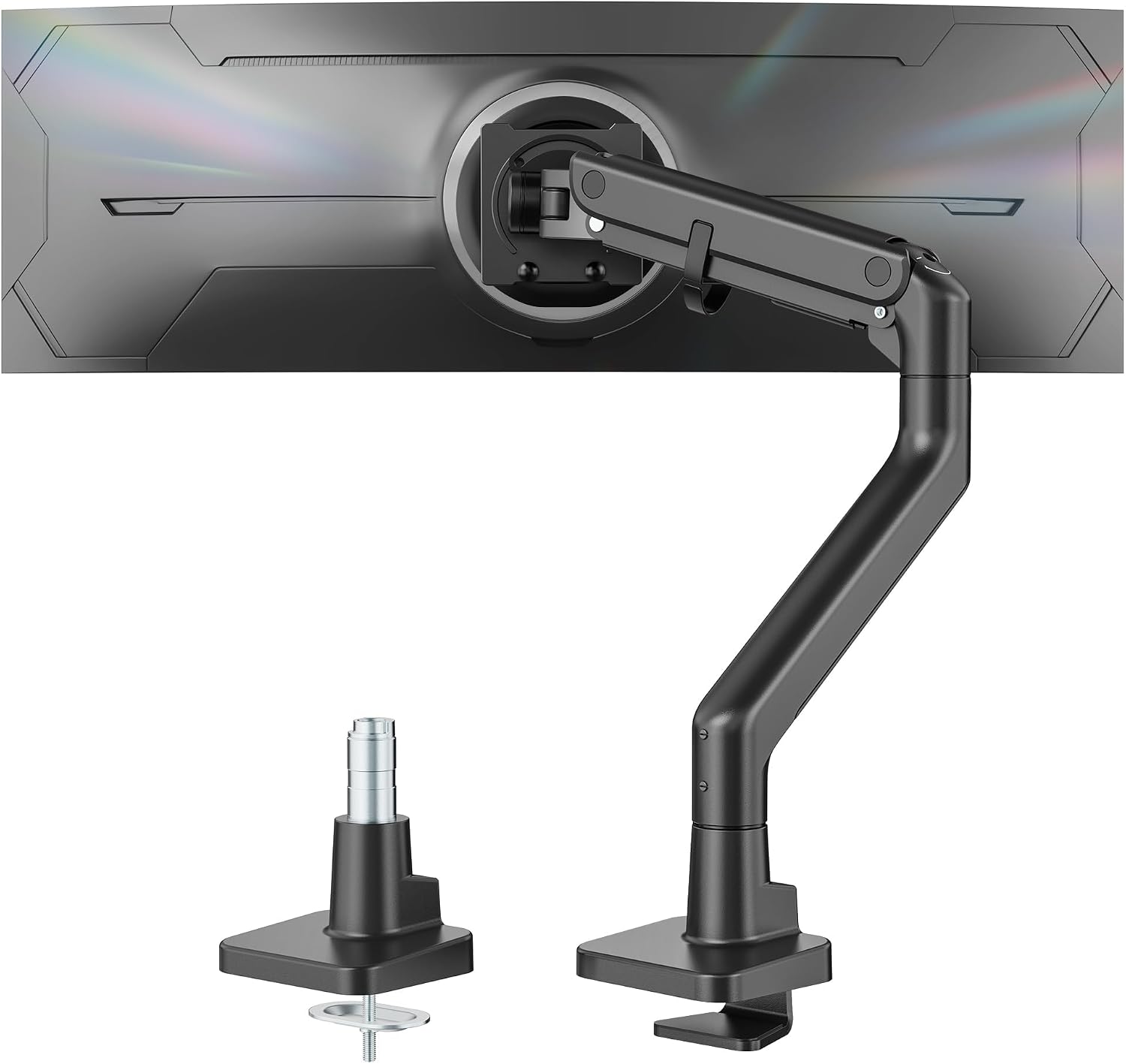
monTEK Heavy Duty Monitor Arm, 17-57" Ultrawide, Gas Spring, 59.4 lbs,Black
Check current Amazon price
Heavy duty gas spring arm sized for 17 to 57 inch ultrawide screens with a 59.4 lb rating, in black.
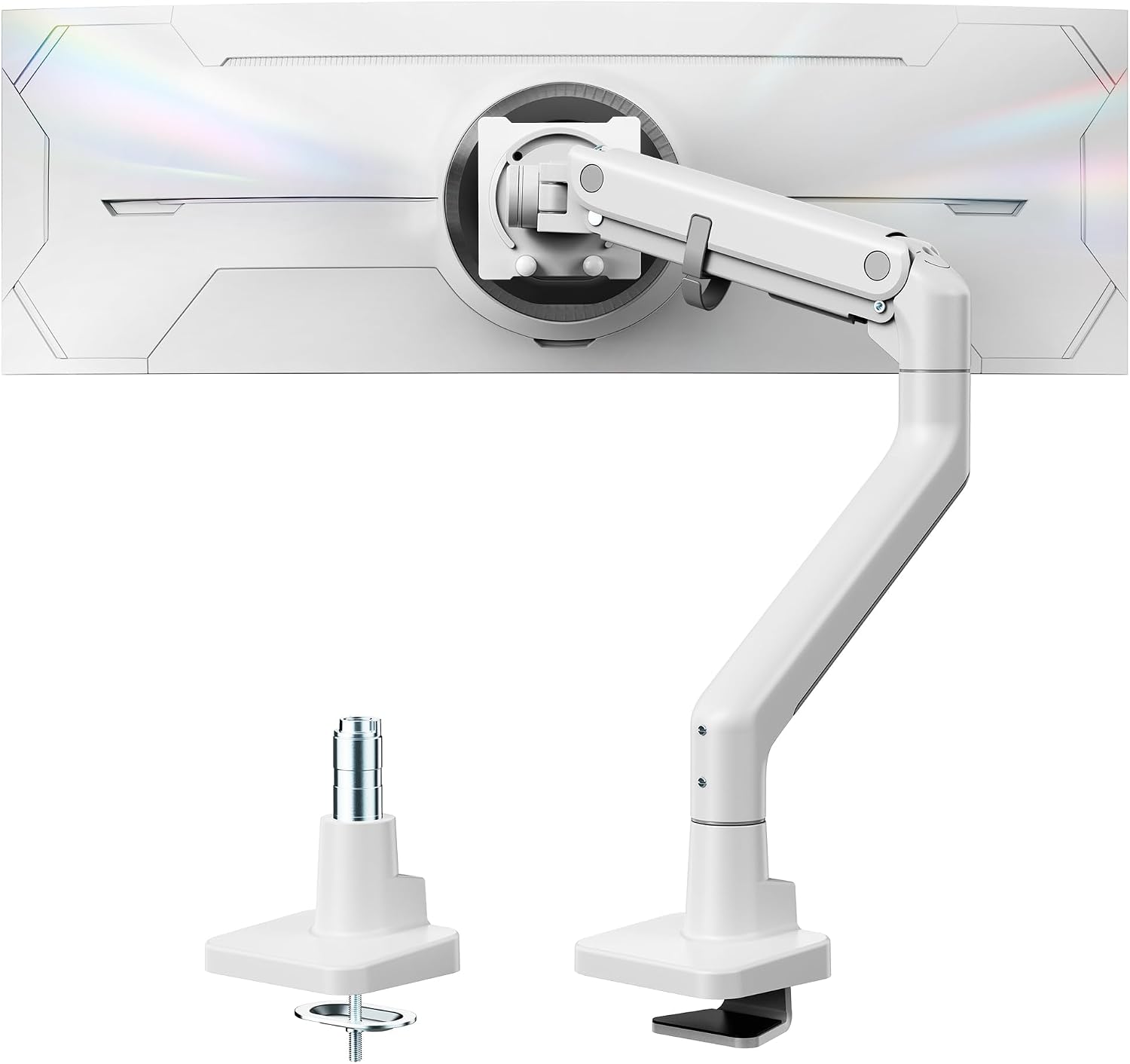
monTEK Heavy Duty Monitor Arm, 17-57" Ultrawide, Gas Spring, 59.4 lbs,White
Check current Amazon price
The same 17 to 57 inch, 59.4 lb gas spring arm in a white finish for lighter rooms.
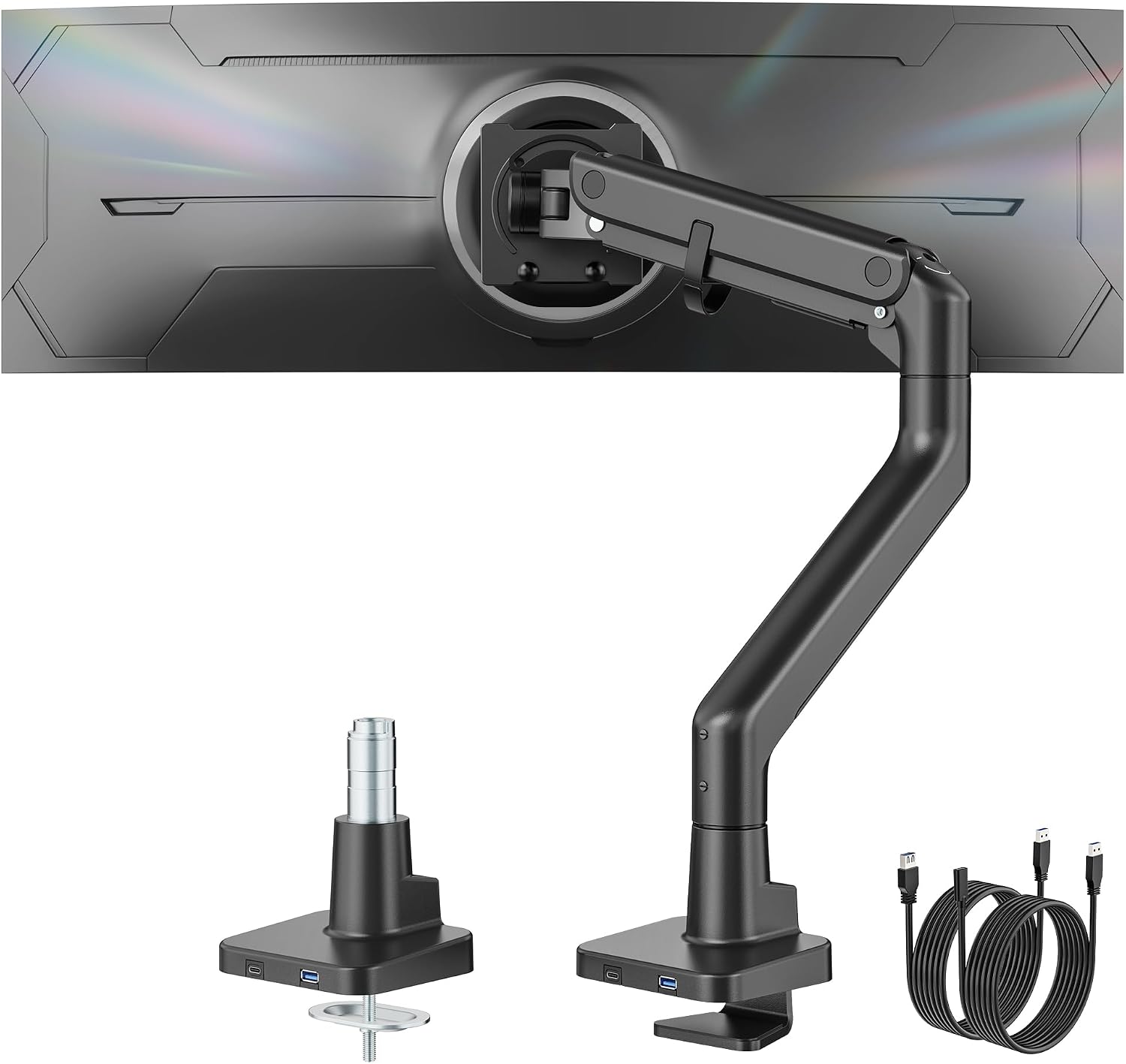
monTEK Heavy Duty Monitor Arm, 17-57" Ultrawide, Gas Spring, with USB,Black
Check current Amazon price
A 17 to 57 inch, 59.4 lb gas spring arm with USB ports built into the base, in black.
How these products were compared
This guide compares stated screen size range, weight capacity, mounting hardware, arm mechanism, and the finish and ports each model ships with. Product names, images, and retailer links are matched by ASIN so that every card points to the product shown.
Nothing here is presented as bench testing. The comparison is built from the published fit ranges and features on each listing, and where two products share the same numbers that is stated rather than dressed up as a difference. No current price appears in this article, because prices move; use the link on each card to confirm price and availability at the retailer.
How to choose the right monitor arm for remote workers
The best monitor arm for remote workers is the one whose two fit numbers bracket your panel, so start with the monitor rather than the mount. Write down three things: the diagonal screen size, the weight of the panel with its stand removed, and the thickness of the desk edge you plan to clamp to. Screen size and weight capacity decide whether an arm holds position. A 27 inch panel that weighs around 12 lbs sits in the middle of several arms on this list. A 34 inch ultrawide that runs 15 to 20 lbs narrows the field. A 49 inch or 57 inch super ultrawide pushes you toward the heavy duty models with a gas spring and a 44 lb or 59.4 lb rating. Buying more capacity than you need is rarely a problem on a gas spring arm, but buying less is the mistake that shows up as a screen that slides down the pole.
Then check the vesa pattern on the back of the monitor. A vesa monitor arm for remote workers only works if the bolt spacing matches, and the two common sizes are 75 x 75 mm and 100 x 100 mm. Most panels from 24 to 34 inches use 100 x 100 mm, smaller screens sometimes use 75 x 75 mm, and the arms here list support for one or both. While the monitor is turned around, look at whether the stand screws into a recessed area, because a deep recess can stop the mounting plate from sitting flush against the back of the panel.
The desk decides the mounting method. A clamp mount grips the edge of the desktop and needs enough flat thickness for the jaws to bite. A grommet mount passes a bolt through an existing cable hole and is the better answer when the desk edge is beveled, very thin, or backed by a drawer unit that blocks a clamp. If you have a cable hole within reach of where the arm will sit, the grommet route is usually the more stable of the two on a light desk that shifts when you type. Of the six arms here, only the FlexiSpot listing states both a C-clamp and a grommet base; the others describe clamp-style desk mounting.
Gas spring versus mechanical tension matters less than people expect on a single arm, but it does change how often you adjust the screen. A gas spring arm moves through the tilt range and swivel points with a push and holds where you leave it. A mechanical arm holds position and usually asks for a tool when you want to change height. If you are still working out what the arm will carry and how far the panel should sit from your eyes, my guide to choosing a monitor size for a small desk covers the distance question before you buy the mount.
FlexiSpot Single Monitor Arm, Premium Aluminum Monitor Desk Mount Fits Screen up to 39 Inches, Fully Adjustable Monitor Stand with C-Clamp & Grommet Base, Holds 6.61 to 26.46 lbs, White
This is the pick because its fit window covers the monitors most remote workers actually own. It takes screens up to 39 inches and panels from 6.61 to 26.46 lbs, which spans a 24 inch office monitor, a 27 inch 4K panel, and a 34 inch ultrawide. The arm body is aluminum rather than steel, and the base is offered as both a C-clamp and a grommet mount, so the same product works on a thin apartment desk and on a sit-stand desk with a cable hole already drilled. Height, tilt range, and swivel are adjustable, and the white finish stays quiet in a light room where a black arm would be the darkest thing on the desk.
The trade-offs are worth naming. A lower bound of 6.61 lbs means a very light 22 inch panel may sit below the arm's comfortable range, so weigh the monitor before you order. The 26.46 lb ceiling rules out 49 inch and 57 inch ultrawides, and it also rules out older 30 inch panels that run heavy for their size. It is also a single arm, so two screens side by side means two of these or a dual mount, and two clamps on a 48 inch desk get crowded fast. For one screen at a normal weight, none of that applies.
Alternatives to consider
The VIVO Black Single Monitor Arm for Desk Stand, 13-27 in Screens, PT-SD-AM01A is better suited to one standard panel in the 13 to 27 inch range, where the shorter reach and simpler design are enough. It is the one to look at when the screen is light, the desk is small, and you want the least hardware on the desktop.
The WALI Heavy Duty Monitor Arm for 13-49 inch 1000R Curved Screen, up to 44lbs is a stronger fit when the panel is a curved 1000R display or a heavier 32 to 49 inch screen, because the 44 lb rating and the 13 to 49 inch range cover curved panels that lighter arms will not hold at an angle.
The three monTEK Heavy Duty Monitor Arm models cover the top of the range. All three are rated to 59.4 lbs and fit 17 to 57 inch ultrawide screens with a gas spring. The black and white versions are the same arm in two finishes, so choose by the room rather than the spec sheet. The version with USB ports adds a hub at the base, which helps on a desk where the laptop sits far enough back that reaching a port means standing up. A screen arm for remote workers who run one large ultrawide and a laptop is where these make sense; on a 24 inch panel they are more arm than the job needs.
Day-to-day use and maintenance
Once the arm is mounted, most of the upkeep is tension. A gas spring arm is set for a weight range, so if the screen drifts down overnight the tension is below the panel weight, and if it fights you on the way up the tension is too high. Adjust in small steps and test at the height you actually work at rather than at the top of the travel. Check the clamp bolt after the first week and again after a month, because a clamp tightened on a laminate desktop can loosen as the surface compresses. Do not overtighten to compensate for that; a cracked desktop costs more than any arm on this list.
Route the cables through the cable channel on the arm instead of letting them hang behind it. A cable that pulls on the arm changes the monitor angle over the course of a week, and that is the most common reason a setup that felt right on day one stops feeling right. Leave a service loop at the monitor end so the tilt range and swivel can move without tugging the connector.
Clean the arm with a dry or barely damp cloth. A monitor mount for remote workers lives in a room that also has a bed, a window, and dust, and the joints collect all of it. Wipe the arm body and the base, and keep sprays away from the gas spring. If the arm will not hold position after a tension adjustment, check the panel weight against the stated weight capacity before assuming the arm is faulty. The tension check is the one habit that keeps a monitor arm for remote workers working, because the arm is the only part of the desk that moves every day.
Buying checklist
- Measure the diagonal screen size and the weight of the panel with its stand removed.
- Check the vesa pattern on the back of the monitor, 75 x 75 mm or 100 x 100 mm, before ordering.
- Measure desk thickness at the edge you plan to clamp, then decide whether a clamp mount or a grommet mount suits the desk.
- Choose the weight capacity based on the panel you own now, not on a heavier screen you might buy later.
- Confirm that the exact model includes the mounting hardware and the finish you want.
- Read the tension adjustment and care instructions for the arm.
- Verify the current retailer price, availability, and return terms.
Final recommendation
Choose the FlexiSpot Single Monitor Arm when you run one screen between 6.61 and 26.46 lbs and want the choice of a clamp mount or a grommet mount without buying a second base. Choose the monTEK Heavy Duty Monitor Arm with USB when the panel is a 49 inch or 57 inch ultrawide and you want ports at the base. Choose the WALI Heavy Duty Monitor Arm when the screen is curved 1000R and heavier than a standard arm will hold at an angle. Choose the VIVO Black Single Monitor Arm when the panel is a plain 13 to 27 inch screen and the simpler mount is enough.
Where the published numbers do not separate two products, this guide says so instead of inventing a winner. The monTEK black and white versions differ by finish, and that is the whole difference between them. Match the weight capacity and screen range to the panel in front of you, mount the base before you load the arm, and the setup will hold its angle for years rather than weeks.