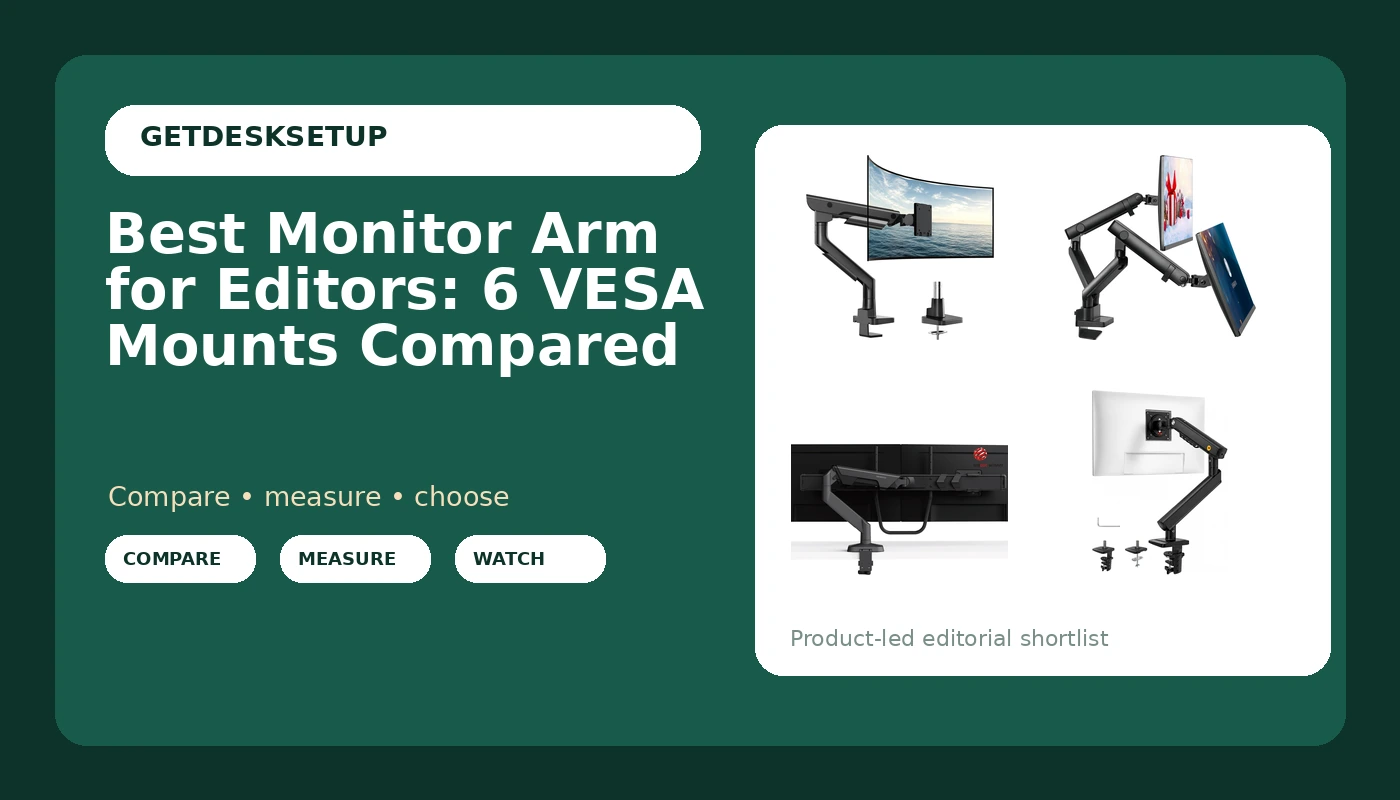
Editing work puts a specific load on a desk. You run one large panel or two mid-size ones, you nudge the screen through the day to check color and fine detail, and you keep cables running to a dock, a card reader, and a backup drive. The best monitor arm for editors is the one whose stated screen range and weight capacity cover the panels you actually own. That makes it a measurable question, so this guide stays with what each listing states: the screen sizes it fits, the load it carries, the spring mechanism, and how it attaches to the desktop. Six arms are compared below, from a dual mount listed for two 32 inch screens to a heavy-duty single arm listed for ultrawide panels.
Related: How to Set Up a Dual Monitor Desk for Photo Editing
Quick answer
The monTEK Heavy-Duty Monitor Arm for 17-57" Ultrawide, 59.4 lbs, Black is the strongest fit for a single large editing panel because it is the only arm in this set with a stated fit up to 57 inches and a stated 59.4 lb weight capacity. Choose the Heavy-Duty Dual Monitor Arm Desk Mount for up to 35" Screens, Black instead when you edit across two panels and want both on one base.
What matters in a monitor arm for editors
Four specifications decide whether an arm works on an editing desk, and all four are printed on the listing.
Screen size range. Every arm here states the panel sizes it fits. The Modernsolid dual arm and both single mechanical spring arms are listed for 17 to 32 inch screens, the heavy-duty dual arm goes up to 35 inches, and the monTEK arm is listed for 17 to 57 inches. If your panel falls outside the stated range, the arm is the wrong purchase regardless of anything else in the listing.
Weight capacity. The monTEK listing states 59.4 lbs, the highest figure in this group. A monitor mount for editors that is rated below the weight of the panel will not hold a set angle, and one rated far above it leaves you paying for headroom you will never use. Weigh your panel with its cables and VESA plate attached, then compare.
Spring mechanism. The NB SmooVex mount and the single mechanical spring arm use a mechanical spring. A gas spring is a different mechanism, and it is worth checking for by name if you want light one-finger travel when you reposition a screen. Spring type changes how the arm feels to move, not whether it holds the weight.
Mount type and cable routing. Desk-edge hardware divides into a clamp mount that grips the desktop edge and a grommet mount that passes through an existing cable hole. Neither is better in the abstract; one of them fits your desk. A cable channel along the arm keeps display and power cables from pulling on the joint when you swing the panel.
Screen range, weight capacity, VESA pattern, spring mechanism, and mount type. That is the whole comparison, and it is enough to sort these six.
Top pick
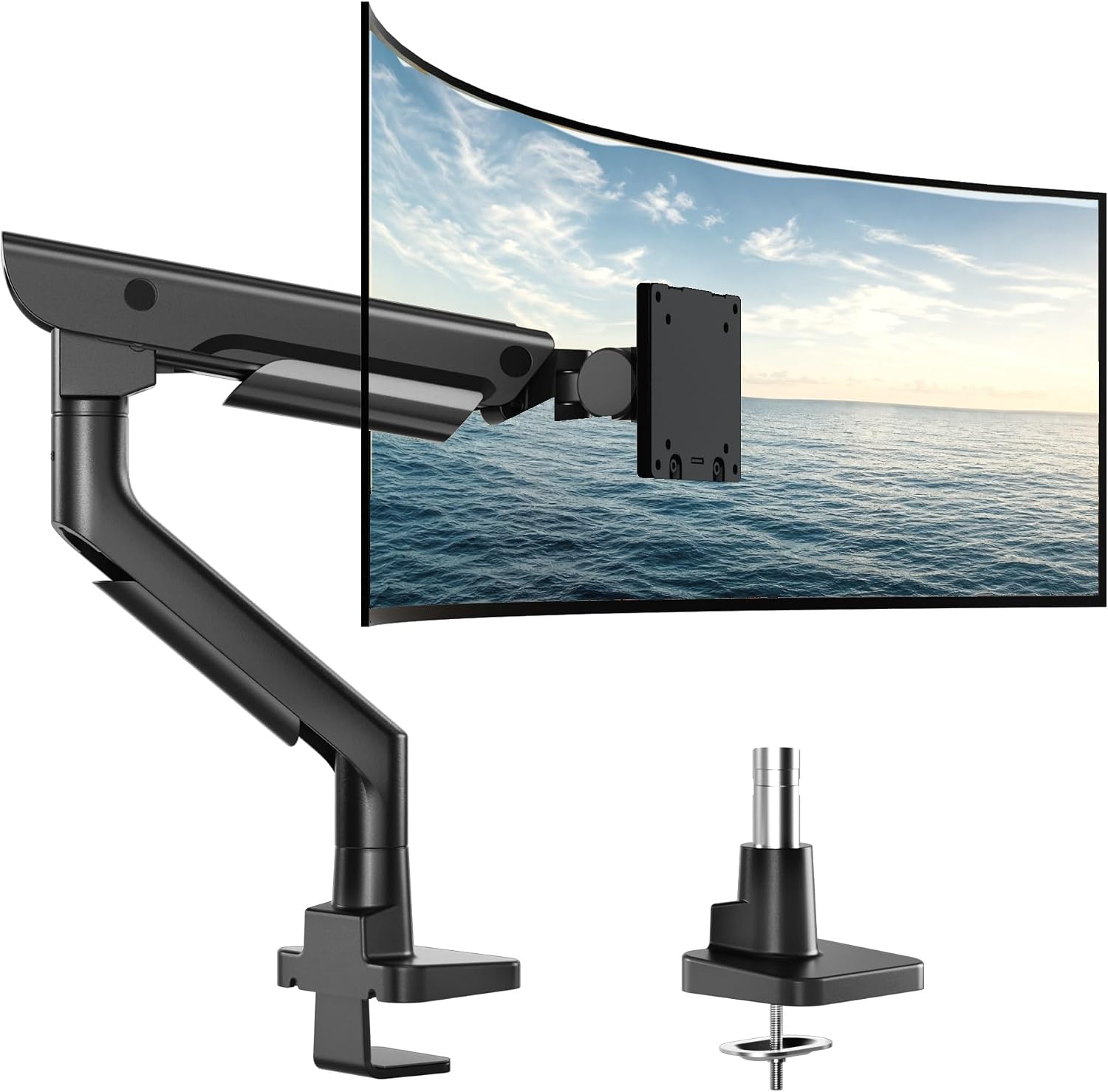
monTEK Heavy-Duty Monitor Arm for 17-57" Ultrawide, 59.4 lbs, Black
Check current price
A single heavy-duty arm with a stated fit for 17 to 57 inch screens and a stated 59.4 lb weight capacity, the widest figures in this set. It is the arm to check first if you edit on one large ultrawide or a single big 4K panel.
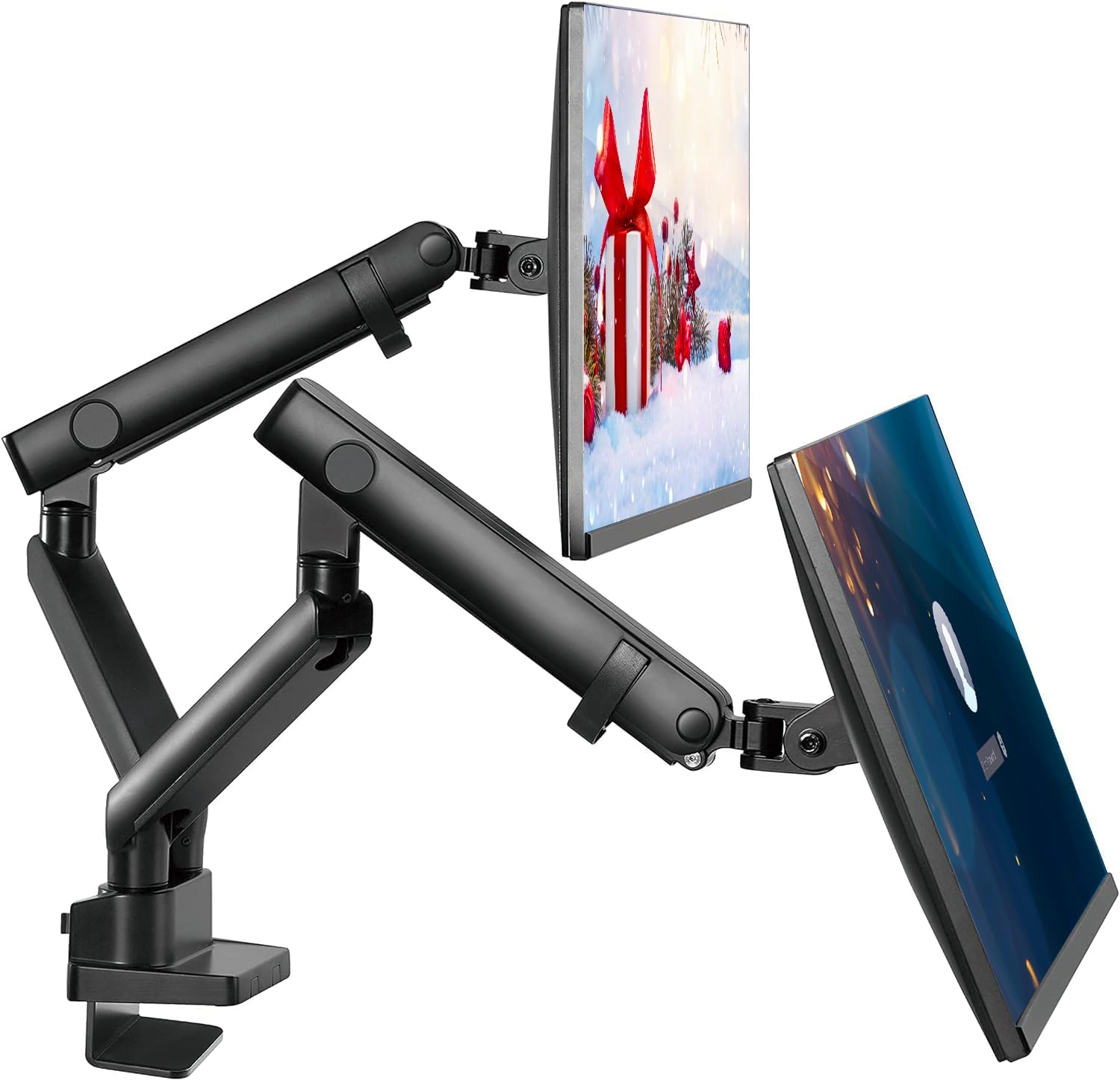
Heavy-Duty Dual Monitor Arm Desk Mount for up to 35" Screens, Black
Check current price
A dual arm listed for screens up to 35 inches, which covers a pair of 32 inch panels on one base. Choose it when you want a single clamp on the desktop instead of two separate arms.
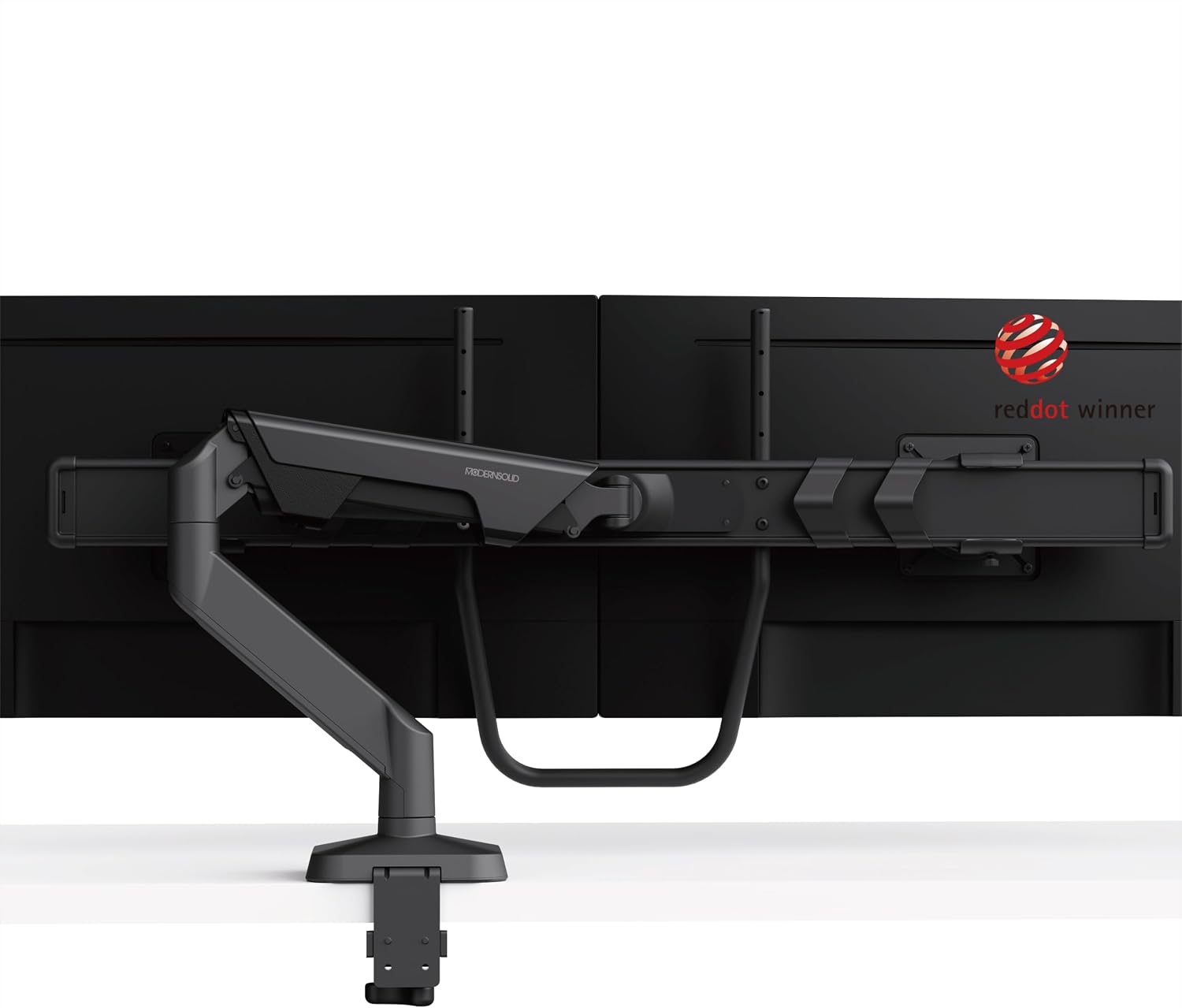
Modernsolid Dual Monitor Arm Desk Mount for Two 17-32 Inch Screens
Check current price
A dual arm listed for two 17 to 32 inch screens, with the size range stated in the product name. It suits a standard two-monitor editing desk where both panels are 32 inches or smaller.
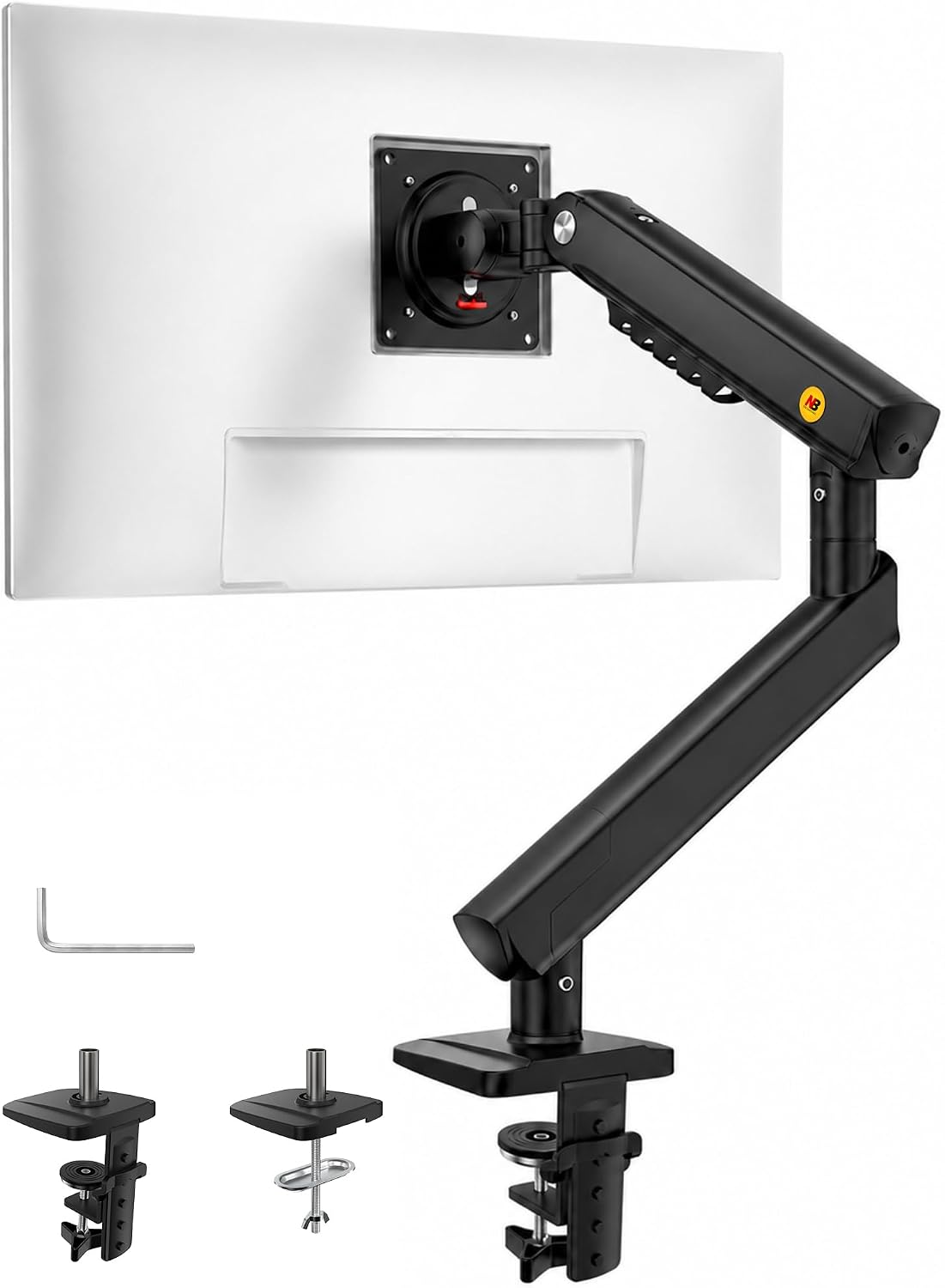
NB SmooVex™ Monitor Mount, Monitor Stand fits up to 32 Inch, Mechanical Spring Mount, VESA 75/100 mm, Model-A5(Black)
Check current price
A single mount for screens up to 32 inches with a mechanical spring and stated VESA 75 and 100 mm compatibility. The VESA figures in the listing are the ones to match against the back of your panel.
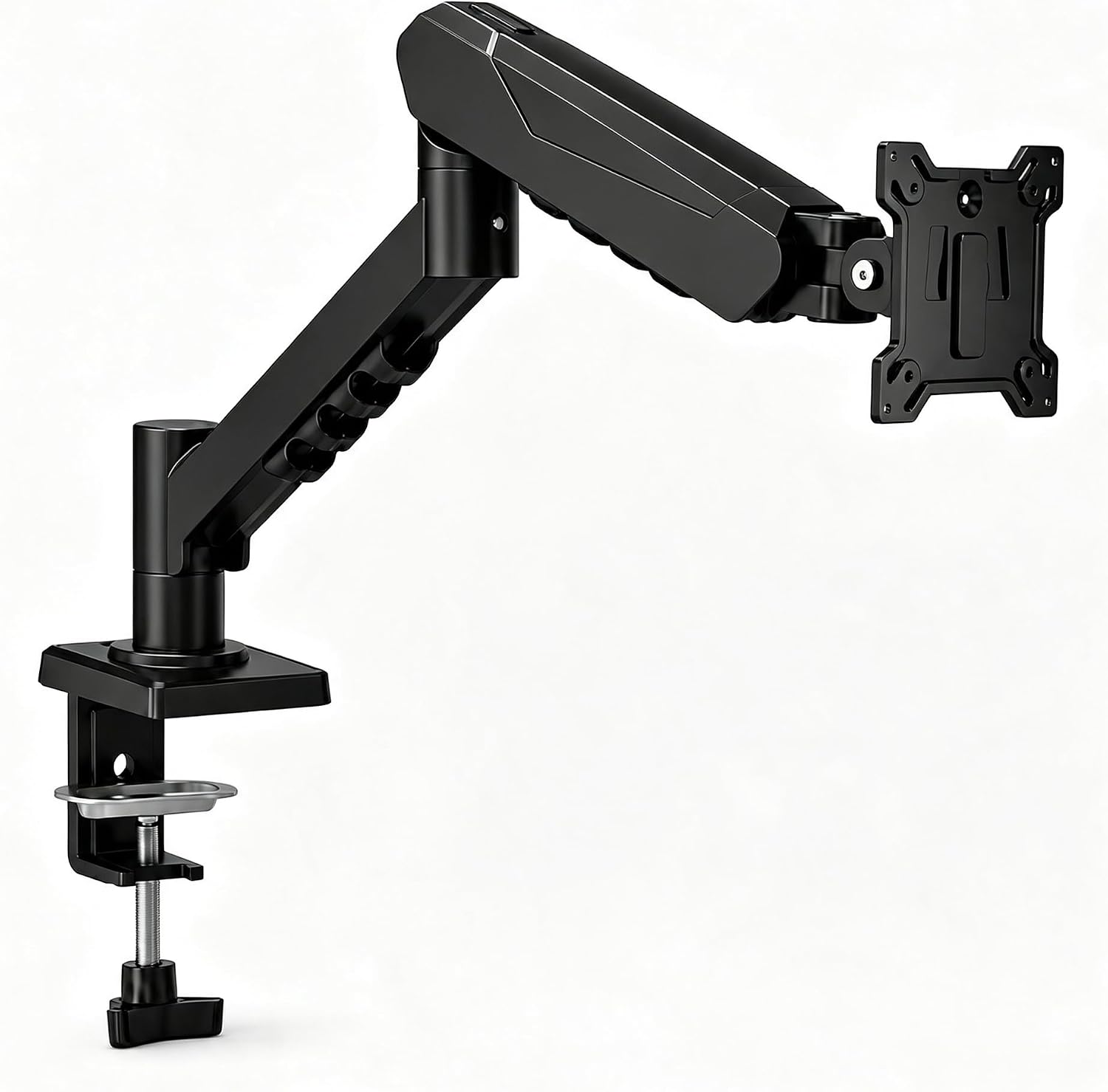
Single Monitor Arm Desk Mount, Mechanical Spring, 17-32 Inch, VESA
Check current price
A single arm listed for 17 to 32 inch screens with a mechanical spring mechanism. It is the simplest way to lift one panel off the desktop when you do not need a dual base or a long reach.
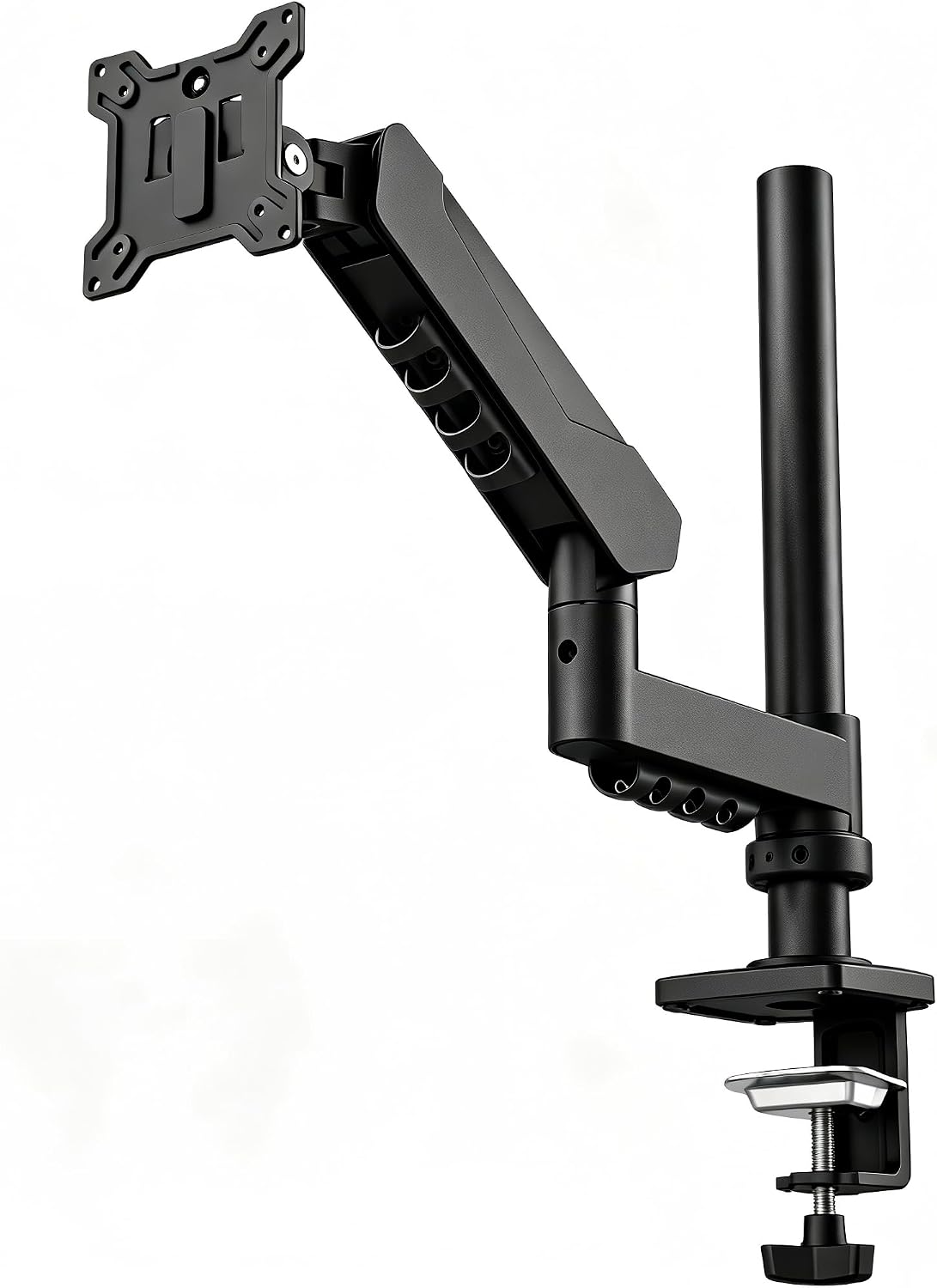
Long Reach Monitor Arm, Single Arm Monitor Mount, 17-32 Inch, VESA
Check current price
A single arm listed for 17 to 32 inch screens with a long reach, the specification to check when you want to pull a panel forward across the desk rather than park it at the back edge.
How these products were compared
This guide compares stated screen size range, stated weight capacity, spring and adjustment mechanism, mount type, and how many panels each base carries. Product names, images, and retailer links are matched by listing ID so that every card points to the product shown.
Nothing here is presented as a measurement taken in a workshop. The figures come from the product listings themselves, which is the honest limit of a comparison like this one. Where a figure is not stated, this article leaves it out rather than filling the gap with a guess. Check the product page for the current specification sheet before you order.
One more thing worth saying plainly: an arm that fits your panel can still fail on your desk. Desktop thickness, edge overhang, and the position of a rear stretcher bar all decide whether a clamp closes fully. Measure those before you buy, not after.
How to choose the right monitor arm
Choosing the best monitor arm for editors comes down to three measurements and one decision, and you can take all three with a tape and a kitchen scale.
Start with the back of your monitor. The VESA pattern is the four-hole spacing on the panel, most often 75 x 75 mm or 100 x 100 mm, and the NB SmooVex mount states both. If your panel has no VESA holes at all, an arm is not an option without an adapter plate, and you should settle that before comparing arms.
Then measure the panel, not the box it came in. Screen size is measured diagonally, and a 32 inch panel is roughly 28 inches wide. On a desk that is 48 inches wide, two 32 inch panels plus the base of a dual arm can leave no room for a keyboard and a notebook. This is where a lot of editing desks go wrong: the arm is fine, the desk is too narrow. If you are still choosing the desk itself, how much desk width a dual monitor setup needs is the number to settle first.
Then weigh the panel with everything attached. Cables, a VESA adapter plate, and a light bar all add load. Compare the total against the stated weight capacity, and keep some margin, because a monitor arm for editors that sits near its limit is the one you will be re-tightening every few weeks.
Finally, decide one arm or two. A dual base covers two panels with one clamp, which reduces the hardware on the desktop, but it also fixes the horizontal spacing between the screens unless each arm is individually articulated. Two single arms cost more hardware but let you place each panel independently, which matters if one screen is a vertical reference display. Either way, match the mount to the desk: a clamp mount needs a flat edge of the right thickness with clear space underneath, and a grommet mount needs an existing hole plus a clear path under the desk for the bolt.
monTEK Heavy-Duty Monitor Arm for 17-57" Ultrawide, 59.4 lbs, Black
This is the arm to check first if you edit on one large panel. The listing states a fit for 17 to 57 inch screens and a weight capacity of 59.4 lbs, both of which are the widest figures in this group. For an editor running a 34 or 49 inch ultrawide, or a single large 4K panel, that headroom means the arm is not working at its stated limit when the screen is tilted down to eye level.
The first trade-off is that it is one arm, not two. If your editing setup is two panels side by side, you would need two of these plus two clamps, and the desktop hardware adds up. A dual base covers the same desk with one clamp. The second trade-off is the headroom itself: 59.4 lbs is far more than most editing panels weigh, so if your display is a 24 or 27 inch panel that comes in well under that figure, you are paying for capacity you will never use. A lighter single arm listed for the same screen size does the same job for that panel.
Skip this one if your desktop edge is glass, if the edge is thinner than the clamp range states, or if you need two screens on one base. In those cases the dual arm below is the better starting point.
Alternatives to consider
The Heavy-Duty Dual Monitor Arm Desk Mount for up to 35" Screens, Black is better suited to a two-panel editing desk, since it carries both screens on one base and states a fit up to 35 inches, which covers a pair of 32 inch panels. It is the arm to choose when you want one clamp on the desktop instead of two. Check the stated size range against your panels first, and skip it if you edit on one screen only or if your desk edge cannot take a dual-base clamp.
The Modernsolid Dual Monitor Arm Desk Mount for Two 17-32 Inch Screens is a stronger fit when both of your panels are 32 inches or smaller and you want the range stated explicitly in the name. The NB SmooVex™ Monitor Mount, Monitor Stand fits up to 32 Inch, Mechanical Spring Mount, VESA 75/100 mm, Model-A5(Black) covers a single panel up to 32 inches with a mechanical spring and states both common VESA sizes, which is useful if you swap panels between a 75 x 75 mm and a 100 x 100 mm back.
The Single Monitor Arm Desk Mount, Mechanical Spring, 17-32 Inch, VESA and the Long Reach Monitor Arm, Single Arm Monitor Mount, 17-32 Inch, VESA cover the single-panel case in two different shapes. The first is the plain version: one arm, one panel, one clamp. The second adds reach, which is the specification to look at when you want to pull a panel forward across the desk to check focus on a still frame, rather than park it at the back edge. If you searched for a "vesa monitor arm for editors" and landed here, the deciding number for either one is still the VESA pattern on the back of your panel.
Day-to-day use and maintenance
An arm is not a set-and-forget part. The clamp mount is the joint that loosens first, because desktop material compresses slightly under load. Check it a week after installation and again a month later, and tighten only until the arm stops moving, since over-tightening on a hollow-core top is how desktops get crushed.
Route cables through the cable channel with slack at both ends. A cable that is pulled tight when the screen is pushed back will pull on the joint when the screen comes forward, and the monitor angle drifts within a week. Leave a loop behind the panel and another under the desk.
If you change panels, go back to the weight capacity figure and the VESA pattern. A heavier screen on an arm that was matched to a lighter one is the most common way these setups fail, and the failure usually shows up as sag rather than a snap. When you reposition the screen, use the swivel at the base for large side-to-side changes and the tilt range at the head for angle, rather than forcing a joint past its stop. A screen arm for editors that gets moved several times a day is exactly the kind of hardware that needs this check.
Wipe the arm with a dry or slightly damp cloth, and keep cleaning products away from the spring housing and the joints.
Buying checklist
- Measure the desktop thickness and the clear space under the edge before you choose a clamp mount.
- Weigh the panel with cables, adapter plate, and any light bar attached, then compare that total to the stated weight capacity.
- Match the VESA pattern on the back of the monitor to the pattern the arm states, with 75 x 75 mm and 100 x 100 mm as the common sizes.
- Confirm the stated screen size range covers your panel, especially at the top end.
- Decide between a dual base and two single arms before ordering, since it changes how many clamps sit on the desktop.
- Check whether the exact model is described as a clamp mount, a grommet mount, or both, and confirm it matches the desk you own.
- Read the care instructions for the arm, and keep cleaners off the spring housing.
- Verify the current retailer price, availability, and return terms.
Final recommendation
The best monitor arm for editors in this group is the monTEK Heavy-Duty Monitor Arm for 17-57" Ultrawide, 59.4 lbs, Black when you edit on one large panel and want the widest stated screen range and weight capacity on the list. Choose the Heavy-Duty Dual Monitor Arm Desk Mount for up to 35" Screens, Black when two panels on one base is the priority. If both of your screens are 32 inches or smaller, the Modernsolid Dual Monitor Arm Desk Mount for Two 17-32 Inch Screens and the two mechanical spring single arms cover the same desk with simpler hardware, and the Long Reach Monitor Arm, Single Arm Monitor Mount, 17-32 Inch, VESA is the one to pick when panel position, not panel count, is the problem.
Whatever you choose, run the same three checks first: panel weight with accessories, VESA pattern, and desktop thickness at the clamp point. An arm that matches those three numbers will do its job for years. One that misses any of them will not, no matter how the listing is worded.