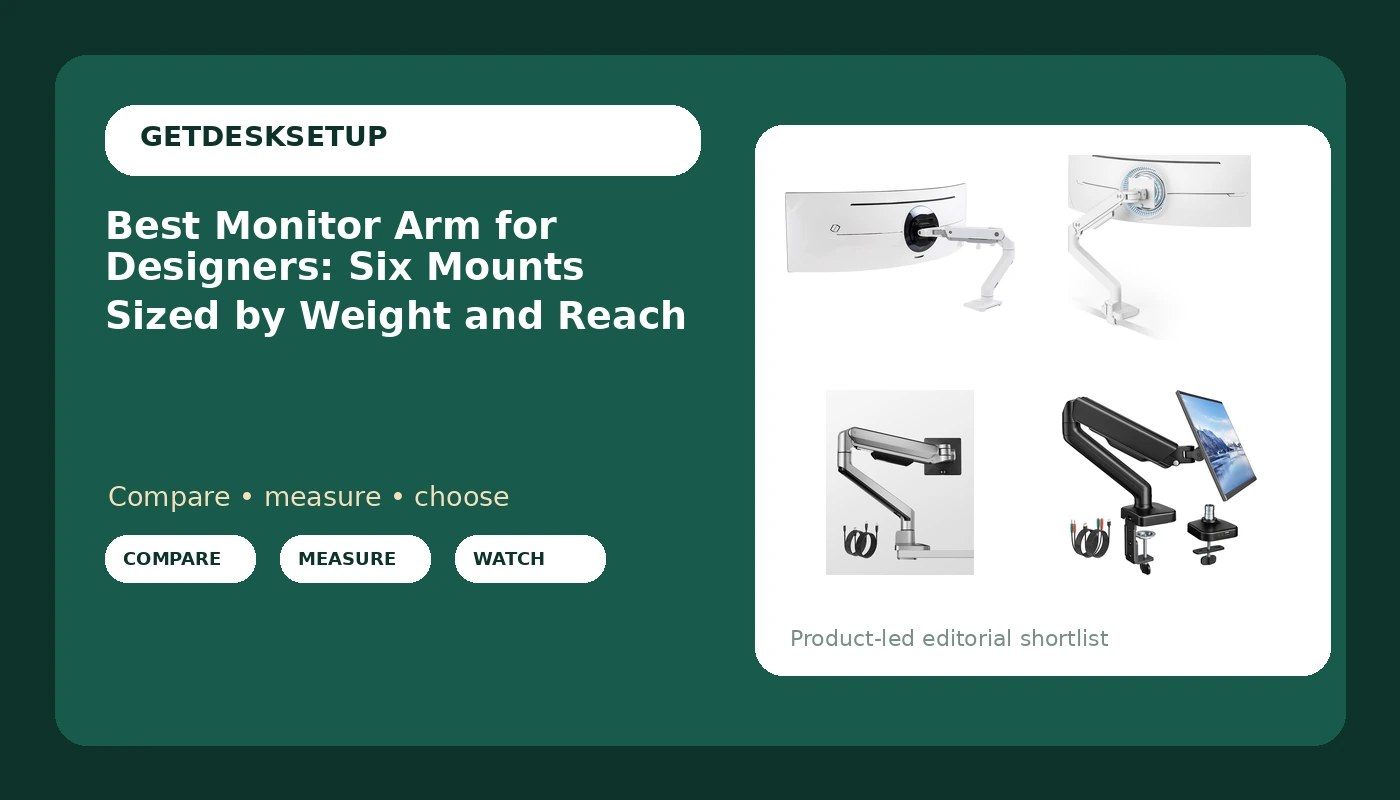
A designer's screen does the work a drafting table used to do, and it has to move: flat for layout work, tilted down for sketching, and pushed aside when a laptop or a reference printout takes over the desk. That is the case for a monitor arm for designers, and it is also where a cheap desk mount quietly fails. The arm has to hold a specific panel weight without creeping, sit at a height your eyes actually reach, and route a display cable without dragging the screen out of level. This guide compares six single-screen mounts that are on the market now, using only the ranges their listings state: weight capacity, screen size, VESA pattern, and mount hardware. No ranking here depends on brand reputation. Each card points to the exact product it describes, and the decision comes down to three numbers you can measure before you order anything: panel weight, panel width, and desktop thickness.
Related: How to Plan a Dual Monitor Desk Setup Without Cable Chaos
Quick answer
The Ergotron, HX HD Premium Heavy Duty Gaming Monitor Arm, Single Monitor Desk Mount, for 1000R Curved Ultrawide Monitors Up to 49 Inches, 28 to 42 lbs, VESA 75x75mm or 100x100mm, HD Pivot, White is the strongest fit for a 1000R curved ultrawide up to 49 inches because its listing states a 28 to 42 lb weight capacity, 75x75mm and 100x100mm VESA patterns, and an HD pivot. Choose the ARES WING Ultrawide Monitor Arm for 17 to 49 Inch and 44 Lbs Screen, White instead when your panel is lighter than that 28 lb floor, or when you want 49 inch coverage from a different weight class.
What's worth comparing in a monitor arm for designers
Four measurements decide whether a monitor arm for designers will work on a given desk, and all four are checkable before you order.
Weight capacity is the first gate, and it is a band rather than a maximum. A gas spring arm is tensioned for a range of panel weights: below the bottom of that range the screen creeps upward on its own, and above the top it sags no matter how hard you tighten the joint. That is why the heaviest-looking arm is not automatically the right one. The Ergotron listing states a 28 to 42 lb band, so a 15 lb panel is out of scope for it even though the arm carries far more than that panel weighs. The ARES WING listing states support up to 44 lbs across 17 to 49 inch screens. The monTEK Single Monitor Arm with USB Ports states up to 19.8 lbs, the monTEK Deluxe Aluminum arm covers 17 to 40 inch screens, the WALI extra long arm states up to 26.4 lbs, and the 17 to 34 inch desk mount states 22 lbs. Write your panel's weight down before you read any of those numbers, because the number that matters is the one your monitor actually is.
Screen size range and reach are separate measurements, and both matter more than they look. A 49 inch ultrawide runs around 47 inches wide, so it needs an arm that carries the weight and swings far enough that the panel clears the wall behind it. That is where the 49 inch ceiling on the Ergotron and ARES WING listings and the extra long reach of the WALI arm do their work. Check the VESA pattern on the back of your monitor before anything else. Most panels use 100x100mm or 75x75mm, and the Ergotron listing names both; where a listing does not name a pattern, confirm it with the seller before ordering rather than assuming. A panel with an unusual hole spacing needs an adapter, and no mount in this group is listed with one.
Mount hardware decides whether the arm works on your desk at all. A clamp mount needs a clear lip and enough desktop thickness to bite; a grommet mount needs a hole through the top, which many standing desks have and many glass or thin laminate tops do not. Measure thickness at the desk edge rather than the middle, where a support beam can sit. Cable routing belongs in the same decision: an arm with a cable channel keeps the display cable moving with the arm, while a loose cable that snags on the desk edge will pull the panel out of alignment within a week of ordinary use.
Tilt range and swivel decide how the screen behaves once it is up. A monitor arm for graphic designers has to hold a tilt angle for hours at a time, which is a tension question rather than a joint-count question, and swivel is what lets you swing the panel toward a client chair without moving the base. USB ports in the base are a convenience for a drawing tablet or a phone, and the monTEK Deluxe Aluminum arm is the one here that lists USB A and USB C together. Ports are a reason to pick one arm over another only after the weight capacity already matches your panel.
Top pick
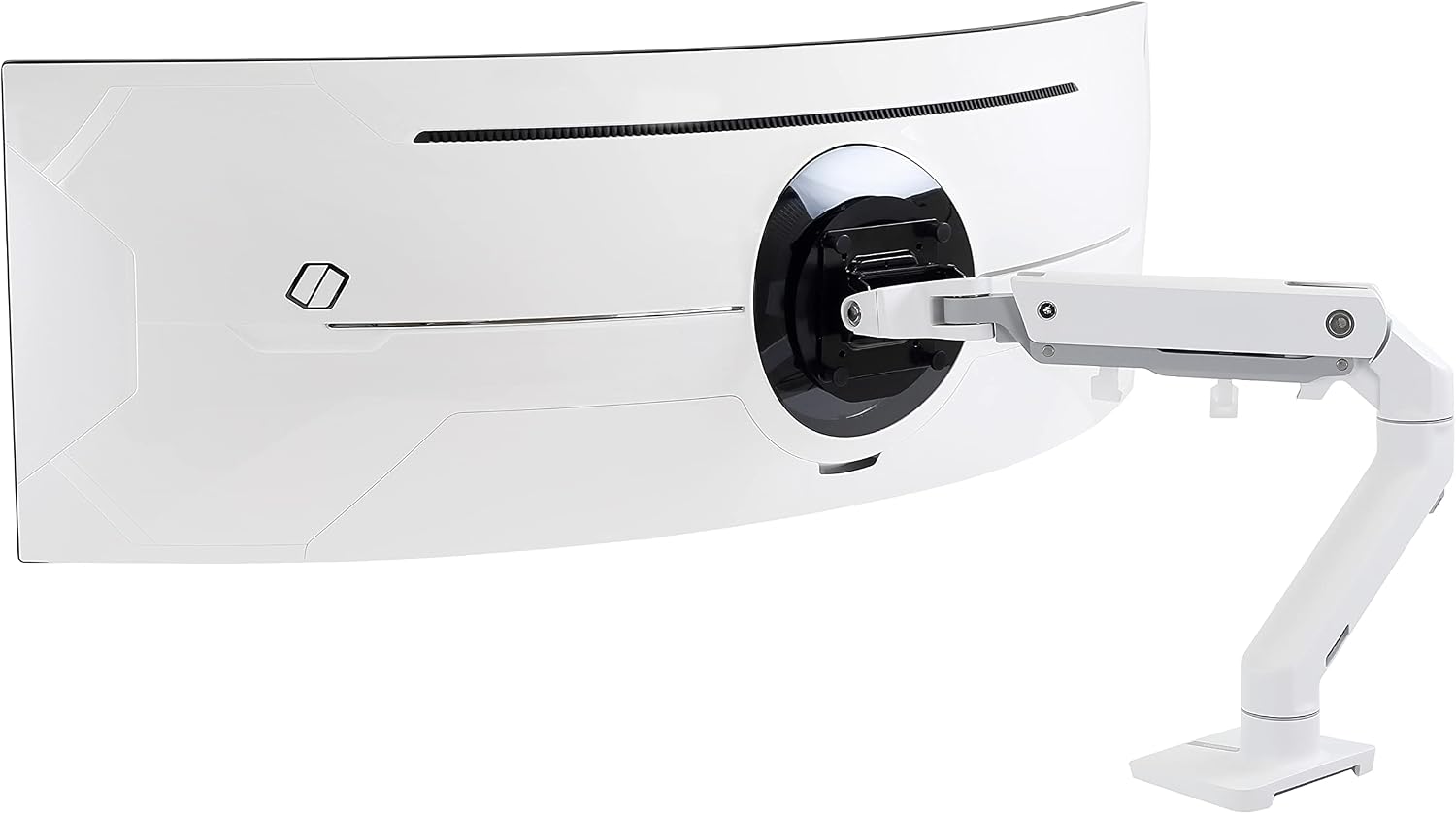
Ergotron, HX HD Premium Heavy Duty Gaming Monitor Arm, Single Monitor Desk Mount, for 1000R Curved Ultrawide Monitors Up to 49 Inches, 28 to 42 lbs, VESA 75x75mm or 100x100mm, HD Pivot, White
Check current Amazon price
Listed for 1000R curved ultrawide monitors up to 49 inches, with a stated 28 to 42 lb weight capacity and 75x75mm or 100x100mm VESA patterns. HD pivot, white finish.
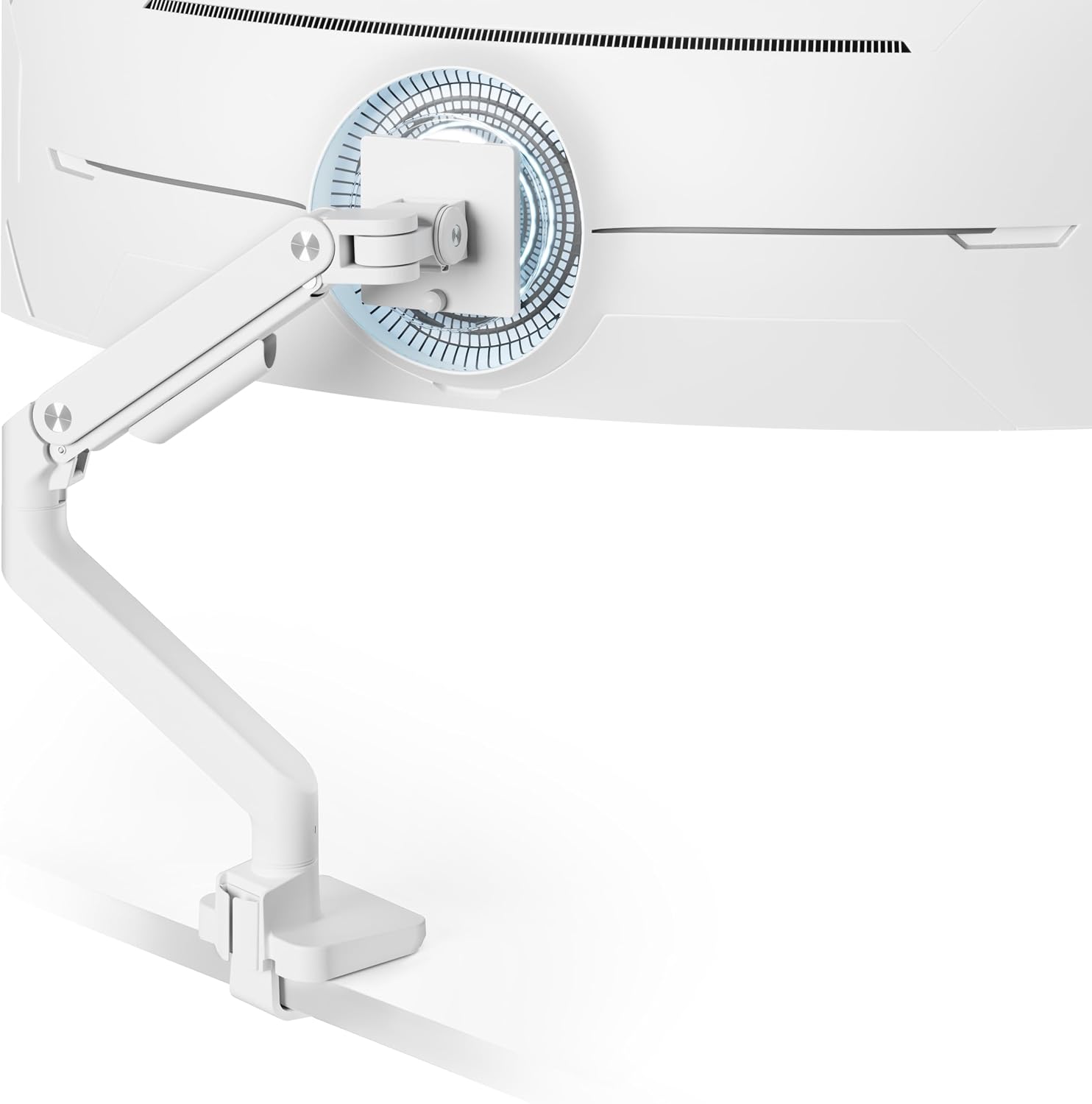
ARES WING Ultrawide Monitor Arm for 17 to 49 Inch and 44 Lbs Screen, White
Check current Amazon price
Listed for 17 to 49 inch screens and up to 44 lbs, in a white finish, with the widest stated weight ceiling in this group.
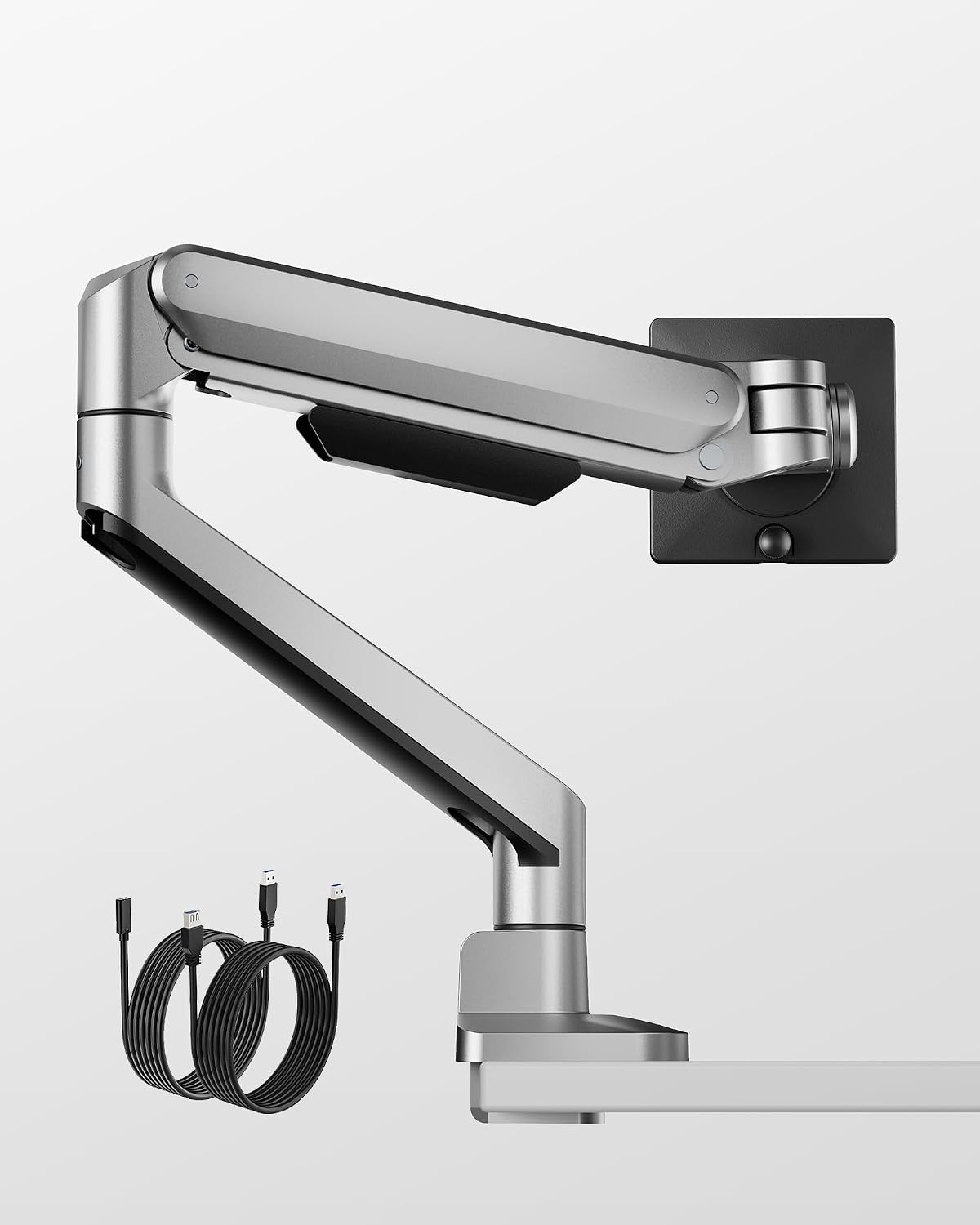
monTEK Deluxe Aluminum Monitor Arm with USB A/C for 17 to 40 Inch Screens
Check current Amazon price
Aluminum arm listed for 17 to 40 inch screens, with USB A and USB C ports in the base.
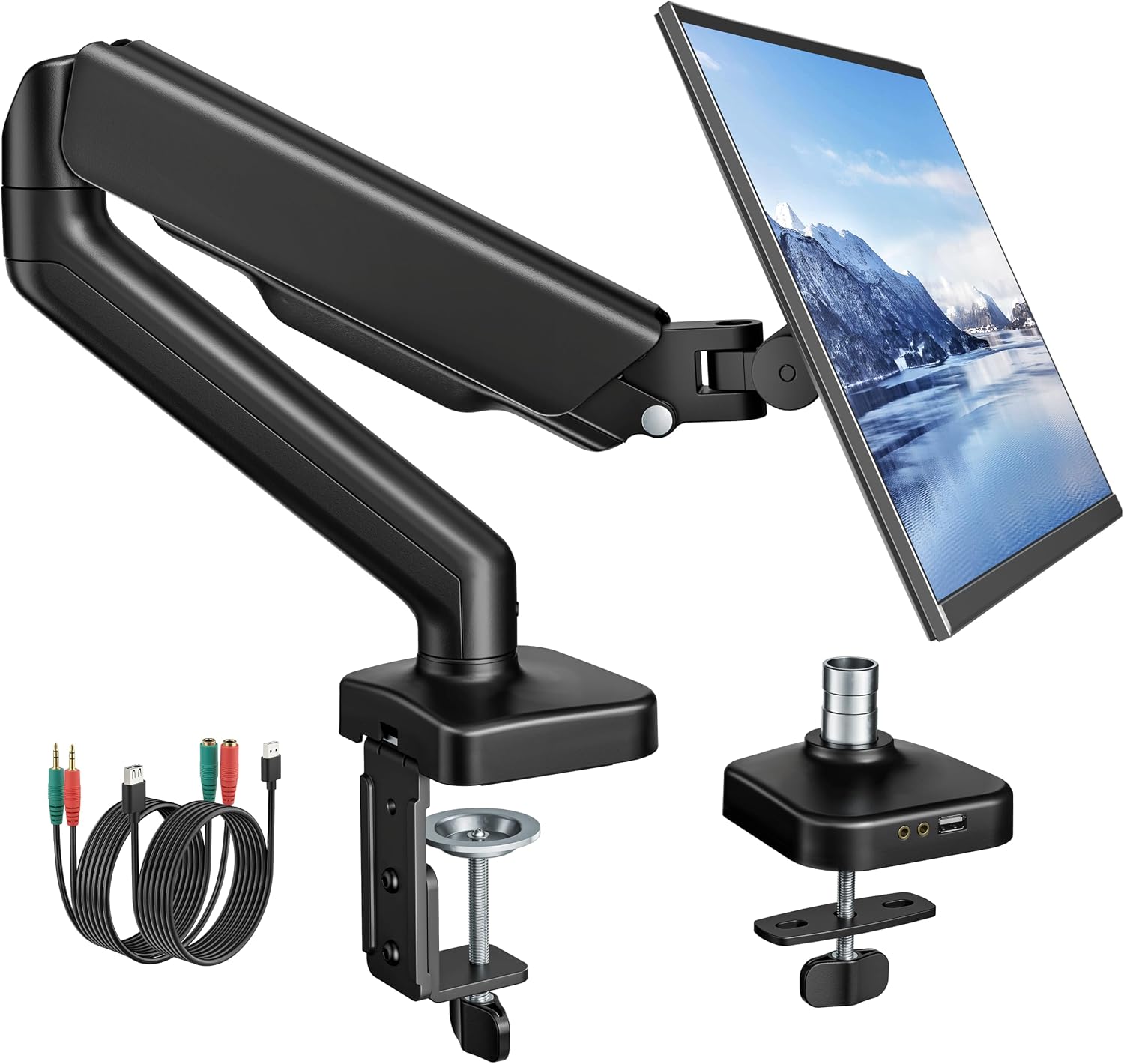
monTEK Single Monitor Arm with USB Ports for 17-32" Screen up to 19.8 lbs
Check current Amazon price
Listed for 17 to 32 inch screens up to 19.8 lbs, with USB ports in the base.
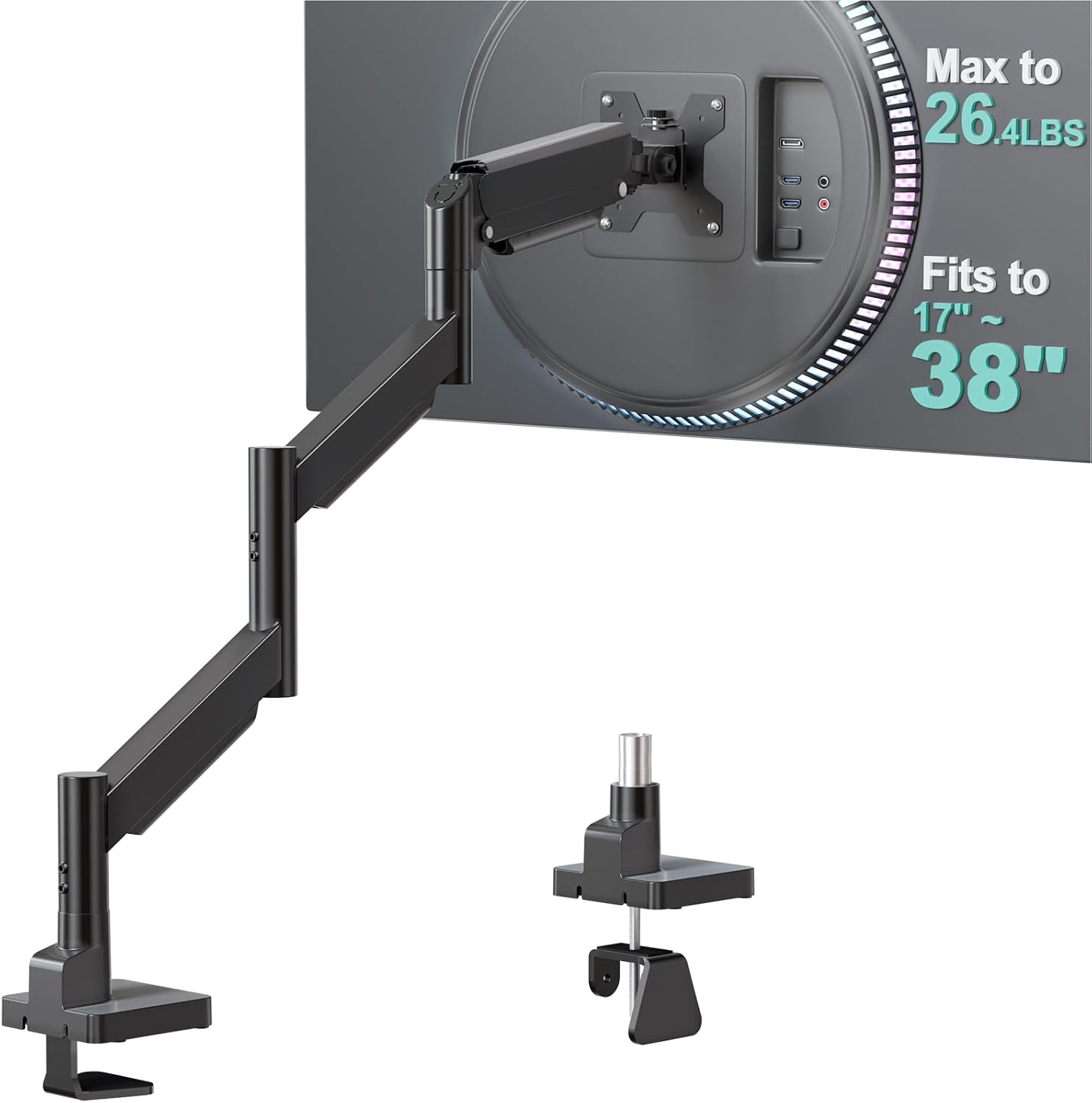
WALI Extra Long Single Monitor Arm for 17-38 inch Screens, up to 26.4 lbs
Check current Amazon price
Extra long arm listed for 17 to 38 inch screens up to 26.4 lbs, for desks where reach matters as much as capacity.
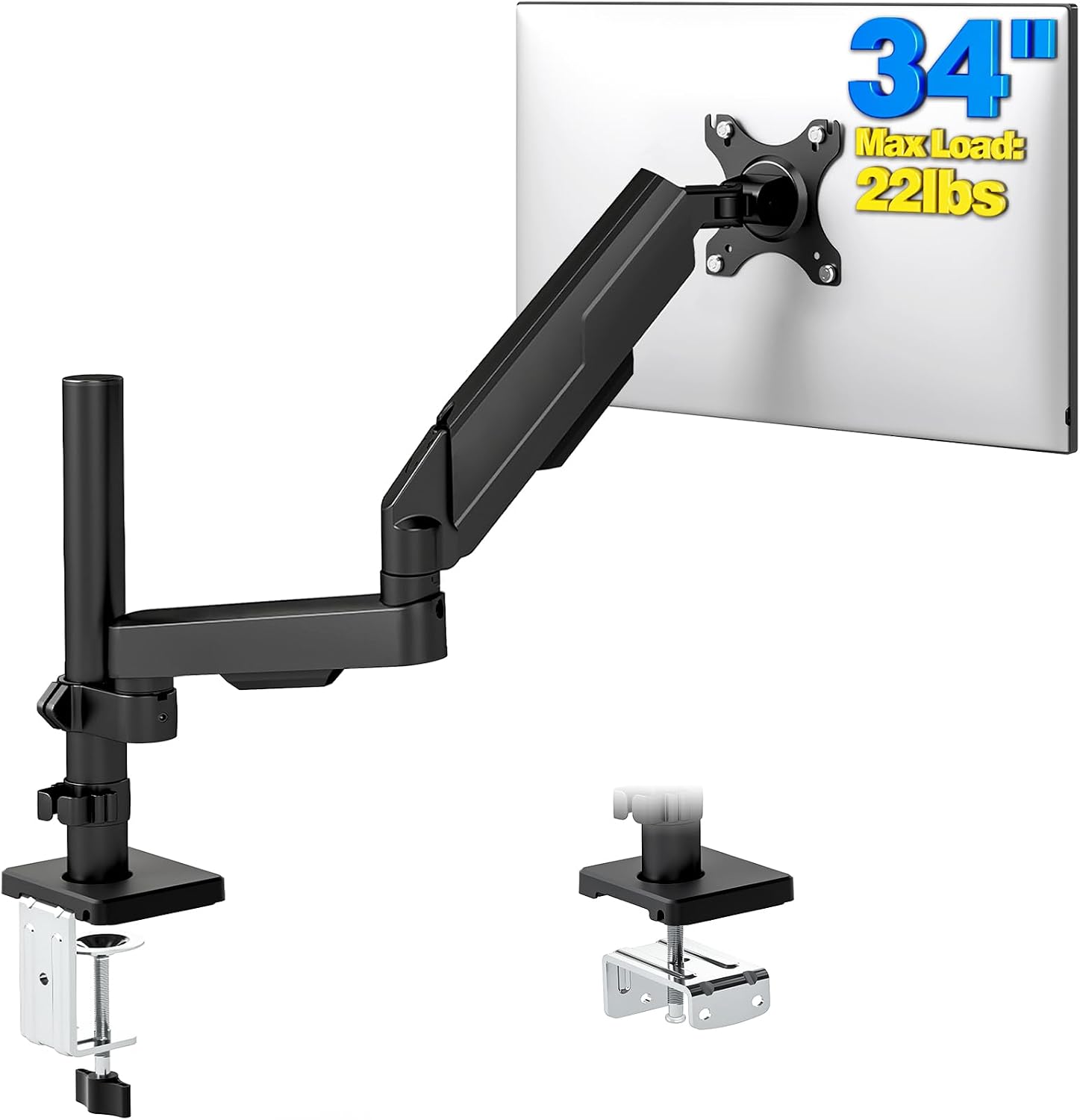
Single Monitor Arm Desk Mount for 17-34" Screens, VESA Stand Holds 22 lbs
Check current Amazon price
VESA stand desk mount listed for 17 to 34 inch screens, holding up to 22 lbs.
How these products were compared
This guide compares weight capacity, screen size range, VESA pattern support, mount hardware, and the port and cable features each listing states. Product names, images, and retailer links are matched by ASIN so that every card points to the product shown. The ranges quoted here come from the listings rather than from a bench test of each unit, and each judgment is about whether a stated range fits a given panel and desk. Where a listing does not state a detail, this guide says so instead of filling the gap.
How to choose the right monitor arm
Start with the panel, not the arm. Weigh the monitor if the spec sheet is vague, and note the VESA hole spacing on the back. If your panel is under 20 lbs and 32 inches or smaller, the monTEK Single Monitor Arm with USB Ports and the 17 to 34 inch desk mount both sit inside their stated ranges, and the choice between them comes down to desk hardware and reach rather than capacity. If you run a 38 inch panel near 26 lbs, the WALI extra long arm is the one that states a matching capacity and enough reach to swing it clear. On a 49 inch ultrawide the field narrows to two: the Ergotron with its 28 to 42 lb band and 1000R curvature note, or the ARES WING with its 44 lb ceiling. The same three measurements decide the answer whether you are shopping for a monitor arm for creatives with a calibrated wide-gamut panel or a plain 27 inch display for documents.
Then match the mount to the desk. Measure desktop thickness and look for a grommet hole before you order, because the clamp mount and grommet mount options on the exact model decide the install. If you are rebuilding the whole desk around a heavy panel, work out the viewing distance first, since reach and seating position have to agree; our desk depth and viewing distance guide covers that measurement. That is the whole test for the best monitor arm for designers: does the stated range contain your panel, your desktop, and the distance you actually sit from the screen? If the answer is no on any of the three, the arm is wrong, no matter how good the listing looks.
Ergotron, HX HD Premium Heavy Duty Gaming Monitor Arm, Single Monitor Desk Mount, for 1000R Curved Ultrawide Monitors Up to 49 Inches, 28 to 42 lbs, VESA 75x75mm or 100x100mm, HD Pivot, White
Ergotron's HX HD listing is the most specific of the six. It names 1000R curved ultrawide monitors up to 49 inches, a 28 to 42 lb weight capacity, both 75x75mm and 100x100mm VESA patterns, and an HD pivot, in a white finish. For a designer running a large curved panel, that specificity is the point. The weight band tells you the arm is tensioned for heavy glass, and the curvature note speaks to the panel depth that makes some heavy mounts sag at the outer edges. The dual VESA pattern means the same arm fits a monitor that ships with either hole spacing.
The trade-off is the floor, and it is a real one. A 28 lb minimum rules out most 24 to 27 inch panels, so this arm only makes sense if you already own or plan to own a heavy ultrawide. If your panel is lighter, the ARES WING or the monTEK Deluxe Aluminum arm will hold it, and the Ergotron turns into an expensive answer to a question you do not have. Buy it for the weight band, not for the name on the box.
Alternatives to consider
The ARES WING Ultrawide Monitor Arm for 17 to 49 Inch and 44 Lbs Screen, White is better suited to a 49 inch panel that sits below the Ergotron's 28 lb floor, or to a buyer who wants the widest stated weight ceiling in this group, while the monTEK Deluxe Aluminum Monitor Arm with USB A/C for 17 to 40 Inch Screens is a stronger fit when your display is between 17 and 40 inches and you would rather have USB A and USB C in the base than a separate hub on the desk.
The monTEK Single Monitor Arm with USB Ports for 17-32" Screen up to 19.8 lbs, the WALI Extra Long Single Monitor Arm for 17-38 inch Screens, up to 26.4 lbs, and the Single Monitor Arm Desk Mount for 17-34" Screens, VESA Stand Holds 22 lbs cover the lighter end of the range. The monTEK arm states up to 19.8 lbs across 17 to 32 inch screens. The WALI arm trades weight ceiling for reach at 26.4 lbs across 17 to 38 inches, which is what a deep desk needs. The 17 to 34 inch desk mount states 22 lbs in a VESA stand format. None of the three is a fit for a heavy curved ultrawide, and all three are inside their stated ranges for a typical 27 inch panel.
Day-to-day use and maintenance
Set the arm up in order, because the order matters. Mount the base to the desk first with the arm unloaded, tighten the clamp or grommet hardware against the desktop, then bolt the VESA plate to the monitor, and only then lift the panel onto the arm. If the panel is over 25 lbs, use two people. Loading a gas spring arm before the base is secure is how desktops crack and how a heavy ultrawide ends up on the floor.
Recheck the tension after the first week. A gas spring settles under load, and a panel that held its height on day one can drift by day ten. Check the cable channel at the same time: if the display cable is taut when the arm is fully extended, add slack, because a cable that pulls changes the monitor angle within a week. Wipe the arm and the desk edge with a dry cloth, and re-tighten the clamp bolts once a season on a standing desk, since the frame flexes every time the desk moves and the bolts follow it.
Buying checklist
- Weigh the monitor and note the VESA pattern on its back before comparing any arm.
- Measure desktop thickness at the edge and check whether the desk has a grommet hole.
- Choose weight capacity around your panel's real weight, not the arm's stated maximum.
- Confirm the mount type in the exact model you order: clamp mount or grommet mount.
- Check reach against your seating distance, especially for a 38 to 49 inch panel.
- Verify the current retailer price, availability, and return terms, since these change.
Final recommendation
Choose the Ergotron, HX HD Premium Heavy Duty Gaming Monitor Arm, Single Monitor Desk Mount, for 1000R Curved Ultrawide Monitors Up to 49 Inches, 28 to 42 lbs, VESA 75x75mm or 100x100mm, HD Pivot, White when you are mounting a heavy 1000R curved ultrawide up to 49 inches and you want a stated 28 to 42 lb band, both common VESA patterns, and an HD pivot. Choose the ARES WING Ultrawide Monitor Arm for 17 to 49 Inch and 44 Lbs Screen, White when your panel sits below that 28 lb floor, or when you want 49 inch coverage from a different weight class.
For screens from 17 to 40 inches, the monTEK Deluxe Aluminum Monitor Arm with USB A/C for 17 to 40 Inch Screens covers the middle of the range and adds USB A and USB C in the base. Lighter panels are served by the monTEK Single Monitor Arm with USB Ports for 17-32" Screen up to 19.8 lbs, the WALI Extra Long Single Monitor Arm for 17-38 inch Screens, up to 26.4 lbs, and the Single Monitor Arm Desk Mount for 17-34" Screens, VESA Stand Holds 22 lbs. The same three measurements decide it every time, whether you are shopping for a monitor arm for creatives or a single arm for a 27 inch office panel: panel weight, desktop thickness, and the reach you actually need. A monitor mount for designers that ignores the weight band is a gamble, and this list is built so you do not have to take it.