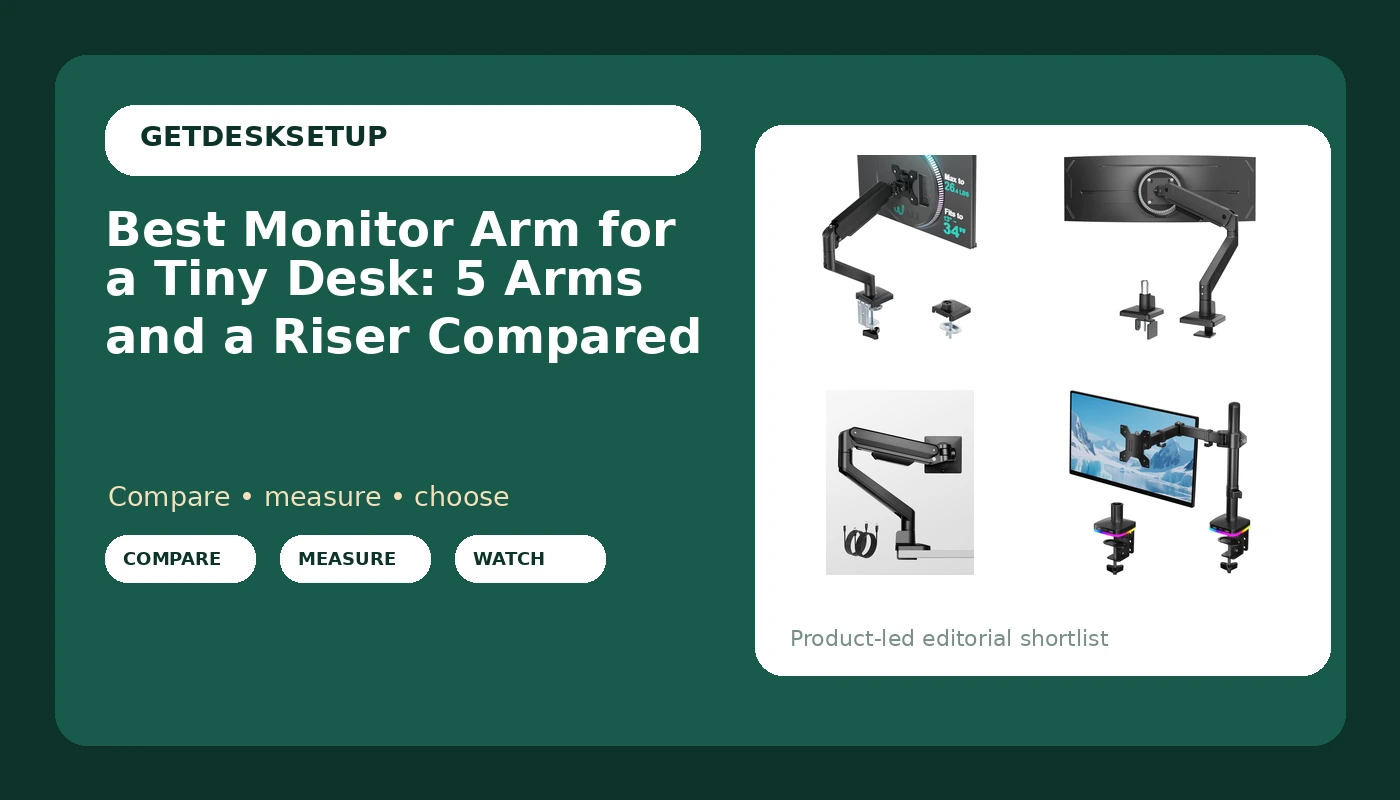
A tiny desk punishes every wrong choice at once. The monitor stand takes the middle of the surface, the keyboard slides toward the front edge, and the screen ends up closer to your face than you want. The usual fix is to get the display off the desktop entirely, and the best monitor arm for a tiny desk is the one that does that without asking for space you do not have.
This guide covers six products: five single monitor arms and one riser. All six solve the same space problem in different ways, and none of them are interchangeable. I am not going to tell you which one feels nicest. I am going to tell you what each one fits, what it holds, and who should skip it. Before you look at any of them, a monitor arm for a tiny desk has to clear three numbers: the screen size range, the weight capacity, and the mounting hardware your desktop can actually take.
Related: Monitor arm or monitor stand: which one gives back more desk space
Quick answer
The WALI Adjustable Single Monitor Arm for 13-34 inch Screens, up to 26.4 lbs is the strongest fit for most small desks because it covers 13 to 34 inch screens and holds up to 26.4 lbs, which leaves capacity in reserve under a 24 or 27 inch panel. Choose the monTEK Single Monitor Arm for Max 45 Inch Ultrawide Screens, Holds 35 Lbs instead when your display is wider than 34 inches or heavier than 26.4 lbs, because it is the only arm in this group rated for an ultrawide. If your desk has no rear edge you can clamp and no hole you can use, skip both and read the riser entry.
Monitor arms worth comparing
On a full-size desk, an arm is mostly about adjustability. On a small one, the deciding factors for a monitor arm for a tiny desk come down to footprint and range.
The footprint is what a monitor mount for a tiny desk takes away from your work surface. A clamp mount grips the rear edge of the desktop and leaves the whole surface free, which is why it is the default answer for a narrow desk. A grommet mount passes through a hole in the desktop, which is tidier but only works if that hole already exists or you are willing to drill one. A riser takes no edge space at all, but it gives back a few inches of height rather than the whole desktop.
Range is the part people get wrong. Every arm here is sold with a screen size range and a weight capacity, and both numbers have to cover your monitor. An arm rated to 27 inches will not carry a 34 inch ultrawide, and an arm rated to 17.6 lbs will not hold position under a heavier panel. Match those two numbers to your screen before you look at anything else, including price.
After that, the differences come down to ports, materials, and how well the arm handles a cable channel.
Top pick
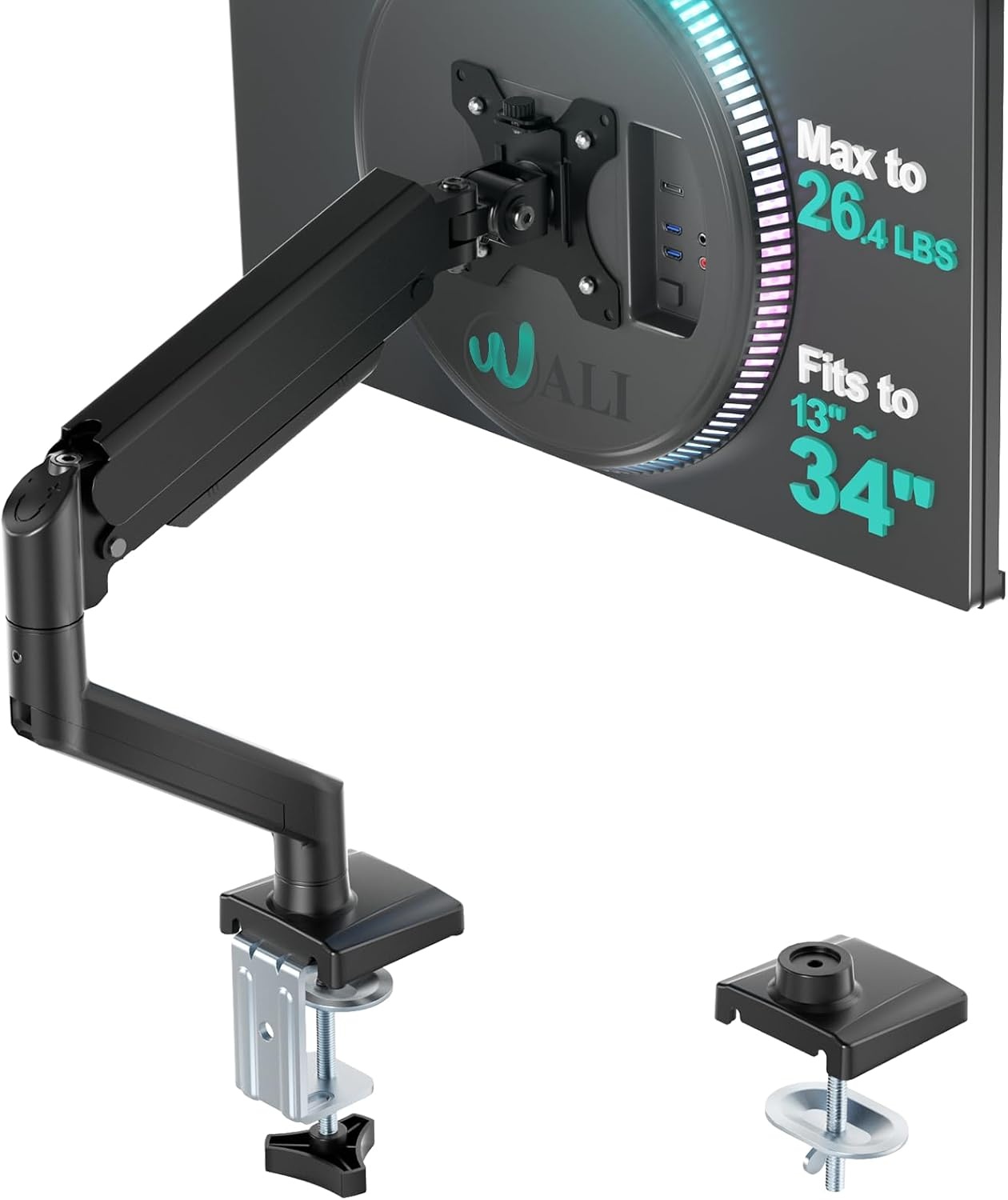
WALI Adjustable Single Monitor Arm for 13-34 inch Screens, up to 26.4 lbs
Check current Amazon price
Covers 13 to 34 inch screens and holds up to 26.4 lbs, so a 24 or 27 inch panel rides on an adjustable single arm while the desktop underneath stays clear.
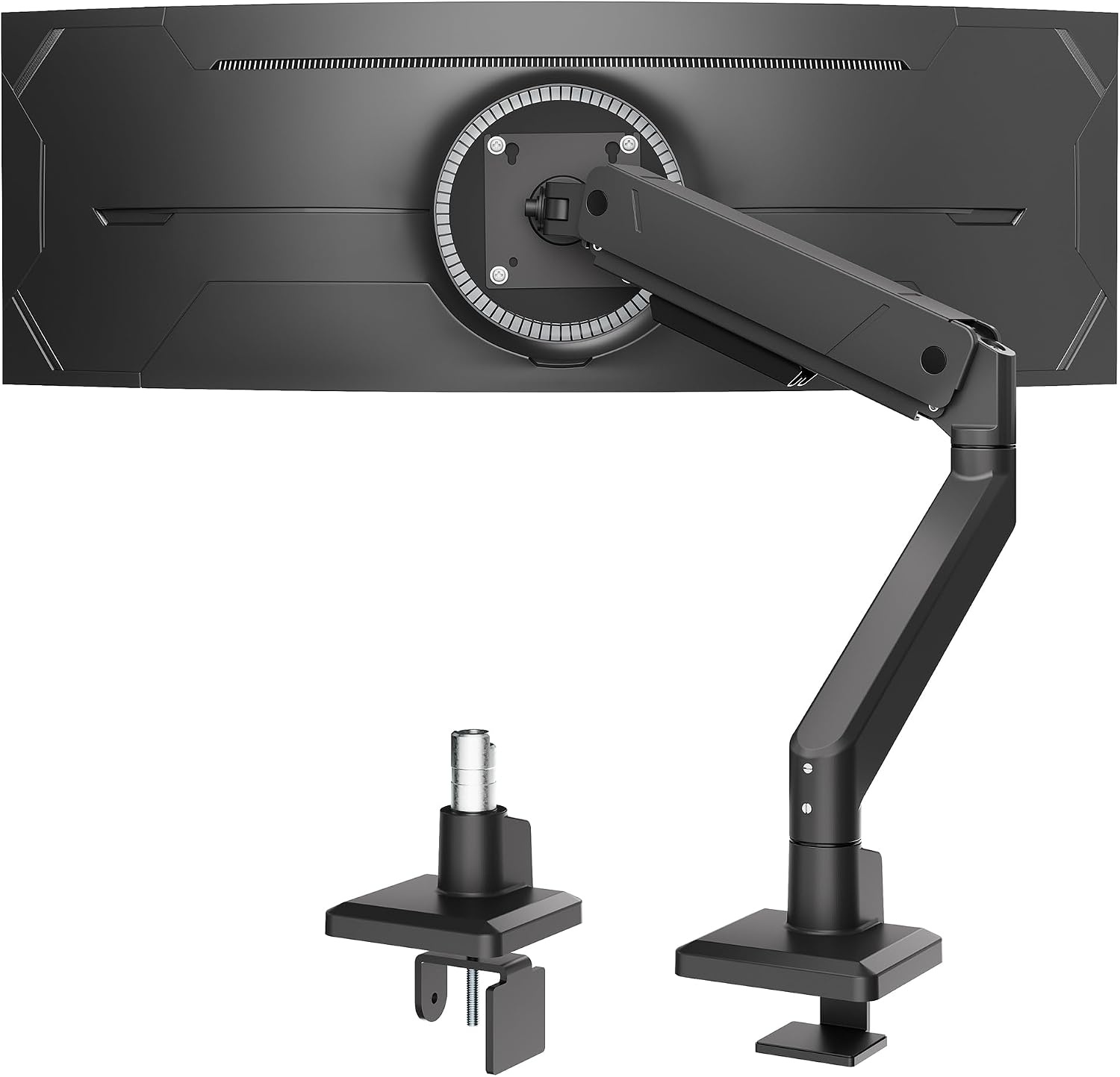
monTEK Single Monitor Arm for Max 45 Inch Ultrawide Screens, Holds 35 Lbs
Check current Amazon price
Rated for screens up to 45 inches and a 35 lb load, which is the range a large ultrawide needs before an arm will hold position.
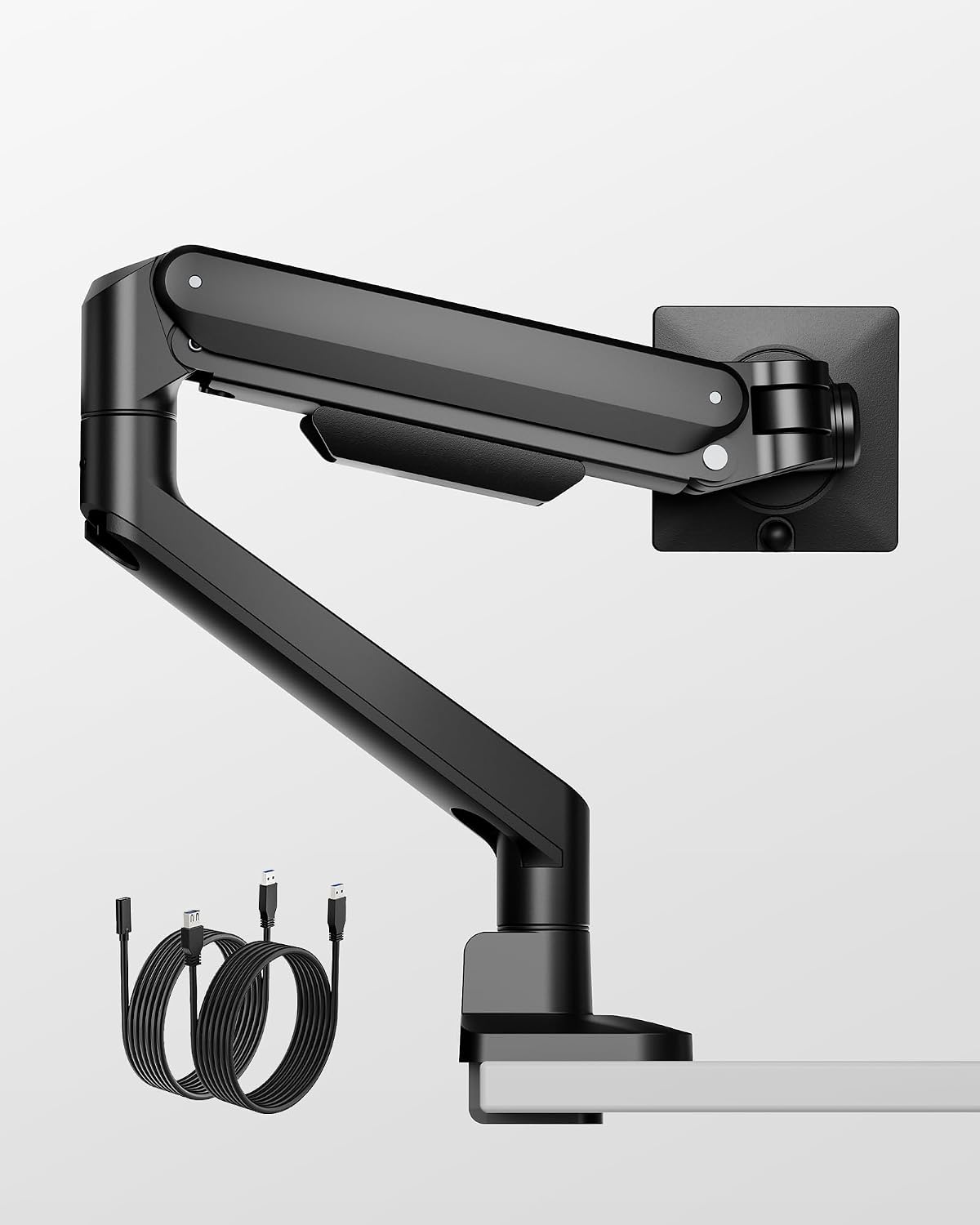
monTEK Deluxe Aluminum Monitor Arm with USB A/C for 17 to 40 Inch Screens
Check current Amazon price
An aluminum arm for 17 to 40 inch screens with USB A and C ports built into the base, for desks that want charging within reach of the keyboard.
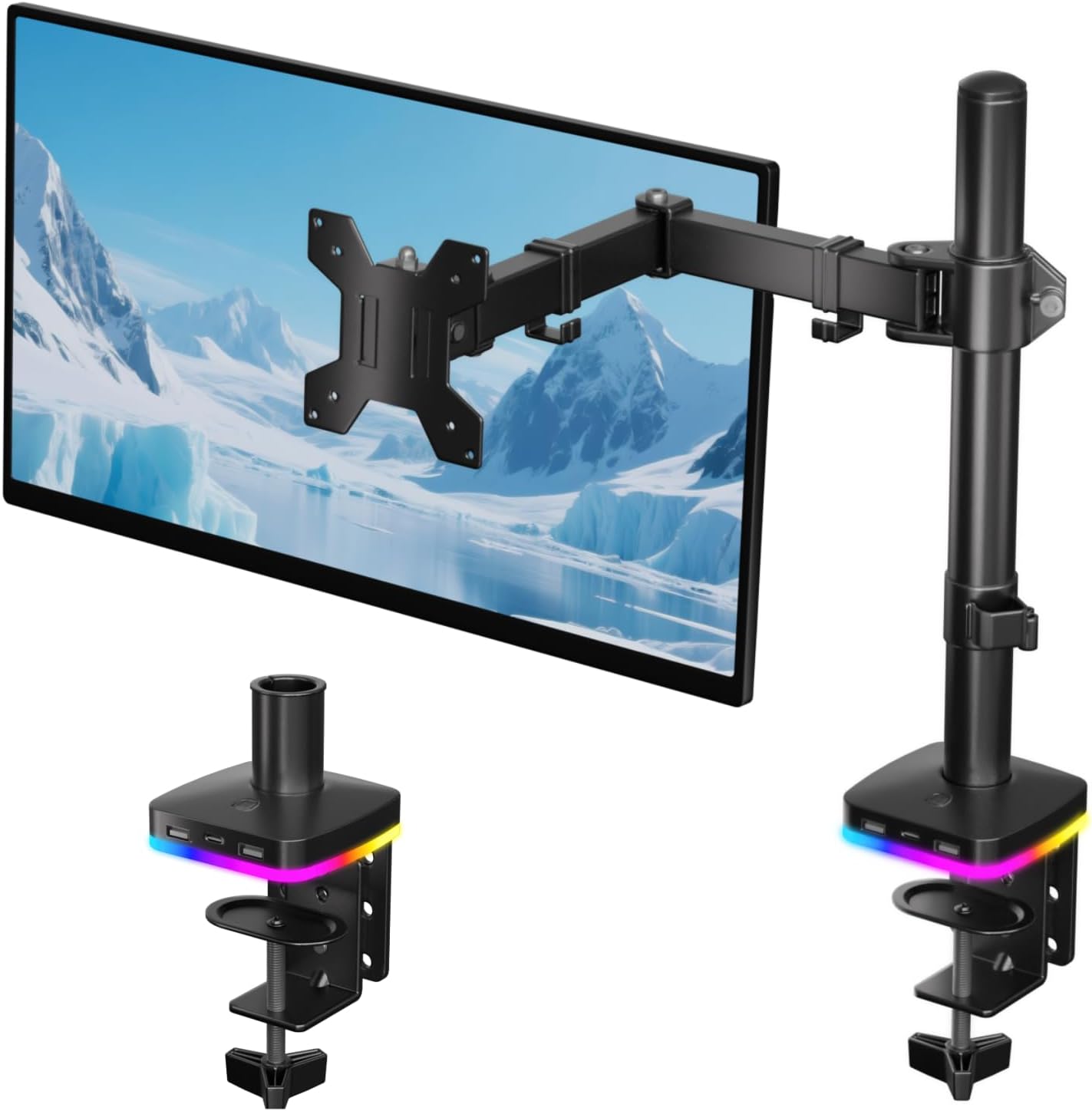
Afaloona RGB Monitor Arm with USB Hub for 13-27" Monitor, up to 17.6 lbs
Check current Amazon price
Built for 13 to 27 inch monitors up to 17.6 lbs, with a USB hub in the base and RGB lighting along the arm.
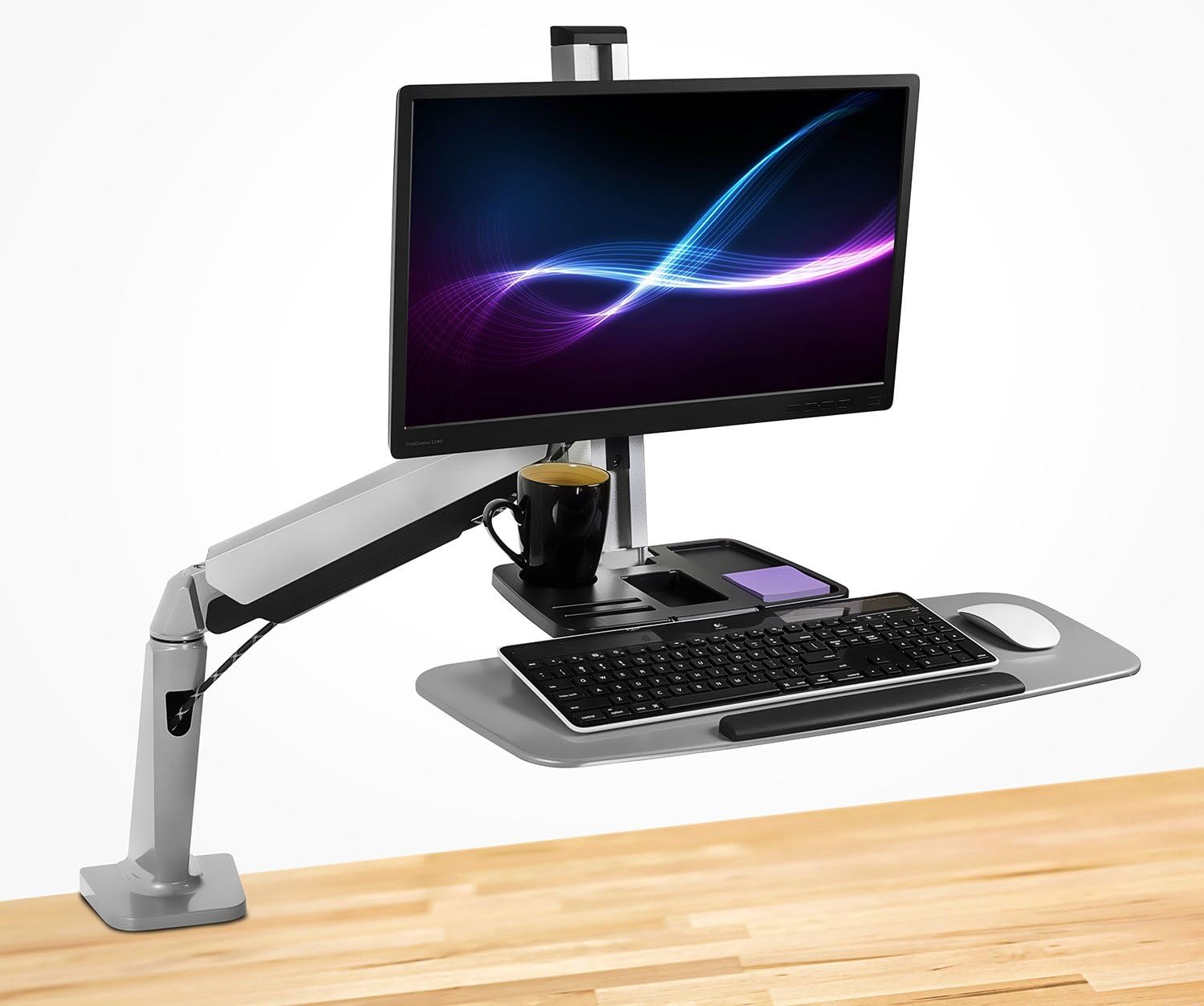
Mount-It! Single Monitor Arm Desk Mount Sit-Stand Workstation, Clamp Base
Check current Amazon price
A single monitor arm on a clamp base, sold as a sit-stand workstation for desks where the screen has to travel between sitting and standing height.

OPNICE Desk Organizer and Accessories, 2-Tier Computer Monitor Stand Riser with Drawer and 2 Pen Holders, Laptop Stand, Office Desk Accessories for Office Supplies, Light Green
Check current Amazon price
Not an arm. A two-tier riser with a drawer and two pen holders, for desks where the rear edge cannot take a clamp and no grommet hole exists.
How these products were compared
This guide compares screen size range, weight capacity, mounting hardware, built-in ports, and how much desk surface each product gives back. Product names, images, and retailer links are matched to the same listing so that every card points to the product shown.
Nothing here is presented as hands-on testing, and no current price is printed. Use the button on each card to confirm price and availability at the retailer, because both change without notice.
How to choose the right monitor arm for a tiny desk
Start with the monitor, not the desk. Turn the screen around and look at the four screw holes on the back. If there is no VESA pattern back there, no arm will fit, and you should be shopping for a riser instead of a vesa monitor arm for a tiny desk. Most modern monitors carry a 75 x 75 mm or 100 x 100 mm pattern, but check yours rather than assuming. Then weigh the panel. The weight capacity on the box is the number that decides whether the arm holds its angle or slowly droops over a week, and the screen size range decides whether the arm has enough reach for the panel's width.
Then measure the desk with a tape, not with your eyes. A clamp mount needs a rear edge that is clear of drawers, crossbars, and a wall, plus a desktop thickness inside the range the clamp states. A grommet mount needs a hole of the right diameter in a spot where the monitor will actually sit. If your desktop is thinner than the clamp's stated minimum, the jaws will not bite and you will find out when the whole thing leans forward. If your desk is narrower than roughly 40 inches, plan on the arm carrying the monitor above the surface rather than beside it, because swinging a 27 inch panel out to the side on a narrow desk puts it in your lap.
Once the mount type and the numbers are settled, the remaining choices are small ones. A gas spring arm holds its height without you re-tightening anything, while a manual arm asks for a turn of a bolt when you change position. Ports in the base save a trip to the wall for a charging cable. A cable channel keeps the run tidy and keeps weight off the joint, which matters more than it sounds. If your cable situation is already a mess, work through cable management for a small desk before you mount anything, because adding an arm to a bad cable run just moves the problem up in the air.
WALI Adjustable Single Monitor Arm for 13-34 inch Screens, up to 26.4 lbs
The WALI arm is the pick because its stated range covers the monitors most small desks actually use. It is sold for 13 to 34 inch screens and a load up to 26.4 lbs, so a 24 inch or 27 inch panel sits well inside both limits, and a mid-size ultrawide still fits the size range. The single-arm design clamps to the rear edge and frees the desktop underneath, which is the whole point on a narrow surface. It adjusts in more than one direction, so you can set height once and then use tilt range and swivel for daily changes instead of moving the base.
The trade-off is features. There is no USB hub in the base, no aluminum body, and no RGB, so if you want a charging port within reach of the keyboard you are looking at a different product. The 26.4 lb ceiling also rules it out for a heavy 34 inch panel, and the 34 inch size ceiling rules it out for anything larger. If your monitor is above either number, do not buy this one and hope. Skip it and move to the ultrawide arm below.
Alternatives to consider
The Afaloona RGB Monitor Arm with USB Hub for 13-27" Monitor, up to 17.6 lbs is better suited to a single 24 inch or smaller screen, because its 13 to 27 inch range and 17.6 lb capacity are tighter than the top pick's, and it adds a USB hub plus RGB lighting. The monTEK Single Monitor Arm for Max 45 Inch Ultrawide Screens, Holds 35 Lbs is a stronger fit when you are mounting a large ultrawide, since 45 inches and 35 lbs are the highest limits in this group.
The monTEK Deluxe Aluminum Monitor Arm with USB A/C for 17 to 40 Inch Screens covers the middle ground, with an aluminum body and USB A and C ports on the base for desks that want charging built in. The Mount-It! Single Monitor Arm Desk Mount Sit-Stand Workstation, Clamp Base is the odd one out on price and purpose: it is a clamp-base arm sold as a sit-stand workstation, so it makes sense for someone who moves a screen between sitting and standing height rather than someone just trying to clear a desktop. The OPNICE Desk Organizer and Accessories, 2-Tier Computer Monitor Stand Riser with Drawer and 2 Pen Holders is not an arm at all. It is the right answer when the desktop cannot take a clamp and has no grommet hole, and it adds a drawer and two pen holders, but it raises the monitor a few inches rather than clearing the surface.
Day-to-day use and maintenance
A screen arm for a tiny desk only stays where you put it if the cable is not fighting it. Run the display cable and the power lead through the cable channel and leave slack at both ends, so that moving the arm does not tug the connector. If a cable pulls tight when you push the screen back, the arm will drift forward again within a week, and you will blame the joint instead of the cable.
Check the clamp a week after installation and again a month later. Vibration from typing and from the desk being knocked loosens a clamp screw gradually, and a loose clamp is what cracks a thin desktop, not the weight of the monitor itself. Tighten to the point where the arm stops shifting, then stop. Re-tension the joint only if the monitor drifts down on its own, and do it in small steps, because an overtightened arm is stiff enough that you stop adjusting it and lose the reason you bought it.
Keep the moving parts clean and dry. A wipe with a dry cloth is enough. Do not oil a gas spring arm, and do not use solvent on the finish. If you add or remove anything heavy from the desk, recheck the clamp afterward.
Buying checklist
- Measure the diagonal of your screen and its weight, then compare both against the arm's stated range.
- Confirm the monitor has a VESA pattern on the back, and note whether it is 75 x 75 mm or 100 x 100 mm.
- Check the rear edge of the desktop for drawers, crossbars, and a wall, and measure the desktop thickness against the clamp's stated range.
- Decide between a clamp mount and a grommet mount based on the desktop you own, not the one you might buy later.
- Confirm the exact model includes the feature you want, such as a USB hub or an aluminum body, rather than assuming it carries over from a similar listing.
- Verify the current retailer price, availability, and return terms before ordering.
Final recommendation
Choose the WALI Adjustable Single Monitor Arm for 13-34 inch Screens, up to 26.4 lbs when your monitor is between 13 and 34 inches and under 26.4 lbs and your desk has a rear edge you can clamp. Choose the monTEK Single Monitor Arm for Max 45 Inch Ultrawide Screens, Holds 35 Lbs when your screen is larger or heavier than that, and choose the OPNICE Desk Organizer and Accessories, 2-Tier Computer Monitor Stand Riser with Drawer and 2 Pen Holders when the desk can take neither a clamp nor a grommet hole.
That is the whole decision. The best monitor arm for a tiny desk is the one whose screen size range and weight capacity match the panel you already own and whose mounting hardware matches the desktop you already have. If your monitor falls outside every range listed here, the honest move is to change the mount, not to force one of these onto a screen it was not rated for.