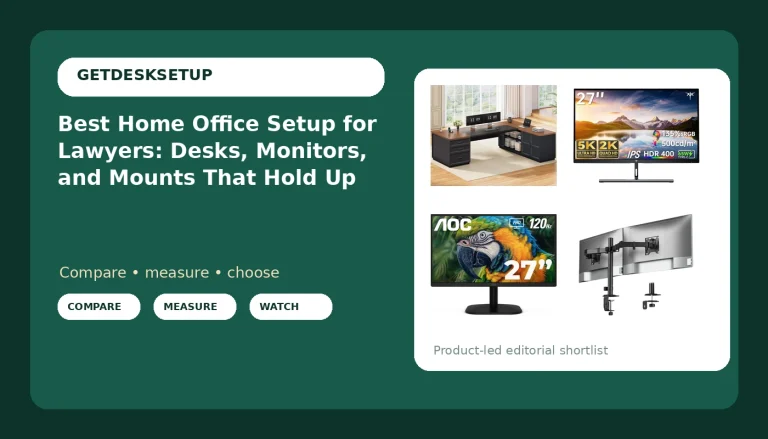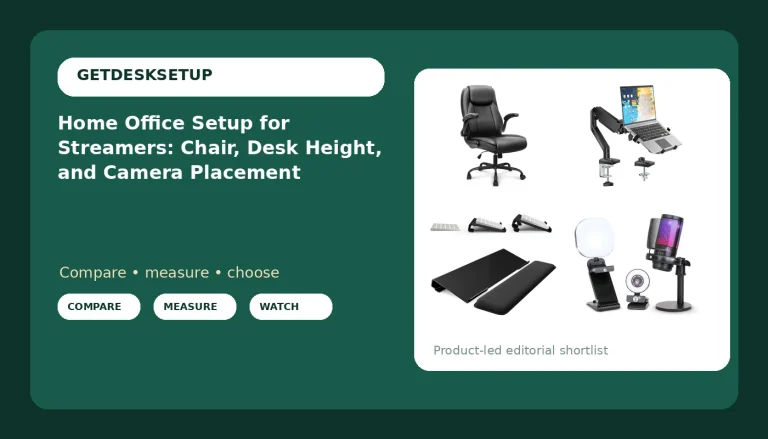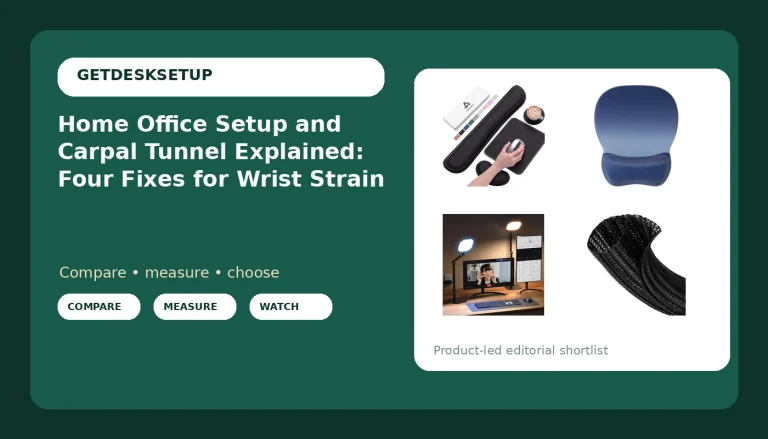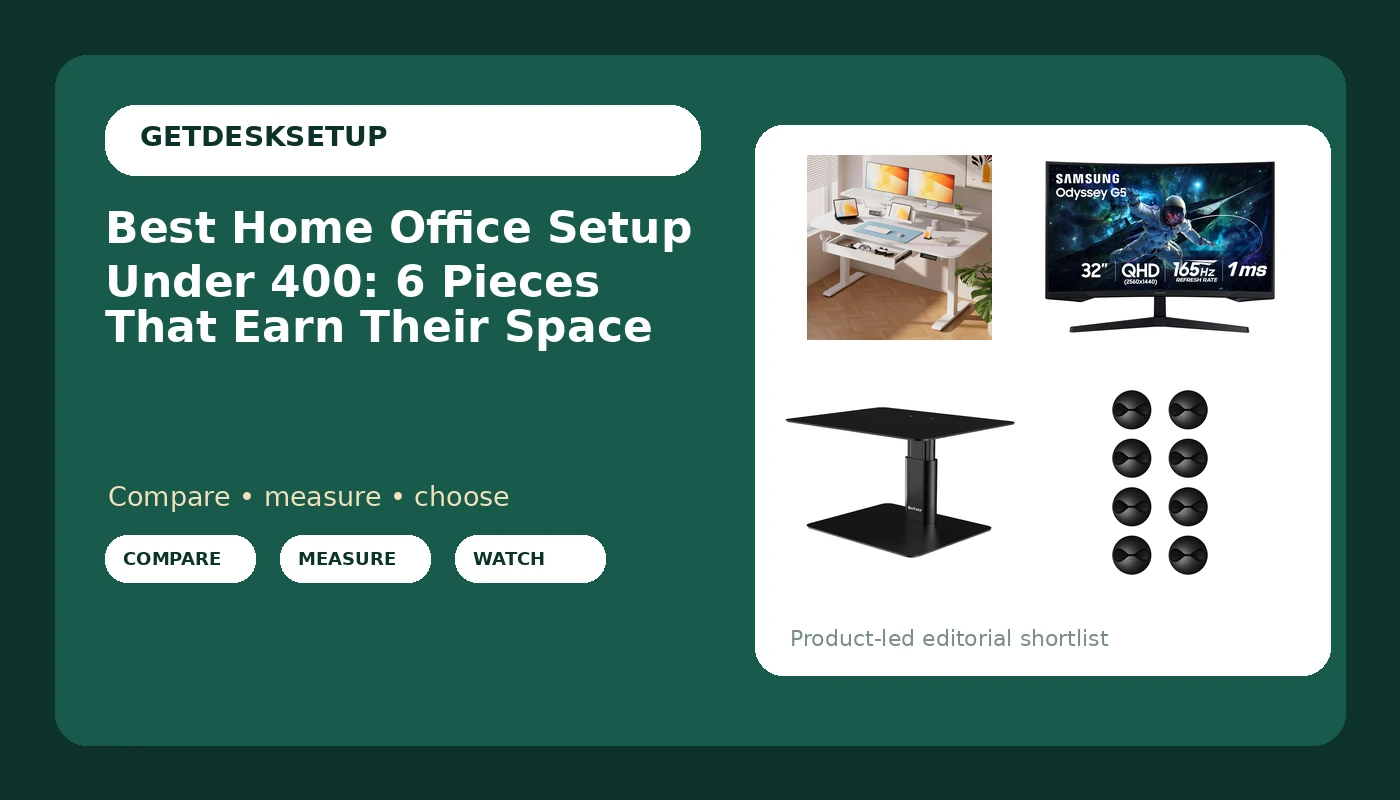
Most people building a first home office spend the money in the wrong order. They buy the biggest desk they can afford, then discover the monitor sits below eye level, the cables drag across the keyboard, and the laptop has nowhere to go. A home office setup under 400 works far better when you treat it as a system rather than a shopping list: one anchor piece, one screen, one riser, and enough cable hardware to stop the whole arrangement from drifting out of position within a month.
I spent nine years as an office facilities manager, buying and assembling chairs and desks for 400-person floors, and six more years running a two-person desk setup service. The failure pattern never changes. The desk decides the room layout and the desk height range. Every other piece has to fit inside those two numbers, or the setup fails.
This guide covers six verified products that fit a tight budget: one electric standing desk, one 32-inch curved monitor, one adjustable monitor riser, and three packs of adhesive cable clips. No current price is printed here, because prices move. Use the links to confirm today's cost, availability, and return terms before you commit.
Related: Best Standing Desks for Small Home Offices
Quick answer
The COMHOMA Electric Standing Desk with Drawers is the strongest first purchase for a budget work-from-home desk because it bundles a 55 x 24 inch sit-stand surface with drawers, a monitor stand, a laptop stand, and a memory preset controller. Choose the Samsung 32" Odyssey (G55C) Series QHD 1000R Curved Gaming Monitor instead when your desk is already settled and the screen is the weak point in the room.
What a home office setup under 400 is worth comparing
Four things decide whether a budget setup still works after the novelty wears off: the desk height range, the monitor distance, the riser height, and the cable plan. The pieces in a home office setup under 400 are not equal in importance, so it helps to know which one carries the most weight before you spend anything.
Start with the desk. An electric sit-stand desk is the only piece here that changes your posture during the day, so it carries the most risk. What matters is not motor speed but what the frame does at the top of its range. A desk that rocks when you lean on it at standing height pushes you back into sitting within a week, and drawers and a controller will not fix that.
Next, the screen. A 32-inch QHD panel with a 1000R curve changes the monitor distance you can comfortably use. The curve wraps the edges toward your eyes, which shortens the effective viewing distance and lets you sit closer in a narrow room. If your room layout puts the desk against a wall in a small bedroom, that matters more than panel branding.
Third, the riser. An adjustable-height metal riser is the cheapest way to lift a monitor or a laptop to eye level without a monitor arm, and it also gives you storage space underneath for a keyboard you are not using at that moment.
Fourth, cable planning. Three different adhesive clip packs appear in this guide because routing is a per-desk decision: how many cable runs you have, whether they travel along a desk edge or down a nightstand leg, and whether the surface is painted, laminate, or metal. Cable management is not decoration. A cord that pulls on a screen changes the monitor angle within a week.
Home office setups worth comparing
Top pick
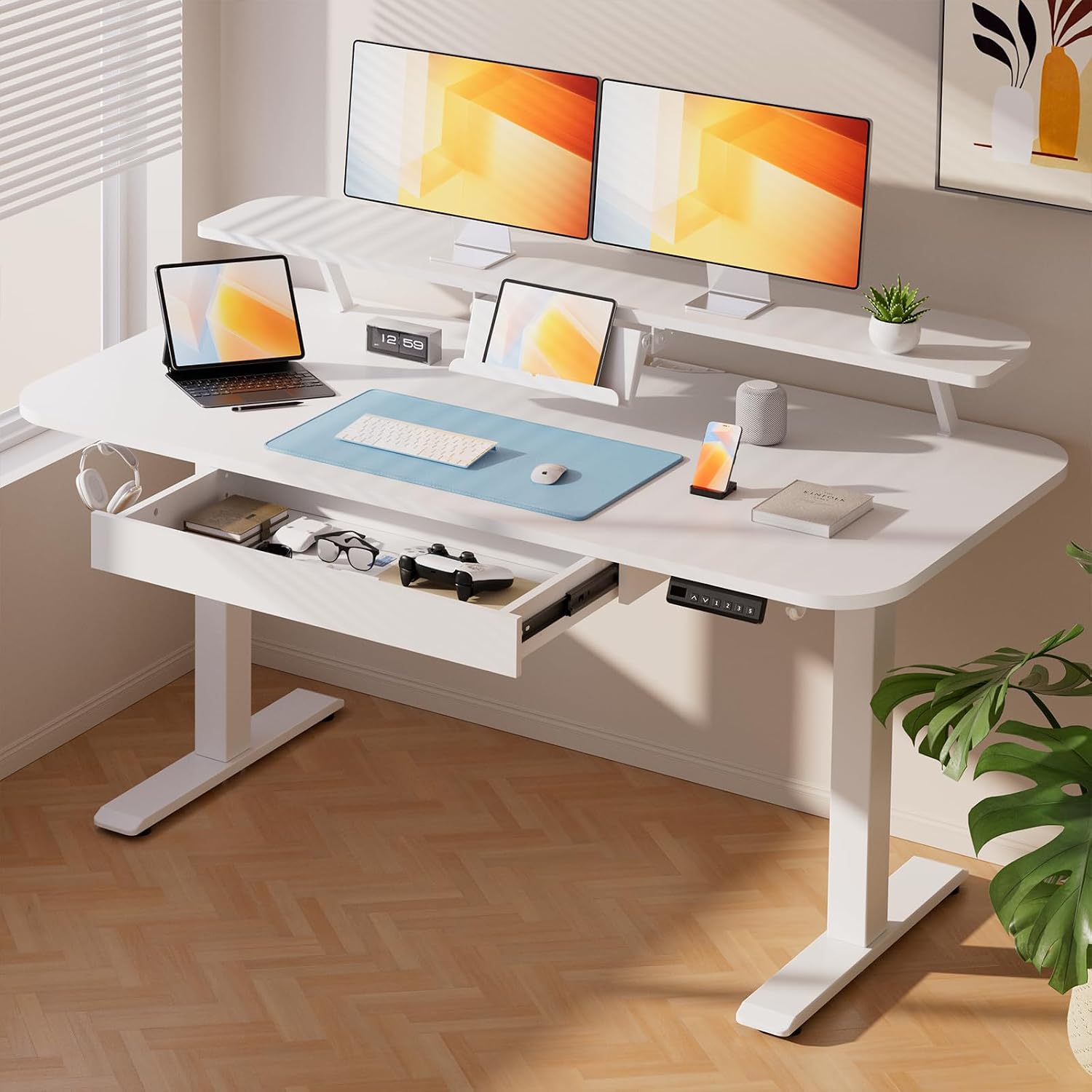
COMHOMA Electric Standing Desk with Drawers, 55 x 24 Inch Sit Stand up Desk with Monitor Stand, Laptop Stand, Height Adjustable Ergonomic Home Office Computer Desks with Memory Preset Controller
Check current price
A 55 x 24 inch electric sit-stand desk with drawers, a monitor stand, a laptop stand, and a memory preset controller.
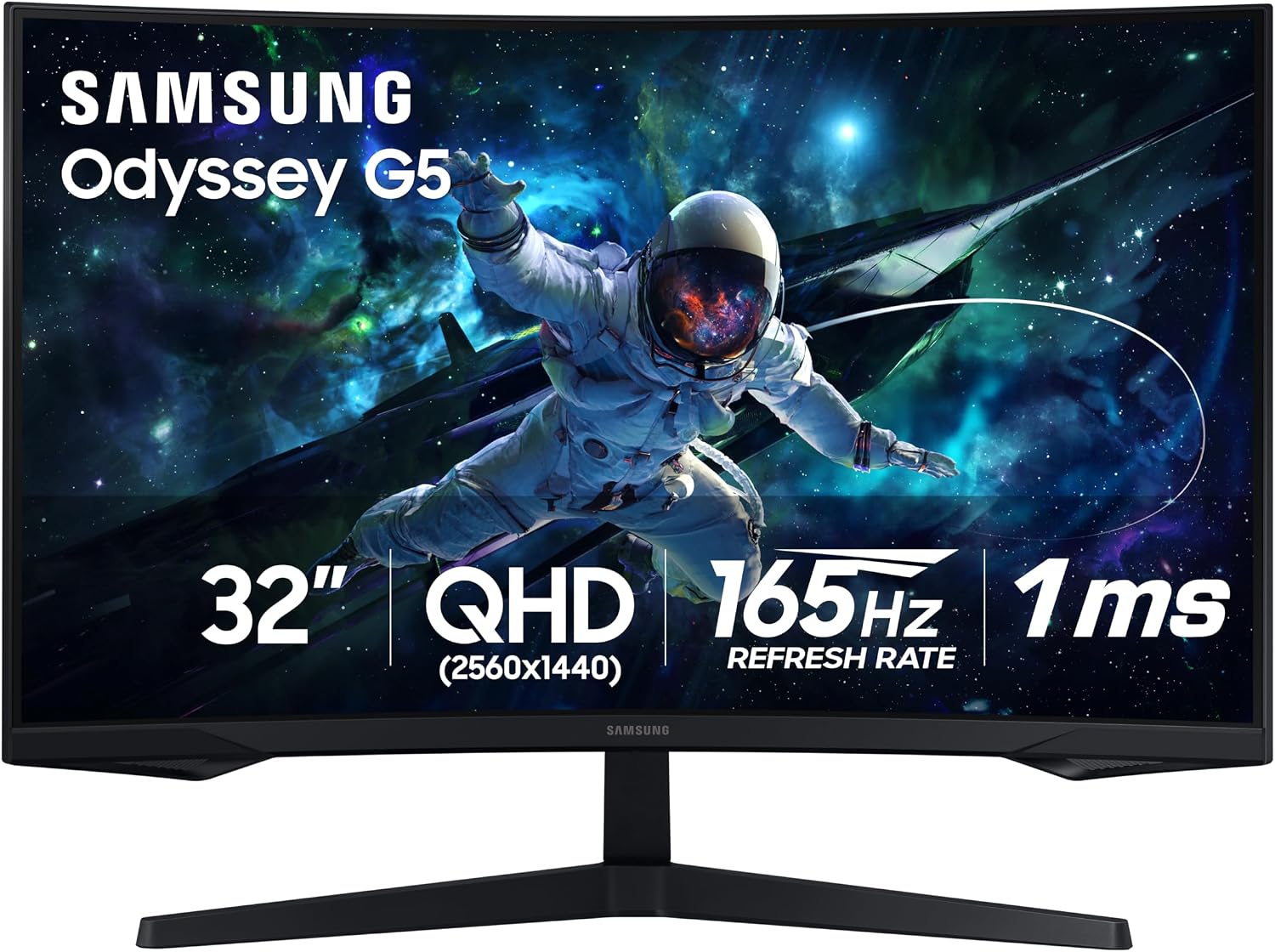
Samsung 32" Odyssey (G55C) Series QHD 1000R Curved Gaming Monitor
Check current price
A 32-inch QHD monitor with a 1000R curved panel from the Odyssey G55C series.
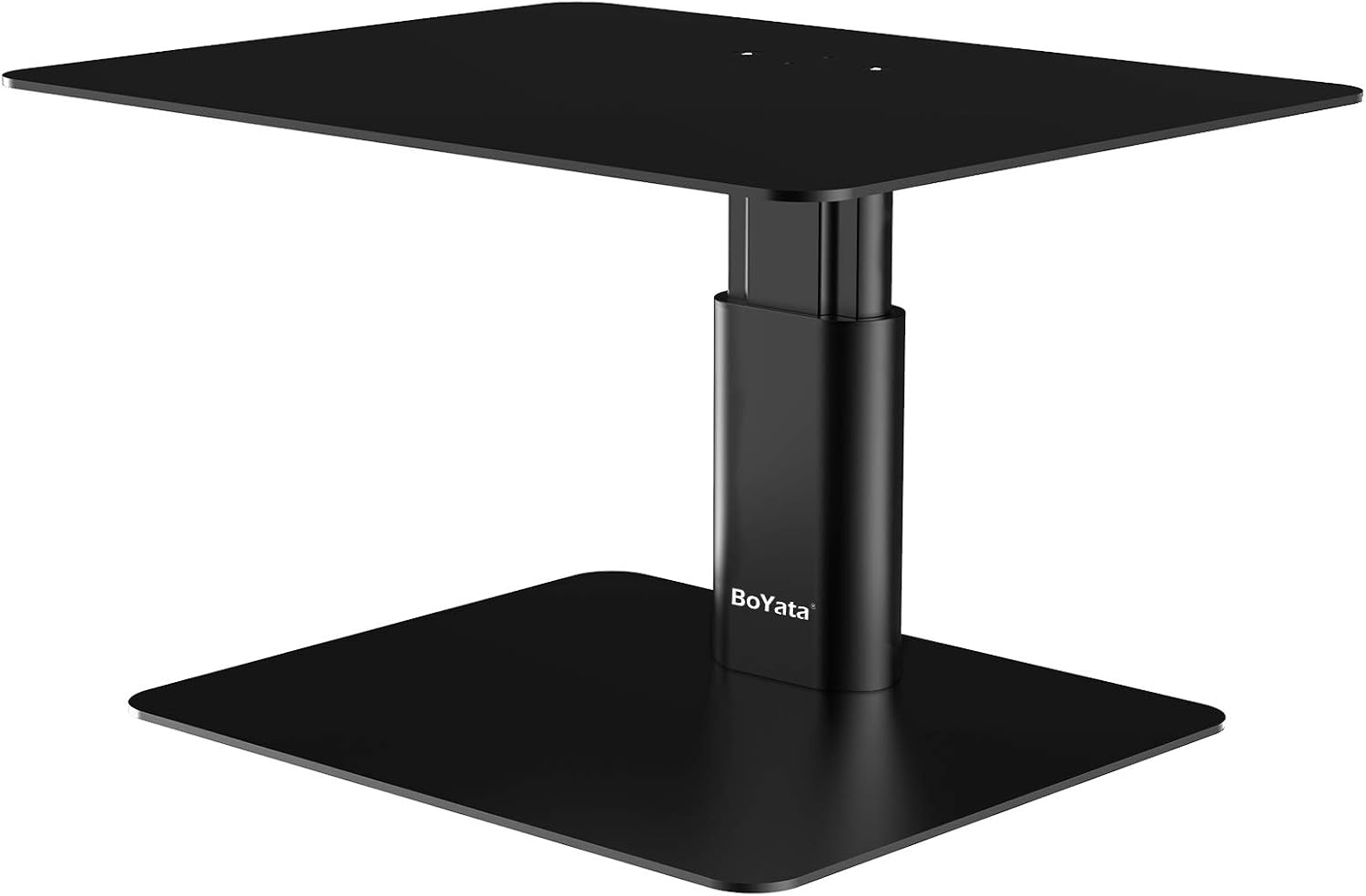
BoYata Monitor Stand, Adjustable Height Metal Desktop Riser, Black
Check current price
An adjustable-height metal desktop riser for lifting a monitor or laptop to eye level, in black.

CHEFBEE 8 Pack Adhesive Cable Clips Cord Organizer for Desk, Black
Check current price
An eight-pack of black adhesive cable clips for routing cords along a desk edge.
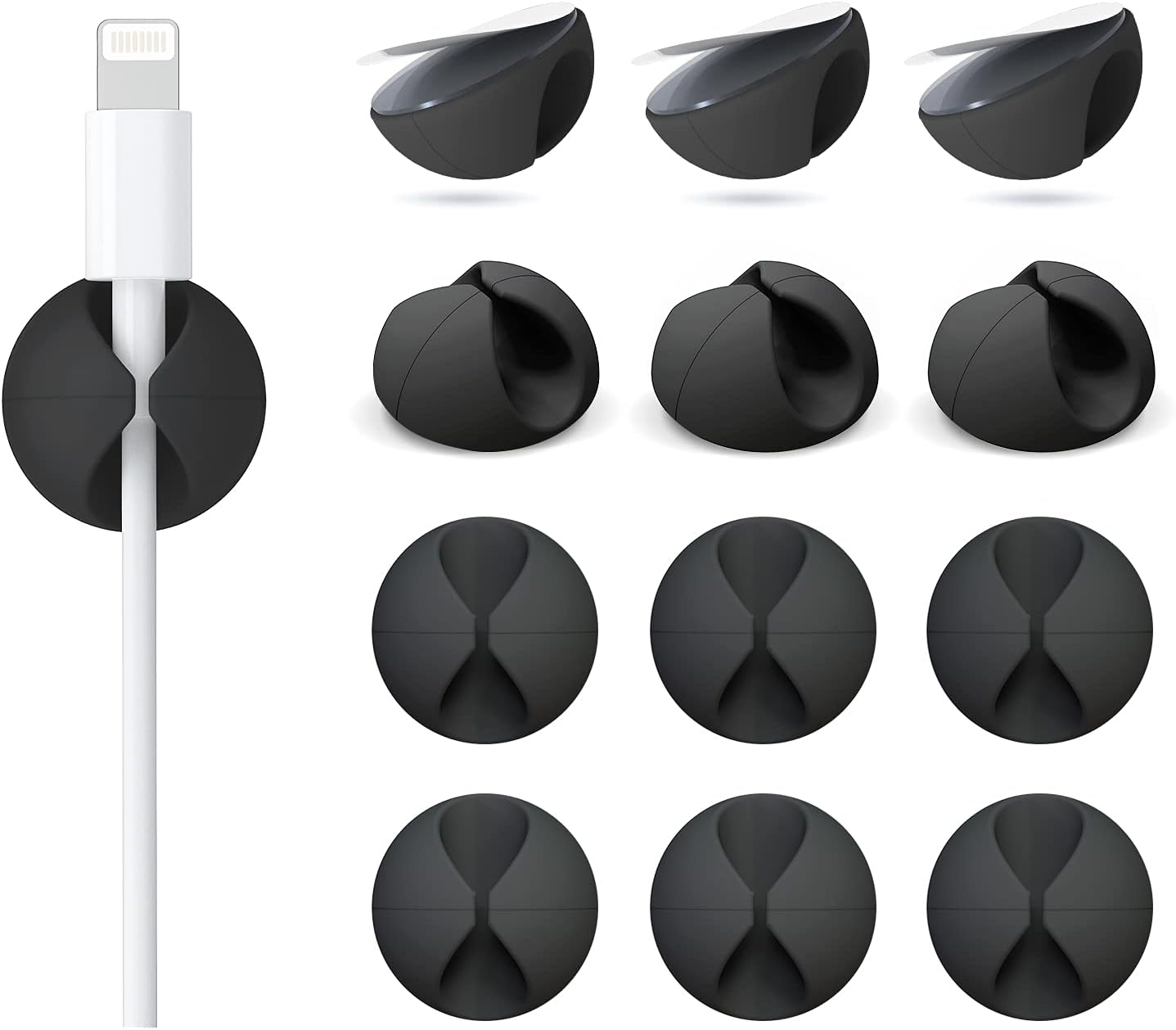
12 Pack Cable Clips, Adhesive Cord Organizer Holder for Desk Black
Check current price
A twelve-pack of black adhesive cord organizer clips for desk cable runs.
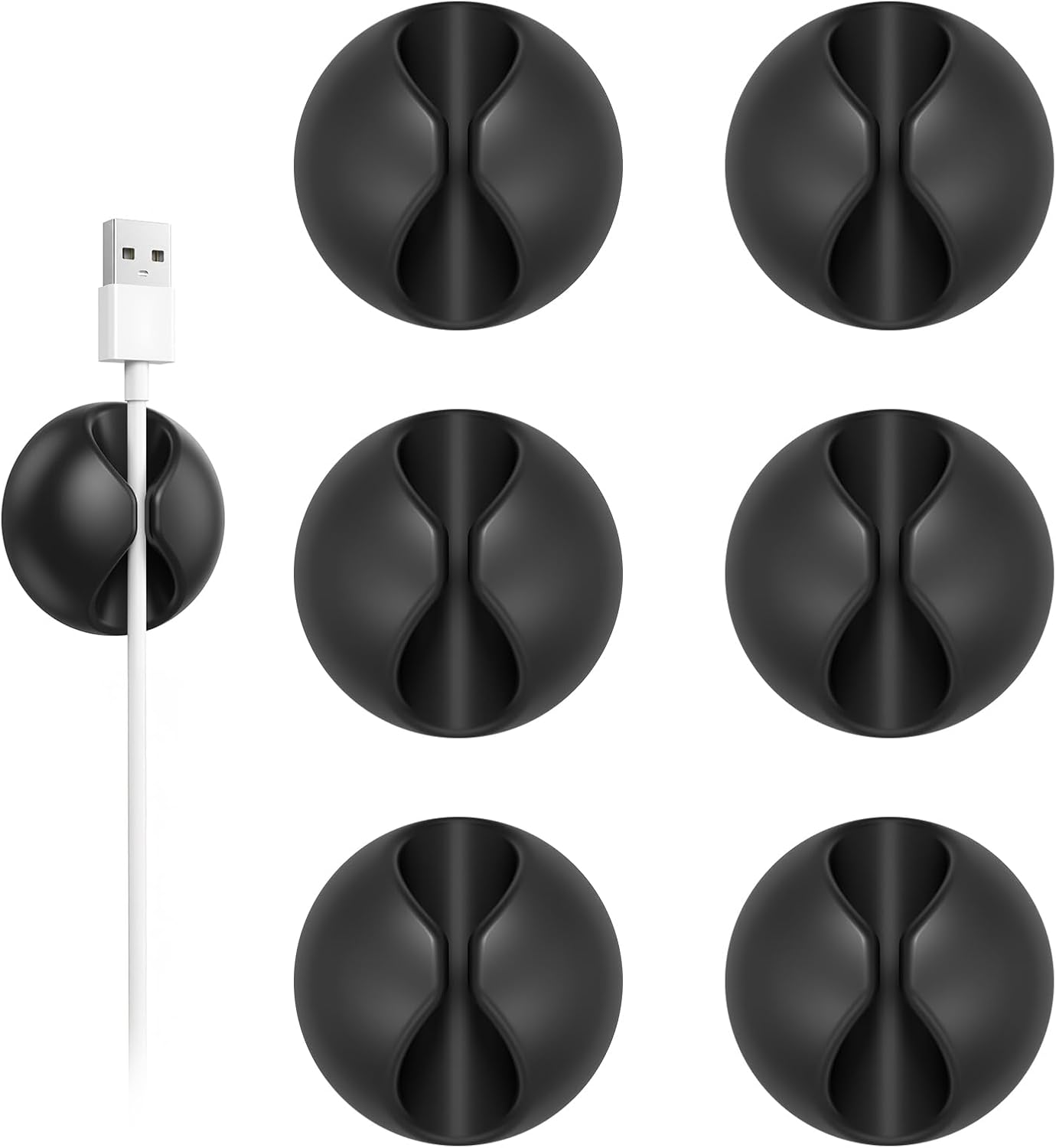
Shintop 6pcs Cord Holder for Nightstand, Self-Adhesive Cable Clips
Check current price
Six self-adhesive cord holders intended for nightstands and other narrow edges.
How these products were compared
This guide compares desk footprint and height adjustment, monitor size and screen curvature, riser adjustability and materials, cable clip pack counts and adhesive mounting, and how each piece behaves in a small room. Product names, images, and retailer links are matched by product code so that every card points to the product shown.
Nothing here is presented as hands-on testing. The descriptions stick to what the product listings state, plus sizing logic you can apply with a tape measure of your own. No current price appears anywhere in this article; use the call to action on each card to confirm price and availability.
How to choose the right home office setup
If you take one thing from this guide, take the tape measure. Before you buy anything, write down three numbers: the height of your chair seat with you sitting in it, the height your eyes sit at when your forearms are level, and the width of the wall or corner the desk has to fit.
Those three numbers decide the order of purchase. Chair pairing comes first. If your seat height puts your elbows above the desk surface, no amount of desk adjustment saves the setup, and if the seat sits too low you round your shoulders to reach the keyboard. The COMHOMA desk adjusts, which buys you tolerance, but it cannot fix a chair that is three inches off.
Desk height range is the second check. Sit-stand desks are sold on their standing height, and the useful question is whether the top of the range stays stable for your weight and your height. If you are over six feet, confirm that the standing position does not leave the frame rocking; if you are under about five feet four inches, confirm that the lowest setting drops far enough that your feet stay flat on the floor.
Monitor distance is the third. A 32-inch curved panel is a lot of screen for a 55-inch desk, so plan the layout before the purchase: keyboard in front, monitor toward the back edge, and the curve taking up the slack. If the desk has to sit in a corner, angle it so the window falls to your side rather than directly behind the screen.
Then check the boring details. Is there a power outlet within reach of the desk, or do you need an extension cord and a safe route for it? Does the room have any ventilation, or will a closed door plus a running laptop turn a small bedroom warm by mid-afternoon? Where will your lighting layers come from: a ceiling fixture, a desk lamp, or a window you can shade? None of that is glamorous, and all of it decides whether you actually use the room.
If the desk itself is still the open question, the standing desk roundup on this site goes deeper on frame stability and height ranges. For a narrow room, the monitor arm options for small desks explain when an arm beats a fixed riser and when a riser is the safer buy.
COMHOMA Electric Standing Desk with Drawers
The COMHOMA desk is a 55 x 24 inch electric sit-stand desk with drawers, a monitor stand, a laptop stand, and a memory preset controller. In a budget build it does the work of three purchases. The 55-inch width is the practical minimum for a 32-inch monitor plus a keyboard and a notebook, and the 24-inch depth keeps the front edge within reach in a small room. The drawers take the loose items that usually end up scattered across the desktop, and the memory preset controller lets you return to a saved sitting or standing height instead of holding a button while you guess.
The trade-off is that bundling a monitor stand and a laptop stand into a desk means those accessories are sized to the desk rather than to you. If you are very tall, the included monitor stand may still leave the screen below eye level, and you would add an adjustable riser on top of it. Assembly also matters more on a sit-stand frame than on a fixed desk: attach the frame and the drawers first, seat the desktop, then tighten the whole assembly, because tightening before the load is seated is how desktops crack. Two people make the flip and the alignment easier.
Skip it if you need a wider surface for two monitors side by side, if you want a hardwood top rather than the bundled one, or if you cannot put two people on the assembly for an hour.
Alternatives to consider
The Samsung 32" Odyssey (G55C) Series QHD 1000R Curved Gaming Monitor is better suited to someone whose desk is already sorted and whose current screen is the bottleneck. It is a 32-inch QHD panel with a 1000R curve, aggressive enough to wrap the sides toward you and let you sit closer in a narrow room. The trade-off is footprint: a 32-inch screen on a 55-inch desk leaves little room for anything else, so plan the layout first. If you mostly read documents and rarely watch anything, a smaller flat panel would be easier on the neck.
The BoYata Monitor Stand is a stronger fit when you want a cheap height fix without a monitor arm. It is an adjustable-height metal desktop riser, so it lifts a monitor or a laptop and opens storage space underneath. It suits a fixed desk where the screen sits too low, and it is the piece to skip if you already run a monitor arm or if your desk has no depth to spare.
The CHEFBEE 8 Pack Adhesive Cable Clips, the 12 Pack Cable Clips, and the Shintop 6pcs Cord Holder cover cable routing at the cheapest end of the budget. The eight-pack and the twelve-pack are black adhesive clips for desk edges; the Shintop set is six self-adhesive holders aimed at nightstands and narrow edges, which also suits the back rail of a small desk. Buy the count that matches the number of cable runs you actually have rather than the biggest pack on the page, and treat them as consumables you may need to replace after a move.
Day-to-day use and maintenance
Cable planning is the part people skip and then redo. Route the power run first, then the display cable, then anything that charges. Clip the bundle every six to eight inches so the weight is spread instead of hanging from a single clip, and leave a service loop behind the desk so you can pull the desk forward without yanking a plug out of the wall.
Clean the surface before any adhesive goes on. Adhesive clips fail on dust, on silicone-treated tops, and on the textured underside of a desk. Wipe with isopropyl alcohol, let it dry completely, press the clip for the full contact time, and leave it a day before loading a cable into it. That single step is the difference between clips that last a year and clips that fall off in a week.
Keep the desk frame clear of obstructions through its whole travel. Standing desks move more than people expect, and a drawer unit, a wastebasket, or a cable bundle in the path will either stop the desk or damage something. Leave slack in every cable, and keep the controller cable away from the moving column.
For ventilation, do not push the desk flush against a wall vent, and leave a gap behind the monitor so warm air can escape. If your lighting layers include a window, check the screen for reflections at the hours you actually work, not just at the moment you set the room up. A home workspace setup under 400 usually fails on placement and habits long before it fails on hardware.
Buying checklist
- Measure the wall or corner first and confirm the desk width you can live with; 55 inches is the practical minimum for a 32-inch monitor plus a keyboard.
- Measure your seated elbow height and compare it to the desk height range at both the sitting and the standing end.
- Choose the screen size based on monitor distance, not on the largest panel the budget allows.
- Confirm the exact model includes the features you are counting on, such as drawers, a memory preset controller, or an adjustable riser.
- Check for a power outlet near the desk and plan the cable route before the furniture arrives.
- Read the assembly and cleaning instructions, and keep the return window open until everything is assembled and tested.
- Verify the current retailer price, availability, and return terms before you buy.
Final recommendation
Choose the COMHOMA Electric Standing Desk with Drawers when you want one purchase to set the room layout and the desk height range, and you are willing to assemble a sit-stand frame properly. Choose the Samsung 32" Odyssey (G55C) Series QHD 1000R Curved Gaming Monitor when the desk is already solved and the screen is what holds the room back. Add the BoYata Monitor Stand if the screen still sits low on a fixed desk, then finish with the cable clips that match your run count.
If you are starting from an empty corner, the order that works is the same every time: measure, buy the anchor piece, then let the accessories fill the gaps your measurements revealed. A work from home setup under 400 is not about finding the most features per dollar, and it is not about matching a photograph you saw online. Think of the result as a home office workstation under 400 that fits one specific person in one specific room, and the buying decisions get much simpler. The whole point of a best home office setup under 400 is that the cheapest correct setup beats the most expensive wrong one, every single time.