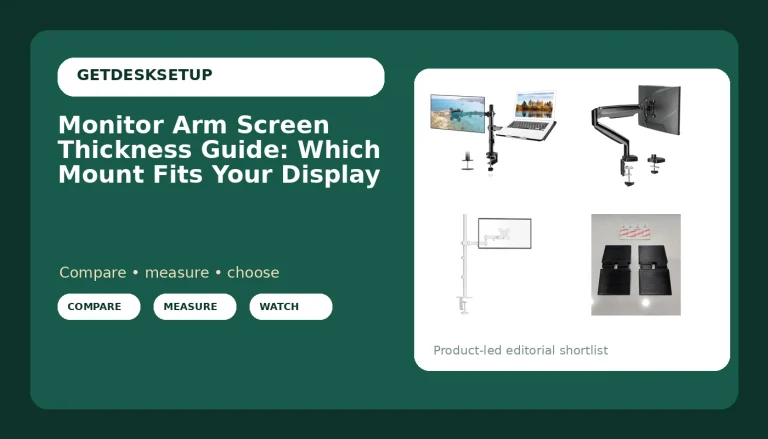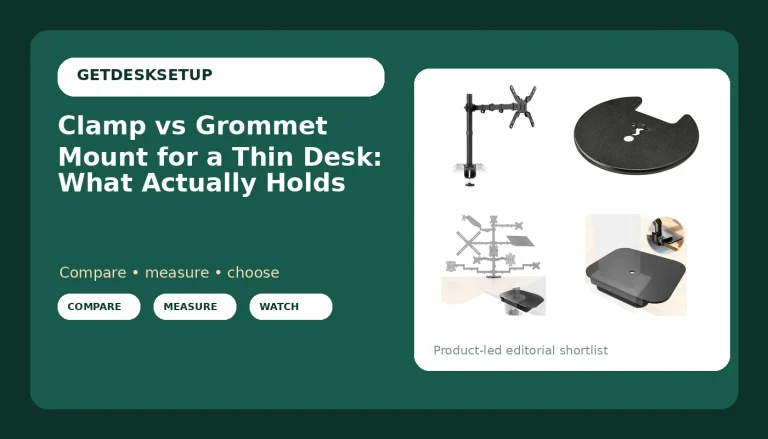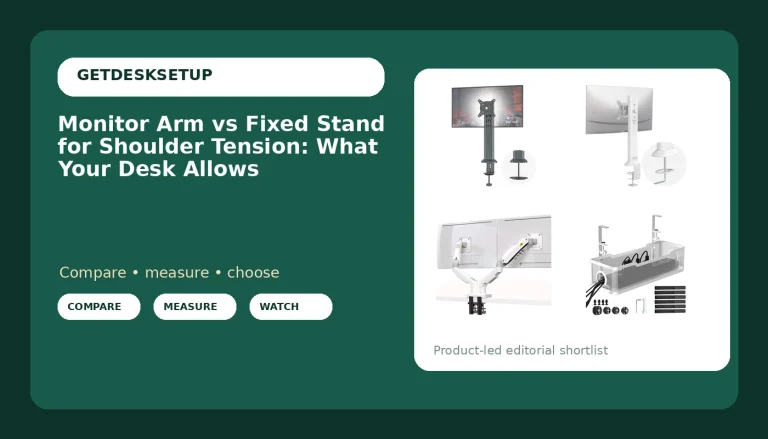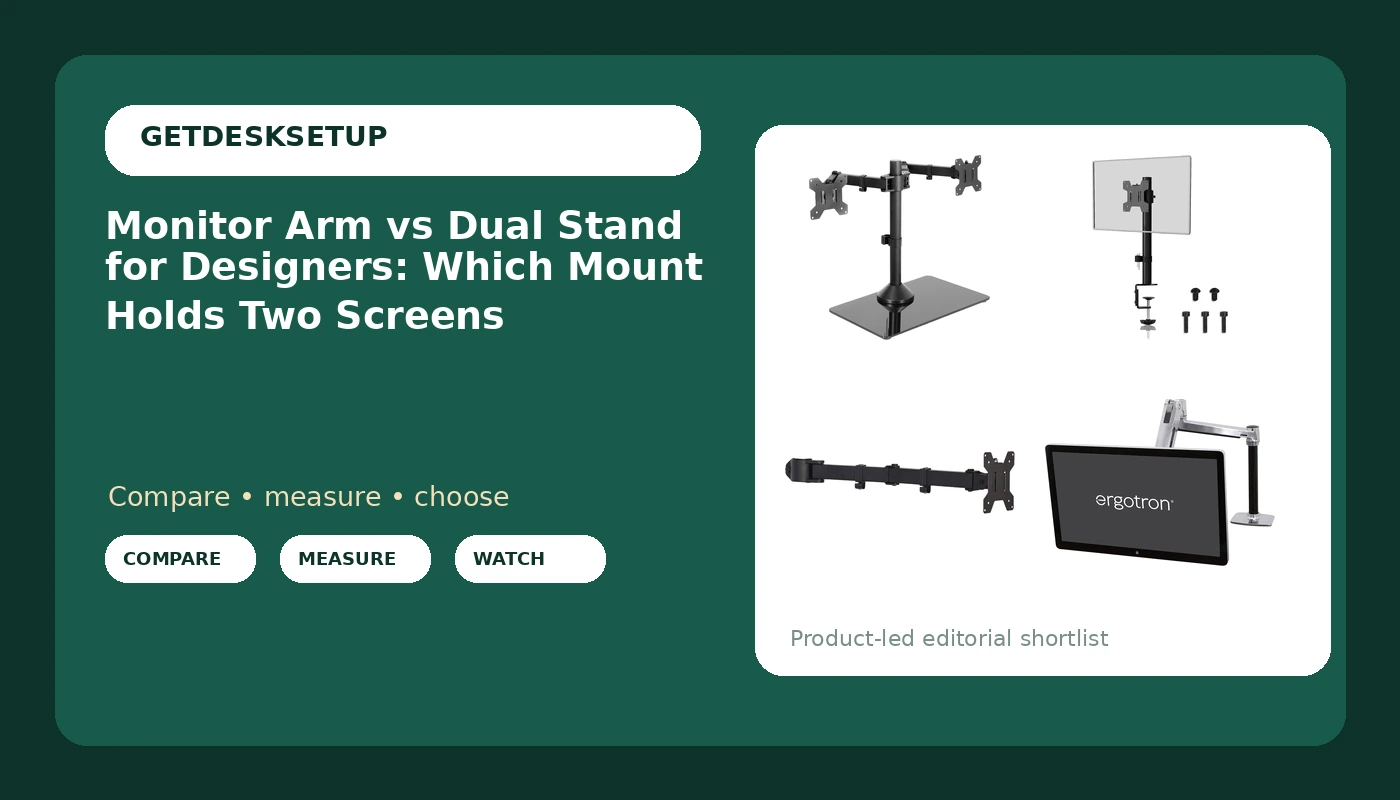
I have measured more desk setups than I can count, and the question that shows up in almost every one with a drawing tablet sitting on it is the same: monitor arm vs dual stand for designers, which one actually keeps two panels where your eyes and your neck want them? I spent 9 years as an office facilities manager buying mounts for 400-person floors, then 6 years building out 310 home offices, and I have installed all four mounts below with a tape measure in one hand and a level in the other. This is the comparison page from my notebook.
Related: Monitor arm height and desk depth: the numbers that matter
For a designer on a fixed desk with two panels under 22 lb each and a glass or thin desktop, the freestanding VIVO dual monitor stand is the right answer. If you run one panel, need it pushed back to arm's length for sketching, or want a sit-stand range on a 30 lb display, a single monitor arm wins.
Here are the four mounts I keep coming back to, and what each one is actually for.
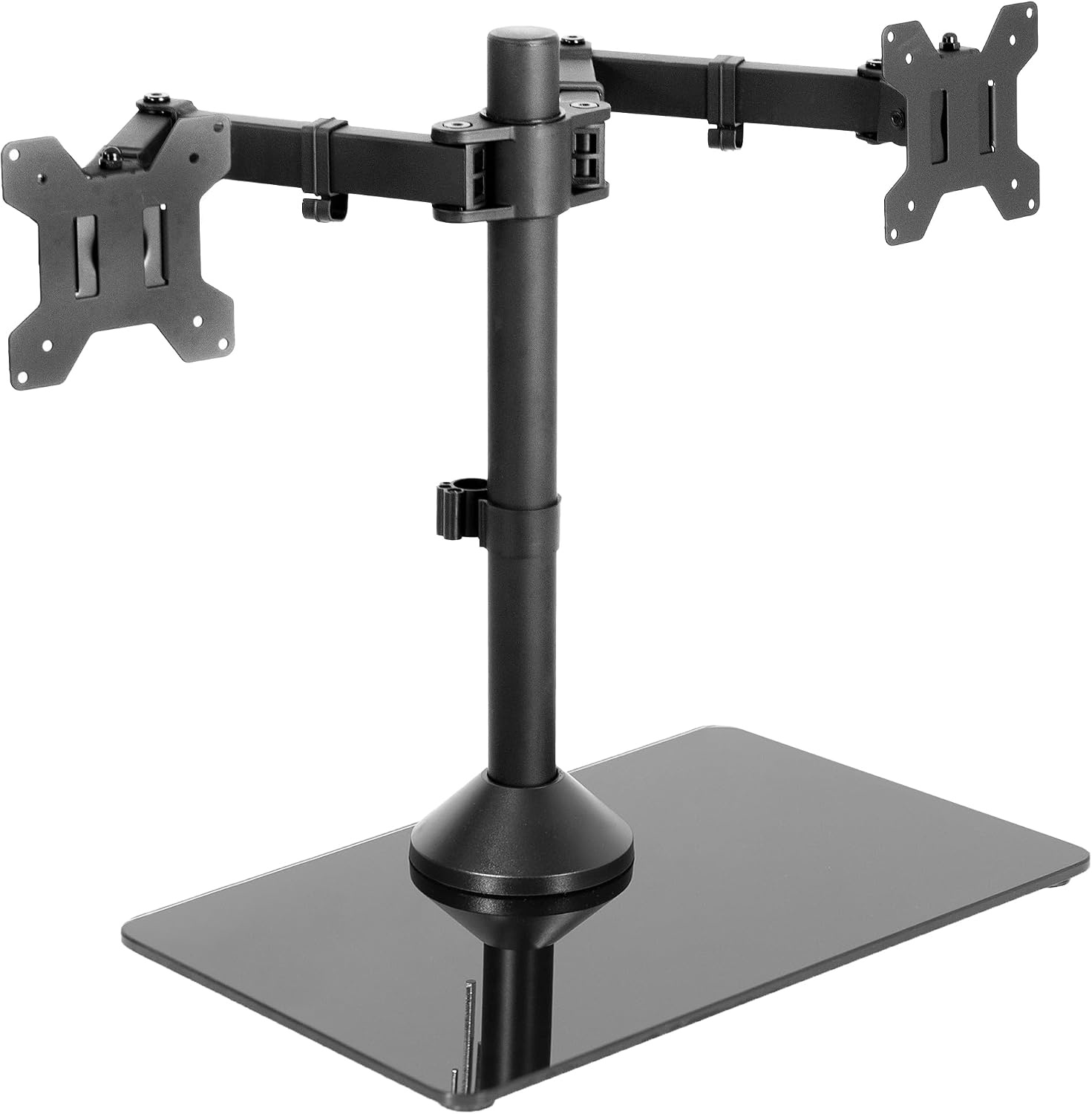
VIVO Freestanding Dual Monitor Stand, STAND-V002FG
Holds two screens up to 32 inches and 22 lb each with no clamp and no grommet, so it fits glass, thin, and drawer-blocked desktops
The base takes a slab of front desk depth, and the panels cannot drop as low as a desk-edge arm
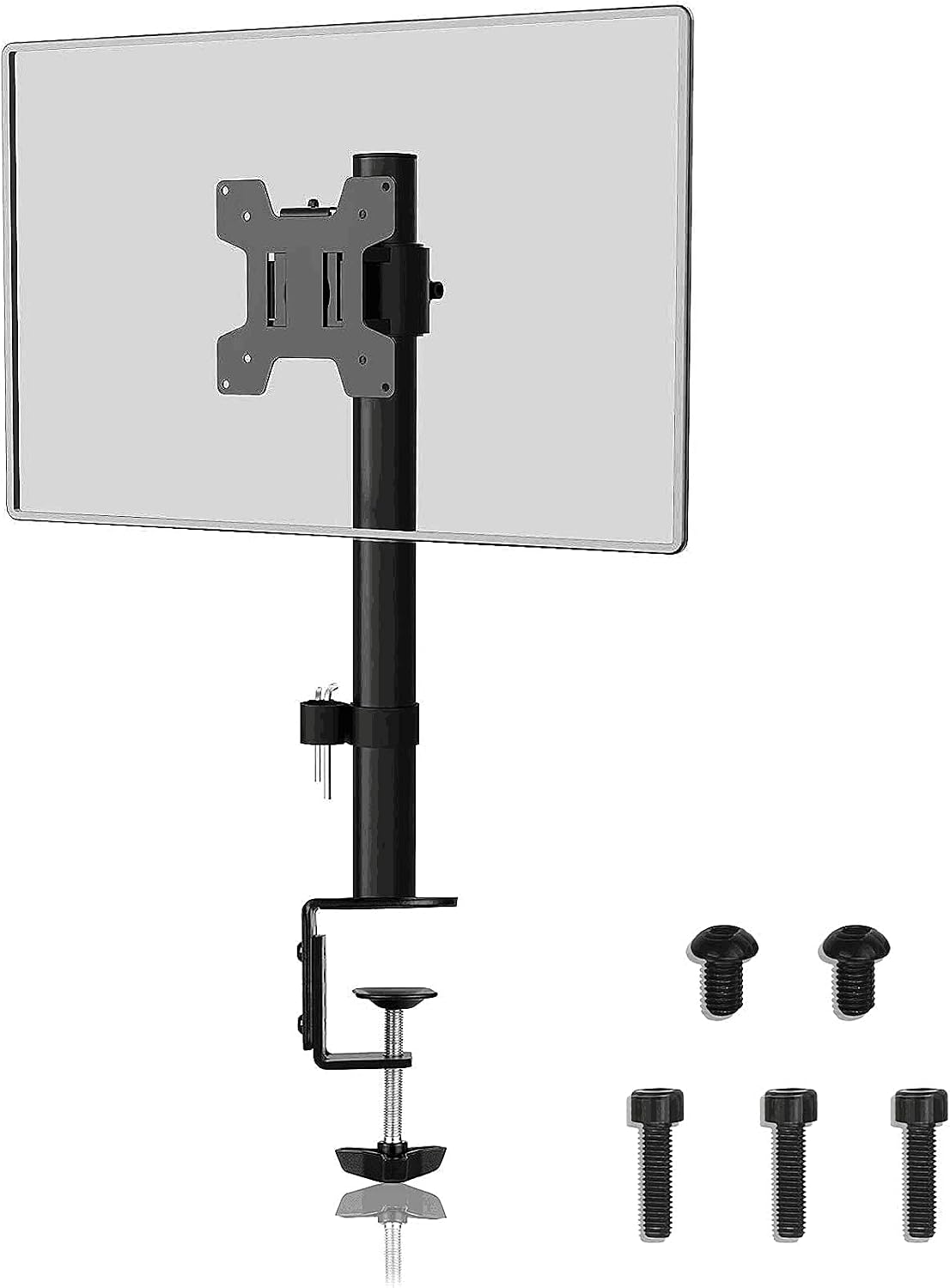
Suptek Single Monitor Mount, MD9401
Clamp-on single arm rated for one screen up to 32 inches, so a big panel gets off the desktop
One screen only, so a two-panel desk means two clamps and two plates underneath
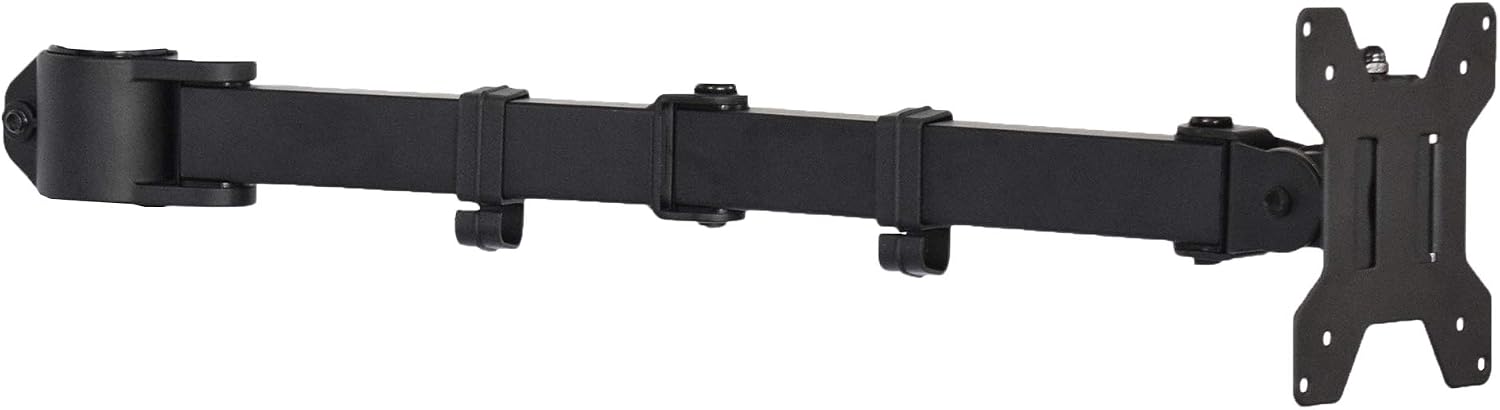
VIVO Black Single Monitor Arm, PT-SD-AM01A
Cheapest way to lift a single screen clear of the desk, sized for 13 to 27 inch panels
The 27 inch ceiling rules out the 32 inch panels a lot of designers run
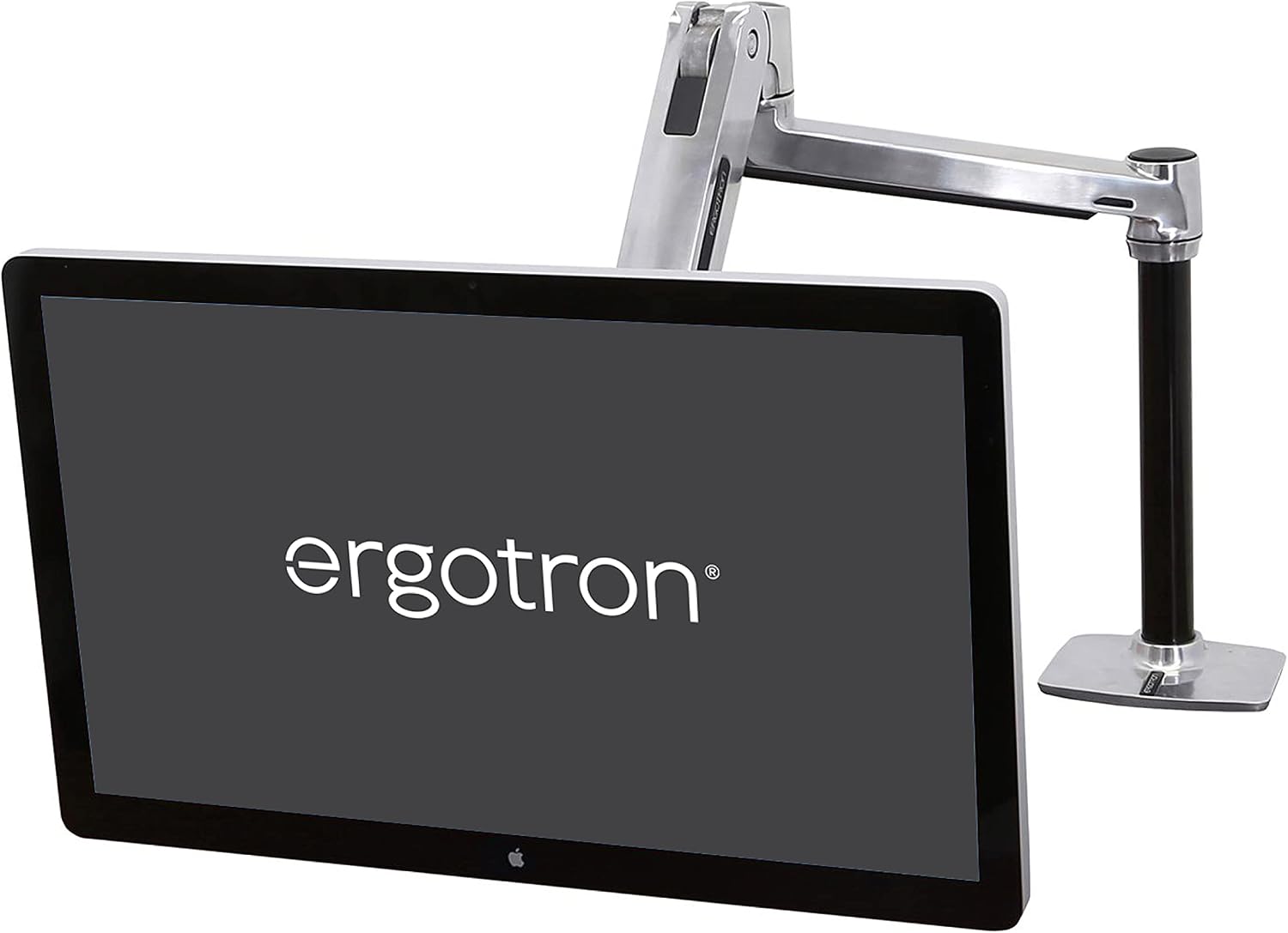
Ergotron LX HD Sit-Stand Single Monitor Arm
14 to 30 lb weight capacity and support for panels up to 49 inches, with the travel to raise a screen and keep working standing up
Priced like the commercial tool it is, and it still holds only one screen
Prices and availability may change.
How I judge a monitor mount
Four numbers decide every mount I install, and none of them is the marketing copy.
Panel weight comes first. Take the monitor off its own stand and weigh it, because the spec sheet rounds and a luggage scale does not. Then the VESA pattern on the back of the panel: 75×75 mm, 100×100 mm, or both. Almost every 27 inch and 32 inch panel uses 100×100, small panels use 75×75, and some ultrawides carry both sets of holes. If a mount does not list the pattern you need, assume it does not fit until you check.
Then desk thickness at the exact point where a clamp would land, measured with a tape, including anything beveled or hollow underneath. Then reach: the distance from the desk edge to where the center of the panel has to sit in your working posture, because that number decides whether the arm holds your working distance or your nose.
Weight capacity is the spec people skip. A mount rated to 22 lb will hold a 22 lb panel, but it holds it at the very top of its adjustment, and joints creep at the top of their range. I want a mount whose capacity sits a few pounds above the panel, and for anything heavy I want a gas spring, not a tension screw.
The last thing I look at is the joint itself. Tilt range and swivel at the panel end are what let you square the screen to your eyes and swing it sideways for a second person to look at, and no amount of height adjustment makes up for a joint that will not hold an angle.
Where the load lands: monitor arm vs dual stand for designers
The difference between monitor arm and dual stand for designers is not the number of screens. It is where the load lands. An arm carries the panel's weight on a joint clamped at the desk edge. A freestanding dual stand carries it on a base sitting on the desktop. Every trade-off below comes out of that one fact: desk compatibility, how low the panels go, how far they swing, and how much desk you keep for a keyboard and a sketchbook.
Once you frame the monitor arm vs dual stand for designers question as a question about where the weight lands, the rest is arithmetic.
A clamped arm needs three things a freestanding stand does not: a desktop edge you can reach from below, a thickness the clamp will actually close on, and enough clearance behind the desk for the arm to fold back. A freestanding stand needs one thing: flat desktop in front of you, and enough of it.
So if your desk is glass, if it is a thin laminate over a hollow core, or if a drawer unit sits directly under the edge where a clamp would go, that decision is already made. You are buying a freestanding stand, and the VIVO dual is the one I put in client offices for exactly that case.
The reverse is true too. On a solid wood or thick laminate top with a clear back edge, an arm gives you the front of the desk back, and for a designer that front foot of desk is where the keyboard, the mouse, and the tablet live.
What the freestanding dual stand does that arms cannot
The VIVO Freestanding Dual Monitor Stand, model STAND-V002FG, is the only two-screen mount in this group. It carries two panels up to 32 inches and 22 lb each on adjustable arms over a glass base, and it does it without touching the underside of your desk. For anyone who has clamped a mount to a desk and watched the laminate crush, that is the whole argument right there.
The install order matters and I run it the same way every time. Set the base where it will live, load both panels, then tighten the arm joints with the panels at the height you actually work at. Tighten first and you will fight those joints for an hour. Clamp first, then load, then tighten. Reversing that order is how desktops get damaged.
The cost is desk depth. The base sits in front of you, and whatever depth it occupies is depth you no longer have. I would not put this on a desk narrower than 48 inches, because the base plus two 32 inch panels leaves no room for a keyboard you can type on, let alone a sketchbook.
The second cost is height. A freestanding base sits on top of the desktop, so the lowest the panels can go is higher than a clamped arm can reach. Short designers who want the bottom edge of the screen near the desktop will feel that difference every day.
(Check current Amazon price)
What a single arm changes, and why the two cheap ones differ
The two budget arms here are both single screen and both clamp mount, and they are not interchangeable.
The VIVO Black Single Monitor Arm, model PT-SD-AM01A, is sized for 13 to 27 inch screens. The Suptek Single Monitor Mount, model MD9401, takes one screen up to 32 inches. That 5 inch difference is the entire decision between them. Run a 32 inch panel and the Suptek is the one that fits. Run a 24 or 27 inch panel and either works, and the cheaper of the two does the job.
Both lift one screen off the desktop and free the space underneath. Both need the same clamp conditions, the same desk edge, and the same clearance behind the desk. Both are the correct answer for a single-panel designer who works in one window and one canvas.
Both are also the wrong answer for a two-panel desk unless you buy two and accept two clamp plates under the desk. That works, and I have done it, but it is more hardware than most people want to install twice, and matching the two panels in height afterwards is fussier than it sounds.
(Check current Amazon price for the VIVO single arm) (Check current Amazon price for the Suptek)
The heavy panel problem: weight capacity and gas spring
The Ergotron LX HD Sit-Stand Single Monitor Arm is the outlier here, and it is the only mount in this group I would trust with a genuinely heavy panel. It carries 14 to 30 lb, supports monitors up to 49 inches, and it is built to travel up and down through a sit-stand range, which is what the HD in the name is about.
That weight range is not marketing. A 30 lb panel on a mount rated to 30 lb sits at the very top of its adjustment, and a gas spring holds it there through the travel instead of sagging by the end of the day. Cheap arms use a tension screw at the joint. A tension screw works fine until the panel is heavy enough that the joint creeps, and then you are re-tightening it every week and watching your color checker tilt two degrees off level.
The honest trade: it holds one screen, it costs more than the other three mounts here, and it still needs a solid desk edge for the clamp. It is also the mount I would put on a client's desk for a year without a follow-up call, and there are not many products I say that about.
(Check current Amazon price)
Clamp mount, grommet mount, or a base on the desk
There are three ways to hold a monitor, and the desk picks which one you get.
A clamp mount grabs the back edge of the desktop from above and below. It is the fastest install, it needs no hole, and it is what both VIVO arms and the Suptek use. The failure mode is a desk edge that is too thick, beveled, or hollow.
A grommet mount bolts through a hole in the desktop. It is more stable than a clamp on thin tops, and it is the right call if your desk already has a cable hole in a useful spot. If you are weighing dual stand for designers vs monitor arm and your desk has a grommet hole, that hole is a strong argument for an arm.
A freestanding base needs neither. It sits on the desktop, and the only requirements are surface area and a flat top. That is why the VIVO dual stand is the safe pick when the desk is glass, when the underside is blocked, or when the desk is not yours to modify, which covers most rented apartments and every shared studio I have worked in.
Whichever route you take, look under the desk first. I have watched a clamp crack a hollow-core top because nobody checked what the clamp was squeezing.
Cables decide whether your angle holds
Cable management is not aesthetics, and it is the part of the install people skip. A cable channel exists to route the display cable and the power lead along the arm so they move with the joint instead of pulling against it.
If the cable is tight, it pulls on the arm. If it pulls on the arm, the panel drifts. I have watched a monitor angle change inside a week because the display cable was zip-tied to a desk leg with no slack at the joint. Leave a service loop at every hinge, route through the cable channel if the arm has one, and leave the power brick on the floor rather than hanging from the mount.
The other cable rule: bundle at the arm, separate at the desk. One thick bundle fights the joint. Two thin runs move independently, and the panel stays where you set it.
Who should skip each mount
Skip the VIVO freestanding dual stand if you have a narrow desk, if you need the bottom of the panel at desktop height, or if you sketch on a tablet in the space directly in front of you. The base and the tablet want the same square foot of desk, and only one of them can have it.
Skip the VIVO PT-SD-AM01A if your panel is bigger than 27 inches. That is not a maybe. A 32 inch panel is outside the range, full stop.
Skip the Suptek MD9401 if you run two screens. Two of them will work, but two clamps and two base plates under a desk is more hardware than one dual stand, and you will not get the panels matched in height as easily.
Skip the Ergotron LX HD if your panel is light and you never stand up to work. You are paying for weight capacity and travel you will not use. That is the only reason to skip it, and for a lot of people it is a real one.
What the tape measure says
Before you buy any of these, measure four things and write them down.
- Panel weight with the original stand removed. A luggage scale is accurate enough.
- VESA pattern on the back of the panel: 75×75 mm, 100×100 mm, or both.
- Desk thickness where a clamp would land, plus the clearance underneath it.
- Distance from your eyes to the panel in your working posture, which tells you how much reach you need.
Then match. Two panels under 22 lb each on a solid desk with a clear back edge: any of these works, and the dual stand is the least hardware. Two panels on glass or a blocked underside: the freestanding dual stand. One panel over 27 inches: the Suptek or the Ergotron. One panel over 20 lb, or a panel you want to raise for standing work: the Ergotron.
None of those four numbers changes because of the monitor arm vs dual stand for designers debate. The numbers come first, and the mount is whatever survives them.
The two-line answer: monitor arm or dual stand for designers
Monitor arm or dual stand for designers, the answer comes down to your desk, not your taste. If the desk can take a clamp and you want one panel at a precise height with the desktop clear underneath, buy an arm. If the desk cannot take a clamp, or you need two panels mounted on one piece of hardware with zero modification, buy the freestanding dual stand.
The monitor arm vs dual stand for designers question has one honest answer, and it fits in a notebook: measure the desk, weigh the panels, and the mount picks itself.