I spent nine years as a facilities manager buying chairs for 400-person floors, then six more running a two-person desk setup service that has now built out 310 home offices. The complaint that comes back at the three-month check-in is almost never back pain. It is shoulder pain that shows up around hour three, and it gets blamed on the chair, then the desk, then the mouse. So here is the plain version of armrests vs no armrests for shoulder pain: armrests help when they land directly under your elbows at the height your shoulders already rest at, and they cause pain when they sit too high, too far forward, or too far back, because your shoulder spends the day slightly shrugged. Pulling the armrests off is rarely the fix. Moving them, or raising them, usually is.
Related: How to Measure Seat Depth Before You Buy a Chair
The short answer: most people with shoulder pain do better with adjustable armrests than with no armrests at all. The people who genuinely do better without them are the ones whose armrests cannot clear the desk edge, cannot get under a keyboard tray, or get in the way of a guitar or a drawing tablet. If your armrests sit an inch or two too low, a pad is cheaper than a chair. If they sit too high and cannot come down, no pad will save them.
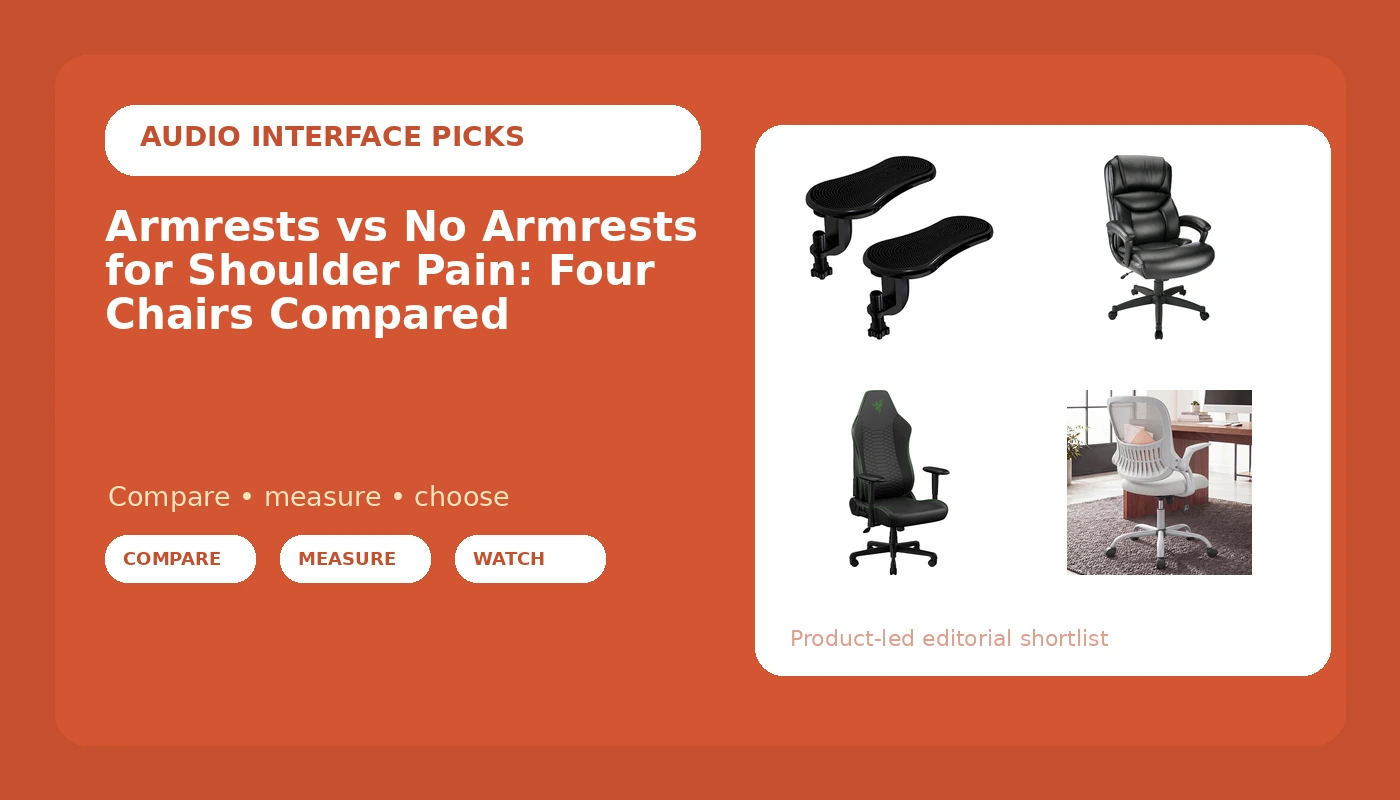
Here are four products that cover the realistic paths: two chairs you can work around, one chair whose armrests disappear when you want them to, and one pad that fixes the armrests you already own.
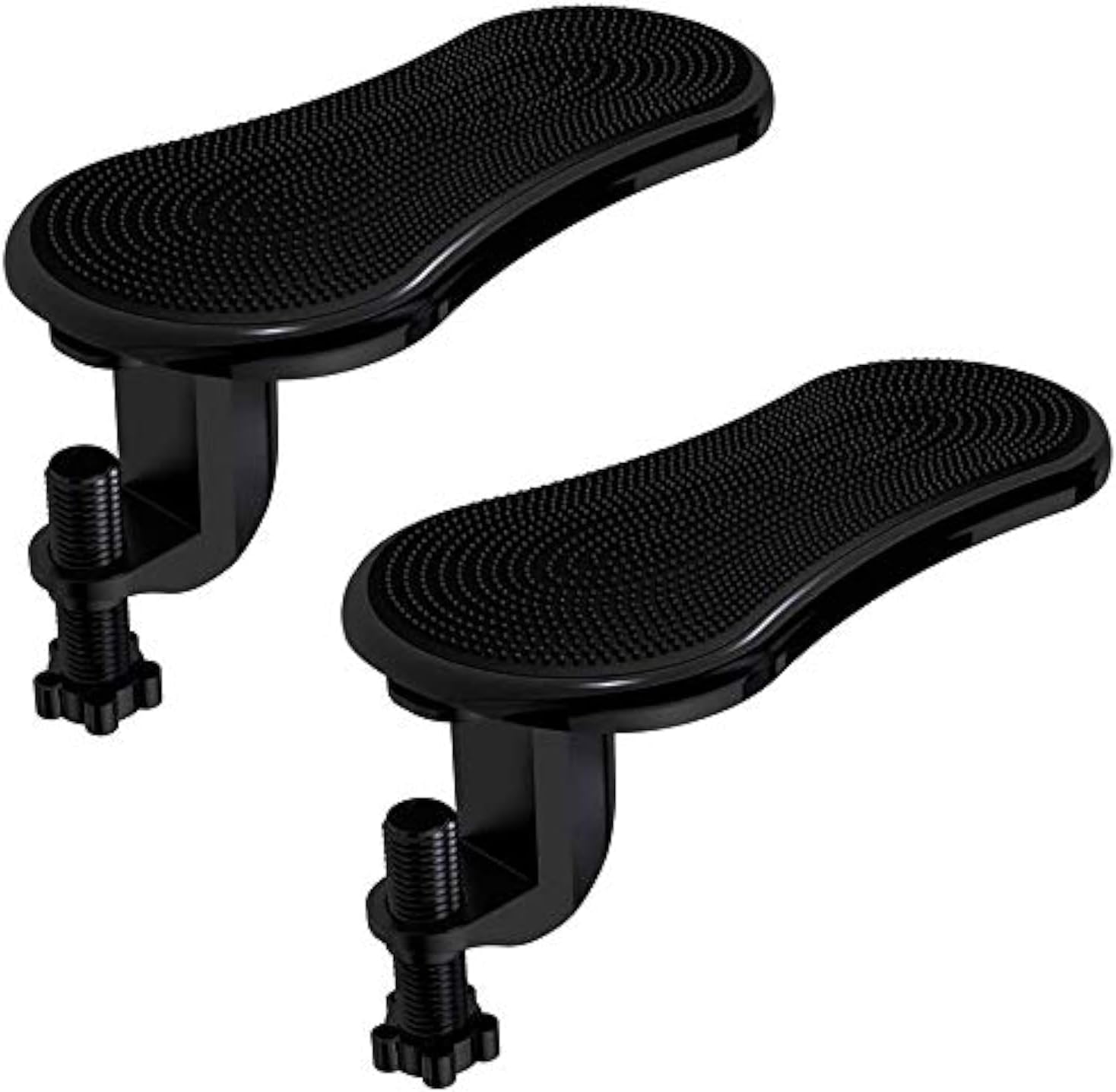
Armrest Support, Adjustable Wrist Rest Extender, 2 Pack by STA
The cheapest way to fix armrests that sit too low, and it moves between chairs with no assembly
Only adds height, so it does nothing for armrests that are already too high or too far forward
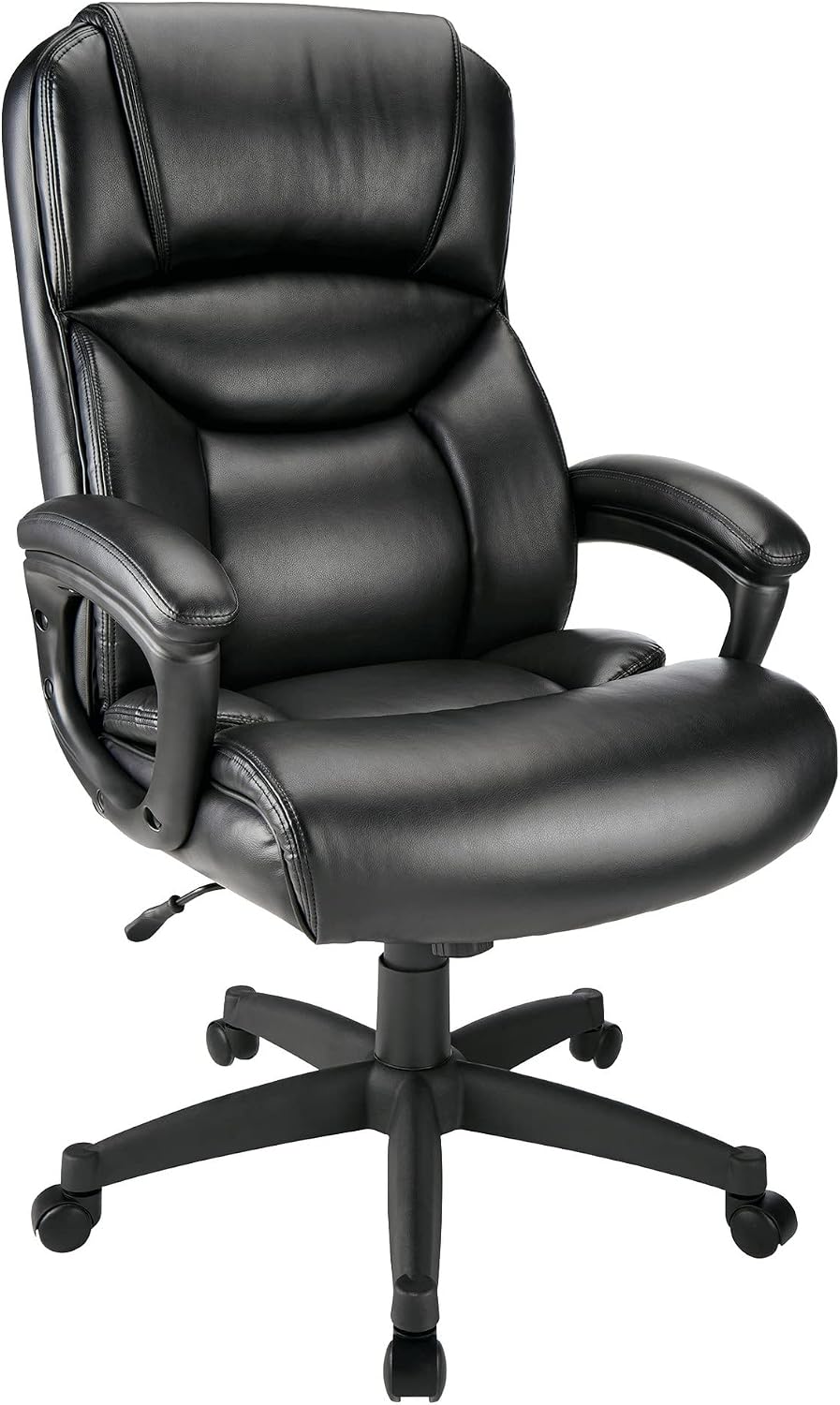
Realspace Fennington Bonded Leather High-Back Chair, Black
A wide seat and a high back in the conventional office chair shape most desks are built around
Bonded leather runs warm, and this class of chair usually gives you very little armrest adjustment
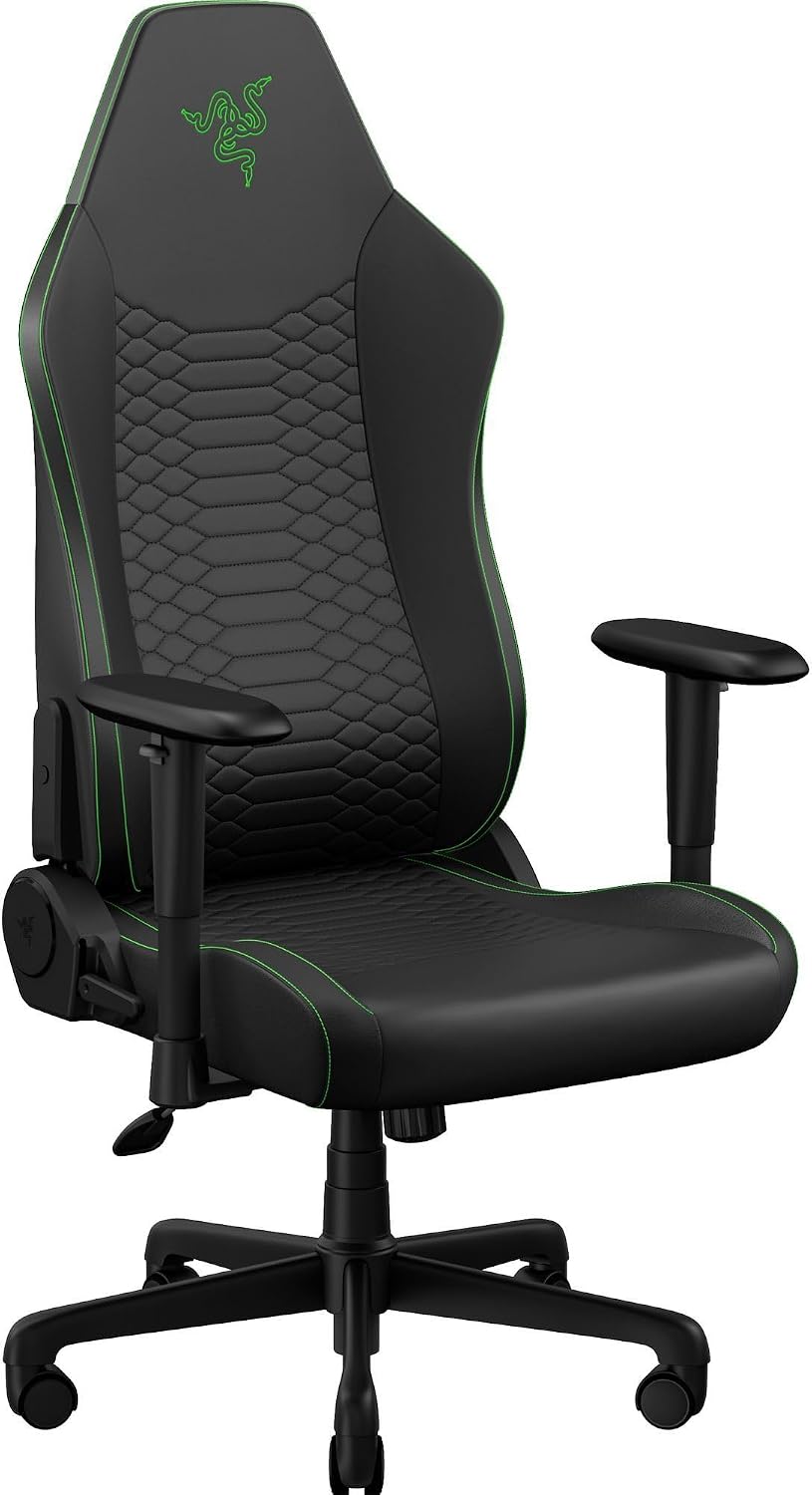
Razer Iskur V2 X NewGen Ergonomic Gaming Chair, Black/Green
The most adjustment of the four, with a lumbar-first backrest that holds your pelvis in place
Gaming footprint and a wide base, and the armrest height still has to clear your desk
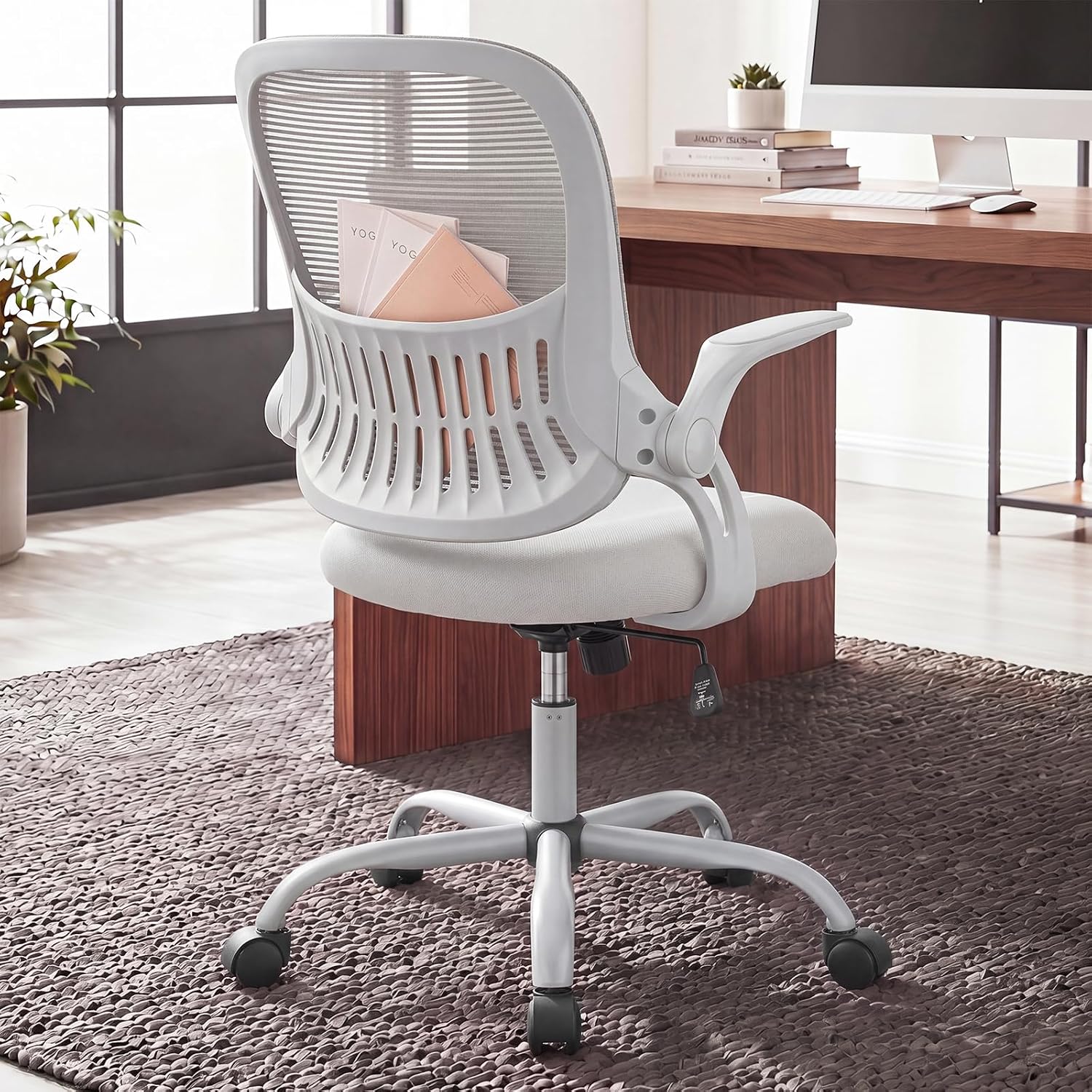
Home Office Desk Chair with Flip-up Armrest, Computer Chair
Flip-up arms end the desk-clearance conflict outright, at the lowest price here
The arms are up or down with no middle setting, and the frame is budget-tier
Prices and availability may change.
Prices move weekly, so I do not print them. Every row links to the current listing.
How I judge armrests vs no armrests for shoulder pain
When a client says their shoulder hurts, I do not start with the chair. I start with a tape and three numbers: seated elbow height with the shoulder relaxed, desk height from the floor, and the distance from the front edge of the seat to the front of the keyboard.
Then I run one test. Feet flat, back against the backrest, hands on the keys. The elbow should sit at roughly 90 degrees and the shoulder should be down, not lifted toward the ear. If the armrest pushes the elbow up even half an inch above that relaxed position, the shoulder elevates to match and stays there all day. That is the mechanical version of shoulder pain: not a strain, just a muscle that never got to switch off.
The second failure is depth. Armrests set too far forward pull the shoulders forward with them. Armrests set too far back let the elbows hang and load the front of the shoulder. The useful range is narrow, maybe an inch and a half each way, which is why a fixed armrest is a coin flip and an adjustable one is not.
The third failure is not the armrest at all. It is the desk. An armrest that will not slide under the desktop forces you to sit further back than the seat depth wants, and now you are reaching for the keyboard from a compromised position.
The four options, and what to check on each
Each of these solves a different version of the problem. The one that fits is the one that matches the failure you actually have.
The pad that raises armrests you already own
The Armrest Support, Adjustable Wrist Rest Extender, 2 Pack by STA is a strap-on pad for the top of an existing armrest, with no assembly and no tools. It is the cheapest variable here and the one I reach for first when the diagnosis is "armrests sit too low." Because it moves between chairs, it also works as a one-week test before you commit to new furniture.
Buy it if your armrests are fixed and low and your elbows drop below the keyboard line. Skip it if your armrests are already too high, if they are thick and padded already, or if what you actually need is forward and back travel. A pad changes height. It does not change depth.
The bonded leather executive chair
The Realspace Fennington Bonded Leather High-Back Chair, Black is the traditional office chair: high back, bonded leather, wide seat, and the silhouette most people picture when they hear "office chair." In this comparison it is the one where the armrest is part of the design rather than a separate adjustment, so the practical questions are whether the arms clear your desk and whether the back height suits your torso.
Check the armrest adjustment range and whether it goes low enough for your desk, and plan for bonded leather running warm if your office tops 78 F in summer. Skip it if you are under about 5'4" with a short torso, because a tall back with a fixed upper section can push your head forward, or if you need the arms to drop below the desk line, which this class of chair rarely does.
The gaming chair with the lumbar-first back
The Razer Iskur V2 X NewGen Ergonomic Gaming Chair is the most adjustable thing in this list, built around a lumbar-first backrest rather than a padded slab. In a shoulder-pain conversation that matters indirectly: if the lumbar support holds your pelvis in place, you stop sliding forward, and when you stop sliding forward your elbows stay over the armrests instead of drifting ahead of them.
Check the armrest adjustment range against your measured seated elbow height, and check the base footprint against your floor space, because gaming chairs are wide. Skip it if the room is small, if you want a chair that disappears into a living room, or if your desk is low enough that even a lowered gaming armrest will not clear the edge.
The flip-up armrest chair
The Home Office Desk Chair with Flip-up Armrest is the budget answer to the specific problem of armrests that cannot coexist with a desk, a keyboard tray, or an instrument. Flip the arms up and you have a seat and a back. Flip them down and you have a normal task chair. There is no middle height, but for a lot of people the middle height was never the issue.
Check the seat height range against your desk and the weight rating against your own weight. Skip it if you need adjustable lumbar support rather than a fixed curve, if you want the armrest at a specific height, or if you are a heavy user looking for a decade-long chair.
Should you take the armrests off?
This is the question behind no armrests for shoulder pain vs armrests, and it comes down to a ten-second measurement. Sit as you normally sit and look down at your elbows. If the armrests are holding your elbows at or just below the height of the keyboard, keep them. If your elbows are floating above the armrests, the armrests are decoration and removing them changes nothing. If your elbows are pressing down into the armrests while your shoulders climb, the armrests are too low or too close, and that is your pain.
Removing armrests entirely is a legitimate setup, and I have clients who type with their forearms on the desk edge instead. That works when the desk edge is rounded and the keyboard is close. It stops working the moment the desk is too high or the keyboard is too far away, because then the forearms are unsupported and the shoulders take the whole load.
The half measure is the one to avoid: armrests left on, set wrong, never touched again. For armrests vs no armrests for shoulder pain, a wrong armrest is worse than no armrest.
Seat height and seat depth come first
You cannot judge an armrest until the seat is in the right place, because armrest height is relative to the seat and the seat is relative to the floor.
Start with seat height. Feet flat, thighs roughly parallel to the floor. If the chair cannot go low enough and your feet dangle, buy a footrest before you blame the armrests.
Then seat depth. You want two to three fingers of space between the back of your knee and the front edge of the seat. If the seat is too deep you will slide forward to clear the edge, and once you slide forward your elbows leave the armrests and the geometry collapses. That is the most common cause of "my armrests do not work" that I see in client offices.
Then lumbar support, then armrest height, then recline and tilt tension. Armrests come fourth, and if the first three are wrong, no armrest adjustment will hold.
The difference between armrests and no armrests for shoulder pain, in one test
Set a timer for two minutes. Sit with your hands on the keyboard and your shoulders relaxed, and take a photo from the side with your phone propped on the desk. Look at three things: the angle of the elbow, whether the shoulder is level or lifted, and whether the elbow rests on the armrest or hovers above it.
Then flip the armrests up or take them off and take the same photo. Same seat, same desk, same keyboard.
Most people find the first photo is worse than they expected and the second is not automatically better. That is the whole difference between armrests and no armrests for shoulder pain: not a philosophy, a height comparison.
Armrests or no armrests for shoulder pain when the desk is the problem
Sometimes the armrests are fine and the desk is wrong, and no chair fixes that. Two measurements decide it.
Desk height: if your desk sits well above 29 inches and you are under about 5'6", the chair has to rise to meet it. Once the chair rises, your feet leave the floor and the armrests sit too low relative to the keyboard. That is a desk problem, and a keyboard tray or a lower desk solves it. If you are also weighing a height-adjustable desk, start with the wobble test at standing height, because wobble decides more setups than motor speed does.
Clearance: an armrest needs to slide under the desktop, which means the underside has to be clear for the first few inches. A thick apron, a drawer, or a clamp-on monitor arm base can block that. Measure floor to underside of the desktop, then measure your armrest height. If the armrest is taller than the clearance, it will never fit, and you are choosing between flip-up arms and no arms.
Lumbar support, recline, and tilt tension are separate problems
Shoulder pain and back pain get conflated and they have different fixes. Lumbar support and seat depth control your pelvis. Recline and tilt tension control how much your torso moves. Armrest height controls your shoulders. Fixing the armrests will not fix a backrest that pushes you forward, and a great backrest will not fix armrests that shrug your shoulders.
The one overlap is recline. A chair locked fully upright forces your shoulders forward over the desk, and a chair that reclines too freely makes you chase the keyboard. Somewhere around 100 to 110 degrees from the thighs, with enough tilt tension that you have to push to lean back, is where the shoulders stop working.
Who should skip each of these
- Skip the armrest pads if your armrests are already too high, or if you need depth adjustment rather than height.
- Skip the bonded leather high-back if you run hot, if you are under about 5'4", or if there is no clearance under the front of your desk for the arms.
- Skip the gaming chair if the room is small, if you want a quiet look, or if you need a narrow base to roll between furniture.
- Skip the flip-up armrest chair if you need adjustable lumbar support, want a specific armrest height, or weigh well over 200 lb.
What I would put in a client's office for a year
First I measure, and I do not buy anything until I have the elbow height and the desk clearance.
If the armrests are low, I add the adjustable pads. Cheapest fix, reversible, and it tells us within a week whether height was the problem. If the armrests are low and cannot be raised enough, or the desk clearance is the blocker, the flip-up chair comes next, because it removes the conflict instead of negotiating with it. If the real problem is the pelvis sliding forward, the lumbar-first gaming chair is the one that holds position, and the armrests become a secondary adjustment. And if the client wants a traditional office chair and has confirmed the arms clear the desk, the bonded leather high-back is the conventional pick.
Questions I get every week
Do armrests cause shoulder pain, or prevent it? Both, depending on height. Set correctly, they carry the weight of your arms so your shoulders do not have to. Set too low, they make your shoulders hold your arms up. Set too high, they push your shoulders up. There is no neutral armrest, only a correctly set one.
Can I just remove the armrests? Yes, if your forearms have somewhere to rest, usually the desk edge with the keyboard close. No, if removing them leaves your arms hanging, because then your shoulders carry the weight of your forearms for eight hours.
Are gaming chair armrests better than office chair armrests? Not inherently. Gaming chairs usually offer more directions of adjustment, which only helps if you use them. A two-inch height range you actually set beats five directions left at the factory position.
What about a headrest? A headrest does nothing for shoulder pain unless your head actually rests on it. If it pushes your head forward instead, it is making things worse, and it is a reason to skip a tall high-back chair.
Do casters matter here? In one way. Hard casters on a hard floor let the chair slide away when you push back, and you end up pulling yourself toward the desk with your shoulders. If your chair creeps, get a mat or swap the casters before you buy a new chair.
Measure your seated elbow height, check the clearance under the desk, and pick the product that matches the failure. Armrests vs no armrests for shoulder pain is not a philosophy question. It is a height question.