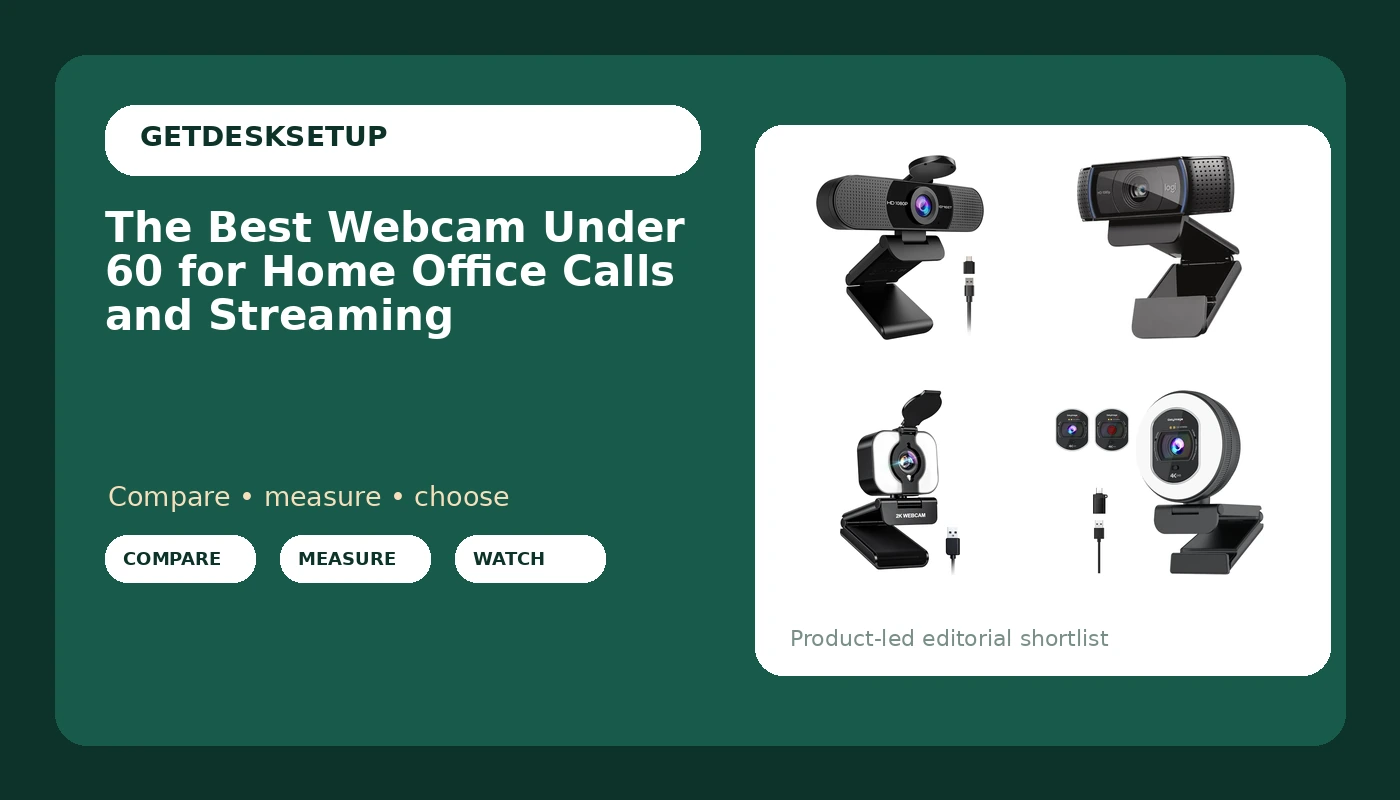
Most home office desks do not need a studio camera. They need a webcam under 60 that frames a head and shoulders, holds up through a forty minute call, and does not fight the monitor arm for the back edge of the desk. That is the brief this guide works from. Every camera below is a current listing, matched to its own product record, and compared on the specifications that decide whether an inexpensive camera looks acceptable on a Tuesday morning standup: resolution, frame rate, field of view, microphone setup, low light behavior, and how the housing attaches to a monitor or a tripod.
A budget camera is a set of trade offs, not one number. Put the money into the sensor and the lens and you get 1080p at 30 frames per second with a field of view wide enough for a small room. Put it into extra features and you get higher resolution claims, a built in light, or a privacy cover. Both approaches work, but they solve different problems. If your desk faces a bright window, low light handling matters less than it does for someone who starts calls before sunrise, and that single variable moves more recommendations than resolution does.
The comparisons here come from published product specifications and the way each model is described by its maker, not from bench testing. Where a product record does not support a claim, the claim is not in this article. Prices move, so every card sends you to the retailer for the current number rather than printing one that may be stale by the time you read it. What stays stable is the shape of the decision: how wide the frame is, how many microphones you get, and how the camera sits on your desk.
Related: Cable Management for a Small Home Office Desk
Quick answer
The EMEET C960 1080P Webcam with Microphone, 2 Mics, 90° FOV, Computer Camera is the strongest fit for a first home office camera because it delivers 1080p video, two built in microphones, and a 90 degree field of view from one USB connection, so a single cable carries both picture and sound. Choose the Logitech C920x HD Pro PC Webcam Full 1080p/30fps Video – Black instead when you want a full 1080p at 30 frames per second camera in a plain black housing and you already own a separate microphone or a headset.
Webcam under 60 worth comparing
Top pick
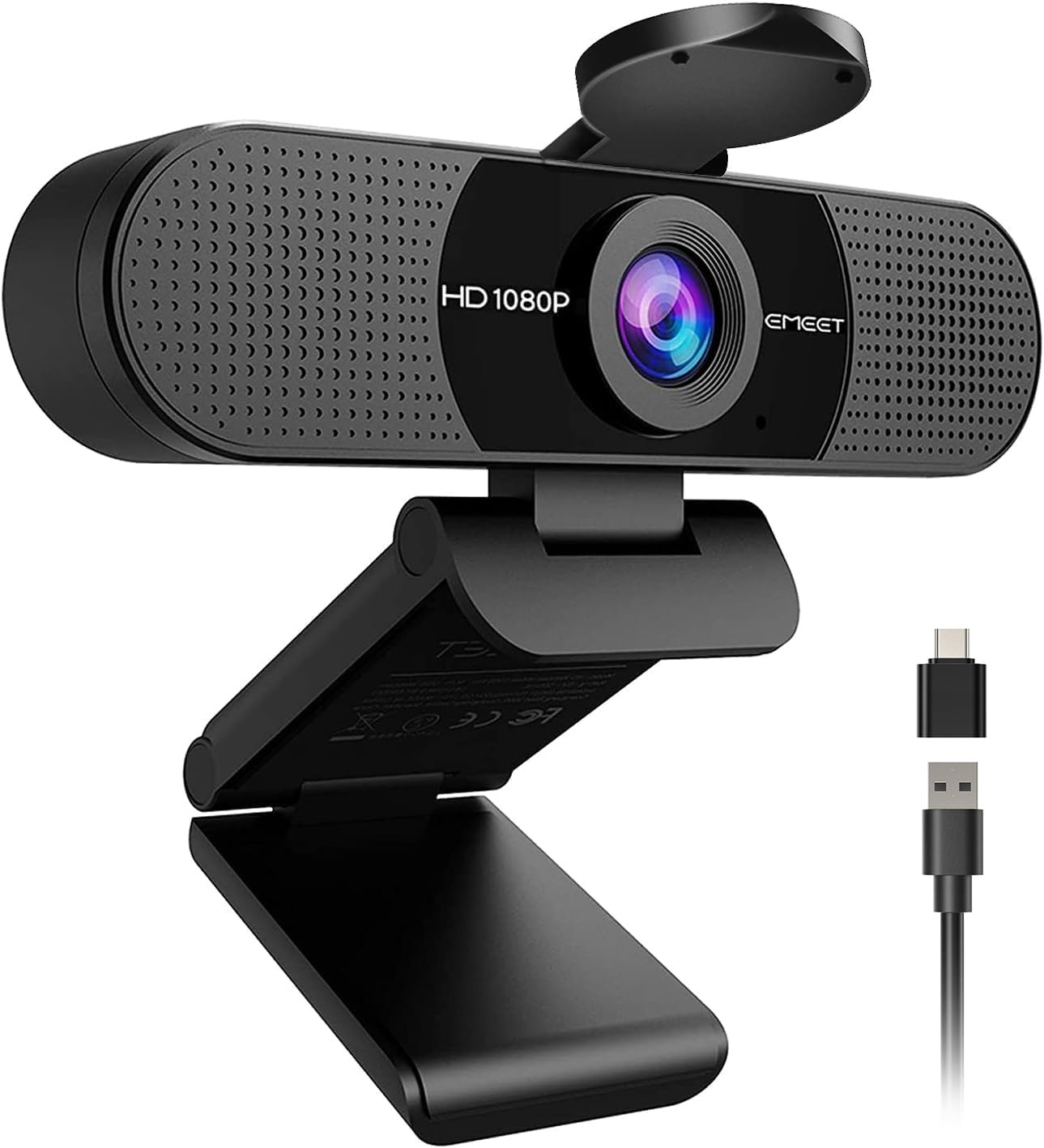
EMEET C960 1080P Webcam with Microphone, 2 Mics, 90° FOV, Computer Camera
Check current price
A 1080p USB computer camera with two built in microphones and a 90 degree field of view, so one cable carries video and audio for a standard desk.
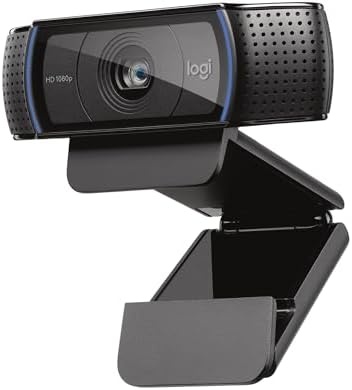
Logitech C920x HD Pro PC Webcam Full 1080p/30fps Video – Black
Check current price
Full 1080p video at 30 frames per second in a plain black housing, the familiar full HD specification for meetings and recorded calls.
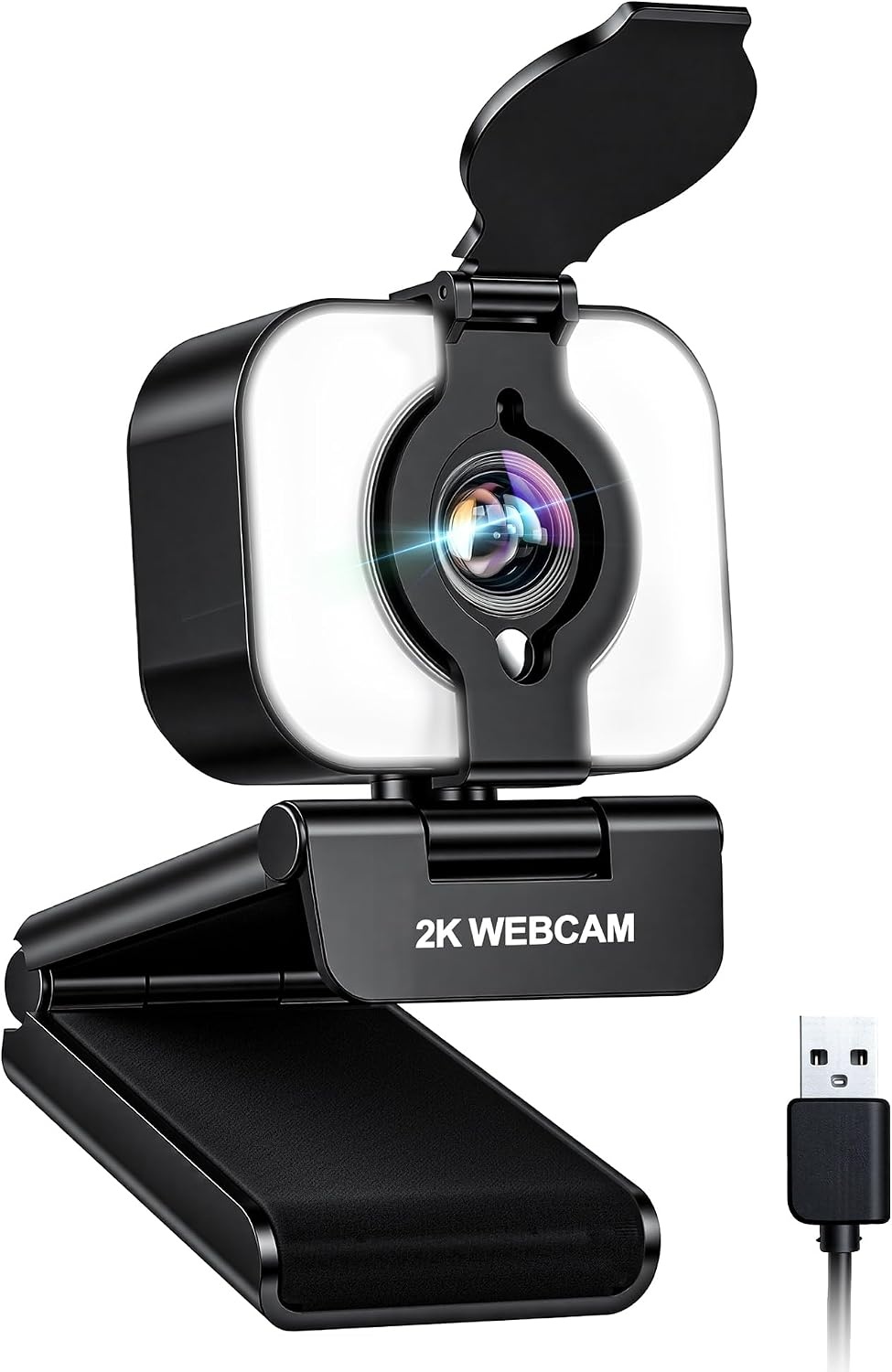
Atatat 2K Webcam for PC with Light, Microphone, Privacy Cover
Check current price
A 2K sensor with an integrated light, a built in microphone, and a privacy cover, aimed at desks that want a brighter image and a covered lens.
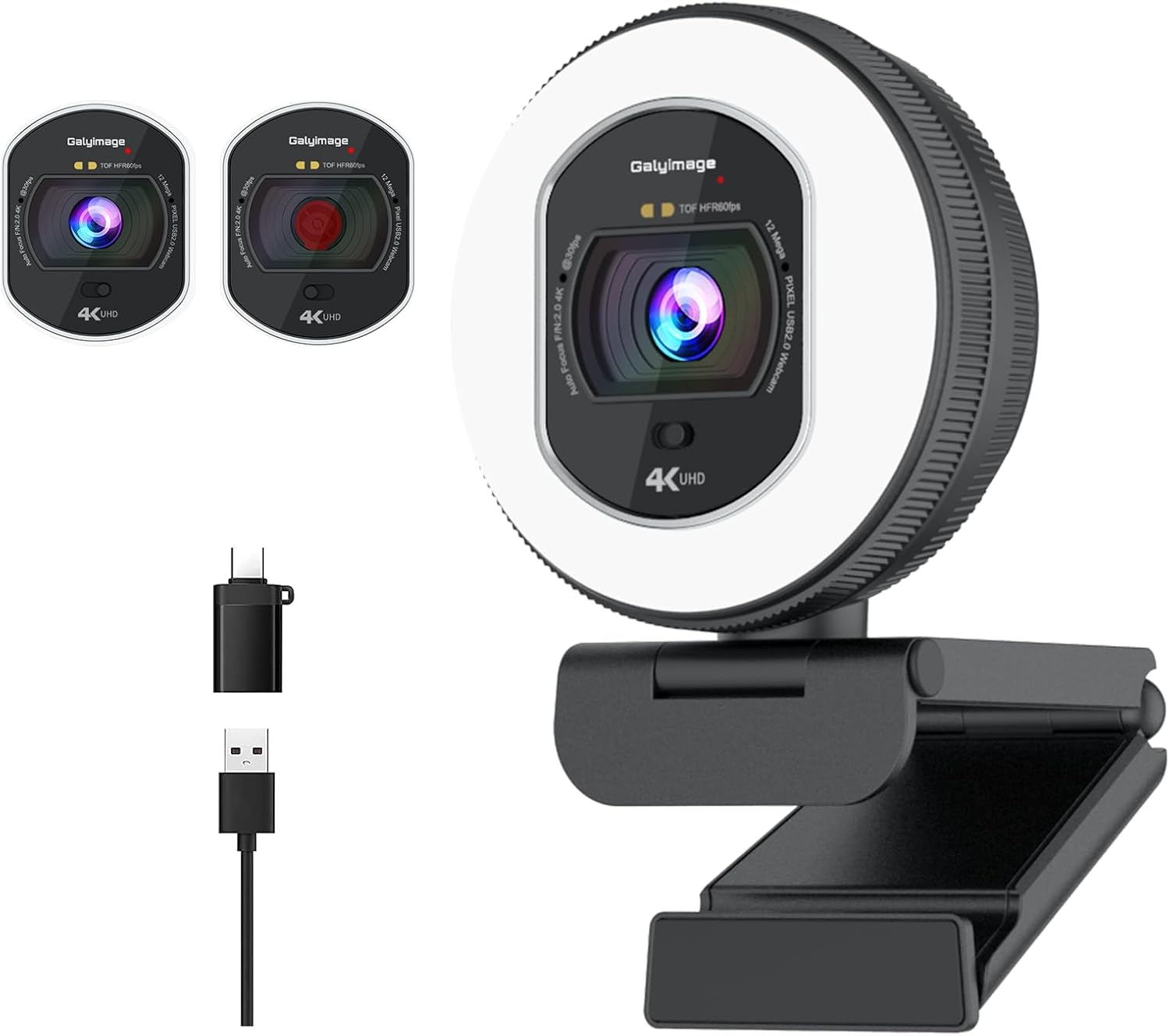
4K Webcam with Ring Light & Built-in Microphone for PC Streaming
Check current price
A 4K camera with a ring light and a built in microphone, positioned for streaming desks where the light and the resolution do the work.
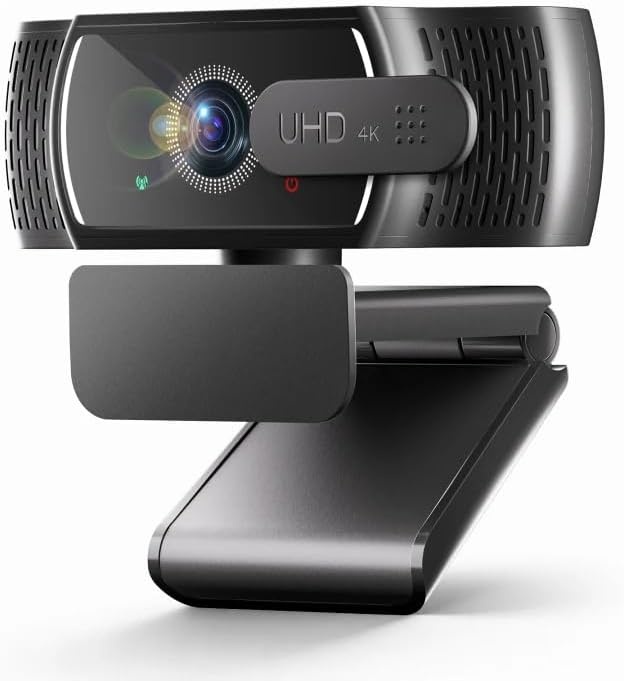
4K Webcam with Microphone for PC & Streaming Computer Camera
Check current price
A 4K webcam with a built in microphone for PC and streaming use, for buyers who want the highest resolution in this group without the extra light.
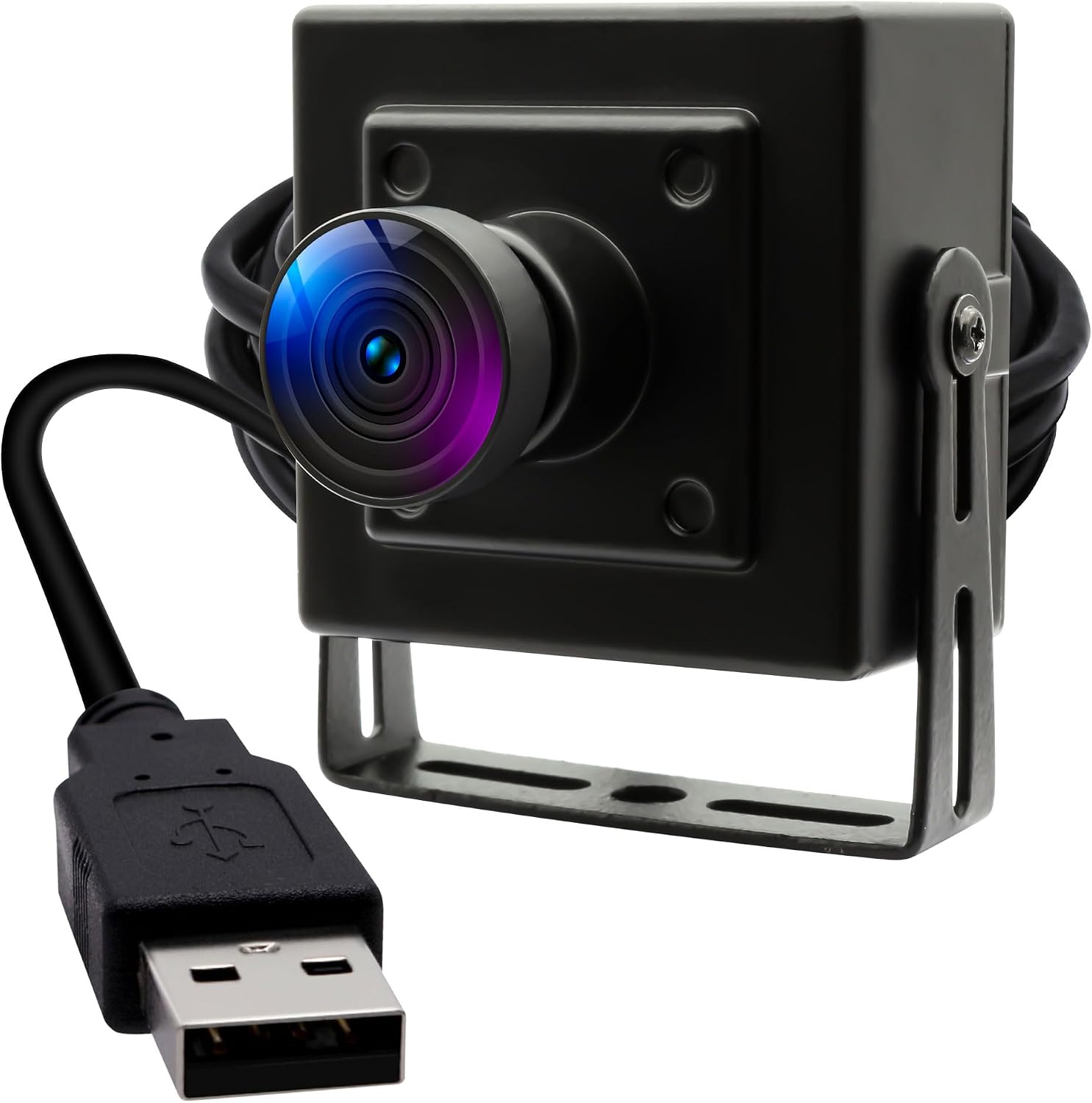
1080P 30fps USB Camera, H.264 Low Light Webcam with Microphone
Check current price
A 1080p camera at 30 frames per second with H.264 compression and a microphone, listed for low light conditions and a plain USB connection.
How these products were compared
This guide compares resolution and frame rate, field of view, microphone setup, low light handling, and mounting and cable routing. Product names, images, and retailer links are matched to the same product record so that every card points to the product shown. Nothing here is presented as hands on testing, and no current price is printed, because both change faster than a published guide can follow. What you get instead is a map of the differences that stay stable across listings, plus a note on who should skip each one. There is no single best webcam under 60 for every desk, because the right answer depends on room brightness, how far you sit from the screen, and whether your monitor has a spare USB port.
How to choose the right webcam under 60
Start with resolution and frame rate, then stop. A 1080p camera at 30 frames per second is the floor for a professional looking call, and several listings here meet it. The 2K and 4K models push the pixel count higher, which helps when you crop the frame or share your screen beside your face. Frame rate matters more than most buyers expect: 30 frames per second is fine for talking heads, and the jump to 60 costs money a budget camera does not have to spend. If you are shopping for a web camera under 60 for meetings and the occasional recording, resolution first, everything else second.
Field of view decides how much of the room comes with you. The EMEET C960 lists 90 degrees, which is a comfortable middle ground: wide enough that you are not pinned to the center of the frame, narrow enough that a doorway or a pile of laundry stays out of it. A very wide lens forces you to sit closer to fill the frame and stretches the edges of your face. A narrow lens does the opposite and leaves no room to lean back. Ninety degrees is the safe default for a desk that is roughly two feet deep.
Microphones are where budget cameras separate. A single built in mic picks up the room as much as it picks up you, which is why the two microphone models here are worth a look: a pair of mics gives the camera more to work with when it tries to reject keyboard noise and fan hum. None of these will beat a dedicated microphone or a decent headset, and if you take six hours of calls a day, spend the money there instead. For a pc camera under 60 that has to be a single purchase, dual microphones are the feature to hunt for.
Low light handling is the spec that hides. One listing here calls out H.264 compression and low light performance, another pairs a 4K sensor with a ring light, and a third builds a light into the body of a 2K camera. Those are three answers to the same problem. Before you buy any of them, look at your own lighting: desk lamp lumens and the angle of the lamp matter as much as the camera does. A light source in front of you at face level does more for image quality than an extra stop of sensor sensitivity, and it costs nothing if the lamp is already on the desk.
Mounting decides whether the camera stays where you put it. Most of these cameras fold over the top of a monitor or sit on a flat surface, and most include a tripod thread underneath. Weight matters: a heavier housing on a thin monitor bezel can tilt the panel, so if your monitor arm is already near its load limit, plan for a shelf or a tripod instead. Route the USB cable so it does not pull on the camera. A cable sleeve or a short run of raceway along the back edge, held with an adhesive clip, keeps the camera aimed where you set it and stops the cable from dragging your monitor angle out of alignment.
Two smaller details are worth checking before you commit. First, whether the model includes a privacy cover, which the Atatat 2K unit does. Second, how the camera connects and what it needs: all of these are USB cameras, so they occupy a port, and a monitor with a built in hub is the cleanest place to plug one in. Confirm that the exact model includes the microphone arrangement you want, because makers ship near identical names with different internals.
EMEET C960 1080P Webcam with Microphone, 2 Mics, 90° FOV, Computer Camera
The EMEET C960 is the pick because its feature set lines up with the most common home office desk. It records at 1080p, it carries two microphones, and its 90 degree field of view frames one person at a normal sitting distance without turning the room into part of the shot. Because it is a USB computer camera, one cable handles video and audio, which keeps the back of the desk from turning into a nest of adapters. That single cable also simplifies cable management: one clip and one short sleeve, and the run is finished.
The trade off is the ceiling. A 1080p sensor at this level has less room to crop than a 2K or 4K listing, so if you plan to zoom in or record a cropped vertical clip, the higher resolution models below will serve you better. The 90 degree lens also shows more of the room than a narrow lens would, so a cluttered wall behind you stays visible unless you frame it out or move the camera. If either of those is a deal breaker, step up.
Alternatives to consider
The Logitech C920x HD Pro PC Webcam Full 1080p/30fps Video – Black is better suited to a buyer who wants a plain black 1080p at 30 frames per second camera and does not need the dual microphone arrangement, while the Atatat 2K Webcam for PC with Light, Microphone, Privacy Cover is a stronger fit when you want a higher resolution sensor, an integrated light, and a privacy cover in the same unit. The privacy cover is the kind of small feature that matters if the camera sits on a monitor in a shared room.
The 4K Webcam with Ring Light & Built-in Microphone for PC Streaming covers a different case: a video camera under 60 for streaming, where the ring light and the 4K resolution are the point and the desk is dim or the wall behind you needs help. The 4K Webcam with Microphone for PC & Streaming Computer Camera is the other high resolution option, and it makes sense when resolution is the priority and you do not need the ring light. The 1080P 30fps USB Camera, H.264 Low Light Webcam with Microphone is the low light specialist of the group and the one listing that sits above the budget line this guide is built around, so treat it as the stretch pick rather than the value pick.
Day-to-day use and maintenance
A webcam needs almost no maintenance, which is why the failures tend to be mechanical rather than optical. Clean the lens with a dry microfiber cloth and skip solvents, because the coatings on small lenses do not appreciate alcohol wipes. Check the mount every few weeks: the fold over clip on a monitor bezel is the part that loosens, and a camera that has slid two inches off center is the reason your calls look off balance. If the camera sits on a tripod, make sure the thread is snug before you tighten anything else.
The rest of the desk matters more than people expect. Your footrest angle and seat height decide whether the camera ends up looking up at your chin or straight at your eyes, so set the chair first and the camera second. A desk that rocks moves the camera with it, and mat thickness and mat density under a rolling chair will not fix a wobbly frame, though a stable desk makes any camera look better. Route the USB cable with a clip or a sleeve so it does not pull on the camera, and if the run crosses the floor, use a raceway rather than letting the cable stretch across a walkway.
Software is the other half. Most of these cameras work without a driver, but conferencing apps often default to the wrong device, so set the camera as the default video input once and confirm it after any system update. If the picture looks soft, check whether the app is applying its own scaling before you blame the lens. And if you share the desk, a privacy cover or a quick unplug is a simpler habit than trusting a status light.
Buying checklist
- Measure the space above your monitor bezel and the depth of your desk before you pick a mount.
- Choose 1080p at 30 frames per second as the baseline, and step up to 2K or 4K only if you crop or stream.
- Confirm that the exact model includes the microphone arrangement you want, since near identical names ship with different internals.
- Read the cleaning and care instructions, and keep a dry microfiber cloth for the lens.
- Verify the current retailer price, availability, and return terms before you buy.
Final recommendation
Choose the EMEET C960 1080P Webcam with Microphone, 2 Mics, 90° FOV, Computer Camera when you want one USB cable, two microphones, and a 90 degree frame for a standard home office desk. Choose the Logitech C920x HD Pro PC Webcam Full 1080p/30fps Video – Black when you want a straightforward 1080p at 30 frames per second camera in black and you already have your audio covered.
Step up to the Atatat 2K Webcam for PC with Light, Microphone, Privacy Cover or one of the two 4K listings when resolution, an integrated light, or a privacy cover matters more than simplicity. If your room is dark and that is the whole problem, the low light listing is the one to check, even though it costs more than the rest of this group. And if none of these fit your lighting or your measurements, the honest answer is that a used camera with a better sensor beats a new one that fights your room.