I have measured 310 home offices in and around Seattle with a tape measure, not a spec sheet, and no single question splits a build faster than setup with under desk storage vs without. It is not a style argument. It is a leg-room argument, and it gets settled before you order anything, not after the boxes are stacked in the hallway.
Related: Desk Height and Chair Pairing: Measure Before You Buy
For most rooms, my pick is the FLEXISPOT EN2 55"x28" standing desk bundle with the storage cabinet, because storage that arrives with the desk keeps the floor clear without forcing an L shape into the room. The SEDETA L shaped desk is the better call when you have a genuine corner and need shelf space more than open floor. If the room already has a closet or a bookcase, skip both and put the money into a mat and a glare shade instead.
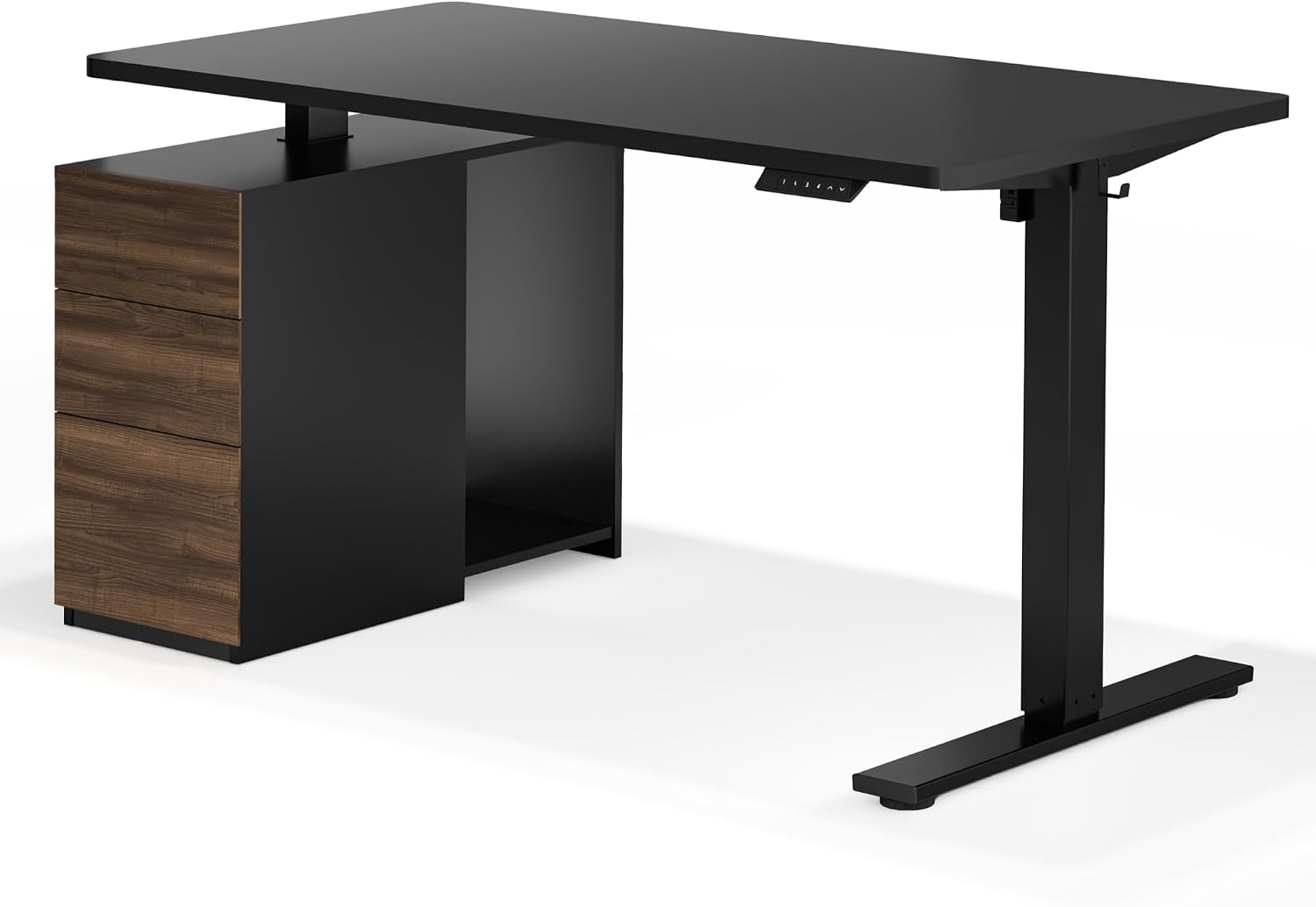
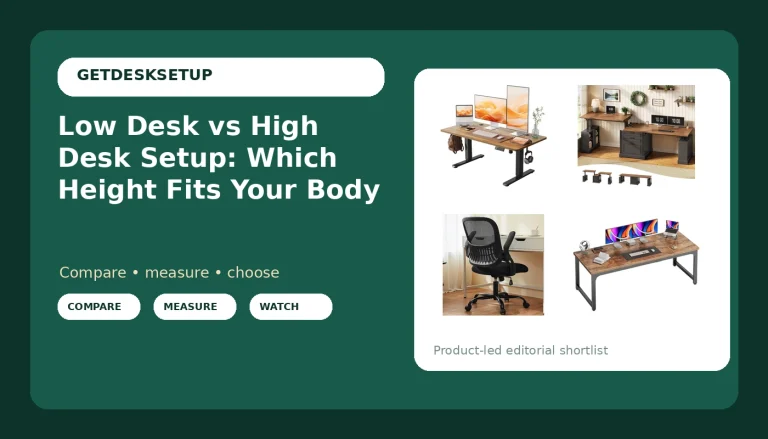
FLEXISPOT EN2 55"x28" Standing Desk Bundle with Storage Cabinet, Black
Storage is part of the purchase, and the 55 by 28 top leaves more open floor than an L shape
A cabinet is a fixed object in a setup where the desk moves, so cable slack has to cover the full travel
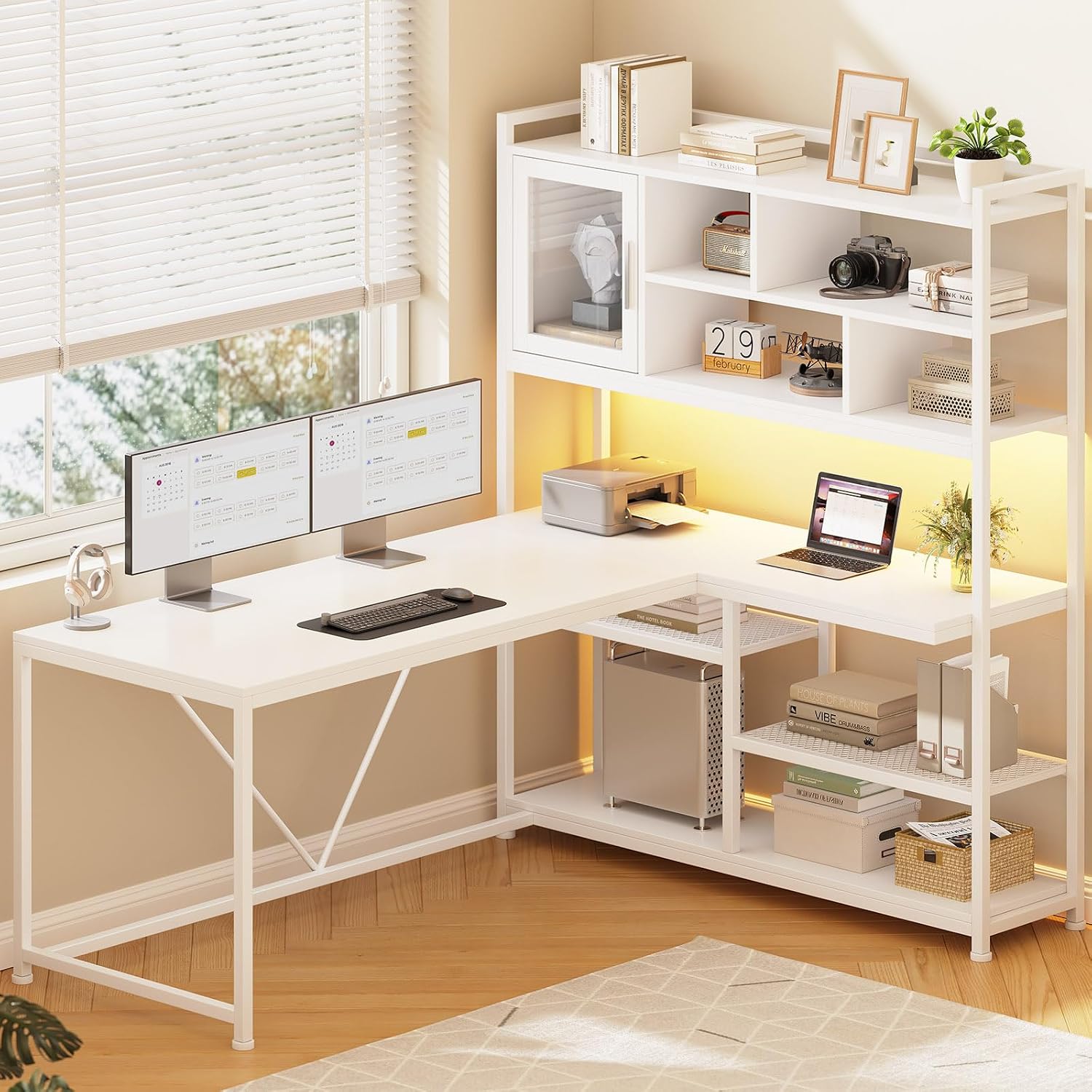
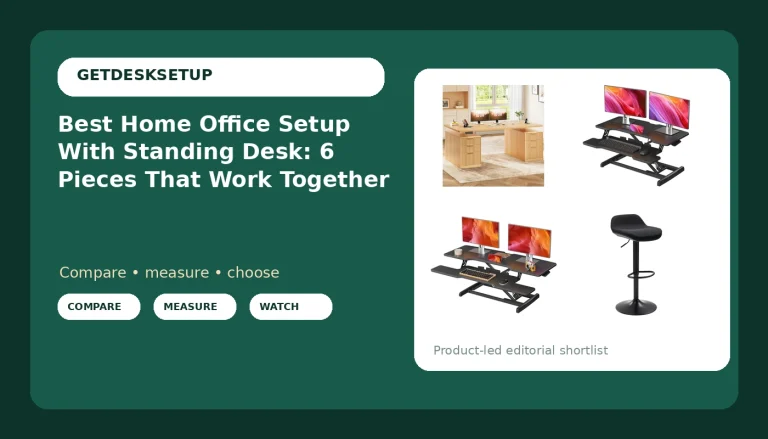
SEDETA L Shaped Computer Desk with Storage Shelves and Bookshelf, White
Shelves and a bookshelf come built in, and the L shape turns a dead corner into usable surface
An L commits you to one room layout, and both legs need knee clearance measured before you buy
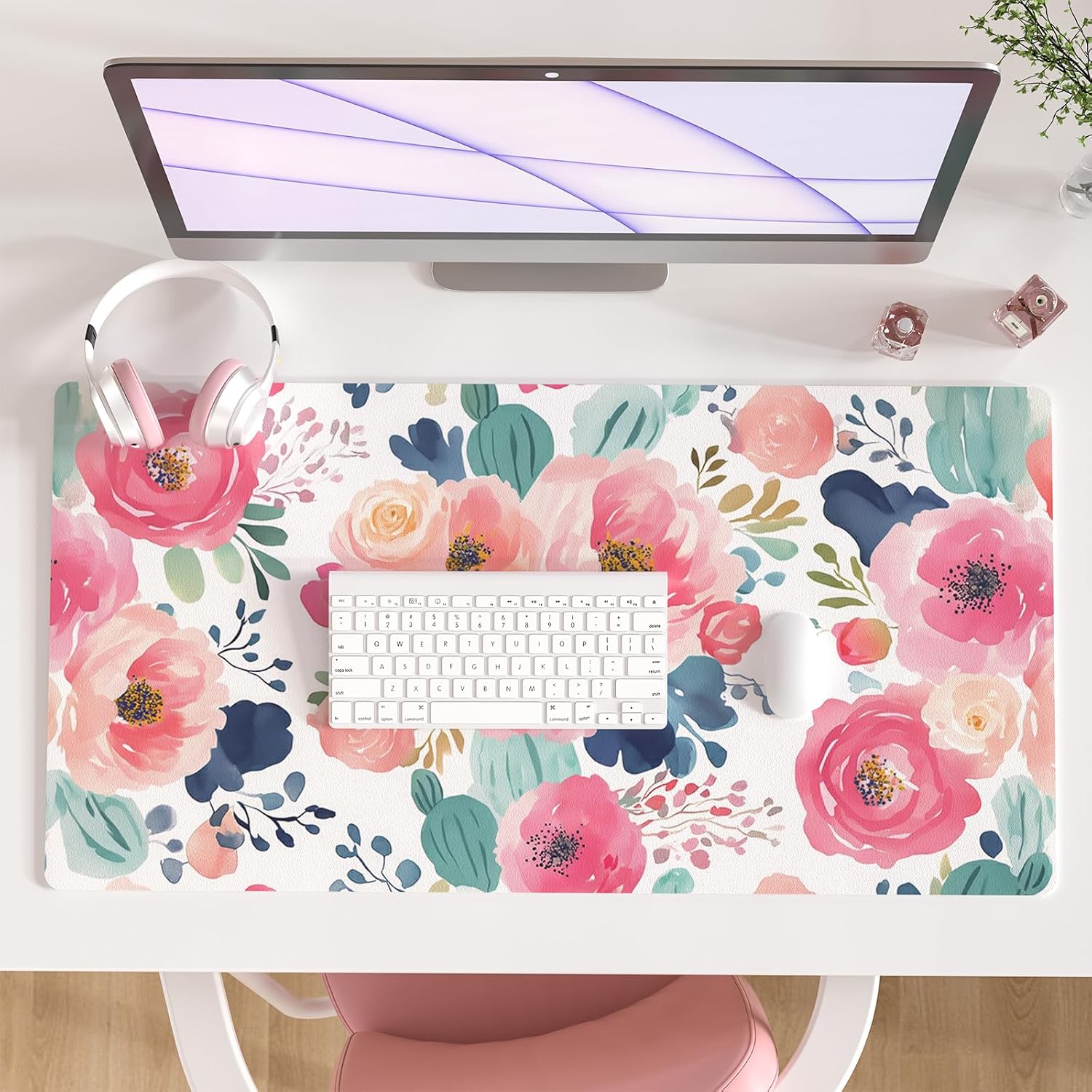
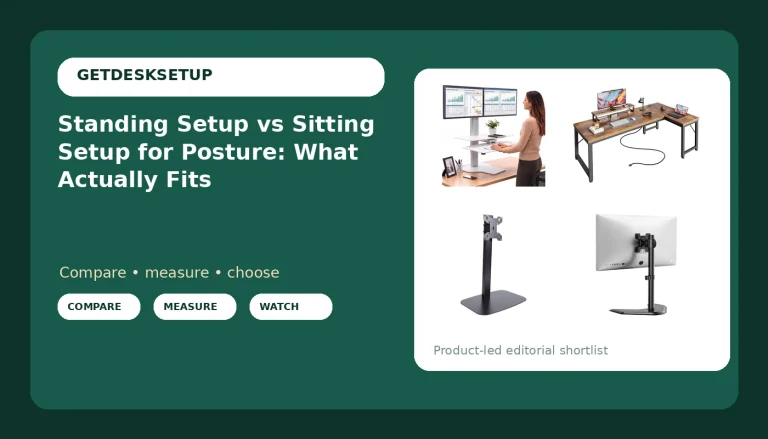
Faux Leather Large Mouse Pad, Office Desk Mat, 31.5"x15.7", Pink Floral
Defines the mouse zone and protects the desktop on a build where the surface is the only real estate
At 31.5 by 15.7 inches it takes a real share of a 55 inch top, and the floral pink locks the palette
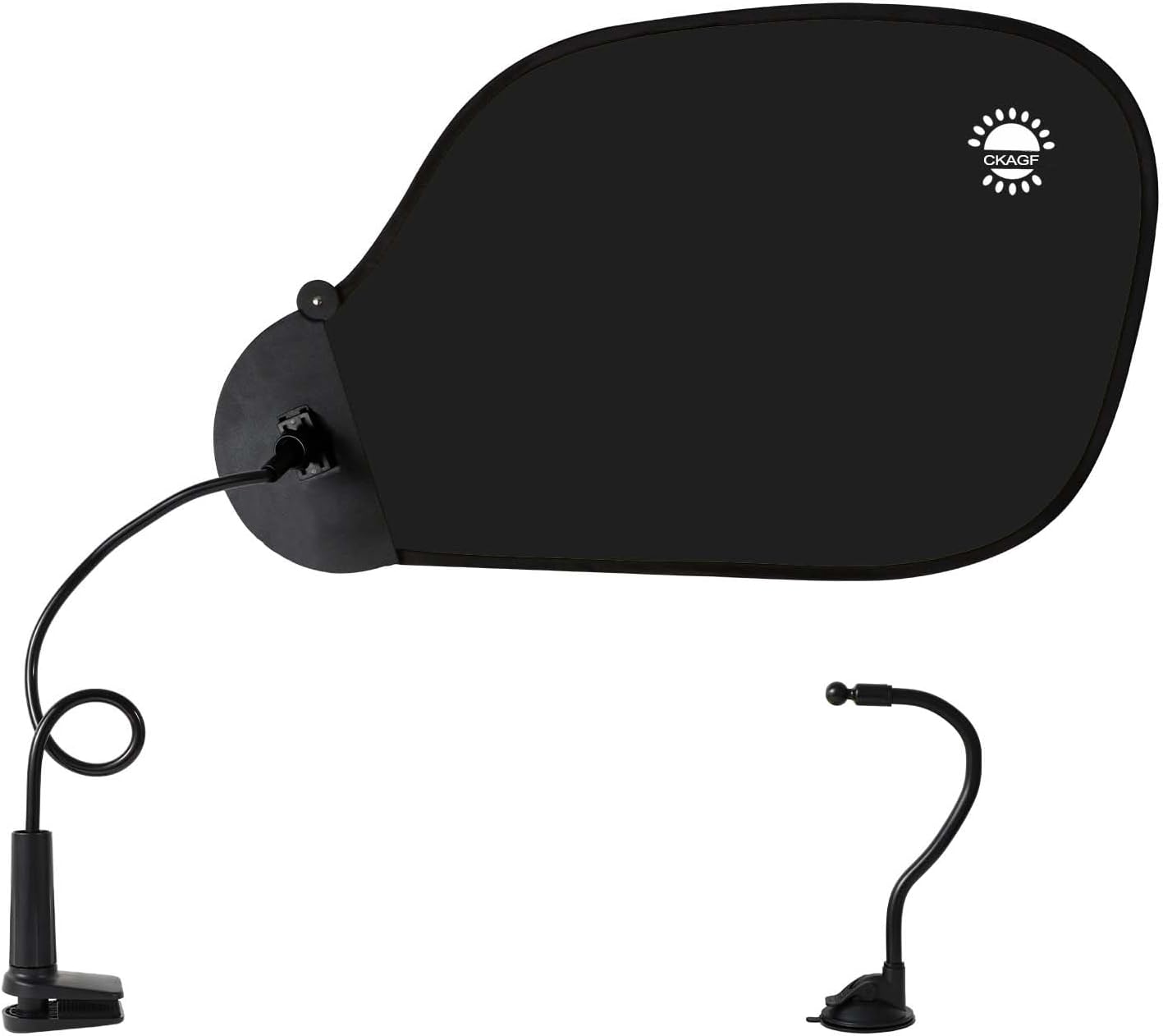
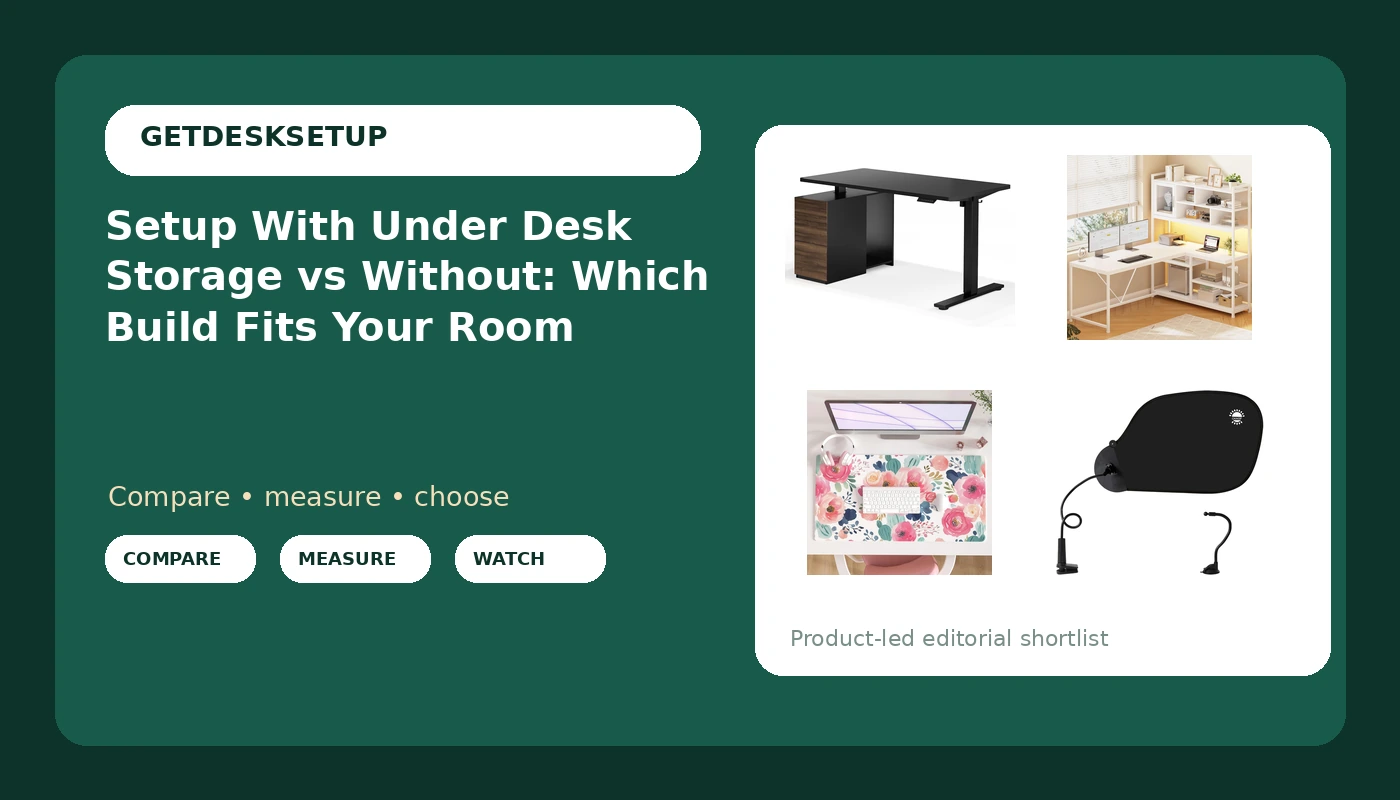
Adjustable Office Desk Shade and Cubicle Shade for Light Glare Blocking
Fixes a lighting layer without moving furniture, and it works on a desk or a cubicle panel
Anything mounted to a height adjustable desk has to ride the travel, so it needs slack and a test at standing height
Prices and availability may change.
Setup with under desk storage vs without: four numbers to take before you order
Take them in this order: knee clearance under the work surface, floor depth behind the chair, top width against the wall, and monitor distance from your eyes. Every one of those is a tape measure number, not a feeling.
Knee clearance comes first. A drawer bank or a cabinet under the desk removes vertical space you never get back, and the number that matters is the underside of the storage against the top of your thighs in your normal sitting posture. I want the height of your chair armrests plus a hand width of air, because armrests are what actually collide. If you cannot roll the chair in until your back touches the backrest, the storage has already taken the setup.
When people type without vs setup with under desk storage into a search box, this is the real question underneath it: does my chair still fit? The answer is a measurement, and it comes out differently for someone at 5 foot 9 and someone at 6 foot 2. If you do not know your own seat depth and seated elbow height in inches, you are guessing, and guessing is how a the quoted price desk turns into a the quoted price mistake.
Floor depth is second. Storage takes floor area whether it hangs under the top or stands on its own. Measure from the wall to where your chair sits when you are not using it, then subtract the depth of everything that will live under the desk. A room that felt generous at the showroom can lose a foot of usable space to one cabinet.
Top width is third. A 55 inch wide top handles one monitor and a laptop comfortably. Two monitors plus a printer pushes you into a wider top, a shelf, or the second leg of an L. Write down what has to sit on the surface on day one, then count again for what you will add in year two.
Monitor distance is last, and it is the one people skip. The top of the screen should land near eye level and the panel should sit roughly an arm's length from your face. Storage that raises your working surface or pushes your chair back changes both numbers at once, and you will feel it in your neck before you understand why.
The storage desks: what the FLEXISPOT EN2 and the SEDETA change
FLEXISPOT EN2 55"x28" Standing Desk Bundle with Storage Cabinet, Black. This is the route I would put in a client's room when they want one purchase to solve both problems: a 55 by 28 inch top that fits a shorter wall, and storage that arrives with the desk instead of being a separate cabinet I have to source and match. What you are buying here is fewer decisions.
The trade-off is travel. A standing desk moves, and anything stored on it or beside it has to move with it. Plan the cable slack for the full range of the frame before you dress a single cable, then test at the top of the range with everything loaded. A cable that pulls tight at standing height will change your monitor angle within a week, and you will blame the monitor arm.
SEDETA L Shaped Computer Desk with Storage Shelves and Bookshelf, White. This one is for the room with a corner doing nothing. The shelves and bookshelf are part of the build, so the storage does not eat your floor or your knee clearance on the main leg, which is the failure mode of under-desk drawer units. You get the vertical storage without stealing the space your legs need.
What it costs you is flexibility. An L shaped desk fixes your room layout, and once it is assembled, moving it is a two person job. Measure both legs against both walls before you order, and check knee clearance on the return side, not just the side where you sit. The return is where people put the printer and then discover they cannot swivel.
The difference between setup with under desk storage and without is not how much clutter you can hide. It is how many fixed objects you agree to work around every single day, and how many of those objects you can move alone when the room changes.
The without side: mat and glare shade
The storage-free build has one rule: the desktop is the only horizontal surface you own, so everything on it has to earn its footprint. That sounds like a downgrade until you sit down in it. Nothing blocks your knees, nothing catches your chair, and the whole room reads bigger because the floor is open.
Faux Leather Large Mouse Pad, Office Desk Mat, 31.5"x15.7", Pink Floral. On a desk with no drawers and no shelves, the surface finish is doing all the work, so a mat is not decoration, it is protection and it defines where the mouse lives. At 31.5 by 15.7 inches it covers a keyboard and a mouse with room to spare, which is exactly what a storage-free desk needs because there is no second surface to move things to. It is faux leather, so it wipes clean instead of soaking up coffee.
Two honest limits. On a 55 inch top, a mat this size takes a real share of the width, so measure before you commit. And the pink floral print is a palette decision for the whole room, not a neutral. If the rest of your setup is black and walnut, this is the loudest object in the photo.
Adjustable Office Desk Shade and Cubicle Shade for Light Glare Blocking. Glare is usually the reason people start rearranging a room, and rearranging is how a good room layout gets ruined. This blocks the light instead, and it mounts to the desk or to a cubicle panel, so it works in an open office and in a corner bedroom alike. For a storage-free build, where you cannot just stack a box in front of the problem, it is the cheapest fix on the list.
The catch is the same one the standing desk bundle has. Anything attached to a height adjustable desk rides the travel with it, so leave slack, and check it at standing height the first day rather than the first month.
Chair pairing and monitor distance come before the storage
Whether you go setup with under desk storage or without, the chair is the first purchase and the storage is the second. The chair sets your seat depth and your seated elbow height, and those two numbers decide how much clearance anything under the desk can take. Buy the chair first, sit in it for a week, then measure the space it leaves.
Chair pairing is where most under-desk storage fails. A chair with fixed armrests needs more vertical clearance than one with flip-up arms, and a chair with a deep seat needs more forward room before your back reaches the backrest. If you are buying both at once, measure the armrest height from the floor and treat that as your minimum clearance under any drawer or cabinet.
Monitor distance is the second casualty. When storage pushes your chair back by three inches, your screen is suddenly too far away, and the usual fix is to lean in, which undoes the chair you just bought. Set monitor distance after the storage is in place, not before.
Cable planning, the power outlet, and ventilation
Storage makes cable planning easier and worse at the same time. Easier because there is somewhere to hide the run. Worse because hidden cables get loaded instead of supported. I have replaced more than one tray that sagged under its own screws after a month, and every one of them was rated for the cables and not for the brick.
Run the heavy stuff, the power brick and the dock, along the frame or the wall, and keep only the light cables in the tray. Leave a service loop at every joint.
Count your power outlet before the desk arrives, not after. A standing desk, a monitor, a dock, a lamp, and a charger is five plugs, and a cabinet light makes six. One outlet behind the desk is not enough, and a strip screwed to the underside of a moving top is a cable management problem you create for yourself.
Ventilation is the one nobody plans. If your storage is enclosed, do not put a dock, a mini PC, or a router inside it and close the door. Warm air needs somewhere to go, and a closed cabinet with a running dock in it is an oven with a hinge. Leave the door open, or leave the electronics on the open shelf.
Room layout and lighting layers
Room layout decides the desk shape before the desk decides it. A wall-facing desk needs about 55 inches of clear wall. An L needs two walls and a corner, and the shorter wall has to carry the return. When I size an L for a room, I want the main leg at least 55 inches wide and the return at least 39, and I want the shorter wall to be at least 8 feet before I recommend that shape at all.
Lighting layers matter more on the storage-free build, because there is no shelf to hide a lamp on. I plan three: overhead for the room, a task light for the surface, and something soft behind the monitor so the screen is not the brightest thing in your field of view. The glare shade handles the daylight layer when a window is behind you and the blinds are not enough.
Who should skip which path
Skip under-desk storage if your seated knee height is tight, if you use a footrest, or if you need to roll the chair fully in to sit upright. No drawer unit is worth a chair that will not tuck. Skip the L shaped desk if the room cannot give you two clear walls, or if you might move the desk in the next year.
Skip the standing desk bundle if you have never stood at a desk and are not sure you will. And skip the storage-free route if you have no closet, no bookcase, and no plan for where paper goes, because the floor becomes the shelf and the room never looks finished.
The install order I use
Build the storage first, place it where it will live, then set the desk at sitting height and check clearance with the chair. Clamp and adjust, then load the surface with the actual monitors and the actual printer, then tighten everything down. Reversing that order, tightening before loading, is how you end up redoing it twice.
Then do cable planning with the desk at standing height, not sitting height. Run the service loops, test the full travel, and only then dress the visible run. Last, add the lighting layers and check monitor distance one final time from your normal seated position.
The verdict
For a room with one usable wall and a real need to keep the floor clear, setup with under desk storage vs without is not close: take the FLEXISPOT EN2 bundle and let the desk carry the storage. For a room with a dead corner and more paper than floor space, the SEDETA L shaped desk earns its footprint. And for a room that already has a closet and a bookcase, the honest answer is neither desk, plus a mat and a glare shade, because the cheapest correct setup beats the most expensive wrong one every time.