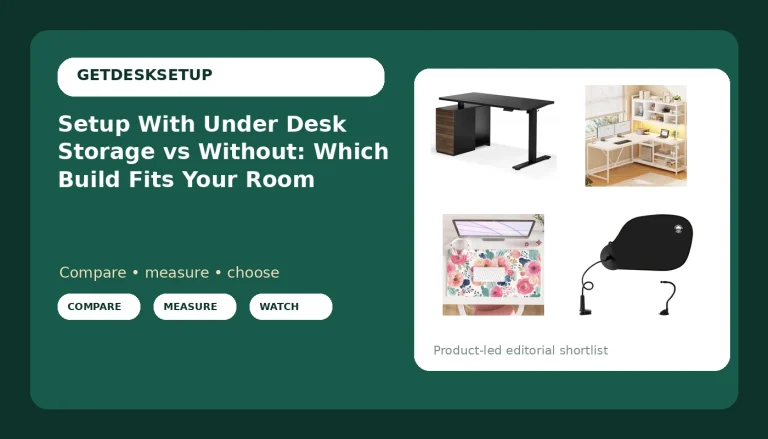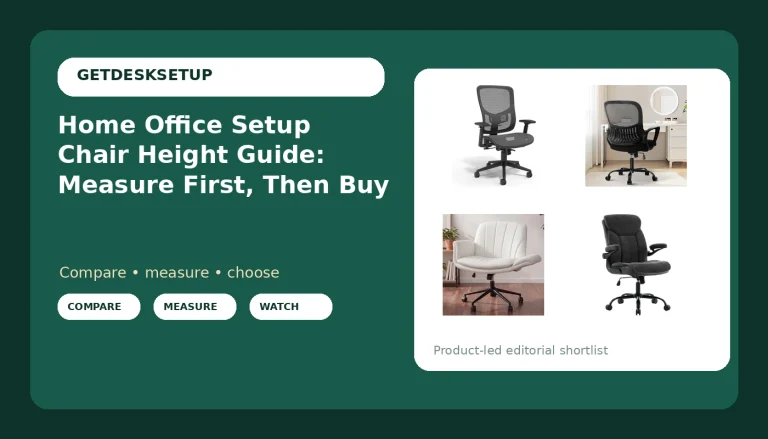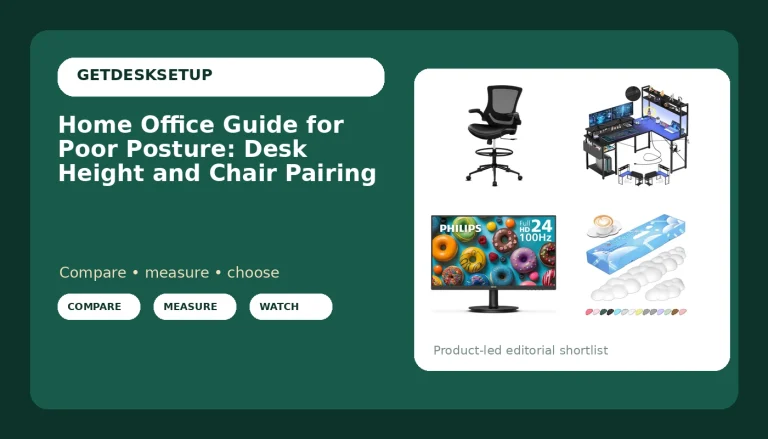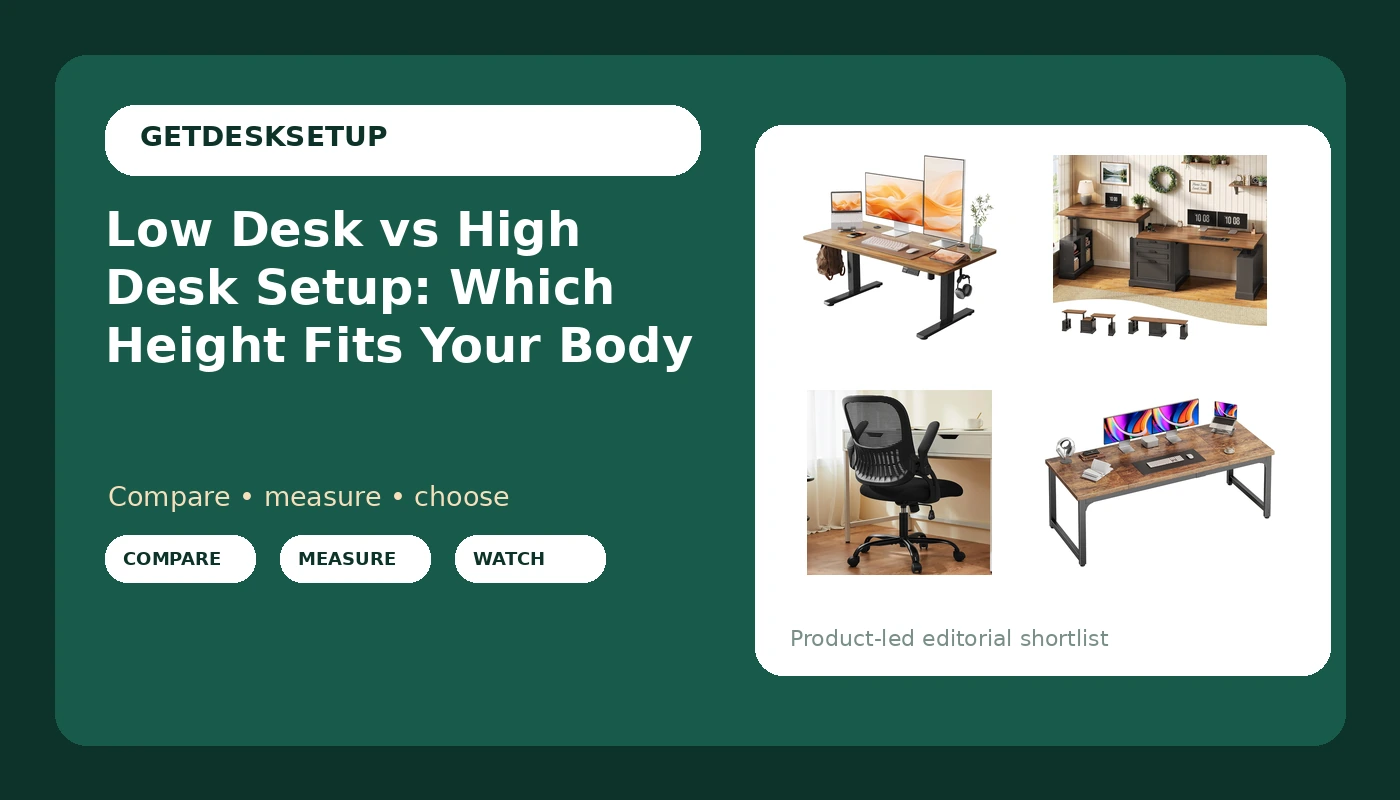
I have built out 310 home offices around Seattle, and the argument I settle more than any other is low desk vs high desk setup. Not brand, not motor speed, not whether the top is bamboo or walnut. Height. Nine years of buying furniture for 400-person floors taught me what my tape measure keeps repeating: a desk is a pair of numbers, and if its range does not bracket your seated elbow height, everything else on the listing is decoration.
Related: Standing Desk Wobble at Full Height: What to Test Before You Buy
The short answer: for most people the right pick is an adjustable desk that reaches low enough for your seated elbow height, paired with a chair whose seat depth matches your thigh length, because a fixed desk can only ever be correct for one body. The long answer is the difference between low desk and high desk setup, and it comes down to three numbers I take with a tape: seated elbow height, seat depth, and the distance from your eyes to the screen. Get those wrong and no drawer bank or rustic brown finish rescues the room.
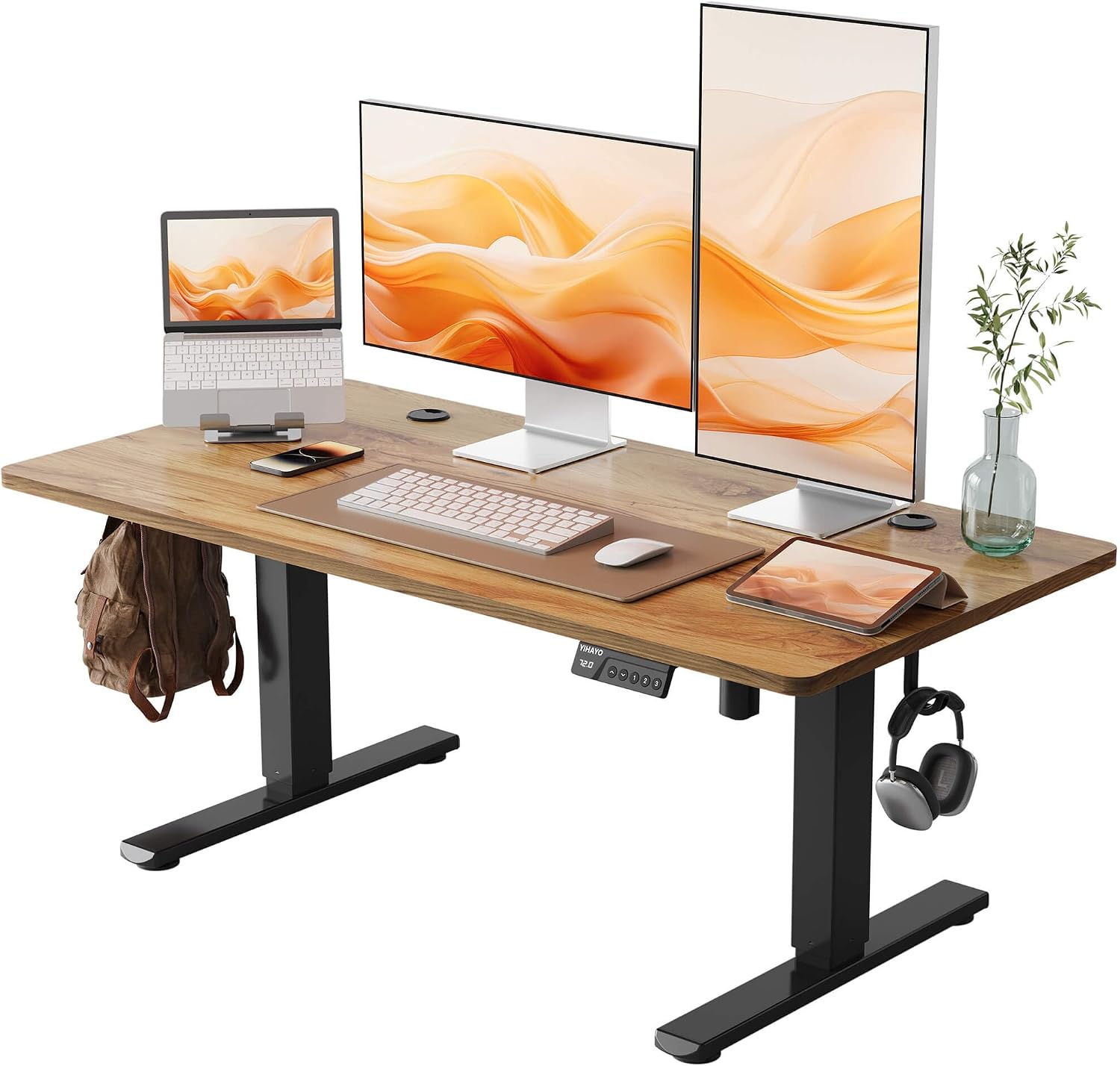
YIHAYO Low Height Adjustable Desk
The only published lift range in this group, 18.1 to 28.3 inches, on a 48 x 24 top, so it can genuinely sit below a short user's elbow
28.3 inches is a seated height, not a standing height for an adult, so the standing desk label oversells it
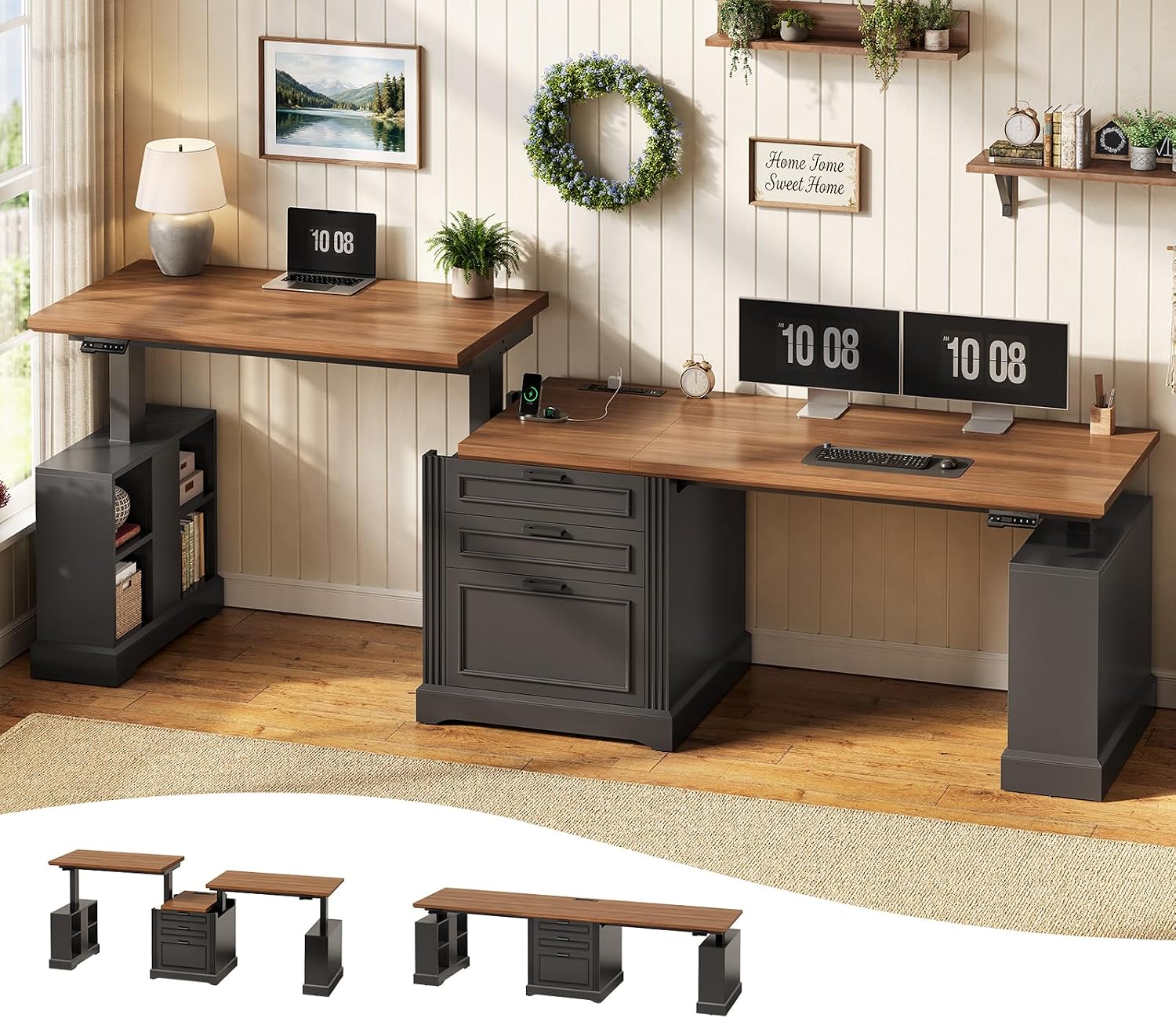
SEDETA 98.4'' Standing Two Person Desk with 3 Drawers, Storage Cabinet
98.4 inches of width, 3 drawers, and a storage cabinet in one footprint, so two people share one wall and one cable route
No height range in the spec I have, so I cannot size it to a body from the listing alone
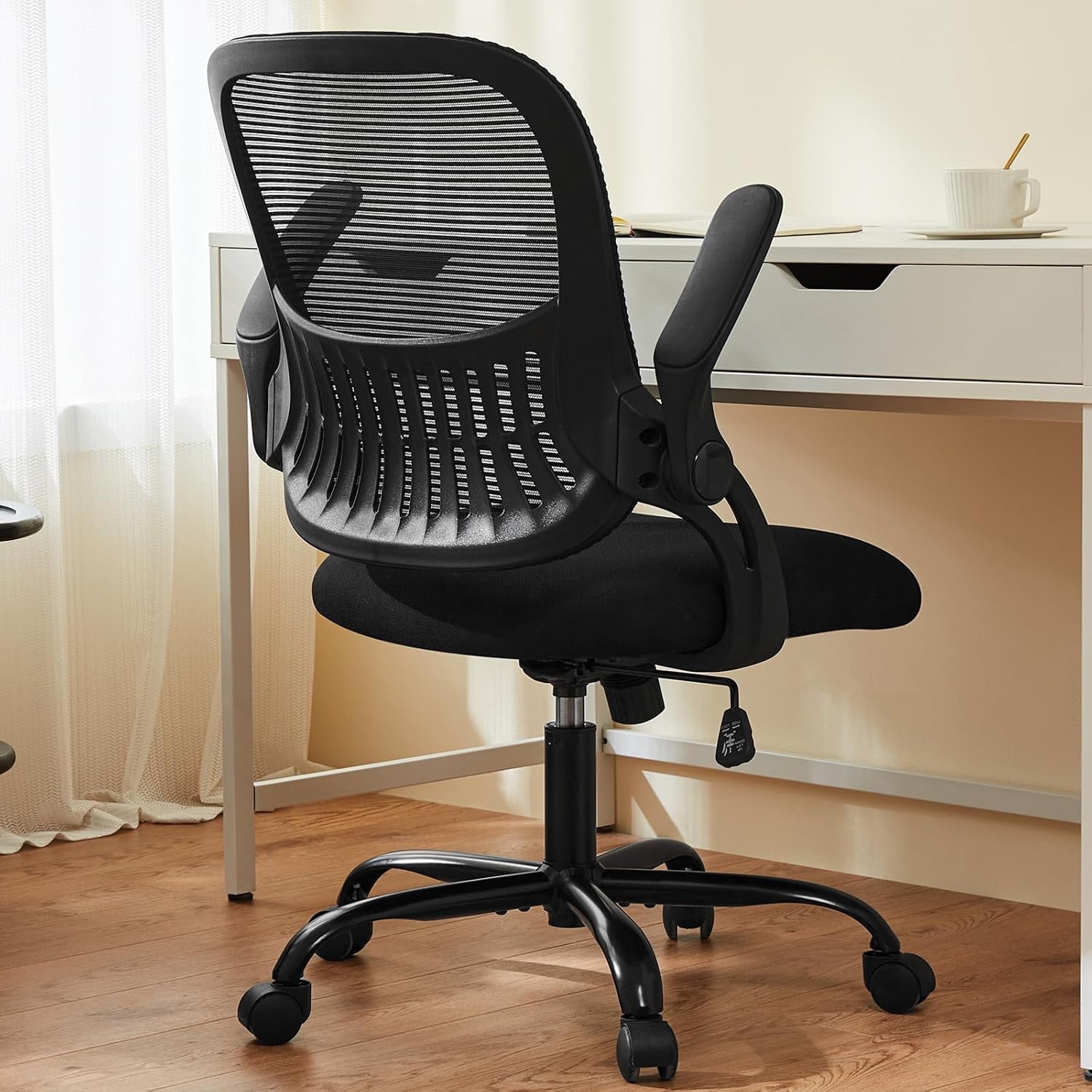
Sweetcrispy Computer Desk Chair, Swivel Task Chair with Lumbar Support
Lumbar support and a swivel base, the two features I check first on any task chair
No seat depth published, so I will not promise a fit for a specific body
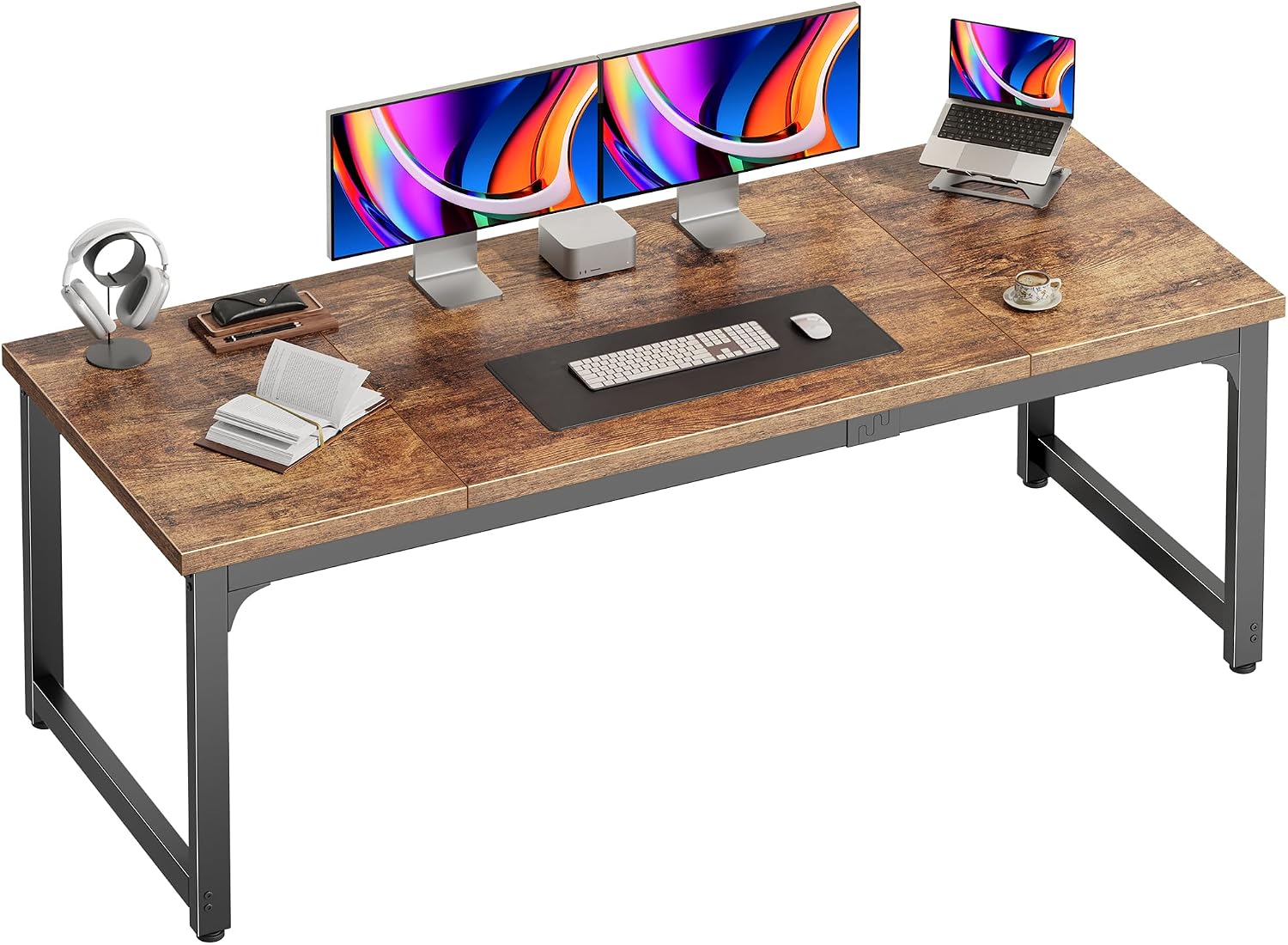
PRAISUN 63 x 24 Inch Computer Desk, 0.95'' Thicker, Duty, Rustic Brown
A 0.95 inch thick top and 63 inches of width for a fixed desk
One fixed height that is not published, so it is right for exactly one body
Prices and availability may change.
How I measure desk height before I trust a listing
Every seat depth and desk height range in my notebook was taken with a tape, not read off a spec sheet. The order matters, because a wrong chair can hide a right desk and vice versa.
- Sit in the chair you actually own, feet flat. If your feet do not reach the floor, the chair is already wrong and no desk fixes it.
- Measure from the floor to the underside of your elbow with your shoulder relaxed and your forearm level. That is your seated elbow height. Write it down.
- Measure the thickness of your keyboard at the back edge, plus a wrist rest if you use one. Subtract that from the number above. That is the desk height you need.
- Read the desk's published range. If your number is not inside it, the desk is out. Not "adjustable enough." Out.
- If the desk claims standing, run it to the top of its range before you trust it. Wobble shows up at the top, never at the bottom.
That is the whole method. It takes four minutes and it has saved me more returns than any review I have read.
Low desk vs high desk setup: the range is the argument
A low desk is not a small desk. It is a desk whose range reaches down far enough for a short seated user's elbow height, and the YIHAYO here is the only one in this group that publishes a number for it: 18.1 inches at the bottom, 28.3 inches at the top. That bottom figure is the useful one. The top figure is a tall seated position, which means the same desk can serve a 5'0" user and a long-torsoed 6'2" user, and can serve neither of them standing.
Whether you pick low desk or high desk setup is decided by your body, not by the room's style. Three things change as the surface moves up or down.
Chair pairing. A low desk only works with a chair that goes low. If the chair's lowest seat height sits above your knee-to-floor measurement, your thighs angle up, your back rounds, and the desk gets blamed for the chair's failure. This is where short-user setups fail most often: correct desk, wrong chair.
Monitor distance. As the surface rises, the screen rises with it, and your eyes end up above the top third of the panel. Raise the monitor rather than your chin. A screen whose center sits near eye level keeps your neck neutral at either height, and that is the same measurement whether you are sitting low or sitting high.
Room layout. A high desk pushes the keyboard forward and the screen back, which eats floor depth behind the chair. A low desk leaves more wall visible above the monitor, which is exactly where lighting layers earn their keep.
If you have been searching high desk setup vs low desk, the word order does not change the answer. Measure the elbow, then buy the desk.
The four products, sized to bodies
YIHAYO Low Height Adjustable Desk, 48 x 24, lifts 18.1 to 28.3 inches. This desk exists because of its range. 18.1 inches at the bottom is lower than most adjustable desks go, and that is the whole point for a short seated user. The catch is at the other end: 28.3 inches is a high seated height for a long-torsoed person, not a standing height for an adult, so if you plan to stand and type this is not your desk and the product name is doing you a disservice. The 48 x 24 top is the second trade-off. Twenty-four inches of depth holds a monitor and a keyboard and not much else, so a clamp-on monitor arm and a low-profile keyboard are the sane pairing. The splice board means the top arrives in sections with a seam, so plan your mouse pad and your writing area around that seam rather than through it. Visit on Amazon
SEDETA 98.4'' Standing Two Person Desk with 3 Drawers and Storage Cabinet. 98.4 inches is the number to check first, because it decides the room, not the desk. That is over eight feet of wall, and it wants a wall with a power outlet on it so both users can reach power without a cord across the floor. The 3 drawers and the storage cabinet replace a filing cabinet and a printer stand, which matters when two people are trying to keep their cable planning out of each other's way. What I cannot do from this listing is size it to a body: there is no published height range in the spec I have, so if you are 6'3" or 5'0", measure before you order. A two-person desk lives or dies on whether both users can get their elbows to the same height, and that is a measurement, not a feeling. Visit on Amazon
Sweetcrispy Computer Desk Chair, Swivel Task Chair with Lumbar Support. The name gives me lumbar support, which is the first thing I check, because a chair sold as ergonomic with no lumbar adjustment is a marketing document rather than a chair. What the name does not give me is seat depth, so I will not promise a fit for a stated height and weight here. Treat it as a chair to sit in before you commit, and pair it with the low desk only if it drops low enough for your knee-to-floor measurement. A chair that will not go low enough defeats an 18.1 inch desk in one afternoon. Visit on Amazon
PRAISUN 63 x 24 Inch Computer Desk, 0.95'' Thicker Top. The 0.95 inch top is thicker than most desks at this end of the market, and that matters if you clamp a monitor arm or a task light to the rear edge, because thin tops flex and eventually crack at the clamp. Sixty-three inches of width gives you room for a monitor plus a laptop, which is more than the 48 inch YIHAYO offers. The problem is the same one every fixed desk has: it holds one height, the listing does not publish it, and if that height misses your seated elbow number you have bought a table. Visit on Amazon
Cable planning, the power outlet, and ventilation
Cable planning is not aesthetics. A cable that pulls on a monitor arm changes the monitor angle within a week, and on an adjustable desk the whole loom moves every time the surface does. Leave slack loops at both ends of the run, tie the loom to the frame rather than the top, and the arm holds its angle.
One power outlet is rarely enough. The YIHAYO and the PRAISUN each need one outlet for the desk and one for the screen and dock; the SEDETA needs two of each, because it is two setups on one frame. Put a surge strip on the frame, not the floor, and keep the cord short enough that a standing position cannot pull the plug half out of the wall.
Ventilation is the one people forget. A desk pushed flat against a wall return blocks the room's air path, and a warm monitor plus a closed loop gets stuffy by mid-afternoon. Leave a hand's width behind the top and you will feel the difference.
Lighting layers do the rest. A task light over the keyboard, ambient light behind the monitor, and daylight from the side rather than the front. On a low desk the monitor sits lower, so a window behind it will glare straight into your eyes at seated eye level. That is a room layout problem, and no desk fixes it.
Who should skip each of these
Skip the YIHAYO if you want to stand and type, or if you need more than 24 inches of depth for a large monitor and reference material. Buy it if your seated elbow height lands near the bottom of its range and you have a chair that drops with you.
Skip the SEDETA if your wall is under about eight feet, or if you and a partner differ a lot in seated height, because there is no published range here to check against two different bodies.
Skip the Sweetcrispy chair if you cannot try it first or if you are outside a typical adult height and weight range, since no seat depth is published and I will not guess at a fit. Buy it if you want lumbar support and a swivel base and you are willing to measure your own seat depth against the return policy.
Skip the PRAISUN if you cannot find its height published anywhere before ordering, or if you are sharing the desk with someone of a different height. Buy it if its height happens to match your elbow measurement, because then you get 63 inches of thick-topped desk for less than every adjustable option here.
The trade-offs in plain numbers
An adjustable desk buys you the ability to correct a mistake after you make it. A fixed desk buys you thickness and width for the same money and gives up the correction. That is the entire low desk vs high desk setup question in one sentence.
The YIHAYO is the only product here that can be re-tuned to a body after delivery, and it is also the narrowest and the one whose name promises something its top range cannot deliver. The SEDETA solves width and storage for two people and leaves height to your own tape measure. The PRAISUN gives you the thickest top and the widest single-user surface and takes away every adjustment. The Sweetcrispy chair is the wildcard, with the lumbar support that matters and a seat depth you have to verify yourself.
The test I apply to every one of these is the same one I apply to a client's office: would I leave it in place for a year? For the YIHAYO, yes, at a seated height, with a chair that goes low. For the SEDETA, yes, in a room that is actually eight feet wide and has the outlets. For the PRAISUN, only if the height is already right. For the chair, only after the seat depth checks out against your own thigh measurement. The cheapest correct setup still beats the most expensive wrong one, and the only way to know which one you have is to measure your elbow before you open the box.