Office chair seat pan depth is the measurement most buyers never take, and it is the one that decides whether a chair still fits at hour three. Seat height gets the attention because it is easy to feel: your feet touch the floor or they do not. Depth is quieter. A pan that is too long presses into the back of your knees and tips your pelvis backward. A pan that is too short leaves your thighs hanging, which concentrates your weight on a smaller patch of seat and makes you slide forward all day. Neither problem shows up in a five-minute showroom sit, which is why so many chairs end up in the guest room.
I have measured chairs and desks for 310 home offices, after nine years buying furniture for 400-person office floors, and the pattern repeats: people shop on backrest shape, lumbar support, and color, then blame the chair for a fit problem that was really about depth. What follows is office chair seat pan depth explained in the order that actually matters, with four chairs that approach the problem in different ways.
Related: Office Chair Seat Height vs Desk Height: Getting the Pair Right →
Quick answer
Seat pan depth should leave about two to three fingers of clearance between the front edge of the seat and the crease behind your knee, while still supporting your thighs along their full length. In inches, a common starting point is your seated thigh length minus two to three inches, measured from the back of your buttocks to the back of your knee. If the chair has an adjustable seat depth slider, set it once with a tape measure and leave it alone. If it does not, the pan is fixed, and the chair either matches your leg length or it does not.
4 useful options
| Model | Best fit | What stands out |
|---|---|---|
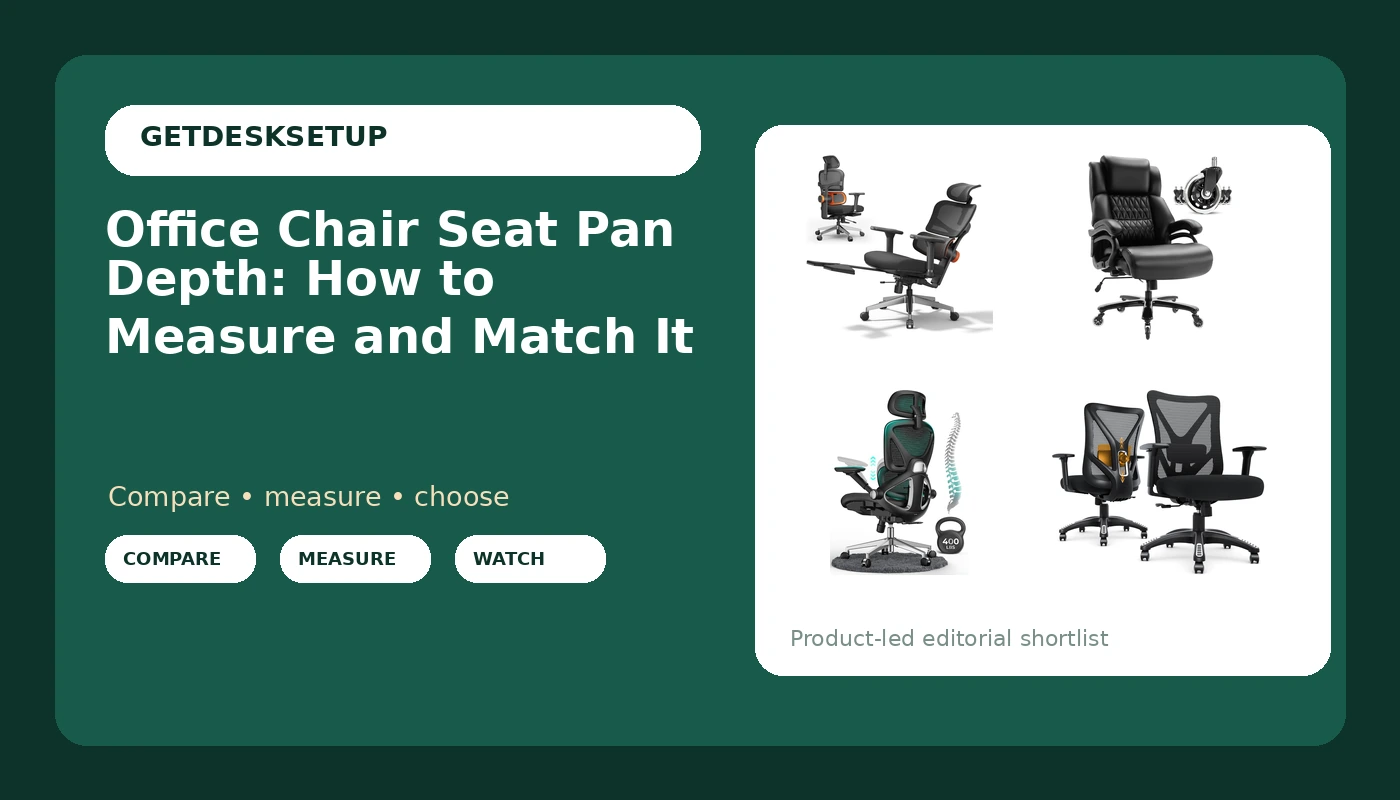
| Newtral Office Chair Ergonomic | Riders who need to change seat depth | Seat depth and seat height both adjustable |
| Big and Tall 400lbs Office Chair | Larger and heavier users | Listed 400 lb capacity, heavy duty metal base |
| CAPOT Ergonomic Mesh Office Chair | Long sessions with recline | 3-level tilt backrest, 3D headrest |
| Ergonomic Office Chair (Onyx Black) | Wide-seat buyers | BIFMA X5.1 certified, wide seat |
Adjustable depth: Newtral Office Chair Ergonomic – Home Office Desk Chair, Back Pain Chair with Auto-Following Lumbar Support, 4D Armrest, Seat Depth and Height Adjustable
Seat depth adjustability is why this one leads the list. A slider under the seat moves the pan forward or back without touching anything else, so the same chair can serve a 5 foot 4 rider and a 6 foot 2 rider in one household. The trade-off is price and patience: you have to set it, and the correct position is the one where the front edge stops just short of your knee crease, not the one that feels roomiest. Riders under about 5 foot 4 usually need a shallower pan than fixed-depth chairs provide, and that is the group this design serves best. Auto-following lumbar support and 4D armrests matter after depth is right, not before.
Big and tall: Big and Tall 400lbs Office Chair – Adjustable Lumbar Support Quiet Rubber Wheels Heavy Duty Metal Base, High Back Large Executive Computer Desk, Thick Padded Ergonomic Design for Back Pain (Black)
The listing names its range directly: a 400 lb capacity, a heavy duty metal base, a high back, and thick padding. That is the set of specs that matters when a standard task chair flexes or sinks under load, and the quiet rubber wheels are a real detail on hard floors. What the listing does not state is seat depth, so treat the pan as a fixed dimension you have to verify before buying. On a big and tall frame the pan is usually longer to support longer thighs, which is right for tall riders and wrong for shorter ones who buy the chair for its capacity alone. Ask the seller for the measurement from the seat back to the front edge of the pan.
Recline and headrest: CAPOT Ergonomic Mesh Office Chair, Adjustable Lumbar High Back Desk Chair 400lbs, 4D Flip-up Arms, 3-Level Tilt Backrest, 3D Headrest, PU Wheels, Swivel Rolling Computer Seating for Long Desk Work
This is the pick for long desk days that include leaning back. A 3-level tilt backrest and a 3D headrest change how much time you spend reclined, and recline changes effective seat depth: when you lean back, your hips slide forward a little, so a pan that felt short at 90 degrees can feel right at 110. The 4D flip-up arms clear the way when you want the chair pulled close to the keyboard, PU wheels roll quietly on hard floors, and the adjustable lumbar support handles the lower back. It is listed at 400 lb capacity with a high back. Same caveat as the rest: the listing does not publish a pan depth, so verify it.
Wide seat: Ergonomic Office Chair, Mesh Computer Desk Chairs with BIFMA X5.1 Certified, Adjustable Lumbar Support, 3D Arm, Tilt Back, Wide Seat, Comfy Swivel Work Task Chair for Company and Home (Onyx Black)
Two things stand out here. First, BIFMA X5.1 certification, which is a structural test standard for the frame rather than a fit claim. Second, a wide seat, which helps riders who find narrow pans uncomfortable across the hips. Adjustable lumbar support, 3D armrests, and a tilt back are the rest of the package. Wide does not mean deep, and that distinction trips people up: a wider pan gives your hips more room side to side, while depth controls thigh support front to back. If your problem is pressure at the outer hips, width is the spec to chase. If your problem is pressure behind the knees, width will not fix it.
Prices and availability may change. Product images, names, and retailer links are matched to verified listings. No current price, rating, stock status, or measured result is stated here without current evidence.
How to measure office chair seat pan depth at home
Two numbers decide this, and you only need a tape measure for one of them. Office chair seat pan depth is the only fit spec on this page you can settle yourself, with no tools and no seller replies.
Start with your own body. Sit on a hard dining chair with your feet flat on the floor and your shins vertical. Measure from the crease behind your knee to the rearmost point of your buttocks. That is your seated thigh length. Subtract two to three inches. The result is your target seat depth, and the tighter end of that range suits riders who like a snug fit while the wider end leaves more room behind the knee.
Then measure the chair, not the listing. Sit fully back against the backrest, feet flat, and measure from the front face of the backrest at seat level to the front edge of the pan. Ignore the lumbar curve, which sits higher and tells you nothing about depth. Compare that number with your target. Finish with the finger check: slide your hand flat behind your knee, and two to three fingers should fit between your calf and the front edge without you pushing.
Order matters more than people expect. Set seat height first: feet flat, thighs roughly parallel to the floor, knees at about hip height. Seat height changes how depth feels, because a seat that is too high drops your knees and makes a correct pan dig into the back of your thigh. This is also why desk height and seat height have to be solved as a pair, and that pairing gets its own walkthrough in our guide to matching desk height and chair height.
If you cannot sit in the chair before buying, ask the seller for the measurement from the seat back to the front edge, and ask whether seat depth adjusts. Every ergonomic chair seat pan depth question reduces to those two facts, and a listing that answers neither leaves you guessing. Foam compresses and mesh sags, so a pan that measures correctly may still feel a fraction deeper once you settle in, and a firm lumbar support that pushes your hips forward reduces the depth you actually need.
What the wrong seat pan depth feels like, and how to fix it
Most of what people call a chair fit problem is a task chair seat pan depth problem or a seat height problem, and the two are tangled. Too deep shows up as pressure or numbness behind the knee, and usually as sliding: you creep forward to escape the front edge, lose contact with the backrest, and slump. A lumbar cushion helps here, because pushing your hips forward means you are no longer using the full length of the pan. A footrest helps only when the real issue is a seat that is too high for your legs; it does not shorten the pan, it just stops your feet from dangling.
Too short shows up as thigh fatigue and a feeling that you are perched. A firm cushion can add a little support at the front, but the honest fix is a longer pan or an adjustable one. Width is a separate axis: a wide seat gives your hips room side to side, and it will not fix pressure behind the knees.
Five steps, in the order I would work through them:
- Measure your seated thigh length on a hard chair with your feet flat.
- Subtract two to three inches to get your target seat depth.
- Measure the chair's pan from the backrest to the front edge, sitting fully back.
- Set seat height before you judge depth, then redo the two-finger check.
- If the pan is fixed and wrong, change the setup around it: footrest, lumbar cushion, or a different chair.
Practical guidance for a desk chair seat pan depth that works
- Write your numbers in a note on your phone: target seat depth, comfortable seat height range, and desk height. Guessing is how people end up with a chair that fits for a week.
- Adjustable seat depth beats a perfect fixed depth, because shoes, footrests, and posture shift the fit by an inch or more over a year.
- If you cannot change depth, change the angle: a footrest or a firmer lumbar cushion moves where your weight lands, and it costs less than a new chair.
- Set armrest height after depth and height, not before. 4D armrests only help once the pan is in the right place, and an armrest that is too high pushes your shoulders up.
- Recline and tilt tension are not depth fixes. Set tilt tension stiff enough that you can lean back without sliding, then recheck the two-finger gap.
- Casters matter for floors, not fit. Rubber and PU wheels roll quietly on hard floors and protect them better than hard plastic, which matters in a rental.
Which option should you choose?
Choose the Newtral Office Chair Ergonomic when seat depth is the thing you need to control, since it is the one here with both seat depth and seat height adjustment. Choose the Big and Tall 400lbs Office Chair when you need the listed 400 lb capacity, a heavy duty metal base, and a high back, and you are tall enough that a long, thickly padded pan suits your thighs. Choose the CAPOT Ergonomic Mesh Office Chair when you work long hours and want a 3-level tilt backrest, a 3D headrest, and flip-up arms that let you get close to the desk. Choose the Ergonomic Office Chair in Onyx Black when hip width is your problem and you want a wide seat with BIFMA X5.1 certification behind the frame.
One caveat applies to all four: none of these listings publishes a seat depth number, and depth is the spec that decides fit. Verify it with the seller before you buy, and if the answer is vague, treat the pan as unknown rather than assuming it will match your measurement.
The bottom line
Office chair seat pan depth is a number, not a feeling, and you can get it in about two minutes with a tape measure: seated thigh length minus two to three inches, then a two-finger check behind the knee with your feet flat and your seat height already set. A chair with an adjustable seat depth slider removes the guesswork, which is why the Newtral leads this list. A fixed pan is fine too, as long as you confirm its measurement before the chair arrives, and that is where the Big and Tall, the CAPOT, and the wide-seat mesh chair each need one question asked before purchase. The cheapest correct setup still beats the most expensive wrong one, and in this category the cheapest correct setup is usually the one you measured.