I spent nine years as a facilities manager buying desks for 400-person floors, and six more running a two-person setup service that has built out 310 home offices. In that time I have measured more frames with a tape than I have read spec sheets, and the numbers go in a notebook. The question that comes up in almost every build is not which brand. It is which height. People search short standing desk vs tall standing desk looking for a winner, and what they actually need is two numbers of their own: elbow height while seated, and elbow height while standing.
Related: Standing Desk Height Ranges Explained
If your standing work surface has to sit below 28.3 inches, the YIHAYO low height adjustable desk is the only one of these four built for it. If your standing height lands above that, the FLEXISPOT EN2 line is the safer buy, and the 55 by 28 whole-piece version is the one I would put in a client's office for a year.
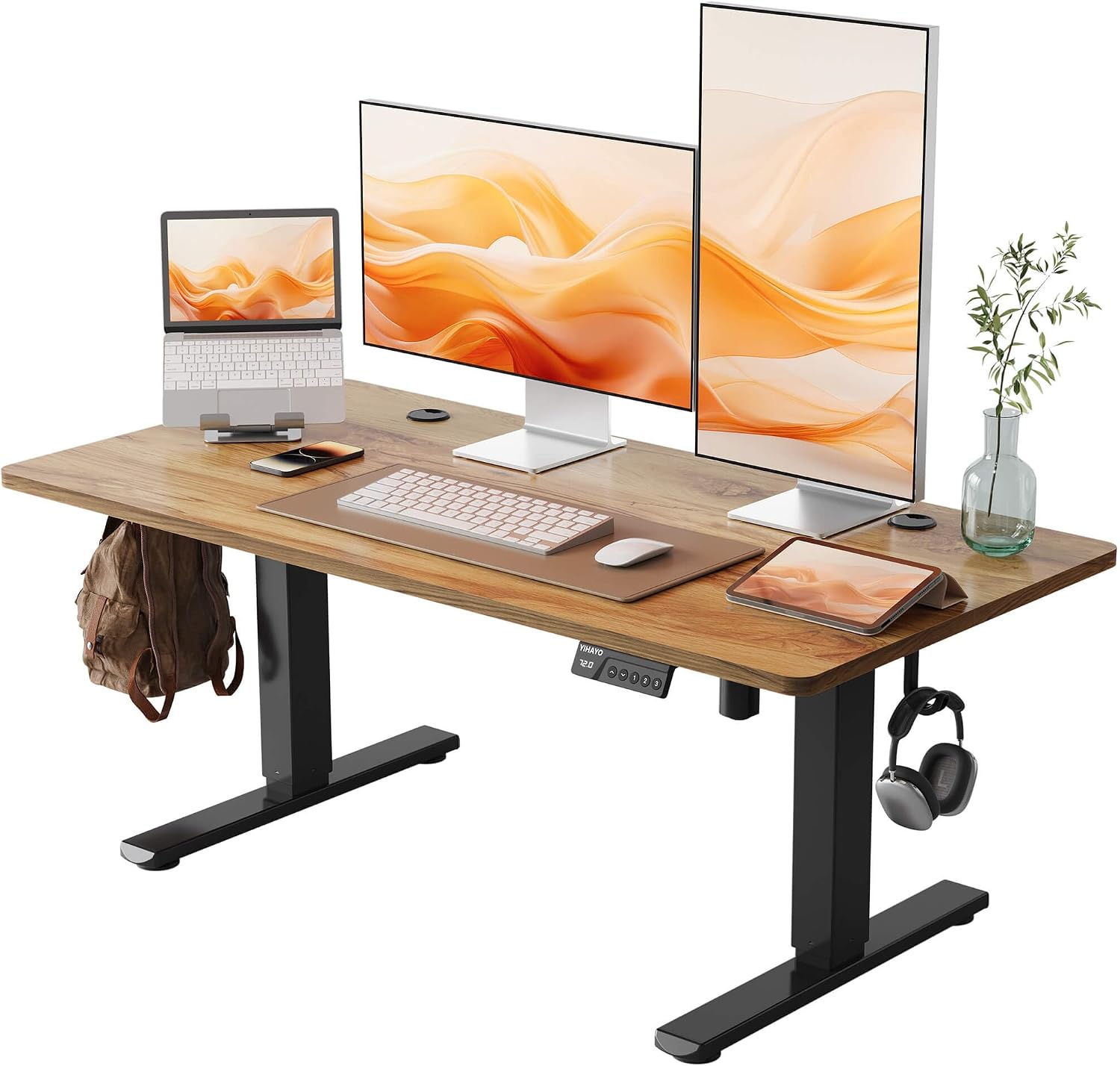
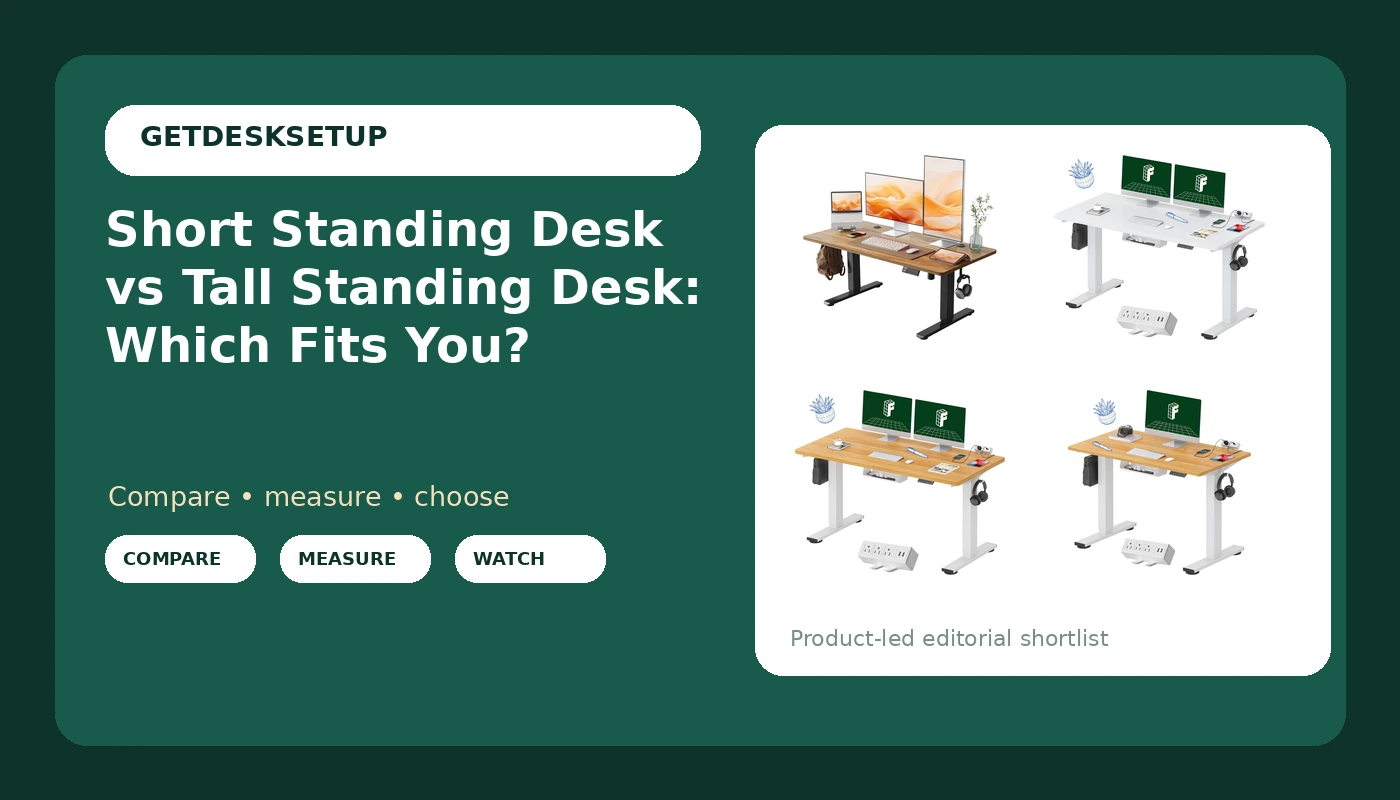
YIHAYO Low Height Adjustable Desk, Lifts 18.1-28.3 Inches, Electric Standing Desk for Short People, 48 x 24 Inches Computer Table with Splice Board for Home Office, Rustic Brown
Only desk here whose stated range reaches down to 18.1 inches, which is where a shorter user actually sits; electric lift on a 48 x 24 top
Stops at 28.3 inches, so it is not a standing desk for a taller user; splice board means a seam
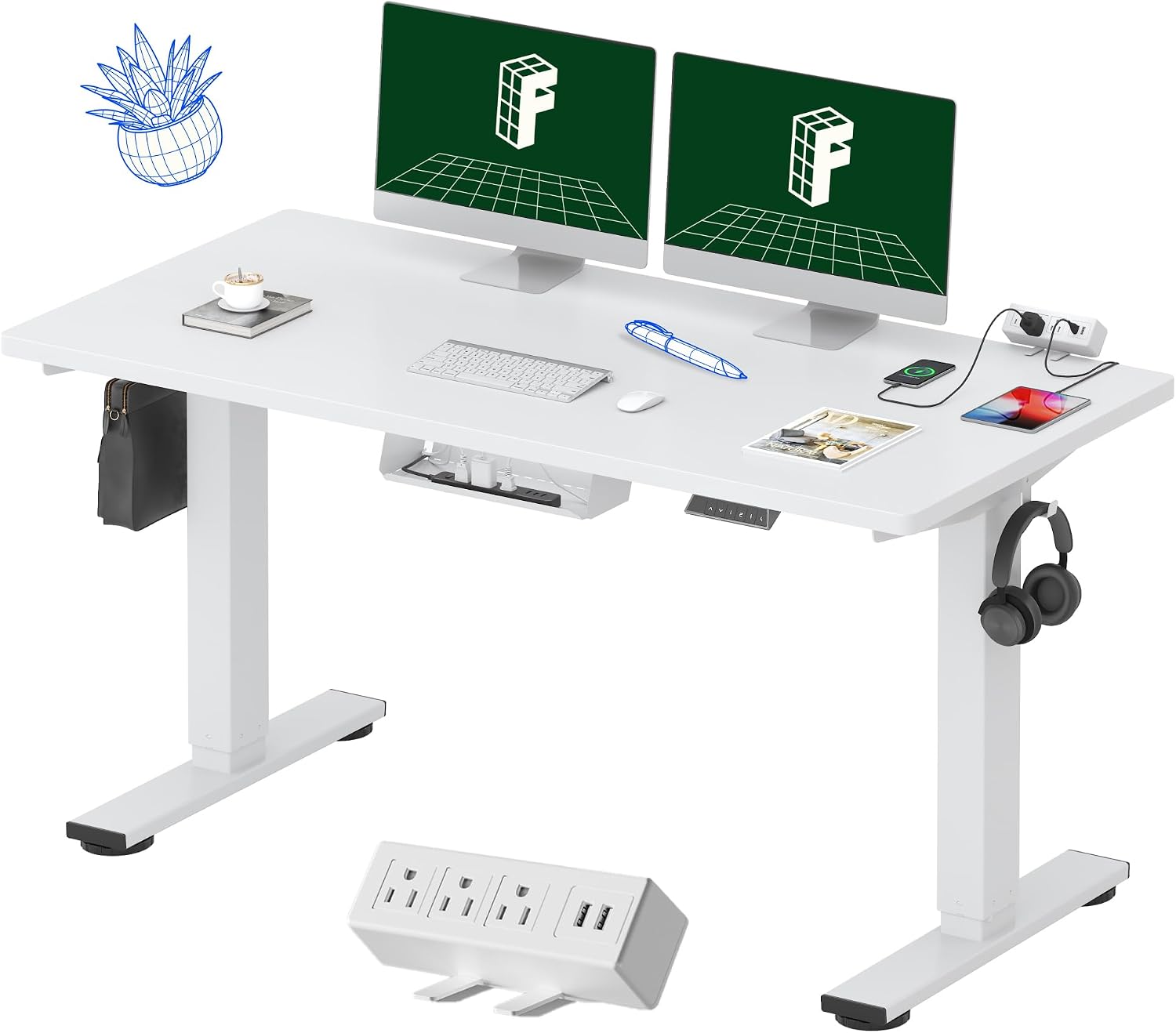
FLEXISPOT EN2 55"x28" Whole-Piece Standing Desk with Power Strip, White
Widest work surface in this group, whole-piece top with no seam, power strip mounted on the desk
White finish shows clamp rings and cable rub; needs 55 inches of clear wall
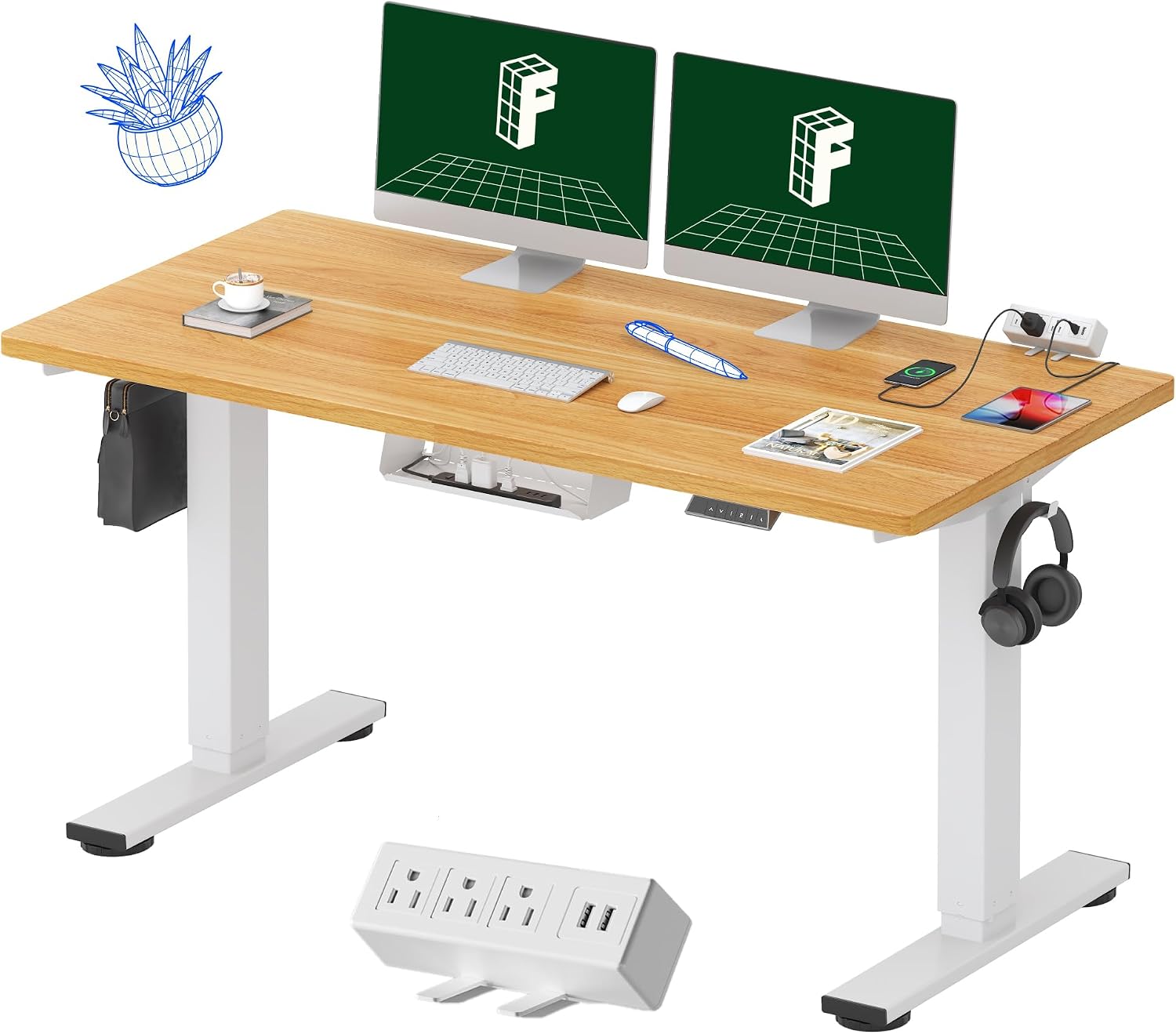
FLEXISPOT EN2 55"x28" Whole-Piece Standing Desk with Power Strip, Maple
Same 55 x 28 whole-piece top and power strip as the white model, in a finish that hides scuffs and clamp marks
Same wall requirement as the white version, so it is a lot of desk for a small room
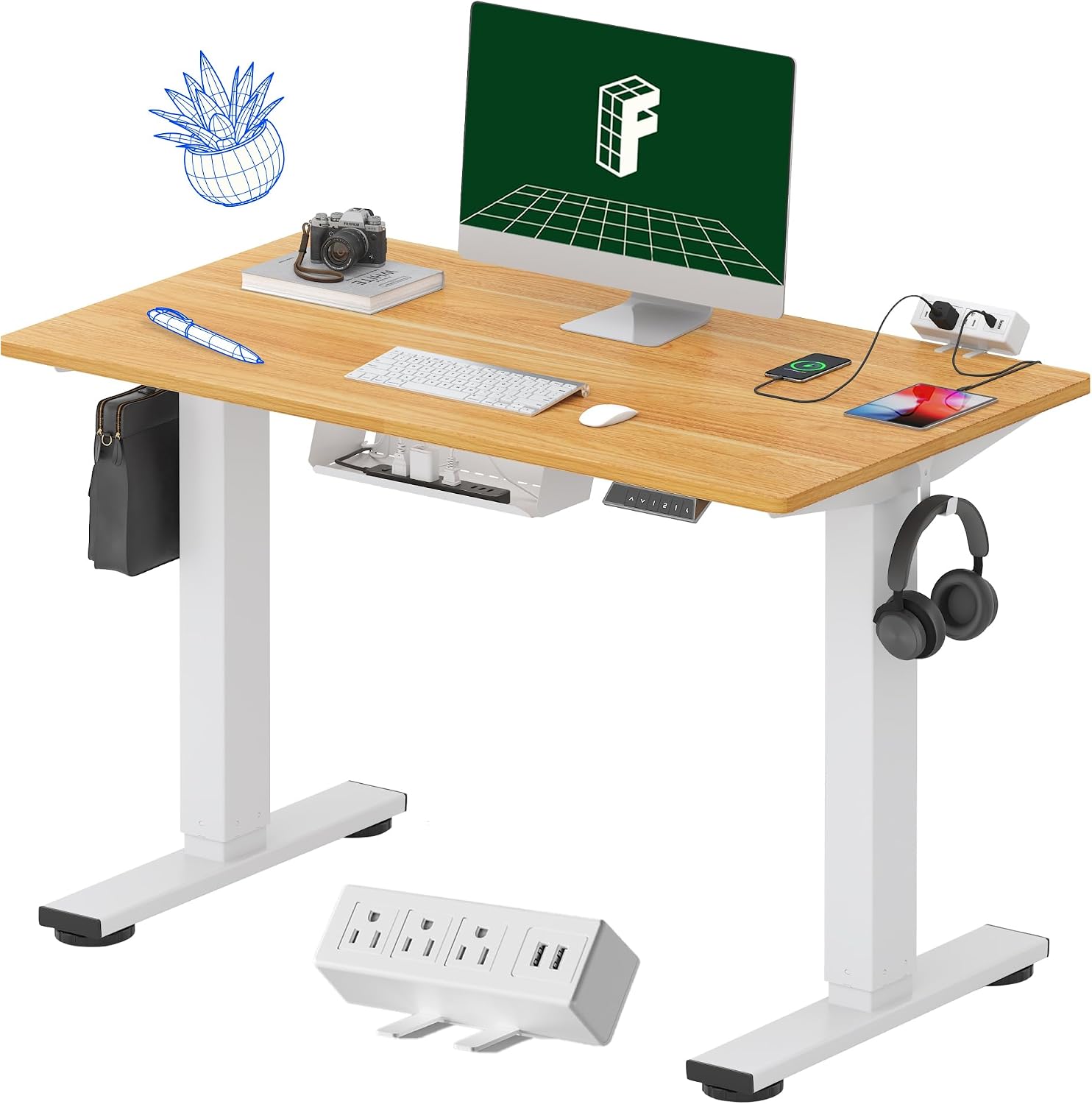
FLEXISPOT EN2 40"x24" Whole-Piece Standing Desk with Power Strip, Maple
Smallest footprint here at 40 x 24, whole-piece top, power strip included, fits a narrow wall
24 inches of desktop depth is tight for a clamped monitor arm, and 40 inches of width fills fast with two screens
Prices and availability may change.
What short standing desk vs tall standing desk actually measures
There are two ends to a height range, and most buyers only think about one of them. The top end gets all the attention, because that is where a standing desk stops being a marketing word and starts being a wobble test. But for anyone shorter than average, the bottom end is the number that decides whether you can sit at the desk with your feet flat on the floor.
People also search tall standing desk vs short standing desk, which is the same question from the other direction, and the answer does not change. You need three measurements before you compare anything:
- Seated elbow height: floor to the underside of your bent elbow while sitting with your feet flat.
- Standing elbow height: the same measurement taken standing.
- The width and desktop depth you actually need for monitors, a keyboard, and whatever else lives up there.
Most listings give you one range. Your seated elbow height needs to fall inside the lower part of it, and your standing elbow height needs to fall inside the upper part, ideally with an inch of headroom so you are not parked at the absolute limit of the frame. That is the real difference between short standing desk and tall standing desk: not the motor, not the finish, but which slice of the range you occupy.
The short end of the range: the YIHAYO low height adjustable desk
The YIHAYO Low Height Adjustable Desk, Lifts 18.1-28.3 Inches, Electric Standing Desk for Short People, 48 x 24 Inches Computer Table with Splice Board for Home Office, Rustic Brown is the only desk in this group whose own listing advertises a low bottom. That 18.1 inch figure is the reason the product exists. Plenty of frames cannot go below the mid 20s, which leaves a shorter user either with dangling feet or with a footrest they have to carry around the house.
What the listing states: an electric lift with a range of 18.1 to 28.3 inches, a 48 x 24 inch top, splice board construction, and a rustic brown finish. It is the lowest-priced desk of the four, and for a short user that is not a compromise, it is the point. Visit on Amazon
Here is the fit test. If your standing elbow height measures at or under 28.3 inches, the top of the range is usable and this desk does the job. If your standing elbow height is above 28.3 inches, skip it. No monitor arm, no keyboard tray, and no standing mat fixes a work surface that cannot come up to you. You will end up hunched forward with your shoulders around your ears, and you will blame the desk when the number was on the listing the whole time.
Who should skip it beyond that: anyone who wants one continuous surface, because a splice board has a seam; anyone who needs more than 48 inches of width for two monitors plus a laptop; and anyone who wants 28 inches of desktop depth for a clamped arm. This is a short-person desk, and it is honest about that in its own name.
The standard-height side: the three FLEXISPOT EN2 desks
Three of the four desks here are FLEXISPOT EN2 models, and they are the same frame family in different sizes and finishes. The names carry the useful part:
- FLEXISPOT EN2 55"x28" Whole-Piece Standing Desk with Power Strip, White
- FLEXISPOT EN2 55"x28" Whole-Piece Standing Desk with Power Strip, Maple
- FLEXISPOT EN2 40"x24" Whole-Piece Standing Desk with Power Strip, Maple
Two of them are the 55 by 28 top, one in white and one in maple. The third is a 40 by 24 top in maple. All three use a whole-piece top, and all three include a power strip, which is the feature that separates the EN2 from a bare frame and board.
The EN2 listings state their own height range, and you should read both ends of it before you buy. The bottom of the range decides whether a shorter user can sit at it properly. The top decides whether a taller user gets a real standing position or a half-crouch. I am not going to guess either number from a product name, and neither should you. Pull up the listing, find the range, and hold it against the two measurements from the section above.
Who should skip the EN2 line: if the stated bottom of the range sits above your seated elbow height, take the YIHAYO instead. If you have less than 40 inches of clear wall, none of these four desks fits and you are shopping the wrong category.
Whole-piece top versus splice board, and why the seam matters
A whole-piece top is one continuous board. A splice board is two pieces joined into a single surface. The YIHAYO listing says splice board. The three FLEXISPOT listings say whole-piece. That is a construction difference, not a marketing one, and it shows up the day you clamp something to the desk.
On a splice board, the seam is the weak point. Clamp a monitor arm directly across it and you have given that joint a job it was not designed to do. Installer order matters: put the clamp in the middle of one solid section, not straddling the seam, then load the arm, then tighten. Reversing that order cracks desktops. I have seen it twice, and both times it was a clamp tightened down onto a joint.
A whole-piece top is the better base for a heavy arm because there is no joint to flex. If you are planning a 34 inch ultrawide on a gas-spring arm, the whole-piece 55 x 28 tops are the ones I would pick, and the 40 x 24 is the one I would think twice about purely because of desktop depth.
One more frame detail to check on any listing: a crossbar between the legs. A crossbar adds rigidity, and it also eats legroom right where your knees want to be. If you use a footrest or a walking pad, look at the photos and confirm what is under the top before you order.
Width, desktop depth, and the smallest room that works
Width is the spec people under-buy, and then they stack a laptop on top of a monitor riser to make it fit. Here are the minimums in this group, stated plainly:
- 40 inches wide by 24 inches deep: the FLEXISPOT EN2 40"x24" model.
- 48 inches wide by 24 inches deep: the YIHAYO desk.
- 55 inches wide by 28 inches deep: both FLEXISPOT EN2 55"x28" models.
Desktop depth is the number that decides whether a monitor arm works. On a 24 inch deep top, a clamped arm holding a 27 inch monitor pushes the screen closer to your face than you expect, and you end up shoving the whole desk away from the wall to get the viewing distance back. A 28 inch top gives the arm base and elbow the extra four inches they need, which is why I treat 28 inches as the depth floor for anyone using an arm rather than a stand.
Room minimum, and this one is not negotiable: a 55 inch desk needs at least 55 inches of clear wall, plus two or three inches on each side for the frame feet and for reaching the power strip. A 48 inch desk needs 48 inches. A 40 inch desk needs 40 inches. Measure the wall before you measure anything else, because a desk that fits you but not the room is still the wrong desk.
Motor, lift capacity, memory presets, and anti collision
None of the four product names states a motor count, a lift capacity, or whether the frame has anti collision. That information lives on the listing, and it is worth reading before you commit, because these four specs decide how the desk behaves after the novelty wears off.
- Dual motor versus single motor. A dual motor frame raises both legs under power and tends to stay level under an uneven load, which matters if a printer or a heavy monitor arm sits on one side. A single motor frame is usually fine for a light setup with one screen.
- Lift capacity. Add up the top, the monitors, the arms, the laptop, and everything else, then leave yourself headroom. A frame that runs at its limit every day is a frame that whines, and it is the first thing to fail.
- Memory preset. If two people share the desk, presets are the difference between a desk that gets adjusted and a desk that lives at one height forever. One-touch is not a luxury at that point, it is the feature that keeps the desk useful.
- Anti collision. This is the one I care about on a low desk. A desk that stops when it meets an obstruction earns its keep when the bottom of the range sits near chair arms, a drawer unit, or a filing cabinet.
Cable tray, grommet, and the built-in power strip
The three FLEXISPOT EN2 desks list a power strip as part of the package. That changes the cable math. Instead of running an extension cord up a leg, you have outlets on the desk itself, so the only cable traveling to the floor is the desk's own power lead. Fewer cables in motion means fewer cables that pull.
Two other pieces of hardware to look for on any listing:
- A grommet, which is a hole with a finished lip that cables pass through. A grommet keeps a monitor cable from sawing against a raw edge every time the desk rises.
- A cable tray, which is a shelf under the top. Trays are where cheap desks fail. I have watched trays sag under their own screws inside a month because the mounting points were plastic and the load was a laptop brick plus a power strip. If a tray is included, check what it mounts to and what it is rated to hold.
Cable management is not aesthetics. A cable that pulls tight when the desk rises will drag your monitor arm out of angle within a week, and you will spend the next month wondering why your neck hurts at the end of the day.
Who should skip each of these four desks
This is the part most comparisons leave out, so here it is without hedging.
Skip the YIHAYO desk if:
- Your standing elbow height measures above 28.3 inches. The frame cannot go higher, so you would be standing bent forward all day.
- You want one continuous surface. The splice board has a seam down the middle.
- You need more than 48 inches of width or more than 24 inches of desktop depth.
Skip the FLEXISPOT EN2 40"x24" if:
- You run two monitors plus a laptop. A 40 inch top fills up fast.
- You plan a clamped monitor arm. At 24 inches deep, the arm base and the screen eat the depth you wanted for your keyboard.
- You also want a lamp, a dock, or speakers on the desktop.
Skip the FLEXISPOT EN2 55"x28" models if:
- Your seated elbow height falls below the stated bottom of their range. Check that number first. This is the exact short standing desk vs tall standing desk question that sends people back to the returns counter.
- You do not have 55 inches of clear wall plus clearance on each side.
- You want a desk that disappears into a small room. It will not.
How to measure yourself before you order
Ten minutes with a tape measure and a wall will save you a return and a week of waiting.
- Sit in your current chair, feet flat on the floor, and measure from the floor to the underside of your bent elbow. Write it down. That is your seated work surface height.
- Stand up straight, let your arms hang, then bend one elbow to 90 degrees. Measure floor to the underside of that forearm. That is your standing work surface height.
- Compare both numbers against the stated range on the listing you are considering. Both of yours need to fit inside it, with an inch to spare if you can get it.
- Measure your wall. The desk's width plus a couple of inches on each side is your minimum.
- Measure your deepest piece of gear, monitor plus arm base, and hold it against the desktop depth.
If your seated number lands in the low 20s and your standing number is under 28.3 inches, the short desk is the right desk and there is no reason to pay for a height range you cannot use. If both numbers land higher, the standard range is the one to buy.
The short answer
Whether you need a short standing desk or tall standing desk comes down to two measurements of your own and one range printed on a listing. The YIHAYO desk covers the low end with a stated 18.1 to 28.3 inch range on a 48 by 24 splice top, and it is the only one of the four that goes there. The FLEXISPOT EN2 desks cover the standard end with whole-piece tops in 40 by 24 and 55 by 28, a power strip, and three size and finish combinations to choose from.
If you are shopping the short standing desk vs tall standing desk question for a household with two very different people in it, the honest answer is that one desk will not serve both. Buy the range that fits the person who sits at it most, put a footrest under the other one, and check the stated height range on the listing before the card comes out. That single habit is worth more than any brand name on this page.