I have measured 310 home offices with a tape, and footprint decides more setups than motor speed, brand, or finish. The 48 inch vs 60 inch standing desk question comes up in nearly every consult I run out of Seattle, usually after somebody already ordered the wrong one and is trying to talk themselves into keeping it. Both sizes work. They work for different rooms and different monitor counts, and the difference between 48 inch and 60 inch standing desk footprints is not 12 inches of surface. It is 12 inches of wall, door swing, walking path, and knee room, which are the things you actually run out of.
Related: Standing Desk Height Ranges Explained
The short answer: buy 60 inches if the wall allows it, buy 48 inches if the wall does not, and never buy a width you cannot stand up in front of. That is the whole 48 inch vs 60 inch standing desk decision. Everything below is the measuring work behind it.
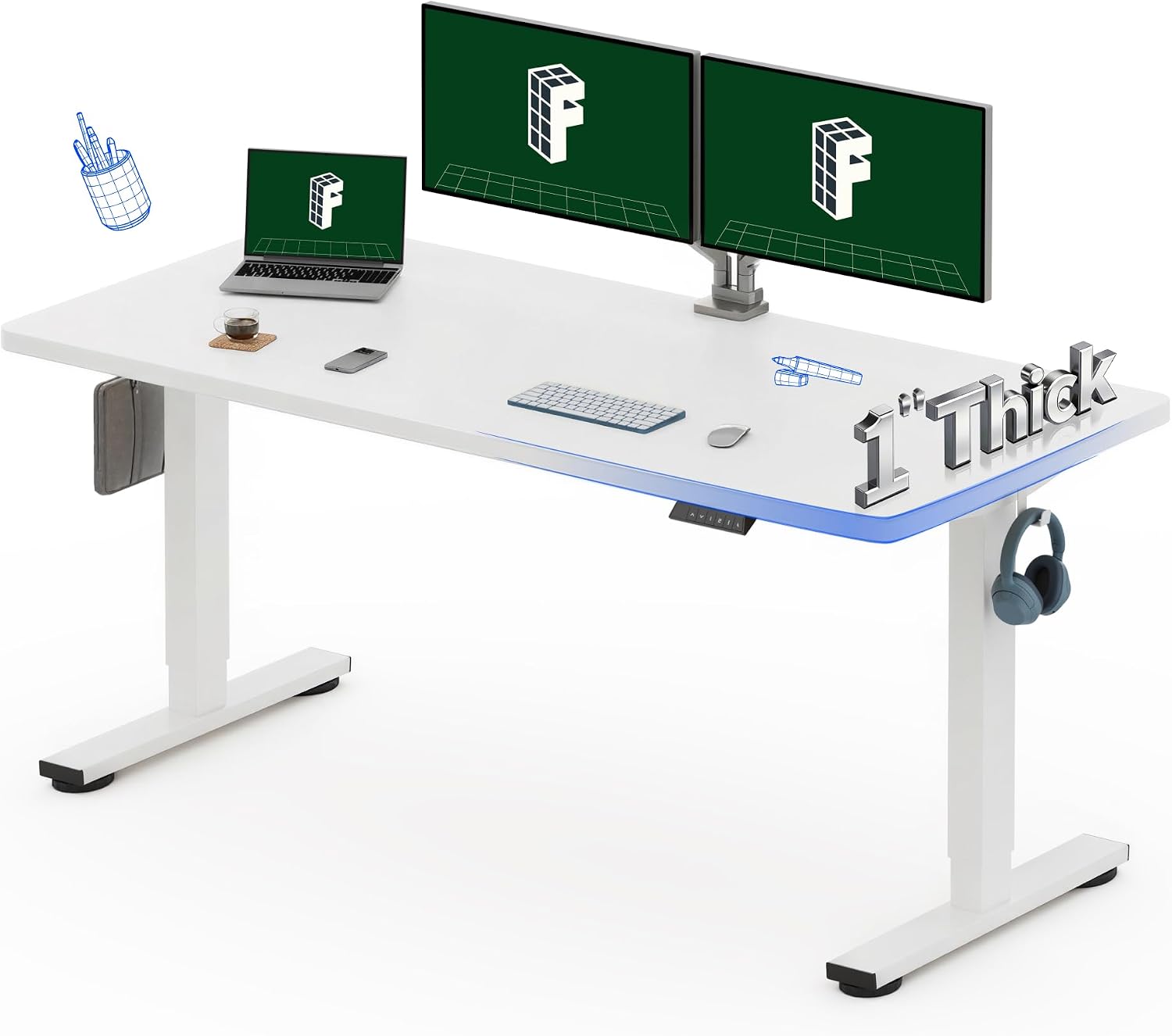
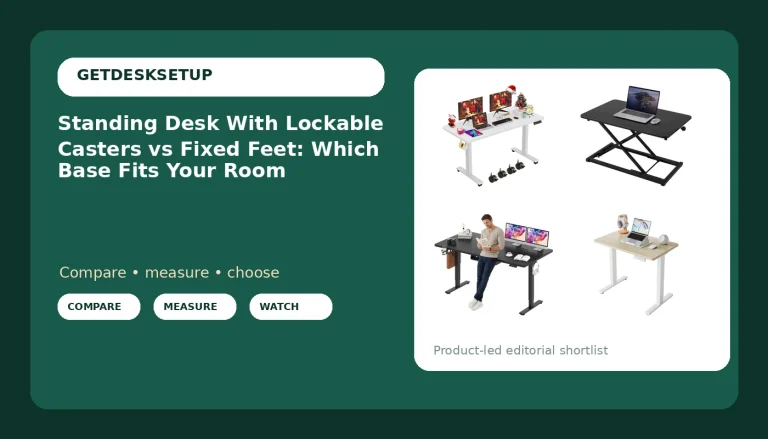
FLEXISPOT 60"x24" Electric Standing Desk, White
A full 60 inch top at a standard 24 inch depth, in a finish that disappears against a light wall
No storage in the desk itself, so every notebook, lamp, and tray has to live on the surface
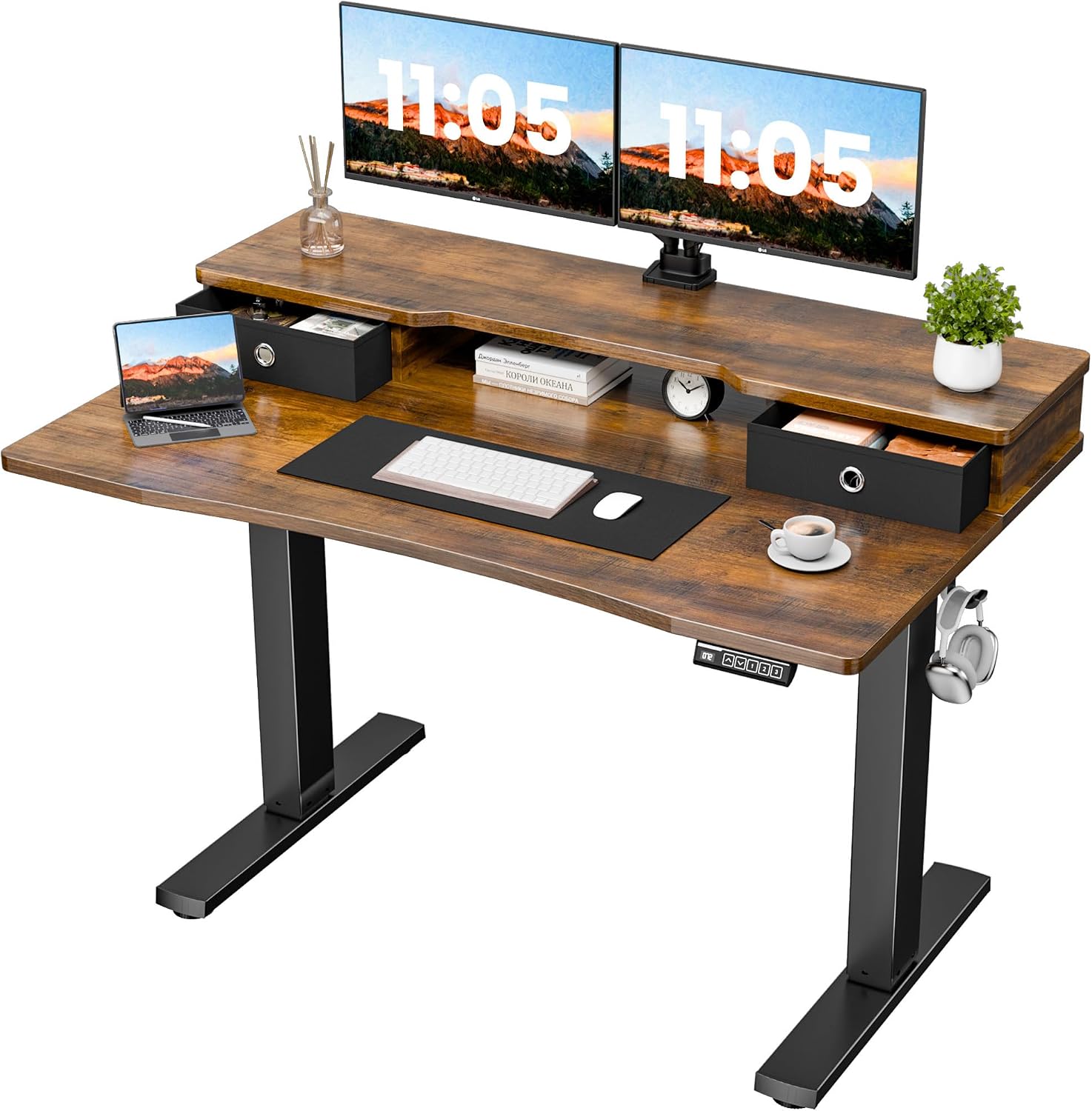
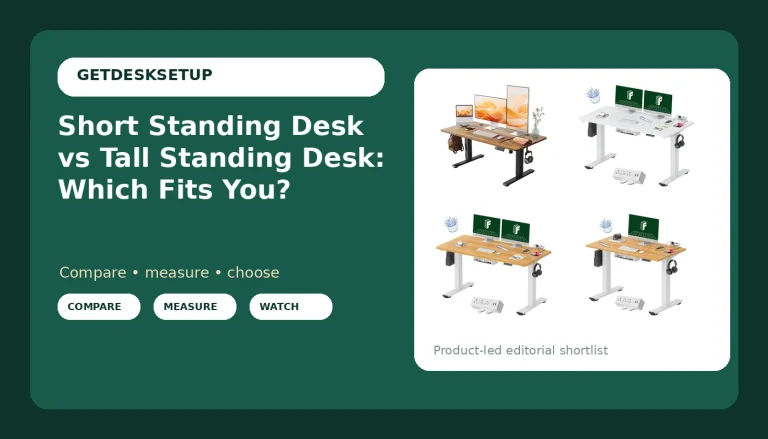
Realbear 48×24 Inch Electric Standing Desk with Drawers, Rustic Walnut
A 48 inch footprint that fits rooms where a 60 inch top would block a door or a closet
The drawers sit under a narrow top, so the knee opening is tighter than the width suggests
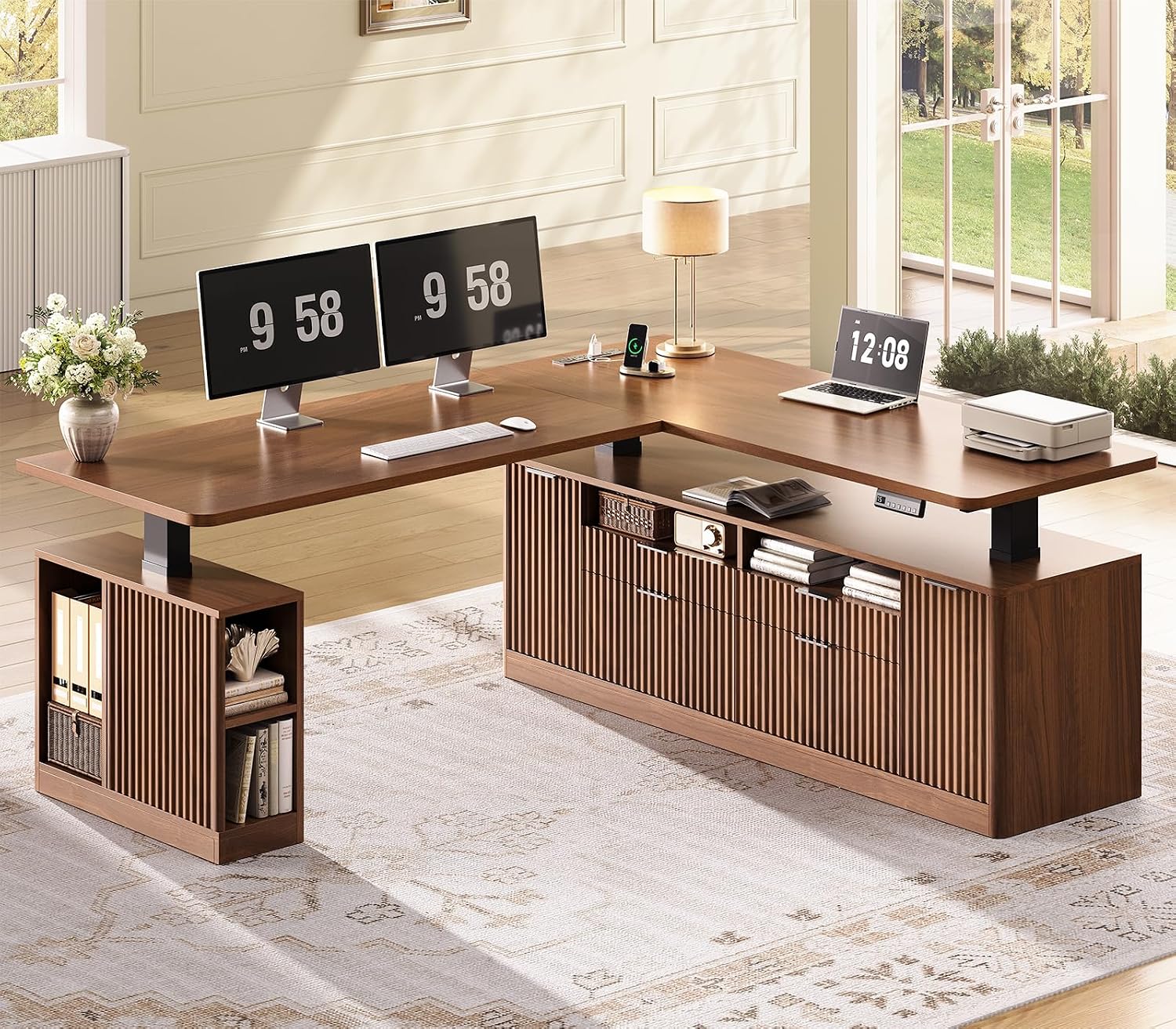
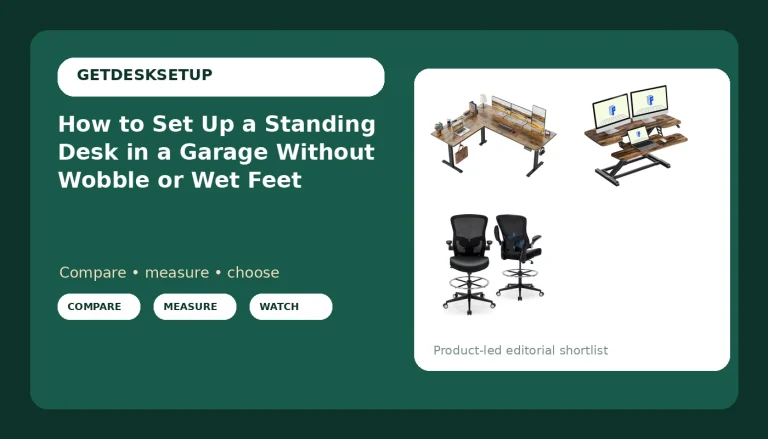
SEDETA Fluted L Shaped Executive Electric Standing Desk with 4 Drawers
An L shape buys the corner, which is the one piece of free square footage in a small room
L desks are the hardest to place and the hardest to move, and the drawers lock you into one corner
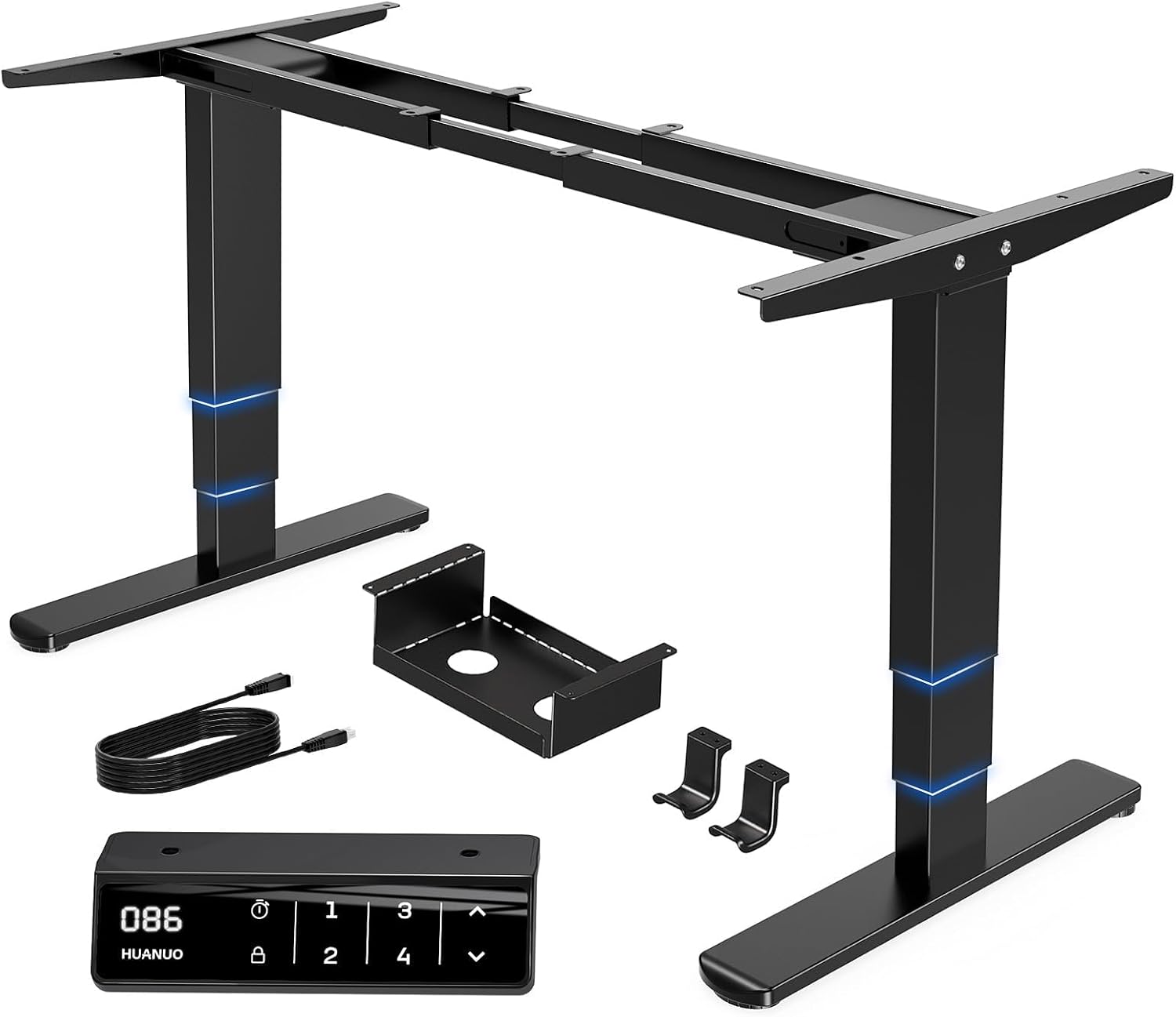
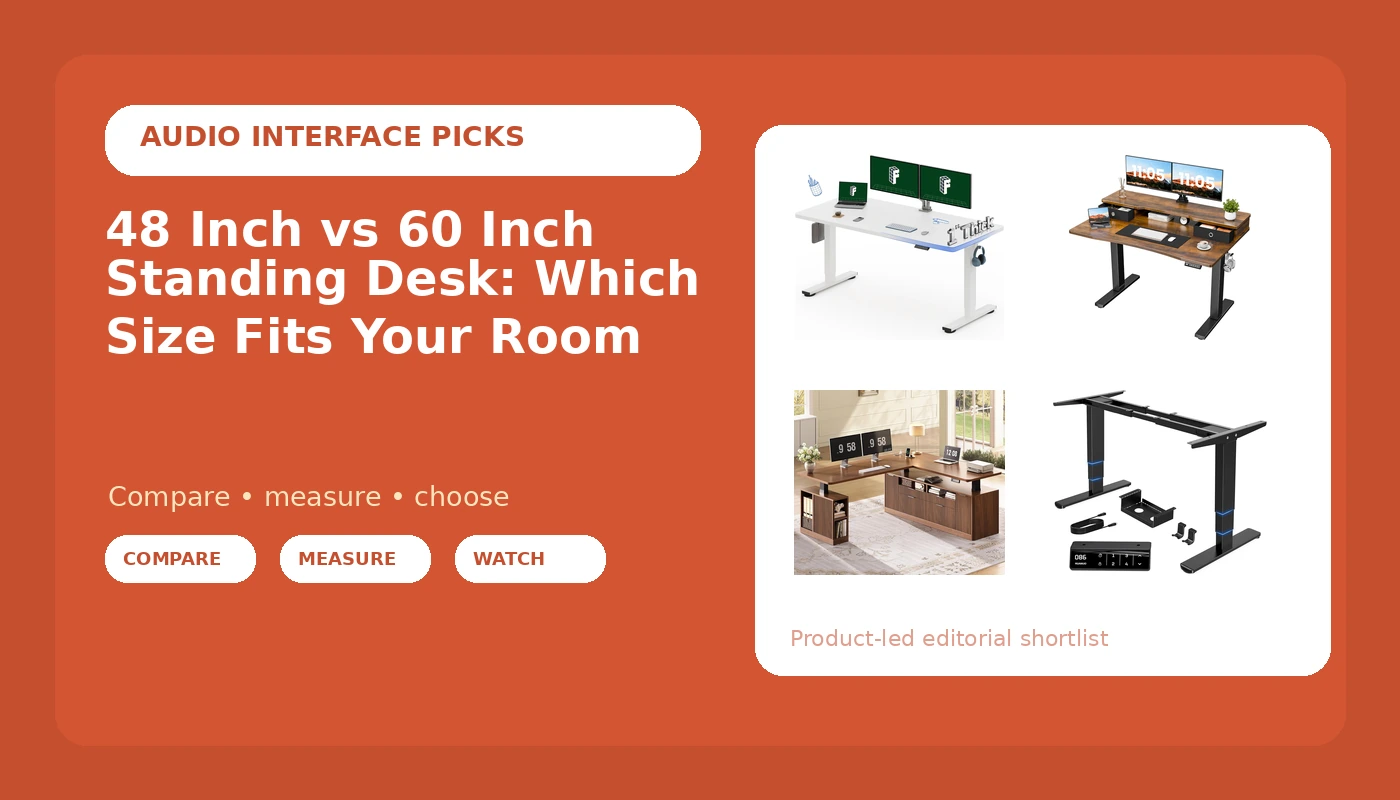
HUANUO 3-Stage Dual Motor Electric Standing Desk Frame, 265 lbs, Black
Three-stage dual motor legs rated for 265 lbs, and you supply the top, so you pick 48 or 60 and the depth
Frame only means no desktop, no drawers, and a second purchase before the desk exists
Prices and availability may change.
48 inch vs 60 inch standing desk: measure the wall before the desktop
When I walk into a room, I measure the clear wall before I open a single listing. Clear wall means the wall minus the door swing, minus the closet door, minus the baseboard heater, minus anything that has to open. Then I subtract two inches on each side for the frame feet and cable clearance, because a desk that touches both walls is a desk you cannot plug in.
Here are the minimums I will actually specify. For a wall with 52 inches of clear space, the minimum desk width I recommend is 48 inches. For a wall with 64 inches of clear space, the minimum is 60 inches. Below those numbers you are buying a desk that fits the wall and not the person sitting at it.
Width is not only a surface for monitors. It is knee room, elbow room, and the width of the walking path behind your chair. A 48 inch top in a 60 inch alcove leaves you a gap on each side, which is enough for a lamp and a phone. A 60 inch top in the same alcove is a wall-to-wall install. I have done both. The 60 looks better in photos. The 48 is easier to live with in a small room, and it leaves a place to put the wastebasket.
Then there is monitor count. One 24 or 27 inch monitor plus a laptop on a riser fits comfortably on a 48 inch desktop. Two 27 inch monitors plus a pair of speakers is a 60 inch job. If you are running two monitors, a mic arm, and a second keyboard, you are past 48 inches and no amount of cable management fixes it. This is the part of the 48 inch vs 60 inch standing desk decision that people get wrong most often, because they buy for the desk they have today and not the one they will have in a year.
The difference between 48 inch and 60 inch standing desk footprints
People assume the difference between 48 inch and 60 inch standing desk models is 12 inches of usable surface. It is not. You lose the extra foot in three places before you ever notice it as desk space.
First, drawers. A drawer stack under a narrow top takes the knee room you were trying to protect. Measure the drawer unit's width, subtract it from the desktop width, and that remainder is what your chair actually rolls into. A 48 inch desk with drawers under one side gives you less legroom than a 48 inch desk with open space, and if you sit with your knees apart, you will feel it within a week.
Second, the monitor arm. A clamp mount needs a flat section of the underside near the back edge, usually two or three inches deep, and it needs to be clear of the frame and the crossbar. On a narrow desk the clamp and the grommet fight for the same real estate. I have drilled a second hole to solve this more times than I want to count.
Third, the room itself. A 60 inch desk pushes your chair back into the walking path. In a bedroom office that path is the only way to the closet. Twelve inches of desktop is cheap. Twelve inches of floor in a 10 by 10 room is not.
Desktop depth solves a different problem than width
Width answers how many monitors. Desktop depth answers how far away they sit. A 24 inch deep top is the standard for a reason: it puts a 27 inch monitor at roughly arm's length with a keyboard in front of it. Go shallower and you are leaning in by the end of the day. Go deeper and you gain room to push the keyboard back, which is the cheapest ergonomic upgrade in this whole category.
If you can only change one dimension, change depth before width. A 48 inch wide desk at 30 inches deep is a better writing desk than a 60 inch wide desk at 22 inches deep, because your forearms get support and your monitor stops living in your face.
Depth also decides where the monitor arm clamp can go and whether a cable tray will fit along the back rail without hitting your knees when the desk is low. I check the underside before I check the finish. Nobody sees the underside. Everybody feels it.
Lift capacity, dual motor, and the top of the range
Lift capacity is the spec I care about right after footprint. A single motor desk with a light top is fine until you add two monitor arms, a heavier desktop, a drawer unit, and a laptop dock. Dual motor means one motor per leg, so the load is split and the legs stay in sync, which is the difference between a desk that rises level and one that shudders on the way up.
The HUANUO frame is rated for 265 lbs with a three-stage dual motor design, according to its product name, and that is more headroom than most home setups will ever use. Three-stage legs also travel further than two-stage legs, which matters if you are tall. If you are 6 foot 2, you need the desk around 48 inches at standing height, and a frame that stops short of that is useless to you no matter how stable it is at 30 inches.
Wobble is the thing that actually fails, and it fails at the top of the range, not at sitting height. Every desk on the market is stable at 28 inches. Put a full mug on the desk, raise it to your standing height, and push the front edge side to side. If the mug walks, the desk has failed for you, and it will fail for you more than it fails for a shorter person. Test the top of the range before you trust it, and test it loaded, not empty.
One more note on stability: a heavier top is one of the cheapest ways to kill wobble, and a frame-only option lets you choose that top. A crossbar between the legs helps at the top of the range and hurts your shins at the bottom. If you sit low and cross your legs, a crossbar is a real compromise, not a free win.
Memory preset, anti collision, and the electronics nobody checks
A memory preset is the feature that changes how you use the desk. With presets you press one button and the desk goes to your sit height, then one more and it goes to your stand height. Without presets you hold the button and watch the desk move, every single time, and within a month you stop raising it. A standing desk you do not raise is a table.
Anti collision is the other one worth checking. It stops the desk when it meets resistance. On a desk with drawers on one side and a window sill behind it, that feature is the difference between a scuff and a broken drawer front. If you have a radiator, a sloped ceiling, or a shelf above the desk, treat anti collision as required rather than nice to have.
Controller placement matters too. The control panel should be reachable while you are seated, not hidden under the front edge where you have to duck to find it. And check whether the panel has a USB port, because that is where your phone charger ends up living.
Crossbar, grommet, and cable tray: the install order
Here is the order I use, and reversing it is how people crack a desktop. Clamp the frame first, then load the top, then tighten everything down. If you tighten the frame bolts before the top is seated, you are torquing against a surface that has not settled.
Cable management is not decoration. A cable that pulls on a monitor arm changes the monitor angle within a week, and then you spend a month wondering why your neck hurts. Route every cable with slack at both ends: slack at the device so the arm can move, slack at the tray so the desk can rise. Zip tie to the frame, not to the desktop.
A cable tray that attaches to the desktop rather than the frame will sag under its own screws after a month. I have replaced enough of them to stop recommending them. Frame-mounted trays cost more and last. And if your desk has drawers, plan the cable path around them, because a tray that blocks a drawer turns a storage feature into a permanent closed box.
The grommet is where this gets fiddly. Most people put a monitor arm clamp through or next to the grommet and then discover the cables and the clamp are competing for the same hole. Decide the arm position first, then the grommet, then the tray.
The four desks, and who each one fits
FLEXISPOT 60"x24" Electric Standing Desk, White
This is the desk I spec when the room has the wall for it. Sixty inches of width at a 24 inch depth is the shape most two monitor setups want, and the white finish disappears against a light wall, which makes a small room feel less packed. There are no drawers, so everything lives on top, and that is fine as long as you go in knowing it. Skip it if your clear wall is under 64 inches, or if you need under desk storage inside the desk itself.
Realbear 48×24 Inch Electric Standing Desk with Drawers, Rustic Walnut
This is the 48 inch answer for a room that cannot give up 60. The drawers are the whole point: on a narrow desk you need somewhere to put the small stuff, because the surface is spoken for by the monitor and the keyboard. Measure the drawer stack before you buy, though, because it eats into the knee opening. Skip it if you need two monitors plus speakers, or if you sit with your knees wide.
SEDETA Fluted L Shaped Executive Electric Standing Desk with 4 Drawers
An L shape is the one way to get more surface without needing more wall. It uses the corner, which is dead space in most small offices, and four drawers give you the storage a straight desk cannot. The catch is placement. If either wall in that corner has less than 60 inches of clear space, skip the L entirely, because you will block a door or a closet and you will not be able to move the desk once it is built. L desks are also the hardest to disassemble for a move.
HUANUO 3-Stage Dual Motor Electric Standing Desk Frame, 265 lbs, Black
Frame only, and that is the appeal. You buy the legs and supply the top, which means you decide whether this is a 48 inch desk or a 60 inch desk, and you decide the desktop depth. The legs are rated for 265 lbs with a three-stage dual motor design, so a heavier hardwood top is not a problem, and heavier is exactly what you want for wobble. Skip it if you want one box, one afternoon, and a finished desk.
60 inch standing desk vs 48 inch: how I decide for a client
I run the same four questions every time, and they take about ten minutes with a tape.
One: how much clear wall do you have? Under 52 inches, the answer is a 48 and there is nothing to discuss. Between 52 and 64, it depends on the rest. Over 64, buy the 60.
Two: how many monitors? One plus a laptop fits a 48. Two plus speakers needs a 60, or an L shape if the corner is free.
Three: how tall are you? If you need standing height above about 46 inches, check the frame's range before anything else. A 48 inch desk that stops two inches below your standing height is worse than a 60 inch desk that reaches it.
Four: what lives under the desk? Drawers, a filing cabinet, a printer, a dog bed. Every one of those subtracts from the knee opening, and the knee opening is what your chair actually needs.
If you are still asking whether you want a 48 inch or 60 inch standing desk after those four questions, you have measured the room and not the person. Go back and measure the person.
Who should skip each size
Skip 60 inches if your clear wall is under 64 inches, if you have a door swing that crosses the desk zone, or if you work from a laptop and a single monitor. You will pay for surface you cannot use and you will give up floor you needed.
Skip 48 inches if you run two monitors with speakers, if you use a large drawing tablet, or if you are tall enough that you need a wide stance at standing height. A narrow desk forces your elbows in, and no lift capacity or memory preset fixes a desk that is the wrong size for your body.
Skip both if the desk is going in a room under 8 by 8 feet with a bed and a closet. In that room the answer is a wall-mounted setup or a smaller footprint, and buying either width is how you end up with a desk you cannot walk around.
The part that matters
The 48 inch vs 60 inch standing desk call is a room measurement first and a monitor count second. Measure the clear wall, subtract the door swing, decide how many monitors you are actually going to run, and check the frame's height range against your own standing height. Then buy the width that fits. A 48 inch desk you use every day beats a 60 inch desk you have to climb over, every single time.