I have clamped, drilled, and shimmed monitor arms onto somewhere past 300 desks. Nine years of that was facilities work, buying furniture for 400-person floors. The last six have been a two-person setup service that has built out 310 home offices, and October is when the emails spike, because the light changes and everyone finally hates their desk. Almost every one of those emails contains some version of the same question about clamp vs grommet mount for a thin desk. It arrives with a photo of a 0.75-inch particleboard top, a 27-inch panel, and a clamp that creaks every time a knee bumps the underside.
Related: Monitor Arm Weight Capacity Explained
The short answer: on a thin top, a grommet mount is the more stable of the two, but only if the desk already has a hole in the right place. If it does not, a clamp mount plus a steel reinforcement plate is the correct fix, and it costs less than a replacement desktop. Plates spread the load, the clamp stops digging into the surface, and you keep the option of moving the arm later. What you should not do is crank a bare clamp onto a hollow-core or glass top and hope the material holds until spring.
Here are the four parts I actually put on thin desks, ranked by what they solve.
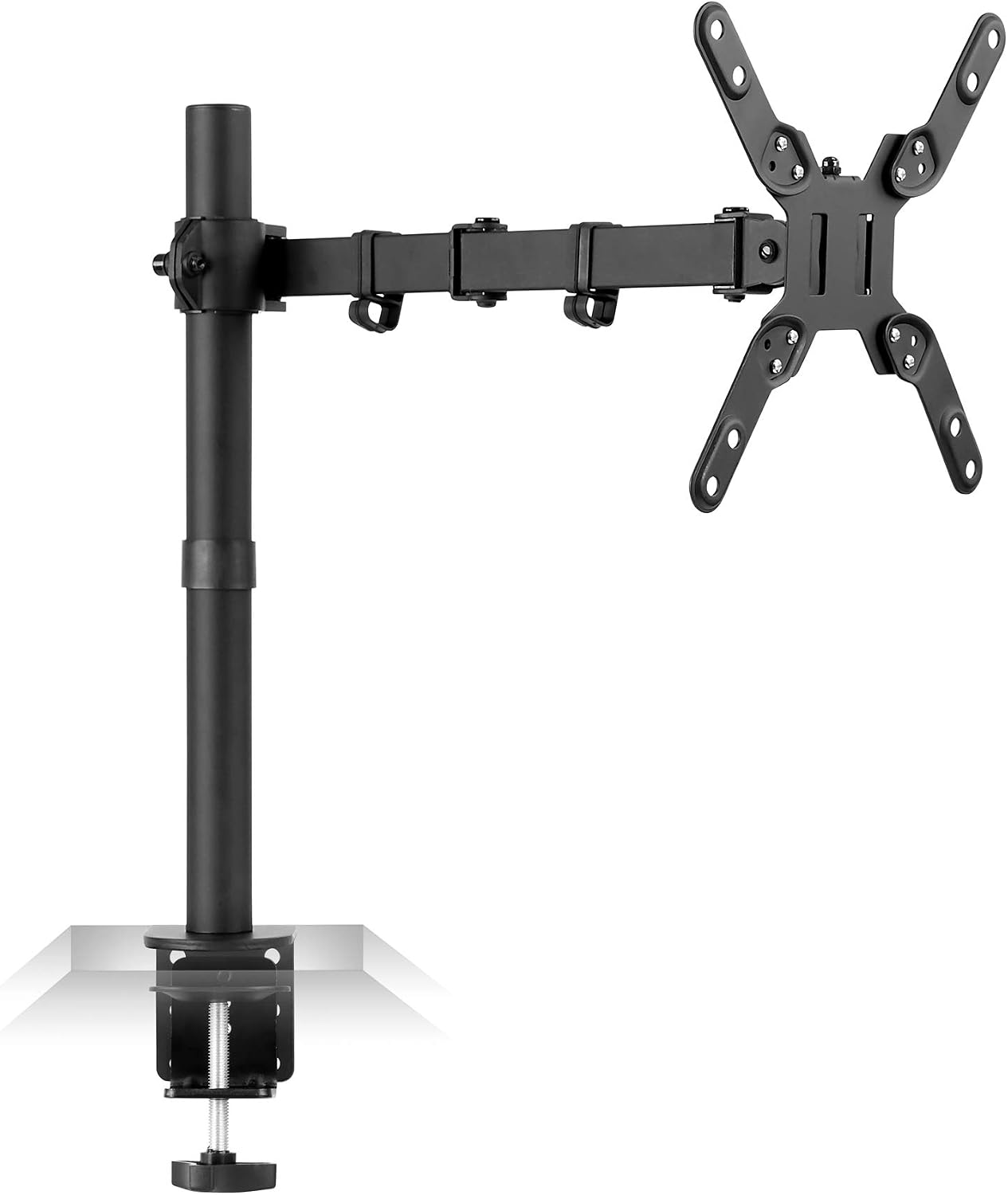
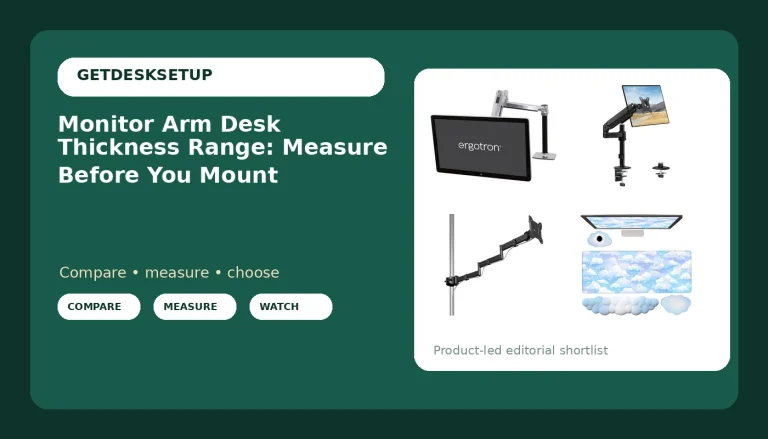
Mount-It! Large Monitor Desk Mount, VESA 200, up to 42"
One mount for the big panels, with a VESA 200 pattern and a listed ceiling of 42 inches
A large panel adds leverage at the desk edge, so it makes the flex problem worse, not better, unless you reinforce the top
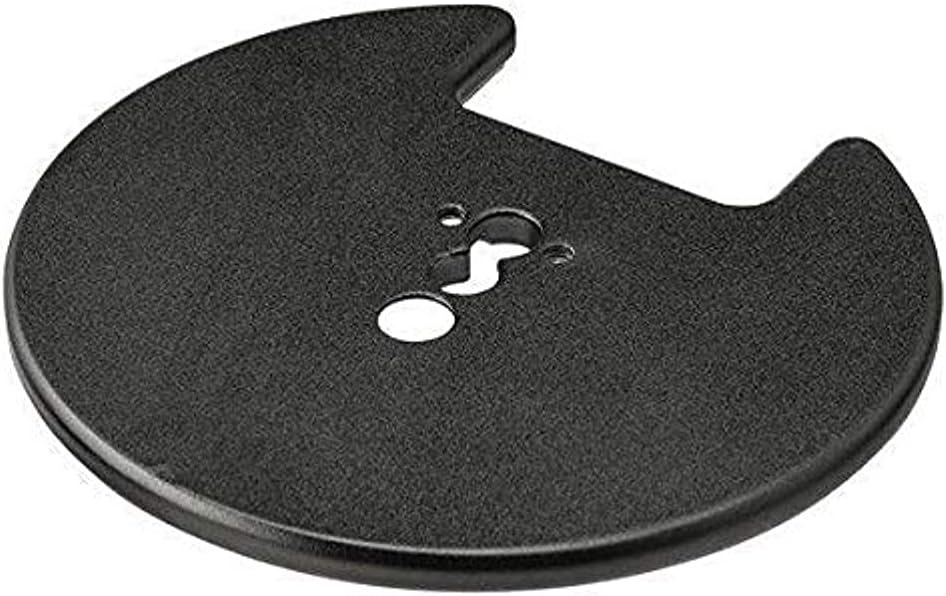
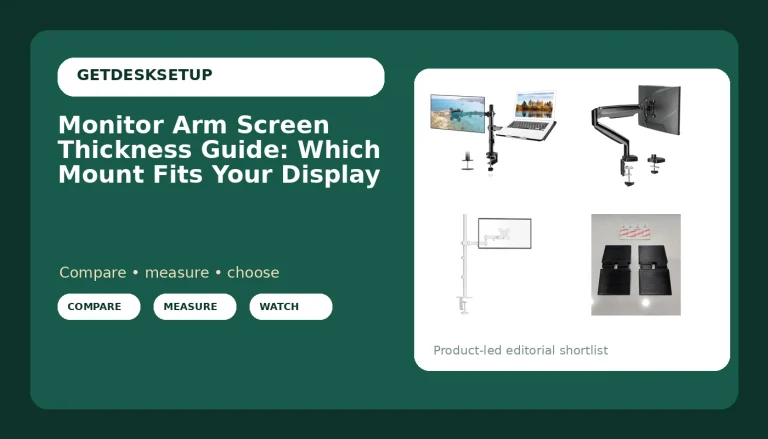
Atdec Grommet Mount for Monitor Mount, Cable
Converts an edge clamp into a through-the-top grommet mount and gives the cable channel a fixed route
Needs a hole in the right spot at the right size, and drilling a laminate top after the fact is an afternoon, not five minutes
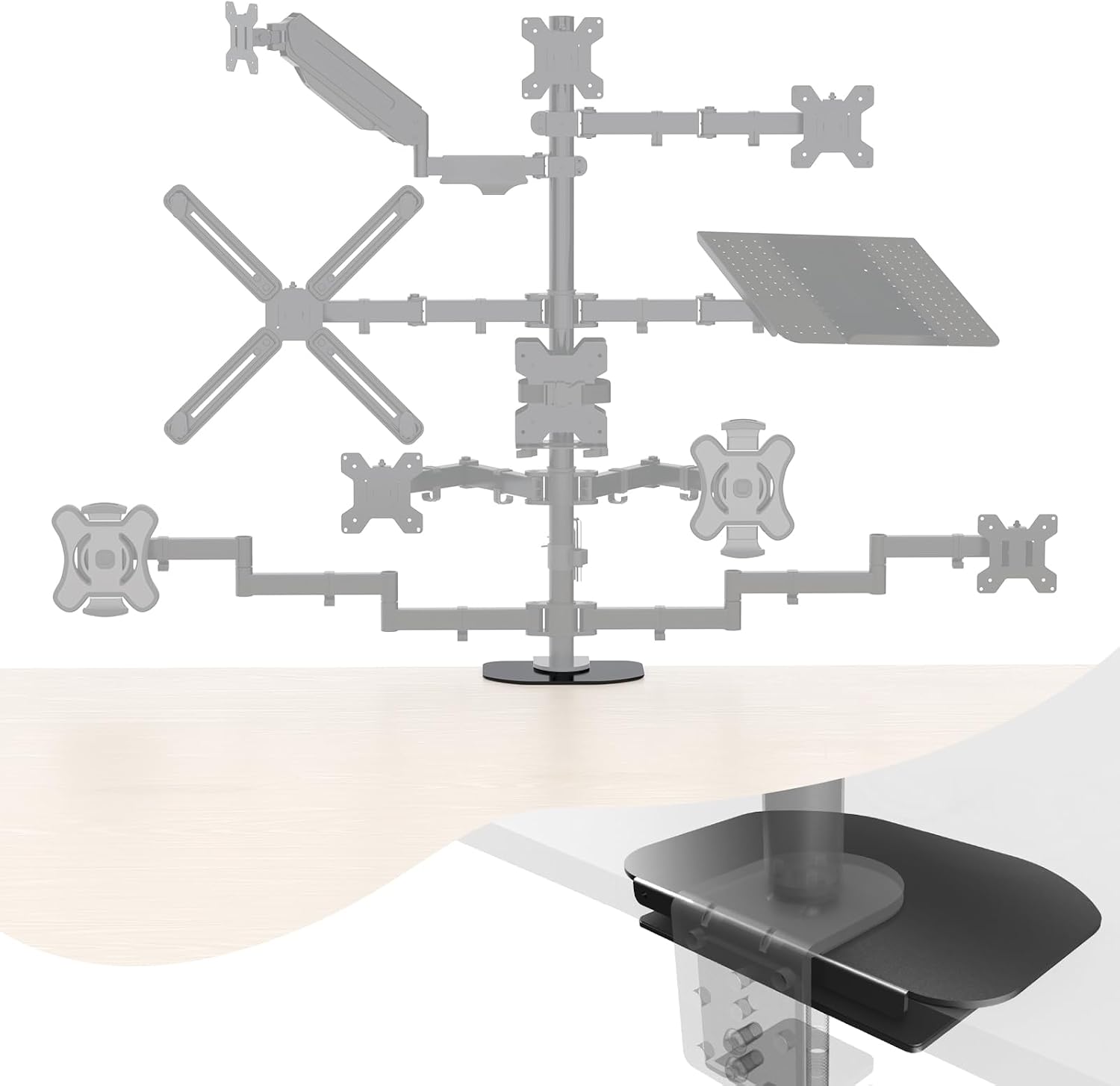
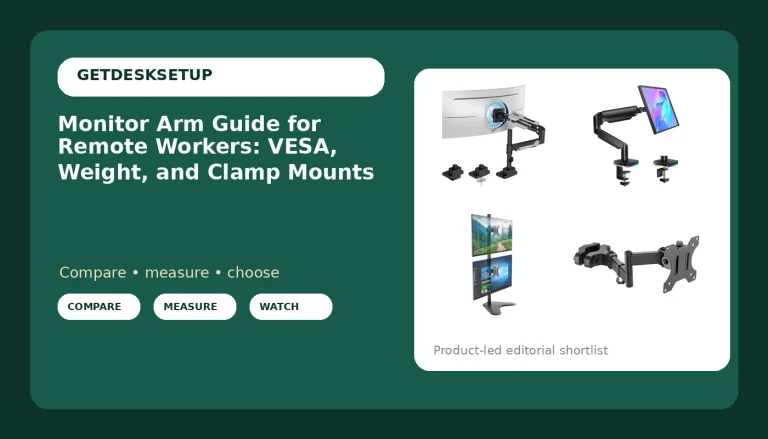
Pholiten Steel Bracket Plate Reinforcement for Glass Desk
A steel plate that spreads clamp pressure across glass, which is the one surface you cannot shim, patch, or re-drill
Solves only the clamp side of the problem, and you still have to stay inside the glass maker's thickness limits
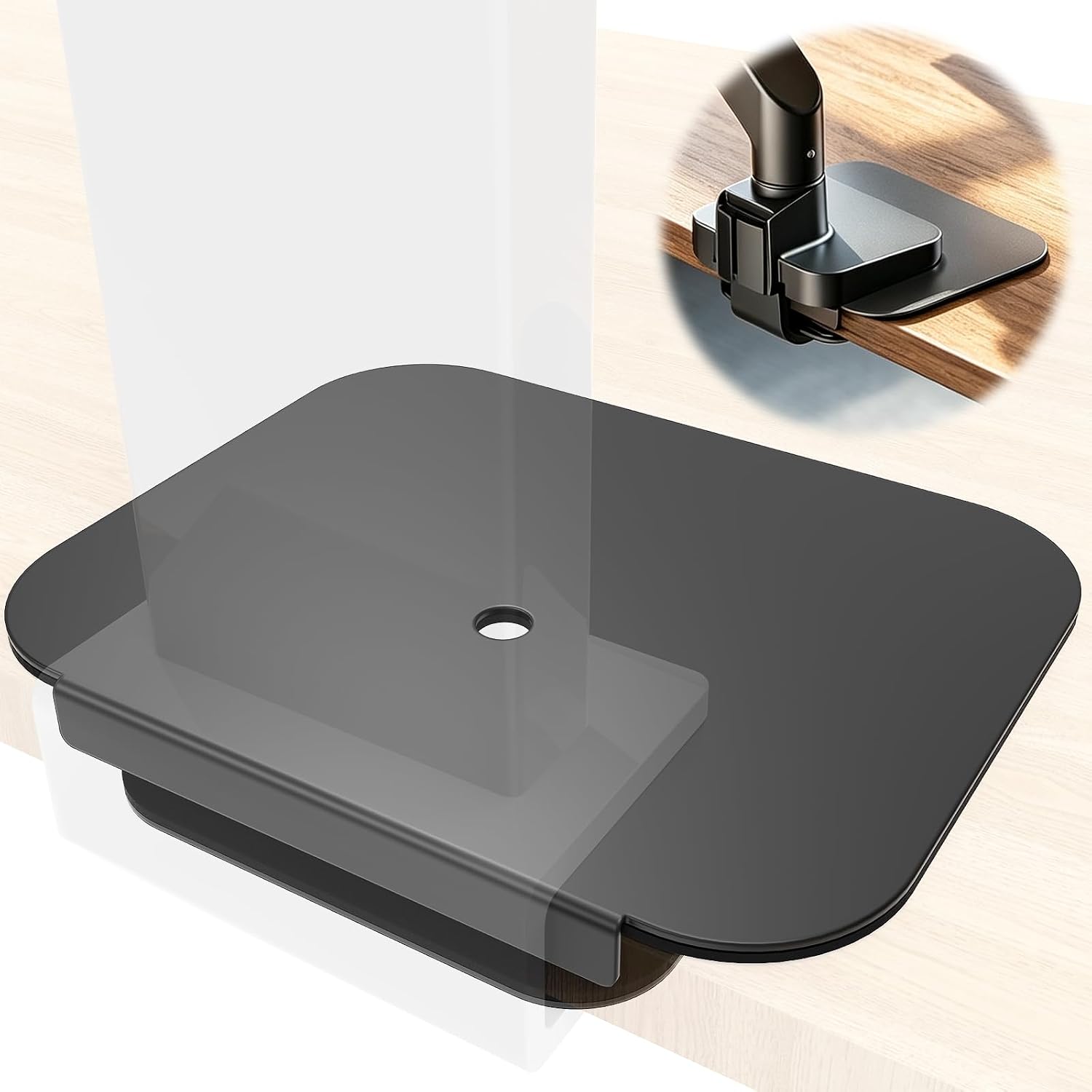
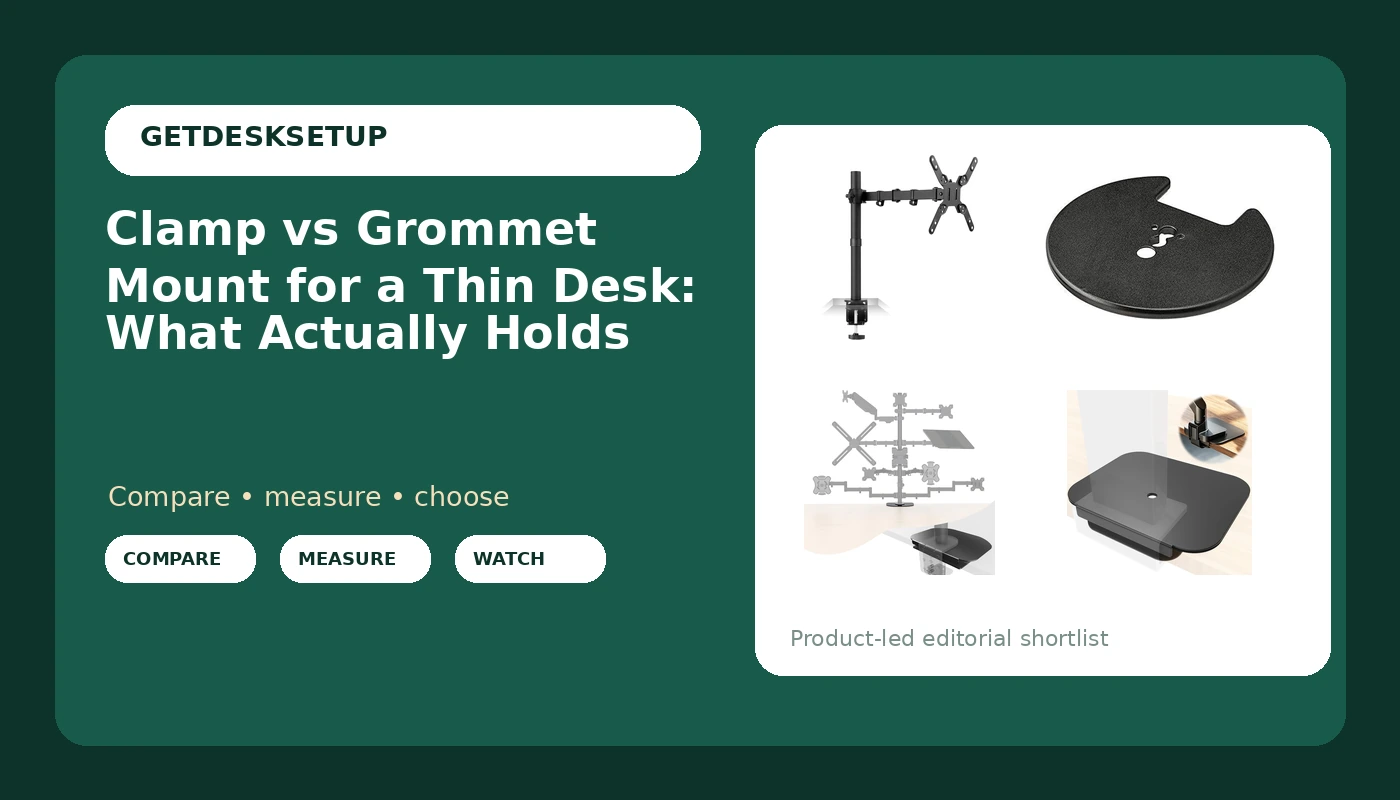
Steel Monitor Mount Reinforcement Plate for Thin
The cheapest fix for a hollow-core or thin laminate top, because the clamp squeezes plate and desktop as one sandwich
Adds material under the desk, which eats a little knee clearance and shows on an open-frame desk
Prices and availability may change.
Clamp vs grommet mount for a thin desk: the load path is the whole argument
A clamp mount works like a C-clamp. Two jaws squeeze the desktop, one above and one below, and the arm hangs off the outer jaw. The weight of the display and the arm becomes a bending force concentrated at the desk edge, with a few square inches of contact doing all the work. On a 1.25-inch solid wood top that is nothing. On a 0.75-inch hollow-core top the skin flexes, the clamp loses preload, and the arm droops a degree or two every few weeks. That droop is not the arm failing. It is the desktop deflecting.
A grommet mount changes the load path. The arm is bolted through a hole in the desktop, so the weight is carried in compression straight through the material instead of pulling on the edge. No jaw to lose tension, no point load on a thin skin, no creep. The catch is the hole. It has to exist, it has to sit where the arm can still reach your seating position, and it has to be sized for the bolt the mount uses.
If your desk has a factory grommet for cables, measure it before you assume a monitor mount will pass through it. Cable grommets and monitor grommets are not the same size, and a mount that needs a wider hole turns a ten-minute install into a drill-and-vacuum afternoon.
That is the honest trade. Clamp: no modification, more stress on the desk. Grommet: less stress on the desk, requires modification or a lucky factory hole.
What a grommet mount for a thin desk vs clamp changes in practice
The difference shows up in three places, and only one of them is about strength.
First, positioning. A clamp mount slides along the edge, so you can move the arm left or right until the panel sits where your eyes actually land. A grommet mount locks you to the hole. If the hole is off center, your monitor is off center, and no amount of tilt range fixes a panel that sits a foot to the left of your keyboard.
Second, drawer clearance. Clamps need clear space underneath, and thin desks are usually thin because someone saved material and money. That often means a steel apron, a crossbar, or a drawer box sitting exactly where the clamp jaw wants to go. A grommet mount ignores the underside entirely.
Third, cable routing. A grommet mount passes the cable channel down through the same hole the arm uses, which keeps the run short and fixed. With a clamp, the cable typically drops over the edge, and every time you swivel the panel it pulls a little more slack out of the run.
Related: Standing Desk Wobble at Standing Height
The difference between clamp and grommet mount for a thin desk is one hole and one hour
Drilling a laminate top is not hard, but it is permanent. You need the right hole saw, tape over the cut line to stop the veneer chipping, and something solid under the exit point so the bottom skin does not blow out. Drill from the top, go slow, vacuum twice.
Two things people get wrong. The first is edge distance. A hole close to the back edge of a thin top removes material right where the top does its bending work, so keep the hole back from the edge and away from any existing cutout. The second is assuming a bigger hole is safer. It is not. You want the smallest hole the mount's bolt and washer actually need, because every extra inch of removed material is strength you are not getting back.
If you rent, or the desk is a hand-me-down you might sell, that hole is a real cost. A clamp plus a plate is reversible in five minutes.
Reinforcement plates: the cheap fix that saves the desktop
A reinforcement plate goes between the clamp jaw and the desktop, usually underneath. The clamp then squeezes plate and top together as one sandwich, and the load spreads across the plate instead of concentrating on two square inches of particleboard.
For glass, this is not optional. Glass does not flex and warn you, it releases. The Pholiten Steel Bracket Plate Reinforcement for Glass Desk exists for exactly that job, and it is the part I reach for when someone insists on a glass top and a monitor arm. Read the glass maker's thickness guidance before you clamp anything, plate or no plate, and keep the mount well back from the edge.
For thin laminate and hollow-core tops, the Steel Monitor Mount Reinforcement Plate for Thin does the same job with a wider contact patch, and it is the difference between an arm that stays level for a year and an arm you re-tighten every month. One caution that applies to both: a plate adds thickness, so check that your clamp still closes on the new total. A plate that pushes the clamp to the end of its travel is worse than no plate, because the clamp cannot develop real preload.
The arm: a 42-inch panel is where the desk interface stops being optional
The Mount-It! Large Monitor Desk Mount, VESA 200, up to 42" is the reason a lot of people start asking about clamp vs grommet mount for a thin desk in the first place. A display that size, hung off one point, puts more leverage on the desktop than any 24-inch panel ever will. The mount itself is built for the job, with the VESA 200 pattern on the plate and a listed ceiling of 42 inches.
The desk is the part that is not built for the job. Thin tops are engineered for a laptop, a lamp, and a coffee cup. Add a large panel on an arm and the failure mode is not a snapped mount, it is a slow bend at the edge, a clamp that will not hold torque, and a monitor that tilts down on its own by Tuesday.
If you are mounting something this big, decide the desk interface first. Either bolt through with a grommet conversion, or clamp over a reinforcement plate. Doing neither is how people end up buying a second desk.
The grommet hardware: converting a clamp mount without replacing it
The Atdec Grommet Mount for Monitor Mount, Cable is the piece that lets a clamp-style arm become a through-the-top mount. It handles the bolt and the load path, and it carries the cable channel through the same opening, which is the tidy version of a monitor install.
The honest limitation is the hole. If your desk has a factory grommet, measure the opening and check it against what the kit needs before you order, because a near miss means drilling, and drilling a hole bigger than the existing one is the least fun version of this project. If your desk has no hole and you are not willing to make one, this product is not for you, and no amount of adapter shopping changes that.
What it buys you is stability you can feel. No creep, no re-tightening, and a fixed cable route that does not pull the arm when you swivel the panel.
Clamp or grommet mount for a thin desk: how I decide on a client install
This is the sequence I run in the first five minutes of a setup, in order.
- What is the top made of? Solid wood, laminate over particleboard, hollow-core, or glass. Hollow-core and glass get a plate, always.
- Is there a hole? If yes, measure it. If it fits a grommet kit, that is the answer.
- Is there an apron, rail, or drawer box in the clamp zone? If yes, the clamp is out unless the plate can bridge it.
- How heavy is the panel and what does the arm list as its weight capacity? Add the arm's own weight, not just the display.
- Will this desk move in the next two years? A hole travels badly. A clamp plus plate comes off in five minutes.
Five questions, and the answer is usually obvious by question three. If someone tells me they want a grommet mount but will not drill, the real recommendation is a clamp and a plate, and I say so instead of selling them the harder install.
Cable channel, tilt range, and swivel: the details that decide month two
The specs that matter after installation are the boring ones. A cable that pulls on the arm changes the monitor angle within a week, which is why the cable channel matters more than the marketing photos suggest. Leave slack at both ends, run the cable through the arm's channel rather than zip-tied to the outside, and anchor the slack to the underside of the desk with a clip.
Tilt range is what saves you when the mount sets the panel a few degrees off vertical. You want enough tilt to bring the screen face back to parallel with your eyes, and you want it to hold that position under its own weight. Swivel is a convenience feature until you share a screen with someone, at which point it becomes the reason you bought an arm at all.
None of that matters if the clamp is creeping. A loose mount eats tilt and swivel first, because the whole assembly is moving, not the joint.
Weight capacity, the VESA pattern, and gas spring arms
Three checks before you buy anything.
Weight capacity: compare the arm's listed capacity against the panel plus the mount head. A 42-inch display is heavy, and an arm rated right at the edge has no margin for a heavier replacement panel later.
VESA pattern: the holes on the back of your display have to match the plate. The Mount-It! mount carries a VESA 200 pattern, which suits large panels. Adapters exist, but every adapter adds a joint, and every joint adds a place for the panel to sag.
Gas spring: a gas spring arm is heavier than a plain arm and it pushes downward as it holds position. On a thin top, that downward force goes straight into the clamp. If you want a gas spring arm on a 0.75-inch top, reinforce the desk first and set the spring tension to the panel before you let go of it. Set it wrong and the arm will hold the monitor, then slowly walk the clamp loose.
Who should skip each of these
Skip the grommet conversion if you rent, if the desk is glass, or if you are not willing to drill. There is no clever workaround, and the clamp plus plate route is genuinely good.
Skip the large arm if your top is hollow-core and you have decided against reinforcing it. A 42-inch panel on an unreinforced thin top is a slow-motion problem, and the failure shows up as a bent desktop, not a broken mount.
Skip the reinforcement plates if your desk already has a welded steel frame running under the mounting zone and your clamp can land on it. The frame is already doing the spreading job, and a plate just adds thickness you may not have clamp travel for.
Skip any of it if the desk wobbles at standing height before you mount anything. Fix the wobble first. A monitor arm magnifies movement, it does not damp it.
Install order: five steps that keep a desktop intact
- Clear the desk and look underneath with a light. Find the frame, the apron, and the drawer box before you find the clamp position.
- Clamp first, loose. Set the jaws where they will live, snug them by hand, and do not load anything yet.
- Add the plate, then load, then tighten. Reversing that order, tightening to full torque before the arm is on, is how people crack a desktop.
- For a grommet install, measure the hole twice, drill from the top with backing underneath, and vacuum before you seat the bolt.
- Set tilt range and swivel last, leave cable slack, and re-check clamp torque after a week. New installs settle.
What I would buy for three common thin desks
A 0.75-inch hollow-core desk with no hole: clamp mount plus the Steel Monitor Mount Reinforcement Plate for Thin. Reversible, cheap, and it holds.
A glass top: the Pholiten Steel Bracket Plate Reinforcement for Glass Desk, and a grommet mount if and only if the glass already has a suitable hole. If it does not, put the monitor on a freestanding stand and leave the glass alone.
A solid or thick laminate top with a factory grommet: the Atdec Grommet Mount for Monitor Mount, Cable, because you already have the hole and it gives you the best load path plus a fixed cable channel.
And if you are hanging a display up to 42 inches, the Mount-It! Large Monitor Desk Mount, VESA 200, up to 42" is the arm that makes the rest of this worth doing. Just decide how it attaches to the desk before it arrives, not after the panel is sitting on your chair.