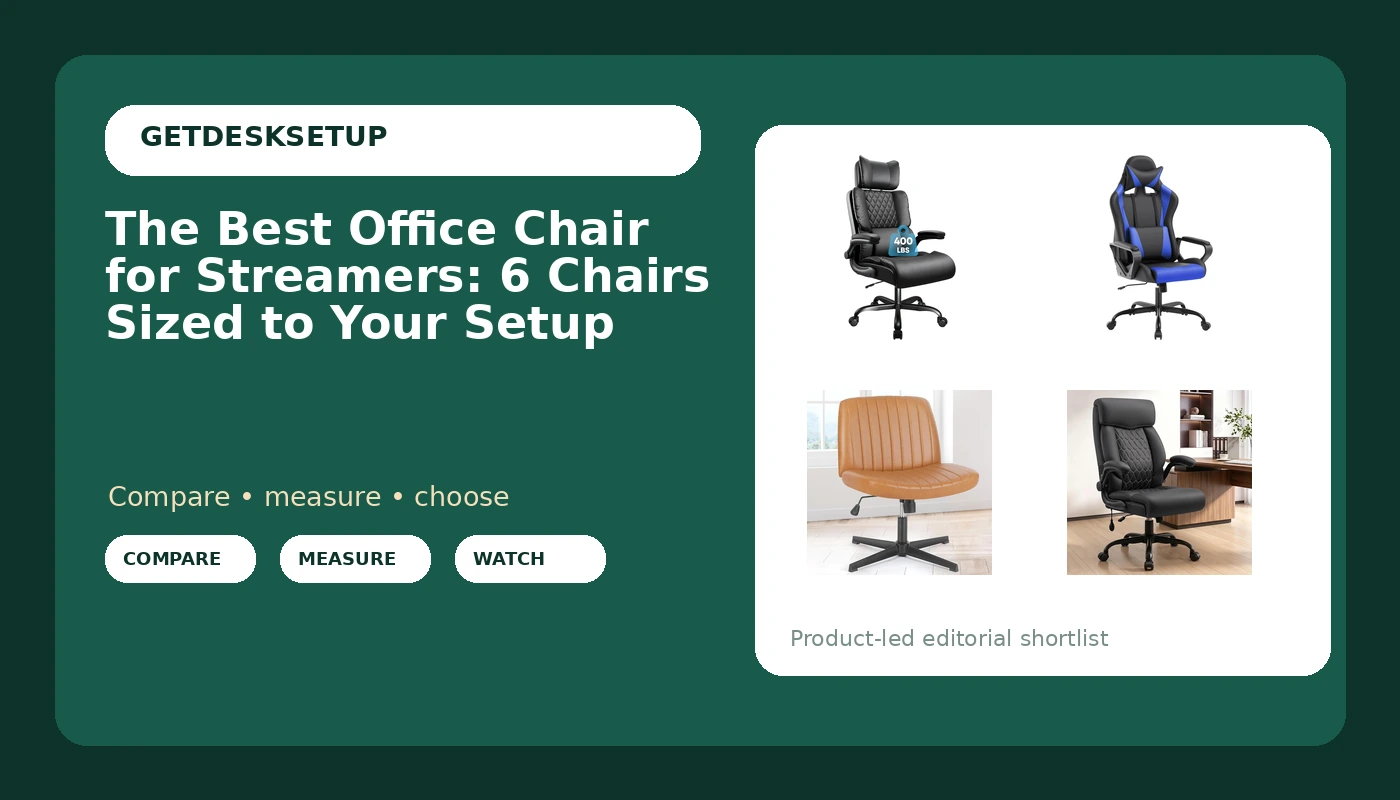
Streaming is a chair problem before it is a camera problem. A four-hour session is four hours of sitting still, and the office chair for streamers that fits a 5'9" creator at 190 lb is not the chair that fits someone 6'4" and 300 lb. This guide compares six chairs on the things that decide whether you can sit through a long session: seat height range, seat depth, lumbar support, armrest clearance under a desk, and how far the back reclines. It is written for people who stream from a home desk and want the chair to disappear under them, not the chair that looks best in a thumbnail. Every entry below is a specific model, and the quick answer names one.
Related: How to Set Up a Streaming Desk Without Breaking Your Posture
Quick answer
The Sytas 400lbs Big and Tall Office Chair with Adjustable Headrest is the strongest fit for most streaming setups because it pairs a stated 400 lb weight capacity with an adjustable headrest, and the headrest is the one part of a chair that interferes with both a camera and a headset. Choose the OLIXIS Criss Cross Office Chair instead when you stream from a small room, work at a low desk, or want a chair you can push out of frame between sessions.
If you are looking for the best office chair for streamers, two questions matter more than every spec sheet combined: how tall you are, and how long you sit in one stretch. Everything else, including brand and color, is secondary.
Office chair for streamers worth comparing
Most gaming chair marketing is about looks. The handful of things that actually decide whether a chair survives a four-hour stream are mechanical, and they are measurable before you buy.
Seat height range. Your feet should rest flat and your thighs should sit roughly parallel to the floor. A chair whose lowest seat height is above your knee height leaves your feet dangling, and no amount of lumbar support fixes a dangling foot. Check the listed seat height range against the floor-to-knee measurement you take on your own body.
Seat depth. This is the measurement people skip. Seat depth is the distance from the front edge of the seat to the backrest. If it is too deep, the front edge presses behind your knees and you slide forward all stream. If it is too short, your thighs get no support and your lower back takes the load. Measure from the back of your hip to the back of your knee, then subtract an inch or two for a target.
Lumbar support. A fixed bump is not lumbar support. What you want is either a curve that lands where your lower back actually curves, or an adjustment that lets you move the support up and down. Two chairs in this group take a different approach: one uses an inflatable pad you tune by adding air, and one is built around a big and tall frame with a stated capacity.
Armrests. For streaming, armrest height matters more than armrest padding. You want the armrest to sit just under your forearms at typing height, and you want the chair to slide under the desk when you stand up. Measure your desk clearance from the floor to the underside of the desktop before you buy anything, and check that measurement against the chair's listed armrest height.
Recline and tilt tension. Recline is what lets you shift position mid-stream without standing up, and it is the difference between a chair you sit in for eight hours and a chair you abandon after two. Tilt tension is the knob or lever that decides how hard you have to push back to recline. A chair that reclines but has no tension adjustment is a chair that either flops back the moment you relax or refuses to move at all.
Headrest, caster, and footprint. A headrest matters if you lean back to watch chat or read a second screen. Casters matter if you stream on carpet, where hard plastic wheels dig in and soft ones roll. Footprint matters if your room is small, because a big and tall chair needs a clear arc of floor to roll through. One chair here includes a footrest, which changes how you sit when you recline far enough that your feet leave the ground.
Top pick
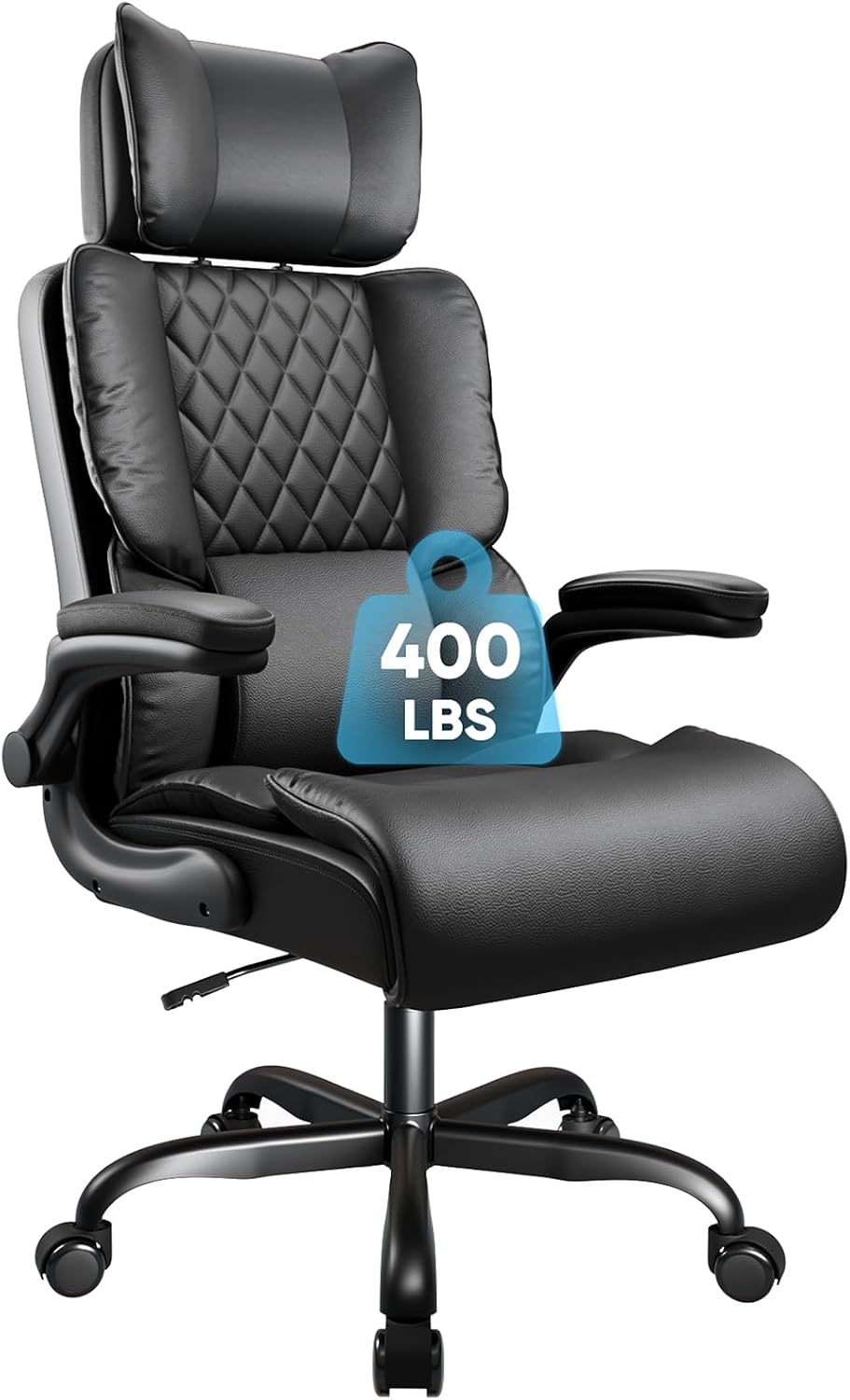
Sytas 400lbs Big and Tall Office Chair with Adjustable Headrest
Check current Amazon price
A big and tall chair with a stated 400 lb weight capacity and an adjustable headrest. The headrest can be positioned for reclined viewing or moved out of the way when you are on camera, which is the adjustment that matters most in a stream setup.
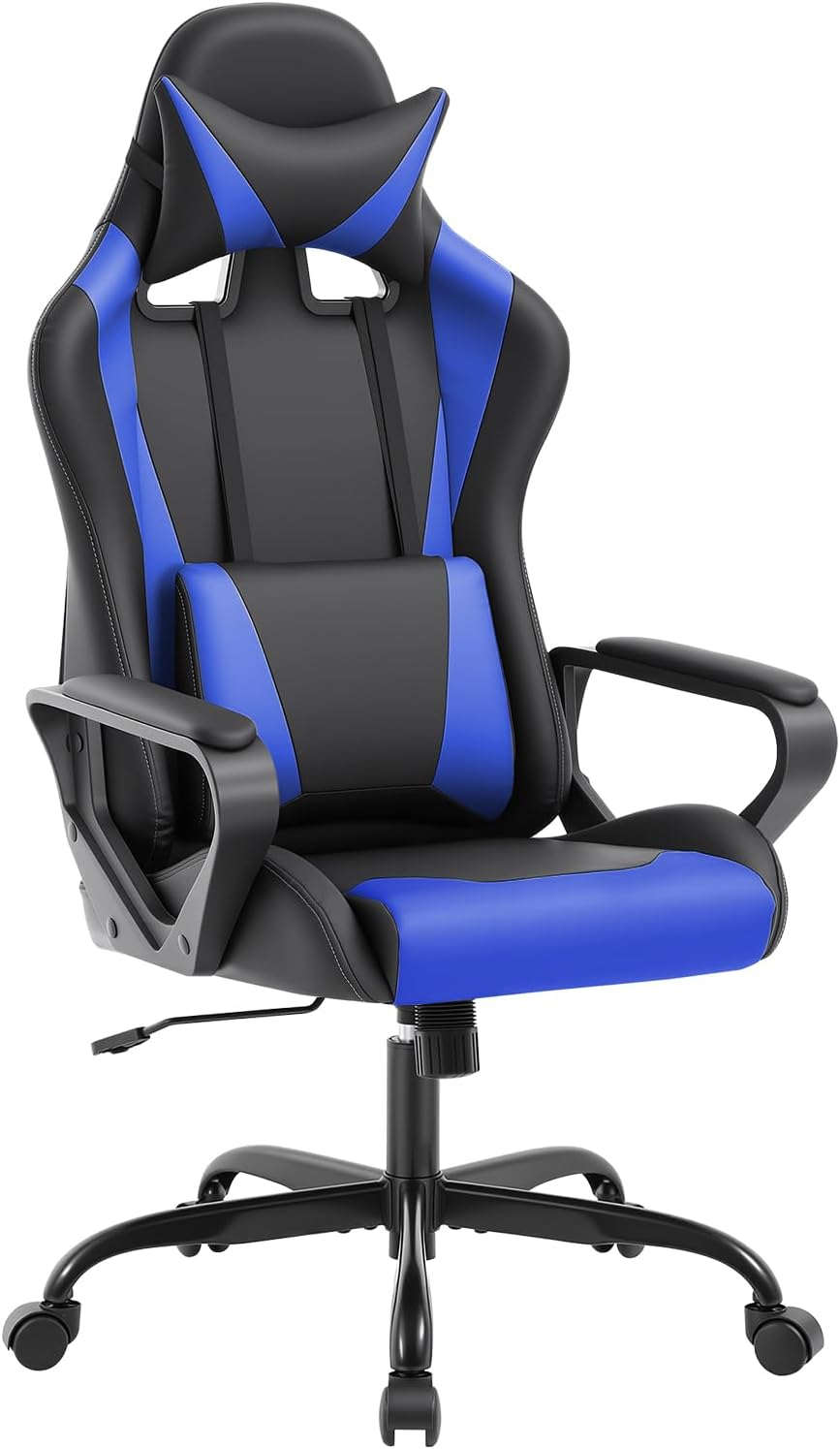
Ergonomic Gaming Chair for Adults, Video Game Chair, Blue
Check current Amazon price
A blue gaming chair built around the high back format that gaming chairs are known for. It is the only chair in this group in a color other than black, which is worth noting if your camera background is dark or your room is already all black furniture.
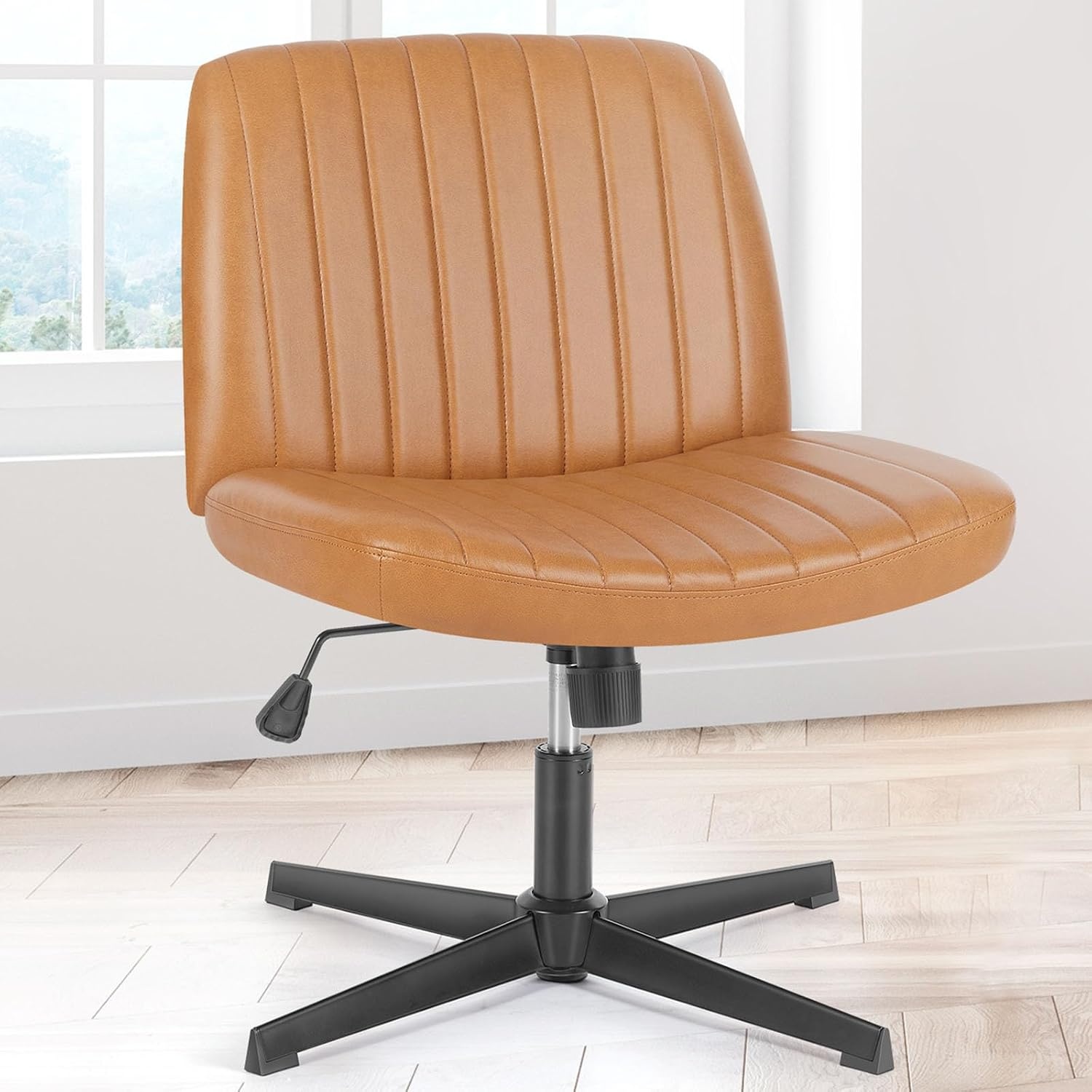
OLIXIS Criss Cross Office Chair, Vanity Chair, Home Office Desk
Check current Amazon price
A criss cross base chair sold for vanity and home office desk use. The cross-leg format keeps the footprint narrow, so it suits a corner desk where you slide the chair out of frame when you stand up rather than rolling it across the room.
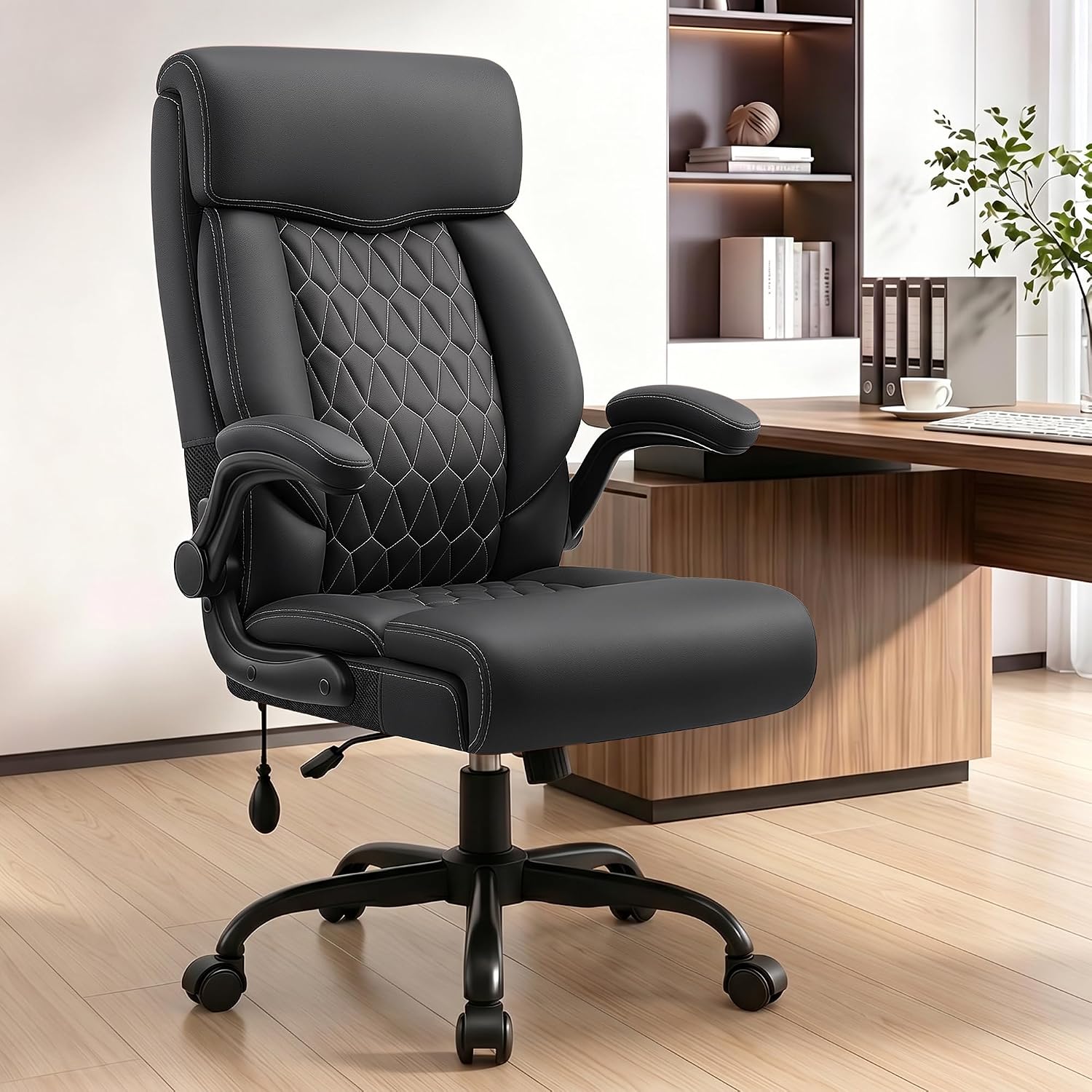
High Back Executive Office Chair with Inflatable Lumbar Support
Check current Amazon price
A high back executive chair with an inflatable lumbar pad, so lower back pressure is tuned by how much air you add instead of a fixed curve you either fit or you do not. The executive silhouette reads as office rather than gaming on camera.
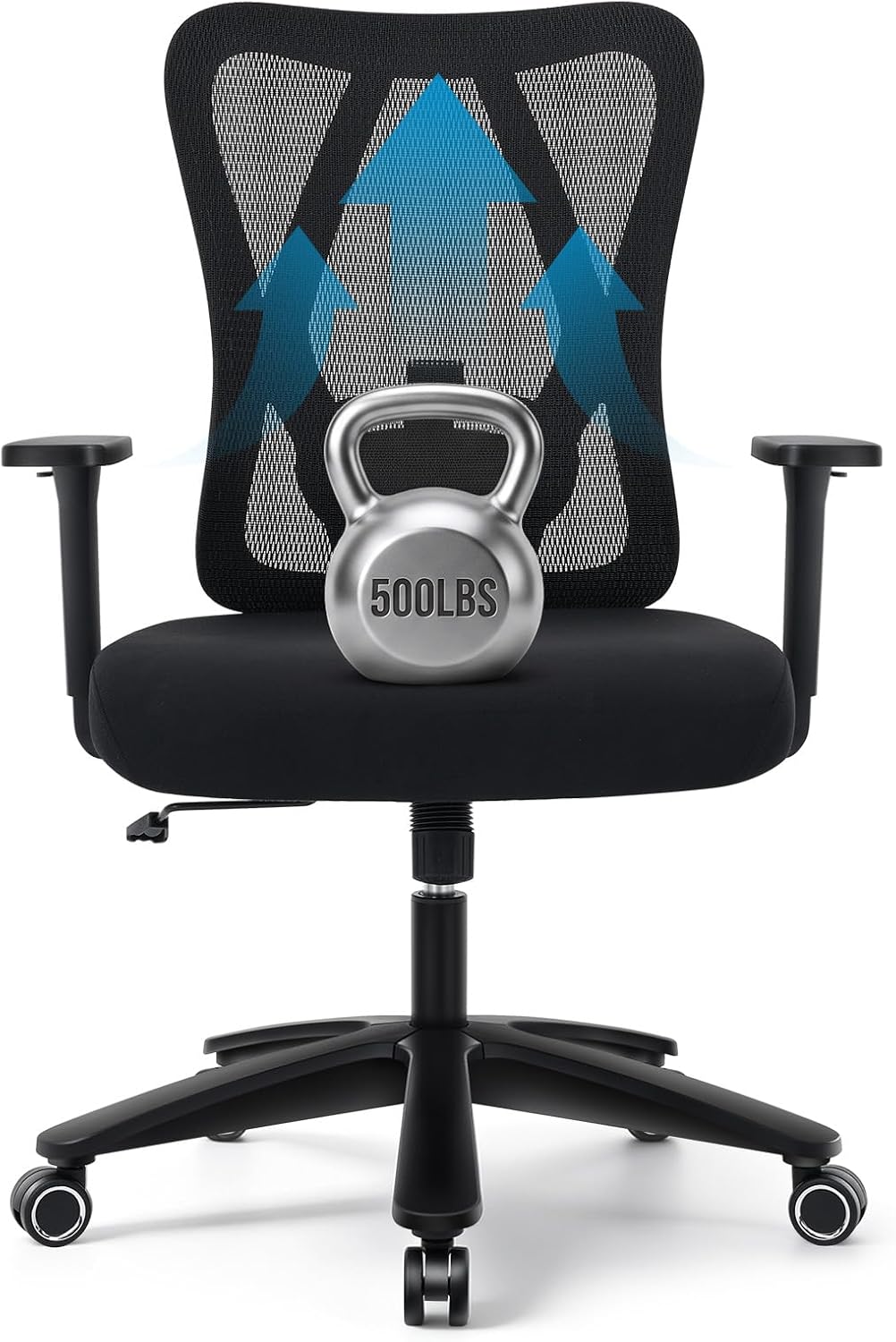
Big and Tall Office Chair 500LBS, Heavy Duty Office Chair,Black
Check current Amazon price
A heavy duty big and tall chair with a stated 500 lb weight capacity, the highest capacity in this group. Black finish, and built for a user who needs the base and the lift rated well above what a standard task chair carries.
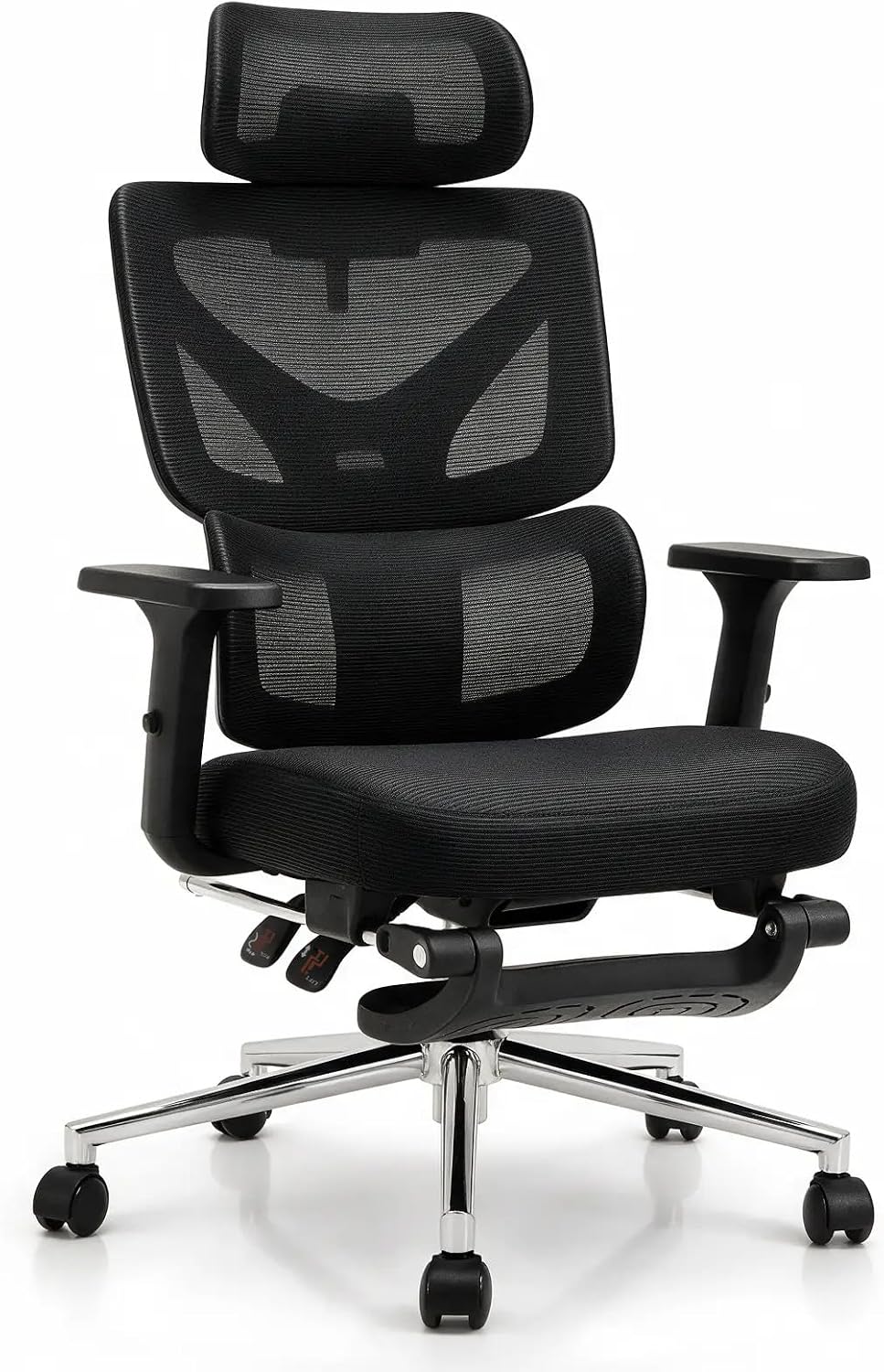
Black Ergonomic Office Chair with Footrest, for Home and Office
Check current Amazon price
An ergonomic chair with a built-in footrest, so your legs have somewhere to go when you recline. That matters on stream, where you lean back to read chat and then stay there for another hour without standing up.
How these products were compared
This guide compares stated weight capacity, seat height and seat depth adjustability as described by the manufacturer, lumbar support type, armrest and headrest adjustability, and the base and caster setup. Product names, images, and retailer links are matched so that every card points to the product shown, and the top pick is the one with the clearest case for a long streaming session rather than the one with the longest feature list.
Nothing here is a lab test. Where a number appears, it comes from the product listing itself, such as the stated weight capacity in a chair's name. Where a number does not appear, this guide says so and tells you what to measure on your own body instead of guessing from a photo. Retailer pages change, so use the link on each card to confirm current price and availability before you order, and check the return window in case the seat depth is wrong for you.
How to choose the right office chair for streamers
Start with your own measurements, not the chair's. Sit on a hard chair with your feet flat and take three numbers: floor to the crease behind your knee, which is your target seat height; the back of your hip to the back of your knee, which is your target seat depth; and floor to the underside of your desk, which is your clearance for armrests and knees. Write them down. That is the whole test for the best office chair for streamers, and it takes four minutes.
Then match those numbers to the listing. If you are near or above the capacity a chair is built for, the two big and tall models here are the only ones in this group with a stated capacity at all, at 400 lb and 500 lb. If you are well under both, a lighter chair with a smaller footprint will serve you better and be easier to move when you need the floor space back. A desk chair for streamers also has to survive being pushed in and out of frame a dozen times a session, so weight and caster quality matter more than they do for a chair that never moves.
If you stream from a desk you also use for work, the chair has to do double duty. That usually means an adjustable armrest and a recline that locks upright, and it means reading our desk height and monitor placement guide before you decide the chair is the problem. A monitor that sits too low will make any chair feel wrong, and a monitor arm that sags will change your head position within a week.
One more thing specific to streaming: your chair is on camera. A high back reads as a proper setup and a low back leaves your shoulders floating in the frame. That is a real consideration, but it is the last one, not the first.
Sytas 400lbs Big and Tall Office Chair with Adjustable Headrest
The Sytas is the top pick because it addresses two failure points of long sessions at once. The stated 400 lb capacity means the base and lift are rated for a heavier user than a standard task chair carries, and the adjustable headrest can be raised for reclined viewing or lowered when you are on camera. For a task chair for streamers who lean back to read chat, that combination is the one that removes the most friction.
The trade-off is that it is a big and tall chair, so it is wide and it is heavy. If you are a smaller person, the extra seat width and depth buy you nothing and cost you floor space, and the chair will take more effort to roll out of the way when you stand up. Skip it if your room is tight, if you sit at a low desk, or if you never recline.
Alternatives to consider
The OLIXIS Criss Cross Office Chair is better suited to small rooms and short sessions, where a compact cross-leg frame that tucks in close matters more than weight capacity. The High Back Executive Office Chair with Inflatable Lumbar Support is a stronger fit when your lower back needs adjustable pressure rather than a fixed curve, because the inflatable pad can be tuned by how much air you add and released when you want less.
The Big and Tall Office Chair 500LBS, the Black Ergonomic Office Chair with Footrest, and the Ergonomic Gaming Chair for Adults, Video Game Chair, Blue cover the rest of the range. The 500 lb model is the heavy duty option here and the one to look at if you are above what the Sytas is rated for. The chair with the footrest is for people who recline far enough that their legs need somewhere to go, which is common when you stream for hours and read chat off a second screen. The blue gaming chair is the entry point in this group, and it is the only one here in a color other than black, which matters if your background is dark and you want the chair to separate from it on camera.
Day-to-day use and maintenance
Two habits keep a chair working past the first year. First, re-tighten every bolt after the first week of use. Chairs loosen as foam and frame settle, and a loose armrest bolt turns into a wobbly armrest that you cannot fix by feel six months later. Second, clean the casters. Hair and carpet fiber wrap around the axle, and one dragging caster makes the whole chair pull to one side, which you will feel in your hip before you notice it in the wheel.
Tilt tension needs a real adjustment period. Set it loose, sit down, and tighten until the chair holds you at the recline angle you want without you having to brace against it. If you use a footrest, keep it at a height where your knees stay at or slightly below hip level; a footrest set too high pushes your knees up and flattens the curve in your lower back. A desk chair for streamers spends more hours occupied than a normal office chair does, so these adjustments are worth repeating once a month.
For a chair with an inflatable lumbar pad, release the air before you store or move the chair, and check the valve if the pad stops holding pressure. For any chair, check the stated weight capacity against the heaviest person who will use it, not the average. If you roll on a hard floor, a chair mat protects the finish and makes the casters last longer; on carpet, larger or softer casters roll better than the small hard ones many chairs ship with.
Buying checklist
- Measure floor to the crease behind your knee, and floor to the underside of your desk.
- Measure the back of your hip to the back of your knee for your target seat depth.
- Choose seat height and seat depth based on your normal sitting position, not an occasional edge case.
- Confirm that the exact model includes the adjustment you need: lumbar support, armrest height, or an adjustable headrest.
- Check the stated weight capacity if you are near the top of what a standard chair carries.
- Read the cleaning and maintenance instructions for the upholstery and the casters.
- Verify the current retailer price, availability, and return terms before ordering.
Final recommendation
Choose the Sytas 400lbs Big and Tall Office Chair with Adjustable Headrest when you sit for long sessions, want a stated 400 lb capacity, and need a headrest you can adjust for reclined viewing or move out of the camera frame. Choose the OLIXIS Criss Cross Office Chair when space is tight and you stream in short blocks.
If your lower back is the specific complaint, look at the High Back Executive Office Chair with Inflatable Lumbar Support instead, since the inflatable pad is the only lumbar adjustment in this group you tune by air rather than position. If you are a heavier user, the Big and Tall Office Chair 500LBS is the one here with a stated 500 lb capacity. And if you want an ergonomic chair for streamers with a place to put your feet when you lean back, the Black Ergonomic Office Chair with Footrest is the one to compare against the Sytas before you decide.