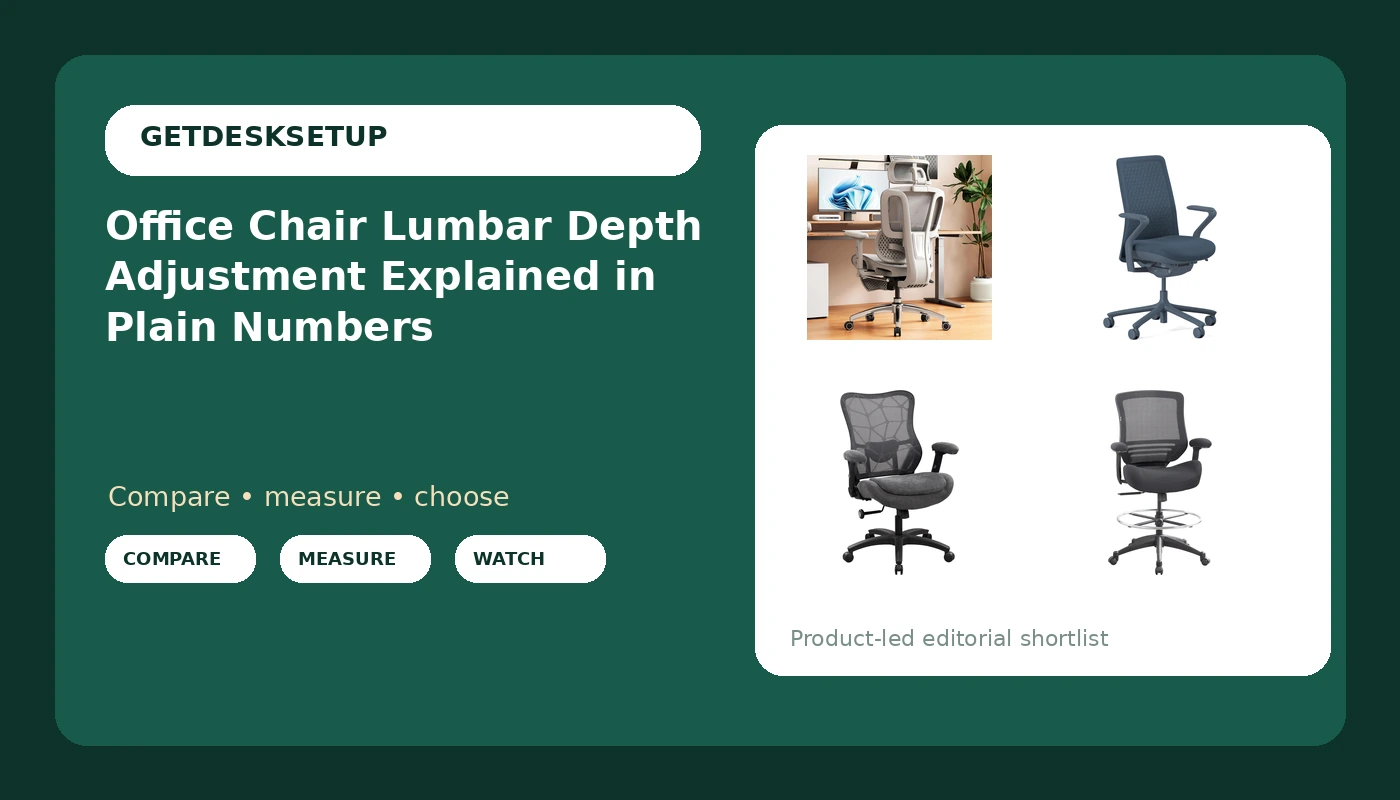
Almost every ergonomic chair ships with a lumbar pad you can slide up and down. Far fewer let you move that pad forward and backward. That second motion is office chair lumbar depth adjustment, and it decides whether the curve built into the backrest lands on the curve of your lower back or hovers an inch behind it, looking supportive in photos while doing nothing at all.
Lumbar height is a vertical question: where the curve sits relative to your belt line. Lumbar depth is a horizontal question: how far that curve pushes into your spine. Get the height right and the depth wrong, and you spend the afternoon arching away from a pad that is either drilling into your back or missing it completely. Get both right, and the chair holds your pelvis neutral without you noticing it.
This guide covers what that control actually changes, how to set it in five steps, and four current chairs whose listings state enough to compare.
Related: How to measure your seat depth before you buy a chair →
Quick answer
Office chair lumbar depth adjustment explained in one sentence: it is the control that moves the lumbar curve horizontally, toward or away from your spine, so the backrest contacts your lower back instead of floating behind it. A chair that offers only lumbar height gives you half of the adjustment. A chair that offers neither is using the word ergonomic as decoration.
Order matters more than the control itself: seat height first, then seat depth, then recline and tilt tension, then lumbar height, and lumbar depth last. Ten minutes in that order removes most of the guesswork.
Nothing below is labeled the best chair, because a chair that fits one body does not fit another. What follows is what each listing states, plus who should skip each one.
Four useful options
| Model | Best fit | What stands out |
|---|---|---|
| Vonesse Ergonomic Office Chair with Footrest | Sitters who want adjustable lumbar depth plus a footrest | Dynamic lumbar support paired with an adjustable-depth mesh seat, a 3D headrest, and armrests |
| Branch Verve Chair, High Performance Executive Office Chair | Buyers who want an executive chair from a furniture brand | Executive positioning and a high-performance build rather than a parts-list feature set |
| Ergonomic Office Chair 500lbs Big and Tall Mesh Desk Chair | Larger frames that need a stated 500 lb capacity | A 500 lb weight capacity in the listing and a mesh back |
| BOLISS 400lbs Mid Back Mesh Ergonomic Drafting Office Chair | Mid back sitters who want a stated 400 lb capacity | 400 lb capacity, a mid back profile, and drafting-chair positioning |
Adjustable depth pick: Vonesse Ergonomic Office Chair with Footrest
The trade-off is setup load. A dynamic lumbar pad and a sliding seat only help if you actually set them, and the footrest is one more part to position relative to your desk. Skip the Vonesse if you want a chair you can roll up to and never think about again, or if you dislike mesh against your back in a cold room. For a task chair lumbar depth adjustment, this is the one listing here that names both halves of the control instead of one.
Executive pick: Branch Verve Chair, High Performance Executive Office Chair
The trade-off is adjustment count. If your lower back needs the pad pushed forward and back until it makes contact, the Verve is the wrong tool, because that control is not stated in the listing. Skip it if you need a stated weight capacity or a footrest, neither of which appears in the product name, and skip it if you want to tune lumbar depth on day one rather than adapt to the curve the chair already has.
Big and tall pick: Ergonomic Office Chair 500lbs Big and Tall Mesh Desk Chair
The trade-off is that capacity is not fit. A 500 lb rating tells you the frame is built for that load, and it tells you nothing about seat depth in inches or the seat height range you will get. Skip this one if you want adjustable lumbar depth named up front, and skip it if your frame is average sized, since a big and tall seat is usually deeper and wider than a standard task chair and can push the front edge into the back of your knees.
Mid back pick: BOLISS 400lbs Mid Back Mesh Ergonomic Drafting Office Chair
The trade-off is the back height. A mid back stops below the shoulders, so there is no headrest to lean into during a long recline, and the listing does not name adjustable lumbar depth. Skip it if you want a high back with a headrest, and skip it if your desk is a standard 29-inch sitting desk, because a drafting seat height range may put you higher than your keyboard wants you to be.
Prices and availability may change. Product images, names, and retailer links are matched to verified listings. No current price, rating, stock status, or measured result is stated here without current evidence.
What office chair lumbar depth adjustment actually changes
Office chair lumbar depth adjustment is a horizontal control, and it is easy to confuse with the two vertical controls next to it.
Seat height sets how high your hips sit relative to the floor. Seat depth sets how far forward the front edge of the seat reaches, and therefore how much of your thigh is supported. Lumbar height sets where the curve of the backrest sits on your spine. Lumbar depth sets how far that curve protrudes toward you.
When depth is set too far forward, the pad presses into your lower back and you compensate by rounding your shoulders or sliding forward on the seat. When it is set too far back, nothing touches your lumbar spine and you slump into the gap. Both failures feel like the same problem, a sore back at four in the afternoon, and both get blamed on the chair when the setting is the actual cause.
The mechanism varies by chair. Some models put a knob or lever under the seat that drives the lumbar pad forward and back. Others mount the pad on a track you push by hand, where friction holds the position. A third group, including the Vonesse above, calls the feature dynamic lumbar support and pairs it with an adjustable-depth seat.
Depth adjustment is uncommon on cheap chairs because a moving pad that holds its position under load costs money to build. That is why a desk chair lumbar depth adjustment is often the line between a mid-range chair and an entry-level one, and why an ergonomic chair lumbar depth adjustment is worth confirming before you compare anything else, including armrest padding and finish.
Two interactions are worth knowing. First, recline changes the angle of your pelvis, so set recline and tilt tension before you touch the lumbar pad. Second, headrest and armrest adjustments do not change lumbar depth, but they change how much you notice it: if your armrests sit too high, you shrug, your ribcage lifts, and you lose the contact you just set.
How to set lumbar depth in five steps
Work in this order. Setting depth first is the most common mistake, because every later change moves your pelvis and undoes the contact you just dialed in.
- Set seat height. Sit with your feet flat and your thighs roughly parallel to the floor. If the desk is fixed, raise the chair until your elbows sit just above the desktop, then add a footrest if your feet no longer reach the floor.
- Set seat depth. Sit all the way back against the backrest. You want roughly two to three fingers of space between the back of your knee and the front edge of the seat, then lock the slider there. If you cannot get that gap, the seat depth range is wrong for your leg length, and no lumbar setting will fix it.
- Set recline and tilt tension. Pick a back angle a few degrees past vertical, then tighten tilt tension until the chair supports you without you holding yourself upright.
- Set lumbar height. Slide the pad to your belt line, roughly the top of your pelvis. If it sits up near your ribs or down near your hips, it is in the wrong place no matter how far in or out it travels.
- Set lumbar depth. Push the pad toward your back until you feel firm contact with no pressure point, then back it off a quarter turn or one notch. Contact without compression is the target.
Live with the settings for a week. If you catch yourself sliding forward, the pad is too far forward. If you catch yourself slumping into the seat, it is too far back. Adjust in small increments, because the useful range on most chairs is narrow.
Practical guidance before you buy
- Measure your seat depth in inches at your own desk and write the number down. A number you can compare against a listing beats a feeling you cannot describe to a seller.
- Treat a stated weight capacity as a structural rating, not a fit guarantee. A 500 lb figure speaks to the frame and lift; it says nothing about seat depth, seat height, or where the lumbar curve lands on your spine.
- Check that the listing names the control you need. If lumbar depth is not named, assume it is not there, and ask the seller before you order rather than after.
- Budget for a footrest or a chair mat. Casters behave differently on carpet and on hard floors, and a chair that rolls badly gets adjusted badly.
- Test your settings inside the return window, not after it closes. Set seat height, seat depth, recline, tilt tension, and lumbar depth on day one, then live with them for a week before you decide.
Which option should you choose?
Choose the Vonesse Ergonomic Office Chair with Footrest when you want adjustable lumbar depth named in the listing and you like the idea of a footrest. Choose the Branch Verve Chair when you want a high performance executive chair from a furniture brand and you would rather have fewer controls to set. Choose the Ergonomic Office Chair 500lbs Big and Tall Mesh Desk Chair when you need a stated 500 lb capacity. Choose the BOLISS 400lbs Mid Back Mesh Ergonomic Drafting Office Chair when you want a mid back drafting chair with a stated 400 lb capacity.
None of these listings state a seat depth in inches, a seat height range, or a measured lumbar travel distance, so no fit claim is made here. Measure your own seat depth, compare it against the product page, and use the return window if the numbers do not line up. Office chair lumbar depth adjustment explained in full still cannot rescue a chair whose seat depth is wrong for your legs.
The bottom line
Lumbar depth is the adjustment most chairs skip and most sitters never set, and it is the one that decides whether the backrest curve actually touches your lower back. Buy the chair whose listing names the control you need, set it in the right order (seat height, seat depth, recline and tilt tension, lumbar height, lumbar depth), and give it a week before you judge it.
If you want the depth control named outright, start with the Vonesse. If you want a finished executive chair with fewer knobs, the Branch Verve. If your frame needs a stated 500 lb capacity, the big and tall mesh chair. If you want a mid back profile and a stated 400 lb capacity, the BOLISS. Check the listing on each before you commit, and measure your seat depth first, because that number is the one a lumbar pad cannot compensate for.