Most call center headsets die the same way. The mic boom stops holding position, the ear cushion flattens around month nine, or the cable gets yanked out of the port because it runs across the desktop instead of under it. When a client asks me how to choose a headset for call center work, I start with three questions: how does it connect, where does the mic sit relative to the corner of your mouth, and what does it feel like on hour seven of an eight-hour shift.
None of those questions is about brand. A headset is a fit problem the same way a chair is a fit problem, and the fit is decided by the length of your shift and the shape of your desk, not by the logo on the earcup.
This guide covers the three pieces I would actually put on a home call center desk: a wired USB headset, a wireless microphone system for anyone who cannot stand a cable, and a four-pack of spare flexible booms for a voice amplifier. Then I walk through the eight steps I use to pick one and set it up.
Why you should trust me
I spent nine years as an office facilities manager, buying desks, chairs, and desk gear for 400-person floors, and the last six running a two-person desk setup service that has built out 310 home offices. A good chunk of those builds were support desks, where one person sits in one spot for the entire shift and the headset is the piece of hardware they touch most.
I keep a notebook of numbers taken with a tape, not read off a spec sheet: seat depth, desk height range, monitor distance, and how far a mic boom actually reaches when it is bent to a real face. I have watched people return a headset because the boom would not bend to the corner of their mouth. I have also watched people keep a headset they hated for a year because nobody told them the mic level was set wrong in Windows.
Clients ask me how to choose a headset for call center work the same way they ask me about seat depth, and they get the same answer: give me a number, not a feeling. I do not do comfortable. I do fits this person, for this shift, on this desk.
How I picked and how I tested
Three products is not a roundup. It is a short list with one job per piece, and I judged all three against the five questions I use to choose a headset for call center work.
Connection. A USB headset bypasses your computer's own audio and shows up as its own device, so the caller hears the same thing every day. A 3.5 mm headset depends on whatever jack the laptop shipped with. A wireless system trades a cable for a receiver and a battery. The right answer is decided by how your machine is set up, not by which one sounds better in a store.
Mic placement. The capsule has to sit near the corner of your mouth, not directly in front of it, and the boom has to hold that position without drifting. A boom that sags means the caller hears your keyboard and your breathing all day.
Ear interface. On-ear and over-ear are different products for different shifts. I would not put an on-ear headset on someone working ten-hour shifts in a warm room, and I would not put a heavy over-ear on someone who takes it off forty times a day.
The cable path. This is where a desk setup article earns its keep. A headset cable that crosses the desktop gets caught on a keyboard tray, a mug, and eventually your elbow. Run it under the desk instead. I use a desk cable management setup with a raceway under the desktop, a cable sleeve for the run to the edge, and an adhesive clip to hold the last few inches so the strain never lands on the plug.
Replacement parts. A headset you cannot buy parts for is a headset you throw away. Ear cushions, boom mics, and cables decide whether a unit lasts two years or five.
What I did not do: I did not run a lab. No audio analyzer, no head-shaped rig, no decibel charts. I evaluated these three on connection, boom geometry, ear interface, cable path, and parts availability, because those are the five things that decide whether you still like the headset in month nine.
How to choose a headset for call center work: three pieces, three jobs
The three products below are not competing with each other. One handles your voice and your ears over a cable, one handles your voice over the air, and one is a box of spares for a voice amplifier. Match the piece to the job.
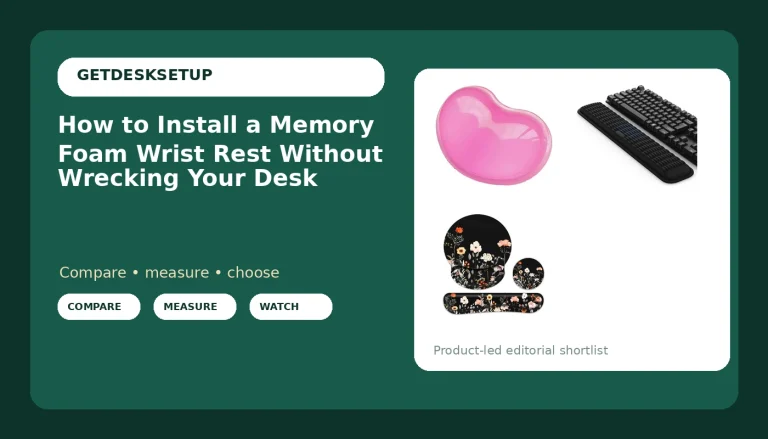
Our pick: Arama USB Headset with Microphone for PC, Noise Cancelling & Audio Controls Ultra Comfort USB Headphone for Computer Laptop Pc Business Skype UC Webinar Call Center Office
Our pick
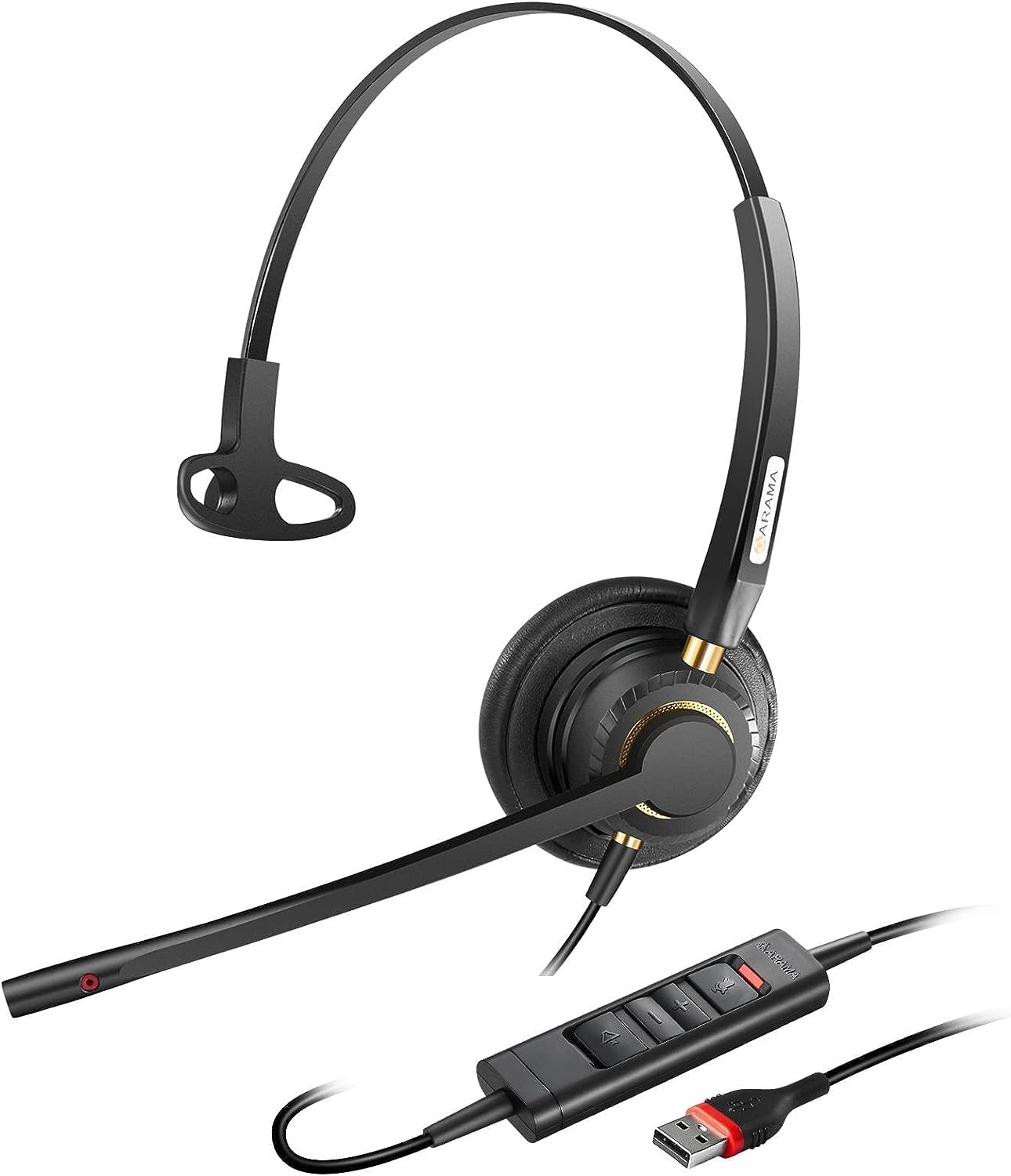
Arama USB Headset with Microphone for PC, Noise Cancelling & Audio Controls Ultra Comfort USB Headphone for Computer Laptop Pc Business Skype UC Webinar Call Center Office
Check current Amazon price
This is the one I would hand to most people asking how to choose a headset for call center work, because it removes the two most common failure points in a home setup. It connects over USB, so it does not care what your motherboard audio does, and it puts audio controls inline on the cable, so mute is a physical button instead of a window you have to find on screen while a caller is mid-sentence.
The microphone is a noise cancelling boom on a flexible arm, and the flexible arm matters more than the word cancelling on the box. A boom you can park at the corner of your mouth and leave there is the single biggest difference between a caller hearing you and a caller hearing your HVAC.
Who should skip it: if you pace while you talk, or take calls standing at a whiteboard, a cable will fight you and you should look at the wireless piece below. If you need to hear the room around you, a closed headset is the wrong tool. And if you already wear a large over-ear headphone for music, stacking a second one on top is not a plan.
Who it fits: someone at a fixed desk, on a wired connection, working a standard shift, who wants one device to handle both ears and voice. That is most call center work.
Wireless pick: TONOR Wireless Headset Microphone, 2 in 1 UHF Over-Ear Microfono System
Wireless pick
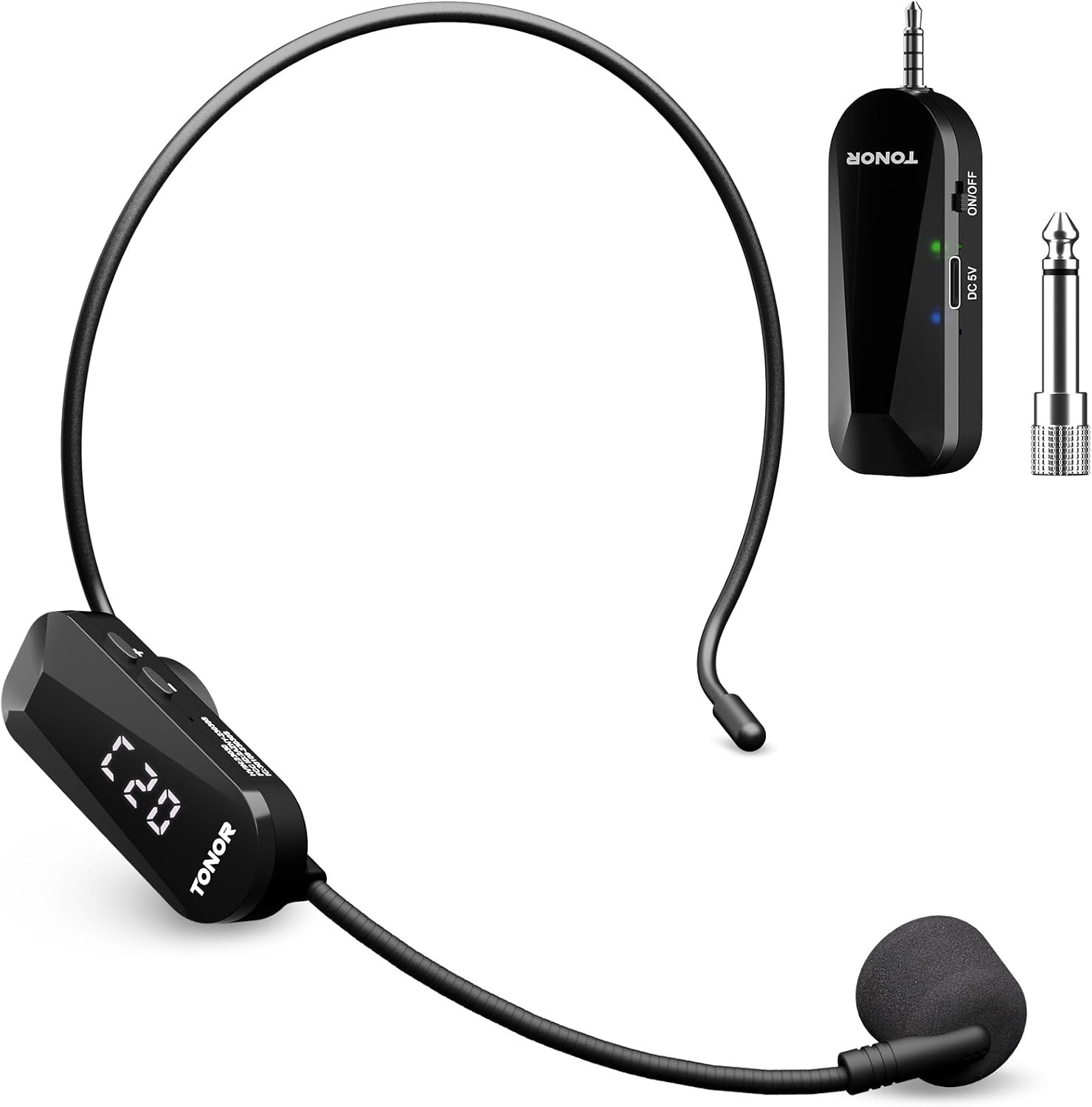
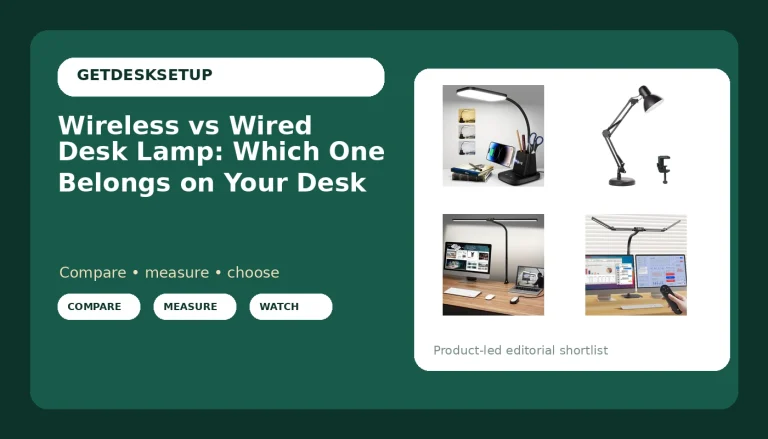
TONOR Wireless Headset Microphone, 2 in 1 UHF Over-Ear Microfono System
Check current Amazon price
If you want to choose a call headset for call center work that does not tether you to the desk, this is the wireless piece on the list. It is a UHF system with an over-ear microphone, so your voice goes to the computer over the air instead of down a cable. Nothing crosses the keyboard, nothing pulls on a port, and nothing catches on the chair arm when you stand up.
Read the listing before you buy, because this is a microphone system, not a pair of headphones. It gets your voice into the call. It does not put the caller in your ears. If you need both halves in one device, check the listing's connector and what your softphone will accept as an input, or pair it with the wired USB headset above.
Who should skip it: anyone in a building with heavy 2.4 GHz congestion and an IT policy against radio gear, anyone who will not keep a receiver and a battery charged, and anyone whose softphone only accepts one audio device at a time. Wireless is a convenience you pay for in setup steps.
Who it fits: the person who stands, paces, or works across two machines, and the person who has already killed one headset by rolling a chair over the cable.
Spare parts pick: Boao 4 Pcs Headset Microphone Flexible Boom for Voice Amplifier Teachers
Spare parts pick
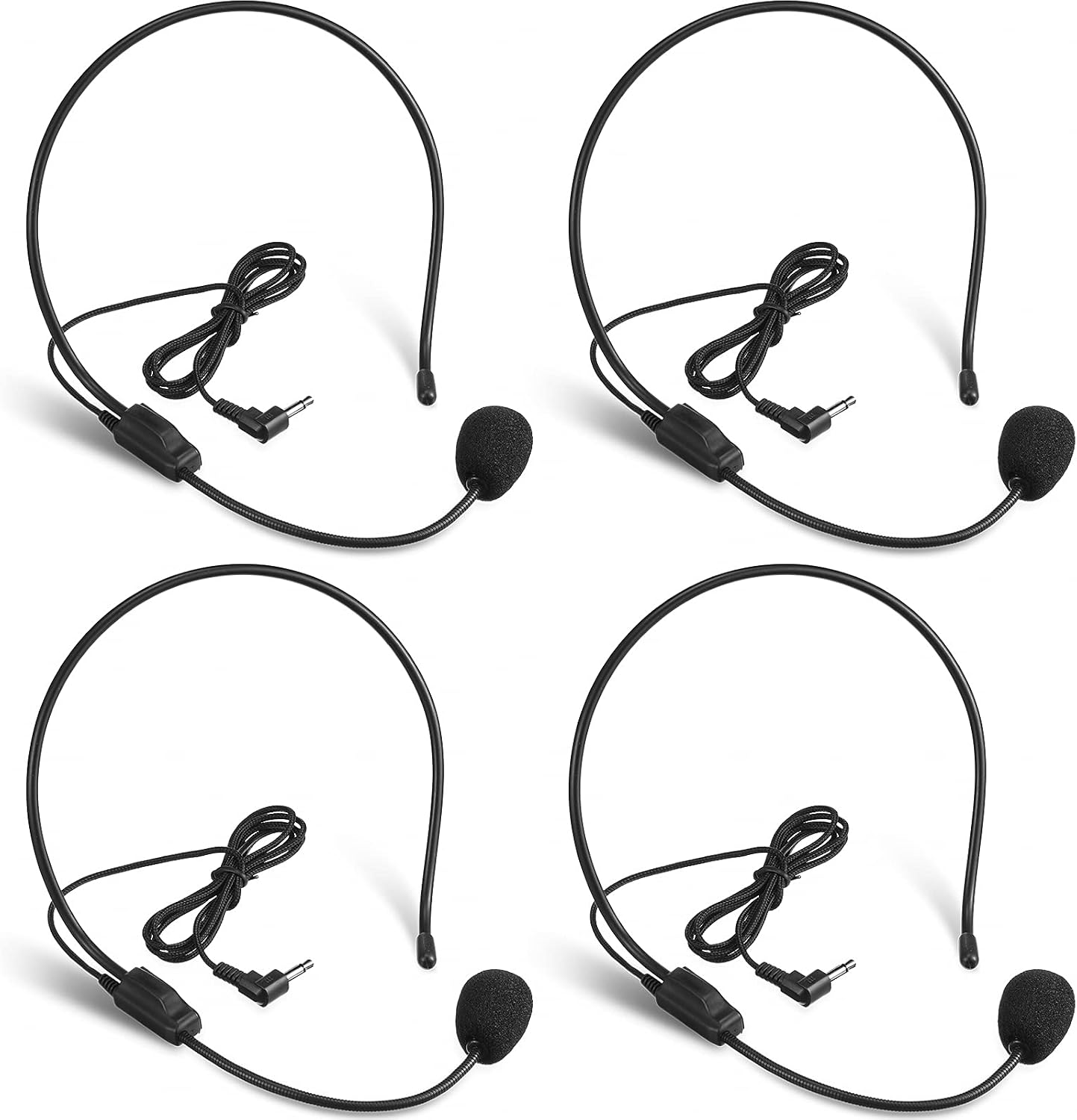
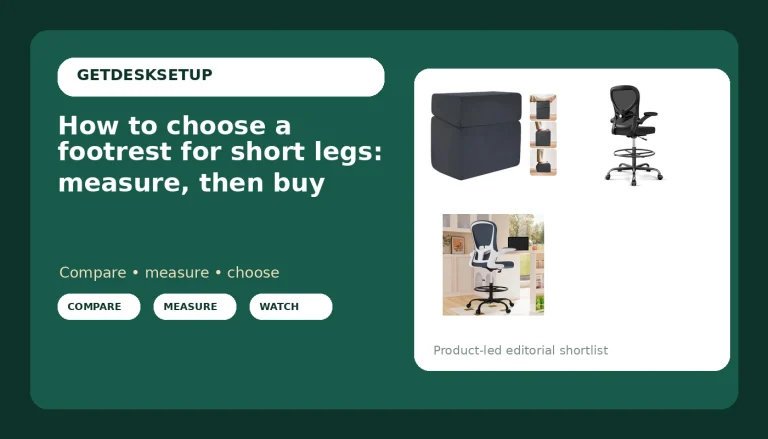
Boao 4 Pcs Headset Microphone Flexible Boom for Voice Amplifier Teachers
Check current Amazon price
This is not a call headset and I want to be blunt about that. It is a four-pack of flexible boom microphones for a voice amplifier, the kind a teacher or a tour guide wears. No earpiece, no USB, no audio controls.
So why is it here? Because every support floor I have set up eventually has one training room or one supervisor desk running a voice amplifier, and the failure is always the same: the gooseneck cracks where it meets the headband, and the replacement from the amplifier maker costs more than the part should. A four-pack means you keep working.
If you want to choose a headphone for call center work, skip this one. If you are the person who maintains the training room, it is the cheapest insurance on this page.
Who it fits: trainers, supervisors running a room amp, and anyone who already owns a voice amplifier and has watched a boom fail.
The actual headset workflow
Eight steps, in order. Step five depends on step two, and step seven depends on step one. Most people who ask how to choose a head set for call center work are really asking which box to buy, and that is the smallest part of the answer.
Step one: Measure the shift, not the headset. Write down how long you are actually on calls, how many breaks you take, and whether you stand up. An eight-hour shift with two fifteen-minute breaks is a different requirement from a four-hour shift. This number decides everything after it. A four-hour shift can wear almost anything. A ten-hour shift in a warm room needs a design that does not press on the ear for hours at a time.
Step two: Pick the connection before the product. USB if you want one device that behaves the same on every computer. 3.5 mm if you already own a good interface or move between a phone and a laptop. UHF wireless if you stand or pace. Write the answer down before you shop. Half the returns I see come from people who bought a wireless system for a desk with nowhere to put the receiver.
Step three: Set the boom. Put the headset on, then bend the boom so the capsule sits near the corner of your mouth, about a finger's width away, not in front of your lips where it catches every breath. Say a sentence and tap your keyboard. If the taps are loud to you, they are loud to the caller.
Step four: Match the ear interface to the shift length. On-ear if you take the headset off constantly. Over-ear if you wear it for hours and want the room quiet. Neither if you need to hear a doorbell or a child, in which case wear one ear off and check that the headset lets you.
Step five: Plan the cable path before you plug anything in. This is the step people skip and the one that saves the headset. Run the cable from the port along the underside of the desk. A raceway carries the run. A cable sleeve wraps the section that has to move. An adhesive clip holds the last few inches near the edge so the plug never takes the pull. Leave a service loop, a little slack, so standing up suddenly pulls the slack and not the port.
Step six: Set the mic level in software, not on the headset. In Windows, open sound settings, find the headset as its own input device, and set the level so normal speech peaks around two-thirds of the meter. Turn off automatic gain if the option exists. Auto gain is why callers hear you fade in and out. If your softphone has its own input level, set that too, then leave both alone.
Step seven: Fix the desk under the headset. A headset cannot stay in position if your chair rolls away from the desk every time you lean. Set the chair so your forearms rest on the desk without your shoulders rising. If your feet do not reach the floor, set the footrest angle so your thighs are level. On carpet or a hard floor, mat thickness and mat density decide whether the chair rolls easily or fights you, and a chair that fights you drags the cable with it.
Step eight: Test the loop, then use the return window. Call your own voicemail. Listen for keyboard noise, room hum, and how you sound when you turn your head. Then live with the headset for the full return window. If the boom drifts, if the cushion makes your ear hot by hour three, if the cable tugs when you lean back, send it back. Two weeks of real shifts beats any review, including this one. Check your desk lamp lumens while you are at it: if you squint at notes all day you fidget, and fidgeting is what moves the mic.
The competition and why it lost
The headsets most call centers buy in bulk are not on this list, and the reason is not quality. The Poly Blackwire line, the Jabra Evolve2 series, and the Logitech Zone headsets are all fine hardware. They are also bought through a procurement portal with a purchase order, a three-year warranty, and an IT department that images the software. That is a different article. If you are reading this, you are buying one headset for one desk.
Desk microphones lost for a different reason. A standalone USB mic on a boom arm sounds good, and I like them for recording, but it puts your voice in one place and your ears in another. On a call you want to hear and be heard from the same device, or you spend the shift adjusting two things instead of one.
Single replacement booms lost on availability. Plenty of amplifier makers sell one, and it works, but you are ordering a part number from a catalog that may not stock it next year. A four-pack is not elegant. It is the thing that keeps the training room running.
And the two-plug 3.5 mm headsets in a plastic bag lost on one detail: the splitter. If your laptop has one combo jack and the headset has two plugs, you are hunting an adapter, and the adapter is the part that fails. USB skips the conversation. None of them answers how to choose a headset for call center work for one desk on one budget, which is the actual question here.
What this all costs
I am not printing prices, because listings move and a number in an article is wrong within a month. Check the live listing for each piece. What I can give you is the shape of the spend.
The wired USB headset is the least expensive item here and the only one that needs nothing else: no receiver, no battery, no adapter. The wireless system costs more, and what you are paying for is the receiver and the freedom to stand up. The four-pack of booms is the cheapest thing on the page and the one most people do not need until the day they badly do.
Then there is the desk spend, which is where a call center setup quietly gets expensive. The headset is the tool you touch all day, so it should fit first. Everything else is support:
- A raceway under the desktop, so the headset cable never crosses your keyboard.
- A cable sleeve and adhesive clips, which cost less than a replacement headset and prevent the failure that kills one.
- A chair mat if you are on carpet or a hard floor. Mat thickness and mat density are what stop the chair from dragging the cable across the desk.
- A footrest, set so your thighs are level. A stable lower body is a stable mic position.
- A desk lamp with enough lumens to read your notes without leaning in, because leaning in is what pushes the boom out of place.
Cost per day is the honest way to look at it. Divide what you spend by the working days you will use it. A headset you replace every year costs more than one you keep for three, even if the second one costs more on the day you buy it. Same math I use on chairs, and the same math applies here.
Last thing: buy the headset that matches your shift, not the one with the best name. That is the whole answer to how to choose a headset for call center work. Connection, boom, ear interface, cable path, parts. Get those five right and you will stop thinking about the headset by week two, which is exactly what you want from a tool you wear eight hours a day.