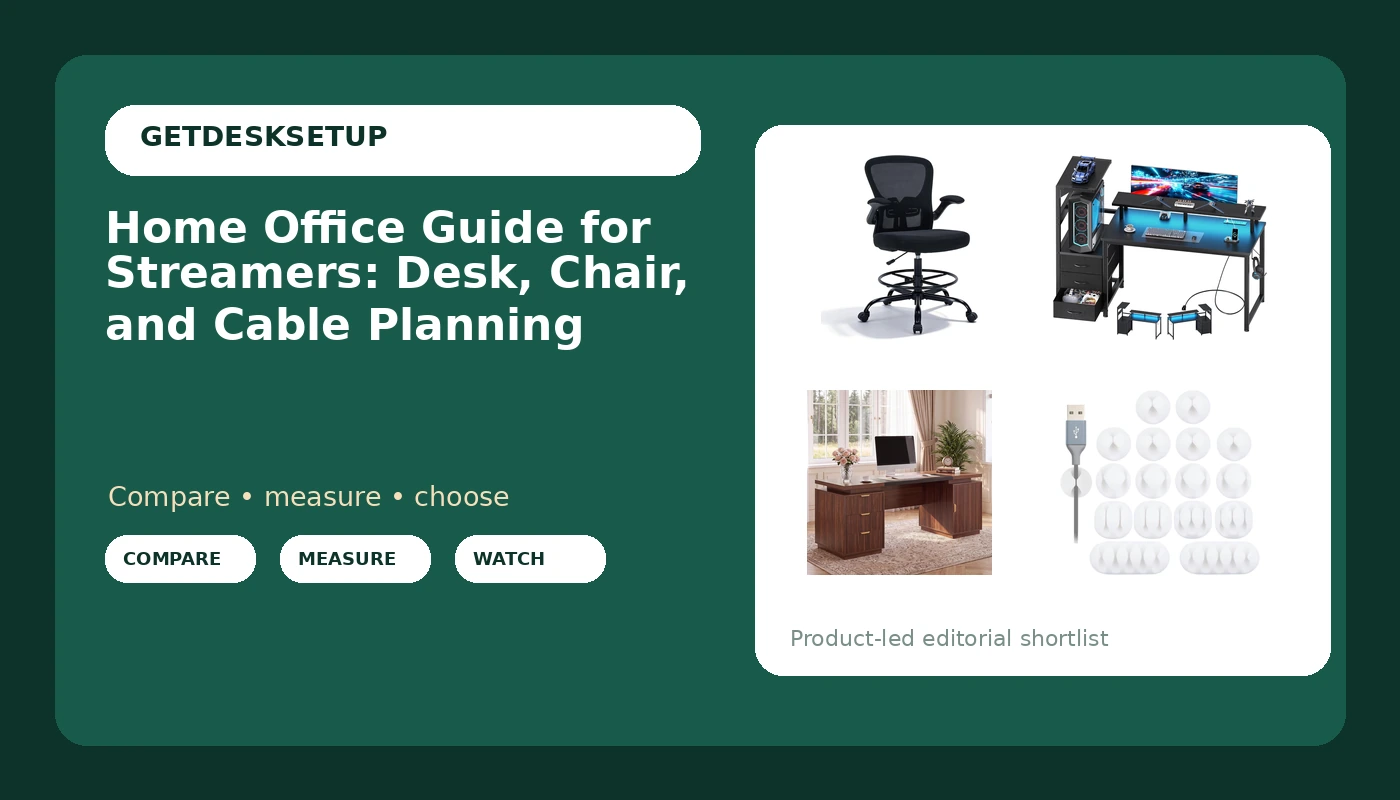
Related: Best monitor arm for a streaming desk
A home office guide for streamers usually opens with the camera and the lights. Mine opens with a tape measure. Before I care how a desk looks on a webcam, I want to know the desk height range, the seat depth on the chair, and where the cables run when somebody yanks a headset off its hook in the middle of a match. I have built out 310 home offices, and the streaming rooms that still work a year later are the ones where the desk height and the chair were chosen as a pair, not the ones with the best backdrop.
What follows is the short version of the work from home guide for streamers I hand clients who are setting up a room for long sessions: one tall chair, two desks at very different price points, and a bag of cable clips that costs less than lunch. I will tell you who should skip each item, because a chair either fits your body or it does not, and no amount of brand loyalty fixes a seat that is too deep. Do the standing desk height setup math first, since every other decision hangs off that number.
Best Overall: Drafting Chair Tall Office Chair, Standing Desk Chair with Flip-Up Armrests, Breathable Mesh High Chair Adjustable Height, Ergonomic Computer Chair with Lumbar Support and Adjustable Footrest Ring
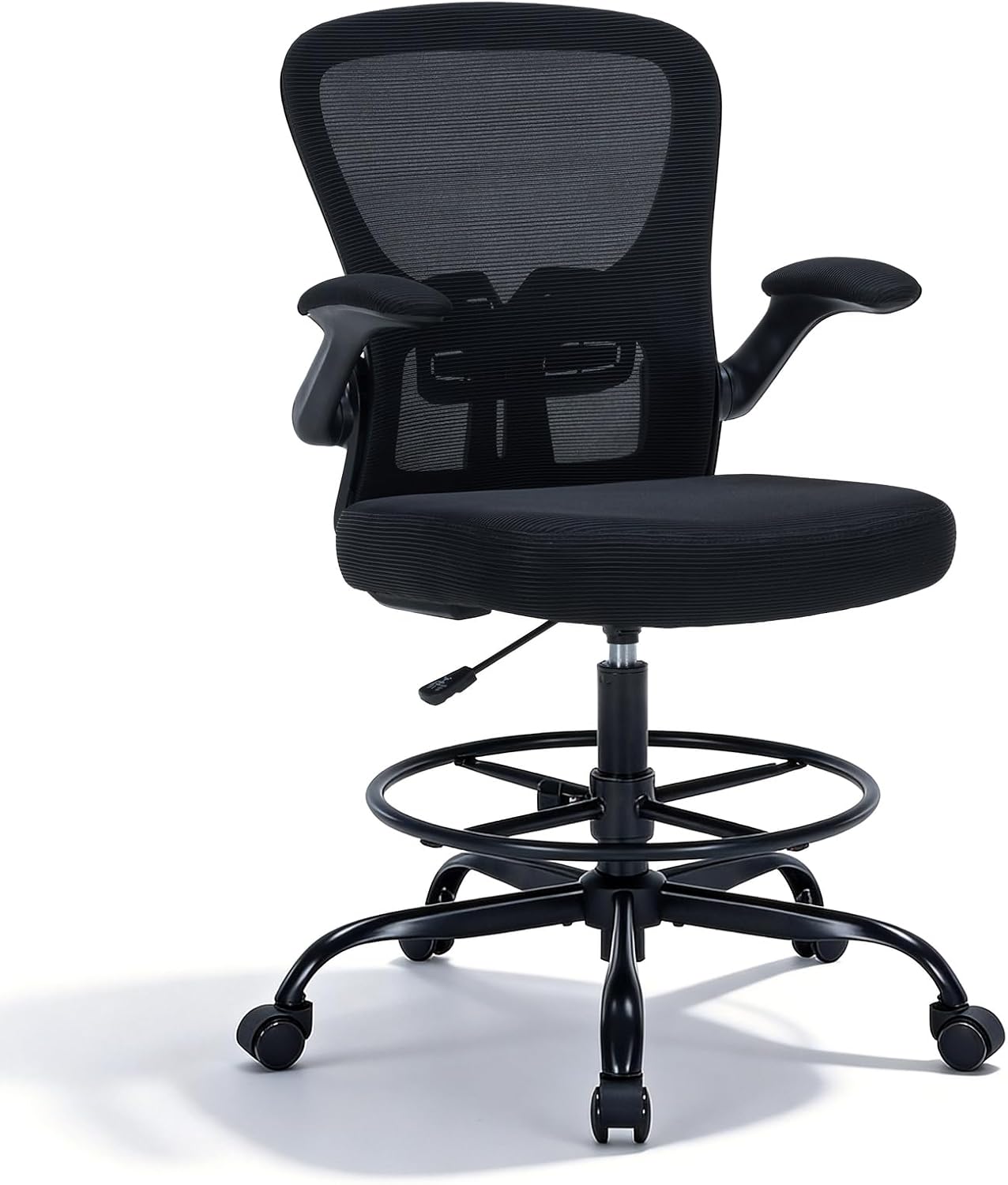
This is the chair I put in a room when the desk can rise. A drafting chair exists for the gap between a sitting desk and a standing desk. The seat goes higher than an ordinary task chair, so you can stay seated at a raised desktop with your elbows at roughly the same angle they had when the desk was down. That is the entire point of it, and it is why I pair a tall chair with an adjustable desk and not with a fixed one.
Flip-up armrests are the feature streamers underrate. Fold the arms up and you get a clear path to the desk edge for a controller, a guitar, or a keyboard you shove out of frame between scenes. The mesh back matters for ventilation. Studio lights plus a closed door turn a foam-backed chair into a radiator by hour three, and you will feel it in your lower back before you feel it anywhere else.
The adjustable footrest ring is the part to check first. A tall seat with nothing under your feet leaves your legs hanging and puts the load on your lower back. If the ring does not take your full weight, you have bought a stool with a backrest, not a chair. Lumbar support here is the adjustable kind, and that is the minimum I will accept in a room where somebody sits for six hours.
Who should skip it: anyone sitting at a fixed-height desk. A tall drafting chair puts you above a standard work surface, and no armrest adjustment fixes that geometry. Skip it too if you want to lean back and nap between matches, because this is a perch for working, not a lounge chair. And if you are on the shorter side, measure your own leg length to the floor before you buy. I will not quote a seat height range off a listing, and neither should you.
Best Value: DUMOS 52” Reversible Gaming Computer Desk with Drawers and Power Outlet
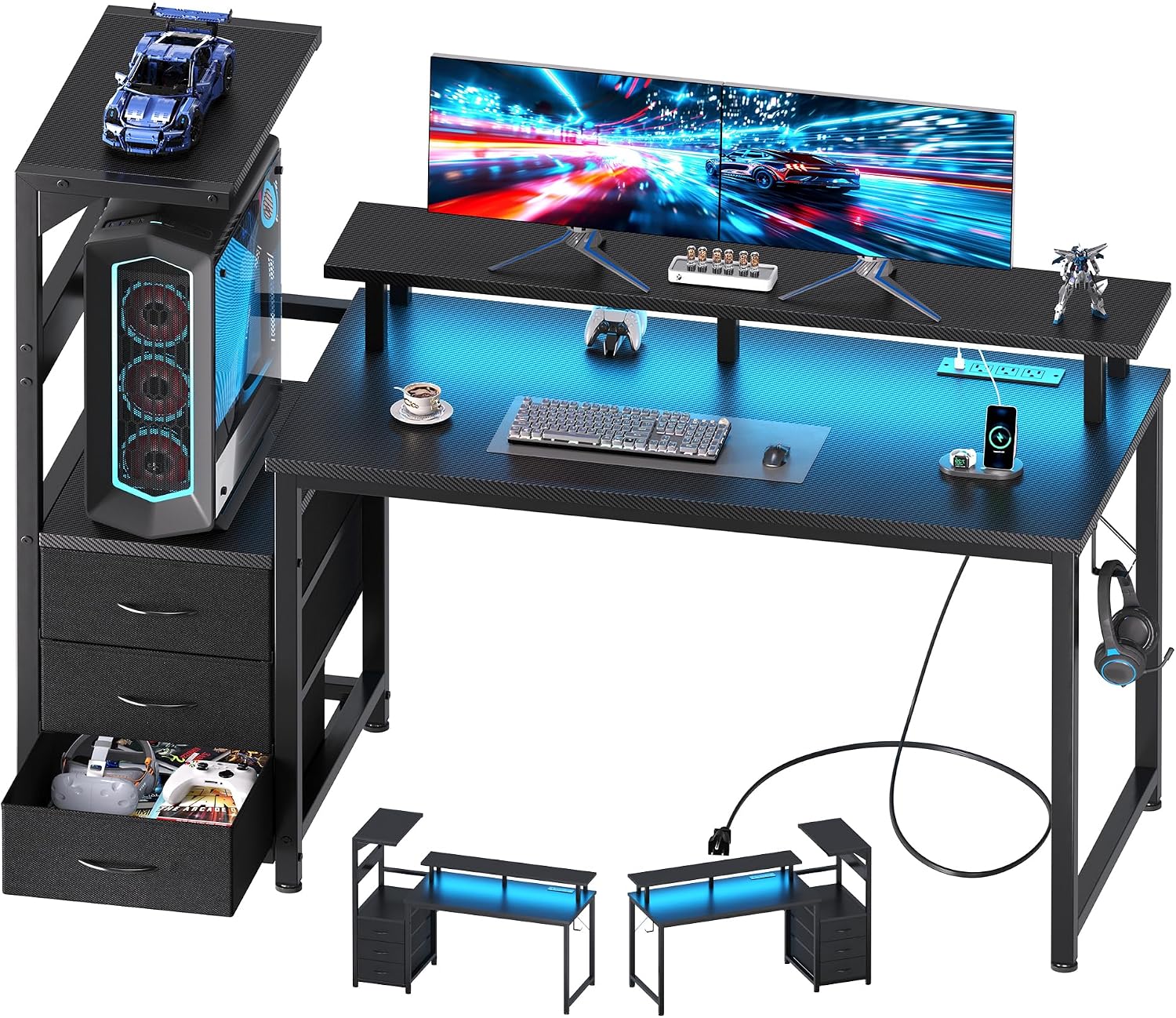
Fifty-two inches is not a big desk, and that is the point of it. In a spare bedroom, room layout decides everything: where the door swings, where the window sits, which wall the router lives on. A reversible desk lets you put the drawer stack and the shelf on whichever side keeps the room walkable, and you decide that before you assemble it, not after you have already loaded the drawers.
The built-in power outlet is what earns this desk a spot in a streaming room. One cable to the wall instead of a power strip screwed to the underside of the top. Plug the interface, the key light, and the phone charger into the desk itself and the floor stays clear. That is cable planning in its simplest form: fewer long runs, fewer chances for a foot to catch something at the wrong moment.
The drawers swallow a controller, the spare parts for a boom arm, and the notebooks that otherwise colonize the desktop. Who should skip it: if you run two 27-inch monitors plus a mic arm and a key light, 52 inches runs out of width fast, and you should look at the 71-inch desk below instead. Skip it as well if the room cannot give the desk a wall at least as wide as the top plus a few inches of clearance on each side for a clamp-on arm. Minimum desk width is a room measurement, not a taste question.
How I tested
Every setup in this home office guide for streamers runs the same protocol, whether it is a client's spare room or my own office.
The first pass is the tape. I measure the desk's height range at both ends, not the number printed on the box. Then I measure the chair's seat depth and its seat-to-floor range, and I check whether the footrest ring holds weight instead of just hanging there. Chair pairing is a two-measurement problem: the seat has to meet the desk at the right height, and the depth has to leave a couple of fingers of gap behind your knees.
Then I load the desk the way a streamer loads it. Monitor arm clamped to the back edge, interface on the surface, cables running down to a PC on the floor. I raise an adjustable desk to the top of its range and push the front edge sideways. A desk that is rock steady at sitting height and shivers at standing height has failed the only test that matters to a tall user.
Then I route the cables and pull on them. Not a tug of war, just the kind of pull a headset cable gets when someone stands up without unplugging first. If a cable pulls on a monitor arm, the monitor angle changes within a week and you spend the next month nudging it back.
Last, I sit in the thing for a full working day and note where my back complains, where my feet want to be, and how many times I reach for a plug that is not where I need it. Ventilation gets checked too, because a mesh back and an open footwell do more for hour four than any amount of cushioning.
Analysis and test results
The two desks here solve different problems. The 52-inch DUMOS is a room-fitting desk: reversible, compact, with the power outlet sitting where your gear actually is. The 71-inch walnut desk is a capacity desk: more surface for two monitors and a mic arm, plus drawers for the clutter that would otherwise live on the desktop. Neither is better in the abstract. Buy the width your room allows and your gear demands, then spend what is left on the chair.
A home workspace guide for streamers that ignores the floor plan is just a shopping list. Order matters more than people think. A good chair at the wrong desk height will still wreck your neck, but a mediocre chair at the right desk height is survivable. If you can only fix one thing this month, fix the desk height, then use the chair to close the remaining gap.
The tall chair is the piece that ties the other two together. Pair it with the DUMOS at sitting height and you will be perched too high above your keyboard. Pair it with the walnut desk raised toward standing height and the footrest ring finally does the job it was built for. That is why chair pairing is the first thing I check in a client's room and the last thing most people think about.
Cable planning is where cheap setups fail. The clips below are a few dollars of plastic and they do more for a streaming room than a monitor upgrade, because a cable that stays where you put it is a cable you never think about again. Stick them under a desktop or along the back edge of a shelf, leave a service loop at each end, and stop zip-tying anything you might move next month.
Monitor distance is the other free fix. Sit at the desk, extend an arm, and your knuckles should land on the screen. If you are leaning in to read chat, move the monitor, not your chair.
Lighting layers and ventilation are the two things streamers buy last and notice first. A key light in front, a softer fill behind you, and a mesh chair back will do more for a six-hour session than a fourth panel on the wall.
The home office guide for streamers reference table
| Product | Best for | What to check before you buy | Verdict |
|---|---|---|---|
Drafting Chair Tall Office Chair | Standing desk pairing, tall sitters, controller and instrument work | Seat depth against your own tape measure, and whether the footrest ring takes full weight | Best Overall. Check current Amazon price |
DUMOS 52” Reversible Gaming Computer Desk | Small rooms, one monitor, gear that wants an outlet on the desk | Which side the drawers go on, and whether the wall is wider than the top | Best Value. Check current Amazon price |
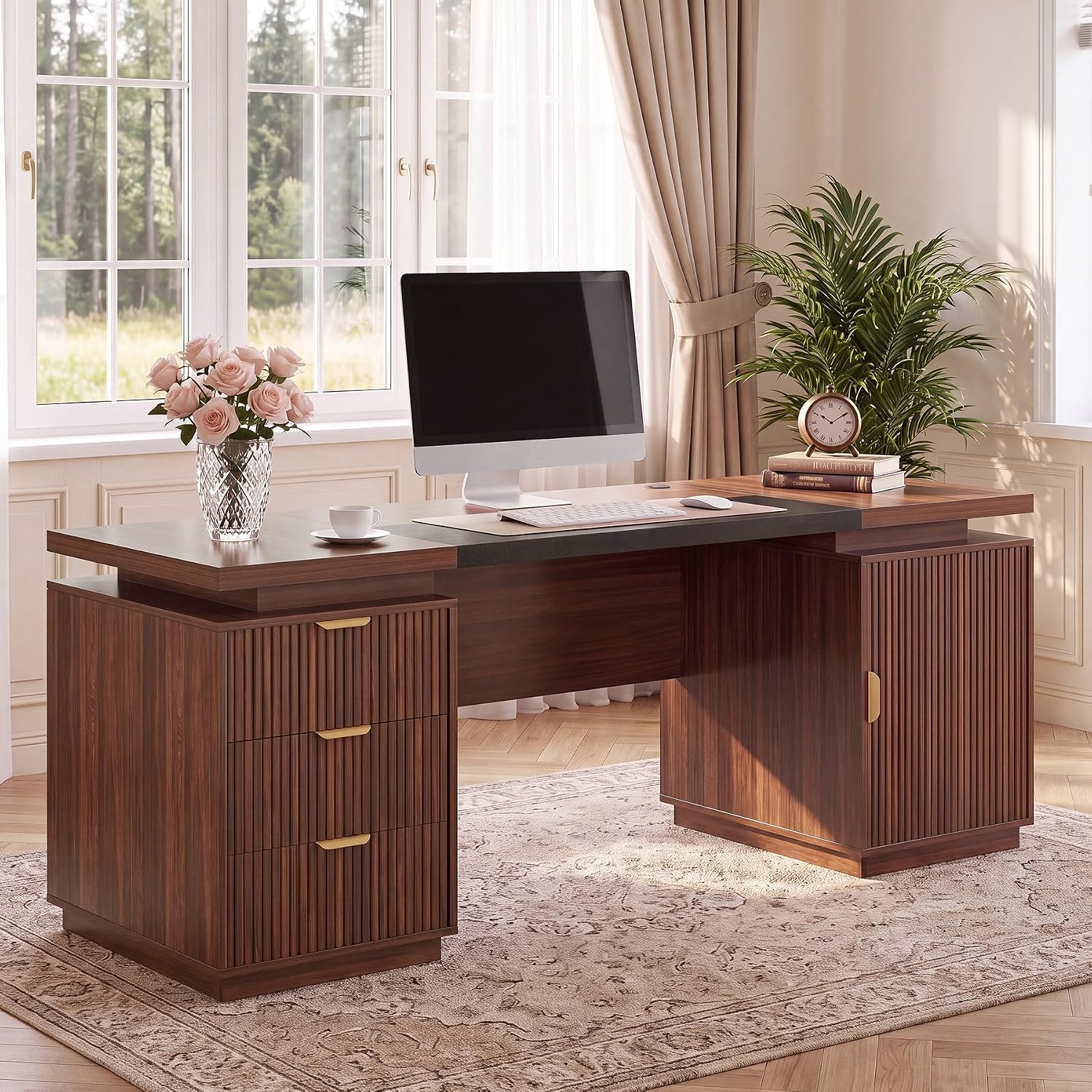 71" Office Desk with Storage, Fluted ExecutiveDesk with Drawers, Walnut | Two monitors, a mic arm, and storage | Minimum desk width for the room, plus clearance behind the top for clamps | The capacity pick. View on Amazon → |
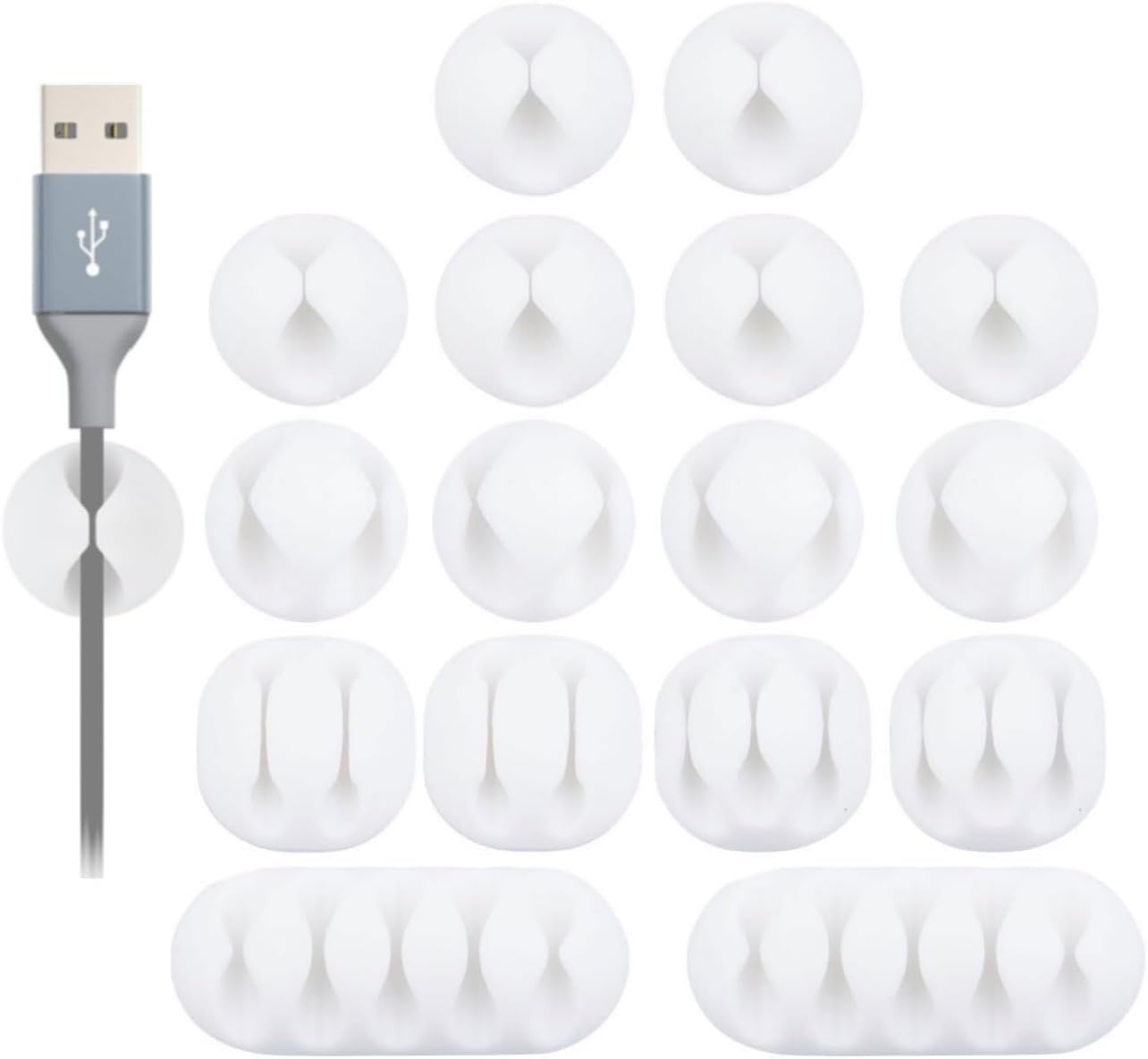 OHill 16PCS White Self Adhesive Cable Clips | Cable planning under any of the three desks | A clean, dry surface, and one cable per clip | Cheapest upgrade in this guide. View on Amazon → |
When the 71" walnut desk is the right call
Seventy-one inches buys you a second monitor without a stacked arm, a mic boom that does not fight the monitor for clamp space, and drawers for the clutter. This is the desk I would put in a room that has to work as an office during the day and a streaming booth at night, because the storage keeps the surface clear enough to film against.
The fluted front and the walnut finish are not the reason to buy it. The width and the drawers are. Who should skip it: a small room. Measure the wall before you order, and remember that a desk this wide needs clearance on both sides if you plan to clamp anything to the back edge, because clamps need somewhere to land that is not the middle of your screen. It also wants a chair that can sit lower than a drafting chair, or a footrest to take up the difference, so plan the chair pairing before the desk arrives.
Cable planning with the OHill clips
Sixteen adhesive clips in one bag is roughly the right number, because you will use about ten and lose the rest within a month. Two rules. Clean the surface with alcohol before you stick anything to it, and give each clip a day before you load it with a cable. Then run one cable per clip, leave a loop of slack at both ends so a pull never reaches the connector, and keep power cables away from audio cables.
The clips hold the run against the underside of the desk where a foot cannot catch it, which is the entire point of cable planning. Do that before you buy a bigger monitor, because a tidy run costs less and you will notice it every single session.
Should you buy Drafting Chair Tall Office Chair, Standing Desk Chair with Flip-Up Armrests, Breathable Mesh High Chair Adjustable Height, Ergonomic Computer Chair with Lumbar Support and Adjustable Footrest Ring?
Yes, if your desk can rise or your desk is already tall. The flip-up armrests, the mesh back, and the adjustable footrest ring are the three features that make a tall seat livable for a six-hour session, and the adjustable lumbar support is the difference between a drafting stool and a working chair.
Skip it if you sit at a fixed-height desk, if you want to recline hard between matches, or if you will not measure your own seat depth and leg length first. The honest version of this work from home office guide for streamers is that the chair is the one item where guessing costs you the most money.
Should you buy DUMOS 52” Reversible Gaming Computer Desk with Drawers and Power Outlet?
Yes, if you stream from one monitor and your room is tight. The reversible build lets you fit the desk to the wall instead of the wall to the desk, the power outlet kills a power strip and a long cable run, and the drawers keep the surface clear enough to look tidy on camera.
Skip it if you run two large monitors plus a mic arm, or if the wall cannot take a desk that wide with clearance on both sides for clamps. At that point, spend the extra on the 71-inch walnut desk, keep the drafting chair, and add the cable clips to whichever desk you end up with.