Building a home office setup for seniors is mostly a measurement problem, not a shopping problem. The person who sits down has a seated elbow height, a comfortable reach, and a preferred viewing distance, and every piece of furniture either matches those numbers or quietly works against them. A desk that sits an inch or two too high turns into shoulder tension by the second hour. A screen placed a foot too far away turns into leaning forward, and leaning forward turns into a stiff neck. Get the numbers right and modest equipment serves for years. Get them wrong and premium equipment still disappoints.
This guide covers the two pieces that set those numbers: the desk and the screen. Six desks and monitors are compared below on width, storage placement, screen size, resolution, and how much planning each one demands for cables and power. Chairs are deliberately absent from the grid. Chair pairing is its own measurement job, because seat depth and seat height range have to match the person before desk height means anything at all.
If this is a first work from home setup for seniors in the house, start with the room rather than the catalog. Measure the wall, find the power outlet, note where the window sits, and decide which way the person naturally turns. A home workspace setup for seniors that ignores the room ends up with the desk in front of a heat register, the screen fighting window glare, and a cable crossing a walking path. The best home office setup for seniors is the one that fits the person and the room at the same time, and that is a lower bar than it sounds once the measurements are on paper.
Related: How to Measure Seated Elbow Height Before You Buy a Desk
Quick answer
The 60 Inch Computer Desk with 8 Drawers for Home Office, Bedroom, Living Room is the strongest fit for a one-person home office that needs storage within arm's reach, because its 60-inch top gives a monitor, a keyboard, and paperwork their own space while eight drawers keep supplies off the floor. Choose the SHW Mission 32-Inch Home Office Computer Desk, Rustic Brown instead when the only free wall in the room is a narrow one.
What a home office setup for seniors actually needs
Desk height comes first. Most fixed-height desks are built around an average sitter, so the only reliable check is to sit in the chair that will actually be used, let the arms hang loose, and measure from the floor to the underside of the elbow. The desktop should land at that number, or close to it, so the forearms rest level and the shoulders stay down. When a fixed desk does not match, the chair becomes the adjustment, and a chair with a usable seat height range is usually cheaper than replacing a desk.
Desk width decides what fits on top. For a room where a laptop and a mouse are the whole job, 32 inches is the practical minimum and it is tight. A monitor plus a keyboard and mouse wants 47 inches. A monitor, a keyboard, and paperwork that stays visible wants 60 inches. Leave at least 24 inches of walking clearance behind the chair in a small room, and 30 inches if the room allows it.
Storage belongs at desk level. Bending down to a floor-level bin is the motion most worth designing out of a home office workstation for seniors. Drawers, a hutch shelf, or a raised section within seated reach do more for daily comfort than a larger total storage volume in a cupboard across the room.
Monitor distance and text size. A common starting point is one arm's length, roughly 20 to 26 inches, with the top of the screen at or slightly below eye level. Both monitors in this group run 1920×1080, so on the 27-inch panel the same font size in pixels lands physically larger than it does on the 21.5-inch panel. Where bigger text matters more than extra desk space, the larger screen does more of the work before any system setting changes. Where the desk is shallow, the smaller screen sits closer without crowding the keyboard.
Room layout and lighting layers. Put the desk across the window rather than facing it, so daylight falls from the side and the screen does not mirror the view. Lighting works in layers: overhead light for the room, a task lamp aimed at the desk surface and away from the panel, and a soft light behind the monitor to soften the contrast between a bright screen and a dark wall.
Cable planning, power, and ventilation. One switched power outlet strip, reachable from the seated position, saves crawling behind furniture later. Route cables so none of them crosses a walking path, and leave slack at the monitor so that tilting it does not pull on the connector. Keep the back of the desk clear of radiators, floor vents, and air returns, and leave a gap at the wall so air can move. Good ventilation protects the electronics and keeps the person from working in a pocket of stale, warm air.
Top pick
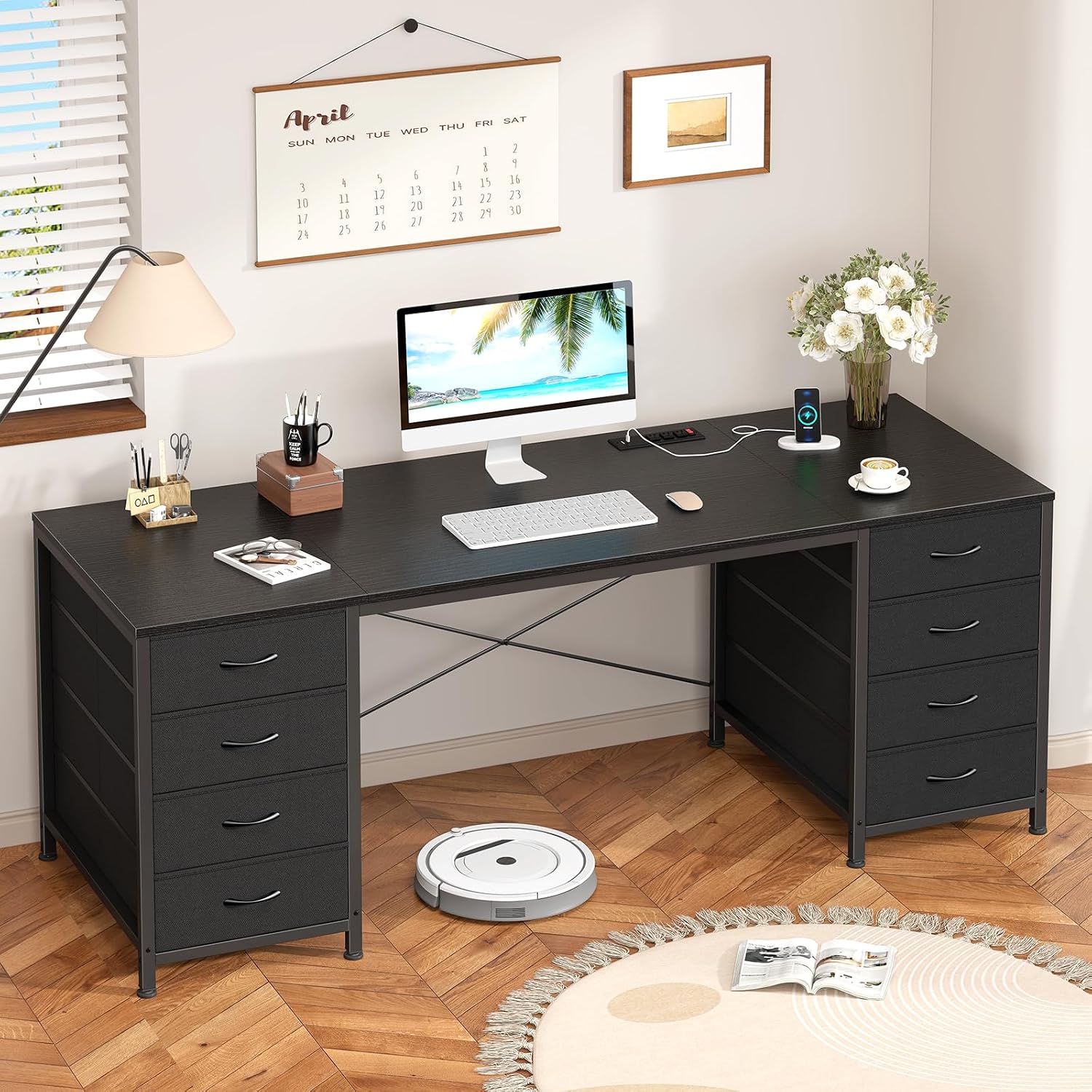
60 Inch Computer Desk with 8 Drawers for Home Office, Bedroom, Living Room
Check current Amazon price
A 60-inch desktop with eight drawers, which keeps supplies at desk level and leaves room for a monitor, a keyboard, and paperwork on the same surface. Listed for home office, bedroom, and living room use.
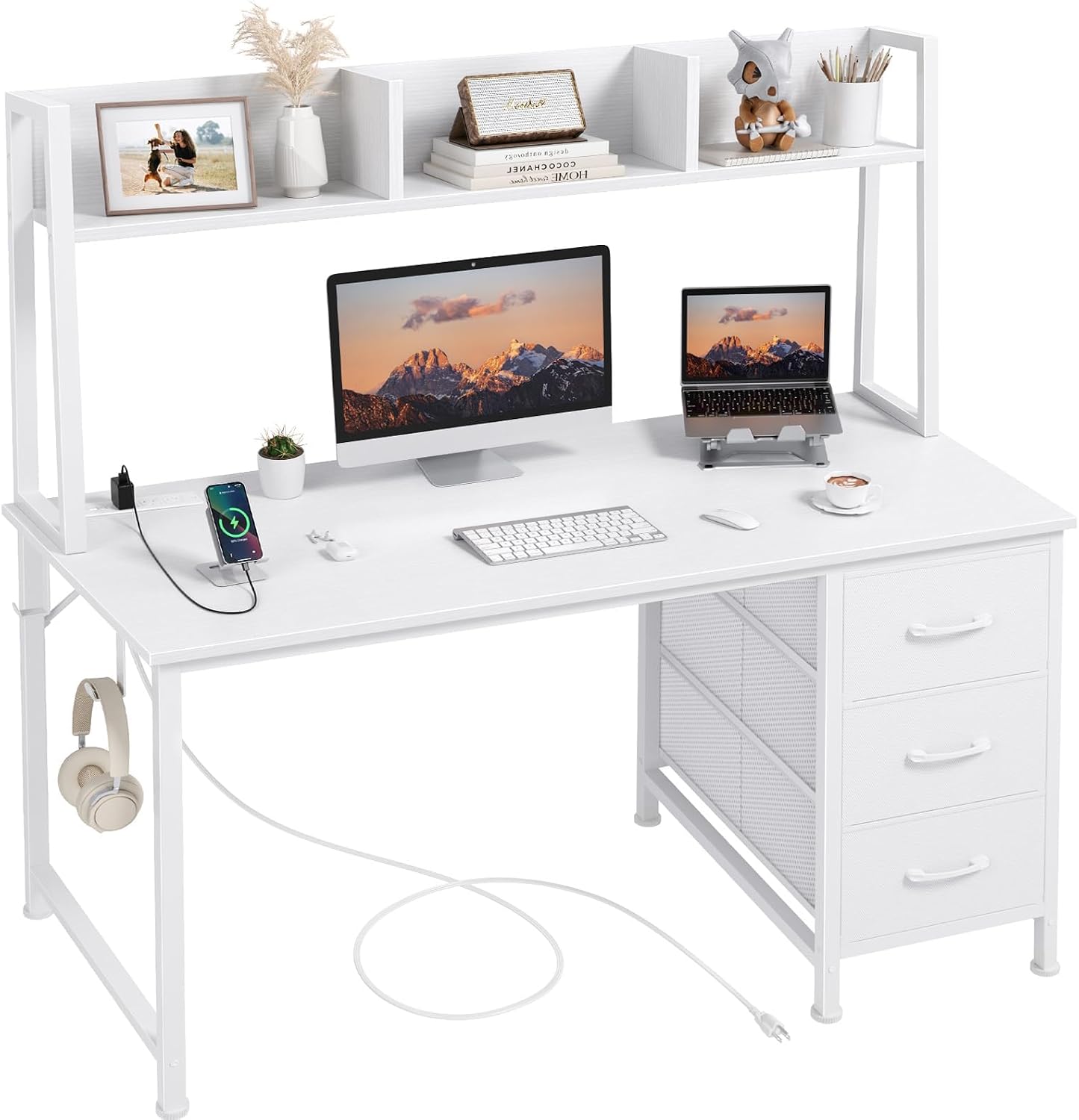
DLisiting White Computer Desk with Hutch & Drawers, 47 Inch
Check current Amazon price
A 47-inch desk with a hutch and drawers, adding raised shelf storage and a closed drawer while holding floor width to 47 inches.
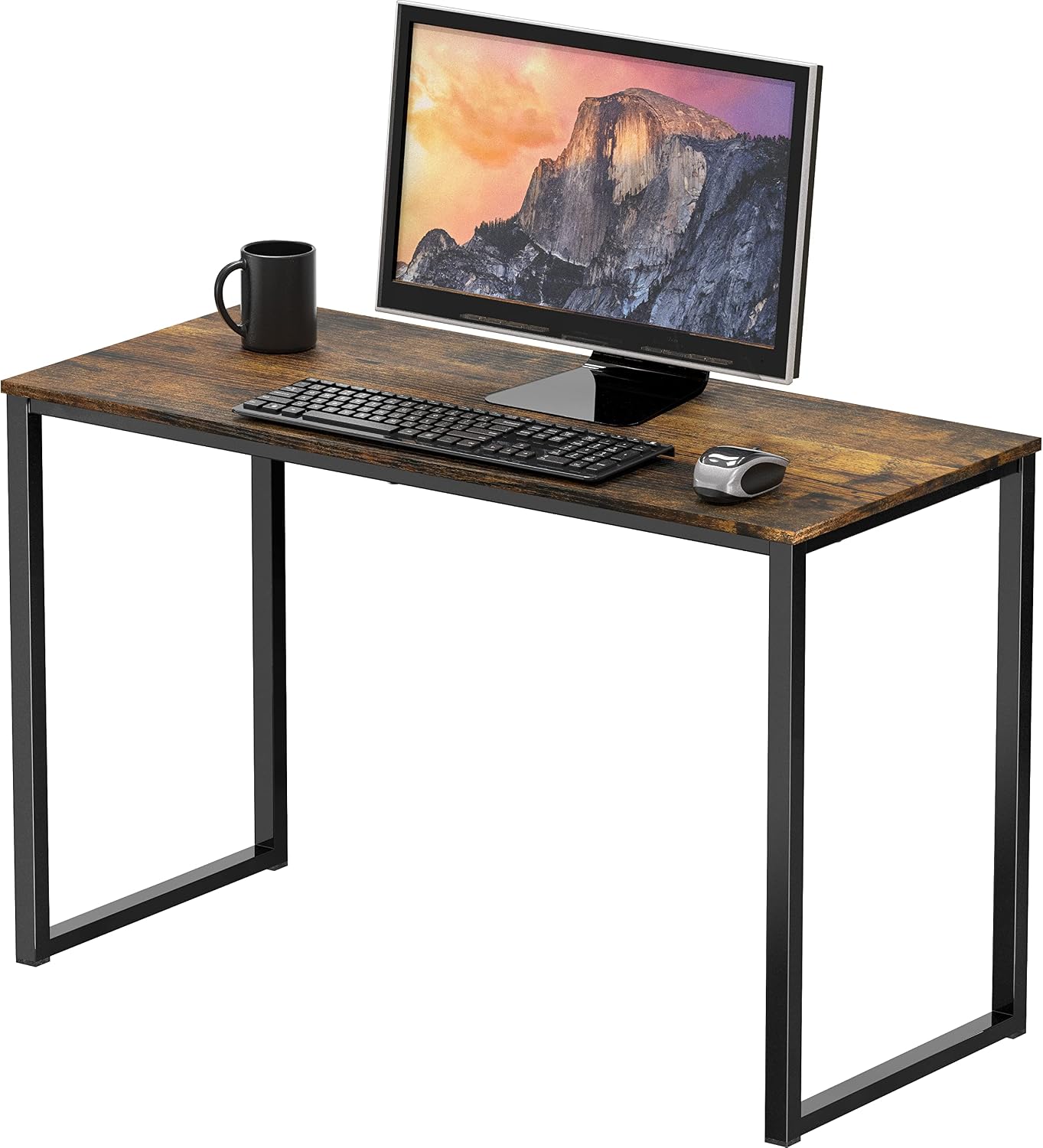
SHW Mission 32-Inch Home Office Computer Desk, Rustic Brown
Check current Amazon price
A 32-inch desk in rustic brown, the smallest footprint in this group, sized for a narrow wall or a bedroom corner where a wider top will not fit.
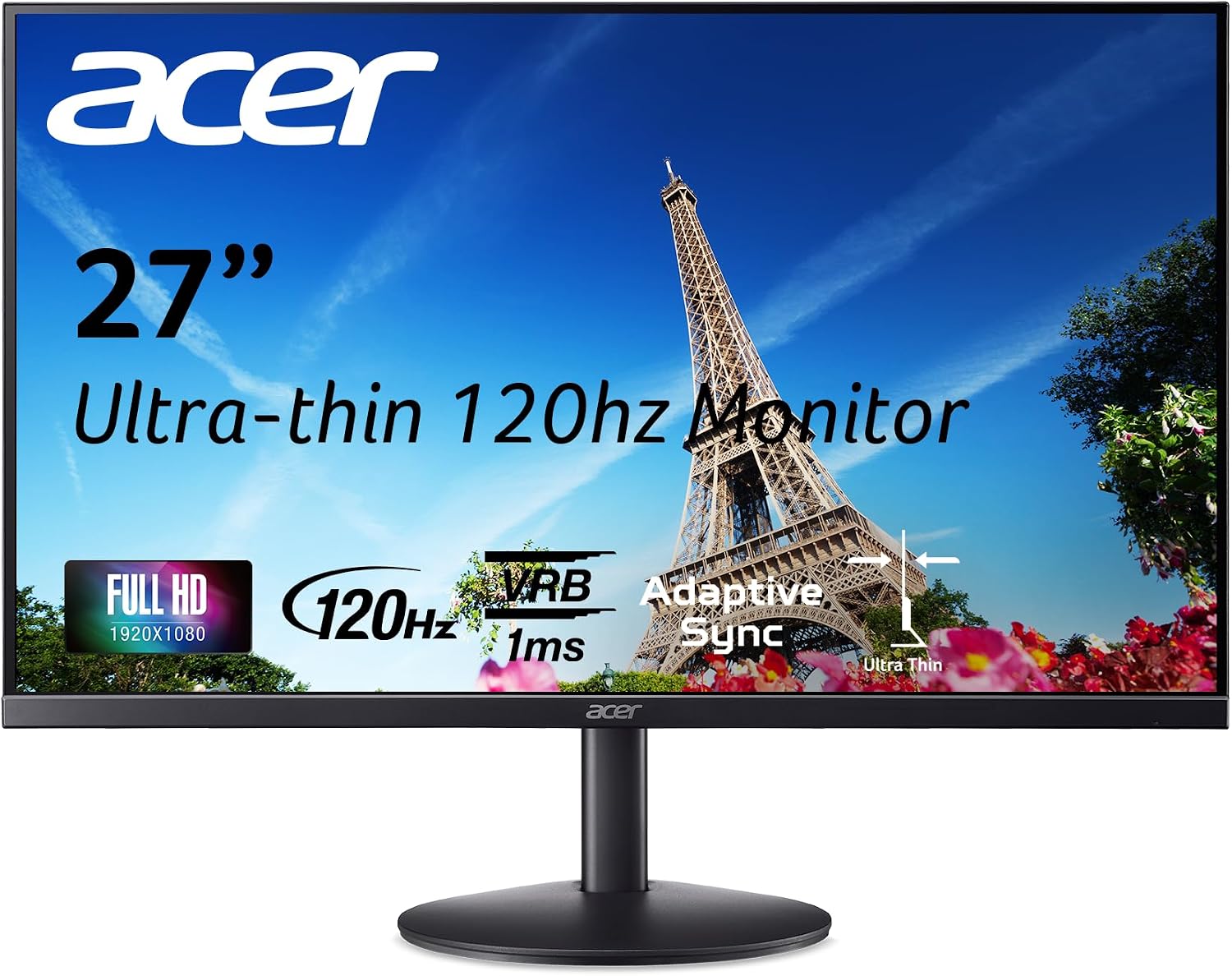
Acer 27in FHD 1920×1080 IPS 120Hz Office Monitor SB273 G0bi
Check current Amazon price
A 27-inch 1920×1080 IPS monitor running at 120Hz, the largest screen here, which gives more room for large text and side-by-side windows at the same viewing distance.
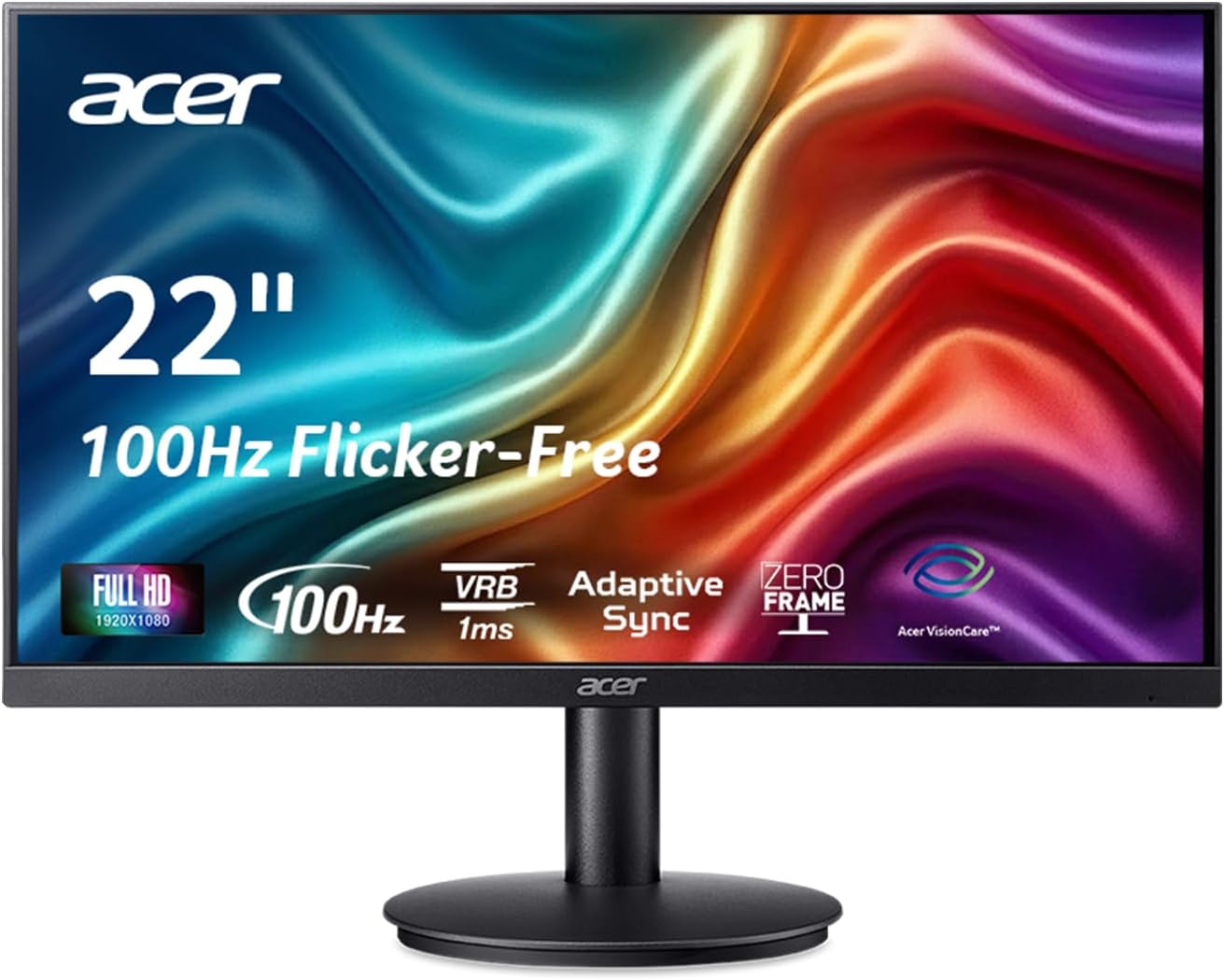
Acer 21.5in FHD 1920×1080 100Hz Office Monitor KB220Q H2bi
Check current Amazon price
A 21.5-inch 1920×1080 monitor at 100Hz, the smallest screen here, useful where desk depth or room width will not take a 27-inch panel.
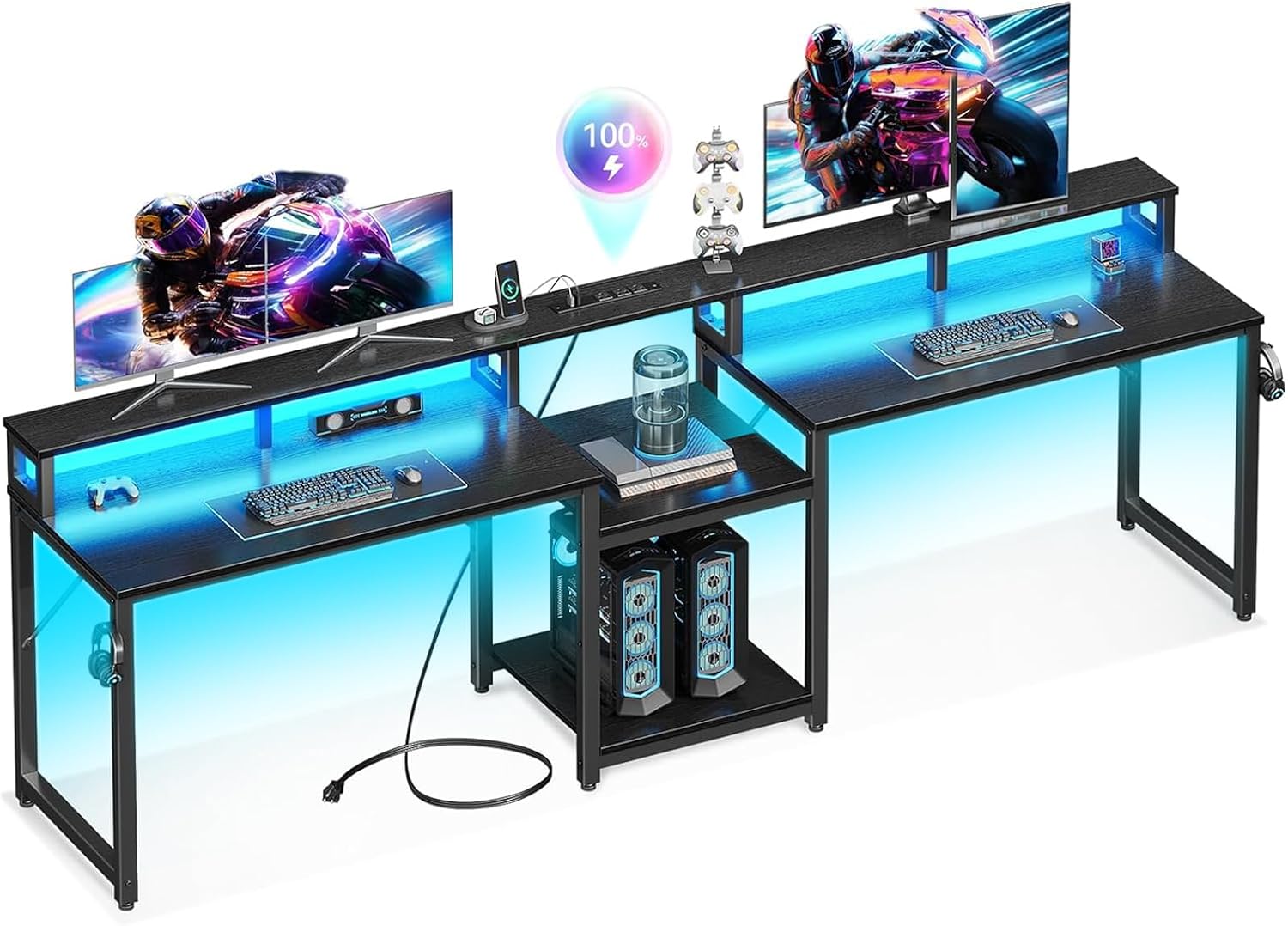
Casaottima 98'' 2 Person Gaming Desk with LED Lights, Black
Check current Amazon price
A 98-inch two-person desk with LED lighting, for a shared room where two people work side by side or one person wants a very wide surface for spreading out.
How these products were compared
This guide compares desktop width and how much equipment each top can hold, where storage sits relative to a seated person, screen size against resolution, the wall footprint each piece needs, and how much cable and power planning the layout demands. Product names, images, and retailer links are matched to the same verified listing so that every card points to the product shown.
Nothing here is presented as hands-on testing. The comparison rests on the product information supplied with each listing, plus the measurement rules above. No current price appears in this article, because listings move; use the link on each card to confirm the current price and availability.
How to choose the right home office setup
Start on paper, not in a browser tab. Write down four numbers: the seated elbow height, the width of the wall the desk will sit against, the walking clearance you can spare behind the chair, and the seat height range of the chair in the room. Those four numbers decide almost everything else. If the elbow height lands near the top of a fixed desk, a fixed desk is fine. If it lands well above or well below, plan on an adjustable chair or an adjustable desk instead of hoping the mismatch will not matter.
Then pick the monitor by distance rather than by diagonal. Sit where the person will sit and hold a tape from the eye to the wall. The screen should land at roughly arm's length. A 21.5-inch panel at 1920×1080 looks sharp at that distance and leaves more desk depth in front of the keyboard, while a 27-inch panel at the same resolution delivers larger text and more room for two windows side by side. If the person wears progressives or bifocals, the screen often ends up a little lower than the generic advice suggests, because the reading zone of the lens sits at the bottom of the frame. Set the height first, then the distance.
Storage and cable planning come next, and they are easier to solve before the furniture is ordered than after. Decide what has to be reachable from the seated position and what can live in a drawer, then choose the desk that provides it. A few desk accessories for cable and clutter control can cover the gap when the desk itself does not include a tray or a grommet.
60 Inch Computer Desk with 8 Drawers for Home Office, Bedroom, Living Room
This is the widest single-person desk in the group, and width is the feature that matters most once a monitor, a keyboard, and paperwork share one surface. At 60 inches the screen can hold a fixed distance while the keyboard and mouse stay in their own zone, and there is still room to set down a folder without stacking it on the keyboard. The eight drawers move storage up to desk level, which is the part that reduces bending and reaching over the course of a day. The listing names home office, bedroom, and living room, so it is intended for a room that has another job as well.
The trade-off is floor width. A 60-inch top needs a wall that can take it plus clearance behind the chair, so it is the wrong choice for a narrow bedroom corner, where the 32-inch desk or the 47-inch desk with a hutch fits better. It also has no hutch or raised shelf, so anything that must stay off the desktop has to go into a drawer.
Alternatives to consider
The SHW Mission 32-Inch Home Office Computer Desk, Rustic Brown is better suited to the smallest available wall, where the minimum workable desk width is about 32 inches and a laptop or a single small monitor is the whole job, while the DLisiting White Computer Desk with Hutch & Drawers, 47 Inch is a stronger fit when raised shelf storage is wanted and the floor width is capped at 47 inches.
The Acer 27in FHD 1920×1080 IPS 120Hz Office Monitor SB273 G0bi, the Acer 21.5in FHD 1920×1080 100Hz Office Monitor KB220Q H2bi, and the Casaottima 98'' 2 Person Gaming Desk with LED Lights, Black cover the other three cases: the largest screen with the most room for side-by-side windows, the smallest screen for a shallow desk, and a 98-inch surface for two people working in the same room or one person who wants the whole wall.
Day-to-day use and maintenance
A setup that fits still drifts. Check the drawer glides and re-tighten the hardware on a new desk after the first weeks of use, because a drawer that sags changes how far the person has to reach. Wipe the screen with a dry microfiber cloth and skip ammonia-based cleaners on a coated panel. Dust the area behind the monitor and leave the gap at the wall open, so the ventilation path stays clear.
Recheck the monitor distance whenever the chair changes, since a different seat depth moves the person forward or back without anyone noticing. Once a season, check the slack at the monitor connector and make sure no cable has crept into the walking path. If the desk sits near a window, adjust the brightness of the panel as the daylight changes rather than leaving it at one setting all day.
The safety points are simple and worth repeating. Keep cords out of walkways and doorways, put the power outlet strip where it can be reached without bending behind furniture, and switch it off at night. Nothing in a home office is worth a trip hazard in a room someone crosses in the dark.
Buying checklist
- Measure the wall width, the walking clearance behind the chair, and the seated elbow height before ordering anything.
- Choose desktop width from the workload: about 32 inches minimum, 47 inches for a monitor plus keyboard, and 60 inches when paperwork stays out on the surface.
- Confirm that the exact model includes the storage you want, because similar desks ship with and without drawers or a hutch.
- Read the cleaning and maintenance instructions for the finish and the panel.
- Verify the current price, availability, and return terms before the order goes through.
Final recommendation
Choose the 60 Inch Computer Desk with 8 Drawers for Home Office, Bedroom, Living Room when the wall can take 60 inches and supplies should sit at desk level rather than on the floor. Choose the SHW Mission 32-Inch Home Office Computer Desk, Rustic Brown when space is the binding constraint and a laptop is the main tool, and the DLisiting White Computer Desk with Hutch & Drawers, 47 Inch when a hutch shelf is the storage that suits the room.
Pair any of the three with the Acer 27in FHD 1920×1080 IPS 120Hz Office Monitor SB273 G0bi for larger text and more room for two windows, or the Acer 21.5in FHD 1920×1080 100Hz Office Monitor KB220Q H2bi where the desk is shallow. The Casaottima 98'' 2 Person Gaming Desk with LED Lights, Black is the answer for a shared room with two workstations. Whichever combination you land on, measure the person and the room first, because that is what turns a home office setup for seniors from a guess into a setup that still fits a year from now.