Related: How to Set Seat Depth and Desk Height Together
I have built out 310 home offices, and the chairs that hurt people are almost never the cheapest ones. They are the chairs that fit somebody else. A herniated disc shrinks the margin for error. A seat pan that presses the back of the thigh, a lumbar pad that lands an inch too low, or a backrest that will not recline all change how much load your spine carries by the end of a long Tuesday. So this is an office chair guide for herniated disc buyers, not a brand ranking. I measure first.
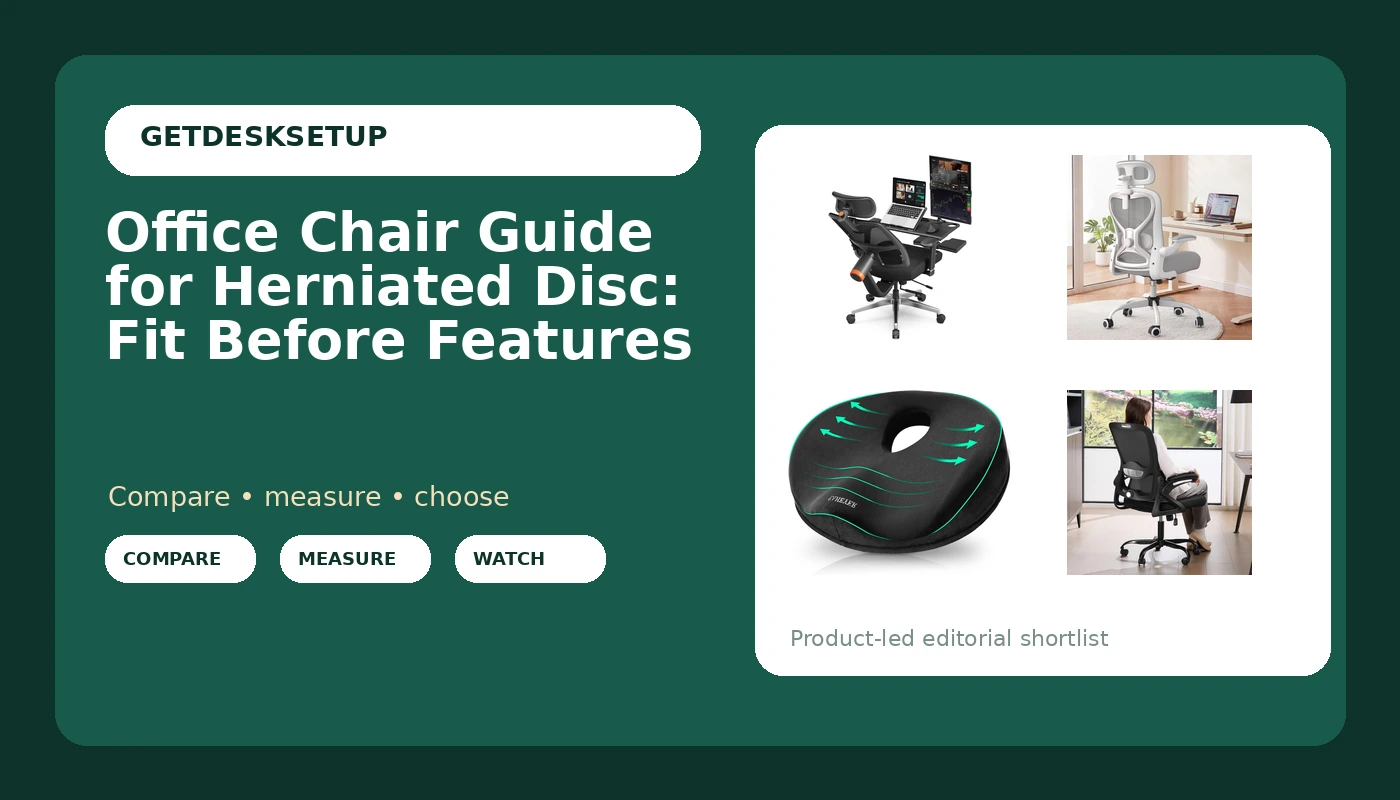
Four products made the cut this round. One full ergonomic chair with adjustable seat depth and height. One mid priced chair with a foam seat, 2D lumbar support, and a 3D headrest. One mid back mesh chair rated to 400 lbs. And one memory foam seat cushion that solves a much narrower problem than the other three. Two of them get a full section below. Two get a sub section and a row in the sizing table. Every pick comes with the group that should skip it, because a chair that fits me is not evidence that it fits you.
Best Overall: Newtral Ergonomic Office Chair – Home Office Desk Chair with Adaptive Lumbar Support, with Footrest, 4D Armrest, Adjustable Seat Depth & Height
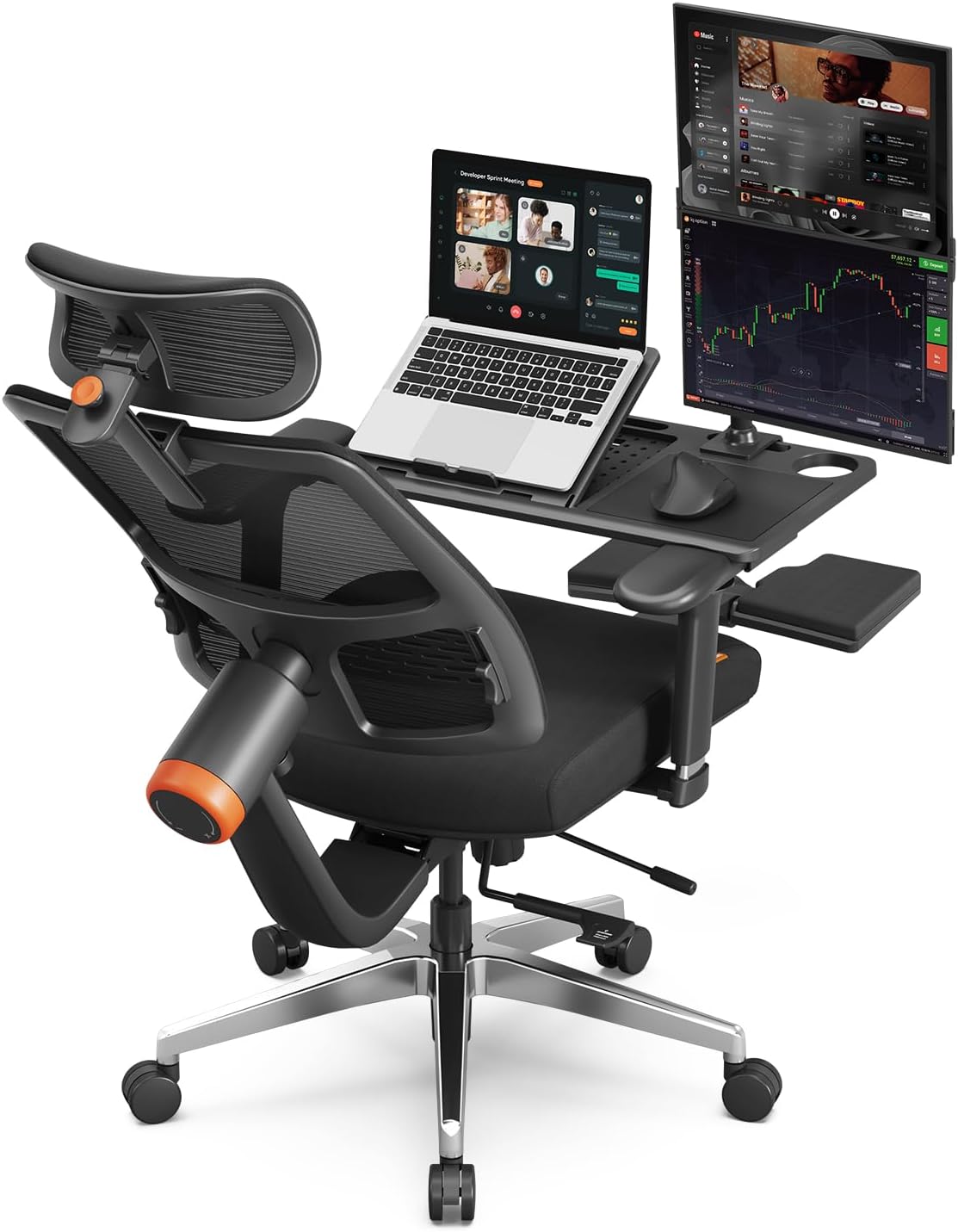
If your disc is the reason you are shopping, adjustable seat depth is the feature that decides the purchase. Seat depth is the distance from the front edge of the seat pan to the backrest. Get it wrong and one of two things happens. You perch on the front edge with no thigh support, or the cushion presses in behind your knee and rolls your pelvis back into a posterior tilt. That posterior tilt is the position a herniated disc likes least. This chair lets the seat pan move, and the seat height adjusts with it. Those are the first two numbers I check on any chair that comes through a client build.
The adaptive lumbar support is the second thing. Lumbar support only works when it lands in the curve above your belt line. Adaptive means it follows you as you shift instead of sitting in one fixed spot. The 4D armrests matter more than the name suggests. An armrest set too high lifts your shoulders. One set too low makes you lean to rest an elbow. Four directions of adjustment means in and out as well as up and down, so you can park them under your elbows and leave them there.
Then there is the footrest, which is not a gimmick for a disc issue. Recline a few degrees, put your feet up, and the load on the lower back drops. Reclining is the point. A locked 90 degree back for eight hours is what put a lot of people into this search in the first place. Pair the recline with a little tilt tension so the back moves with you instead of fighting you.
Skip it if a headrest is on your list, because the spec here does not include one. Skip it if you know you will never touch the seat depth lever, because then you are paying for adjustability you will not use. Skip it if your desk is fixed and low, since this is a chair that rewards being set up rather than dropped in. Visit on Amazon to check the adjustment range. Check current Amazon price.
Best Value: Ergonomic Office Chair for Long Hours, Back & Neck Pain Relief, Virgin Foam Seat, 3D Adjustable Headrest, 2D Lumbar, Flip-Up Arms, Gray/Sliver
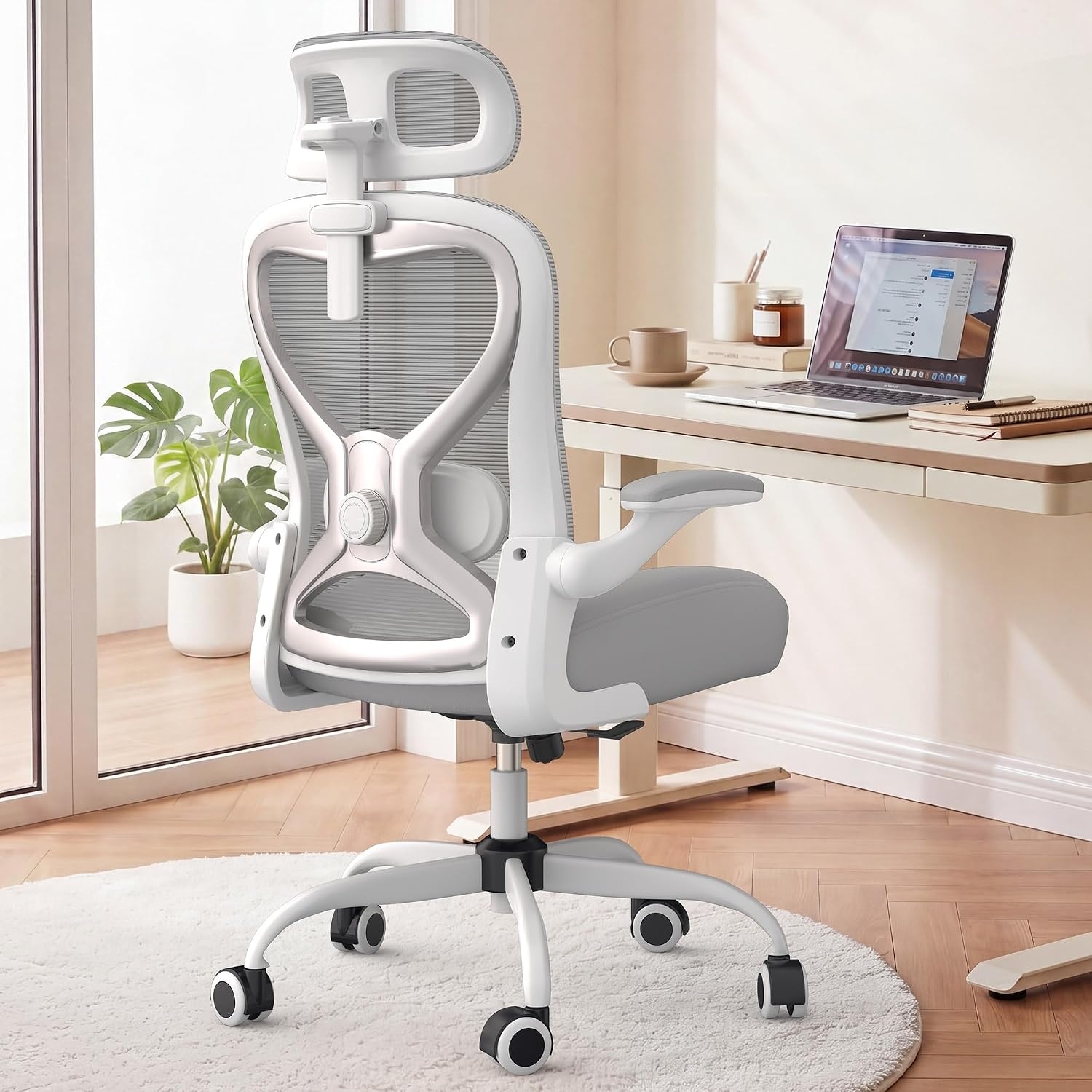
This is the mid priced pick, and the reason it earns the value slot is the seat foam. Virgin foam, first run rather than regrind, holds its shape longer, and on a chair you sit in for long hours the seat is the part that fails first. A seat that bottoms out puts your sit bones on the frame and rotates your pelvis. No amount of lumbar support above it fixes that. If you came here looking for a desk chair guide for herniated disc shopping list, start with the foam and the lumbar, in that order.
The 2D lumbar adjustment moves up and down plus in and out, which is enough to place the pad where your curve actually is instead of where the factory guessed. The 3D adjustable headrest is the piece the chair above does not have. For neck pain stacked on top of a disc issue it earns its place, because you can set it forward and up so it supports your neck in a reclined position, not only when you sit bolt upright. Flip up arms let the chair tuck under a shallow desk, and that is the difference between a chair that works in a small room and one that does not.
Who should skip it. Skip it if you want a footrest, because there is not one here. Skip it if you need adjustable seat depth, since that adjustment is not on this chair's spec list, and seat depth is the one number a disc issue is least forgiving about. Skip it if you hate the feel of anything behind your head, because a headrest you fold away is money you did not need to spend. Visit on Amazon to see the current listing. Check current Amazon price.
How I tested
I do not judge a chair from a product page. Every chair in this article went through the same checklist, in the same order, because the order is what keeps you out of trouble.
- Seat height. Can you get your feet flat on the floor with your thighs roughly level, or does the chair force you onto your toes or leave your legs dangling?
- Seat depth. I write the number down in inches, front edge of the pan to the backrest, because it is the measurement that decides whether a chair fits a body. My rule: two to three fingers of gap between the back of your knee and the front edge of the seat.
- Lumbar support. Where does the pad land, and can you move it? Lumbar support that does not adjust is a shape, not a feature.
- Recline and tilt tension. Does the back move with you, or does it lock you upright and make you fight it all day?
Then the smaller checks. Armrest height and width, and whether the armrests clear your keyboard. Whether a headrest can be set to support a neck instead of pushing a head forward. What the casters do on a hard floor versus carpet, because soft casters on hardwood and hard casters on carpet is the difference between a chair that stays put and one you chase across the room. I size every seat against the same numbers I use in my desk height guide.
The long test is a month in a client's office, where I go back and ask one question: is the seat still holding its shape?
Analysis and test results
The rest of this office chair guide for herniated disc comes down to one measurement, and it is seat depth. Here is how the four land.
The Newtral chair wins because it is the only chair here with adjustable seat depth in its spec. That is not a small thing. Seat depth decides whether your pelvis is supported or rolled back, and it is the adjustment budget chairs leave out. It also carries 4D armrests and a footrest, and the combination of a slight recline plus feet up is the posture that takes load off a disc.
The long hours chair is the value pick because it spends its budget on the seat and the lumbar instead of the frame. Virgin foam, 2D lumbar, 3D headrest. It is the better chair for neck pain and the worse chair for anyone who needs to change seat depth.
The mid back mesh chair is the one to buy when the chair has to survive a household. The mesh back breathes, the frame is rated to 400 lbs, and the flip up arms let it tuck under a desk. What it does not have is adjustable seat depth, and it is a mid back, so there is no headrest.
The donut cushion is not a chair. It is a fix for one pressure point, and it is the cheapest way to find out whether a seat cushion changes your day at all.
Every ergonomic chair guide for herniated disc worth reading ends at the same three levers: seat height, seat depth, and lumbar height. Everything else is preference. A task chair guide for herniated disc should say the same thing. If a chair cannot hit all three, no headrest and no mesh back is going to rescue it.
The office chair guide for herniated disc sizing table
This is the table I would hand a client. The adjustment column tells you what the chair can actually change. The skip column is the honest one. Prices move, so I do not print them. Check current Amazon price on the listing.
| Product | What adjusts | Best for | Skip it if | Price |
|---|---|---|---|---|
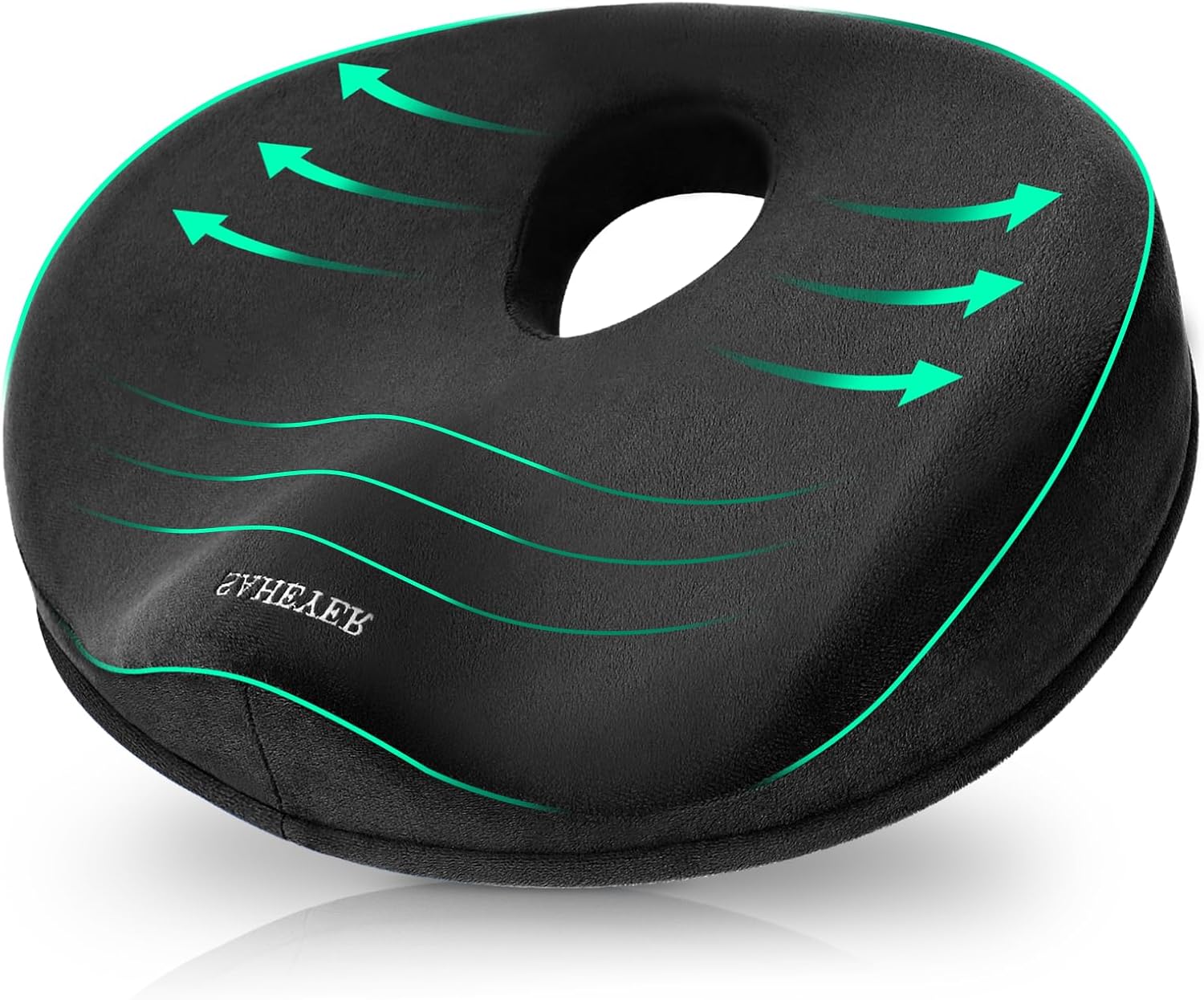 SAHEYER Donut Pillow for Tailbone Pain | Nothing. It is a cushion, not a chair | Tailbone pressure, long drives | The pain is lumbar or neck, not the seat | Check current Amazon price |
Newtral Ergonomic Office Chair | Seat height, seat depth, adaptive lumbar, 4D armrests, recline, footrest | A disc issue where seat depth is the problem | You want a built in headrest, or you will not use seat depth | Check current Amazon price |
Ergonomic Office Chair for Long Hours | Virgin foam seat, 2D lumbar, 3D headrest, flip up arms | Neck and back pain on a mid budget | You need adjustable seat depth or a footrest | Check current Amazon price |
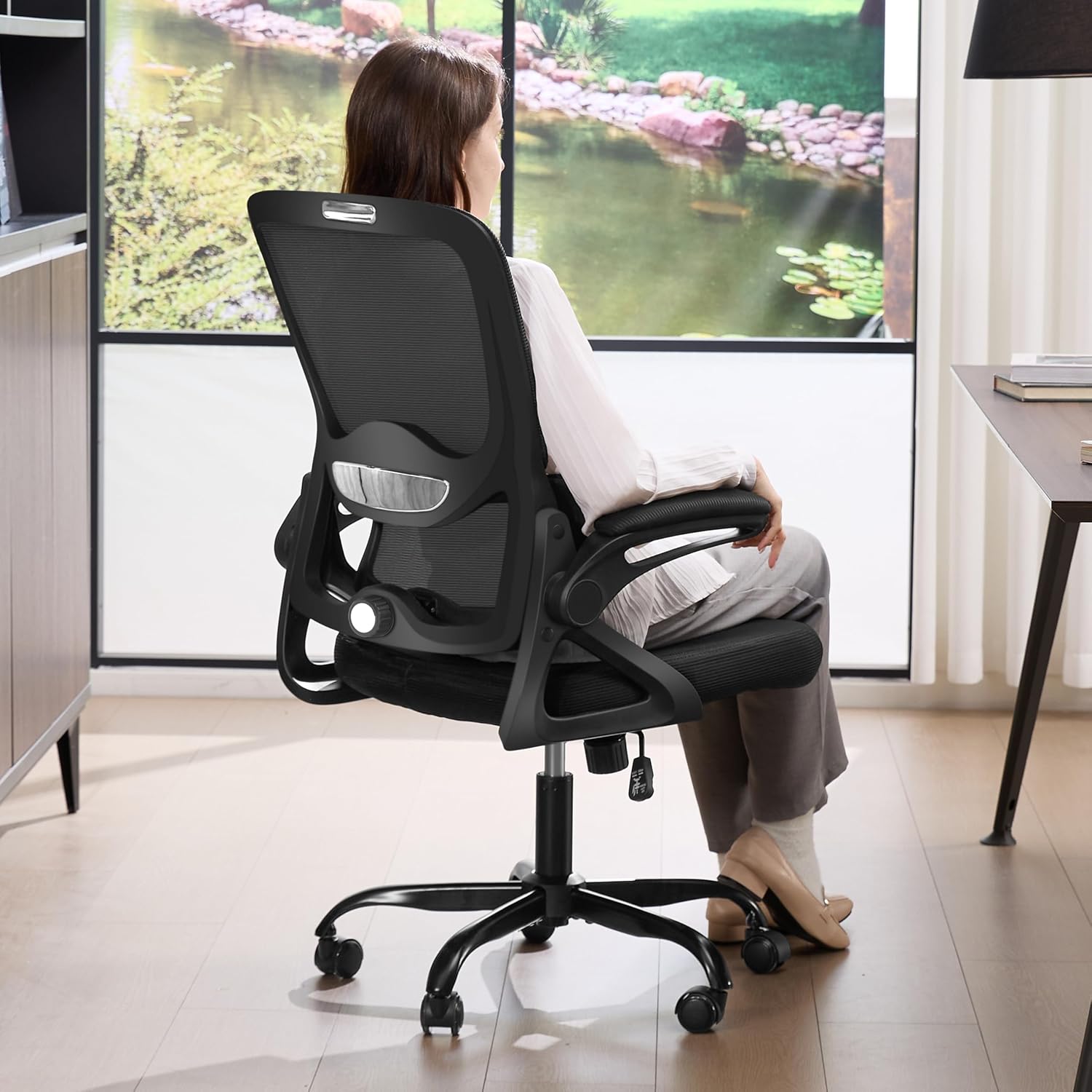 Mid Back Mesh Office Chair, 400 lbs | Lumbar support, flip up arms, mesh back | Shared desks, heavier users, warm rooms | You are tall enough to need more seat depth than a fixed pan gives | View on Amazon → |
The seat cushion case: SAHEYER Donut Pillow for Tailbone Pain
A donut cushion is the cheapest experiment in this article, and it answers one question: does taking pressure off the tailbone change how long you can sit? This one is memory foam with a cutout where the coccyx sits, which is why people buy it for tailbone pain and sciatica rather than for general lower back pain. It works on an office chair, a car seat, or a kitchen chair.
Two things to know before you buy. First, a cushion raises your sit height by roughly an inch, so recheck your seat height and your monitor height after you add it. Second, skip it if your pain is lumbar or neck rather than seat pressure, because a cushion does nothing for the curve above your belt line. Skip it too if your chair has a deeply contoured seat pan, since a cushion on top of a bucket seat will not sit flat.
Mid back mesh at the budget end
The mesh mid back chair is the practical pick for a shared desk or a hot room. Mesh backs breathe, the frame is rated to 400 lbs, and the flip up arms mean you can push the chair in and out of the way without a fight. The lumbar support is there, and for a lot of people that is the whole requirement.
Where it stops is seat depth. There is no seat depth adjustment in this chair's spec, so the pan is the pan. If you are shorter or taller than the middle of the bell curve, that fixed pan is the reason to keep looking, and it is why this chair sits below the two above it for a disc issue specifically. It is also a mid back, so no headrest. Buy it for the frame rating, the breathability, and the price. Skip it if seat depth is your problem.
Should you buy Newtral Ergonomic Office Chair – Home Office Desk Chair with Adaptive Lumbar Support, with Footrest, 4D Armrest, Adjustable Seat Depth & Height?
Yes, if adjustable seat depth is an adjustment you will actually use. That is the whole argument of this office chair guide for herniated disc: fit first, features second. Seat depth and seat height moving together is what lets you keep your pelvis supported instead of rolled back, and the 4D armrests and footrest let you set a slight recline with your feet up, which is the position that takes load off a disc. It is the most expensive of the four, and it is the only one here that can be sized to a body rather than the other way around.
No, if a headrest is non negotiable for you, if you will never touch the seat depth lever, or if your desk is fixed at a height that already fights your knees. In those cases the money is better spent on the long hours chair plus a cushion.
Should you buy Ergonomic Office Chair for Long Hours, Back & Neck Pain Relief, Virgin Foam Seat, 3D Adjustable Headrest, 2D Lumbar, Flip-Up Arms, Gray/Sliver?
Yes, if you want the seat and the lumbar to carry the budget instead of the frame. Virgin foam holds its shape, 2D lumbar can be placed where your curve is, and the 3D headrest gives you neck support in a recline, which the chair above cannot do. It is the best value here for a disc issue that comes with neck pain.
No, if you need adjustable seat depth, if you want a footrest, or if a headrest behind your head bothers you. And no if you are at either end of the height range, because a fixed seat pan is a fixed seat pan.