Most people attack the air in a home office backwards. They buy a purifier, drop it wherever the outlet is, and call the job done. The honest way to improve air quality in a home office is to fix the room first: where fresh air enters, where it leaves, what sits in the path between those two points, and only then what you plug in. A good purifier in a closed-up spare bedroom with a blocked return is an expensive fan with a filter in it.
I spent nine years as a facilities manager, buying and assembling chairs and desks for 400-person floors, and six years after that building out 310 home offices two at a time around Seattle. Air quality comes up in almost every one of those builds, usually late, usually after somebody notices a headache at 3pm or a gray film on the monitor arm a week after install.
Three pieces of furniture carry this guide. None of them cleans air. All three decide whether the air in the room can move at all, which is the part people skip.
Why you should trust me
Nine years of facilities work means I have bought, assembled, repaired, and thrown out more office chairs than most people will sit in during a lifetime. Six years of build-outs means I have stood in 310 home offices with a tape measure, and I keep a notebook of every seat depth and desk height range I have measured. Measured, not read off a listing.
That habit is why this piece is not a purifier review. Air quality advice online is mostly written by people who never measured a room, never checked whether the desk they recommend leaves space for a purifier to breathe, and never asked who is going to sit in the chair for eight hours. I do all three on every build.
My bias, stated up front: the cheapest correct setup beats the most expensive wrong one. In this category that means a box fan taped to a filter and an open window can beat a big tower shoved into a corner. I will tell you which of these three products fits your body and which one to skip, and I will not call anything comfortable without naming who should not buy it.
How I picked and how I tested
The gear below is not air quality equipment. It is the furniture layer of a home office build, and I picked it because it either helps an airflow plan or gets out of the way of one. My criteria were narrow:
- Does it leave the room layout open? A desk with an open frame and no full modesty panel lets a purifier or a fan sit beside your legs and still pull air. A closed box under the desk traps it.
- Is the fit range stated? I will not recommend a chair without a published height or weight range, because a chair either fits your body or it does not, and brand is noise until the numbers line up.
- Does it survive a year in a client's office? That is my test. Not a week, not a review score.
What I will not claim: I did not run a particle counter on these three items, and I am not going to invent numbers I did not take. Where I give a measurement rule, it is the rule I use on builds. Where I give a number for a product, it comes from the listing. Anything I could not verify, I say so.
For the workflow section, I ran the same eight steps I run on a paid build, in the same order. Steps one through three cost nothing. If you only do those, you have already done more than most people who own a purifier.
The furniture layer that makes the airflow plan possible
You cannot improve air quality in a home office with furniture, but you can absolutely wreck it with furniture. A desk pushed flat against a wall, a second chair parked in front of the only vent, and a cable bundle hanging where a purifier intake wants to be: that is a room working against itself. Here is what I put in.
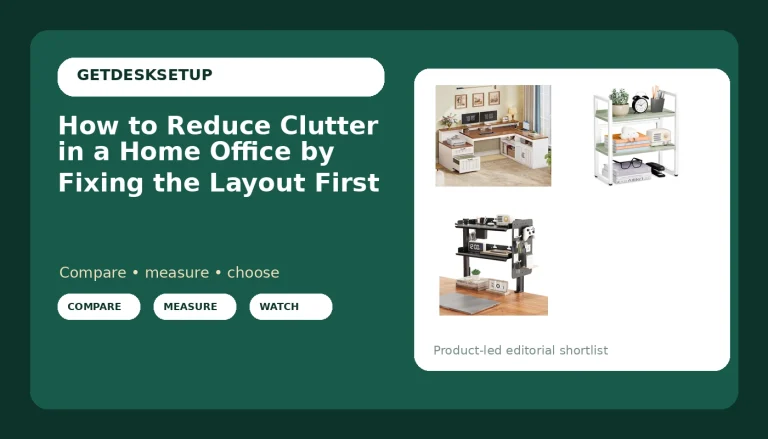
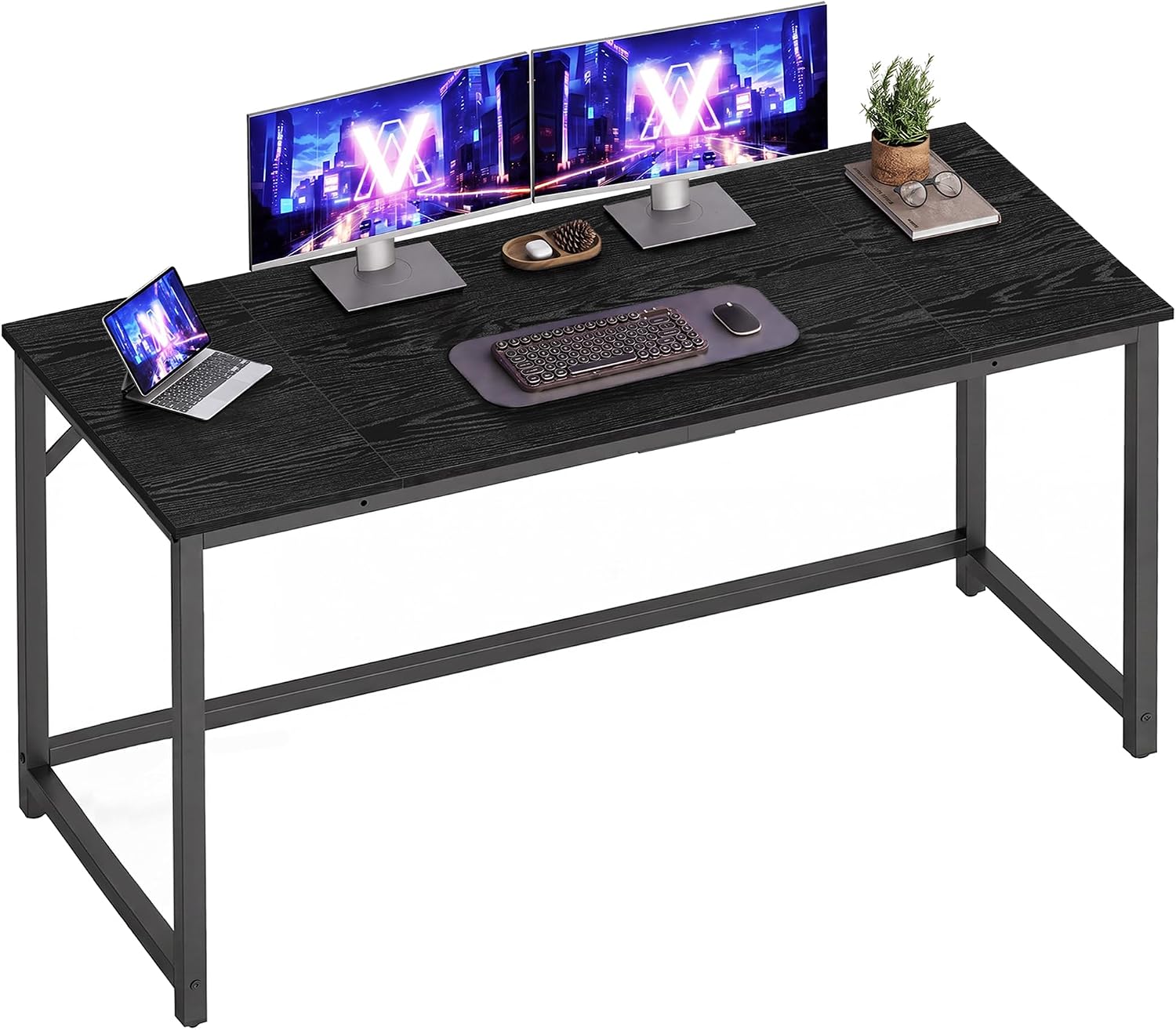
The desk pick: VASAGLE Computer Desk, Steel Frame Gaming Desk for Home Office, 55.1 Inch
The desk pick
VASAGLE Computer Desk, Steel Frame Gaming Desk for Home Office, 55.1 Inch
The top is 55.1 inches wide, and that number matters more than the frame finish. The minimum desk width I will put in a home office that also holds a purifier and a chair that rolls is 55 inches, because you need the working surface plus the floor footprint beside it. A 47-inch desk in a 10 by 10 room makes you choose between the purifier and your knees.
The steel frame and the open under-desk design are the other reason it is here. A purifier or a floor fan placed beside your legs can still pull air from the open sides instead of fighting a modesty panel. Leave four inches between the back edge and the wall so the air behind the desk is not a dead pocket.
Flaws but not dealbreakers: There is no cable tray, so cable planning is entirely on you, and a bundle that sags against the underside of a desk is where dust collects first. Budget for a tray and some velcro.
Check current Amazon price before you order, because this class of desk moves a lot.
Anyone with a room at least 8 feet wide who wants the floor space beside the desk kept clear will be fine here.
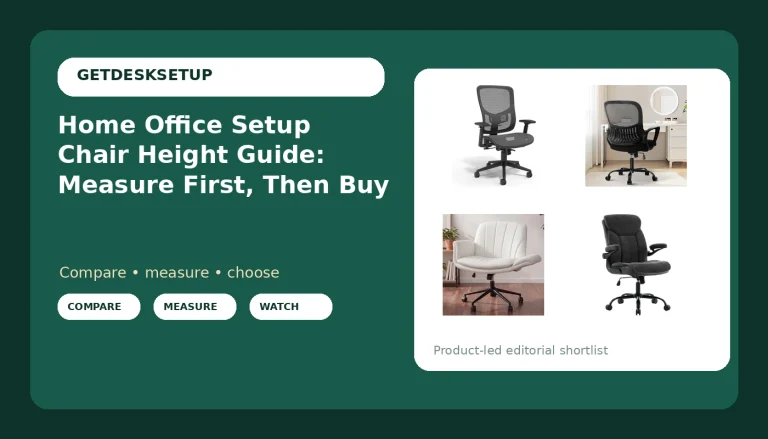
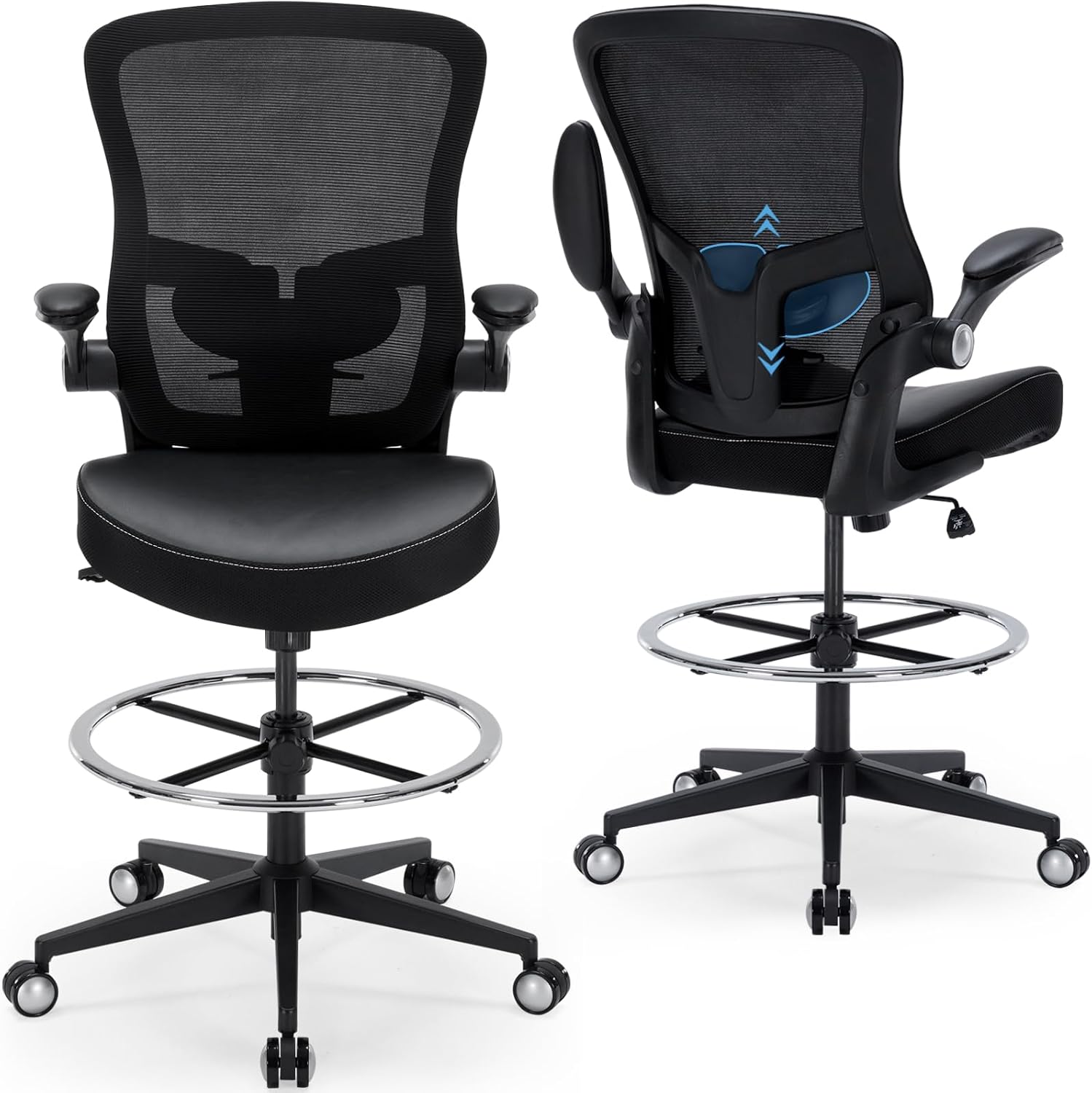
The tall-body pick: Drafting Chair 400lbs Heavy Duty Tall Office Chair Big and Tall Ergonomic Standing Desk Chair with Lumbar Support and Adjustable Footrest Ring, Comfy Mesh Wide Chair with Flip-up Armrests, Black
The tall-body pick
Drafting Chair 400lbs Heavy Duty Tall Office Chair Big and Tall Ergonomic Standing Desk Chair with Lumbar Support and Adjustable Footrest Ring, Comfy Mesh Wide Chair with Flip-up Armrests, Black
This is a drafting chair with a stated 400 lb capacity, a tall seat height range aimed at standing desk work, a mesh back, a lumbar support, an adjustable footrest ring, and flip-up armrests. The air quality connection is not marketing: seat height decides where your breathing zone sits. In a room with a floor-level purifier, the cleanest air is not at the floor and not at the ceiling, it is wherever the room's mixing puts it. Sitting higher lifts your face out of the still layer that forms under a desk, and a mesh back does not hold dust the way an upholstered one does.
The footrest ring is the feature I care about most, and it is the one people ignore. Feet on the ring instead of flat on the floor keeps your shoes out of the dust that settles low, and it keeps your knees at an angle that stops you sliding forward into the desk edge.
Flaws but not dealbreakers: The seat sits high, by design. If your feet cannot reach the ring with your thighs still supported on the seat, the chair is wrong for you, and no amount of lumbar support fixes that. The listing says lumbar support; if you need an adjustable lumbar pad rather than a fixed curve, confirm that detail before you buy, because "lumbar support" in a title can mean either.
Check current Amazon price.
Tall users, and anyone running a standing desk near the top of its height range, should look here first. Shorter users should skip it.
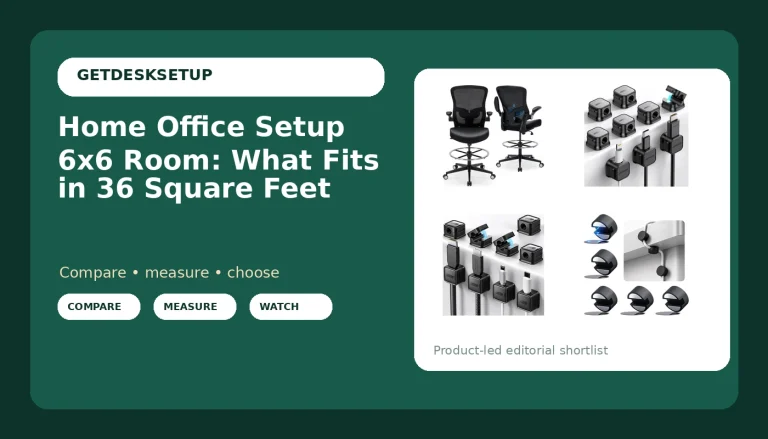
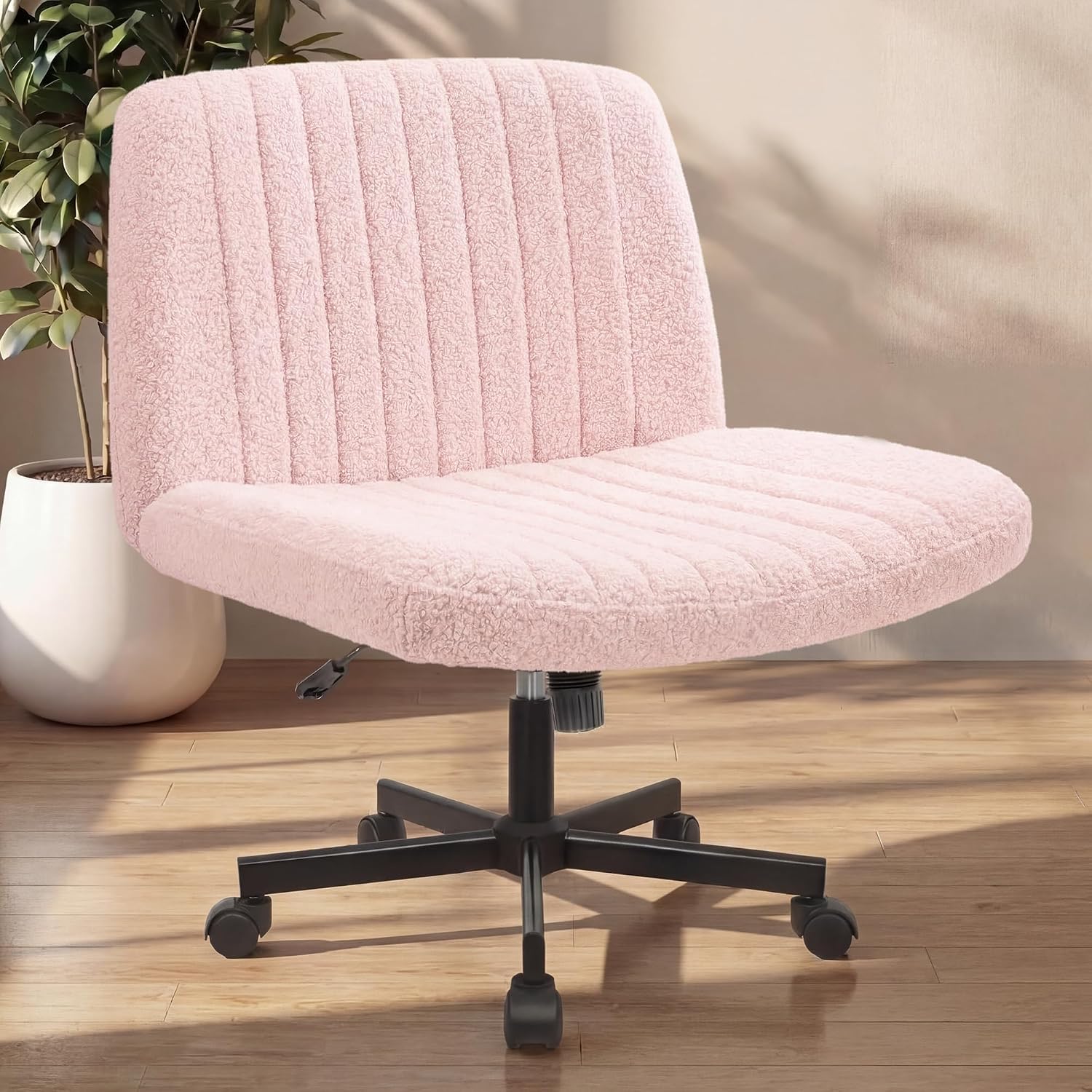
The second-seat pick: NEO CHAIR Criss Cross Chair with Wheels, Wide Comfy Desk Seat, Teddy Pink
The second-seat pick
NEO CHAIR Criss Cross Chair with Wheels, Wide Comfy Desk Seat, Teddy Pink
A second chair that rolls matters more than people think. The most common air quality mistake I see in a home office is a chair parked in front of the supply vent or the window because it has no wheels and nowhere else to go. This one rolls, so it goes back to the wall when you stand up. Wide seat, cross-leg sitting, teddy pink finish.
Honest limits: the listing does not publish a weight capacity I can quote, so I am not going to hand you one. This is a second seat, a reading chair, or a chair for someone who uses the room an hour at a time. It is not a task chair for eight-hour days with a full adjustment set, and if that is what you need, start with my guide to best ergonomic office chairs instead.
Flaws but not dealbreakers: Fabric upholstery holds more dust than mesh, so it goes on the weekly vacuum list. That is the trade you make for the look.
Check current Amazon price.
Anyone who wants a chair that rolls out of the airflow path and does not need lumbar adjustment will be happy. Anyone shopping for their only eight-hour chair should skip it.
The workflow to improve air quality in a home office
Here is how to improve air quality in a home office in eight steps, in the order I run them. If you want to improve air quality in a work from home office, the same order applies. Steps one through three are free and do most of the work. Steps four through eight cost money, and that money is wasted if you skipped the first three.
Step one: Measure the room. Floor area, ceiling height, how many windows actually open, where the door is, which way it swings. Write the floor area on a sticky note and put it on the wall. Every filtration decision downstream is sized off that number, and you cannot size anything from a guess.
Step two: Map the air path. Ventilation is cross-flow, not volume. One open window on one side of the room and a cracked door on the other moves more air than a single window wide open with the door shut. If your office is a closed bedroom with one window, that window plus a cracked door is your entire fresh air budget, and a purifier does not replace it, it only recirculates. This is also where lighting layers earn their keep: a task lamp plus a floor lamp means you can keep the blinds up and the window cracked when the afternoon sun hits the monitor, instead of sealing the room to kill the glare.
Step three: Set room layout, desk height, and monitor distance. The desk goes perpendicular to the window, not facing it, so you get light without glare and you do not block the opening. Set desk height before anything else, and if the desk is electric, test it at the top of its range, because that is where wobble shows up and where tall users actually work. Monitor distance sets how far back you sit; if the monitor is too close you will push the desk deeper into the corner to buy eye relief and lose the clearance you just made for airflow. Chair pairing is the last piece: the chair has to put your feet on the ring or the floor, and it has to roll away from the vent when you stand.
Step four: Size filtration to the room, not to the sale. The rule of thumb I use is a smoke CADR of at least two thirds of the room's floor area in square feet. A 120 square foot office wants roughly 80 CFM of clean air delivery. Then place it: a purifier jammed against a wall or tucked behind a desk cannot pull air, and a purifier in the corner farthest from where you sit is filtering the corner. Give it a foot of clearance on the intake side and put it where the air it returns actually reaches you.
Step five: Kill the sources you can control. A laser printer in a 100 square foot room is a source, and so is toner dust when you change a cartridge. Scented candles, plug-ins, and most air fresheners add VOCs and fine particles to the exact air you are trying to clean. New particleboard and new foam offgas for days, so give new furniture a week near an open window before you trust it in a closed room.
Step six: Plan cables and the power outlet. Cable planning is not aesthetics, it is load. A purifier on a daisy-chained power strip under a desk is a failure point and a fire risk; give it a wall outlet, not a strip shared with a space heater. Dress cables so nothing pulls on a monitor arm, because a cable under tension changes your monitor angle within a week. There is a diagnostic in it too: where dust lands on a cable bundle is where the air in the room is stalling.
Step seven: Set humidity and the filter schedule. Aim for 30 to 50 percent relative humidity. Below 30 and your sinuses dry out and dust stays airborne; above 50 and you are feeding mold. A cheap hygrometer tells you which side you are on. Then put filter replacements on the calendar, not on your nose. A filter that smells is a filter that stopped working a month ago.
Step eight: Verify, then run a weekly routine. A CO2 monitor is the cheapest honest ventilation check there is; if the room reads over about 1,000 ppm while you work with the door shut, you are not ventilating, you are rebreathing. A particulate meter is optional. Weekly: wipe the desk, vacuum the chair seat, vacuum the purifier pre-filter, and open the window for ten minutes even in winter. That routine does more than any single purchase in this article.
The competition and why it lost
I looked at a lot of things that did not make this build.
Ozone generators lost immediately. They are sold as air cleaners and they work by adding ozone, which is a lung irritant, and I will not put one in a client's house.
Ionizers and "air purifying" plants lost for the same reason in different proportions. Plants clean air at a rate that matters only if you turn the room into a greenhouse. The study everybody quotes used a sealed chamber with a plant per cubic foot of air, not a bedroom with a fern on the desk.
Scented candles and plug-in fresheners lost because they add particles and VOCs. If the room smells bad, that is information about the source, and covering it with fragrance is the wrong repair.
The smart purifier with the phone app lost on math. You are paying for the app and the badge on the front, and the number that matters is CADR per dollar at the size you actually need. A mid-size unit with a stated CADR beats a big one with a marketing number every time.
On furniture, I passed on a fabric lounge chair for the second seat, because it holds dust and has no wheels. I passed on a 47-inch desk, because it left no floor space for a purifier. And I passed on a chair with no lumbar adjustment, because "ergonomic" in a title is not the same thing as adjustable. If you are weighing chairs on fit rather than airflow, the standing desk wobble test and the chair guide are the right places to be.
What this all costs
Three items in this build: a desk, a tall drafting chair, and a second chair. Each one, check current Amazon price, because furniture prices in this category move every few weeks and I am not going to quote you a number that will be wrong by the time you read it.
The one-time money is the easy part. The recurring money is the filter, and it is the line item people forget. Depending on the unit and how dirty your air is, you are replacing a filter two to four times a year, and over five years that can pass what you paid for the furniture. Add a hygrometer and, if you want the honest ventilation check, a CO2 monitor. Both are inexpensive and both outlast everything else in the room.
Then the cost that is actually zero: ventilation, source control, and the weekly routine. Steps one, two, three, five, and eight of the workflow above cost nothing but attention, and they are the steps that decide whether the number printed on the purifier box means anything in your room.
The order matters more than the total. Measure the room, map the path, place the desk and the chairs so nothing blocks it, size the filtration, kill the sources, dress the cables, watch the humidity, check the CO2. Do that once and you can improve air quality in a work from home setup, or improve air quality in a home workspace you share with two cats and a printer, without buying a second purifier you do not need.