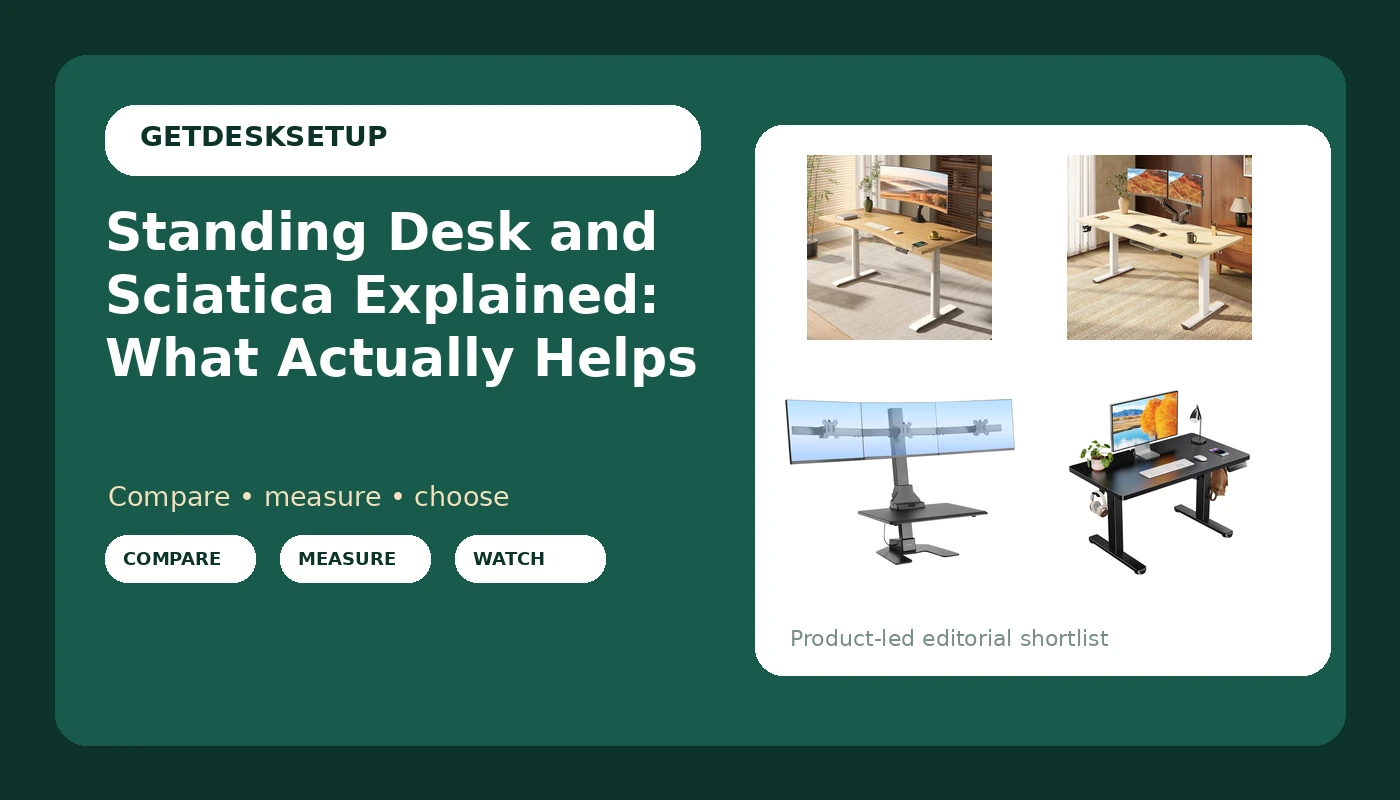
If you have ever typed standing desk and sciatica into the same search box, you already know both the promise and the problem. The promise is that changing posture changes the load on your lower back. The problem is that the load does not vanish when you stand. It moves, and a desk set two inches off for your body moves it in the wrong direction. I have measured 310 home offices for a living, and the pattern is consistent enough to be boring: the desk itself is rarely the thing that hurts. The height you set it to, the desktop depth you sit at, and how long you hold one position are the variables that hurt. So this is a measurement problem before it is a shopping problem, and the measurements are not hard to take.
Related: Standing Desk Wobble Test: What to Check Before You Buy →
Quick answer
Here is standing desk and sciatica explained in one paragraph. A height adjustable desk changes how much time you spend loading your lumbar spine in a single position, and for some people that change reduces the irritation that feeds sciatic symptoms. It does not treat a compressed nerve, a herniated disc, or a tight piriformis. The desk varies load. It does not repair tissue. If your pain travels down a leg, changes when you cough, or arrives with numbness or weakness, that is a clinician conversation first and a furniture conversation second. What a desk can do is let you alternate between sitting and standing on a schedule, at a height that keeps your elbows near 90 degrees and your monitor at eye level, without the surface wobbling when you lean on it.
Four useful options
| Model | Best fit | What stands out |
|---|---|---|
| FLEXISPOT E6 Pro Bamboo Standing Desk | A shared home office that wants one full size desk | Dual motor, three stage frame, 330 lb lift capacity, 55 x 28 inch bamboo top |
| SANODESK 79×32 Large Electric Standing Desk | Wide monitor arrays and multi device setups | A 79 x 32 inch surface, the largest desktop depth in this group |
| Mount-It! Triple Monitor Standing Desk Converter | Anyone who cannot replace the desk they already own | Three monitor mounts and an electric lift in a single riser |
| ErGear Low Height Adjustable Desk | Kids, short seated users, low setups | A lift range of 18.9 to 28.4 inches and four memory settings |
The dual motor desk: FLEXISPOT E6 Pro Bamboo Standing Desk
This is the desk I would put in a client's office for a year when they want one surface for two people. The 55 inch width takes two monitors and a laptop without stacking, and the 28 inch desktop depth keeps a large panel far enough back that you are not leaning in when you stand. The thing to check before you buy is the published height range, because a three stage frame reaches higher than a two stage frame of the same width, but the listing here does not print the number. Measure your standing elbow height in flat shoes, add an inch for a keyboard, and compare it to the range on the product page. If the top of that range sits below your number, skip this desk no matter how good the bamboo looks.
The wide surface desk: SANODESK 79×32 Large Electric Standing Desk
The trade is space. A 79 inch desktop needs a wall at least 80 inches wide, and you should plan on 32 inches of depth plus a couple of inches behind the frame for cables and a cable tray, so call it 34 inches of floor depth before you count your chair. That is a desk for a dedicated room, not a corner. If you need the width for three monitors, it solves a problem no 55 inch desk solves. If you work on a laptop and one panel, you are paying for surface you will fill with clutter, and a smaller desk leaves you more floor to move around in, which matters more for your back than the extra inches.
The converter: Mount-It! Triple Monitor Standing Desk Converter
A converter solves a different problem: the desk you already own. It sits on top of your existing surface and lifts the monitor mounts and the work surface together, so you never replace the furniture. Three mounts for screens up to 32 inches is a lot of monitor for one riser, and that changes the math on stability. The riser is only as steady as the desk under it, so if your current desk rocks when you lean on it, this makes that worse. Skip it if you need the whole desk surface clear, if your existing top is glass or thin veneer, or if the combined height of your desk plus the riser cannot reach your standing elbow height.
The low desk: ErGear Low Height Adjustable Desk
The range is the whole story here. The top of the lift sits at 28.4 inches, which is a seated height for most adults and a standing height for almost nobody. That makes it the right desk for a child, for a short adult working seated, or for a low table setup with a floor cushion. Measure your seated elbow height with your chair at the height you actually use. If that number is above 28.4 inches, skip this desk, because no memory preset will fix a surface that is too low. If it fits, 35 inches of width means a minimum wall width of 35 inches plus leg clearance, and the storage hooks take the headphone and cable clutter off the top.
Prices and availability may change. Product images, names, and retailer links are matched to verified listings. No current price, rating, stock status, or measured result is stated here without current evidence.
How a standing desk and sciatica actually relate
The sciatic nerve runs from the lower spine through the glute and down the leg. Symptoms along that path usually come from something pressing or irritating the nerve, and the usual suspects are a disc, a narrow space in the spine, or a muscle that will not let go. None of that is a furniture problem, which is why the honest version of standing desk and lower back pain advice is narrower than the marketing.
What posture changes is load. Sitting loads the lumbar discs and the hip flexors one way, standing loads them another, and discs and joints respond to time under load. If one position is what irritates your nerve, spending less time in it can reduce symptoms, and that is the entire mechanism behind a sit stand desk and sciatica relief. You are not stretching the nerve back into place. You are spreading the same load across more positions.
The trap is standing all day because standing felt better for a week. Standing loads the calves, the feet, and the lumbar extension, and for plenty of people with standing desk and sciatic nerve pain, hour six of standing is worse than hour one of sitting. Guidance on sit stand desks generally points to alternating, not converting. A common starting point is 30 minutes seated, then 15 to 20 minutes standing, repeated, with the change coming before the pain starts rather than after.
One more thing gets left out: the chair still does most of the work. If your seat depth is wrong or the seat pan is too high, no desk height will fix your hips. Measure both, and treat the desk as the second half of the fix.
What to measure before you buy
Four numbers decide whether a desk helps or hurts. The first is the height range, because a desk that cannot reach your standing elbow height is a seated desk with a motor. The second is desktop depth. At 32 inches you can push a large monitor back far enough to sit at arm's length. At 20 inches you cannot, and you will lean forward instead. The third is width, because your monitor array and your arms both need room. The fourth is lift capacity, which has to cover the desktop, the monitors, the arms, and the cable tray, not just the top.
Frame details matter at the top of the range. A dual motor frame lifts a heavier, wider top with less strain than a single motor, and three stage legs generally reach higher than two stage legs. A crossbar between the legs adds rigidity on wide frames, though it also takes foot room, which is a real trade if you use a footrest. Check whether that crossbar sits at ankle height or shin height before you commit.
Electronics are the part people ignore. A memory preset matters more than it sounds. If returning to your standing height takes four seconds of holding a button, you will stop doing it, and the desk becomes a very heavy table. Anti collision detection stops the top when it meets a drawer or a chair arm, which saves a desktop edge. A grommet gives cables a clean path through the top, and a cable tray keeps slack from pulling on your monitor arms.
Buy for the surface you need, not the motor you can afford. The motor is convenience. Desktop depth and height range are fit. Work through these five checks before you compare anything else.
- Measure your seated elbow height with a tape, chair set to the height you actually use.
- Measure your standing elbow height in flat shoes, then add an inch for a keyboard and mouse.
- Write down the width and depth your monitor array needs, then add two inches of slack.
- Compare those numbers against the published height range, desktop depth, and lift capacity of every desk on your list.
- Cross off anything that cannot reach your standing number before you compare price or finish.
Practical guidance for the first month
- Alternate on a timer rather than by feel. Change position before the ache starts, because by the time it aches you are already behind.
- Set one memory preset to seated and one to standing, and press them instead of holding the button.
- Keep the monitor top near eye level in both positions, which usually means a monitor arm rather than a stack of books. See how to set your standing desk height for the elbow and eye line numbers.
- Route cables through the grommet and into a cable tray with slack loops, so a standing cycle does not tug the monitor arm out of angle.
- Do not stand in one spot for a whole standing block. Shift weight, use a footrest bar, and walk away from the desk at least once an hour.
- If your existing desk wobbles, a converter will amplify that, not fix it.
Which option should you choose?
Choose the FLEXISPOT E6 Pro Bamboo Standing Desk when you want one full size desk for a shared office and you will confirm the published height range against your standing elbow height first. Choose the SANODESK 79×32 Large Electric Standing Desk when you run three monitors and have a wall at least 80 inches wide to put it against. Choose the Mount-It! Triple Monitor Standing Desk Converter when the desk you own is stable and you cannot replace it, and three screens need to rise with the surface. Choose the ErGear Low Height Adjustable Desk when your seated elbow height sits under 28.4 inches, which rules out most adults at a standard chair height.
None of this is medical advice, and no desk in this list carries a published rating that would let me call it the best for back pain. What I can verify is the fit data: a 330 lb lift capacity and a 55 by 28 inch top on the FLEXISPOT, 79 by 32 inches on the SANODESK, three mounts for screens up to 32 inches on the Mount-It!, and a 18.9 to 28.4 inch range on the ErGear. If your symptoms are new, worsening, or include numbness or weakness, talk to a clinician before you spend money on furniture.
The bottom line
A standing desk changes your position, and changing position changes load, and changing load is the only part of sciatic irritation a desk can touch. It cannot decompress a nerve or heal a disc. What it can do is make alternating positions easy enough that you actually do it, at a height that matches your body rather than a height that matched someone else's. Get the standing elbow height and the desktop depth right, keep the top steady at the height you use most, and set the memory preset so switching costs one second. Then measure your chair, because that is where the rest of the answer lives. Standing desk and sciatica relief is a schedule plus two measurements, not a product.