Hip tightness is one of the few desk problems you can feel inside an hour of changing your setup, and it is usually blamed on the wrong part of the setup. The common story about the standing desk and hip tightness link is simple: sitting shortens the hip flexors, standing lengthens them, so buy a desk that rises and the problem solves itself. That story is half right. A height adjustable desk changes the angle at your hip, but it does not change how long you hold that angle, and holding one angle for hours is what most people are actually doing wrong, seated or standing. What a sit stand desk really gives you is the option to change position on a schedule you control. Whether that helps your hips depends on desk height, desktop depth, how often you switch, and what you do with the rest of your day.
Related: Standing Desk Wobble at Full Height: What to Check Before You Buy →
Quick answer
A standing desk does not fix hip tightness on its own. It helps when you use it to break up long static positions and when the desk is set so your hip angle stays close to neutral in both modes. Stand for four hours at a desk that is two inches too high and you have traded one hip problem for another. The useful questions are how often you change position and whether the desk fits your body. Most home setups fail the second test: a desk that cannot go low enough, a desktop too shallow to keep the keyboard and monitor at sensible distances, or a rolling desk that is convenient but never actually gets moved. Fix fit and switching first, and the furniture choice gets much easier.
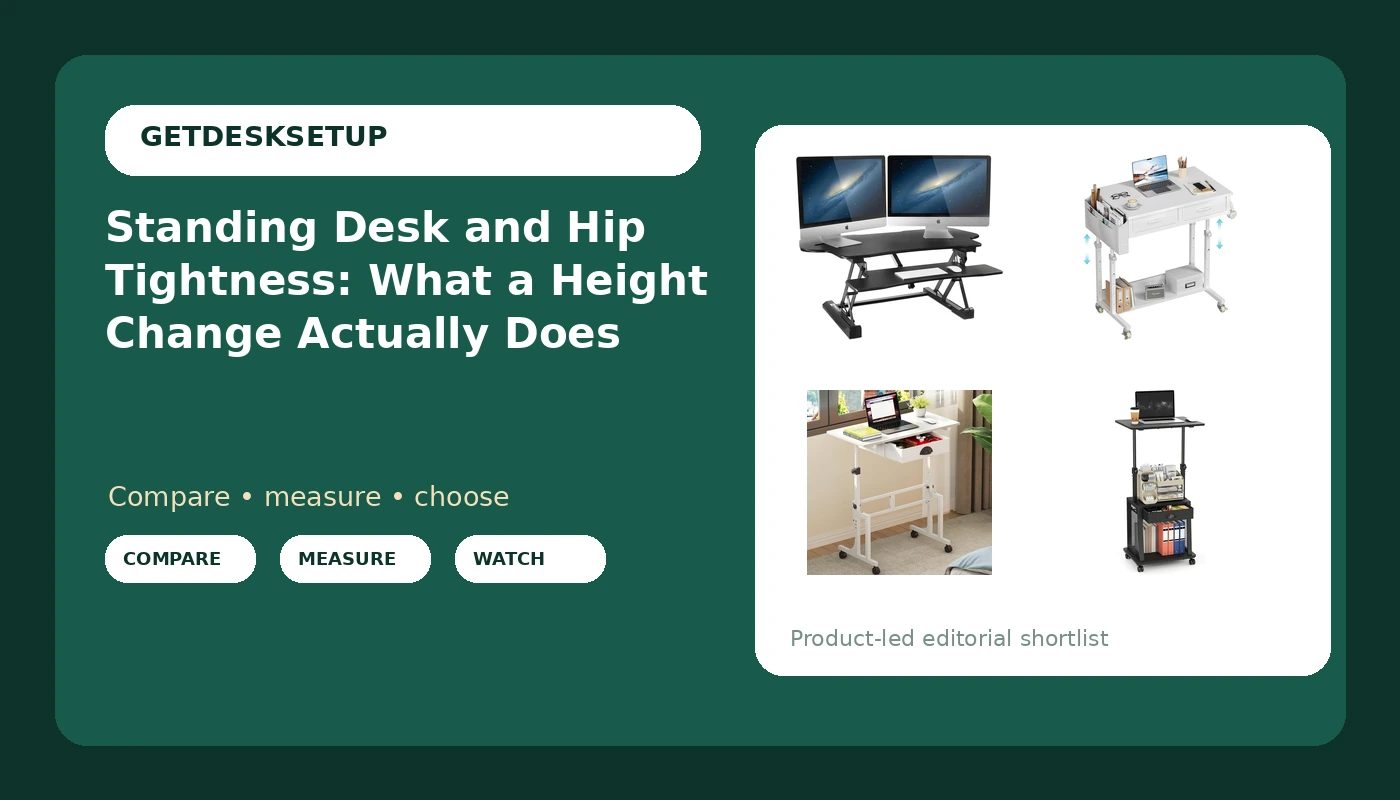
Four useful options
| Model | Best fit | What stands out |
|---|---|---|
| Mount-It! 48.5" Electric Standing Desk Converter for Dual Monitors, Motorized Sit Stand Electric Desk Riser with USB Port & Device Slot, Keyboard Tray, Adjustable Height Ergonomic Workstation, Black | A fixed desk that needs powered height change | Motorized riser with keyboard tray, USB port, and device slot |
| WINAZ Small Rolling Standing Desk with Drawers & Storage, 32 Inch Height Adjustable Desk on Wheels for Teachers, Students, Portable Mobile Workstation for Home Office, Small Spaces, Sewing & Crafts | Teachers, students, and small rooms that need storage | 32 inch rolling desk with drawers and storage |
| Cidaziya Adjustable Height Standing Desk for Walking Pad Treadmill, Portable Rolling Desk for Laptop with Drawer, Small Moblie Sit to Stand Desk On Wheels with Stiffener for Home Office Dorm Bedroom | Walking pad and dorm setups | Narrow rolling laptop desk with drawer and stiffener |
| Height Adjustable Standing Desk with Wheels,Mobile Sit Stand Up Desk with Drawer,Rolling Laptop Computer Desk with storage,Portable Podium Teacher Stand Desk,Narrow Walking Pad Desk for Home Office | Narrow walking pad lanes and podium work | Narrow mobile desk with drawer and storage |
The motorized converter: Mount-It! 48.5" Electric Standing Desk Converter for Dual Monitors, Motorized Sit Stand Electric Desk Riser with USB Port & Device Slot, Keyboard Tray, Adjustable Height Ergonomic Workstation, Black
The hip case for a converter is the speed of the change. You do not clear the desk or move a chair; the working height moves, which makes switching cheap enough that you will actually do it often, and frequency is the part that matters. The trade-off is that a riser only ever adds height. If the desk under it is already too high for you when seated, or the desktop is too shallow for a monitor at a sensible distance, the riser fixes neither problem, and it takes desktop space you were using for something else.
The rolling storage desk: WINAZ Small Rolling Standing Desk with Drawers & Storage, 32 Inch Height Adjustable Desk on Wheels for Teachers, Students, Portable Mobile Workstation for Home Office, Small Spaces, Sewing & Crafts
Rolling storage desks solve a different problem, and it is worth saying so plainly. The drawers keep you from standing up to fetch tools, and the wheels let you reposition the desk instead of twisting in a chair, which is the awkward hip rotation that shows up in craft and teaching setups. What the wheels do not do is force a position change. A desk that rolls easily also stands easily, and standing in one spot for two hours is still one static hip position.
The walking pad desk: Cidaziya Adjustable Height Standing Desk for Walking Pad Treadmill, Portable Rolling Desk for Laptop with Drawer, Small Moblie Sit to Stand Desk On Wheels with Stiffener for Home Office Dorm Bedroom
Walking is the part of this conversation that moves the hip through a range instead of holding it still, which is why a walking pad desk is the most direct answer to hip tightness. The stiffener matters here: a narrow top that flexes under a laptop makes the whole walking setup feel unsteady, and an unsteady setup gets abandoned. The catch is scale. These desks are narrow and laptop first, so a dual monitor arrangement is not what they are built for, and the drawer is small. Walking pace matters too, since a speed you cannot type at is not a working speed.
The narrow podium desk: Height Adjustable Standing Desk with Wheels,Mobile Sit Stand Up Desk with Drawer,Rolling Laptop Computer Desk with storage,Portable Podium Teacher Stand Desk,Narrow Walking Pad Desk for Home Office
This is the other narrow rolling option, and the difference from the walking pad desk above is where the emphasis sits: storage and podium use here, a stiffener there. Both are narrow enough for a walking pad lane, both roll, both have a drawer. Choose on what you need beside the laptop. The trade-off for either is scale, because a narrow top limits monitor size and desktop depth, so a large display plus keyboard is a stretch, and the working surface stays small even at standing height.
Prices and availability may change. Product images, names, and retailer links are matched to verified listings. No current price, rating, stock status, or measured result is stated here without current evidence.
How standing desk and hip tightness actually connect
The hip flexors run from the pelvis and lower spine down to the thigh. Seated, the hip sits near 90 degrees of flexion, and holding that angle for hours is what most people mean when they say their hips feel short by the end of the day. Standing reduces the flexion angle, but it does not stretch anything by itself: stand with your pelvis tucked and your weight parked on one leg and you can load the same tissue statically for just as long.
So here is standing desk and hip tightness explained in one line: the desk changes your angle, movement changes your tissue. That is why the sit stand desk and hip tightness conversation is really a conversation about movement frequency. The desk changes which position you are in. It does not change how long you stay there, and it does not add hip extension, which is the direction the joint rarely sees during a desk day. Standing up and walking ten steps does.
Three variables decide whether your setup helps or hurts. First, the seated height: if the desk is too high when you sit, you either raise your shoulders or slide forward, and both change the hip angle. Second, the standing height: too high and you hang on the hip flexors and lean, too low and you round forward. Third, the switch interval. A desk that moves in three seconds gets used. A desk that needs the whole setup rearranged does not.
None of this is a diagnosis. Persistent hip pain, pinching, or pain that travels down the leg is a clinician question, not a furniture question.
Setting height, desktop depth, and a switch interval
Measure with shoes on. Sit with your feet flat and note the height where your elbows rest near 90 degrees. Stand and note the same measurement. The gap between those two numbers is the height range your desk has to cover, and it is the first thing to check before anything else.
Desktop depth decides where your monitor sits, and monitor distance quietly affects how you sit. If the desktop is shallow, the screen ends up close and you round your upper back, which pulls the pelvis and changes hip angle. If it is deep, you reach for the keyboard and lose your seated position.
If you are shopping a full size frame rather than a rolling desk, the specification terms are the ones to compare: lift capacity, dual motor versus single, memory preset count, anti collision sensitivity, and whether a crossbar cuts into knee room at your seated height. For cables, a grommet or an under-desk cable tray keeps a cord from tugging your monitor off angle when the desk moves. None of those specs fix hip tightness on their own, but each one decides whether you actually use the desk.
- Measure your seated elbow height with shoes on, then your standing elbow height.
- Note the gap between the two numbers and check it against the desk height range before buying anything.
- Set the keyboard at elbow height in both modes, not just in one.
- Set a switching interval you will keep, somewhere between 30 and 60 minutes, and use the memory preset so the change takes seconds.
- Add hip extension movement, not just standing: a short walk, a step back into a lunge, or a few minutes on a walking pad at a pace you can still type at.
Practical guidance
- The height adjustable desk and hip tightness question comes down to one number: the gap between your seated and standing elbow heights.
- Set standing height by measurement, not by feel. If you are leaning on one hip, the desk is too high.
- Keep the keyboard and mouse at elbow height in both modes. A fixed keyboard with a moving desk is what causes the slide.
- Do not stand on a bare hard floor for long blocks. A mat changes how long you can hold the position without shifting.
- Route cables through a desk cable tray or a grommet so the monitor angle does not drift after a week of height changes.
- If your desk cannot reach your seated elbow height, fix that before adding a standing mode.
Which option should you choose?
Choose the Mount-It! 48.5" Electric Standing Desk Converter for Dual Monitors, Motorized Sit Stand Electric Desk Riser with USB Port & Device Slot, Keyboard Tray, Adjustable Height Ergonomic Workstation, Black when you have a fixed desk you are keeping and want powered height change with a dual monitor top and a keyboard tray that moves with it. Choose the WINAZ Small Rolling Standing Desk with Drawers & Storage, 32 Inch Height Adjustable Desk on Wheels for Teachers, Students, Portable Mobile Workstation for Home Office, Small Spaces, Sewing & Crafts when storage and room to room movement matter more than a large working surface, which is the teacher, student, and craft case. Choose the Cidaziya Adjustable Height Standing Desk for Walking Pad Treadmill, Portable Rolling Desk for Laptop with Drawer, Small Moblie Sit to Stand Desk On Wheels with Stiffener for Home Office Dorm Bedroom when you want a narrow laptop setup over a walking pad and a stiffener on a small frame. Choose the Height Adjustable Standing Desk with Wheels,Mobile Sit Stand Up Desk with Drawer,Rolling Laptop Computer Desk with storage,Portable Podium Teacher Stand Desk,Narrow Walking Pad Desk for Home Office when you need that same walking pad footprint with storage and podium style use instead.
None of the four fixes hip tightness by existing. What they change is how cheap the position change is, and how well the working height fits your measurements. A rolling desk that never rolls and a riser you never raise are both just furniture.
Caveat: the records here list names and features only. No height range, weight limit, or measured wobble figure is stated for any of them, so measure your own seated and standing elbow heights and compare those numbers to the listing before you buy.
The bottom line
A height adjustable desk gives you the option to change hip angle; it does not deliver the change for you. Treat the stand up desk and hip tightness link as a movement problem rather than a standing problem, because time in one position and missing hip extension are the two things that show up in almost every desk day. Pick the desk that fits your room and your measured height range, set it by measurement in both modes, and treat standing as one of two positions rather than a destination.