Shoulder tension at the end of a workday rarely begins at the shoulder. It begins at the seat pan. When the seat is deeper than your thigh, you slide forward to reach the keyboard, your ribcage drops, and your arms hang from a shoulder girdle that has lost its base. When the armrests sit two inches above your resting elbow height, your shoulders ride up all day and never fully come down. The office chair and shoulder tension explained here is a geometry problem before it is a stress problem, and geometry is measurable with a tape, a wall, and ten minutes.
I bought chairs for a 400-person floor for nine years and have built out 310 home offices since. The pattern repeats. The people who describe a burning trapezius at 4 p.m. are almost always sitting in a chair that fits their torso and not their arms. Brand and price tell you nothing about that. Seat depth and armrest height do.
Related: Office Chair Seat Depth: How to Measure Yours →
Quick answer
Shoulder load from a chair runs through five interfaces: seat height, seat depth, armrest height, the distance between the two armrests, and how much resistance the recline and tilt tension put against your back. If the armrests sit above your resting elbow height, your shoulders elevate to meet them and stay there. If the seat depth is longer than your thigh, you slide forward, your upper back rounds, and your shoulders roll inward. If the seat height is wrong, you either perch on the front edge or reach for the floor, and both positions recruit the neck and shoulders to hold you up.
Fix the armrest height first. It is the shortest path from an adjustment to the shoulder. Fix seat depth second, because it decides whether your back ever reaches the lumbar support at all. A chair described as ergonomic with no adjustable lumbar support is a label, not a fit. And no chair compensates for a desk set at the wrong height, so measure the desk before you shop for the chair.
Four useful options
| Model | Best fit | What stands out |
|---|---|---|
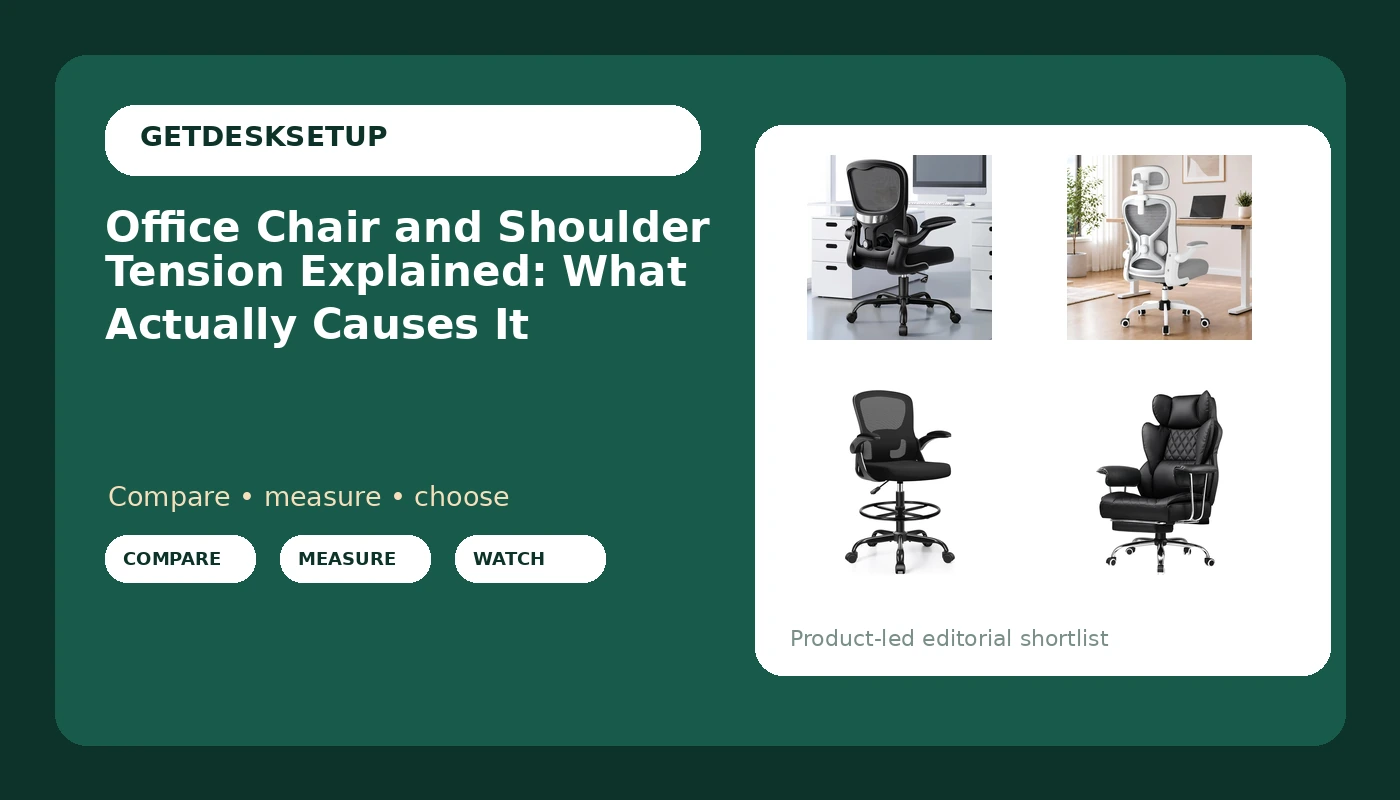
| ALLGOD Ergonomic Office Chair, Mesh Ergonomic Desk Chair with Adjustable Lumbar Support, Flip-up Armrests | Mesh comfort with arms that can move out of the way | Adjustable lumbar support plus flip-up armrests, listed at 300 lbs |
| Ergonomic Office Chair for Long Hours and Back Pain, 3.5" Cushion, 330 LBS | Long seated days where cushioning matters more than airflow | A 3.5 inch cushion and a 330 lb listing |
| Drafting Chair Tall Office Chair for Standing Desk with Flip-up Arms, Foot Ring & Adjustable Lumbar Support | Standing desk work and tall studio seating | Tall seat range, foot ring, flip-up arms, adjustable lumbar support |
| GTPLAYER Gaming Chair with Pocket Spring Lumbar Support, Fixed Soft Armrests and Footrest | Reclined work with a built-in footrest | Pocket spring lumbar support, fixed outward armrests, footrest |
Mesh and adjustable lumbar: ALLGOD Ergonomic Office Chair
For the shoulder question, the armrest is the part that matters, and flip-up arms solve one specific problem: they get out of the way. If your seated elbow height falls below the lowest armrest setting on a fixed chair, the usual answer is to remove the arms, and this design lets you do that without tools and without leaving the chair looking unfinished. The adjustable lumbar support is the second useful piece, because where the curve presses decides how far forward your pelvis rolls and how much of your upper back ends up rounded. Listed at 300 lbs. Skip it if you want a headrest for reclined work or a footrest, since neither is part of this chair's description.
Deep cushion for long sessions: Ergonomic Office Chair for Long Hours and Back Pain
A thick cushion changes the shoulder story in one specific way: it raises your seated height, and it holds its shape longer, so the seat height you set on day one stays closer to the seat height you get in month six. That matters because the armrests are attached to the chair, and a cushion that compresses changes the distance between your elbows and the desk. The 330 lb listing is the number to check against your own weight with margin. Skip this one if you run warm, because a 3.5 inch cushion holds more heat than a mesh seat, and skip it if you need flip-up arms, since the description centers on the cushion and the rating rather than on the armrest hardware.
Standing desk height: Drafting Chair Tall Office Chair for Standing Desk
A tall chair and shoulder tension interact through the foot ring. Raise a seat and your feet leave the floor, and a chair that leaves your feet dangling makes you brace with your legs, which shows up as tension in the hips and then in the upper back. The foot ring gives you something to push against. Flip-up arms matter here more than on a standard chair, because a tall seat often pairs with a desk at standing height, and the arms have to clear the desk edge rather than fight it. Skip this one if your desk sits at a standard sitting height. A tall drafting chair puts your elbows above a fixed-height desktop, and no armrest adjustment fixes that. Check the caster type against your floor too, since a rolling chair on a hard floor travels farther than one on carpet.
Fixed arms and a footrest: GTPLAYER Gaming Chair
Fixed armrests are the single most important fact for shoulder tension on this chair. You cannot lower them, so the fit question becomes arithmetic: measure your seated elbow height with your shoulders relaxed and compare it to the armrest height before you commit. If the arms sit above your elbows, your shoulders will rise to meet them every day for as long as you own the chair. The outward sweep gives you more room at the hips and keeps the arms off your sides, and the footrest lets you recline without your legs hanging. Skip it if you already know your seated elbow height falls below the fixed arm height, and skip it if you want mesh rather than PU leather in a warm room.
Prices and availability may change. Product images, names, and retailer links are matched to verified listings. No current price, rating, stock status, or measured result is stated here without current evidence.
How office chair and shoulder tension actually starts
The chain is short and mechanical. Your pelvis sits on the seat pan. If the pan is too long, the front edge presses the back of your knee and you slide forward to relieve it. Once you slide forward, your ischial bones land behind your lumbar curve, your back leaves the lumbar support, and your thoracic spine rounds. A rounded thoracic spine rolls the shoulder blades forward and up, and the muscles that hold your head against gravity now work from a worse angle. That is the office chair and shoulder tension link in one paragraph.
Armrest height does the other half of the work. Rest your forearms on the desk and your elbows settle at a height. If the armrests sit above that, your shoulders shrug to reach them. If they sit far below, you stop using them and your forearms hang, which loads the elbow and wrist instead. The distance between the two armrests matters as well: arms that pinch your sides push your shoulders forward.
Recline and tilt tension decide how much your trunk has to do. A chair locked fully upright makes your back muscles hold the whole load. A chair with the tilt tension set too light lets you curl forward over the keyboard. Set it so the chair holds you at a slight recline without you pushing back against it.
A headrest that pushes your head forward is worse than no headrest, because the neck extensors tighten and the shoulders follow. And casters are the piece people ignore. If the chair rolls away when you lean back, you grip the floor with your feet and brace your whole trunk. On a hard floor that happens more than on carpet, and if you cannot stop the roll, you spend the day fighting it.
The practical version: a desk chair and shoulder tension fix that costs nothing is lowering the armrests to elbow height or taking them off entirely. An ergonomic chair and shoulder tension relationship is not automatic either. The word on the listing does nothing; the adjustments do. And if you cannot state your seat depth in inches, task chair and shoulder tension complaints will keep coming back, because you are guessing at the one measurement that decides whether your back ever reaches the lumbar support.
Setting the chair up in the right order
- Seat height first. Set it so your feet rest flat and your knees sit at roughly a right angle. If your desk is fixed and the chair cannot reach the height your elbows need, the desk is the problem, not the chair.
- Seat depth second. Aim for two to three fingers of clearance between the front edge of the seat and the back of your knee. If there is none, the pan is too long for your thigh, and no lumbar support will help until that changes.
- Armrest height third. Shoulders down, elbows near 90 degrees, armrests just touching the underside of the forearm. If they cannot go that low, flip them up or remove them.
- Recline and tilt tension fourth. Start near upright and loosen until the chair holds you with your back muscles quiet.
- Headrest and casters last. Adjust the headrest so it touches the back of your head without pushing it forward, and check that the chair stays put when you push back. Swap casters if the chair runs away on a hard floor.
A ten minute setup routine
- Measure first, shop second. Seated elbow height and seat depth in inches, before you compare anything.
- Set the desk height after the chair, not before. The chair defines where your elbows land.
- Move the mouse and keyboard closer than feels necessary. Reaching forward pulls the shoulder blade with it.
- Take the armrests off if they will not go low enough. An armrest that lifts your shoulder is worse than no armrest.
- Re-check at the end of the week. Cushions compress, tilt tension drifts, and casters collect hair and stop rolling.
For the desk half of this problem, see monitor height and neck strain, and if you work standing for part of the day, standing desk wobble at full height covers what to test before you trust the frame.
Which option should you choose?
Choose the ALLGOD Ergonomic Office Chair when you want mesh, an adjustable lumbar support, and armrests you can flip out of the way, and you do not need a headrest or a footrest. Choose the Ergonomic Office Chair for Long Hours and Back Pain when the length of the session matters more than airflow and you want a thick cushion with a 330 lb listing. Choose the Drafting Chair Tall Office Chair for Standing Desk when your desk sits at standing height and you need a foot ring and flip-up arms to match it. Choose the GTPLAYER Gaming Chair when you want a footrest and pocket spring lumbar support, and you have already confirmed that its fixed armrest height lands at or below your seated elbow height.
None of this replaces the rest of the setup. A chair cannot fix a monitor placed too low, a keyboard you have to reach for, or a mouse parked at the far corner of the desk. It also cannot fix a desk at the wrong height, which is why the desk measurement comes before the chair purchase. And this page states no current price, rating, or measured result for any of these chairs; check the listing for that.
The bottom line
Shoulder tension from a chair is a fit problem with three numbers behind it: your seated elbow height, your seat depth, and your seat height. Get those three right and most of the shoulder load disappears without spending anything. Get them wrong and no badge on a listing will help. Treat office chair and shoulder tension as a measurement problem and you will stop buying chairs by feel.