Every cable problem on a home office desk comes down to one question, and it is not which brand you buy. It is adhesive vs clamp cable clips, and which of the two your desk surface can actually take. I have watched a cheap pack of sticky clips hold a monitor arm's cable for years on sealed laminate, and I have watched the same pack let go in two months on a desk with a textured finish and a space heater pointed at the leg. The clip did not change. The surface did.
Related: Cable Management Trays: What Actually Holds Weight Under a Desk
The short answer: use adhesive clips for light, fixed runs you can reach with your hand, and use a clamp or screw-mounted solution for anything that moves, carries weight, or lives where you cannot see it. Adhesive is a chemistry problem, and chemistry fails slowly and quietly. Clamp is a mechanics problem, and mechanics fails loudly and once. That distinction decides most of the buying questions I get, and it is why the four products below do not compete for the same job.
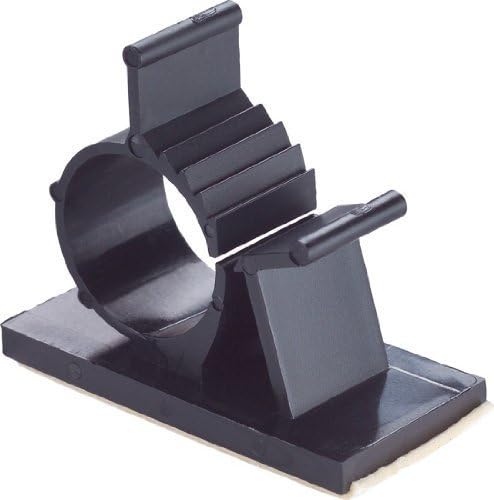
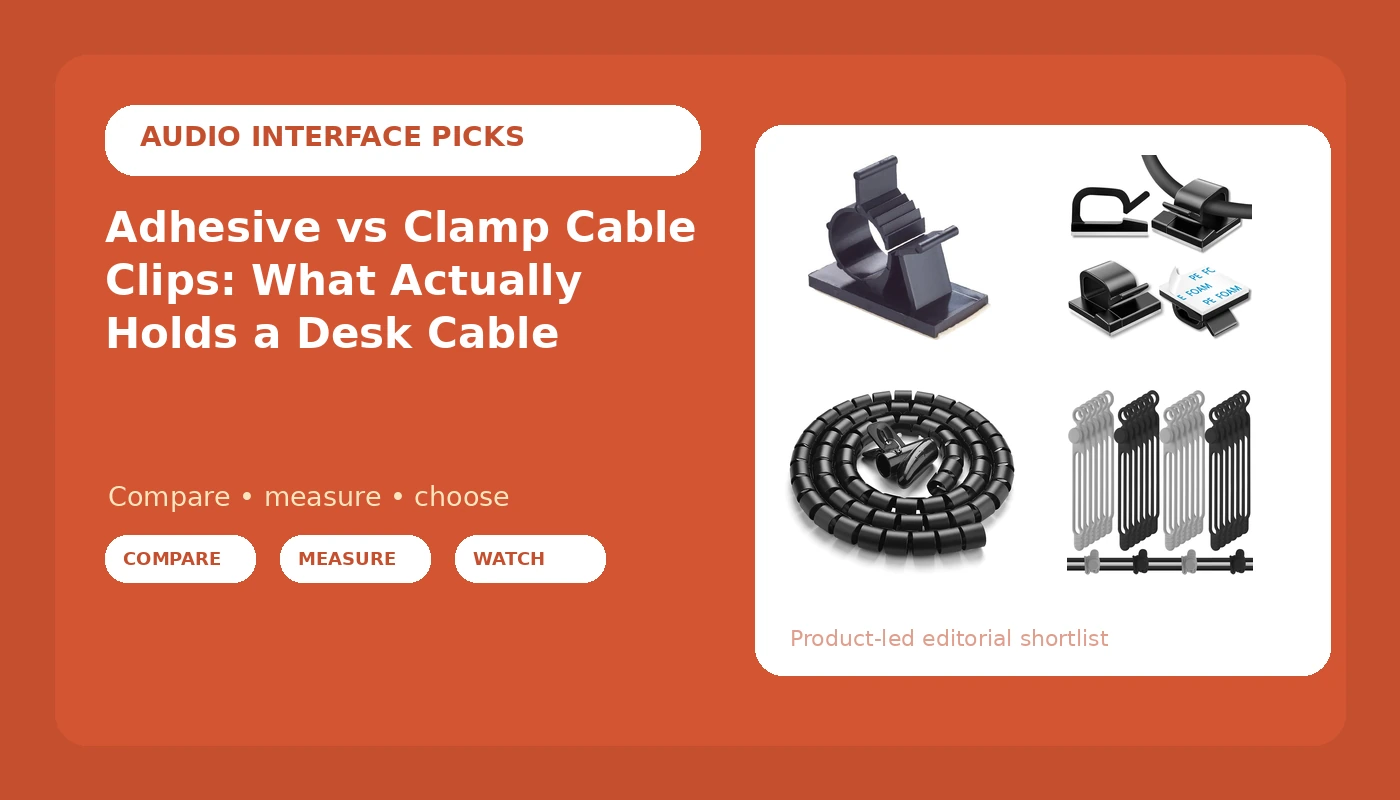
GBSTORE 25 Pcs UVB Plastic Kwik Clips Black Adhesive Backed Nylon Wire Adjustable Cable Clips
Adjustable jaw lets you add or swap a cable without pulling the base off the desk
The base is still adhesive, so textured, dusty, or sun-hit surfaces beat it
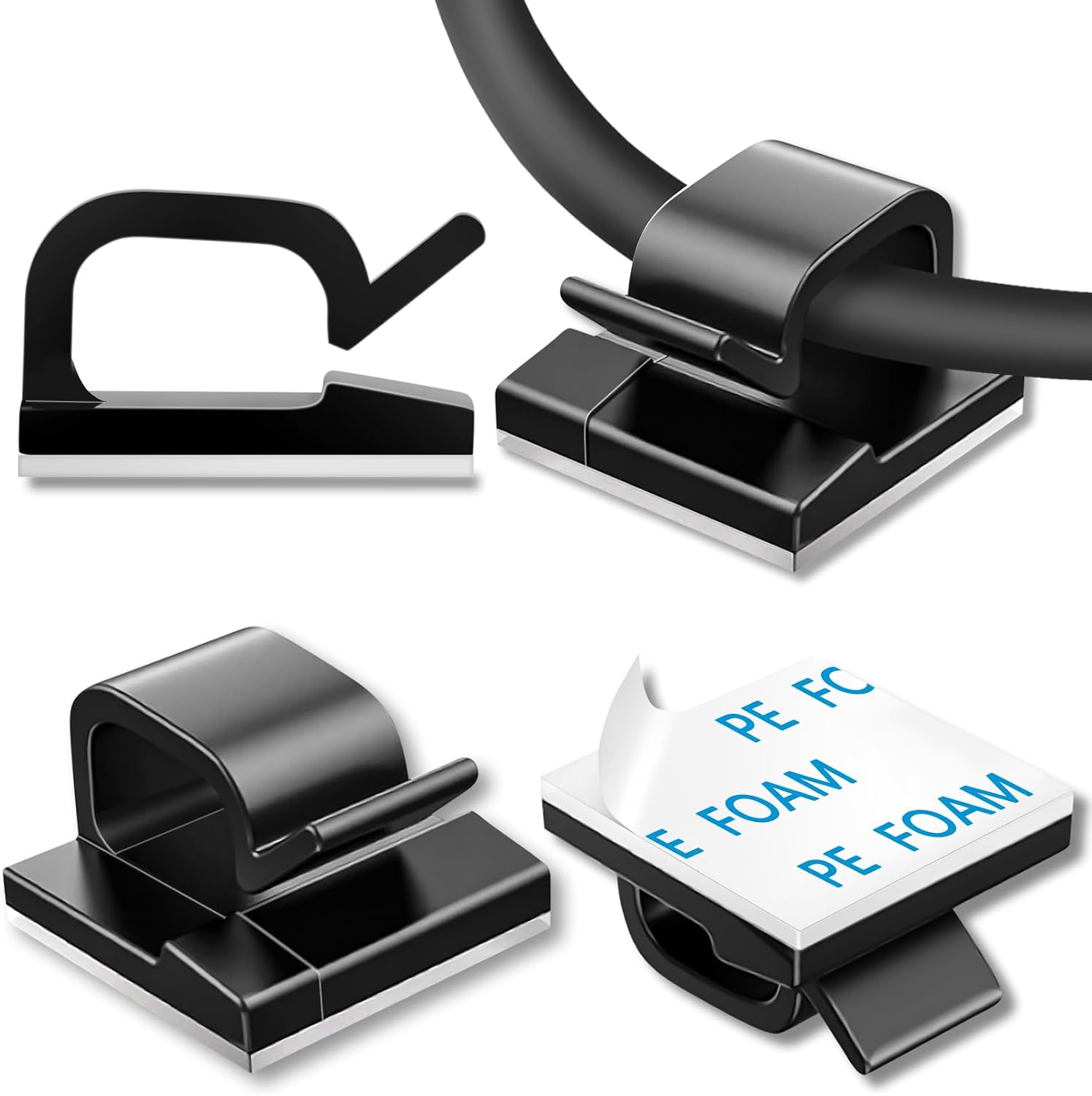
100 Pcs Cable Clips, Adhesive Cable Organizer Cord Holder Wire Clip Wire Management Self Adhesive Hooks Wire Holder for Office, Home (Black)
Enough clips to space a run every few inches and still have spares
Fixed loop means cables get threaded before loading, so swaps are a chore
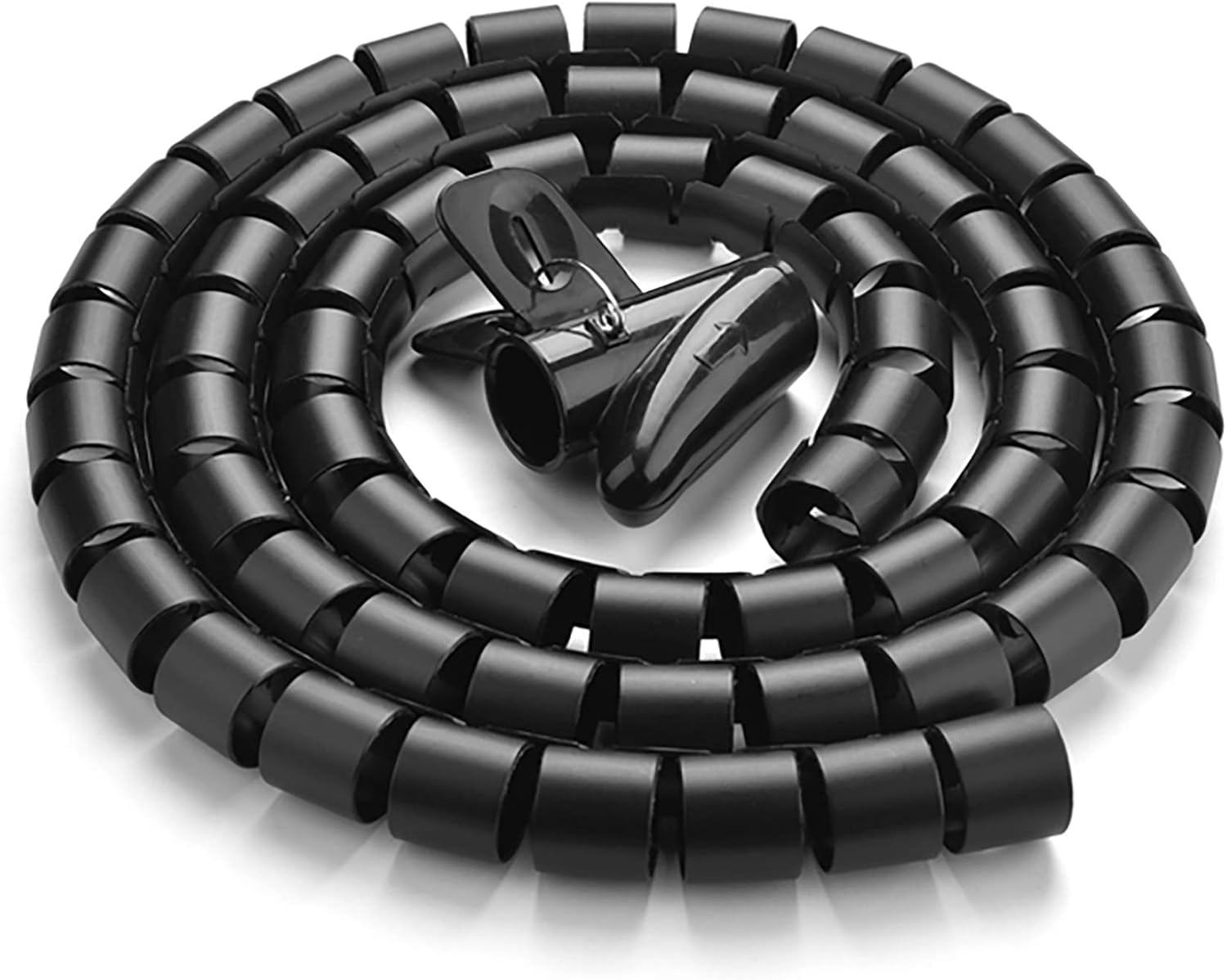
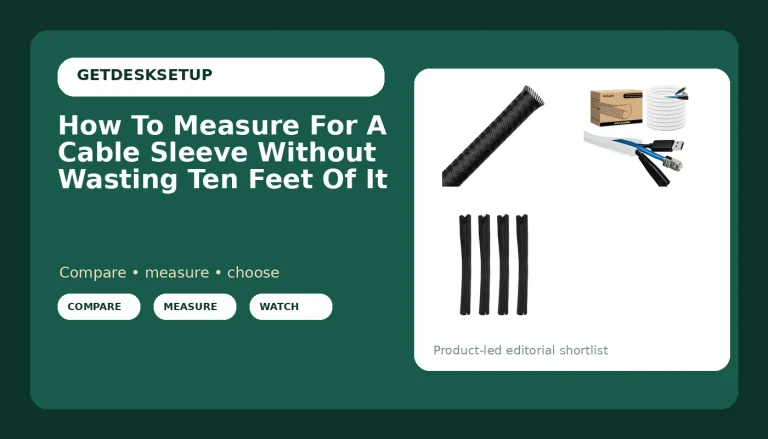
10FT Cable Management Sleeve EZ Cord Bundler 1" Diameter w/Zip Clip Zipper Wire Wrap Cord Organizer Cable Tube Hider Flexible & Expandable Home & Office Wire Concealer for PC TV Computer Cinema
Turns four cables into one clean line, and the zipper lets you add a cable later
Ten feet is the hard limit, and it hides individual cables when you troubleshoot
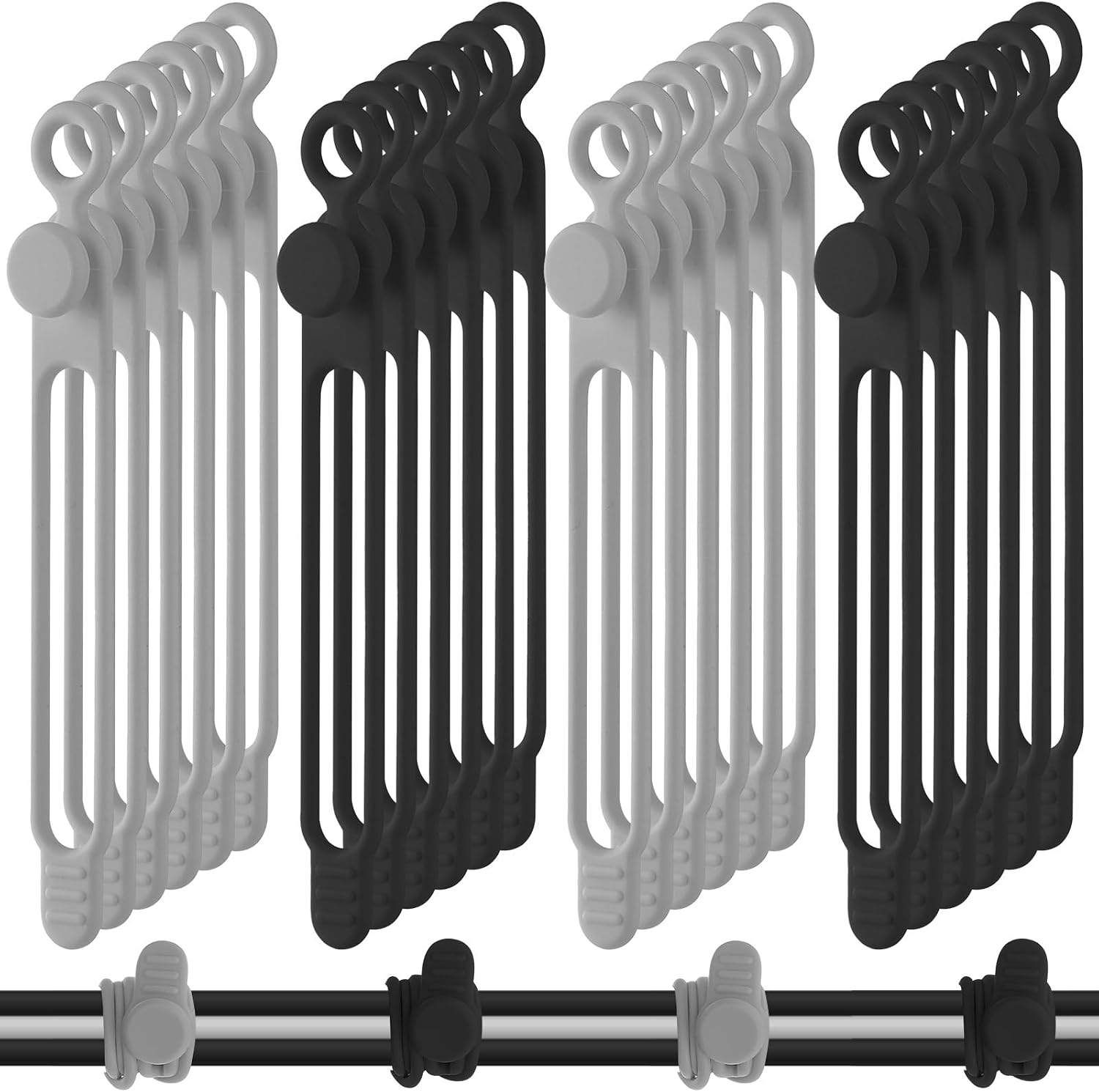
Nuanchu 40 Pcs Silicone Cable Ties, 4.17 Inch, Black, Gray
Reusable, no residue, ideal for coils, pivots, and the bundle you unplug daily
It does not attach to a surface, so it cannot replace a clip
Prices and availability may change.
The adhesive vs clamp cable clips decision: load, motion, reach
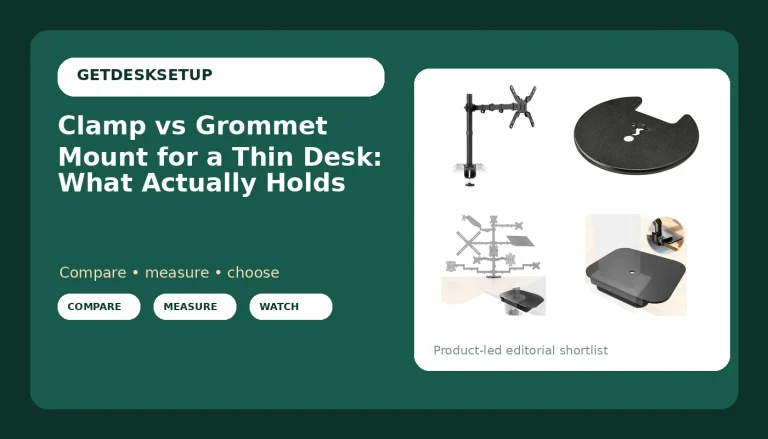
An adhesive clip is a peel-and-stick base with a loop or jaw on top. A clamp clip grabs the desk itself, through a C-clamp, a screw plate, or a rail bolted to the underside. Some products, including one of the four here, are both at once: an adhesive base carrying an adjustable clamp jaw.
The difference between adhesive and clamp cable clips is not strength, it is where the load goes. An adhesive joint on a desk holds well in shear, which is force pulling sideways along the surface, and badly in peel, which is force pulling up at an angle. Every cable that moves converts shear into peel. That is why a sticky clip under a static keyboard cable lasts years while the same clip next to a monitor arm pivot gives up in weeks.
Clamp mounts convert the same load into compression against the desk. They do not care about dust, texture, or heat. They care about one thing: whether there is a lip, rail, or edge thick enough to grab. Desk thickness matters here. Most under-desk clamps want somewhere between half an inch and two inches of material, and a hollow-core or honeycomb top can crush before the clamp is fully tight.
One more thing I tell every client: a clamp mount needs a lip or a rail, and on a desk narrower than 42 inches you usually get one usable edge, so plan the run before you buy hardware. On a wide desk you get two, which is the difference between a neat run and a run that crosses the leg.
How I judge a clip before it goes on a desk
Four checks, in this order:
- Surface. Sealed laminate and painted metal hold adhesive. Open-grain veneer, textured plastic, and anything with a factory soft-touch coating do not. If a fingernail catches on the finish, adhesive is a gamble.
- Load and motion. Count the cables, then ask which ones move. A single HDMI that never budges is a different problem from a USB-C you plug in twice a day.
- Reach. If you cannot get a hand behind the desk to press a clip down, you are installing blind, and blind installs fail more often than bad products do.
- Removal. Adhesive that holds for three years also takes the finish with it when it lets go. On a desk you plan to sell, that matters.
That is the whole framework. It is also why the products below land in different slots instead of ranking first through fourth. Cable management is not one job. It is bundling, mounting, and routing, and they fail for different reasons.
The adhesive clips: where they earn the spot
The adjustable adhesive clip
The GBSTORE pack is the one I reach for first, and the reason is the mechanism rather than the adhesive. The jaw opens and closes, so you can add a cable to a run without pulling the base off the desk. That single feature changes the failure mode. A fixed-loop clip forces you to plan the whole bundle before you stick anything down, and it punishes you every time you swap a cable.
Twenty-five pieces covers a full desk with a spare drawer left over. Nylon bodies survive being flexed open repeatedly, which is the part that usually snaps on cheap clips. The adjustable range also means one product handles a thin charging cable and a thick DisplayPort jacket without a second order.
Where it loses: the base is still adhesive, so all four checks above apply. On a sit-stand desk, put these on the frame or the leg, not the underside of the moving top, and never within a few inches of the monitor arm's pivot.
The bulk fixed-loop clip
The 100-piece pack is the volume play: fixed self-adhesive hooks, no jaw, no adjustment. You thread the cable through, which means you install them before you load them.
Buy this one for spacing, not for count. A 60-inch run of three cables wants a clip every six to eight inches, so maybe ten clips, plus a few on the vertical drop to the floor. The other ninety are insurance against the day you redo the run, move the desk, or decide the printer belongs somewhere else. At this price per piece, over-placing is cheaper than under-placing.
Where it loses: fixed loops and sticky bases. Once a cable is threaded, swapping it means unthreading the whole run. And the same adhesive caveats apply, so clean the surface first and give the pads time before you load them.
The bundle: a cable sleeve
The 10-foot zip sleeve is a different category. It does not hold a cable to a desk, it turns four cables into one line. If the run from the desk to the wall is visible, this is the product that changes how the room looks.
The zipper is the feature that matters. A closed sleeve is a one-time decision. A zip sleeve lets you add a cable in a year without cutting anything. One inch of diameter holds a typical monitor bundle with room to spare, and the expandable weave swallows the extra without bulging.
Where it loses: ten feet is the hard limit, so measure the run before you order. It also traps heat, which is fine for data cables and less fine around a powered hub. And it hides problems: when a cable dies, you open a zipper and sort through a bundle instead of tracing one line. Treat a cable sleeve as a finish product, not a troubleshooting aid.
The reusable ties
The Nuanchu silicone ties are not clips, and they should not be sold as such even though they turn up in the same search results. Forty pieces, 4.17 inches, reusable, no adhesive, no residue.
Their job is the coil behind the desk, the loop at the arm's pivot, and the bundle you unplug every time you take the laptop somewhere. Silicone does not scratch a cable jacket, does not hold a memory the way a twist tie does, and does not leave the sticky film that tape leaves behind.
Where they lose: they do not attach to anything. If you need a cable held flat against a surface, a tie will not do it. Keep heavy runs supported too, because a power brick hanging in mid-air will pull a silicone tie straight.
Where clamp mounts still win
Anything that moves. A standing desk changes its cable geometry every time it rises, and each of those cycles pulls on every adhesive joint in the run. The same is true of a monitor arm, a keyboard tray, and a rolling cabinet the run passes near. Related: Standing Desk Cable Routing at Full Height.
Anything carrying weight. A power brick, a dock, a stiff DisplayPort cable: all of these want a screw plate or a clamp, not a sticky pad. Adhesive is rated for a load it never sees on a moving desk.
Anything you cannot reach. If a clip goes under the desk where you will never see it again, pay for the mechanical version. You will not notice it fail until the cable is on the floor.
The honest trade: clamp hardware costs more per point of contact, takes longer to install, and leaves a hole if you remove it. Adhesive costs almost nothing, installs in seconds, and leaves a mark. Neither is better in the abstract. If you are comparing clamp cable clips vs adhesive purely on price per clip, you will pick the sticky ones every time and then replace them every year.
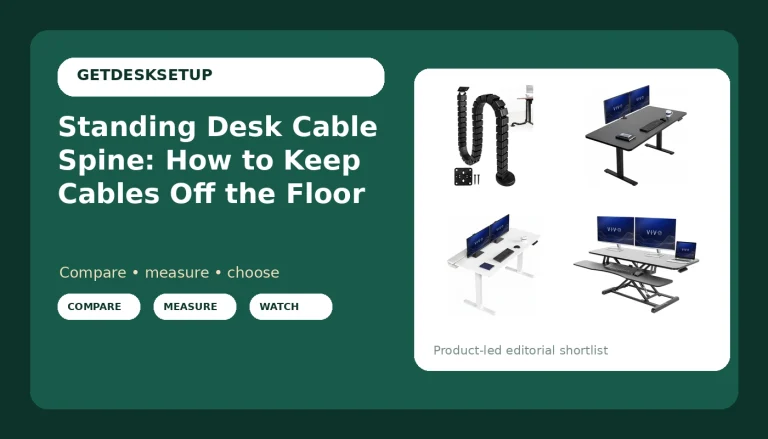
If you want a mechanical run without drilling, a clamp-on raceway that bolts to the desk frame is the middle path. It holds like a screw mount and removes like a clamp, and it gives you a channel wide enough for a bundle instead of one cable at a time.
The room decides more than the clip does
Three things in the space change whether an adhesive clip survives:
- Chair mat thickness and density. A thick mat on carpet lets the desk legs settle unevenly, and a desk that rocks pulls every run with it. Thin, dense mats sit flatter and keep the desk square.
- Footrest angle. If you adjust a footrest forward, your shins land right where the cable run drops off the desk edge. Route the drop along the desk leg instead of letting it hang free.
- Desk lamp lumens. You cannot press a clip you cannot see. A lamp with real output, or a phone light, is part of the install kit, not a luxury.
Heat is the other variable. A space heater under the desk or direct afternoon sun through a window will soften adhesive long before the cable load does. If either applies to your room, plan on mechanical mounting for the runs on that side of the desk.
Who should skip each one
- Skip the adjustable adhesive clips if your desktop has an open grain, a soft-touch coating, or sits in direct sun. Go screw-mounted and stop guessing.
- Skip the 100-piece pack if you have one desk and no plans to move it. You will use ten and store ninety.
- Skip the zip sleeve if your longest run is over ten feet, or if you troubleshoot cables often and need to see them individually.
- Skip the silicone ties if what you actually need is a cable held flat against a surface. They bundle, they do not mount.
- Skip adhesive entirely on the moving section of a sit-stand desk. Every up-and-down cycle is a peel test.
The install order
This is the part people get wrong, and the order is the same every time:
- Measure the run and dry-fit the clips before anything sticks.
- Clean the surface with isopropyl alcohol and let it dry completely. Dust and skin oil are the two most common reasons adhesive fails early.
- Mount the mechanical pieces first, clamp or screw, then load the cables, then tighten. Reversing that order is how desktops crack.
- Place the adhesive clips, press and hold each one, and give them time before loading. Most manufacturers say a full day. Believe them.
- Leave slack at both ends of every run, especially at the monitor arm and at the floor drop.
- Move the desk to standing height and check every clip at the top of its range. Do this before you trust it, not after.
Whether you go adhesive or clamp cable clips, the run fails at the same place: the end nearest the thing that moves. That is where the slack goes, and that is where the mechanical hardware goes.
Bottom line
For a single home office desk, one pack of adjustable adhesive clips plus a set of reusable ties covers almost everything, and the sleeve is the upgrade for whatever run is visible from the doorway. Add a clamp or screw-mounted point of contact at the monitor arm and at the desk frame, because those are the two places where the cable actually moves.
The adhesive vs clamp cable clips question is not about brand and it is not about price. It is about load, motion, and reach, and once you answer those three you will know which one belongs on your desk in about a minute.