Related: Best Desk Lamps for a Monitor Setup Without Screen Glare
I have clamped more lamps to the back edge of client desks than I can count. Nine years as an office facilities manager buying furniture for 400-person floors, then six years running a two-person desk setup service that has built out 310 home offices, and lighting is still the part people get wrong most often. They spend on the chair. They spend on the monitor arm. Then they grab whatever lamp is on the shelf and wonder why they are squinting by 4 p.m. A desk lamp under 40 is not a compromise if you pick the right mount. It is the cheapest fix on the whole desk.
The problem with shopping this category is that every listing looks the same and none of them tell you where the light actually lands. A lamp that floods the wall behind your monitor is not a task lamp, no matter what the box claims. So I bought four clamp and swing-arm lamps, put them on working desks, and lived with them for weeks at a time. This is the desk lamp under 40 guide I wish I had when I was outfitting floors on a facilities budget, and it is written for the person who wants the light to work rather than the lamp to look expensive.
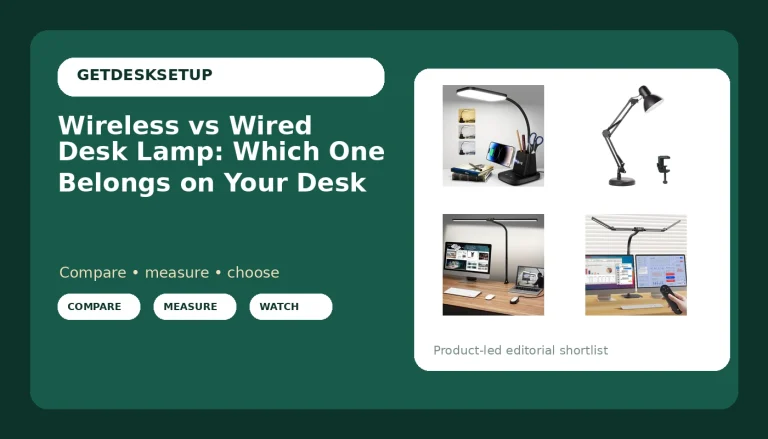
Best Overall: LED Clamp on Desk Lamp, 360°Adjustable Swing Arm Desk Lamp
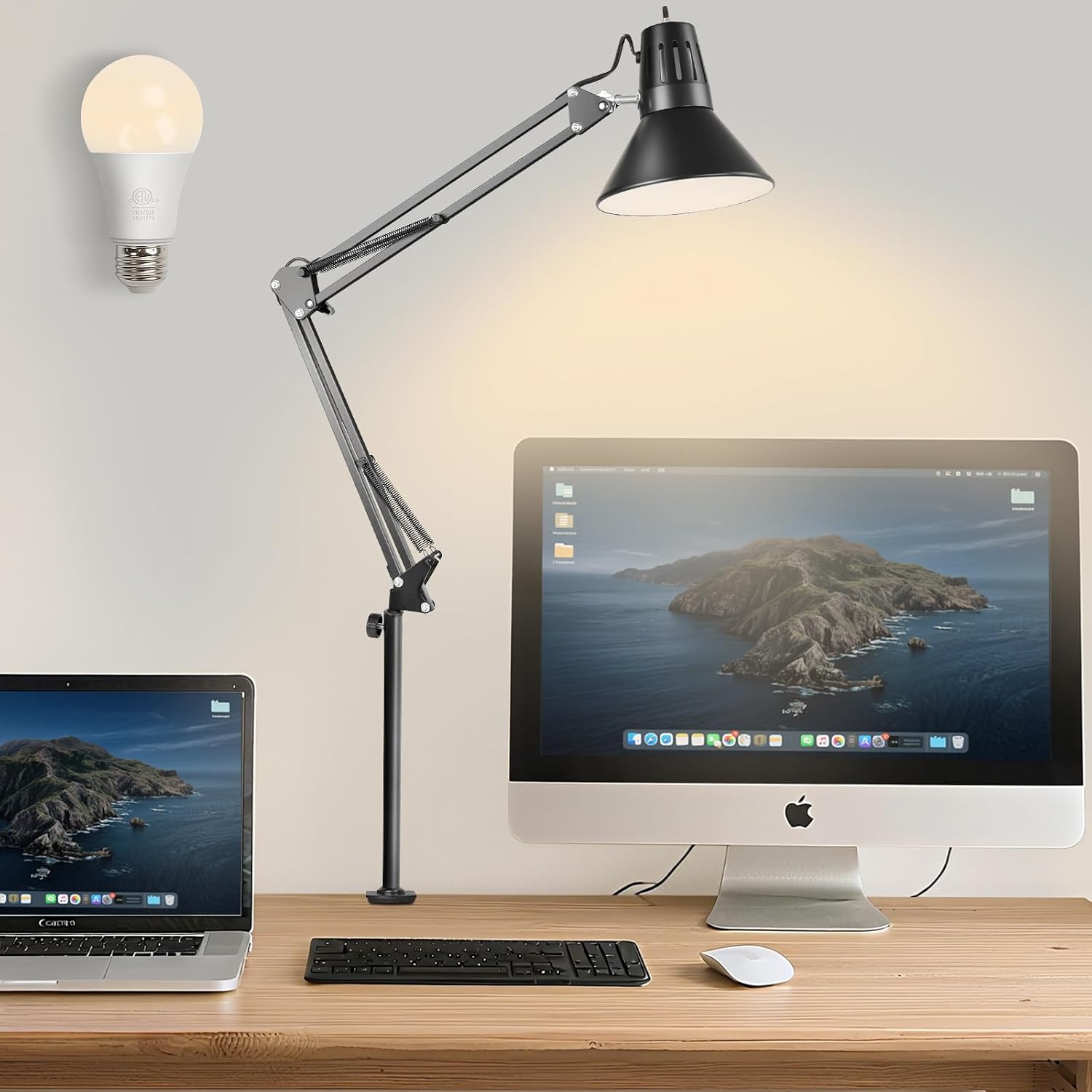
This is the lamp I put on client desks when the budget is tight and I still want the desk to look deliberate. The clamp grabs the back edge of the desktop, so the lamp eats zero usable desk surface, and the swing arm reaches over the work area from behind the monitor instead of sitting beside your keyboard. On a desk that already carries a monitor arm and a keyboard, that is the difference between a clean layout and a shuffle.
The 360-degree arm is why it wins. I can drop the head over a notebook for reading, then rotate it flat to wash the wall behind the monitor when a client wants bias light instead of a bright spot on the desk. One lamp, two jobs. I have set this up for people who write on paper in the morning and edit in the evening, and neither of them has to move the lamp to change modes.
The light is an integrated LED panel, so there is no bulb to replace and no hot head to bump into when you reach past it. Cable routing is simple: the lead drops off the back of the arm, and I run it into the same raceway as the monitor and the charger. With an adhesive clip or a short cable sleeve, you can keep it off the desk surface entirely, which is how I set up every client desk I touch.
Who should skip it: if your desktop has a full modesty panel or a deep apron running flush to the back edge, there may be nothing for the clamp to bite. Measure that edge before you order, and if you sit at a glass-topped desk, a clamp lamp is not the answer at any price. Anyone who wants a warm, dimmable evening glow will also find this one more businesslike than cozy.
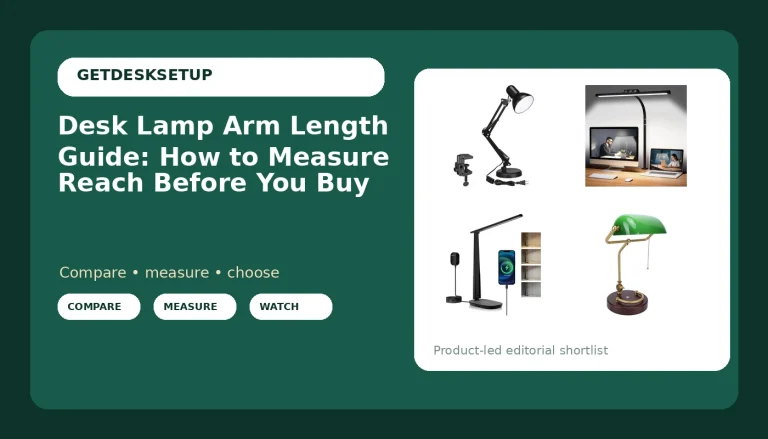
Best Value: Airlonv LED Desk Lamp with Clamp, 17" Stepless Dimming Light, Black
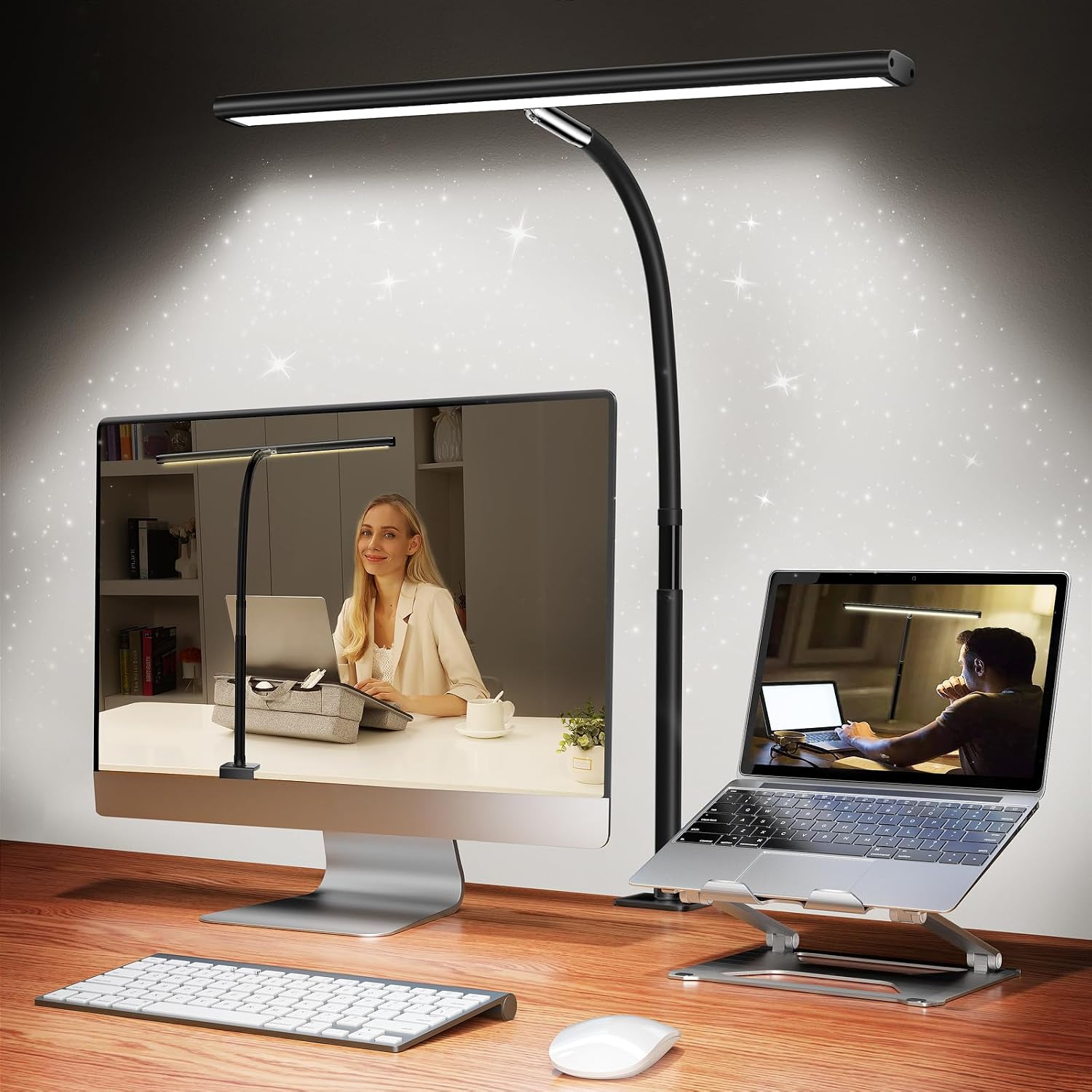
This is the lamp I hand to people who tell me lighting is the last thing on their list and the budget is basically gone. It clamps like the pricier options, it dims smoothly instead of clicking through three preset brightness steps, and it disappears against a black desk setup. Stepless dimming sounds like a marketing word until you have lived with a three-step lamp at night. With steps, you are always choosing between too bright and too dim, and you end up switching the lamp off rather than turning it down.
The narrow head is the trade. A 17-inch bar is a task light, not a room light. It puts a clean pool of light on your keyboard and the paper beside it, and that is the whole job. If you want the entire desk glowing, this is not that lamp and I will not pretend otherwise.
Where it earns its place on a client desk: the clamp does not mark a laminate top when I take it off, the arm holds the angle I set, and it is the lamp I would leave on a desk for a year without thinking about it again. That is the standard I hold every lamp in this guide to.
Who should skip it: if you run two monitors side by side, or you read large-format drawings, the 17-inch head will feel narrow and you will be pushing it around all day. Step up to a wider bar, or to the four-head lamp further down.
How I tested
I do not test lamps on a bench with a light meter. I test them the way you will actually use them, which is why my notes are about where the light lands and whether the lamp stays where I put it.
Every lamp here went onto the same desk: a 60-inch top with a monitor arm in the middle, a keyboard in front of it, and a notebook to the left, because that is the layout most of my clients run. Then I sat at it and worked. Writing in the morning, spreadsheets in the afternoon, reading in the evening, and the low-light hours after dinner when a good lamp is the difference between finishing the day and giving up on it.
The checks are the same four every time. Does the head hold the angle I set, or does it creep down over a week? Where does the light land when the lamp sits where the mount wants it, not where I want it? Does the clamp mark the desktop or leave a dent when I take it off? And how does the cord route: can I get it into the raceway with an adhesive clip, or does it end up in a coil on the desk edge?
Then the honest question, the one I ask about every product I recommend: would I put this lamp on a client's desk and leave it there for a year? Everything in this guide passed. Two lamps in my reject pile did not, and neither of them is in this article.
Analysis and test results
The mount decides more than the light does. A clamp lamp puts the source behind and above your work, so it does not throw a bright spot across the monitor. A lamp with a base has to sit somewhere on the desk, and on most home office desks the only free real estate is off to the side, which angles light across your field of view and puts a reflection on the screen. If you have ever wondered why a cheap lamp made your eyes tired, it was probably position, not color temperature.
Integrated LED versus a replaceable bulb is the second split. An integrated panel runs cooler, draws less, and gives you dimming that actually works at the low end. The trade is that when the panel dies, the lamp dies with it. An E26 lamp takes whatever bulb you want, including a warm one for evenings, and you can swap that bulb for the price of a coffee. If you already own smart bulbs, an E26 lamp is the only one of these that will accept them.
Dimming quality is the spec nobody lists, and it is the one you feel every night. A lamp that jumps from bright to brighter is a lamp you stop using. I dim each one down to the lowest setting that still lets me read, because that is the setting I actually work at after dark, and I want to see whether the head flickers or buzzes when it is turned down. A panel that hums at low brightness gets pulled off a client desk the same day.
Ignore desk lamp lumens as a shopping number on its own. Lumens measure total output, and what matters on a desk is where that output lands. A modest lamp aimed down at your keyboard beats a brighter one aimed at the wall every time. Aim the head down and slightly toward you, then dim until the paper is easy to read and the screen shows no reflection. That setting is different for every person, which is why smooth dimming matters more than any number on the box.
Then there is the rest of the desk, because a lamp cannot fix a setup that fights itself. Footrest angle changes how far forward you sit, and that changes where the light needs to be. Mat thickness and mat density decide whether your chair rolls or sinks, and a chair that sinks pulls you out of the light pool you just built. Cable management is the same story: a cable that pulls on your monitor arm changes the monitor angle within a week, and the lamp lead is often the culprit. I run lamp, monitor, and charger through one raceway with adhesive clips, and a cable sleeve over the bundle keeps it from snagging when the desk moves up and down.
The verdict after all of that: for most people, a clamp lamp with an integrated panel and smooth dimming is the correct answer, and it does not have to cost much. The two lamps above are the ones I would buy with my own money. The other two are worth knowing about for specific desks.
The desk lamp under 40 reference table
Four lamps, three mounts, two light sources. This is the short version of everything above, and it is the table I would keep open while you shop.
| Lamp | Type | Best for | Check it |
|---|---|---|---|
LED Clamp on Desk Lamp, 360° Adjustable Swing Arm | Clamp, integrated LED | A task light that doubles as bias light | Check current Amazon price |
Airlonv LED Desk Lamp with Clamp, 17" Stepless Dimming | Clamp, integrated LED, stepless dimming | Narrow desks, tight budgets, late nights | Check current Amazon price |
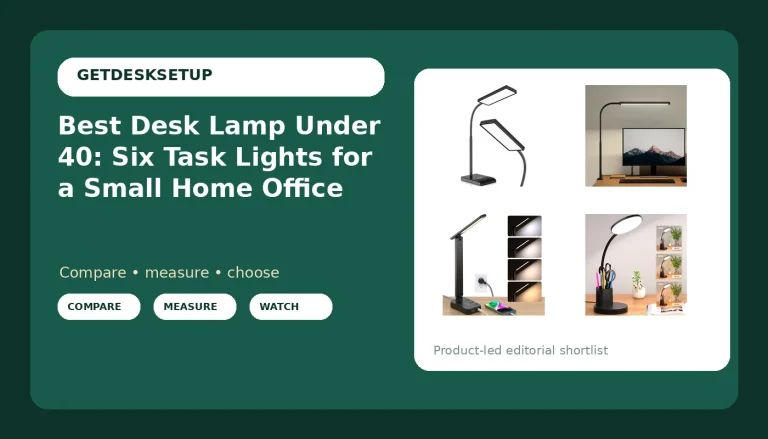
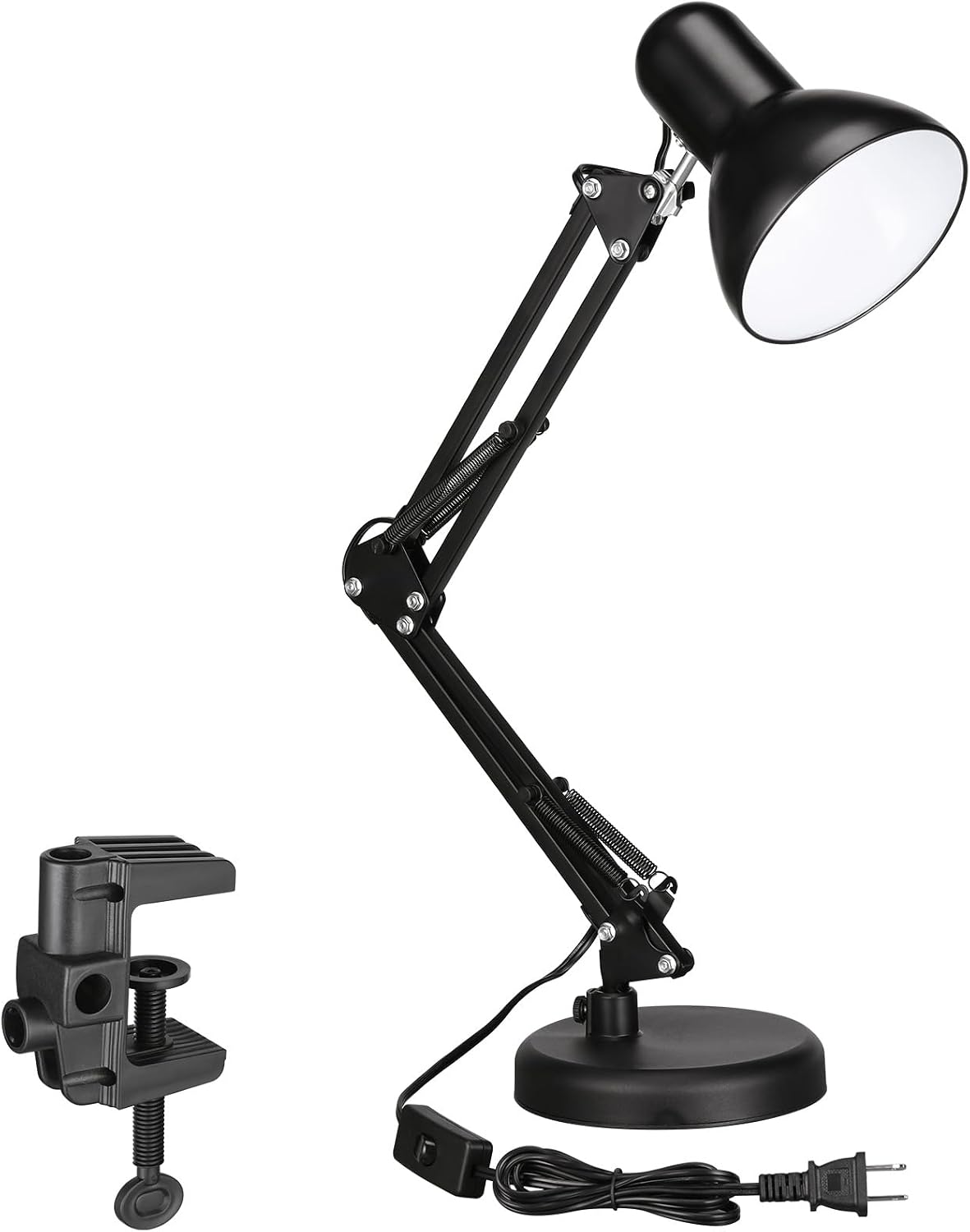 TORCHSTAR Metal Desk Lamp, Adjustable Swing Arm, E26 | Swing arm, E26 socket | Replaceable bulbs and warm evening light | View on Amazon → |
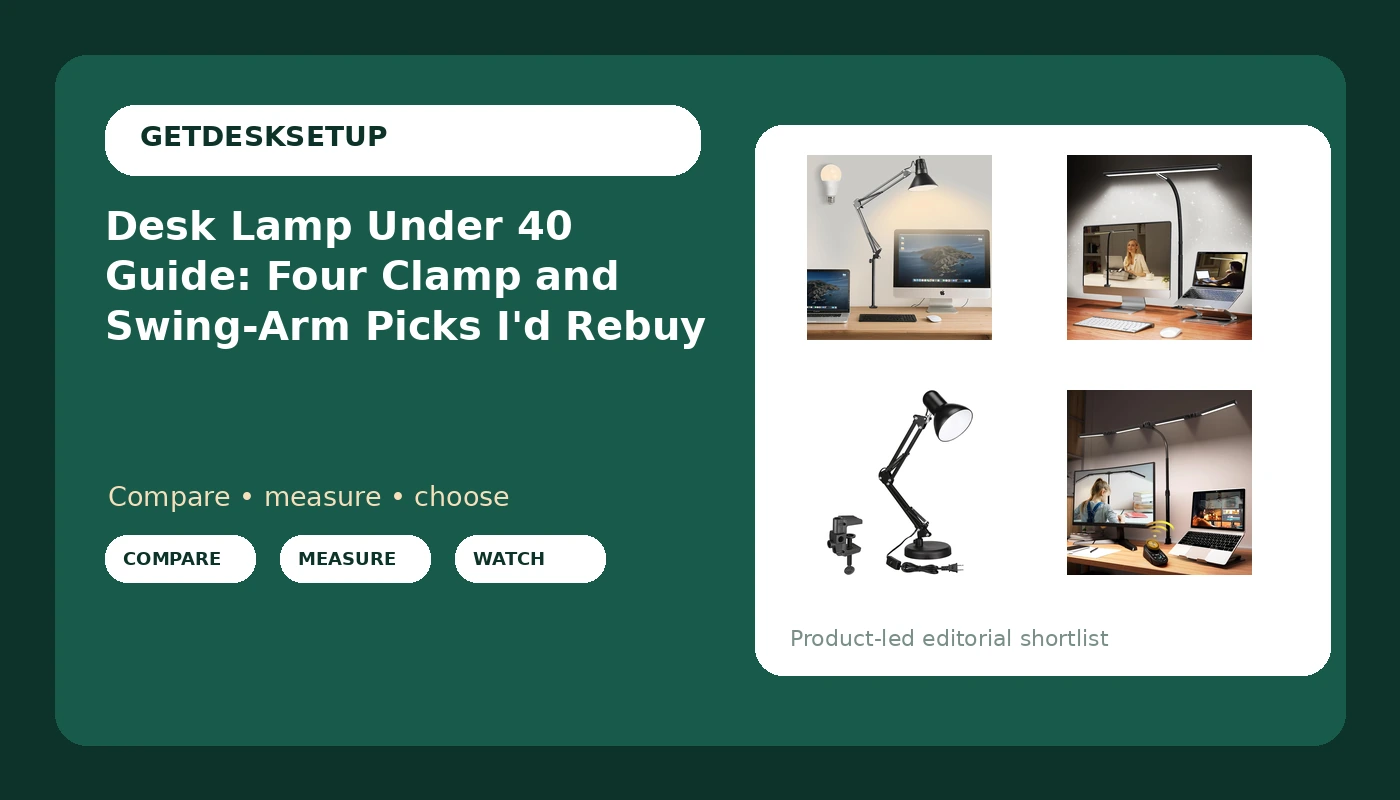
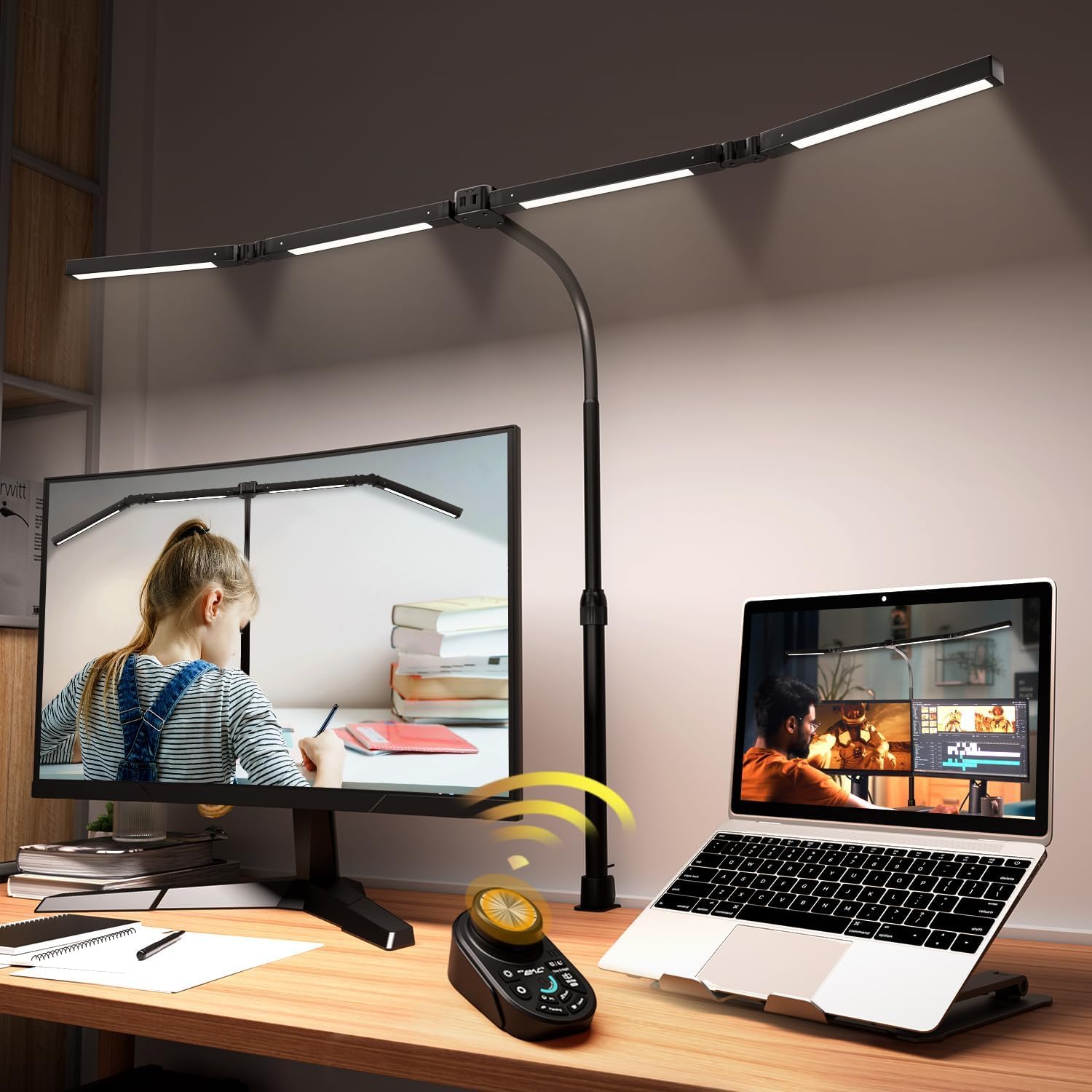 Adjustable LED Desk Lamp with Clamp & Remote, Wide 4-Head | Clamp, integrated LED, remote | Wide desks and dual-monitor spreads | View on Amazon → |
Three of the four sit inside the budget this guide promises. The wide four-head lamp does not, and I kept it in the list anyway, because if you run two monitors side by side, nothing cheaper throws light across the whole spread. Everything else here is a desk light under 40 that I would put on a client desk without hesitating.
The wide four-head lamp with a remote
The four-head lamp is the outlier in this group, and it is the one I reach for on a wide desk with two monitors. The four panels spread light across the whole work surface instead of pooling it in one spot, and the remote means you are not reaching behind a monitor to change the brightness. If you have ever knocked a monitor out of alignment while fumbling for a lamp switch, you know why that matters.
Who should skip it: a remote is one more thing to lose, and a four-head bar is more light than a single-monitor desk needs. It also steps past the budget line this guide is built around, so if the ceiling is firm, the swing-arm lamp above is the better call.
The metal E26 lamp
The TORCHSTAR is the one for people who hate the idea of a lamp that dies with its LED panel. It is a metal body on a swing arm with an E26 socket, which means the bulb is yours to choose: warm for evenings, bright and neutral for paperwork, or a smart bulb you already own. That flexibility is worth more than most people realize, and it is the reason this lamp stays in the rotation.
Who should skip it: the bulb is not included in the box, and there is no integrated dimming, so you will be buying a dimmable bulb if you want to turn it down at night. If you want to unbox one thing and have a working lamp, this is not that.
What a clamp actually needs from your desk
Before you buy any of these, walk around your desk and look at the back edge. A clamp needs a flat lip it can close on, and it needs that lip to be clear of a modesty panel, a drawer unit, or a welded frame. I have watched people order a clamp lamp for a desk with a full back panel and end up clamping it to a shelf instead.
Also check the underside, not just the edge. A clamp presses on both faces of the desktop, and a hollow-core top with a thin skin is the one surface I would not clamp to. If your desk has a cable tray running the length of the back edge, you may need to shift the tray or pick a spot between the mounting screws. Two minutes with a tape measure before you order saves a return.
Should you buy the LED Clamp on Desk Lamp, 360°Adjustable Swing Arm Desk Lamp?
Yes. This is the best desk lamp under 40 in this group for a normal single-monitor desk, and it is the one I install most often. The clamp keeps your desktop clear, the 360-degree arm covers both task light and bias light, and the head holds its position, which is the failure point on almost every cheap swing arm I have tested.
Skip it if your desk edge cannot take a clamp, if you sit at a glass top, or if you want warm, cozy evening light rather than clean work light. For everyone else, this is the work lamp under 40 that will still be on the desk in two years.
Should you buy the Airlonv LED Desk Lamp with Clamp, 17" Stepless Dimming Light, Black?
Yes, with one condition: your desk is a single-monitor desk and you want the light tight on your work. Stepless dimming at this price is the feature that separates it from the three-step lamps, and the clamp mount keeps the surface clear for a keyboard and a mouse.
Skip it if you need light spread across two monitors or a wide drawing area. In that case, the wider four-head lamp is the honest recommendation, even though it steps past the budget. For a narrow desk, a laptop, and a notebook, this is the task lamp under 40 I would buy twice.