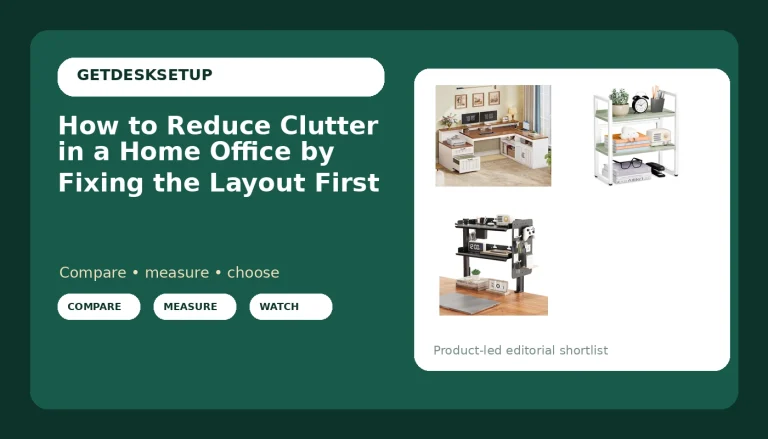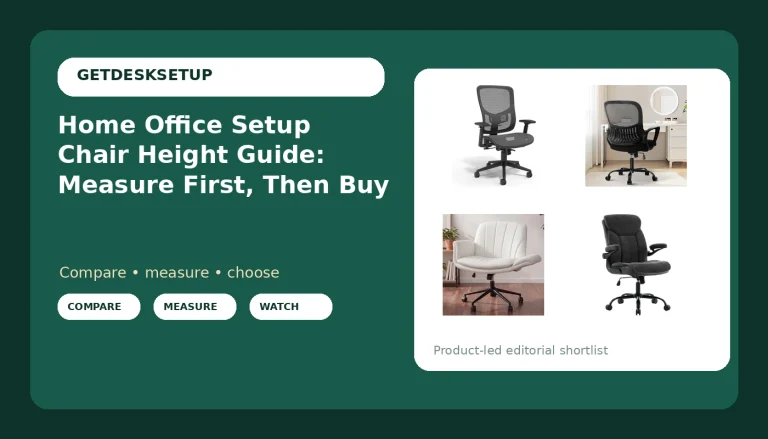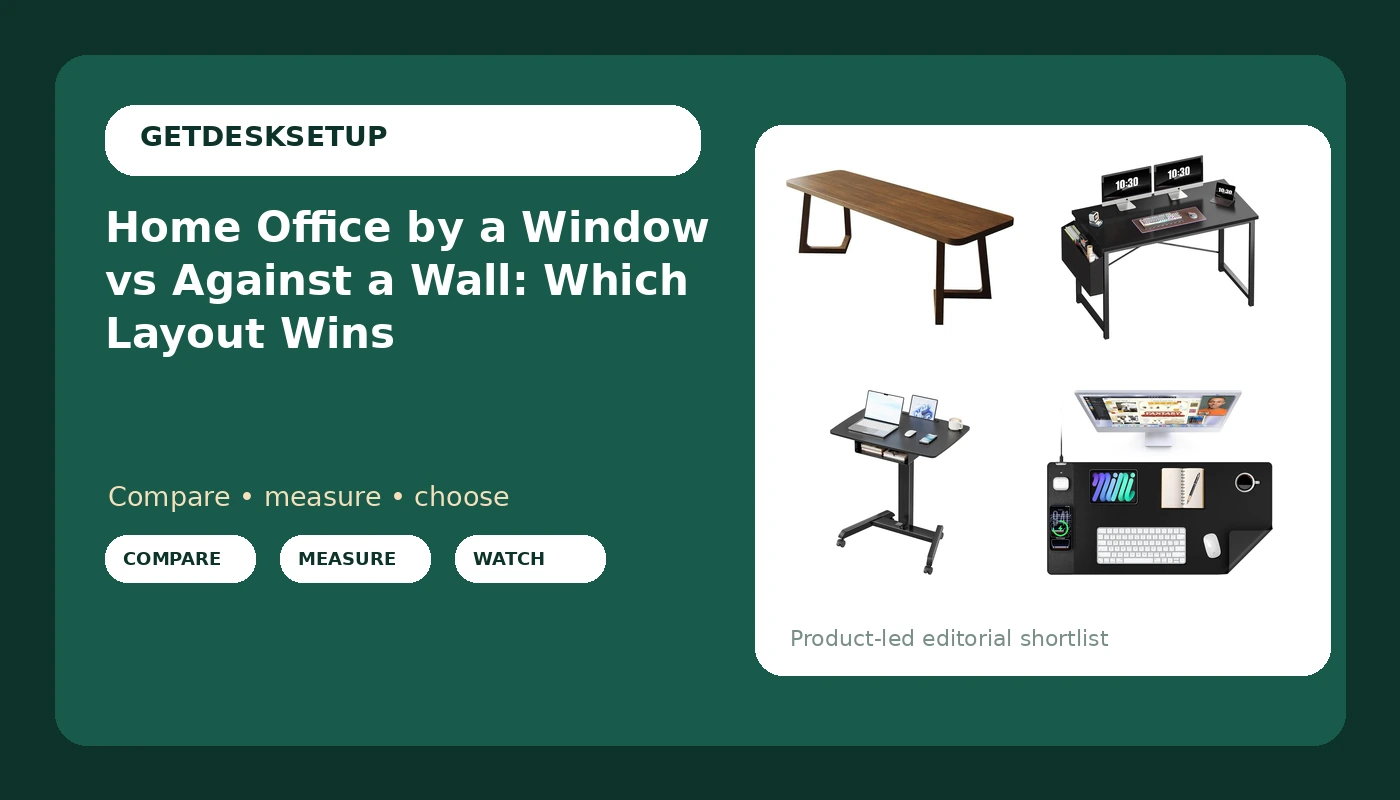
I have built out 310 home offices since I left facilities management, and the first question in almost every walkthrough is never about the chair. It is the home office by a window vs against a wall question, asked while we are still standing in the doorway with a tape measure in hand. Nine years of buying desks and chairs for 400-person floors taught me that placement decides more of your working day than the desk model does. Where the daylight lands, where the cable has to travel, and whether your monitor faces a reflection or a blank wall all get locked in the moment you push a desk against something.
Related: Standing Desk Height Ranges Explained
The difference between home office by a window and against a wall is not about looks. A window hands you free daylight and a view, and it also hands you glare, heat gain, a surface you cannot clamp a monitor arm to, and often the coldest spot in the room. A solid wall hands you mounting options, predictable light, and a clean background for video calls, and it takes away the one free light source most apartments have. Both are workable. Only one of them is workable in your room.
For most rooms, I put the desk against a wall and treat the window as a light source rather than a backdrop. The exceptions are narrow rooms where the only long wall sits under the glass, and north-facing rooms with no other daylight. Everything else in this comparison follows from that call.
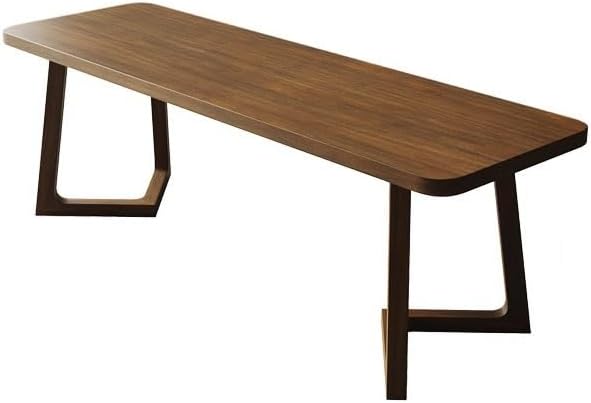
ENGENDER Officedesk Solid Wood Double Long Desk (160 x 60 x 75 cm)
The longest span here, so it is the only one that turns a window wall into a two-person setup
Fixed 75 cm surface with no adjustment, and it needs the most clear wall length
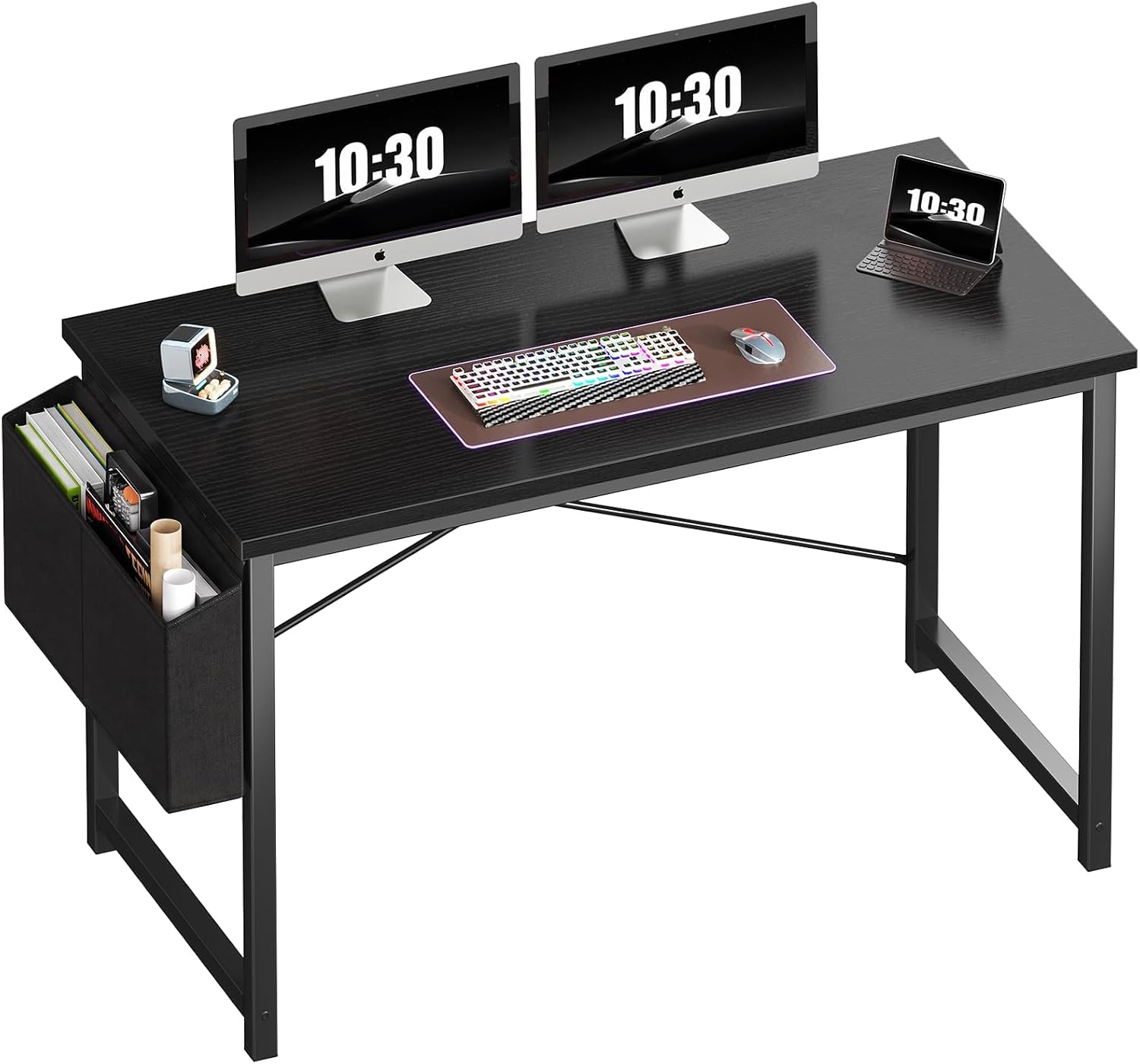
OLIXIS Computer Desk, 47 Inch
Fits the short wall runs that rule out everything else on this list
47 inches of surface fills up fast, and it is not a dual-monitor desk
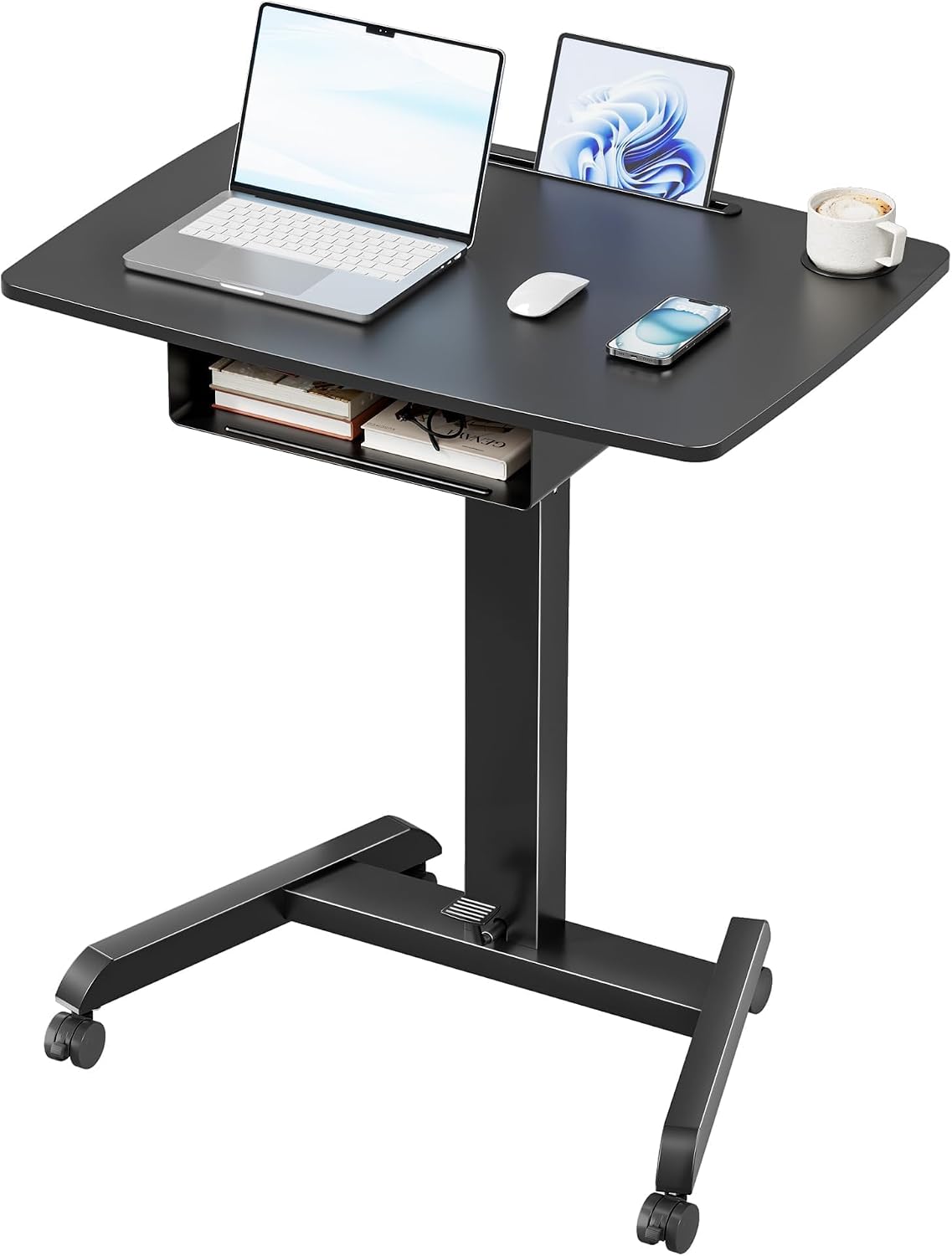
PEGZONE Mobile Desk Workstation with Drawer and Foot Pedal
Casters, a drawer, and a foot pedal let it move between the window and the wall
A 31.5 inch top on a moving base makes cable planning harder

Mouse Pad with 15W Wireless Charging, XXL Leather Desk Mat
Removes a charging cable from the desk and puts a charging pad where your hands already are
Does not fix glare, desk height, or a chair that does not fit
Prices and availability may change.
What I checked before I ranked these four
My notebook is measurements, not impressions. For this list I looked at four things: the footprint each piece needs to be usable, the desk height it puts your work surface at, what it gives you for cable planning, and whether its shape makes more sense on a window side or a wall side. I have not had these four units on my bench this month, so nothing below is a lab result and I am not going to pretend otherwise. What I can tell you is which layout each one suits, and who should skip it.
The four picks are not in the same weight class. One is a solid wood double desk at the premium end of the market, one is a small-space computer desk, one is a mobile workstation on casters, and one is a desk mat with a charging pad built in. That mix is deliberate, because the home office by a window vs against a wall decision changes which of them you actually want.
Choosing between a home office by a window vs against a wall
Choosing between a home office by a window vs against a wall starts with the room layout, not the catalog. Walk the room with a tape and find the longest uninterrupted wall run that is not broken by a door swing, a closet, or a baseboard heater. Write that number down, because it is your maximum desk width. A 47 inch desk needs 47 inches of clear wall plus a little breathing room on each end. A 160 cm double desk needs closer to 63 inches. If the only wall that long is the window wall, the decision has already been made for you.
Then check the window itself. Sit in the chair you plan to use and look at the glass. If you can see sky reflected in a dark monitor, that is glare, and it gets worse in winter when the sun sits low. If the sill drops below your seated elbow height, a desk under the window will fight your chair's armrests. If there is a radiator under the sill, heat rises straight into the back of your monitor and the back of your neck.
Room layout also decides your monitor distance. On a wall side you can push the desk tight to the wall and set the screen at whatever depth you like. On a window side you often lose six inches to the sill and the curtain rail, which pushes you back and eats the space between your eyes and the screen. That is the kind of detail that shows up as neck pain three weeks later, not on day one.
The solid wood double desk, built for a window wall
The ENGENDER Officedesk is the piece I would spec when the window wall is the only long wall in the room. It is a solid wood double long desk at 160 by 60 by 75 cm, which means a 160 cm span, a 60 cm depth, and a fixed 75 cm work surface, about 29.5 inches. That height is the classic sitting desk number, and it suits most people between roughly 5 foot 6 and 6 foot. If you are well outside that band, this is the one to skip, because there is no adjustment to fall back on.
Depth matters more than people expect on a window side. Sixty centimeters is enough for a monitor on its own stand with room in front for a keyboard, and it leaves a gap between the screen and the glass so you are not staring at your own reflection all afternoon. The length is what earns it the window wall: two people, or one person with a printer and a second screen, can share 160 cm without a fight.
The 47 inch desk for small rooms and tight walls
The OLIXIS Computer Desk is the wall-side answer for a small space. At 47 inches it fits the kind of wall run a double desk cannot touch, and it is the pick I would hand to anyone renting a room where the desk has to sit between a door and a closet. Put it against a wall and it disappears into the room, which is exactly what you want when one room is doing three jobs.
Its limit is the same as its strength. Forty-seven inches holds a monitor and a laptop, and not much else. If you run two large displays, or you want a printer and a document tray on the same surface, this is not the desk for you and I will not talk you into it. On a window side it works only if the sill sits high enough to clear the back edge. Otherwise you are buying a desk that will not sit where you want it.
The mobile workstation for rooms that cannot pick a side
The PEGZONE Mobile Desk Workstation is the odd one out, and it is what I recommend when the room genuinely cannot commit. It has a drawer, a foot pedal, and casters, so it rolls to the window in the morning and back to the wall in the afternoon when the sun swings around and lands on your screen. Thirty-one and a half inches is a laptop-and-notebook footprint, not a dual-monitor footprint, so be honest about what you actually put on a desk before you buy it.
Mobile furniture changes your cable planning more than any other choice here. A desk that moves cannot have a monitor cable stretched to a wall outlet, so you either run everything off a single power strip that travels with the desk or you accept that the desk stays put most of the time. I have seen both work. I have also seen a rolling desk parked on top of a laptop charger for two years, which is the worst of both.
The desk mat that cleans up your power outlet problem
The Mouse Pad with 15W Wireless Charging is the accessory both layouts end up needing, for one boring reason: it removes a cable from the desk. A 15W pad built into an XXL leather mat means your phone charges where your hands already are, and you stop dragging a charging cable across the work surface every evening. On a window side, where outlets are often missing or hidden behind furniture, that is one less thing competing for the power outlet you do have.
The leather surface also changes how the desk reads on camera, which matters if you record or take calls from that spot. My caution is the same one I give for every mat: it does not fix a wobbly desk or a bad chair pairing. It is a cable-planning and surface choice, not an ergonomic one.
Desk height, chair pairing, and monitor distance in both layouts
Desk height is where the window and the wall stop being a tie. On a wall side you can hang a monitor arm, which means your screen height is independent of your desk height. On a window side you are usually limited to the monitor's own stand, so desk height sets your screen height, and a fixed 75 cm surface is the number you have to live with. If you need adjustability, a wall side with an arm is the easier build.
Chair pairing is the other half of that. A chair with a tall back and a headrest needs clearance behind it, and a window side with a low sill or a radiator will not give you that clearance. Against a wall you can pull the desk out two inches and buy yourself the room to recline. Those two inches are the difference between a chair that works and a chair you resell in six months.
Monitor distance is the measurement people skip. On a wall side you set the desk depth and then place the screen, so you can land at whatever distance your eyes want. On a window side the sill and the curtain rail push the desk forward and your monitor distance grows without anyone deciding it should. Sit down, measure from your eye to the screen, and if you cannot get the screen at a comfortable arm's length, the window wall is the wrong wall.
Lighting layers, power outlet, cable planning, and ventilation
The window side wins on lighting layers and loses on almost everything else. Daylight is the best ambient layer you can get for free, and it is also the layer you cannot control. I plan three layers in every setup: daylight, a task lamp aimed at the work surface and not at the screen, and a low bias light behind the monitor so the contrast between screen and wall does not wreck your eyes at 9 p.m. A window gives you the first layer. You still buy the other two, and you still close the blind when the sun crosses your line of sight.
Power outlet access is the tie-breaker nobody thinks about until the extension cord is already taped to the floor. Window walls in apartments are frequently the wall with no outlets, because the building ran them along the interior walls instead. Before you commit, get down on the floor and count the outlets within reach of the desk's final position. If the answer is one, plan a single surge-rated power strip, not a chain of three daisy-chained extensions.
Cable planning gets harder the further you sit from a wall. Against a wall, a tray or a channel keeps everything behind the desk and out of sight. On a window side with a radiator, you cannot run anything along the floor behind the desk without cooking it. Ventilation is the flip side of the same coin. A window you can open is genuinely useful in a small room with a running computer, but an open window in Seattle in February is a draft on the back of your neck, so the desk should not be the thing blocking the sash.
Who should skip each of these
- Skip the solid wood double desk if you are well outside the 5 foot 6 to 6 foot band it is built for, or if your longest clear wall is under 63 inches.
- Skip the 47 inch desk if you run two large monitors, or if the window sill sits below your seated elbow height.
- Skip the mobile workstation if you need a dual-monitor setup, or if you are not willing to plan power around a desk that moves.
- Skip the charging desk mat if you want something you can roll up and store, because the charging pad makes it a fixed piece.
The difference between home office by a window and against a wall
If you are weighing against a wall vs home office by a window, here is the shortest honest version: the window gives you light and takes away control, and the wall gives you control and takes away light. Everything else, the desk height you can live with, the chair that fits behind you, the monitor distance you can actually hold, flows from which of those two trades you would rather make.
Whether you are planning a home office by a window or against a wall, the sequence is the same: measure the wall run, sit in the chair, count the outlets, then buy the desk. People who work in that order rarely return anything.
What I would install
If the window wall is the only wall long enough, I would put the solid wood double desk there and accept the fixed height, as long as the person using it is inside the height band. If the room is small and the desk has to sit against a wall, the 47 inch desk is the sensible buy. If the room changes shape with the seasons, the mobile workstation earns its place, and the charging mat goes on whichever surface ends up under your hands.
My test is always the same one: would I put this in a client's office for a year and then go back and check on it? The home office by a window vs against a wall call is a measurement problem before it is a shopping problem, and the desk is the last thing you buy, not the first.