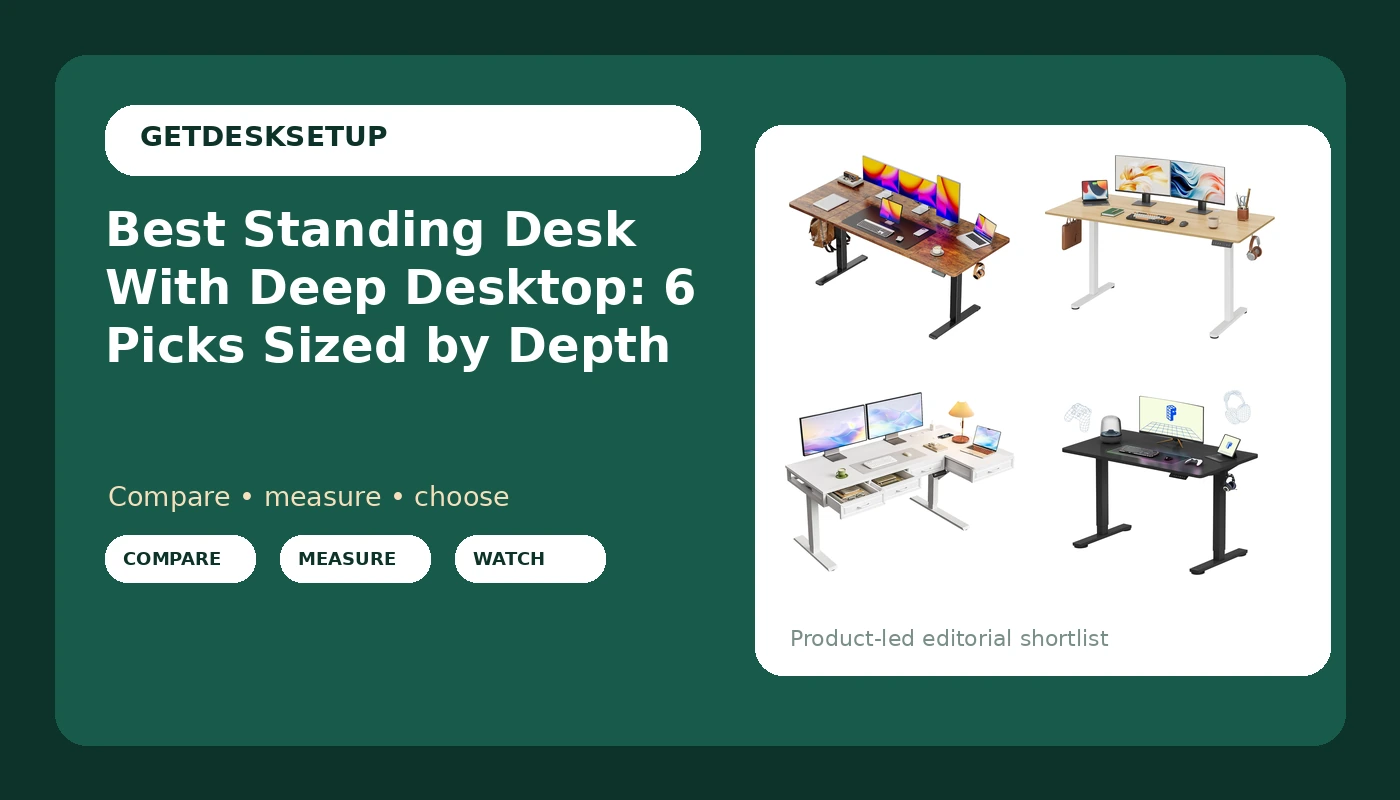
Depth is the number most standing desk listings bury, and it is the number that decides whether your setup actually works. A 24 inch top puts a 27 inch monitor close enough that you either push the screen past the back edge or sit closer to the desk than your chair was built for. Add a second monitor, a laptop, and a keyboard, and the surface is gone. That is why a standing desk with deep desktop measurements should be your first filter, ahead of motor speed, color, and finish.
Everything below comes from the listed product information for six electric desks: stated widths, stated depths, top construction, and stated features. Nothing here is a lab measurement, and no current price is printed because listings move. The range in this group runs from a 48 by 24 inch top with a 0.8 inch thick surface up to a 63 inch desk with a 27.6 inch deep desktop, and the gap between those two is the difference between a single-monitor desk and a full workstation.
Related: How to Set Up a Standing Desk You Will Actually Use
Quick answer
The Huuger 63 x 28 Large Electric Standing Desk is the strongest fit for a monitor-heavy home office because it is the only desk in this group listed with a 27.6 inch deep desktop, which leaves usable surface behind a keyboard for a large display. Choose the DEVAISE 63 Inch Standing Desk with Split Top instead when you need 63 inches of width but have to carry the top up a narrow stairwell, and choose the FLEXISPOT EN1 48"x24" One-Piece Standing Desk when your room cannot give up more than four feet of wall.
Standing desk with deep desktop models worth comparing
Six desks, ordered with the deepest top first, with the differences that matter for a real workstation.
Top pick
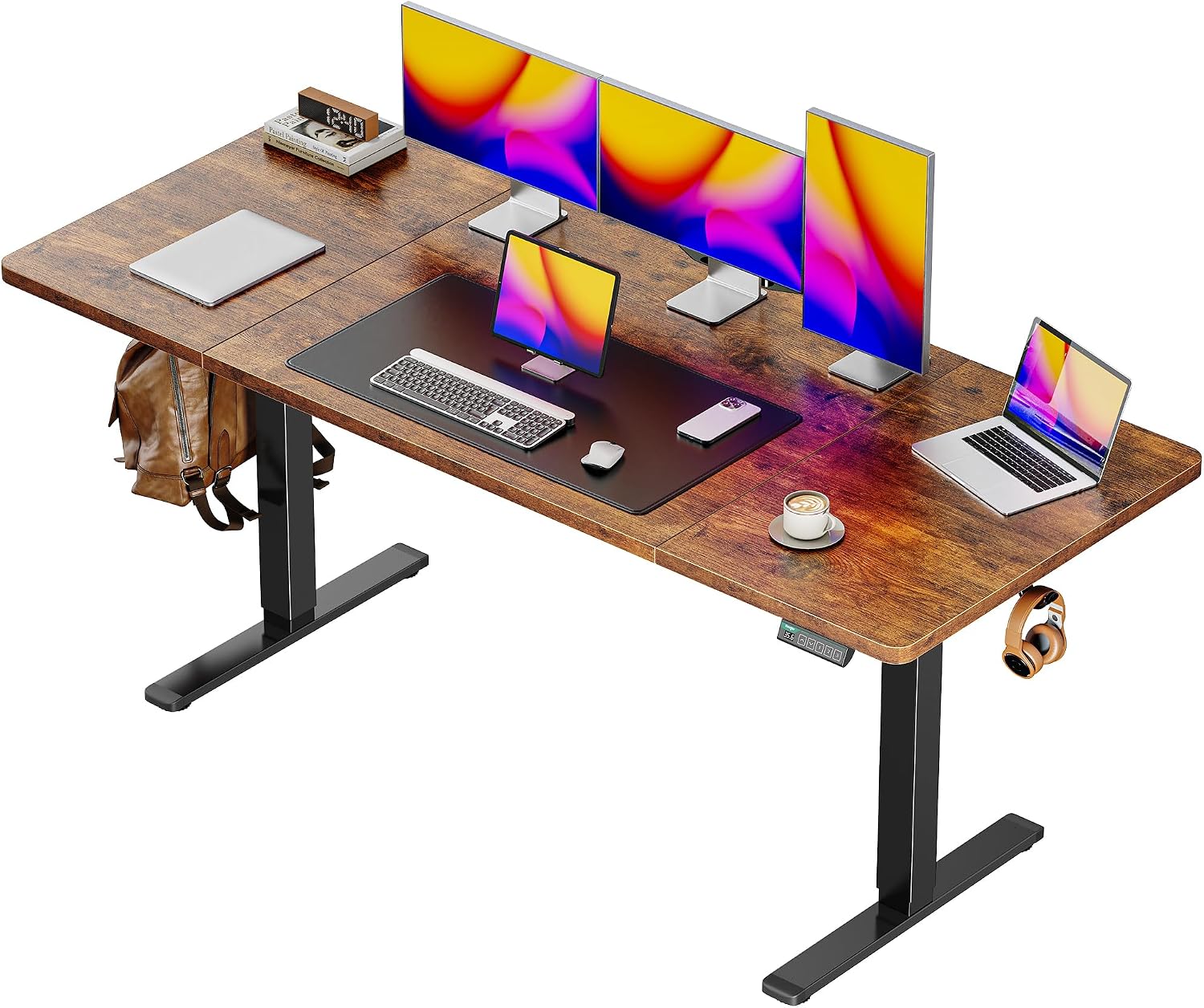
Huuger 63 x 28 Large Electric Standing Desk, Height Adjustable Computer Desk, 27.6" Deep Desktop, Stand up Gaming Office Table with 2 Hooks, 3 Preset Heights, for Home Office, Rustic Brown, 7021Z-1
Check current price
The deepest top in this group at 27.6 inches, on a 63 inch wide frame. Lists three preset heights, so sit and stand positions can be stored, plus two hooks for a headset or bag. Best fit when a large display or two needs clearance behind the keyboard.
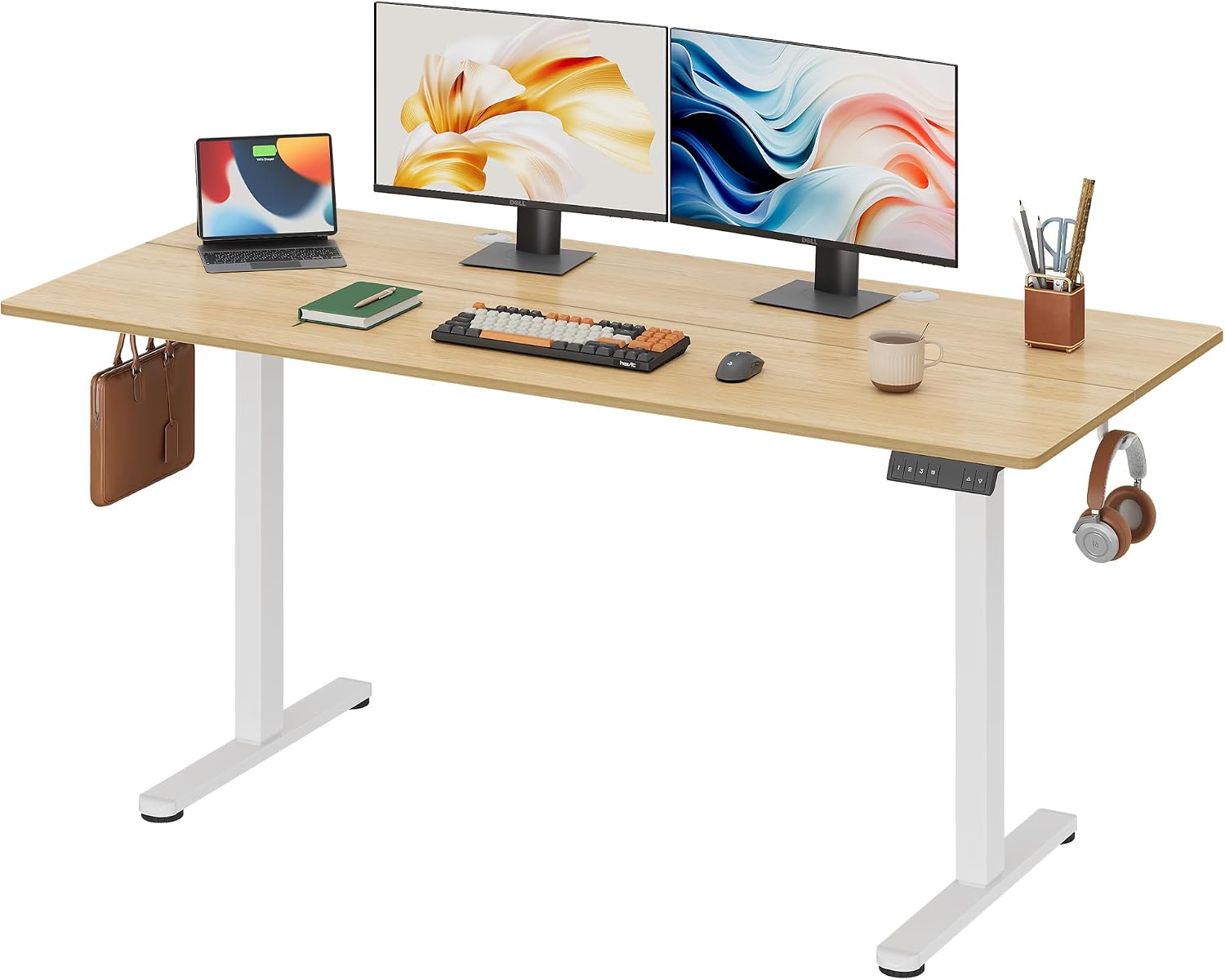
DEVAISE 63 Inch Standing Desk with Split Top, Computer Desk, Maple
Check current price
A 63 inch maple surface built in two panels that join on site. The split construction makes the desk easier to carry through a doorway or up a stairwell without help. Suits a wide two-monitor layout in a shared room.
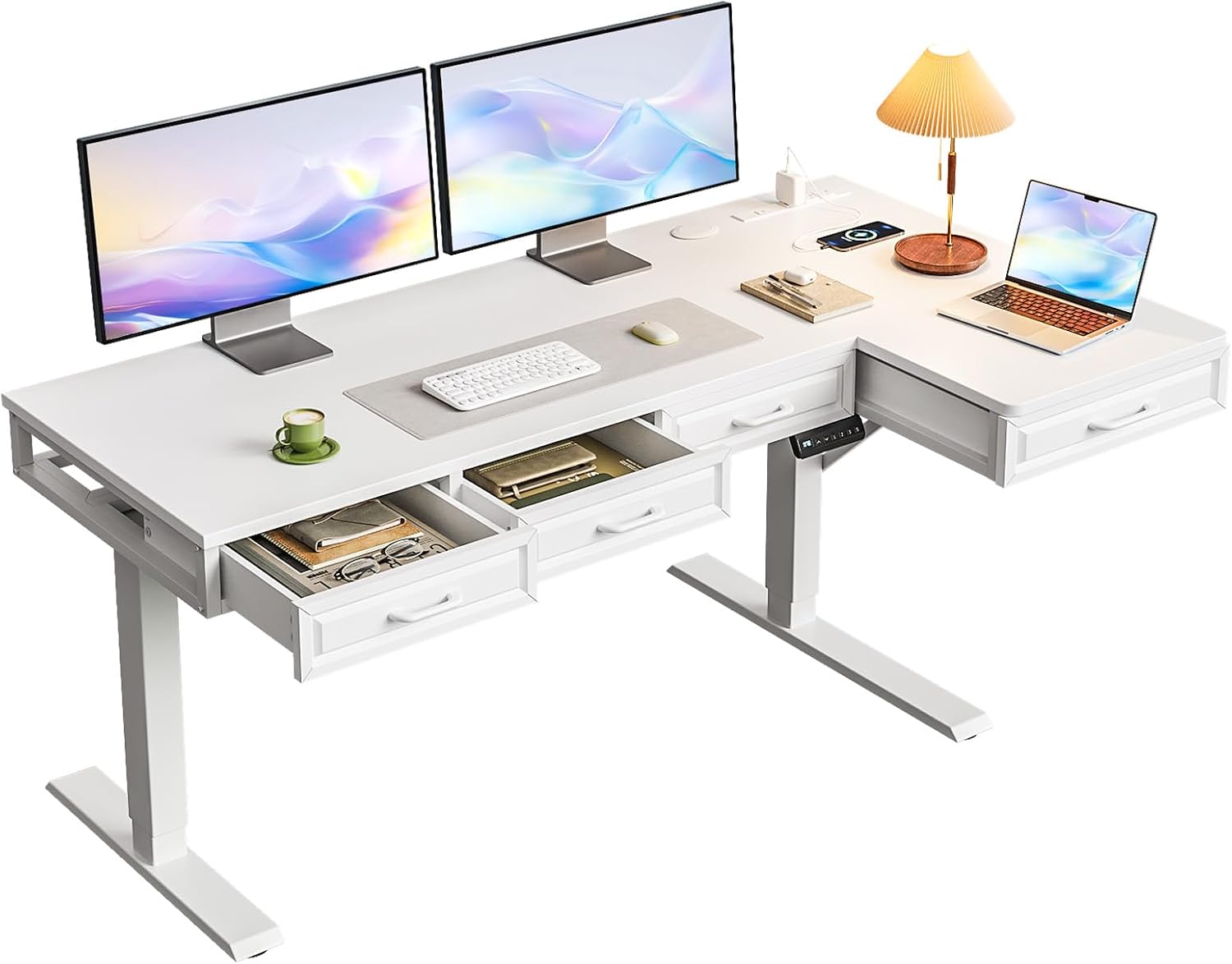
OffiGo 55 Inch L Shaped Standing Desk with 4 Wooden Drawers, White
Check current price
An L shaped 55 inch desk with four wooden drawers in white. The corner footprint uses space where two walls meet instead of stretching along one, and the drawers replace a separate filing unit. Best when storage matters as much as surface area.
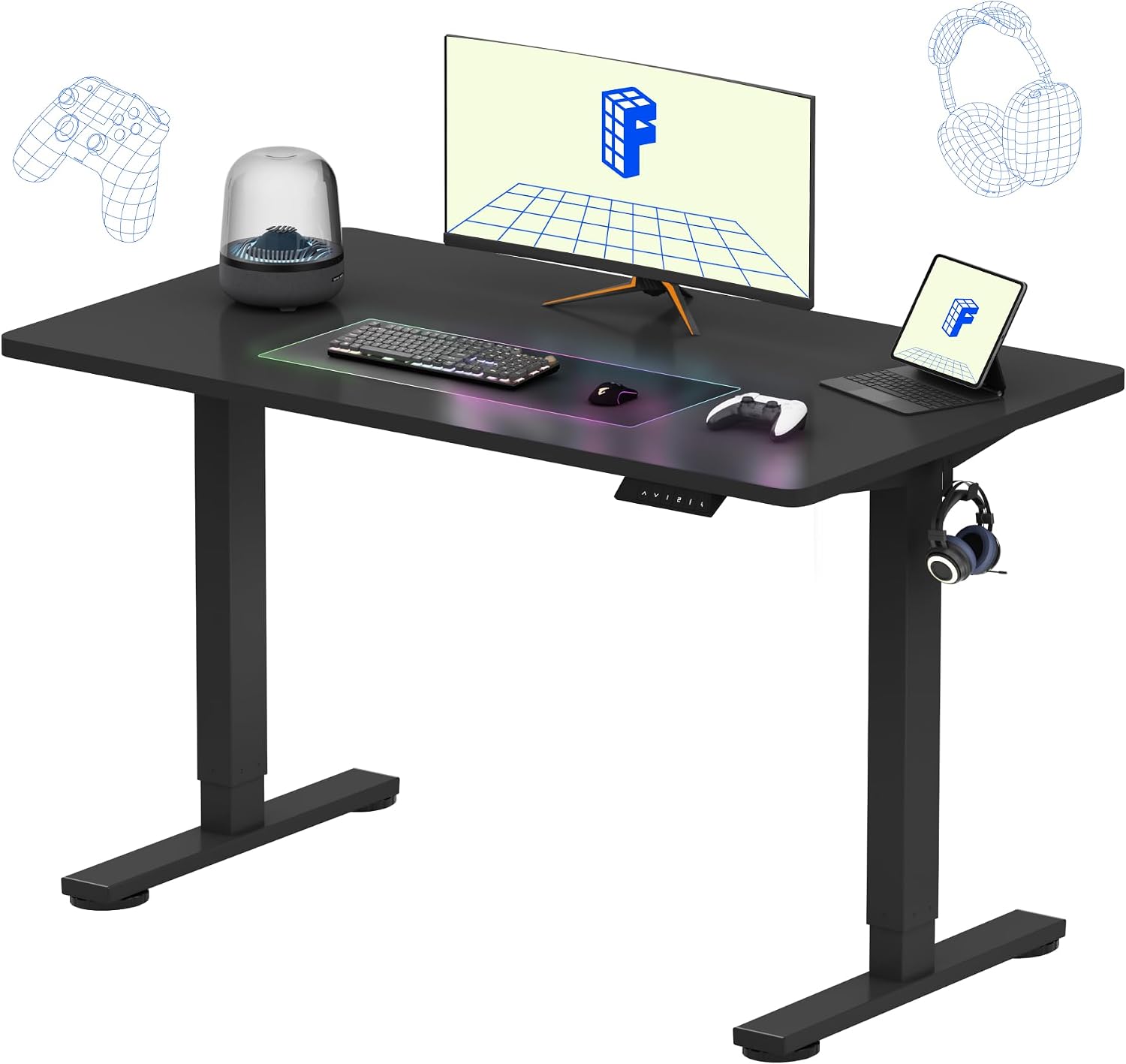
FLEXISPOT EN1 48"x24" One-Piece Standing Desk, Black (Black Frame)
Check current price
A 48 by 24 inch one-piece top on a black frame. The smallest footprint here and the simplest assembly, with a single panel to position and bolt down. Fits one monitor plus a laptop in a room that cannot spare 63 inches of wall.
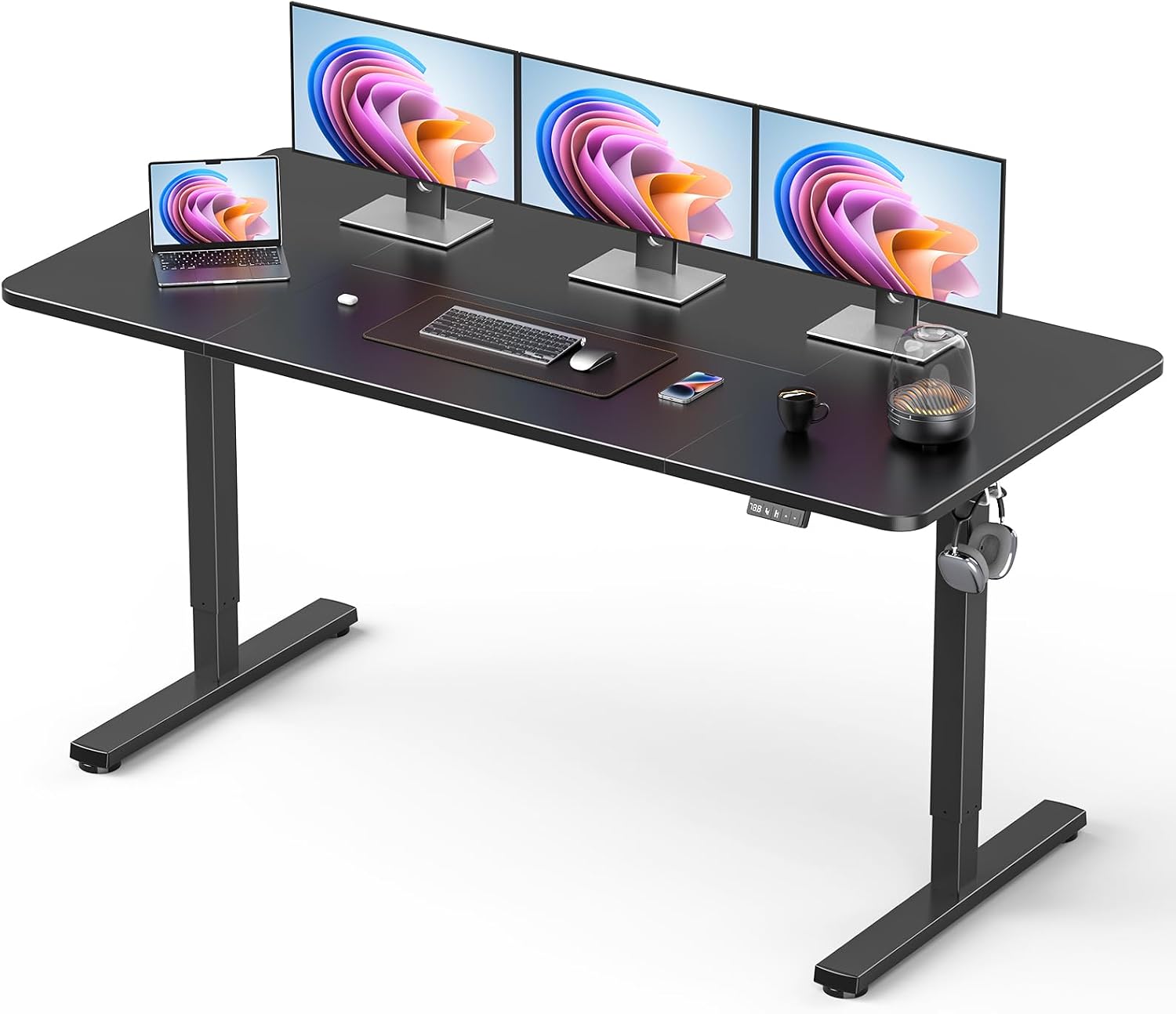
63" Large Electric Standing Desk Adjustable Height for Home Office
Check current price
A 63 inch wide electric desk with adjustable height, listed for home office use. Gives you the width of the largest desks here without a split top, drawers, or hooks. Fits a two-monitor layout where width matters more than extras.

SIAGO 48 x 24 Inch Electric Standing Desk, 0.8 Inch Thick Tabletop
Check current price
A 48 by 24 inch electric desk whose listed feature is a 0.8 inch thick tabletop. Compact footprint, single-monitor scale. A reasonable starting point for a light desk where the top's thickness is the detail you care about.
How these products were compared
This guide compares desktop depth in inches, listed width, top construction, stated features such as preset heights, hooks, drawers, and tabletop thickness, and the frame details that affect stability at standing height, including crossbar design and cable routing. Product names, images, and retailer links are matched to the same listing so that every card points to the product shown.
Every claim in this article comes from the listed product information for these six desks. No desk here was assembled, measured, or load tested for this article, and no current price is printed because listings change. Use the link on a card to confirm the current price, availability, and return terms before ordering.
How to choose the right standing desk with deep desktop
Start with your monitor, not the desk. Take a tape measure to the desk you use now and measure from the front edge to the back edge. If that number is 24 inches and your monitor stand takes up 8 inches of it, you have 16 inches left for a keyboard, a wrist rest, and your forearms. A 27.6 inch top adds roughly three and a half inches of usable surface, which is often the difference between a monitor pushed back to a comfortable viewing distance and a monitor close enough that you lean away from it to focus.
Width is the second number, and it is the one that decides whether two displays fit side by side. For two 27 inch monitors you want about 60 inches of surface at minimum, which is why the 63 inch desks in this group exist. For one monitor plus a laptop, 48 inches is workable, and the two 48 inch desks here are built for exactly that. If you cannot say your desktop depth in inches, you are guessing, and guessing is how people end up with a monitor arm clamped to a top that has no room behind it.
Top construction decides how the desk gets into your room and how it behaves once it is there. A one-piece top arrives as a single panel: simplest to assemble, hardest to move through a narrow door or up a stairwell alone. A split top ships in two panels that bolt together, which is what the DEVAISE desk offers. An L shaped top trades wall width for corner depth, which is the OffiGo desk's approach, and it comes with four drawers that replace a filing cabinet.
Then look at the frame. A height adjustable desk with deep desktop measurements deserves a closer look at the base than a shallow one, because you will reach further across the top for the back edge and put more of your weight forward. A crossbar between the legs adds stiffness, and stiffness is what you notice at standing height, not motor speed. Check the listed lift capacity against the weight of your monitors, arms, and anything you plan to leave on the desk permanently, then leave a margin. A dual motor frame generally raises a heavier load more evenly than a single motor design. If the desk will sit near a wall, a cabinet, or a window sill, an anti collision feature matters more than it sounds, because it stops the top when it meets an obstacle instead of pushing through it.
Memory preset buttons matter more than most buyers expect. The Huuger desk lists three preset heights, which means you return to your sit and stand positions without holding a button and eyeballing the number. Cable routing is the last piece: a grommet gives cables a fixed path through the top, and a cable tray keeps the bundle out of your knee space. Neither is glamorous, but a cable that pulls on a monitor arm changes your monitor angle within a week, and a tray that sags under its own screws does the same from below.
One more filter that catches people: a sit stand desk with deep desktop geometry is also a deeper footprint on the floor. A 27 to 28 inch deep top stands further from the wall than a 24 inch desk, so measure floor depth, not just wall width. A stand up desk with deep desktop surface gives you room to step back from the keyboard without losing sight of the monitor, which is the whole reason to buy depth, and none of that works if the desk is wedged under a low window or a shelf.
Put the numbers in order and the choice narrows quickly. The best standing desk with deep desktop setup for your room is the one where desktop depth, desk width, and floor clearance all pass, with the extras acting as the tiebreaker. If you are replacing a chair at the same time, seat depth matters the same way, and the two should be chosen together, because the desk height range and the chair's seat height decide where your elbows land.
Huuger 63 x 28 Large Electric Standing Desk
The Huuger desk is the only model in this group listed with a 27.6 inch deep desktop, on a 63 by 28 inch frame. It lists three preset heights, so your sit and stand positions can be stored rather than hunted for, and it includes two hooks for a headset, a bag, or a cable loop. The top is a single panel in a rustic brown finish. For a two-monitor setup, or a single large display with a keyboard and a notebook beside it, that depth is the point of the desk.
The trade-offs are real. There are no drawers and no split top, so the desk arrives as one panel and needs a doorway it can pass through, plus a wall that can take 63 inches of width. The deeper frame also stands further off the wall than a 24 inch desk, so measure floor depth as well as wall width. If you want storage built into the desk itself, the OffiGo model is the one that has it, and if you need to carry the top alone, the DEVAISE split top is the easier move.
Alternatives to consider
The DEVAISE 63 Inch Standing Desk with Split Top is better suited to a room with a narrow stairwell or doorway, because the top arrives in two panels that join into a 63 inch maple surface. You get the width of the largest desks here in a construction that is easier to move without help.
The OffiGo 55 Inch L Shaped Standing Desk with 4 Wooden Drawers is a stronger fit when you turn between two walls and want storage in the desk itself. The L shape uses corner space instead of stretching along one wall, and the four wooden drawers replace a separate filing unit in a small office.
The FLEXISPOT EN1 48"x24" One-Piece Standing Desk, the 63" Large Electric Standing Desk Adjustable Height for Home Office, and the SIAGO 48 x 24 Inch Electric Standing Desk cover the rest of the range. The FLEXISPOT is the smallest footprint here at 48 by 24 inches, in black with a black frame, and it assembles from a single panel. The 63 inch electric desk is the wide option without drawers, hooks, or a split top, which suits a two-monitor layout that needs width and nothing else. The SIAGO desk is the 48 by 24 inch entry with a 0.8 inch thick tabletop, the detail it leads with, and it fits a light single-monitor setup.
Day-to-day use and maintenance
Assembly order matters more than most instruction sheets admit. Lay the top face down on a blanket, attach the frame and legs while the top is flat, then flip the whole assembly with two people. Reversing that order, standing the legs up first and then loading the top, is how desktops crack at the mounting holes. Tighten the leg bolts by hand until the frame sits square, then finish with the wrench.
Once it is up, load it before you trust it. Put the monitors and arms on, raise the desk to the highest position you plan to use, and press gently on the front edge. Every desk has a height where it moves more than you want, and it is almost never the height you tried in a showroom, so test the top of your own range rather than the middle. If the movement bothers you, recheck the bolts and the crossbar, then decide whether a different model is warranted.
Cable routing is a weekly habit, not a one-time task. Run display and power cables through the grommet if your desk has one, and keep the bundle inside a cable tray so it does not hang into your knee space. Recheck the tray screws whenever you recheck the leg bolts, because a tray that sags changes the pull on every cable attached to it.
Clean the top with the method the manufacturer lists for its finish. Most laminate and wood tops take a damp cloth rather than a soaking one, and standing water at the seam of a split top is the last thing you want on a desk you plan to raise and lower every day. Recheck every bolt about a week after assembly, once the desk has cycled up and down a few dozen times.
Buying checklist
- Measure desktop depth on your current desk, front edge to back edge, and compare it with the listed depth of any model you consider.
- Measure floor depth as well as wall width, because a deeper top stands further from the wall.
- Confirm the listed width covers your displays: about 60 inches for two 27 inch monitors side by side, 48 inches for one plus a laptop.
- Check the frame details that affect stability at standing height, including crossbar design and listed lift capacity.
- Confirm the exact model includes the features you want: preset heights, a grommet, a cable tray, drawers, or hooks.
- Read the assembly and care instructions, then verify the current price, availability, and return terms through the retailer link before ordering.
Final recommendation
Choose the Huuger 63 x 28 Large Electric Standing Desk when desktop depth is your first constraint and you want a 27.6 inch top with three preset heights on a 63 inch frame. Choose the DEVAISE 63 Inch Standing Desk with Split Top when you need the same width in a top you can carry in two pieces, or the OffiGo 55 Inch L Shaped Standing Desk with 4 Wooden Drawers when corner space and built-in storage matter more than one straight run along a wall.
Buy the depth you can actually use. A 24 inch desk positioned correctly beats a 28 inch top pushed into a corner where you cannot sit back from it, and a 63 inch desk in a room that offers 50 inches of wall is the most expensive wrong answer in this guide.