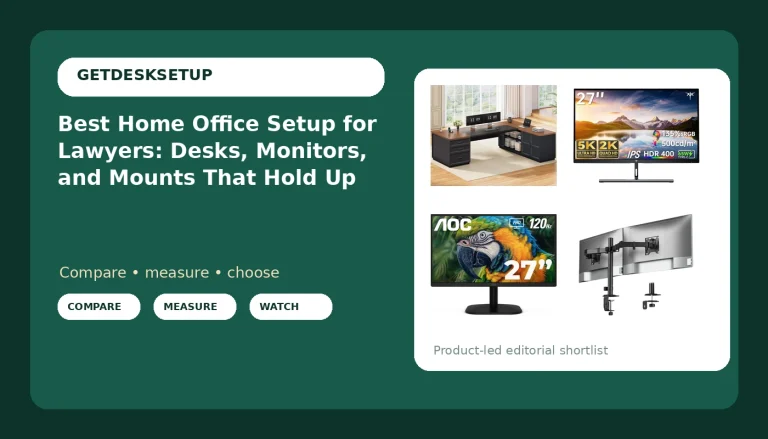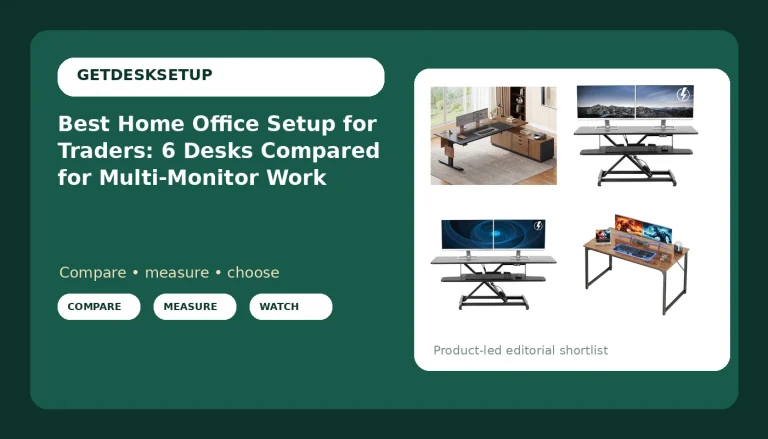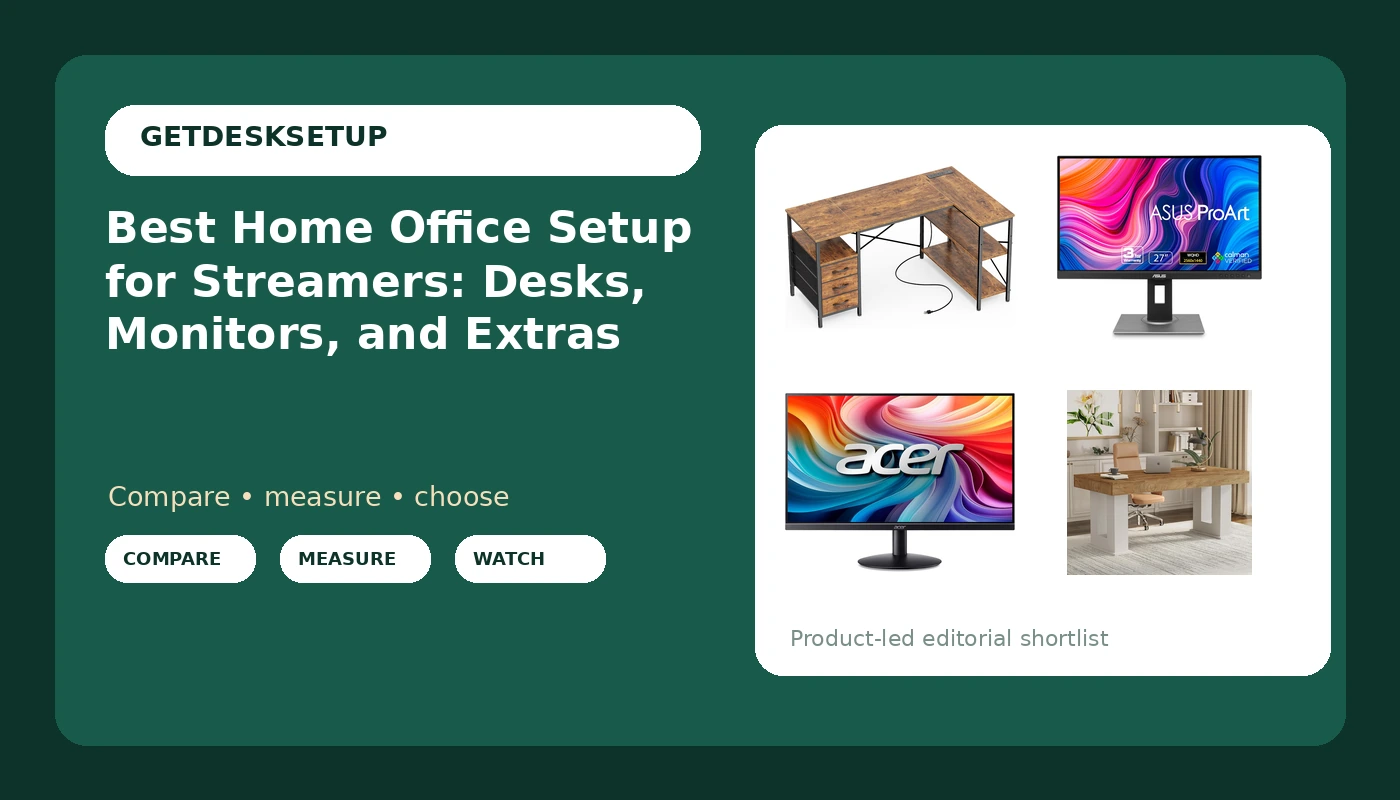
Streaming turns a desk into a small broadcast studio, and that changes what belongs on the shopping list. A home office setup for streamers has to hold a main display, a second screen for chat and alerts, a microphone, and a machine that runs warm for hours, all inside a room that still has to work as an office the next morning. The usual mistake is buying twice, one desk for the stream and one for the job, and then discovering the room only fits one of them.
This guide covers six pieces that do the heavy lifting in a dual-purpose room: two desks with very different geometry, two monitors aimed at different jobs, a 51 inch gaming desk with a tower stand, and a small tray that rescues a desktop that has run out of surface. It is written for someone who streams a few evenings a week and works from the same chair the rest of the time, not for a studio build with acoustic treatment and a rack.
Related: Best Ergonomic Office Chairs for Long Work Sessions
Quick answer
The Huuger L Shaped Office Desk with Power Outlets & 3 Drawers is the strongest starting point for most dual-purpose rooms because the L shape gives the streaming side and the work side their own runs of desktop, and the built-in outlets keep a power strip off the floor. Choose the ASUS ProArt PA278QV 27 Inch 1440p QHD Professional Monitor instead when your streaming work includes color-sensitive editing and you want the higher-resolution panel as the primary display rather than a second screen.
Home office setup for streamers parts worth comparing
A streamer's room usually has three jobs fighting for the same square footage: the broadcast, the paid work, and the doorway. The pieces below split along those lines, from a corner-shaped desk that separates the two workloads to a clamp-on tray that adds surface where there is none left.
Top pick
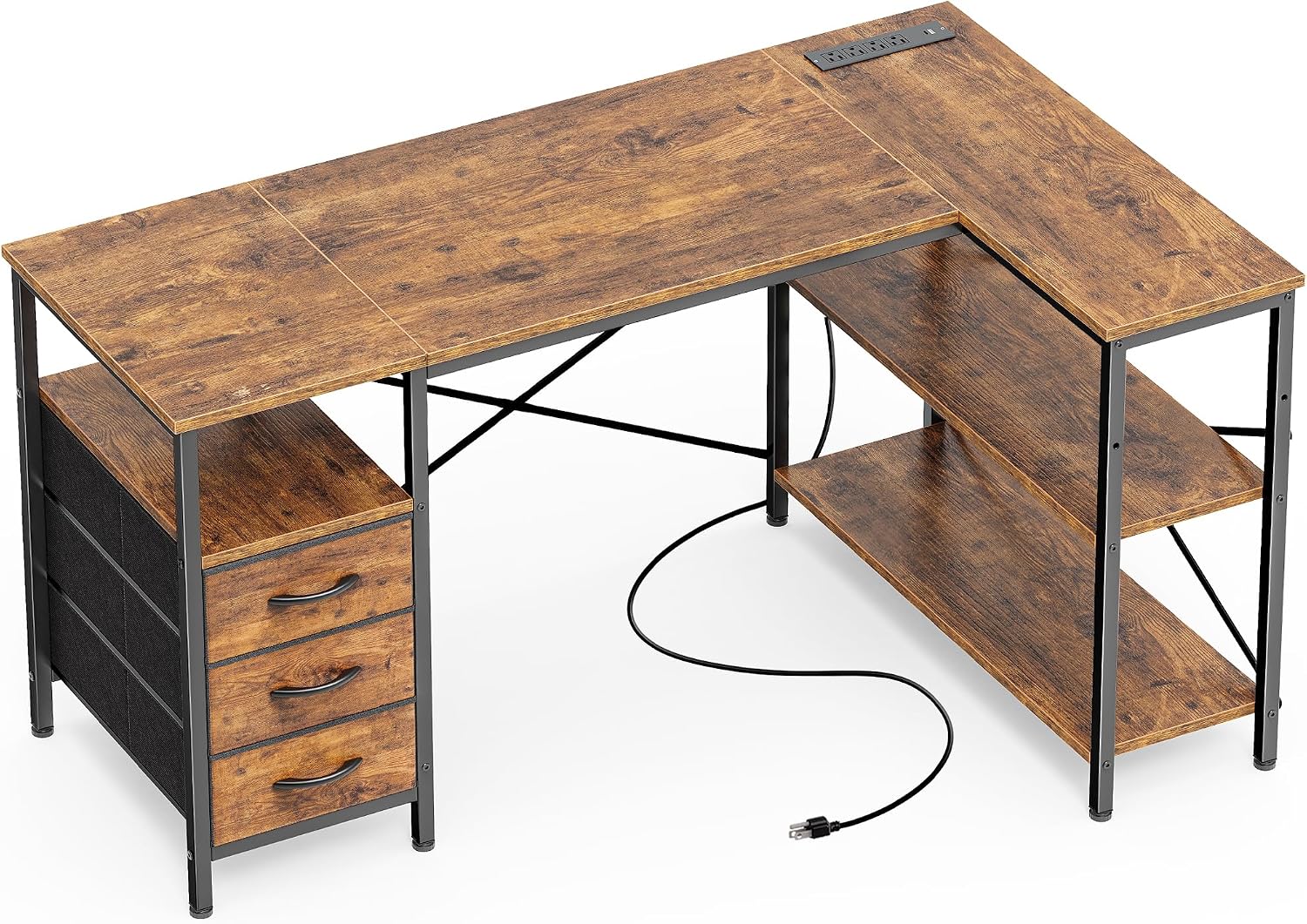
Huuger L Shaped Office Desk with Power Outlets & 3 Drawers
Check current price
Two runs of desktop in an L shape, with power outlets built into the surface and three drawers for the small gear that otherwise drifts across a stream desk.
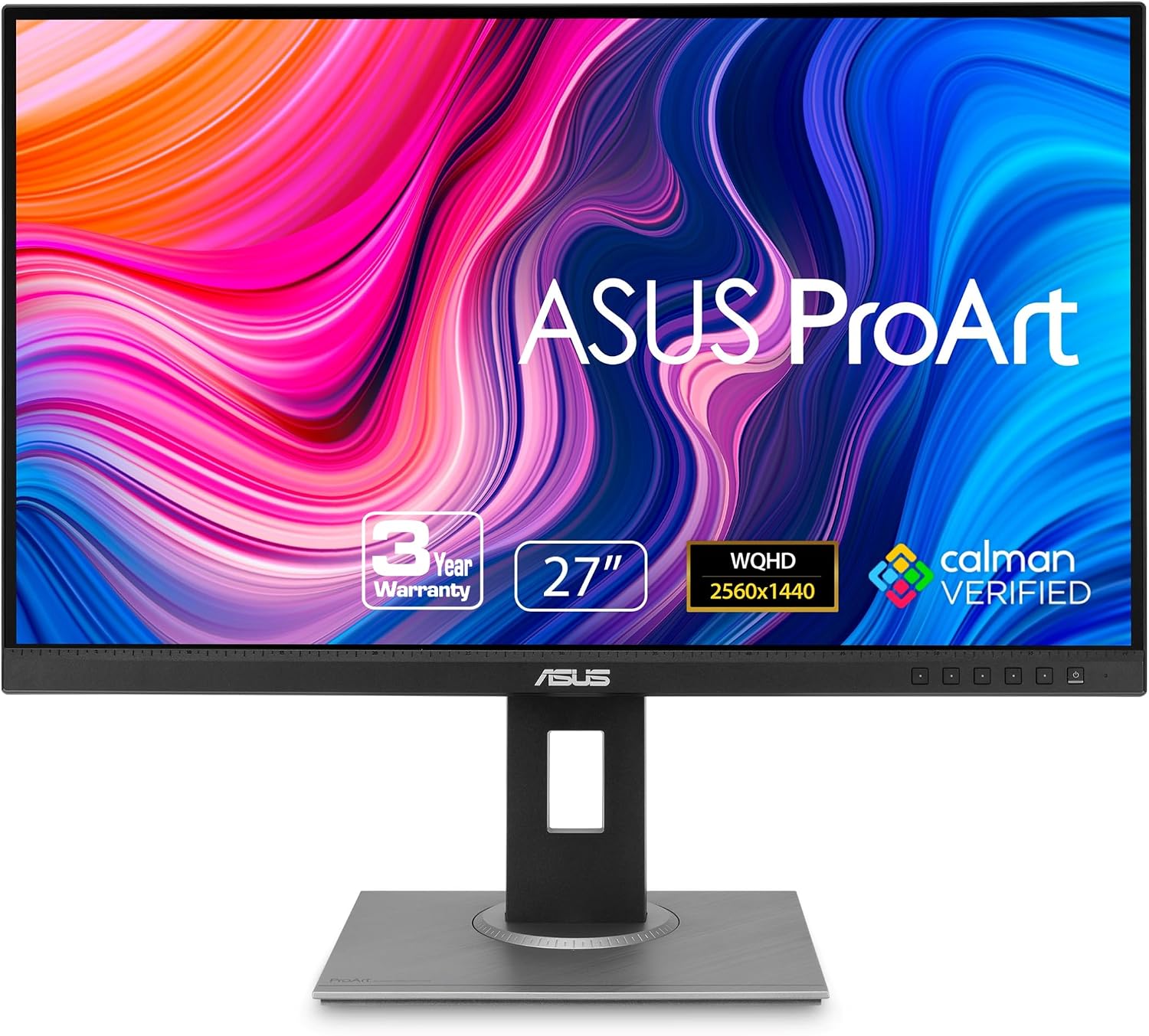
ASUS ProArt PA278QV 27 Inch 1440p QHD Professional Monitor
Check current price
A 27 inch 1440p QHD display from the ProArt line, sized for a main screen that has to show a capture window and a chat column without shrinking either one.
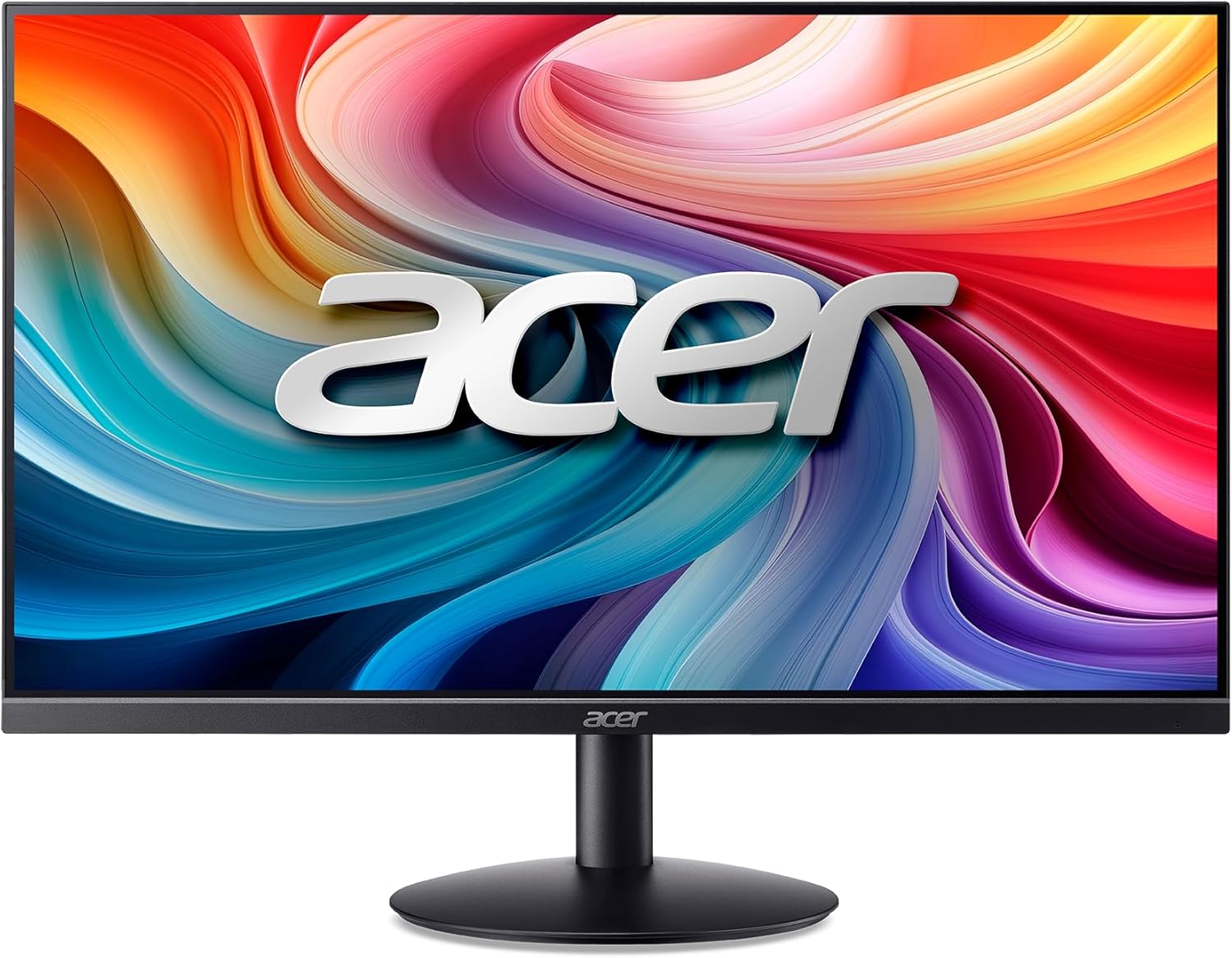
Acer 23.8in FHD 1920×1080 100Hz Office Monitor SB242Y H1bi
Check current price
A 23.8 inch 1080p panel with a 100Hz refresh, sized to sit beside a main display as a chat, alerts, or capture-preview screen without eating desk width.
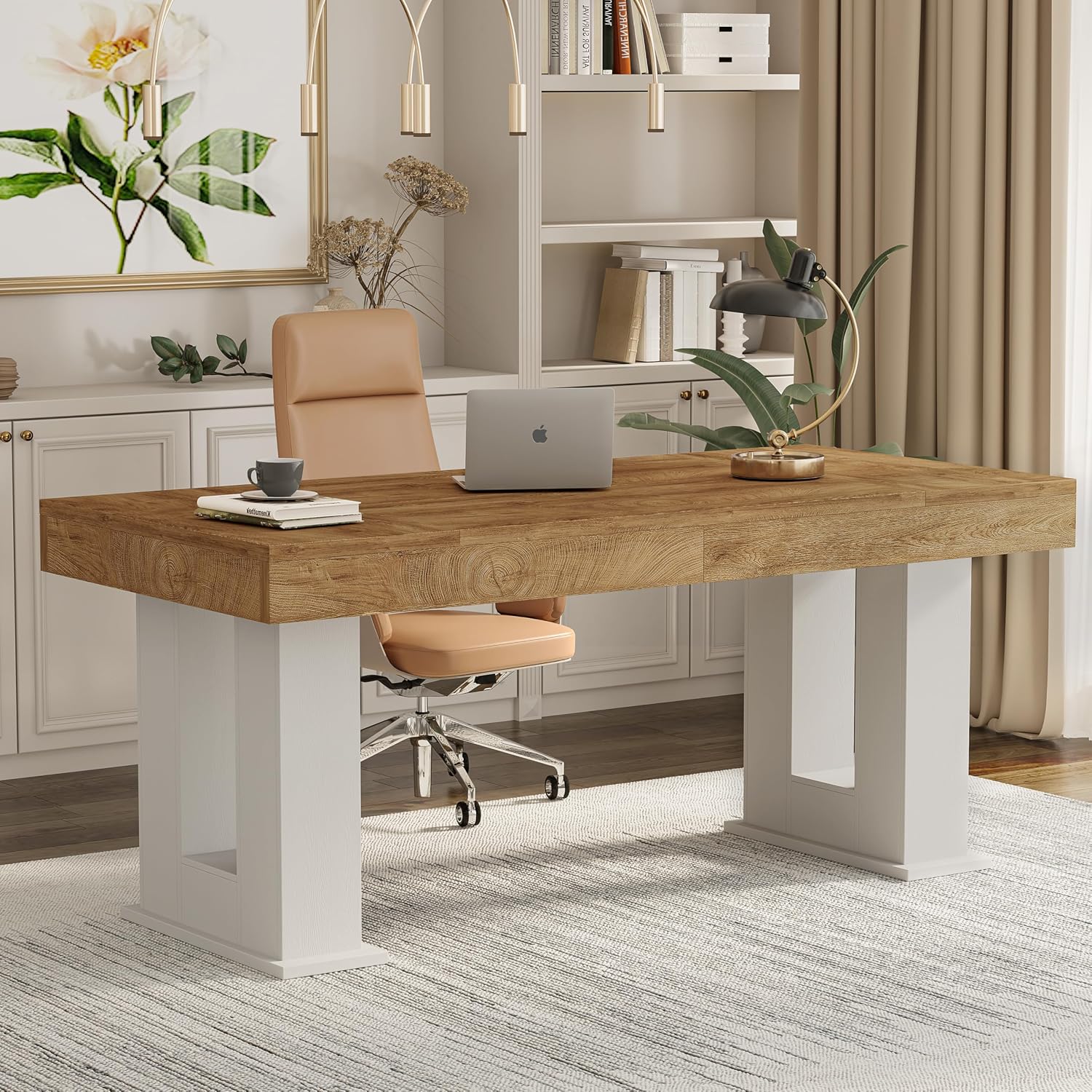
63 inch Rectangular Executive Desk with Spacious Desktop
Check current price
A 63 inch rectangular top with one long uninterrupted surface, which suits a single-wall room where two monitors and a mic arm need to sit in a straight line.
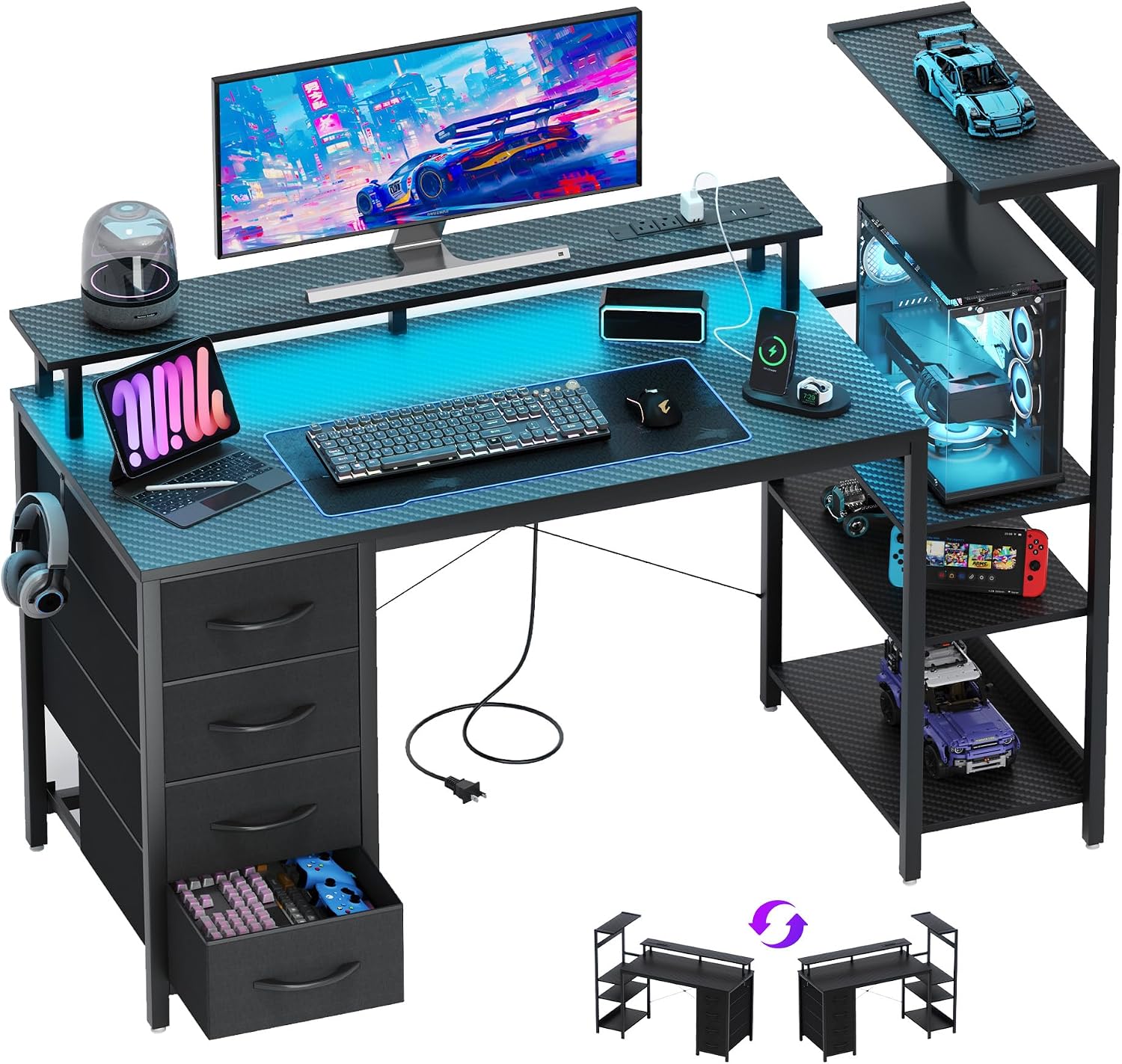
51 Inch Gaming Desk with Drawers & PC Tower Stand & LED Lights, Black
Check current price
A 51 inch desk with drawers, a dedicated PC tower stand, and built-in LED lighting, aimed at a single-screen stream where the tower needs a home off the floor.
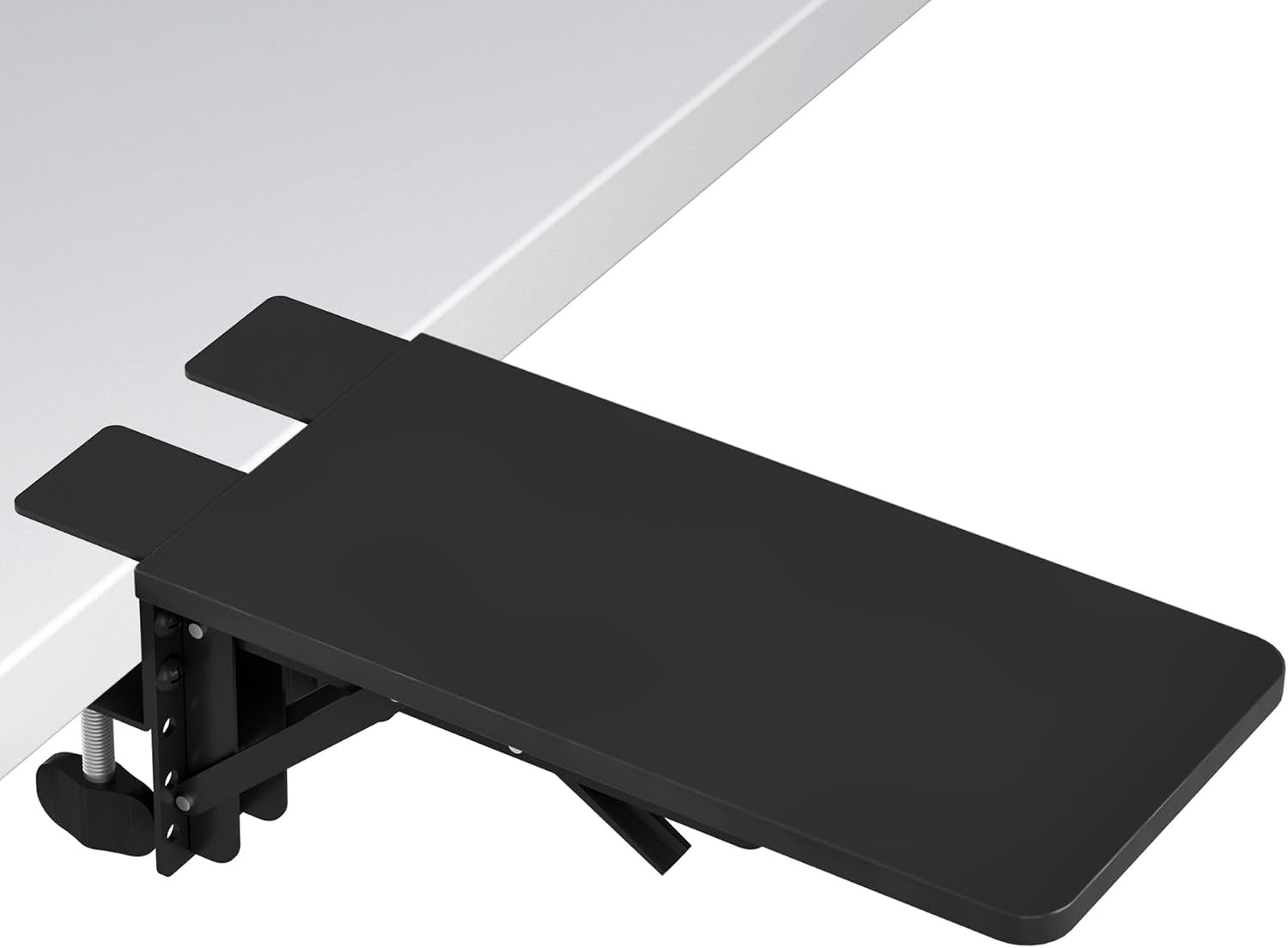
BONTEC Desk Extender Tray, 11.8 x 5.9 Inch, Black Pattern
Check current price
A compact 11.8 by 5.9 inch tray that adds a raised shelf to an existing desktop for a stream deck, a phone, or an audio interface.
How these products were compared
Every piece here was compared on the same five things: desk footprint and shape, built-in storage and power, display size and resolution, how well each screen works as a secondary display, and whether the piece survives a room layout that has to serve streaming and paid work at once. Product names, images, and retailer links are matched to the same listing, so a card never points at a different product than the one named above it.
Nothing in this guide comes from hands-on testing, and no price is printed here. Prices, availability, and what ships in the box move around, so use the link on each card to confirm the current details before you commit.
How to choose the right home office setup
Start with the room, not the cart. Measure the wall you plan to work against and the clear distance from that wall to whatever sits behind your chair, because desk width is the number that eliminates products fastest. A 63 inch rectangular top and an L shaped desk of similar total length do not fit the same floor plan. The rectangle wants one long uninterrupted wall; the L shape spends its length in two directions and needs a corner to do it. Work out which of those your room actually has before you open a single listing.
Then count what has to live on the desktop. A streaming desk typically carries a main display, a chat screen, a microphone or audio interface, and a keyboard and mouse, and that is before a controller, a stream deck, or a notebook. If your list runs past four items, a desktop that is merely long is not enough. You want drawers, a shelf, or a tray, so the small items are not competing with the screens for the same few inches.
Desk height is the measurement people skip, and it is the one that decides whether the setup hurts by Thursday. Desk height only means something next to your chair. A fixed-height desk either puts your forearms at the level your body wants or it does not, and no monitor arm or footrest rescues a desk that is too tall for the seat underneath it. That makes chair pairing the first decision, not an afterthought. Know the seat depth and the height range you actually use, then pick the desk that lands inside it. If the chair is the weak link, fix it first, because the right chair changes more about a four hour session than any desk accessory will.
Monitor distance follows from display size. A 27 inch 1440p panel and a 23.8 inch 1080p panel do not want the same position on the desktop, and the larger screen usually sits further back so your eyes are not sweeping the full width to read a chat column. If you plan to run both, decide which one is primary before you buy the desk. The primary wants the center of your vision; the secondary wants an angle you can catch out of the corner of your eye.
Room layout decides the rest. Walk the space and mark where the door swings, where the window is, and where daylight lands during your streaming hours. A monitor facing a window at night is fine. Facing one in the afternoon, it is a mirror. If a camera is part of the plan, remember that whatever is behind you is on the broadcast, so the wall you face matters as much as the wall you sit against.
Plan lighting layers rather than one lamp. Overhead light, a key light near the camera, and a soft background light do different jobs, and a single bright ceiling fixture flattens a face on camera while putting glare on a glossy panel. Add those layers after the desk is placed, because desk position fixes where the lights can go.
Cable planning and the power outlet deserve the same treatment. Count the plugs you need, add two, and pick a desk that either has outlets built in or leaves room for a strip you can reach without crawling. Cables hanging free from a monitor arm pull on the arm and change the angle within a week, so route them along the arm and anchor them where the arm meets the desk.
Finally, ventilation. A streaming machine under load pushes warm air, and a tower shoved against a wall or into a closed cabinet recirculates it. Leave clearance behind the tower and behind the monitor, and if the desk has a tower stand, use it rather than the floor, where dust and feet live.
A work from home setup for streamers and a home workspace setup for streamers are really the same problem stated twice: one room, two jobs, and a finite number of walls. Decide which job gets the corner and which gets the long wall, and the product list shortens itself.
Huuger L Shaped Office Desk with Power Outlets & 3 Drawers
The Huuger L Shaped Office Desk is the one piece here that answers the dual-purpose problem in a single purchase. Its two runs of desktop let the broadcast side hold the main display and the microphone while the work side holds a laptop and paperwork, so you are not tearing down a stream to answer email. The built-in power outlets move the plug strip from the floor to the desk surface, where you can actually reach it, and three drawers swallow the adapters, spare cables, and controllers that otherwise migrate across the desktop.
What it does not do is fit a room that cannot spare a corner. The L shape needs two wall runs, and in a narrow room it will crowd the chair or block a door swing. Measure the corner before you order. If your space is a single long wall with nothing on either side, the 63 inch rectangular desk is the better geometry, and the L shape becomes the wrong answer no matter how good the drawers are.
The other thing to weigh is adjustability. If you need the surface to change height through the day, that is a different purchase with a different frame, and no amount of storage makes up for it. For a fixed-height desk, though, this is the shape that keeps a home office workstation for streamers from turning into a pile of gear on one long table.
Alternatives to consider
The ASUS ProArt PA278QV 27 Inch 1440p QHD Professional Monitor is better suited to streamers whose paid work includes photo, video, or design, where the 27 inch 1440p panel gives you the pixel budget for a timeline and a preview at once. The Acer 23.8in FHD 1920×1080 100Hz Office Monitor SB242Y H1bi is a stronger fit when you want a second screen for chat, alerts, or a capture preview and do not want to spend your main desk width on it.
The 63 inch Rectangular Executive Desk with Spacious Desktop, the 51 Inch Gaming Desk with Drawers & PC Tower Stand & LED Lights, Black, and the BONTEC Desk Extender Tray cover the remaining shapes. The 63 inch executive desk is the one to pick when the room offers a single long wall and you want two monitors plus a mic arm in an unbroken line. The 51 inch gaming desk suits a smaller single-screen stream where the tower needs a stand and the drawers need to hold the small stuff. The BONTEC tray is the fix for a desktop that is already full: 11.8 by 5.9 inches of raised shelf for a stream deck, a phone, or an interface, without giving up desk width to a second surface.
Day-to-day use and maintenance
Assembly order matters more than most people expect, and it matters most on the pieces that attach to a desktop rather than stand on the floor. Set the clamp or bracket first, load the piece, then tighten the fasteners. Reversing that order is how a thin desktop gets crushed at the edge, and a tray that has been over-tightened will not sit flat afterward.
Once everything is in place, walk the cable routes with your hands. Any cable that goes taut when a monitor arm moves is going to pull the arm out of position, and you will not notice until your screen is tilted a few degrees and you cannot work out why. Anchor cables at both ends of the run and leave a service loop where the arm folds.
Check the fasteners on desks and trays about a month after assembly, then again at the change of seasons. Hardware settles, and a desk that felt solid in week one can develop a rock in week six. That is a tightening job, not a replacement job, in most cases.
Keep the surfaces clean with what the manufacturer recommends rather than a general purpose spray, and keep liquids off the desktop near a power outlet. If the desk has built-in outlets, treat the cable running to the wall as a permanent fixture: leave enough slack that the desk can be pulled out for cleaning without straining the connection.
Ventilation is the maintenance item people forget. Dust builds on intake filters and in tower stands, and a machine that runs hotter gets louder, which is exactly what you do not want on a microphone. Clear the area behind the tower, and if the desk has a tower stand, lift the machine off the floor so it is not pulling in carpet fiber.
Finally, think about the parts of a home office setup for streamers that wear out first: the cables you flex every day, the tray you lean on, and the chair you sit in. Those are the items worth checking monthly, and they are also the ones where a small upgrade pays off fastest.
Buying checklist
- Measure the wall run and the clear floor depth behind the chair before comparing desk widths.
- Choose desk height against the chair you actually own, not a chair you plan to buy later.
- Confirm the desktop can hold your display count plus a microphone and a keyboard without stacking gear.
- Count your plugs, then add two, and check whether the desk has outlets built in.
- Decide whether you need a tower stand, drawers, or a tray, and pick the desk that already has it.
- Verify the current retailer price, availability, and return terms on the card before ordering.
Final recommendation
Choose the Huuger L Shaped Office Desk with Power Outlets & 3 Drawers when the room has a corner to spare and you want the stream and the paid work to stop fighting over one surface. Choose the 63 inch Rectangular Executive Desk with Spacious Desktop when the room offers one long wall instead, and choose the ASUS ProArt PA278QV 27 Inch 1440p QHD Professional Monitor when the primary screen has to serve color work as well as the broadcast.
The best home office setup for streamers is the one your room can hold without a compromise you will feel every evening. Get the desk geometry right, pair it to a chair that fits your body, and route the cables before you decorate. Everything else on this list is an addition to a decision you have already made correctly.