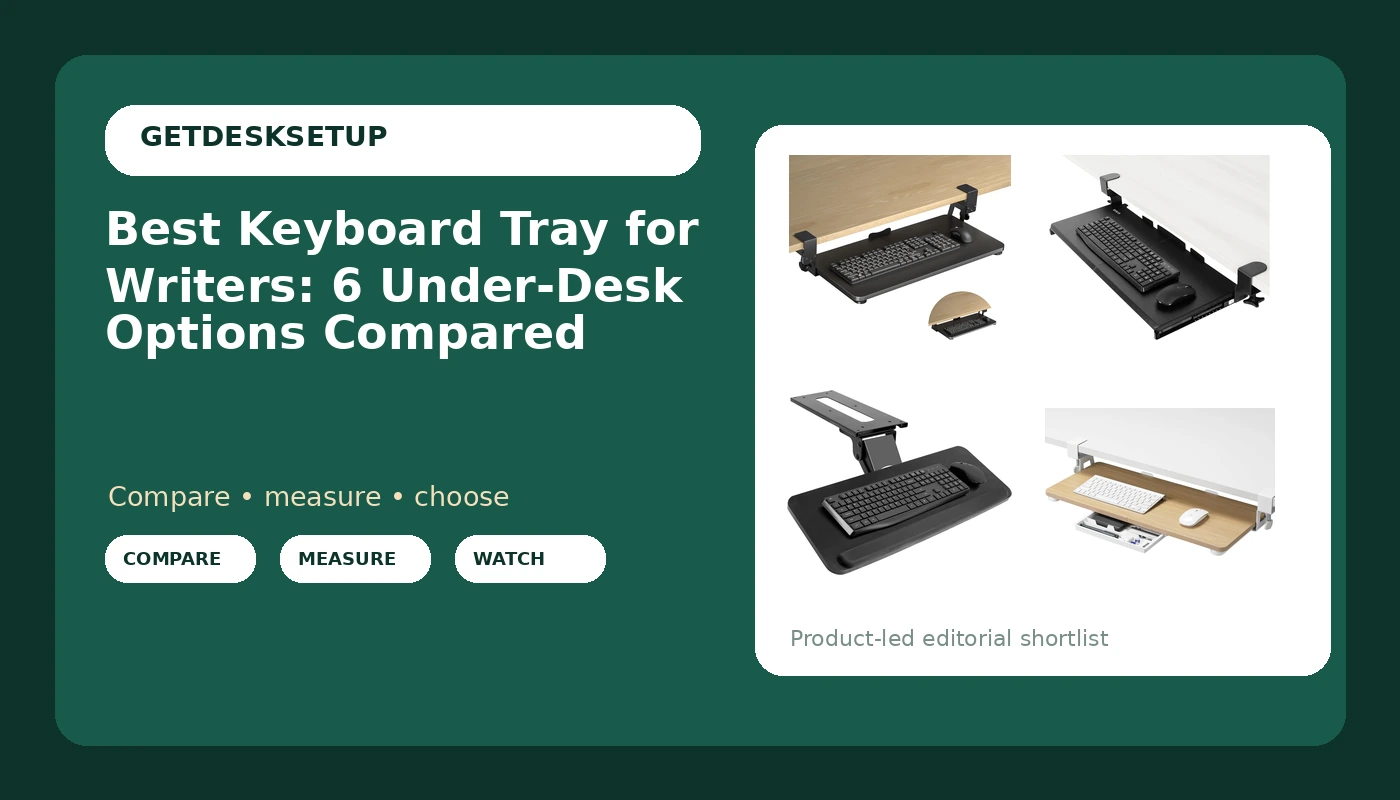
If you write for a living, the keyboard is the tool your hands touch more than any other, and where it sits decides whether a long day ends in your forearms or in your shoulders. A keyboard tray for writers is not a filing accessory. It is the piece that lets you drop the keyboard below the desk edge, pull the mouse in close to your body, and stop reaching forward every time a new paragraph starts. Get it right and the desk gets calmer. Get it wrong and you spend the afternoon rolling your chair backward looking for a comfortable angle that never quite arrives.
The six products below all mount under a desk, but they are not interchangeable. Two clamp to the front edge, one screws to the underside, one is a set of folding brackets with no platform at all, and the platforms themselves run from 25 inches to 27 inches wide. This guide covers what each one attaches to, how much knee clearance each one costs you, and which desk thicknesses each clamp can actually grip.
Related: How to Set Up an Ergonomic Writing Desk
Quick answer
The XINLEI Keyboard Tray Under Desk Large C-Clamp 25.6” (30” Including Clamps) x 11.8” Slide-Out Platform Computer Drawer Pull Out Keyboard & Mouse Tray Black DSF4 is the strongest fit for writers who keep a keyboard and a mouse on the same surface because it pairs a 25.6 inch platform with 11.8 inches of depth and a C-clamp that leaves the desktop itself undrilled. Choose the VIVO Black Clamp-on 27 x 11 in Keyboard Tray, MOUNT-KB05E instead when you want the widest platform in this group and a clamp-on design.
Keyboard tray for writers worth comparing
Top pick
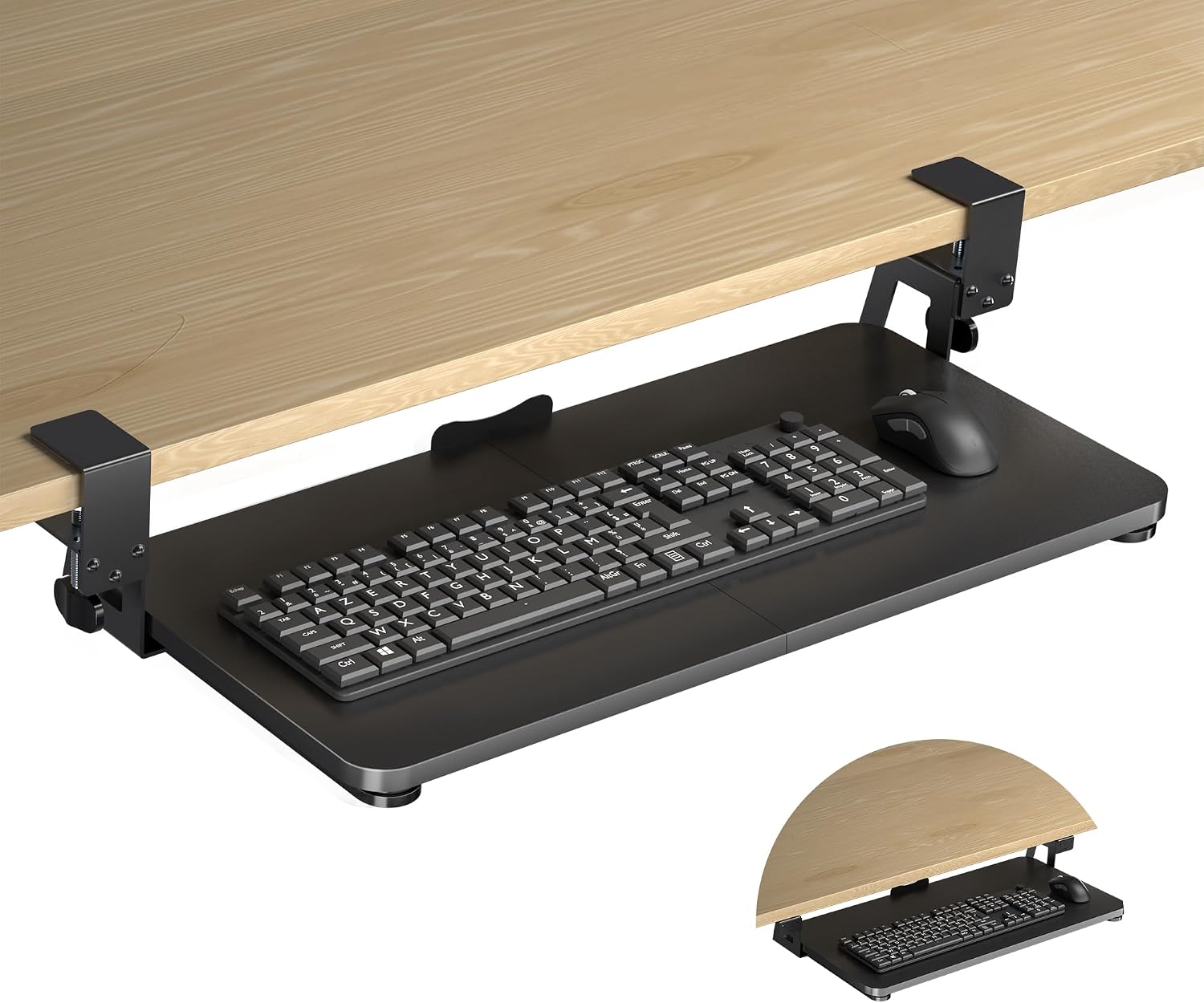
XINLEI Keyboard Tray Under Desk Large C-Clamp 25.6” (30” Including Clamps) x 11.8” Slide-Out Platform Computer Drawer Pull Out Keyboard & Mouse Tray Black DSF4
Check current Amazon price
Clamps to the front edge and slides out, with a 25.6 inch platform, 30 inches including the clamp hardware, and 11.8 inches of depth for a keyboard plus a mouse. Black finish, no drilling into the desktop.
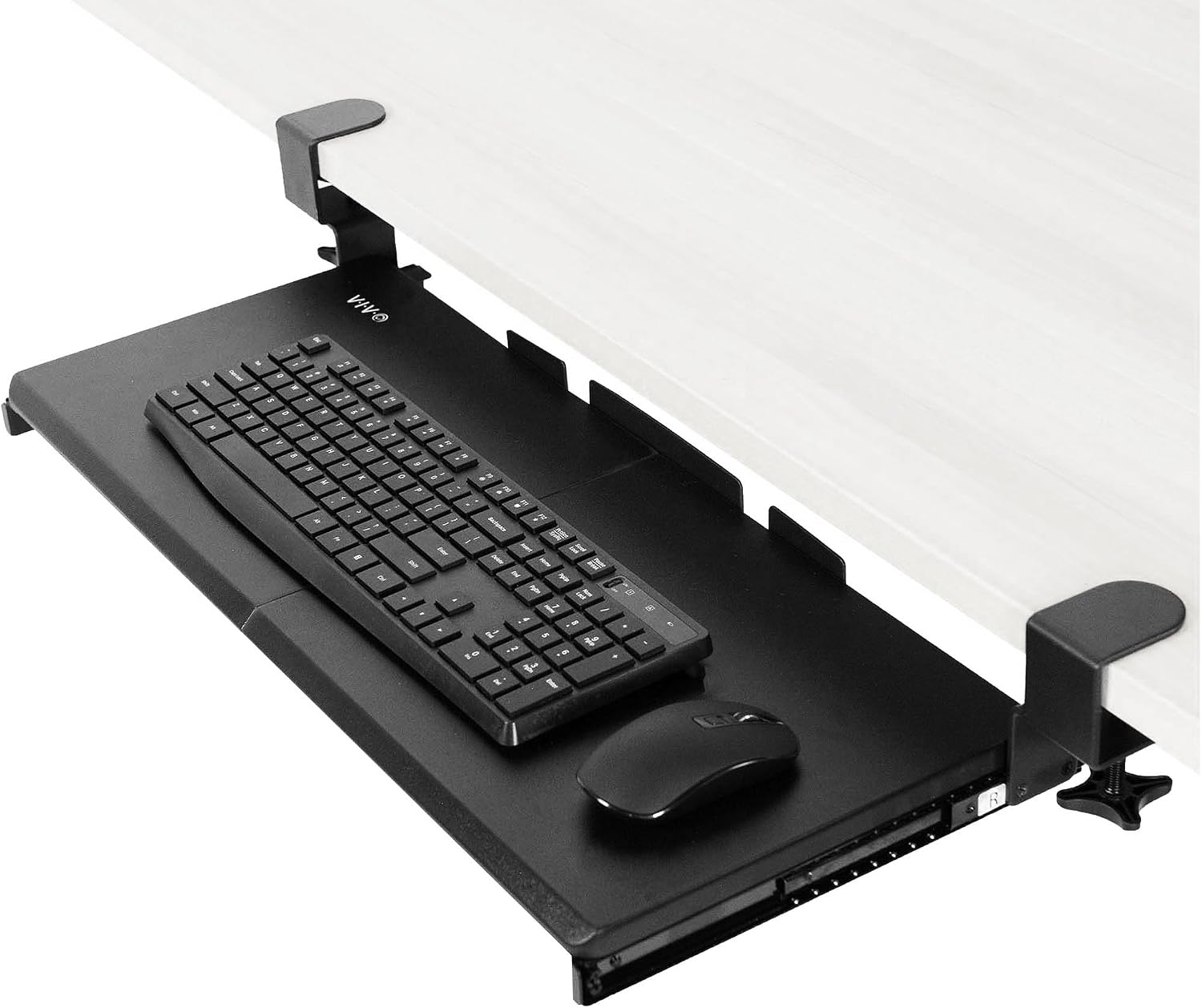
VIVO Black Clamp-on 27 x 11 in Keyboard Tray, MOUNT-KB05E
Check current Amazon price
A clamp-on tray measuring 27 x 11 inches, the widest platform in this group, with a slide-out surface and no drilling required. Black finish.
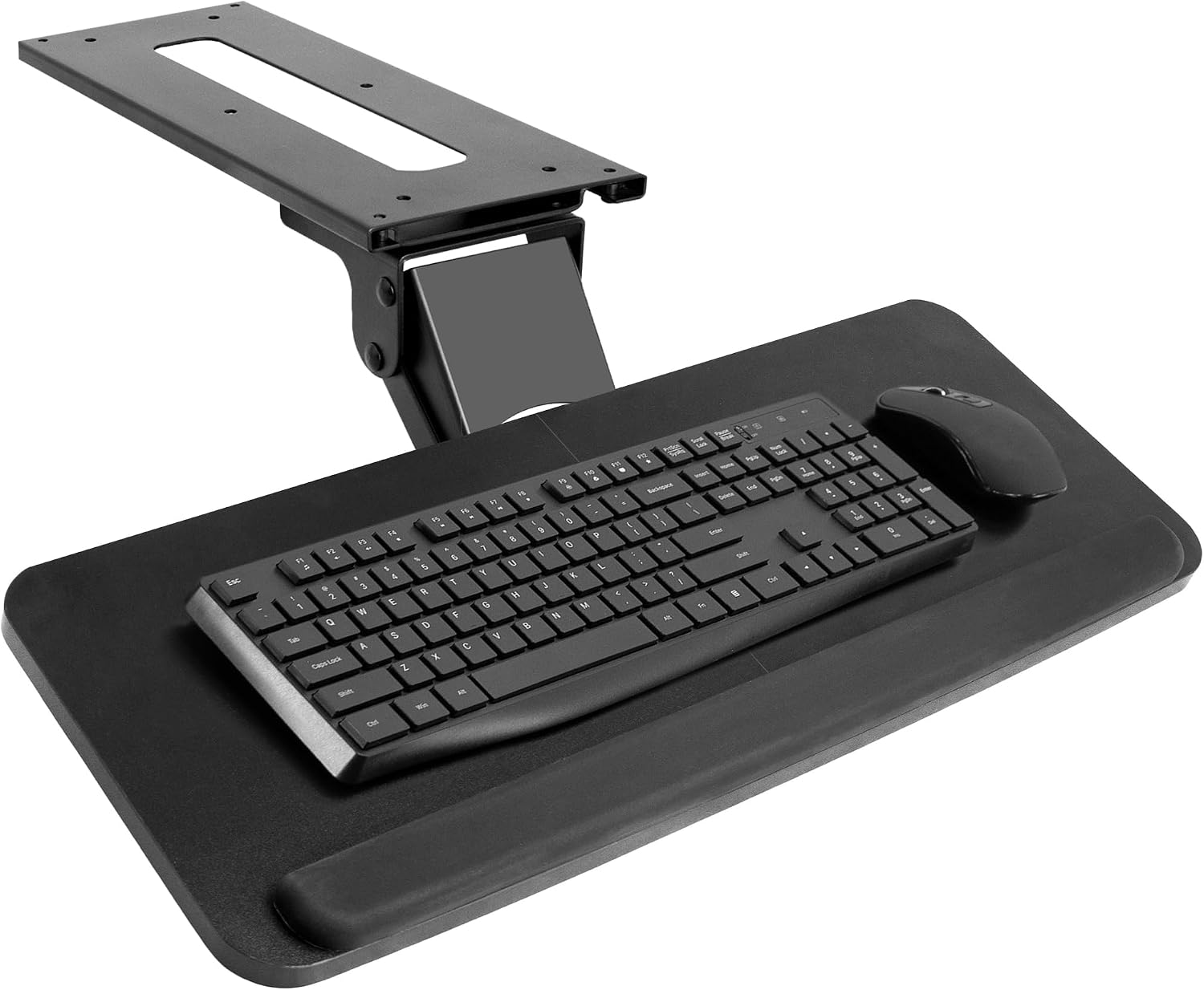
VIVO Black Under Desk 25 x 10 in Keyboard Tray, MOUNT-KB03B
Check current Amazon price
An under-desk tray measuring 25 x 10 inches that mounts to the underside of the desk rather than the front edge, keeping the lip of the desktop clear so a chair can tuck in.
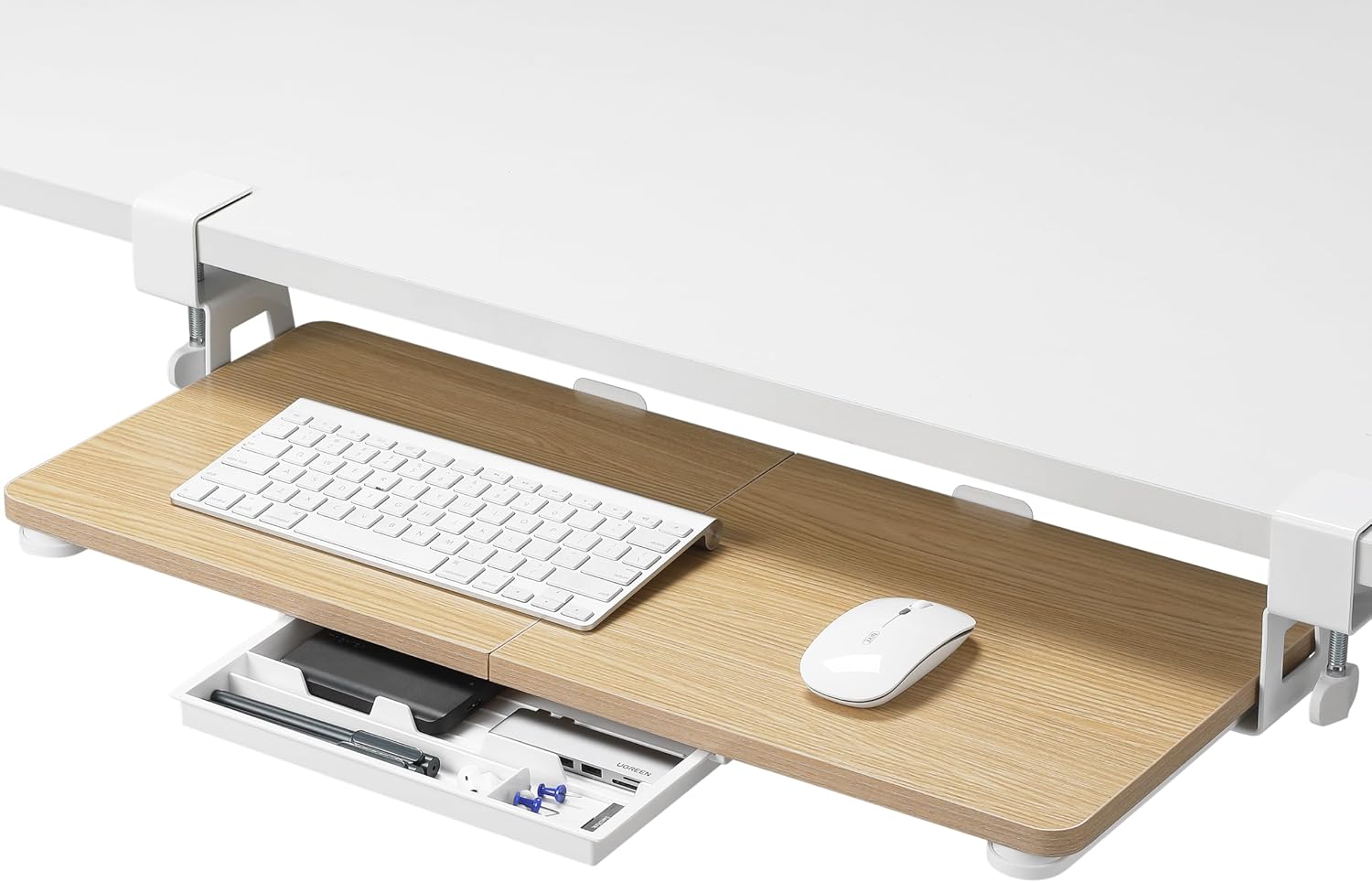
ETHU Under Desk Keyboard Tray with C-Clamp, 26.77×11.81, Oak
Check current Amazon price
A C-clamp tray with a 26.77 x 11.81 inch platform in an oak finish, for desks where the tray stays visible and the wood tone has to match the top.
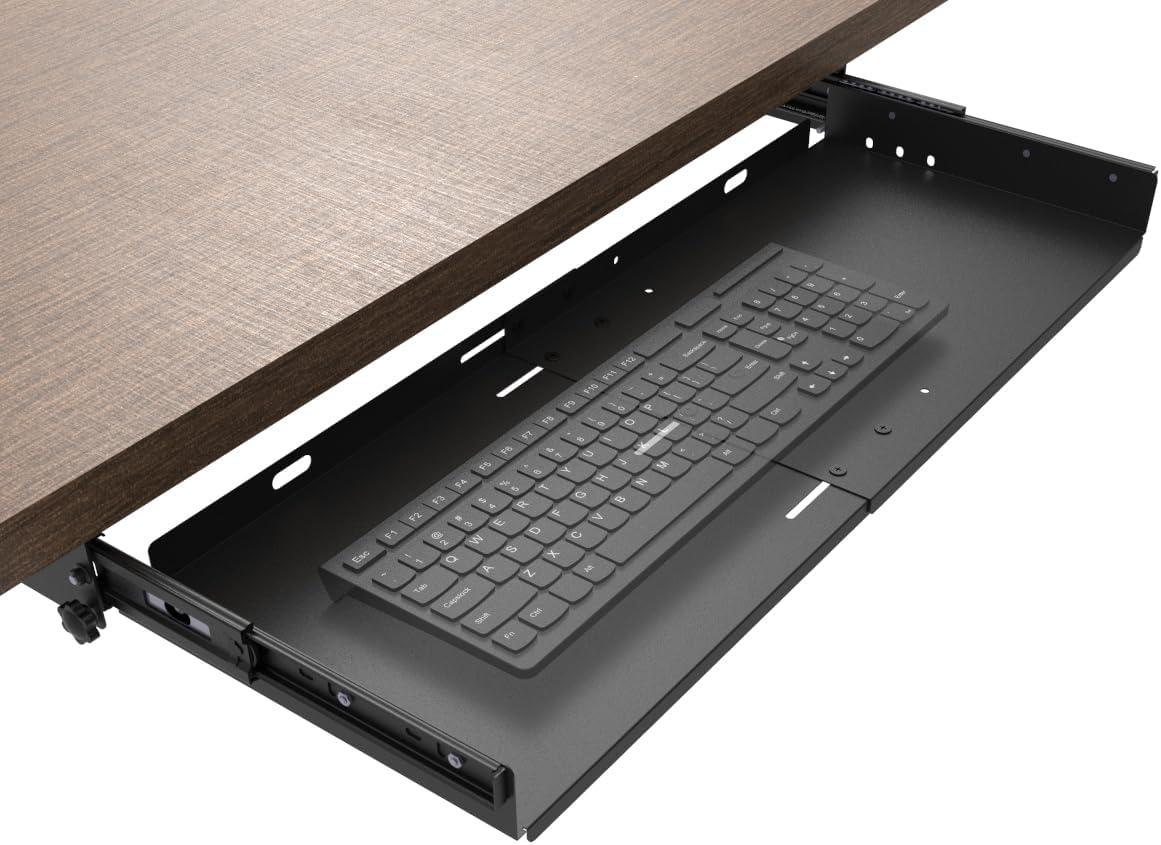
Large Under Desk Slide-Out Keyboard Tray, 27 x 9.8 inch
Check current Amazon price
A slide-out tray measuring 27 x 9.8 inches. The narrower depth leaves less room for a mouse than the wider platforms here, so it suits a keyboard-first setup.
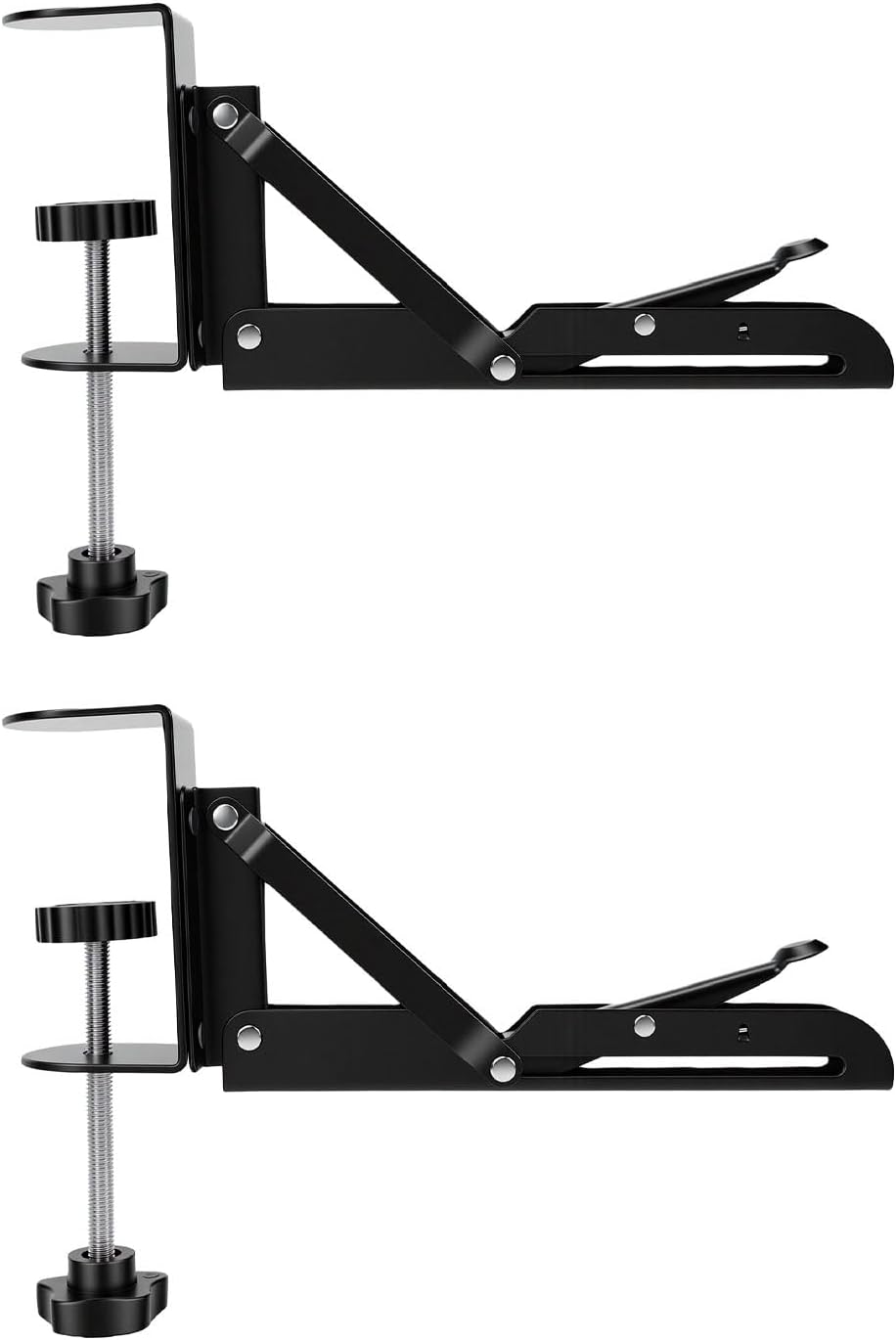
Desk Keyboard Tray Brackets, 2 Pcs Clamp On Foldable
Check current Amazon price
A two-piece set of clamp-on folding brackets sold without a platform, for a writer who already owns a board and needs the folding hardware to hang it.
How these products were compared
This guide compares mounting method, platform width and depth, clamp versus screw attachment, material and finish, and the clearance each design takes from your knees and your desktop. Product names, images, and retailer links are matched by ASIN so that every card points to the product shown.
No lab measurements are claimed here. The figures below come from the manufacturer listings, and stock and pricing move around, so confirm both through the link on the card before you commit. Nothing on this page is a hands-on test report. It is a comparison of what the listings state, plus the measurements you take yourself.
How to choose the right keyboard tray
Start with the desk, not the tray. Measure the thickness of your desktop at the front edge. A C-clamp can only close around what fits between its jaws, and a clamp that barely fits will not hold a loaded platform steady after a few hundred slide cycles. If your desk has a crossbar, a drawer, or a cable tray running along the underside, measure the clear space between that obstruction and the front edge too, because that gap is what the tray and your knees have to share.
Then measure yourself. Sit in your chair, let your arms hang, and note where your elbows land. A tray should let your forearms sit roughly level or slightly downhill from the elbow with the shoulders relaxed. If your seated elbow height is already at or below the underside of the desktop, adding a tray pushes your hands too low, and the fix is the chair, not the tray. Our office chair seat depth guide walks through that measurement.
Depth matters more for writers than for almost anyone else, because a tray that holds only the keyboard forces the mouse back onto the desktop, which puts your two hands at different heights and your right shoulder forward. That single mismatch is the most common reason a tray gets abandoned after a month. Look for a platform at least 11 inches deep if the mouse has to ride along.
Finally, decide how much of the desk edge you are willing to give up. A clamp-on tray leaves the desktop intact and can move to another desk later. An under-desk tray that screws into the underside is more permanent, sits further back, and usually keeps the front lip clear. The best keyboard tray for writers is the one that matches your desk thickness and your seated elbow height, not the one with the biggest platform.
XINLEI Keyboard Tray Under Desk Large C-Clamp 25.6” (30” Including Clamps) x 11.8” Slide-Out Platform Computer Drawer Pull Out Keyboard & Mouse Tray Black DSF4
The XINLEI tray clamps to the front edge of the desk and slides out on a platform 25.6 inches wide and 11.8 inches deep, which the listing measures as 30 inches across once the clamp hardware is included. That depth is the number worth noting. It is enough for a full-size keyboard plus a mouse, and for a keyboard tray for writers who keep both hands on the tray, depth is what separates the ones that get kept from the ones that get removed.
The trade-off is the clamp itself. A clamp-on tray needs a desk edge it can bite, so it will not suit a desk with a full-width apron, a deep steel frame under the front lip, or a glass top you are not willing to load. It also claims the front edge of the desk, which matters if you like to pull your chair tight against the desk while you think. Measure the desktop thickness and the available lip before you order.
Alternatives to consider
The VIVO Black Clamp-on 27 x 11 in Keyboard Tray, MOUNT-KB05E is better suited to writers who want the widest platform here at 27 inches, while the VIVO Black Under Desk 25 x 10 in Keyboard Tray, MOUNT-KB03B is a stronger fit when you would rather mount to the underside and keep the front edge of the desktop completely clear.
The ETHU Under Desk Keyboard Tray with C-Clamp, 26.77×11.81, Oak, the Large Under Desk Slide-Out Keyboard Tray, 27 x 9.8 inch, and the Desk Keyboard Tray Brackets, 2 Pcs Clamp On Foldable cover the remaining three cases: a clamp-on platform in a wood finish for a desk where the tray will be visible, a deep slide-out with a narrower 9.8 inch depth that leaves less room for a mouse, and a bracket-only kit for someone who already has a board. That last one deserves saying plainly, because a keyboard tray for authors who move between two desks is often just a set of folding brackets plus the shelf they already own.
Day-to-day use and maintenance
A tray only stays useful if what is attached to it stays put. Route the keyboard cable along the underside of the platform and hold it with an adhesive clip or a short cable sleeve, so sliding the tray in and out does not tug on the connector. If a monitor arm, speakers, and a charger all run down the back of the desk, keep that bundle in a raceway or a cable tray fixed to the desk frame rather than to the sliding platform. Anything that moves with the tray will work loose eventually, and cable management that ignores the moving parts is just tidying.
Wipe the slide track with a dry cloth when it starts to feel gritty, and keep solvent away from a wood-finish platform. If the tray sags at the front after a few months, check the clamp screws before you blame the platform, because a clamp that has relaxed by a quarter turn will let the whole assembly tilt.
The rest of the desk matters too, and it is where a keyboard tray for content writers tends to get paired with other adjustments. A footrest angle that keeps your thighs roughly level stops you from sliding forward in the chair to reach the tray. A desk mat with the right thickness and density keeps the chair from rolling away mid-sentence. And if you write in the evening, sort out desk lamp lumens before you chase another inch of platform depth, because glare drives posture as much as reach does. Treat the tray as one measurement in a set, not a fix on its own.
Buying checklist
- Measure the desktop thickness at the front edge before choosing a clamp-on model.
- Measure the clear gap between the front edge and any crossbar, drawer, or cable tray underneath.
- Check platform depth, not just width, if the mouse has to sit on the tray.
- Confirm the exact model includes a platform, since one product here is brackets only.
- Read the assembly steps and the finish care notes before you mount anything.
- Verify the current retailer price, availability, and return terms through the link on the card.
Final recommendation
Choose the XINLEI Keyboard Tray Under Desk Large C-Clamp 25.6” (30” Including Clamps) x 11.8” Slide-Out Platform Computer Drawer Pull Out Keyboard & Mouse Tray Black DSF4 when you want one sliding surface for a keyboard and a mouse and you are willing to trade the front edge of the desk for a clamp. Choose the VIVO Black Clamp-on 27 x 11 in Keyboard Tray, MOUNT-KB05E when you want the widest platform in this group. Choose the VIVO Black Under Desk 25 x 10 in Keyboard Tray, MOUNT-KB03B when keeping the desktop lip clear matters more than reach, and the ETHU Under Desk Keyboard Tray with C-Clamp, 26.77×11.81, Oak when the finish has to match the desk. If you already own a board, the Desk Keyboard Tray Brackets, 2 Pcs Clamp On Foldable are the simplest way into a keyboard drawer for writers who split time between two desks. And if none of these fit your desk thickness or your seated elbow height, leave the keyboard on the desktop and fix the chair first.